




 here!
I’m your shopping assistant for PC builds, upgrades, and everything tech.
Got questions? Ask away!
Start a conversation
here!
I’m your shopping assistant for PC builds, upgrades, and everything tech.
Got questions? Ask away!
Start a conversation Hot Seller

Make informed decisions with expert advice. Learn More

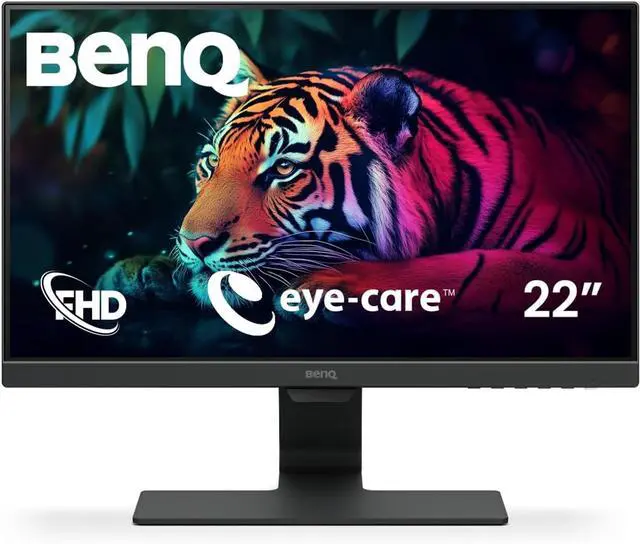
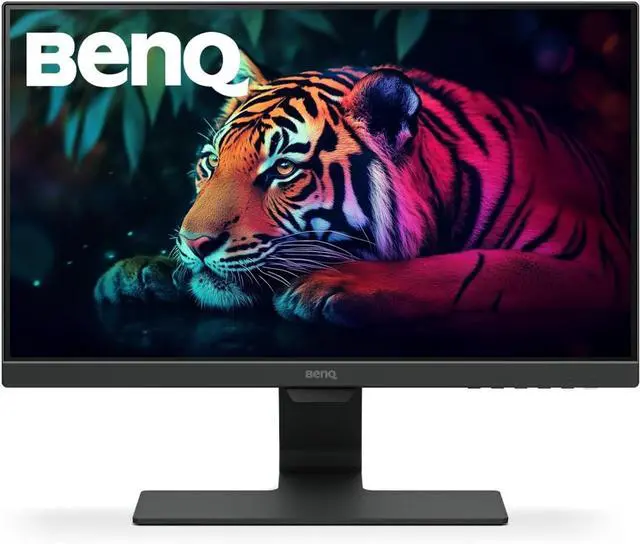
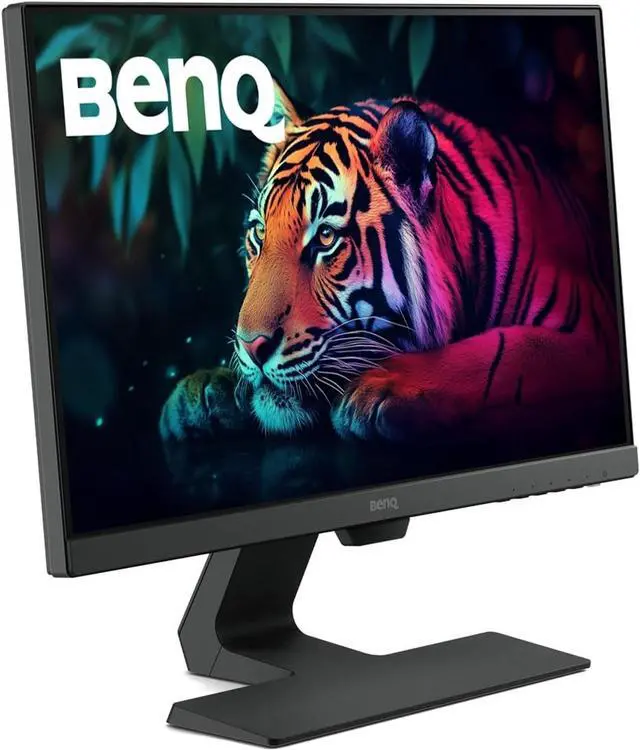
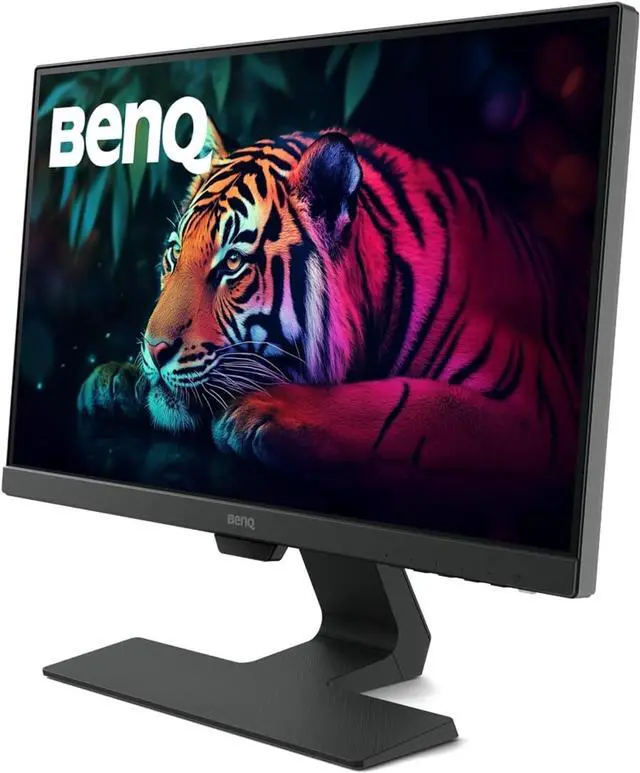



Any questions? Ask CelesteSM will help you find out quickly.
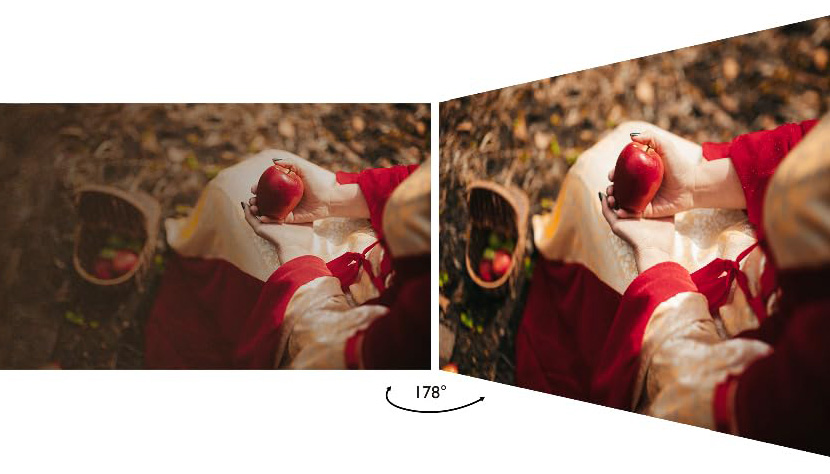
IPS (In-Plane Switching) Technology ensures accurate color and image reproduction from any angle. Expansive 178° horizontal and vertical viewing angles ensure uniform viewing from above, below, and either side.
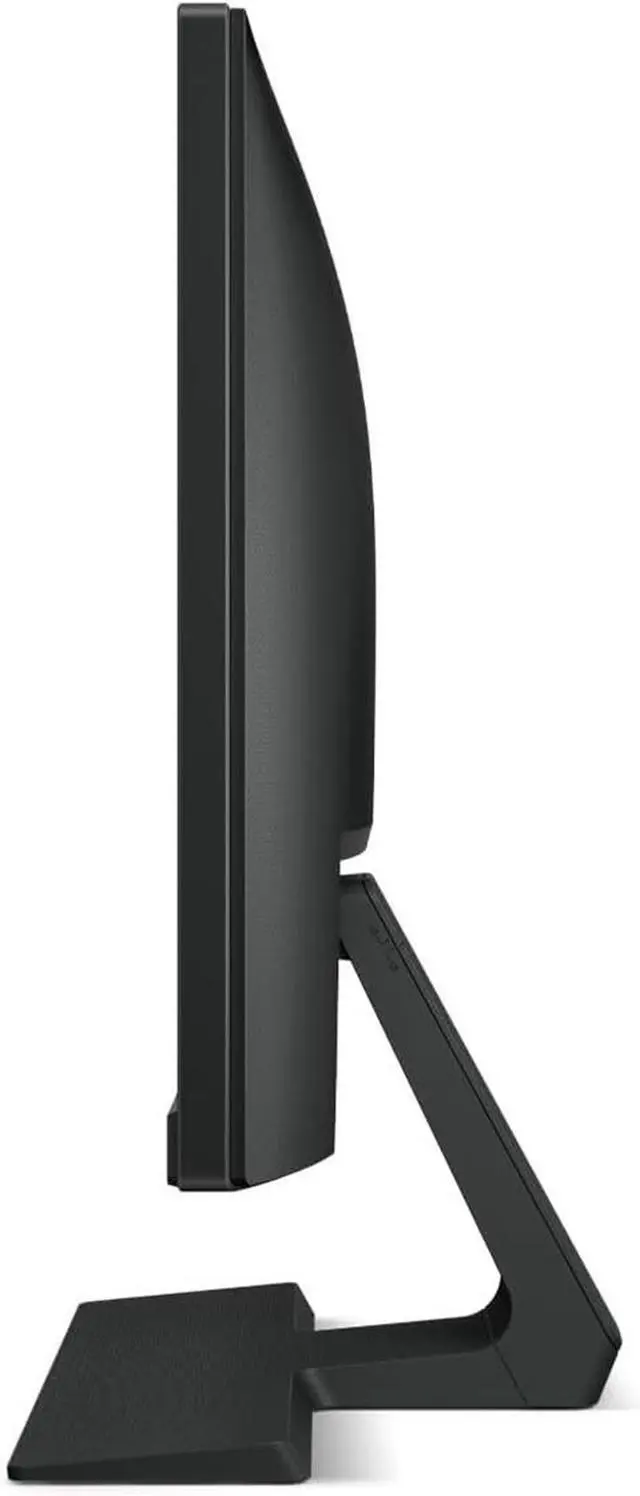
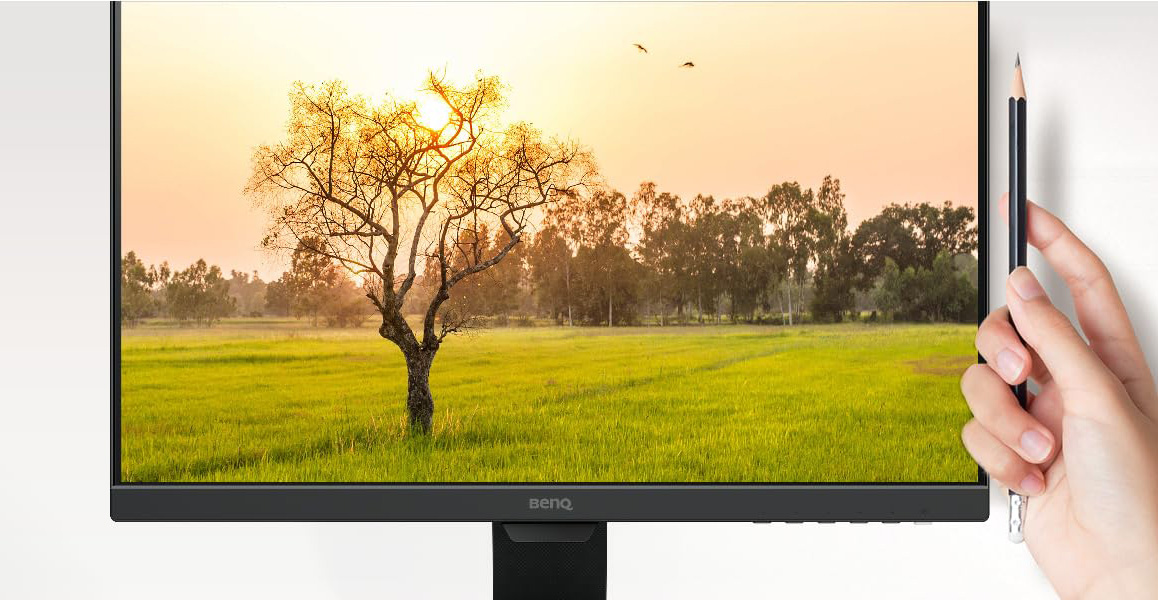
The edge-to-edge panel boasts ultra slim bezels and an elegant profile.
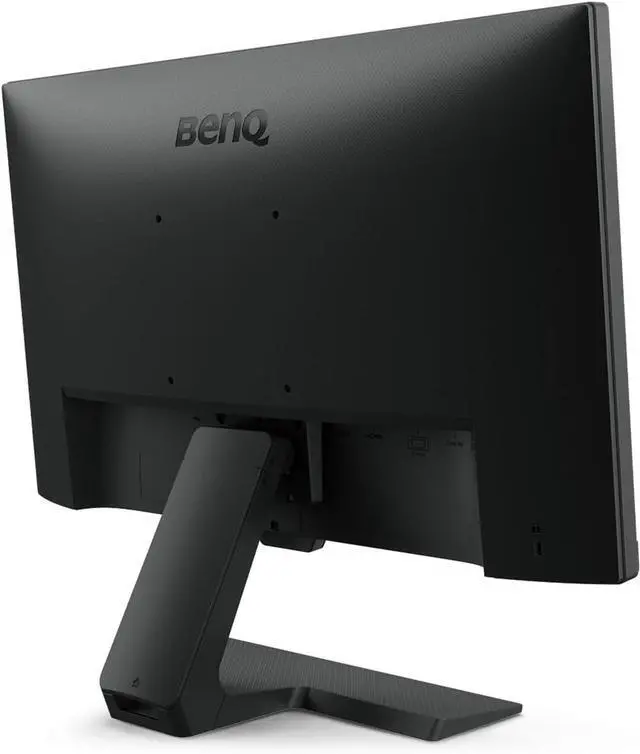
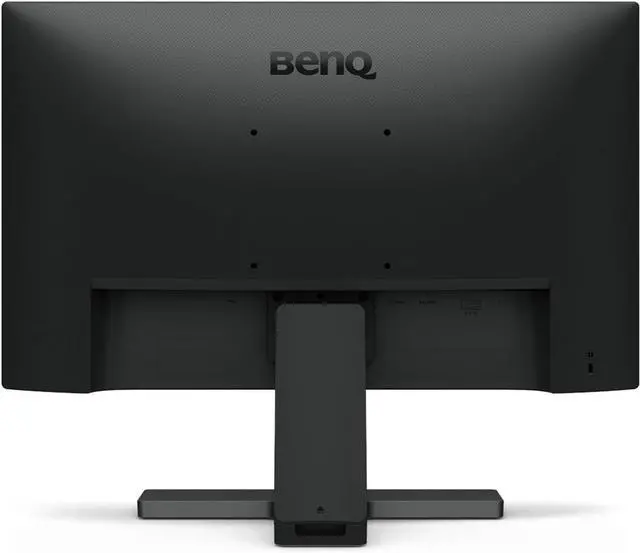
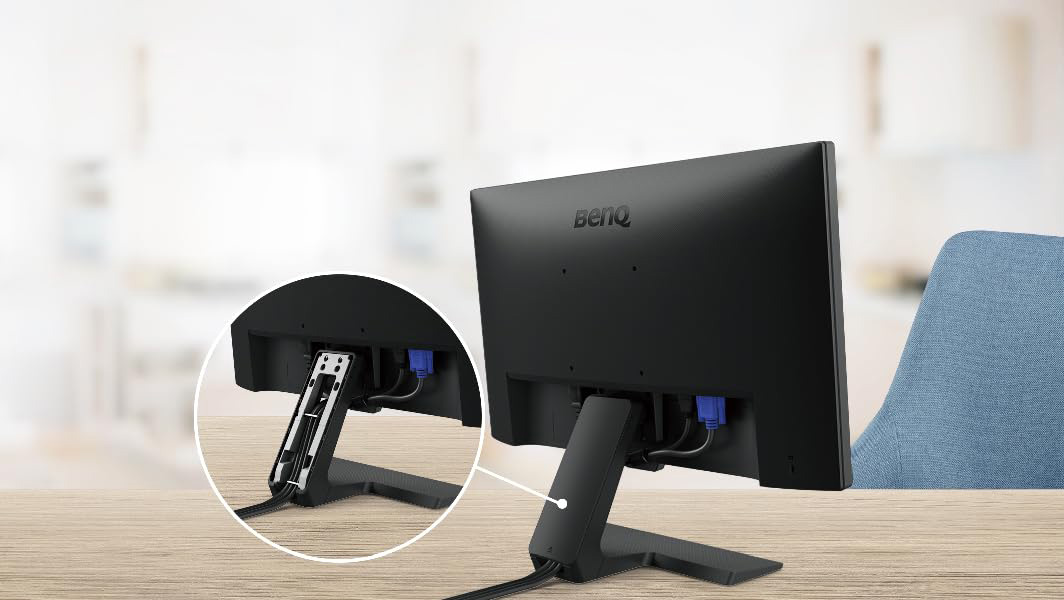
Neatly hide cables inside the stand’s invisible compartment for a clean look.
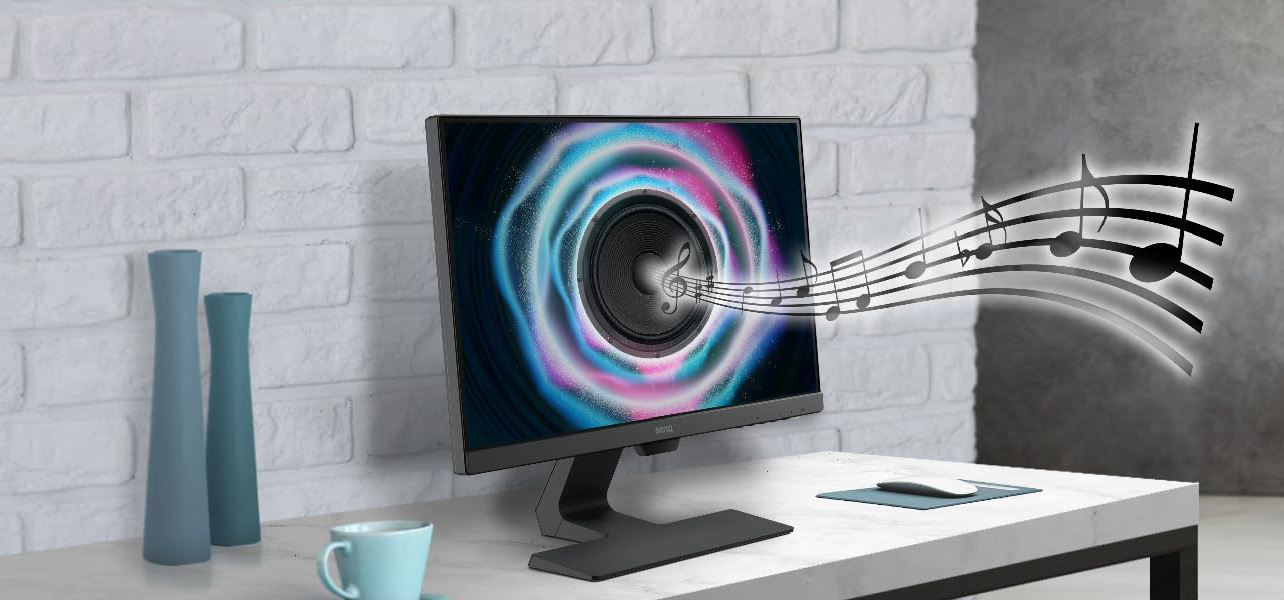
Two built-in speakers deliver audio to enhance your computer experience.
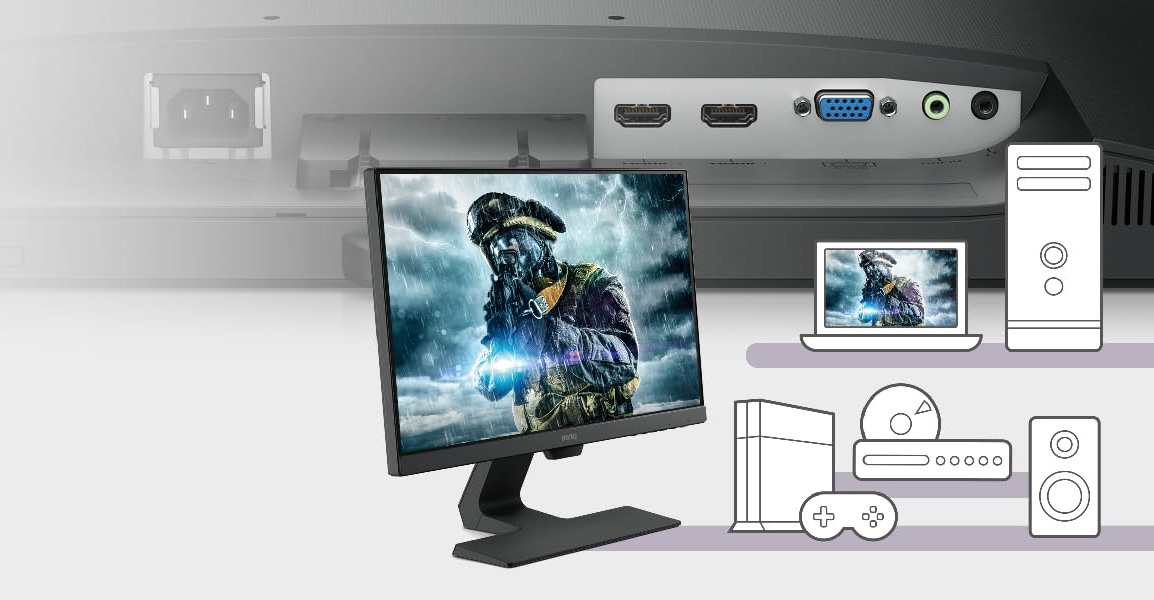
Two HDMI ports make it easy to switch between media sources without troublesome plug in and plug out.
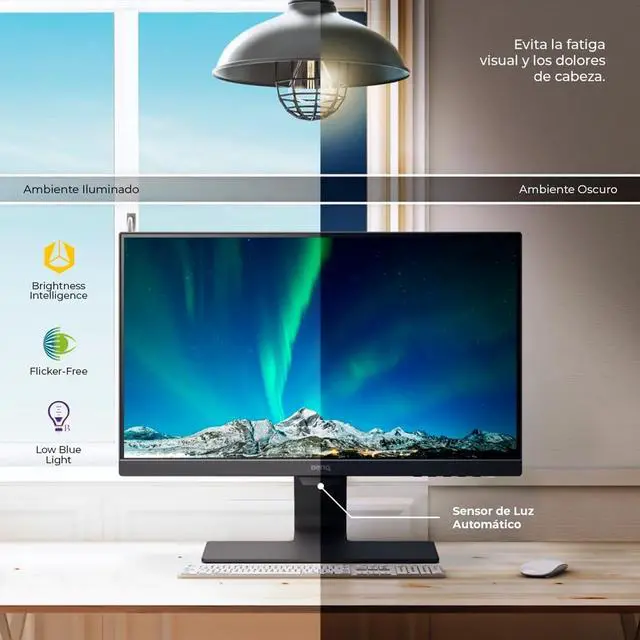
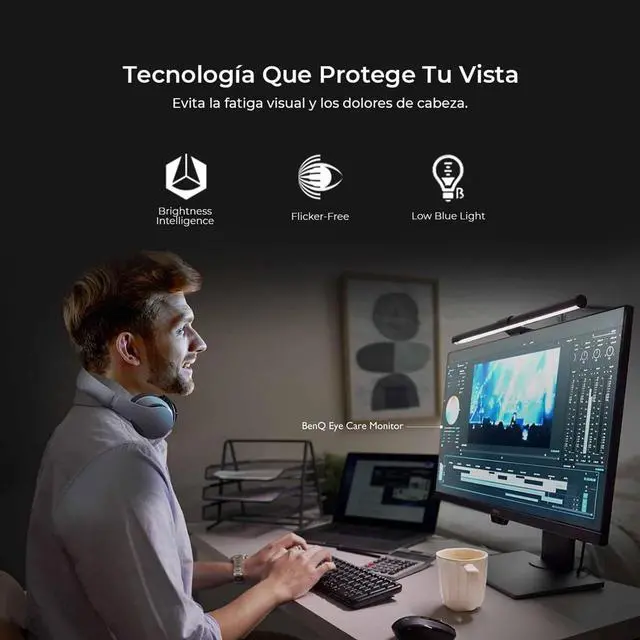
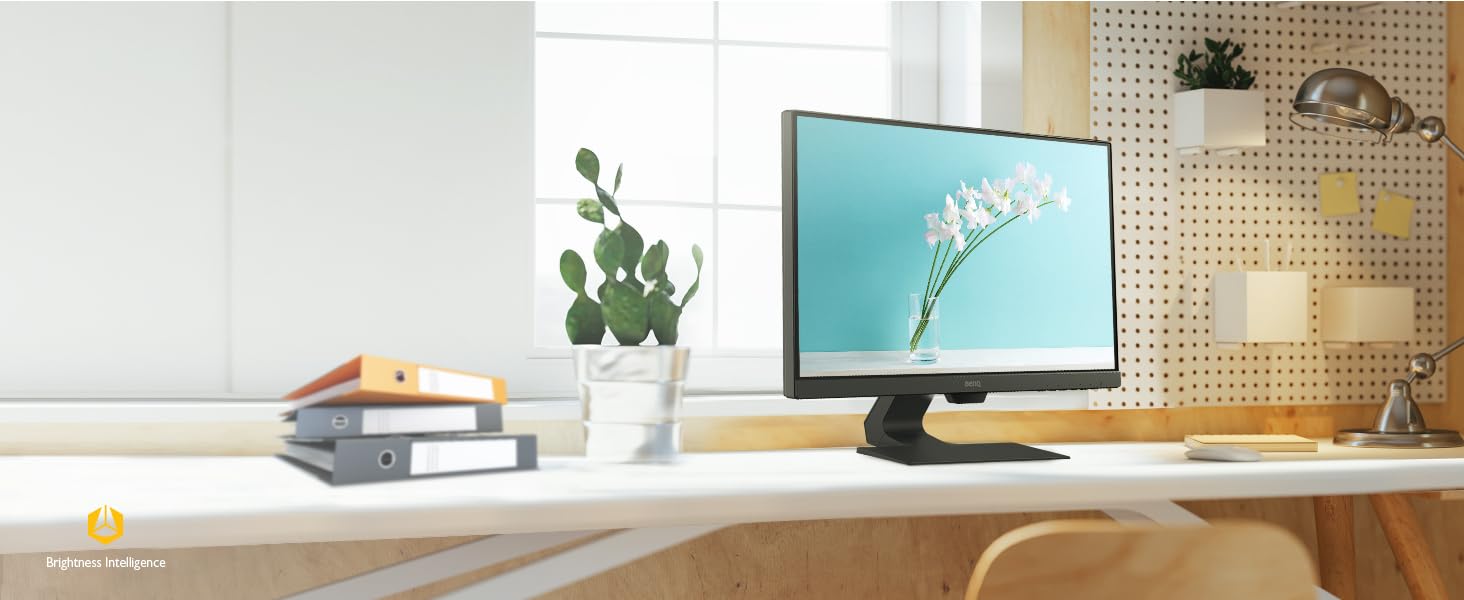
Brightness Intelligence assesses the lighting in your viewing environment and actively adjusts your display for the most comfortable viewing experience possible.
The BenQ GW2283 is a 21.5-inch Full HD IPS monitor with Brightness Intelligence and eye-care features, suited to home and office users who want a comfortable screen for everyday work, learning, and general use.
| Attribute | Value |
|---|---|
| Best For | Everyday home and office work, learning, and personal media use on a compact Full HD display |
| Panel And Resolution | 21.5-inch viewable flat IPS LCD with LED backlight, 1920 × 1080 Full HD resolution, 16:9 aspect ratio, 178° horizontal and vertical viewing angles, 16.7 million colors, 250 cd/m² brightness, and 1,000:1 contrast ratio |
| Refresh Rate And Response | 60Hz refresh rate and 5ms GTG response time; FreeSync adaptive sync |
| Image And Eye-Care Features | Brightness Intelligence, Eye-Care, Flicker-Free, and Low Blue Light technologies; TUV Flicker-free and TUV LBL approvals |
| Ports And Connectivity | 2 HDMI 1.4 ports and 1 D-Sub/VGA port for analog RGB or digital video connections; no USB ports |
| Audio | Built-in stereo speakers rated at 2 × 1W |
| Stand And Mounting | Fixed stand with -5° to 20° tilt adjustment; VESA 100 × 100 mm compatible for wall mounting |
| Power And Efficiency | 100–240 VAC, 50/60Hz power supply; 25W operating power consumption and 16W Energy Star consumption; Energy Star 7.0 compliant |
| Physical Specifications | Black cabinet with a glossy screen; 19.27 × 15.42 × 7.20 inches and 8.16 lb |
| Model Identifiers | BenQ GW2283 |
Q: Is this monitor suitable for everyday office work and studying?
A: Yes. Its 21.5-inch IPS screen and 1920 × 1080 resolution suit everyday tasks such as documents, web browsing, and online learning. The stand tilts but does not offer height adjustment, so check that its fixed height works for your desk setup.
Q: Does it have built-in speakers for calls and videos?
A: Yes. It has two built-in 1 W speakers for basic audio playback. The monitor has no built-in camera, and users who need louder or fuller sound may prefer separate speakers or headphones.
Q: Can I connect a laptop or desktop computer to it?
A: Yes. It has two HDMI inputs and one VGA input. A computer with HDMI can connect directly; a device with a different video output may require a compatible adapter. The monitor does not have a DisplayPort input.
Q: Can I adjust the height or use it vertically?
A: The included stand supports tilt adjustment, not height adjustment. The Best Buy product Q&A notes that vertical use is possible, but the included stand does not support that orientation; a compatible mount may be needed. The monitor supports 100 × 100 mm VESA mounting.
Q: Is the BenQ GW2283 suitable for home-office work or studying?
A: It should suit everyday tasks such as email, documents, browsing, and video. It has a 21.5-inch 1080p IPS screen; the trade-off is its relatively compact size and 60Hz refresh rate.
Q: Can the GW2283 be used vertically as a secondary monitor?
A: Yes, a Reddit user reports using it vertically for chat apps and documents. The monitor has a 100 × 100 mm VESA mount, so vertical positioning requires a compatible monitor arm or mount; the included stand only tilts.
Q: Are the built-in speakers good enough, or will I need external audio?
A: The monitor has two 1W speakers, but a YouTube reviewer found the sound quality limited. They may work for basic audio; choose headphones or external speakers if sound quality matters.
Q: Can the GW2283 run at 75Hz for gaming?
A: The provided specifications list a 60Hz refresh rate, so treat it as a 60Hz monitor. A Reddit user describes overclocking a unit to 75Hz, but that is an individual, unofficial report and should not be relied on; it is not the best fit if you require a guaranteed high refresh rate.


