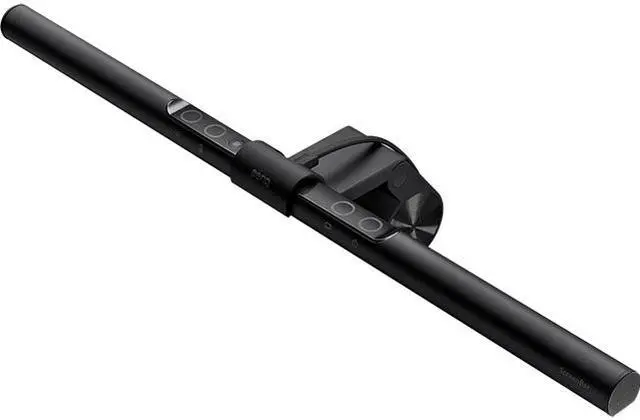
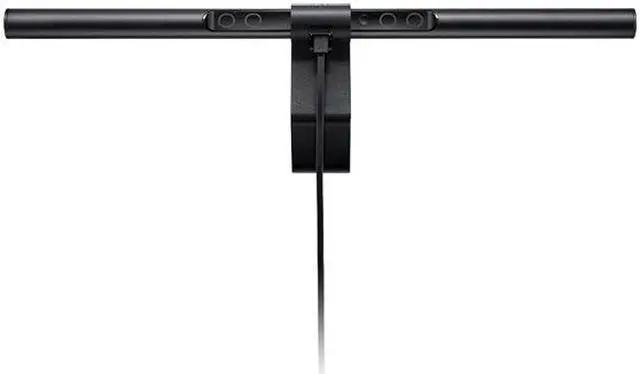
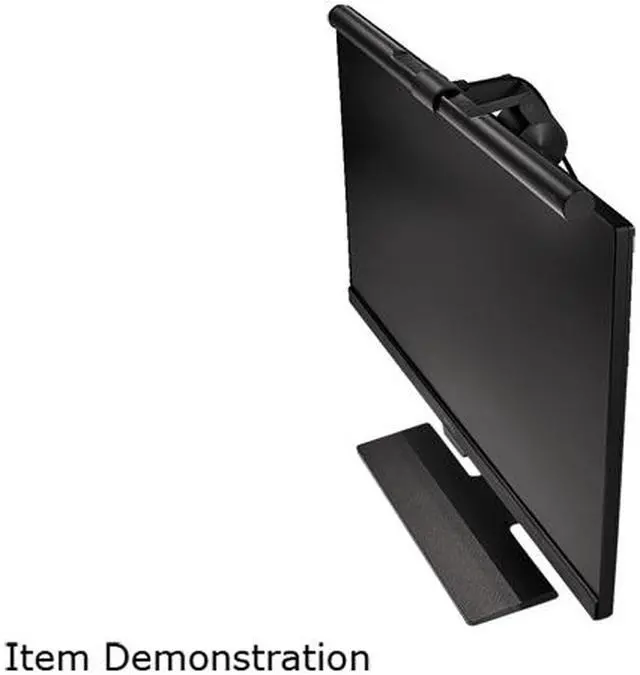
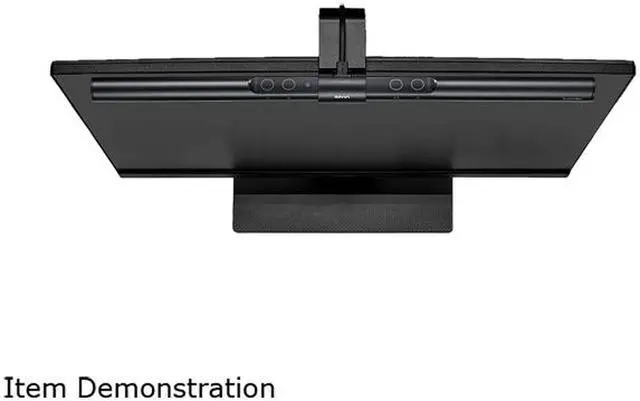
BenQ ScreenBar
e-Reading LED Task Lamp
- Auto dimming via the built-in ambient light sensor
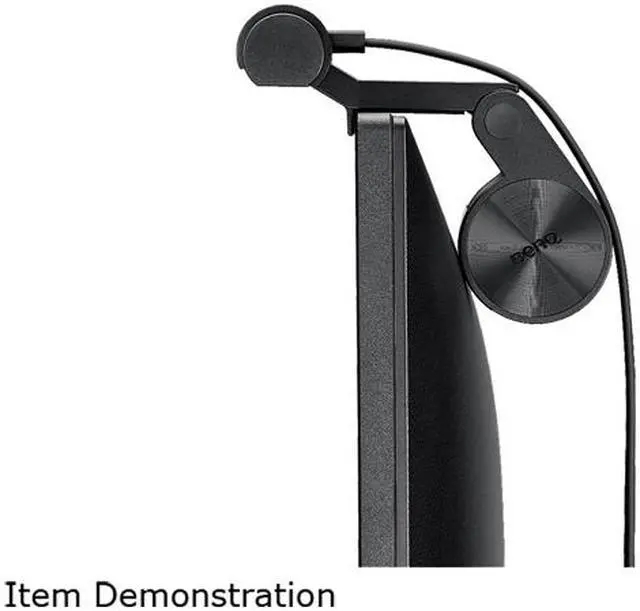
- Specially designed clip makes the attachment onto monitors
- Zero reflective glare off the screen
Simplify the Complicated,
Eliminate the Excess
Auto Dimming • Space Saving • No Screen Glare
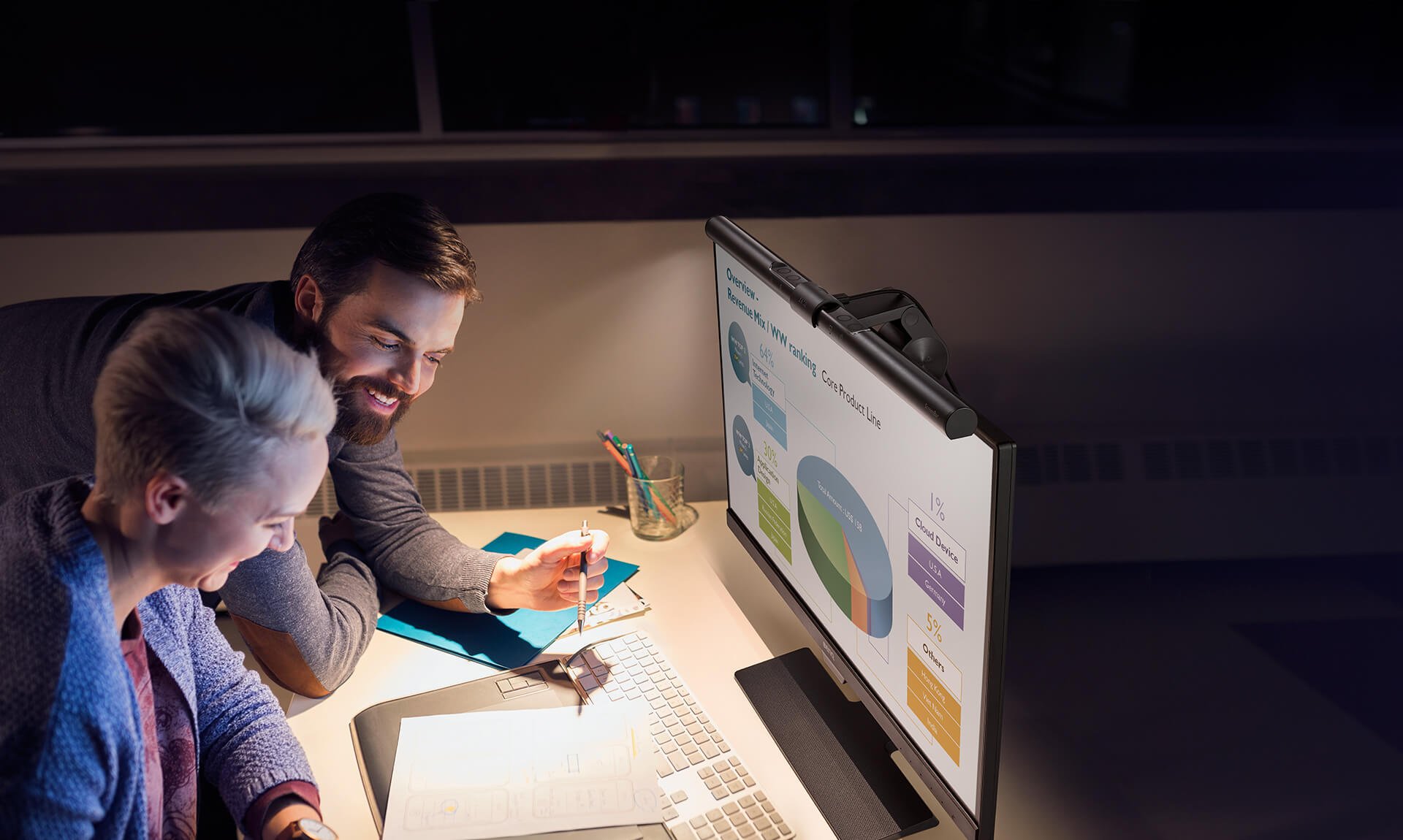
Less Is More
Enhance Work Pleasure,
Relieve Eye Strain

When Working All Day,
Don't Abuse Your Eyes!
Research shows that we work on the computer for an average of 5.7 hours each day. Staring at the screen for so long causes eye irritation.
To eliminate this discomfort, enough rest helps, but the key to relieve eye strain is sufficient lighting.
Eye Care: Brightness Is Key
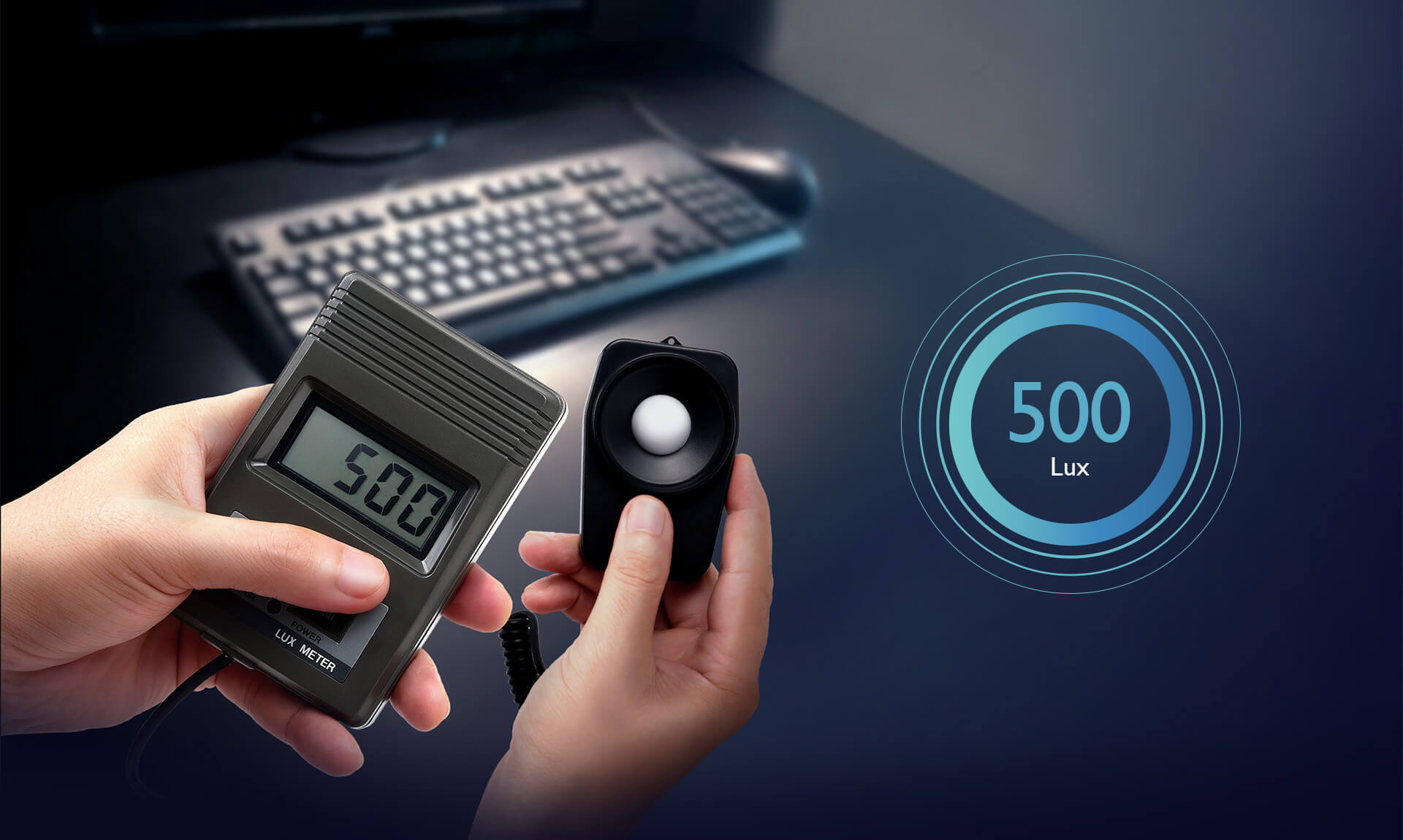
The American National Standard Practice for Office Lighting recommends an illuminance level of 500 Lux.
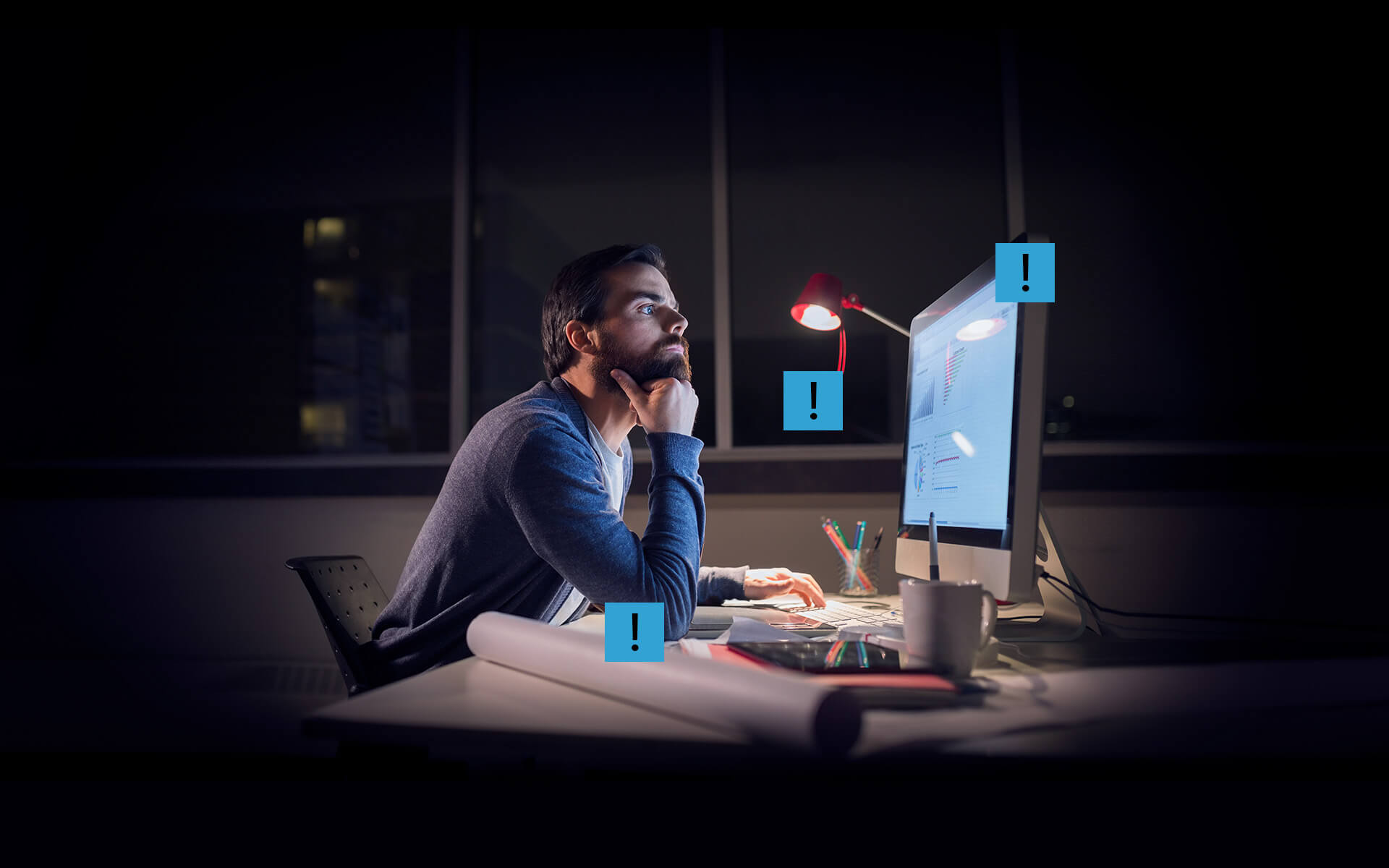
However there are problems with traditional lamps.
ScreenBar
e-Reading Lamp
Auto Dimming • Space Saving • No Screen Glare
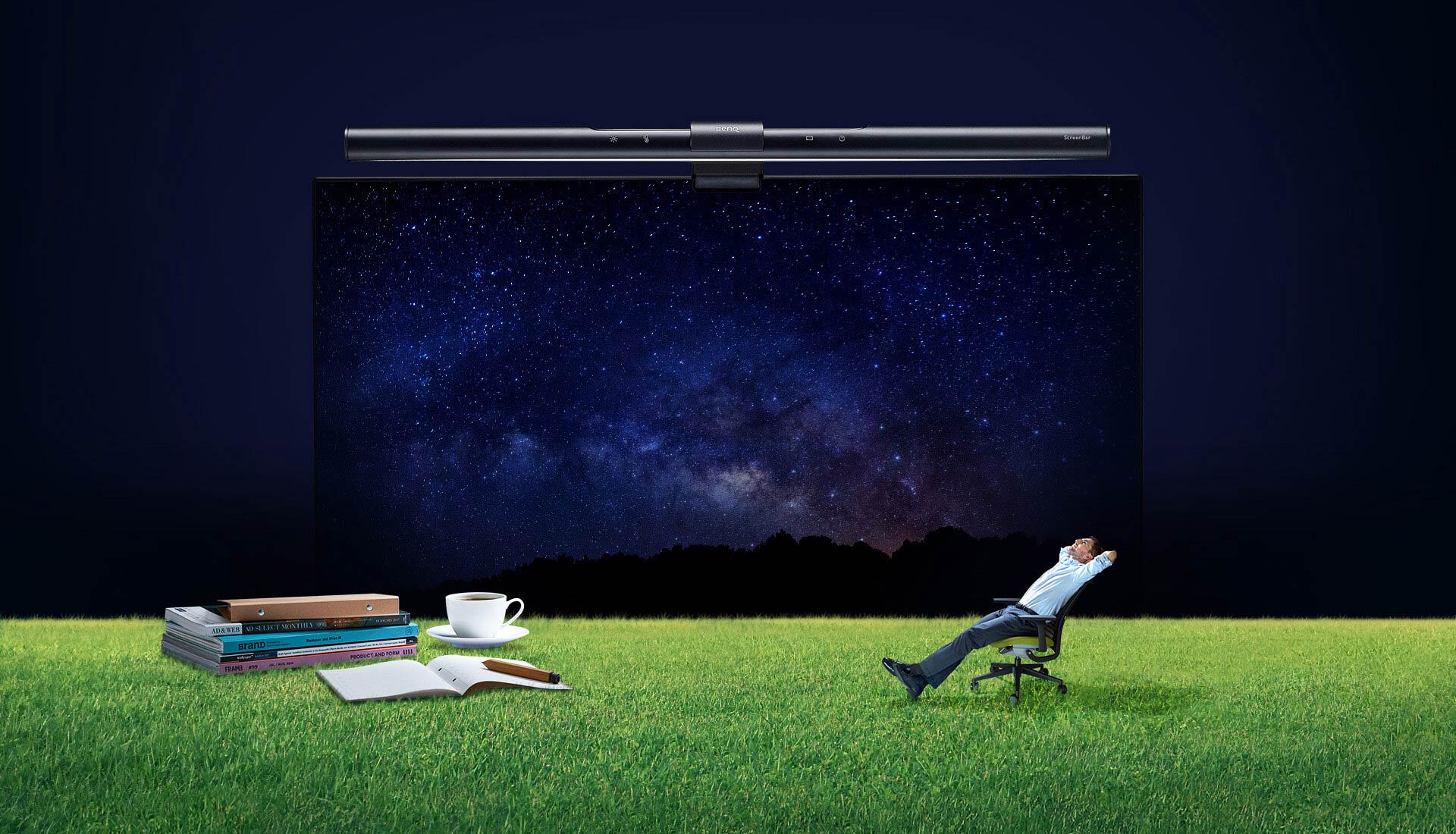
Less Is More
Simple & Clever
Auto Dimming
No Guessing, Just Knowing
The Built-in Ambient Light Sensor Automatically Illuminates to 500 Lux
How bright is right? No need to guess anymore! The BenQ ScreenBar e-Reading lamp is equipped with a sensor that promptly detects the surrounding brightness and then supplements it with just the right light.
Space Saving
No Base, More Space
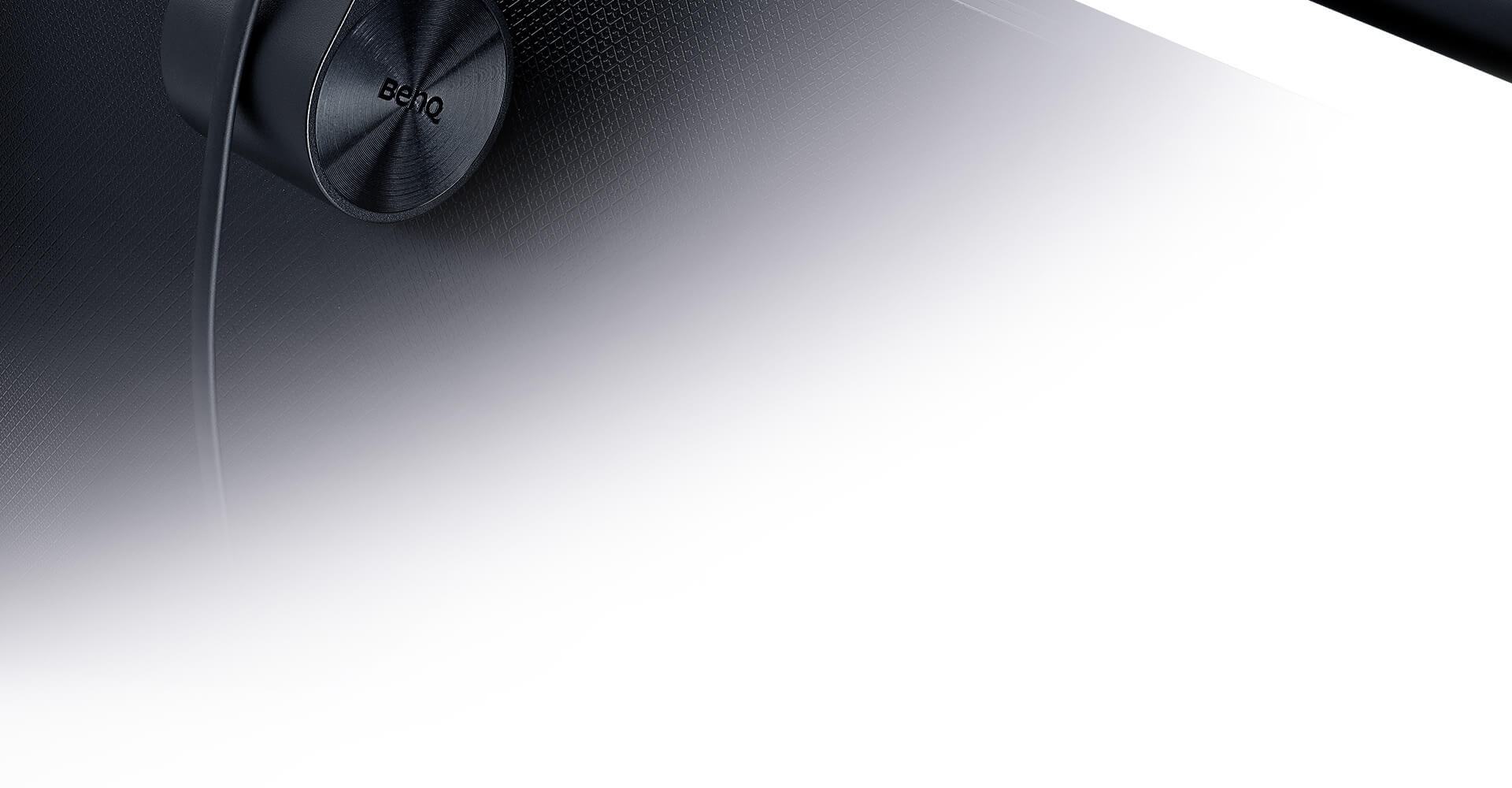
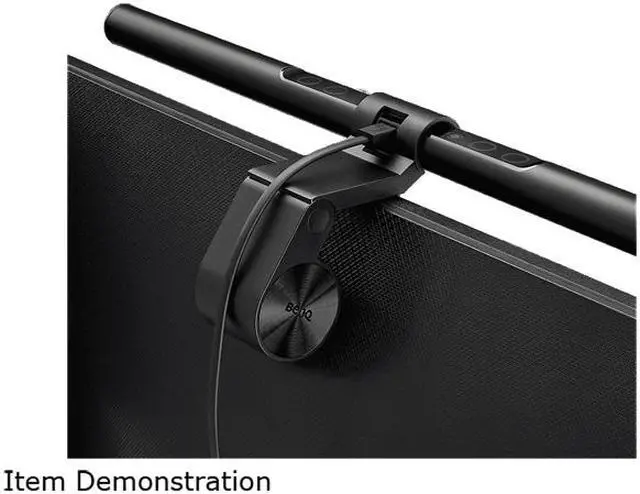
The Patented Clip Design Instantly Attaches to Any Monitor
With BenQ's unique design, there is no need for tape or screws that damage your computer.
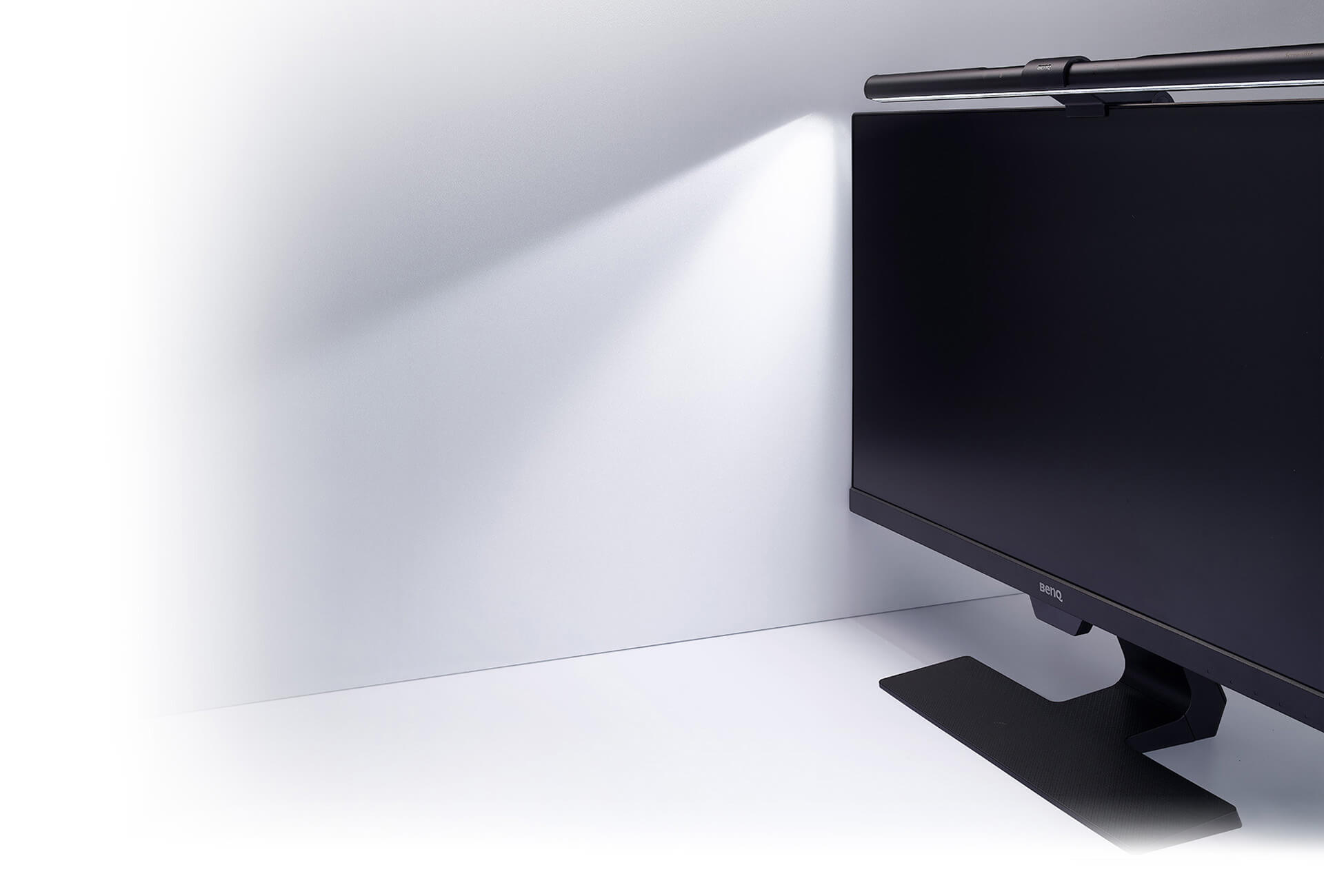
Glare Free
No Reflection, Only Precision Lighting
Asymmetrical Optical Design Ensures Zero Reflective Glare off the Screen
Each BenQ ScreenBar e-Reading lamp has an asymmetrical optical design that only illuminates the desk and doesn't shine on the screen, avoiding reflective glare.
The Whole Working Area Is Crystal Clear
The 500 Lux illuminance of the desk surface ensures that you see everything in front of the screen clearly.

We have envisioned the ultimate light for your needs.
Quality LED Light Source Ensures Proper Eye Care
Non-Flicker
Compliant with IEEE PAR1789 regulation of flicker in LED lighting
No Blue-Light Hazard
IEC/TR 62778 assessment deemed it free of blue-light hazard
Adjustable Color Temperature to Increase Efficiency and Comfort
All eight colors are compliant with the ANSI white color standard.
For comfort, the warm light lets you relax and replenishes your energy.
While working, the cool light allows you to concentrate and boosts efficiency.
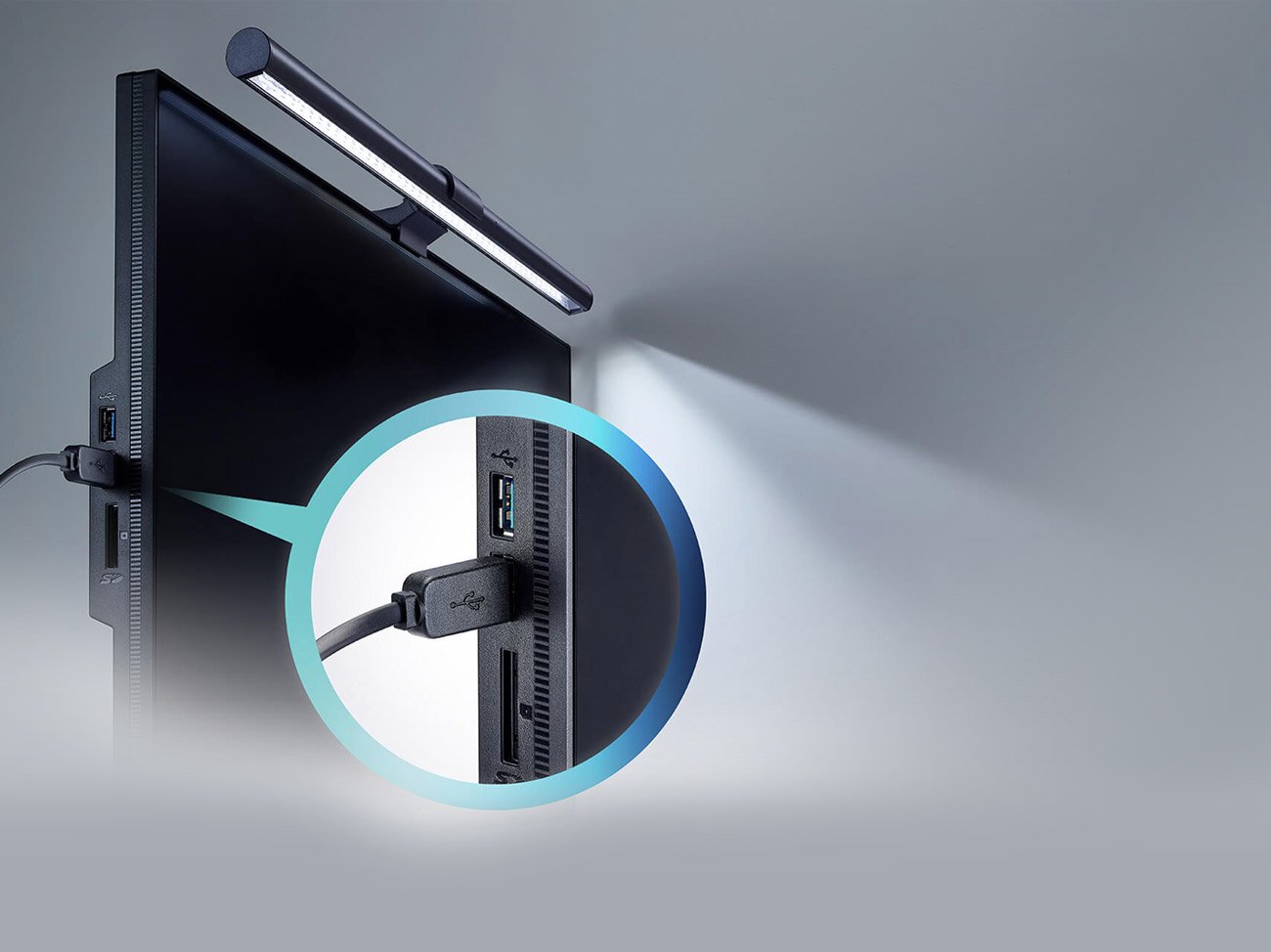
USB-Powered
No Extra Wires, Just USB
Whether it's a computer, phone charger or power bank, any USB outlet can power the ScreenBar and light up your desk. Once you turn it on, the ScreenBar resumes your last used brightness and color temperature settings to energetically welcome you back to work!
* If a phone charger or power bank are used, make sure the power output is 5V and supplies at least 1A.
* Use only the provided USB cable to power the lamp. Use of any extension USB cable can result in malfunctions.
Less Is More
Eliminate the excess, only keep what you need!
Simple Usage for Higher Convenience
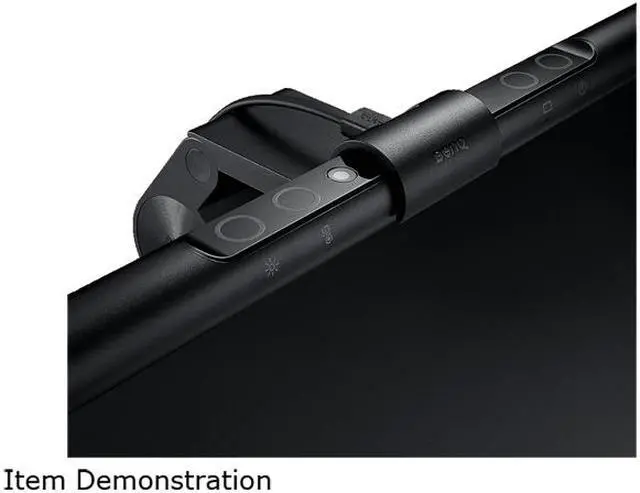
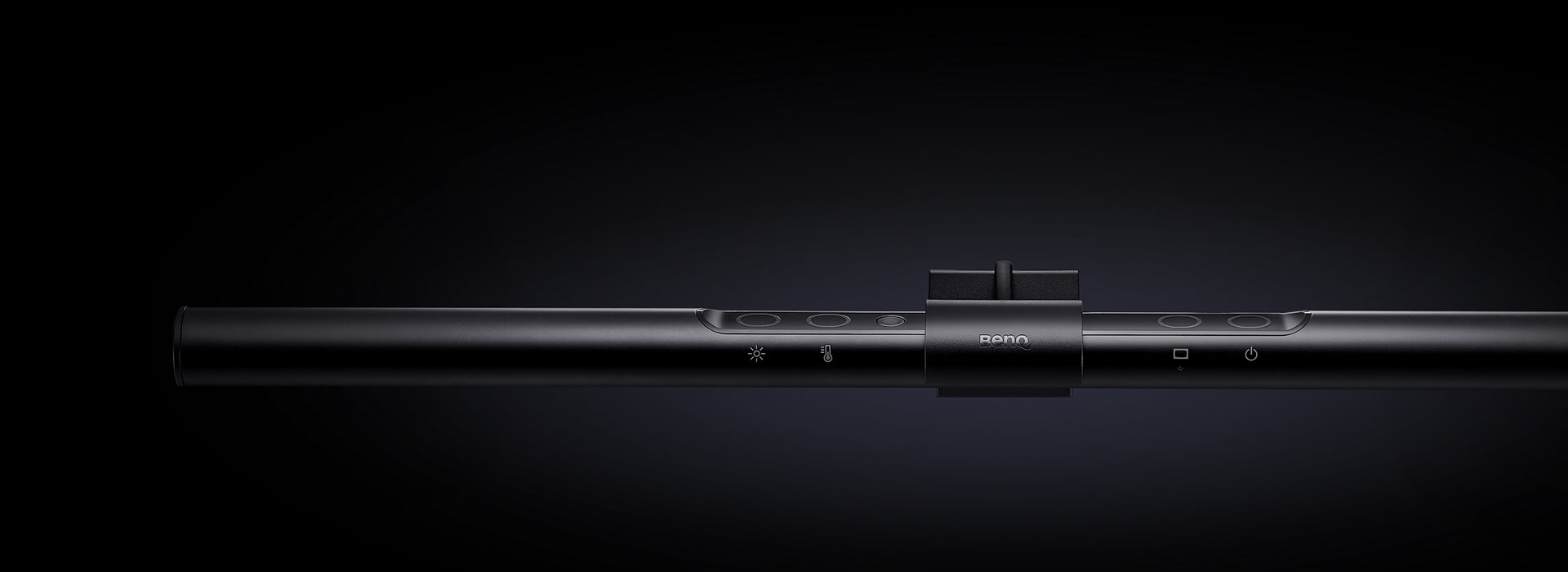
The touch-control design allows you to easily turn on the light and adjust the brightness or color temperature. With a light touch, the Auto Dimmer Mode is activated. Everything for your convenience!
Simplified Design for Premium Quality
After losing the unnecessary parts, we kept only a clean shape and the essentials. That means no painted or printed layers, only the durable aluminum alloy and high-quality engineering polymer.
International Safety Certifications
Material Safety
The materials we used all complied with the RoHS (2002/95/EC) standards of the EU, securing they do not contain any unsafe heavy metals such as lead, cadmium and mercury,
Blue-Light Hazard Evaluation
The LED sources all passed the European Union IEC/TR 62778 assessment of the light source and blue-light hazard and thus are classified as risk-free light sources.
The First Monitor Light Bar in the
World: ScreenBarRealizing that modern lighting needs have changed, the BenQ Lighting Team has developed the world's first monitor light bar, BenQ ScreenBar, in
2017. With a view to combine eye-caring technology and minimalist design, the BenQ ScreenBar provides the best illumination for e-reading.
Eye-care: The best lighting for e-readingUniform and balanced illuminance that causes no reflections on the screen. Certified for flicker-free and no blue-light hazard.
Technology: Real-time Auto DimmingDetects the ambient light and then supplements it to the recommended light level of 500 lux automatically.
Mechanism: Space savingThe patented clamp design allows the light bar to be easily and stably placed on the monitor, thereby freeing up desk space.
Lighting Coverage: Ultra Wide IlluminanceTraditional lamps are designed for paper reading. With the light source concentrated in the center of the desk, traditional lamps can not effectively balance the light between the screen and the surroundings. With the oval lighting designed for narrow spaces in front of the screen, our monitor light bar guarantees a lighting coverage of 60cmx30cm at 500 lux, thereby illuminating clearly the documents in front of the screen. Unique asymmetrical optical designAccording to research, screen reflection is one of the causes of digital eye strain. The inner reflective panel with a precise curvature allows the monitor light to deliver a wide and balanced illuminance, without causing any reflective glare on the screen. Our unique optical design also enhances the efficiency of light usage, which in turn improves the overall brightness of the desk. The key to screen-reading illuminationCompared with the divergent light of other lamps, BenQ's unique asymmetrical optical design frees you from screen reflection and direct glare shining into your eyes. Real-time Auto DimmingScreenBar Monitor Light is equipped with a built-in ambient sensor that promptly detects the ambient light and then supplements it automatically to 500 lux as recommended by the American National Standard for office lighting.
How bright is right? No need to guess anymore! ScreenBar provides you with the right light in an easy way! Patented ClampThe base design of traditional desk lamps often occupies your workspace. No base, more space! BenQ ScreenBar Series' patented clamp design is inspired by the hanging instinct of animals. In contrast to the clip-on design, its counterweight mechanism allows the light bar to firmly stay on the monitor without damaging the monitor itself. Compatible with any size of the monitorNo matter what the monitor size is, our unique clamp design allows BenQ ScreenBar to instantly and stably place on top the monitors with suitable thickness and curvatures. Flat Monitors Ultra-wide Curved Monitors Dual MonitorsMulti-levels of Color Temperatures that suit your needs15 levels of brightness and 8 color temperature choices for you to adjust based on your needs. All 8 color temperatures are compliant with American National Standards Institute (ANSI) - Warmer lights for relaxation and energy replenishment; cooler lights allows for concentration and boosting efficiency. Our pursuit of the best quality: BenQ Lighting Quality TestTo ensure the quality of our lights, BenQ Lighting adopts the most stringent quality test. After repeated testing of a number of details, the ScreenBar components will not bend or crack in any of the following test conditions, and the light functions properly. Quality Flicker-free LED Light SourcesWith the built-in non-flicker driver chip, the flicker measurement of BenQ ScreenBar is far superior to the industry standard and has passed the IEEE PAR 1789 standard for LED luminaires, giving you the most stable and safe light source. EU Dual Certification for no Blue Light HazardConforms to EU IEC/TR 62778, IEC/EN 62471 blue light standards. The highest quality LED light source is selected to protect your eyes in all aspects.





 here!
here!