





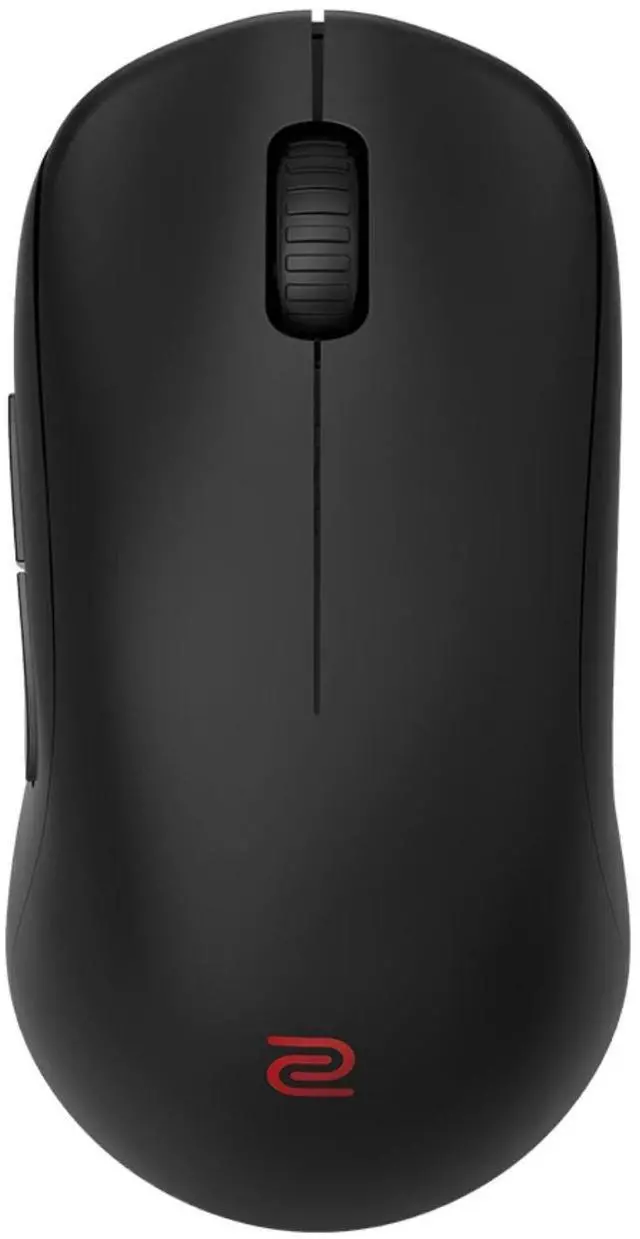
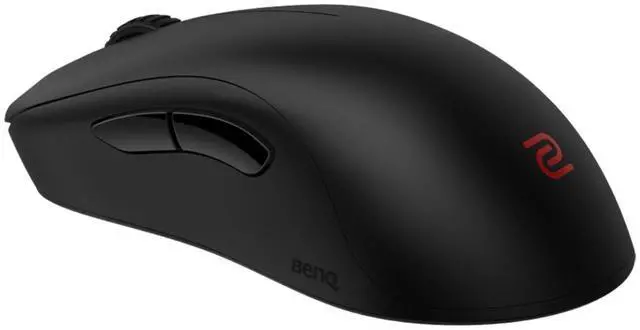
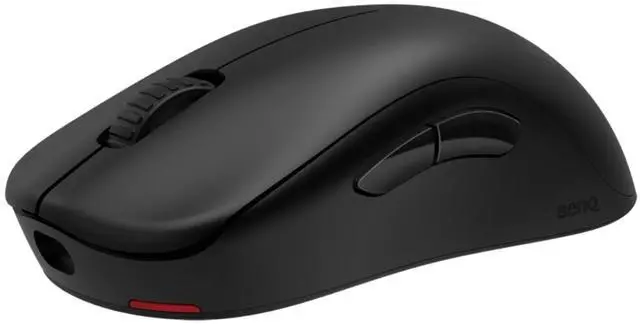
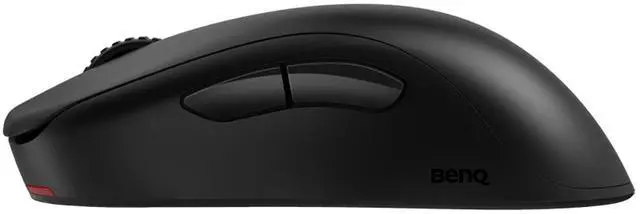
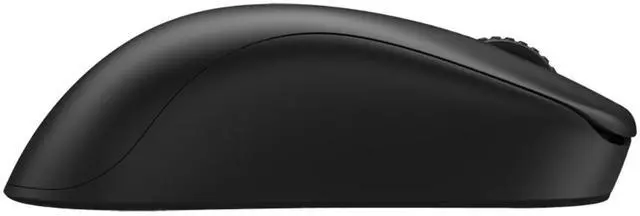
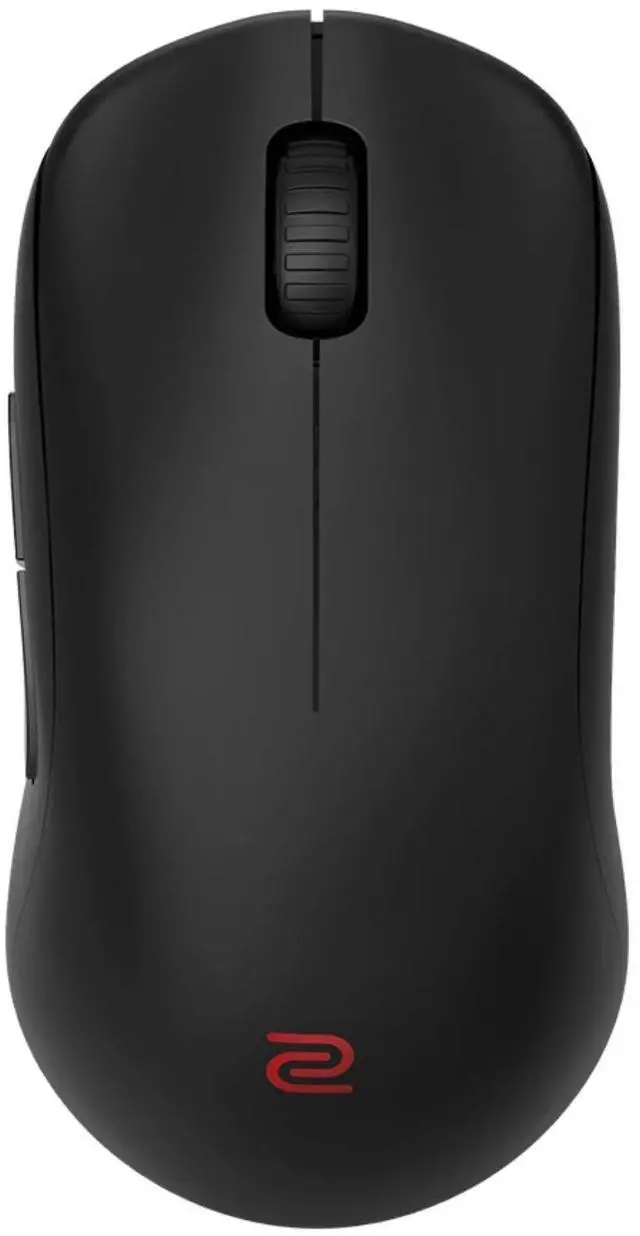


Agility. Enduring Performance.
Curvy Sides; Agile Movement
Inward-curved design on both sides for agility and stability during mouse lift.

Bottom outline comparison

The left-side curved design, combined with the overall curve of the back, reduces the thumb angle, which supports a faster index finger click speed.

Index finger movement is related to thumb angle.


The right-side curved design facilitates easy placement of the ring finger, which promotes balanced force exertion on both sides of the hand and allows for better stability during mouse movement.
Others

Others without right-side curve
U2

U2 with right-side curve

Others' right-side design causes imbalanced hand force exertion.

U2's right-side design supports more balanced hand force exertion.
Easier Thumb Access
Through experiments with different shapes and positions, U2's side button design facilitates easier thumb access.
Others

Larger angle of the thumb placement.
U2

Back side button has a more forward press point, reducing the angle for thumb placement.
Reliability
Enhanced receiver reduces signal interference
The enhanced receiver offers improved stability of the wireless signal and minimizes frame drops and stuttering stemming from wireless interference during gaming.
Others
The reception footprint of other receivers has no directionality making it difficult to determine the exact direction for optimum signal reception thus resulting in weaker signal transmission.

U2
The exclusive directional enhanced receiver increases the reception footprint toward the mouse which improves signal reception. A reduced range of reception at the back of the receiver can effectively minimize interference from signals originating in the rear.

Easy to use

The convenience of charging
The enhanced receiver doubles as a charging dock, preventing accidental cable disconnections during wired charging.

Plug and play; No driver needed
Adjustable DPI / USB report rate / Lift Off Distance / Click response time / Motion sync