here!
I’m your shopping assistant for PC builds, upgrades, and everything tech.
Got questions? Ask away!
Start a conversation
here!
I’m your shopping assistant for PC builds, upgrades, and everything tech.
Got questions? Ask away!
Start a conversation




Any questions? Ask CelesteSM will help you find out quickly.
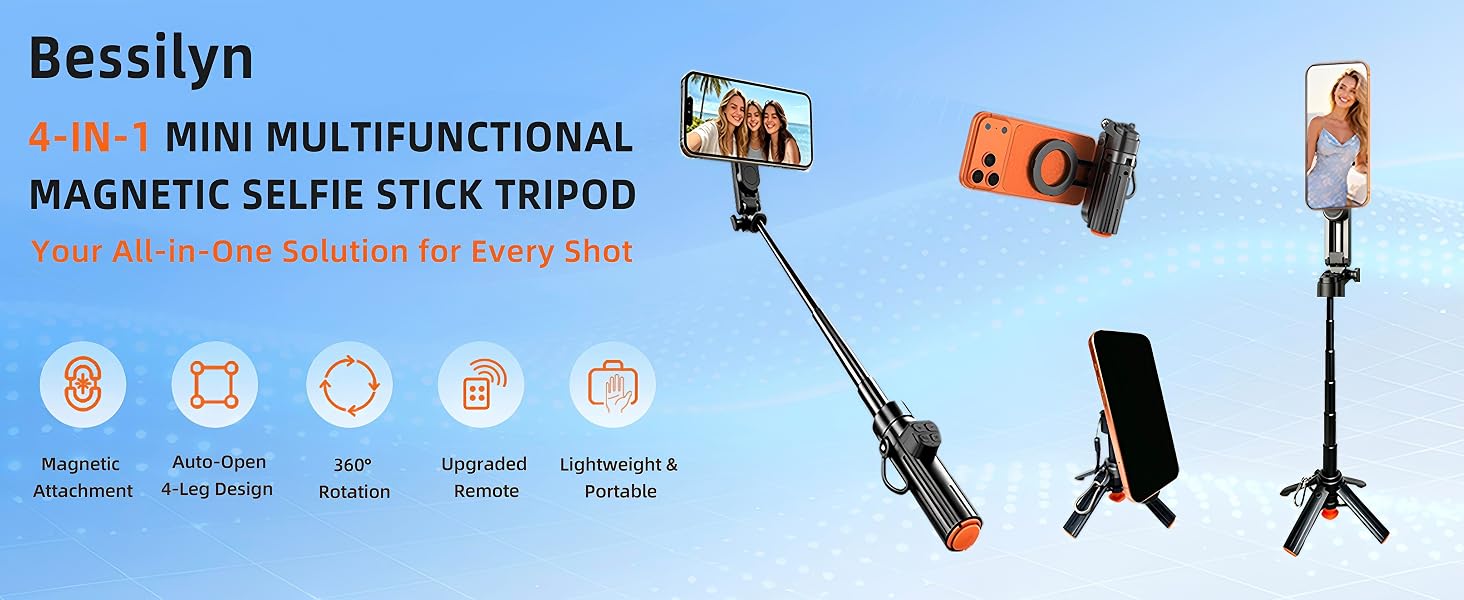
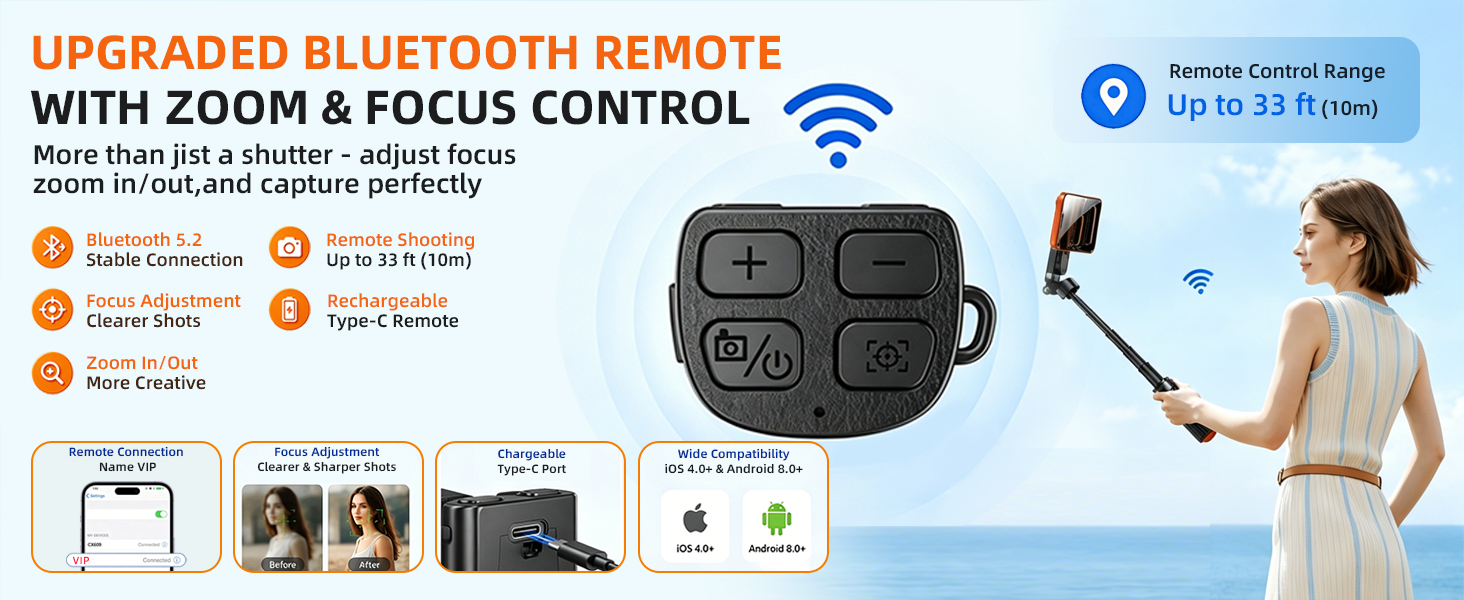
Step 1: Long press camera button to turn on and find the remote connection name ”VIP“.
Step 2: Open the phone settings , find and Click "Accessibility".
Step 3: Turn "Zoom" ON ( Note that opening Zoom on individual phones will cause the screen to change, requiring three fingers to adjust)
Step 4 :Find and click "Touch"
Step 5 :Turn on "AssistiveTouch" and then finish Remote Control Setting


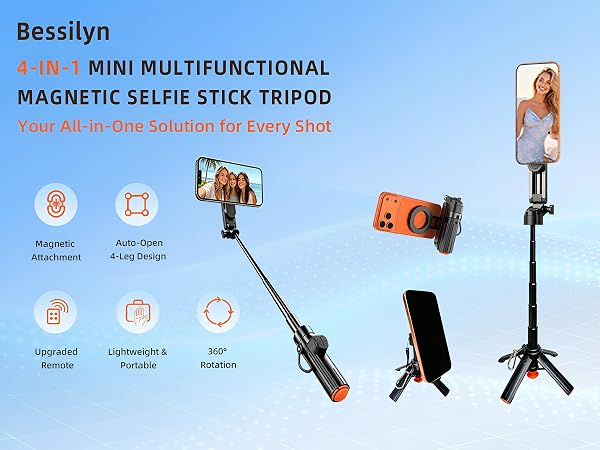
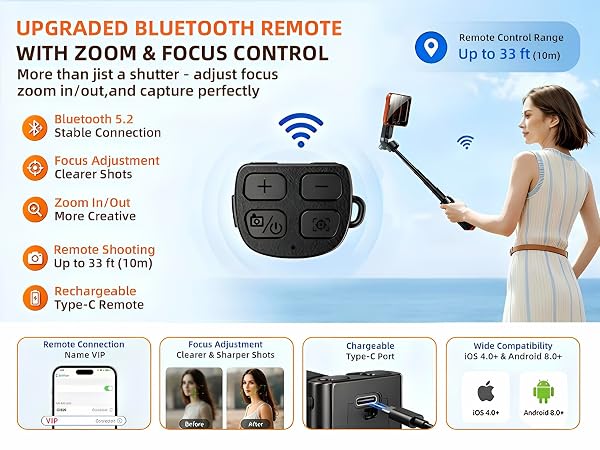
Step 1: Long press camera button to turn on and find the remote connection name ”VIP“.
Step 2: Open the phone settings , find and Click "Accessibility".
Step 3: Turn "Zoom" ON ( Note that opening Zoom on individual phones will cause the screen to change, requiring three fingers to adjust)
Step 4 :Find and click "Touch"
Step 5 :Turn on "AssistiveTouch" and then finish Remote Control Setting