




[Note]
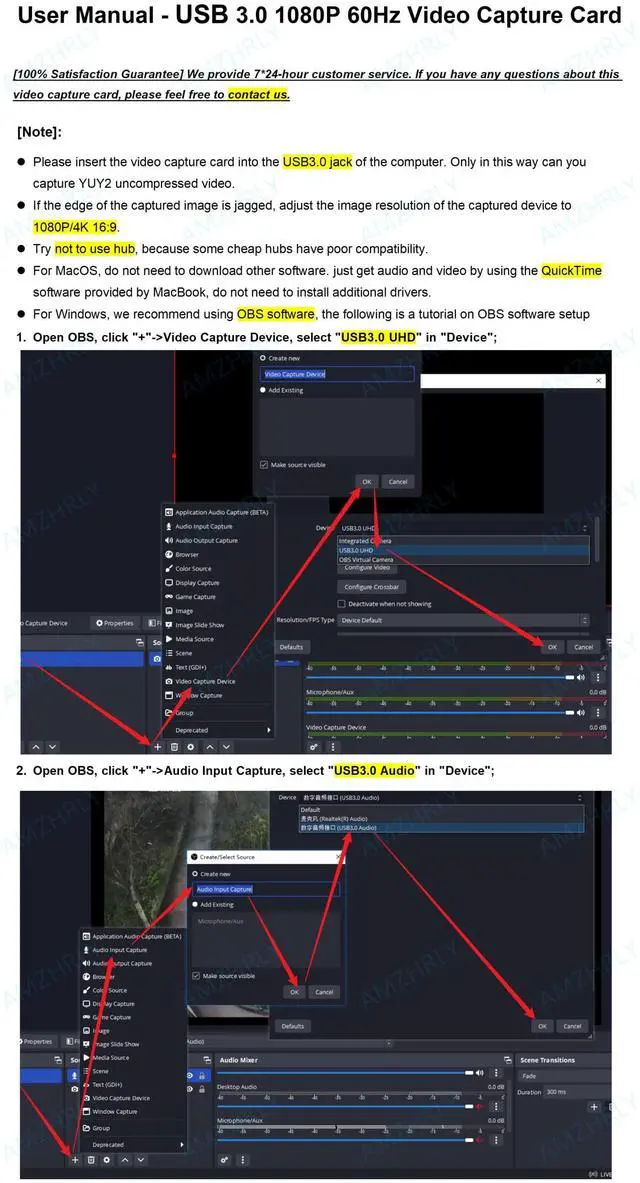
- For MacOS, do not need to download other software. just get audio and video by using the QuickTime software provided by MacBook, do not need to install additional drivers.
- For Windows, we recommend using OBS software, then download the "User Manual (PDF)" on the current product description page or ask the seller for it.
- Please insert the video capture card into the USB3.0 jack of the computer. Only in this way can you capture YUY2 uncompressed video.
- If the edge of the captured image is jagged, adjust the image resolution of the captured device to 1080P/4K 16:9.
- Try not to use hub, because some cheap hubs have poor compatibility.
[Connection and Operation]
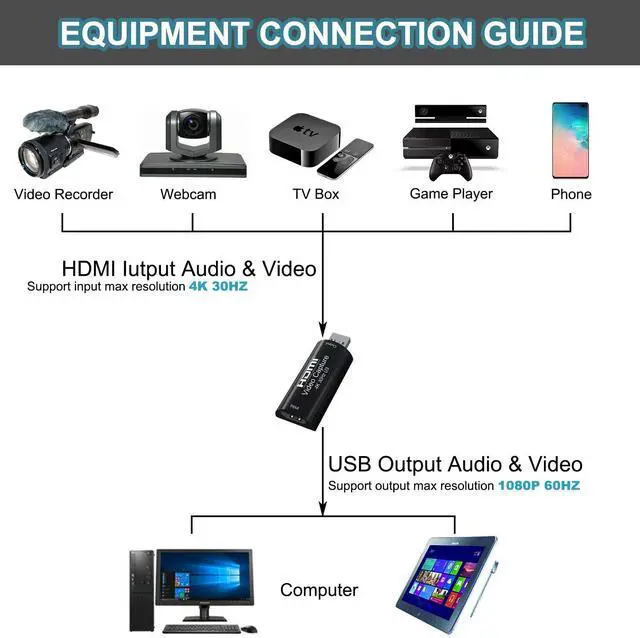
- Connect the UHD signal source to the HDMI input of the video capture with one HDMI cable.
- Insert the video capture card into the USB3.0 socket of the PC.
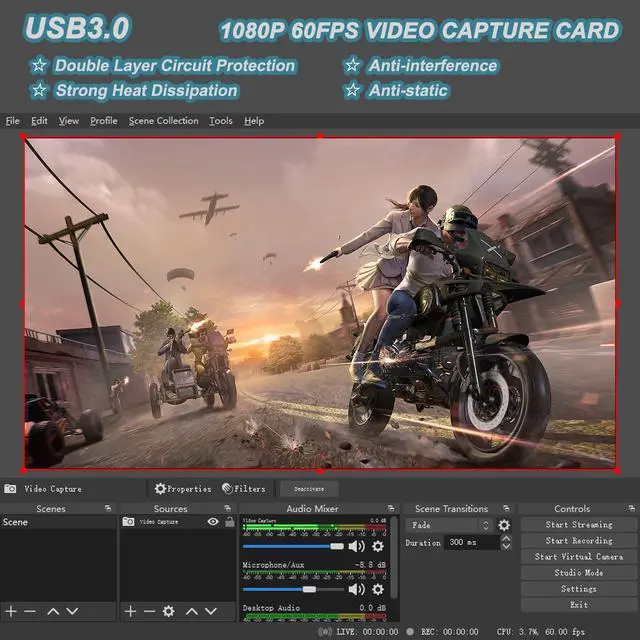
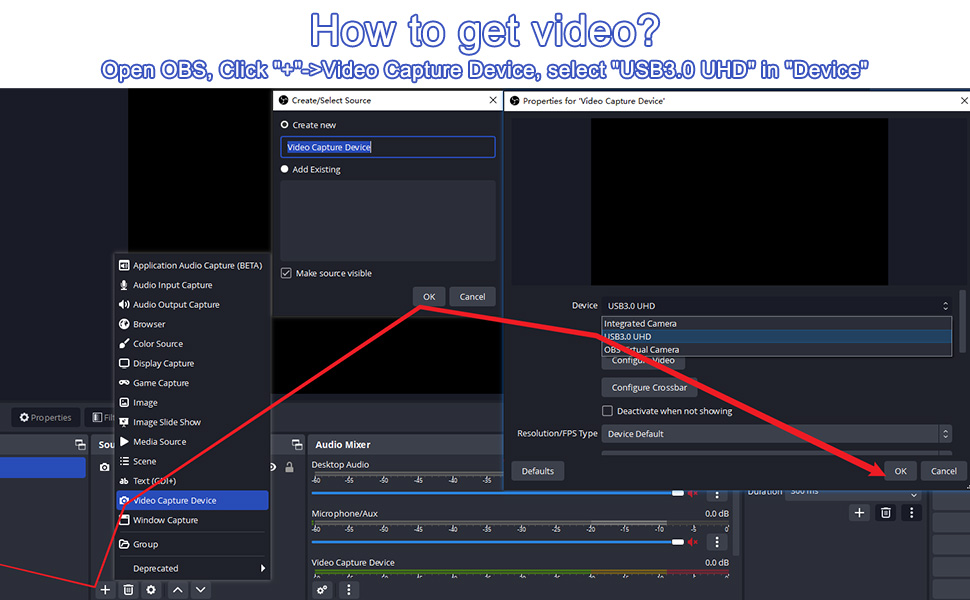
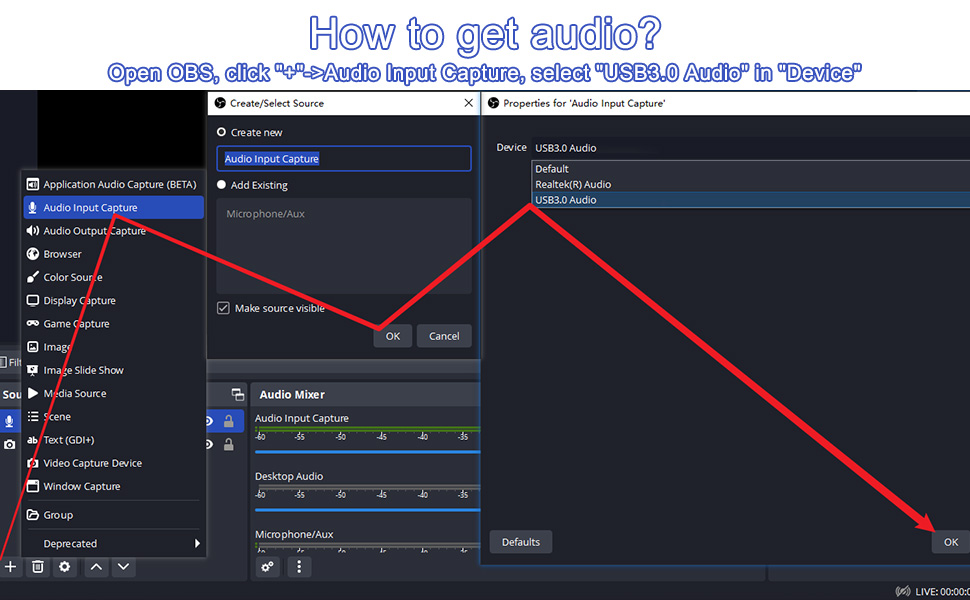
- Operation steps for USB video capture(OBS): Open OBS, click "+"->Video Capture Device, select "USB3.0 UHD" in "Device"; click "+"->Audio Input Capture, select "USB3.0 Audio" in "Device"; click “Start Recording”.
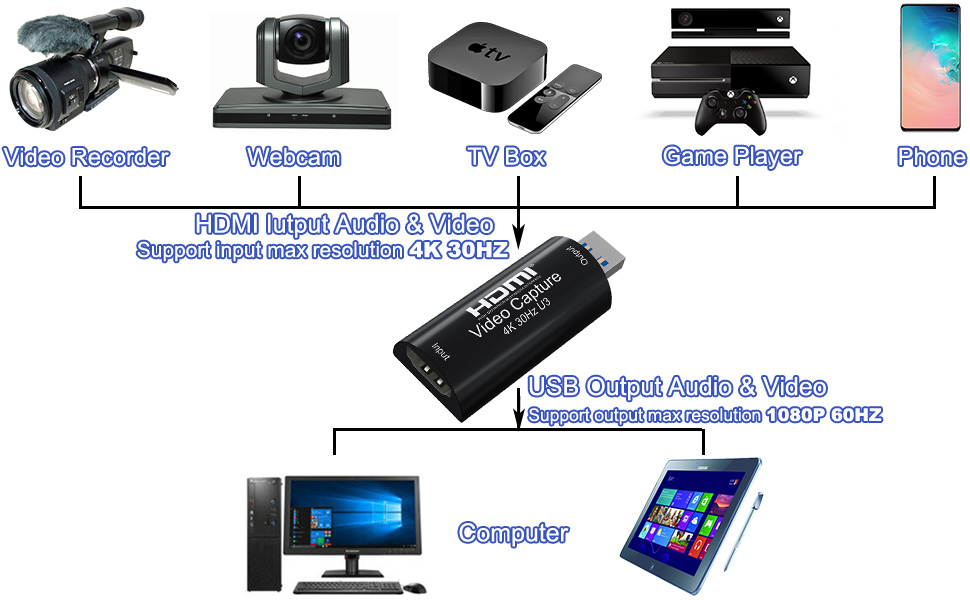
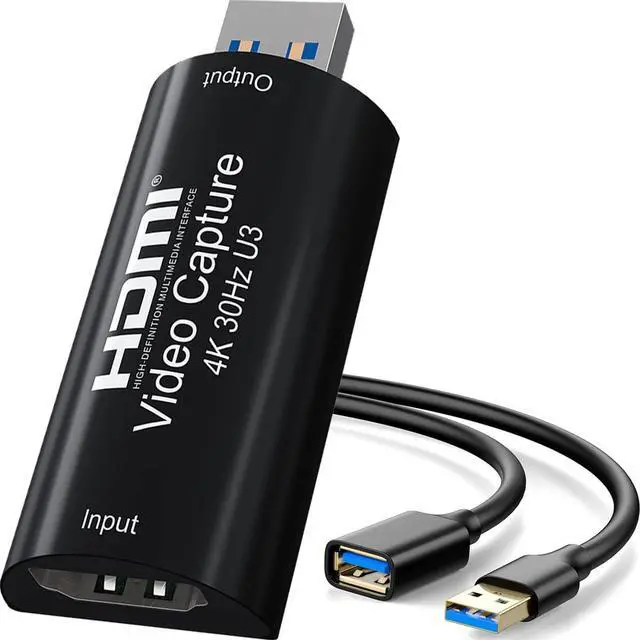
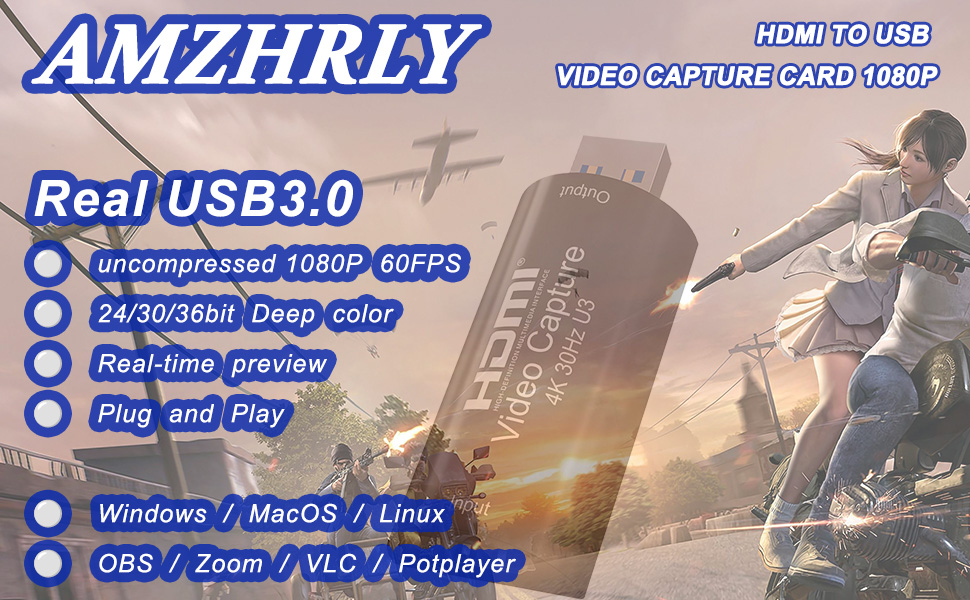
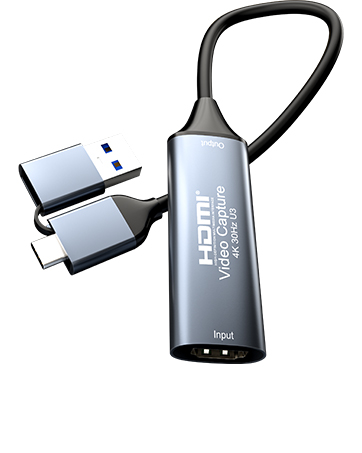
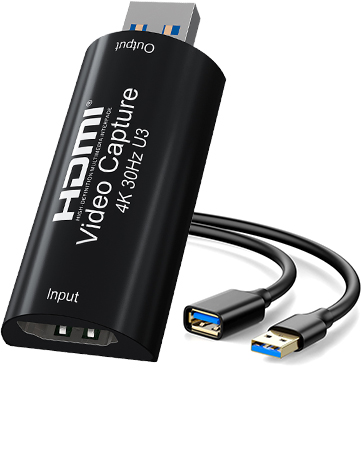
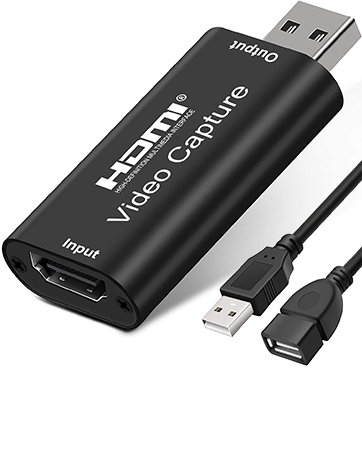
AMZHRLY UPGRADED USB3.0 1080P 60Hz Video Capture Card can collect HDMI audio and video, it uses multi-layer circuit protection for better anti-static and heat dissipation.
[Features]
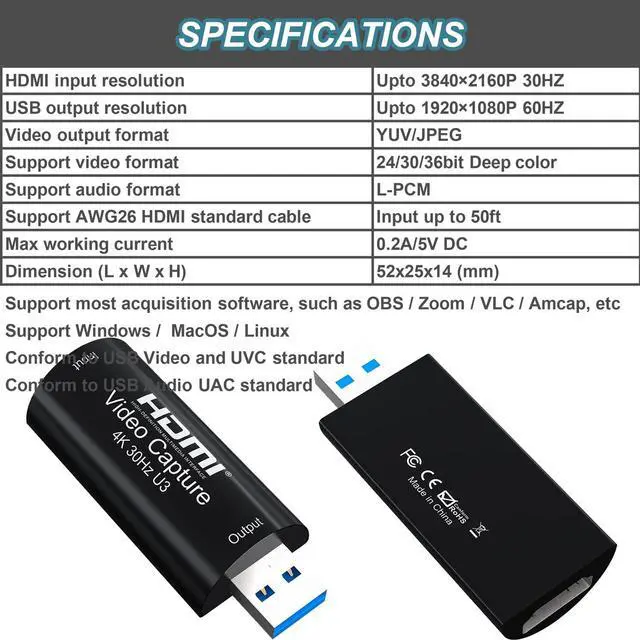
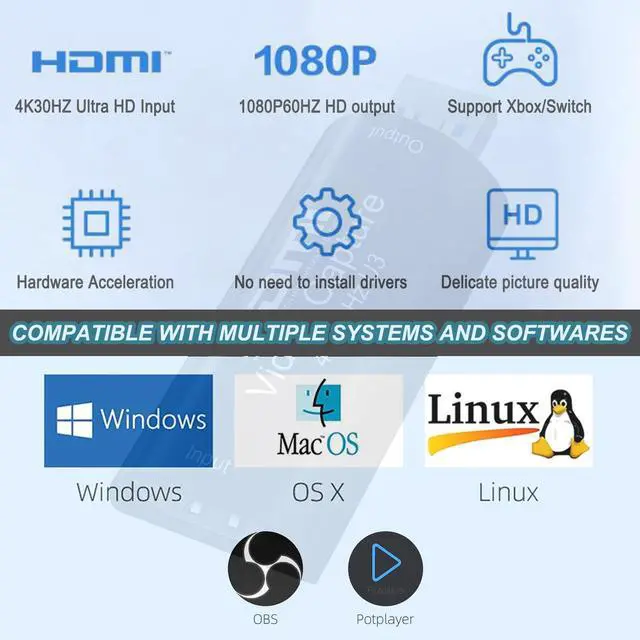
- HDMI Input resolution 4K 30FPS
- USB output resolution 1080P 60FPS
- Video output format: YUV/JPEG
- Support video format: 24/30/36bit Deep color; audio format: L-PCM
- Support most acquisition software, such as VLC / OBS / Amcap, etc
- Support Windows / Android / MacOS
- Conform to USB Video and UVC standard; USB Audio UAC standard
- Max working current: 0.2A/5V DC
- Dimension (L * W * H): 52x25x14 (mm)
- Without external power supply
- No need to install additional drivers.
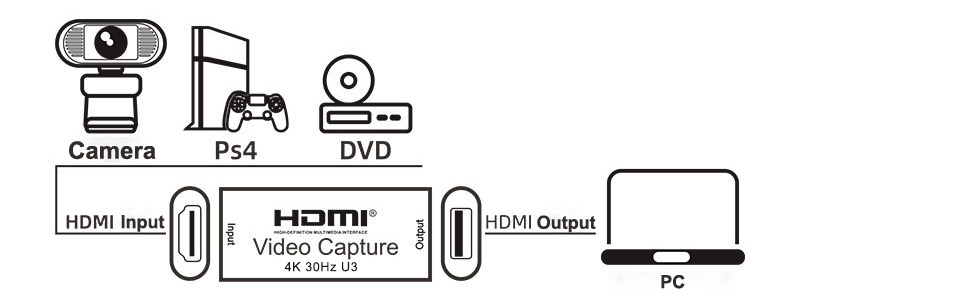
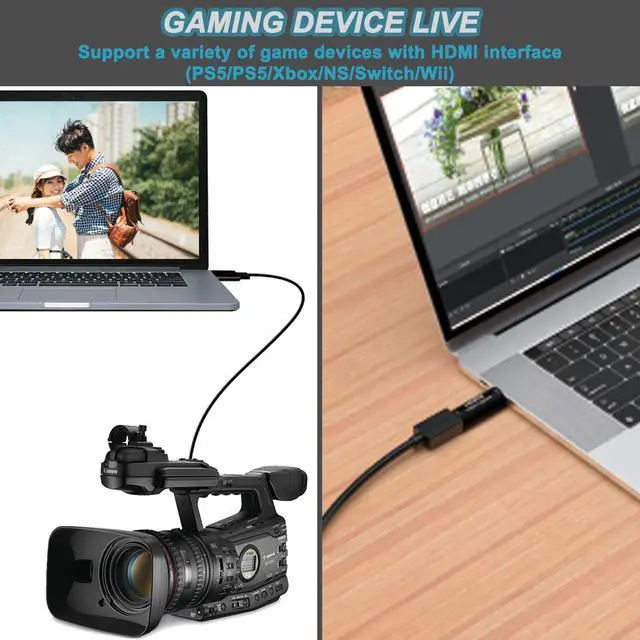
Connect your DSLR, camcorder or action camera to your Windows, MacOS and Linux. Easier for you to have real-time streaming media from Twitch, Youtube, OBS, Zoom, Potplayer and VLC

[Note]
- For MacOS, do not need to download other software. just get audio and video by using the QuickTime software provided by MacBook, do not need to install additional drivers.
- For Windows, we recommend using OBS software, then download the "User Manual (PDF)" on the current product description page or ask the seller for it.
- Please insert the video capture card into the USB3.0 jack of the computer. Only in this way can you capture YUY2 uncompressed video.
- If the edge of the captured image is jagged, adjust the image resolution of the captured device to 1080P/4K 16:9.
- Try not to use hub, because some cheap hubs have poor compatibility.
[Connection and Operation]
- Connect the UHD signal source to the HDMI input of the video capture with one HDMI cable.
- Insert the video capture card into the USB3.0 socket of the PC.
- Operation steps for USB video capture(OBS): Open OBS, click "+"->Video Capture Device, select "USB3.0 UHD" in "Device"; click "+"->Audio Input Capture, select "USB3.0 Audio" in "Device"; click “Start Recording”.
AMZHRLY UPGRADED USB3.0 1080P 60Hz Video Capture Card can collect HDMI audio and video, it uses multi-layer circuit protection for better anti-static and heat dissipation.
[Features]
- HDMI Input resolution 4K 30FPS
- USB output resolution 1080P 60FPS
- Video output format: YUV/JPEG
- Support video format: 24/30/36bit Deep color; audio format: L-PCM
- Support most acquisition software, such as VLC / OBS / Amcap, etc
- Support Windows / Android / MacOS
- Conform to USB Video and UVC standard; USB Audio UAC standard
- Max working current: 0.2A/5V DC
- Dimension (L * W * H): 52x25x14 (mm)
- Without external power supply
- No need to install additional drivers.
Connect your DSLR, camcorder or action camera to your Windows, MacOS and Linux. Easier for you to have real-time streaming media from Twitch, Youtube, OBS, Zoom, Potplayer and VLC
USB to HDMI Video Capture Card
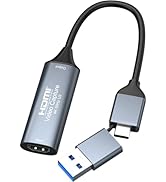
4K HDMI to USB 3.0 Type C Video Capture Card 1080P 60FPS
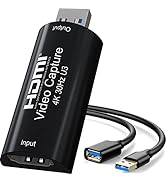
4K HDMI to USB 3.0 Video Capture Card 1080P 60FPS Cam Link Card Game Capture Card Adapter
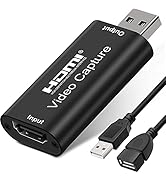
4K HDMI to USB 2.0 Video Capture Card 1080P Cam Link Card Game Capture Card Adapter