


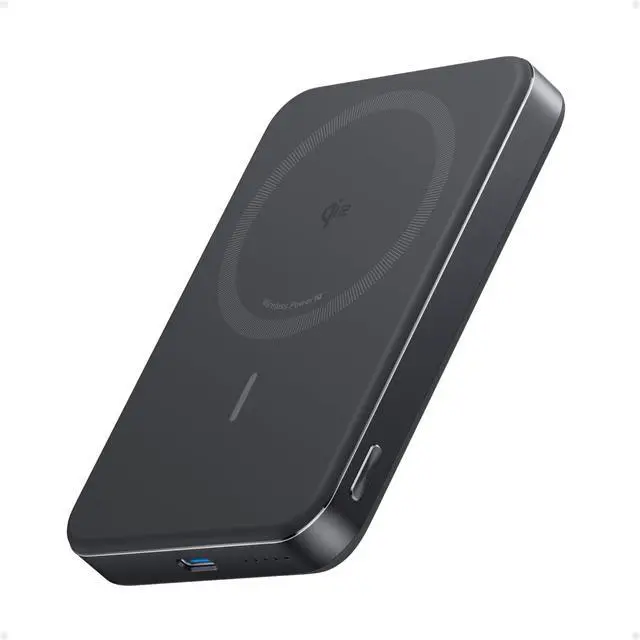


 Anker MagGo Power Bank |  Anker Nano Power Bank |  Anker Zolo Power Bank |  Anker MagGo UFO 3-in-1 |  Anker 2in1 Charger Stand |  Anker MagGo Stand |  Anker MagGo Power Bank | |
|---|---|---|---|---|---|---|---|
Customer Reviews | — | — | — | — | — | — | — |
Price | — | — | — | — | — | — | — |
Certification | Qi 2 | Qi 2 | Officially Certified | Qi 2 & MFW | Qi 2 | Qi 2 | Officially Certified |
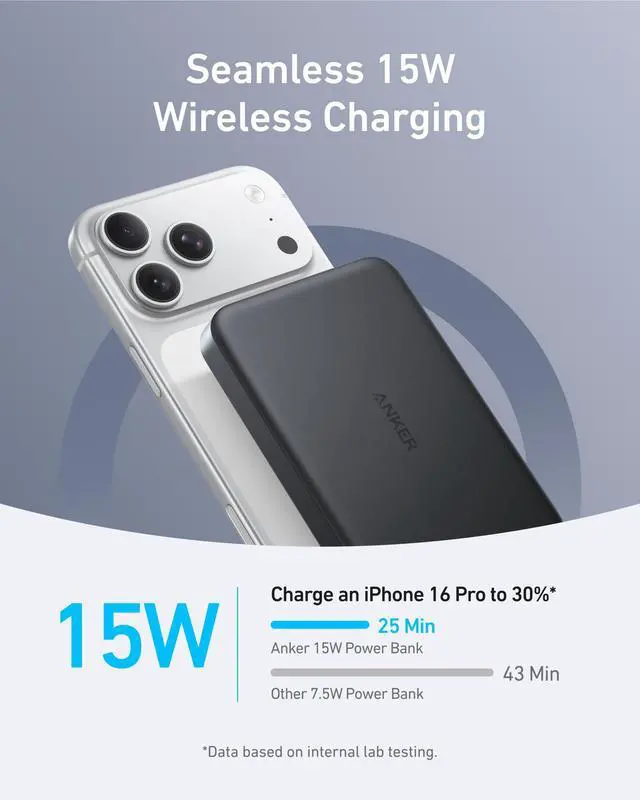
Phone Charging Power | USB-C:30W Max Wireless:15W Max | USB-C:20W Max Wireless:15W Max | USB-C:30W Max Wireless:7.5 W | Phone: 15W Watch and TWS: 5W | Phone: 15W Max TWS: 5W Max | Phone: 15W Max TWS: 5W Max | USB-C:30W Max Wireless:5W Max |
Charging Ports | 1× USB-C | 1× USB-C | 1× USB-C | 5 ft USB-C to USB-C cable | 5 ft USB-C to USB-C cable | 5 ft USB-C to USB-C cable | 1× USB-C+Built-in USB-C cable |
Compatible Devices | iPhone16 /iPhone15/iphone | iPhone16 /iPhone15/iphone | iPhone16 /iPhone15/iphone | iPhone/Earbuds/Apple Watch | iPhone / Earbuds | iPhone / Earbuds | iPhone16/iPhone15/Apple Watch |
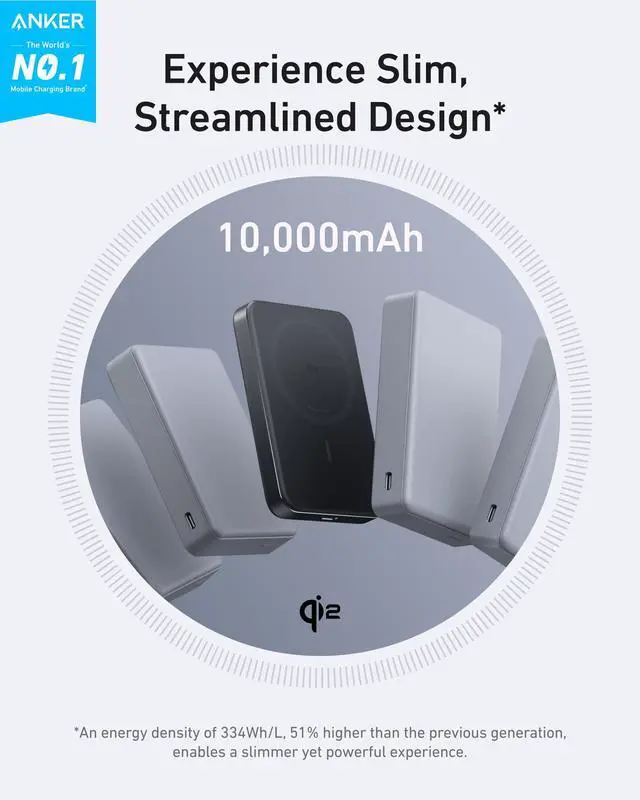
Key Feature | 10K Slim Power Bank | 5K Slim Power Bank | 10K Zolo Power Bank | Foldable and 15W Charging | 2 in 1 and 15W Charging | 360° Rotation with Adjustable | 10K 35W For Apple Watch |
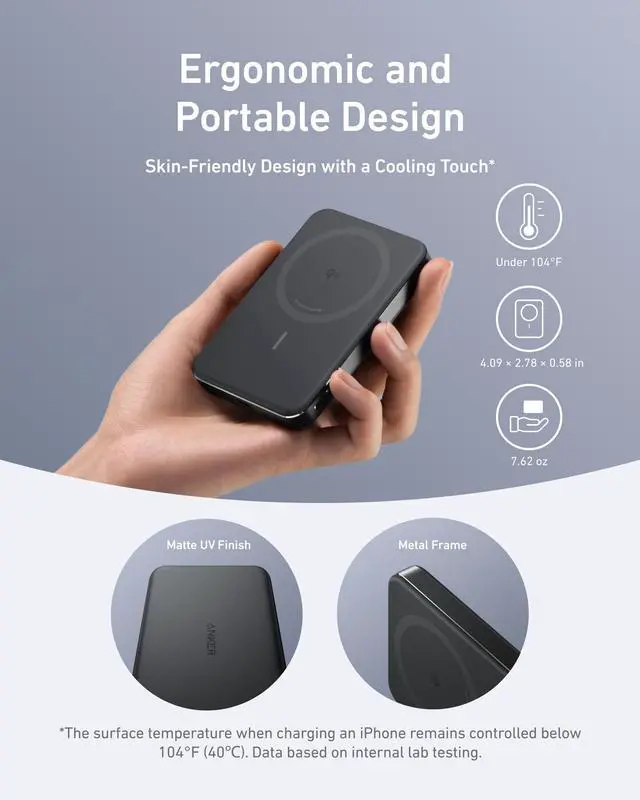
Dimensions(in) | 4.09 × 2.78 × 0.58 in | 4.02 × 2.78 × 0.34 in | 4.15 × 2.72 × 0.81 in | 2.95 × 2.35 × 1.39 in | 3.46 × 3.46 × 4.92 in | 3.46 × 3.46 × 6.02 in | 3.74 × 2.01 × 1.28 in |
Weight | 7.61 oz (215.9 g) | 4.30 oz (121.9g) | 8.46oz (239.8g) | 4.06 oz (115 g) | 9.35 oz (265 g) | 8.89 oz (252 g) | 8.47 oz (240 g) |
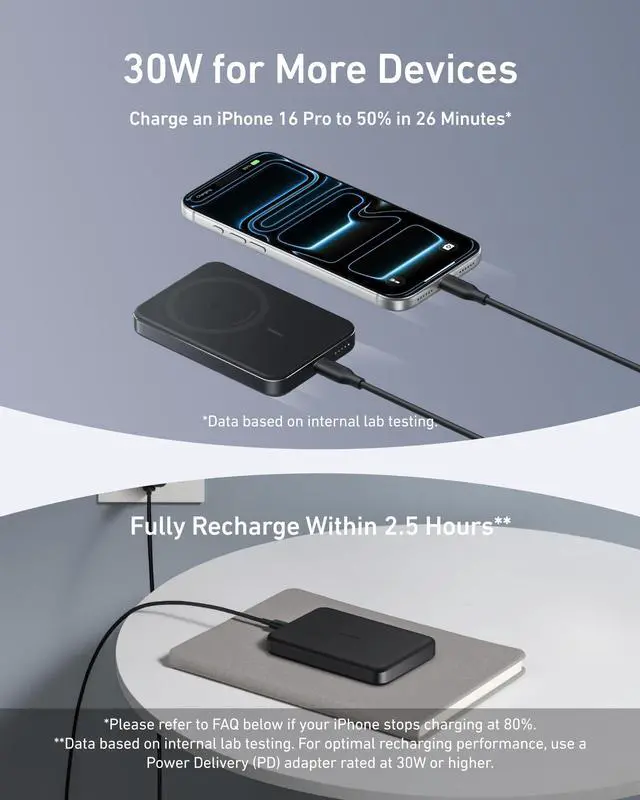
Why does charging stop at 80%?
Your iPhone may automatically stop charging at 80% to protect its battery from overheating, as part of iOS 17's thermal management strategy. Charging will resume once the device cools down. Moving it to a cooler spot can help speed up this process.
What functions does the button have?
Pressing the button once displays the battery level and activates wireless charging. Holding it for 2 seconds turns off the lights and the wireless charging feature. Holding it for 5 seconds disables the "Instant Connect"feature.
Why is my phone overheating?
We regulate the charging surface to stay below 104°F (40°C), but your phone may still heat up, especially under heavy use. If overheating occurs during charging, pause and let the phone cool down before resuming.
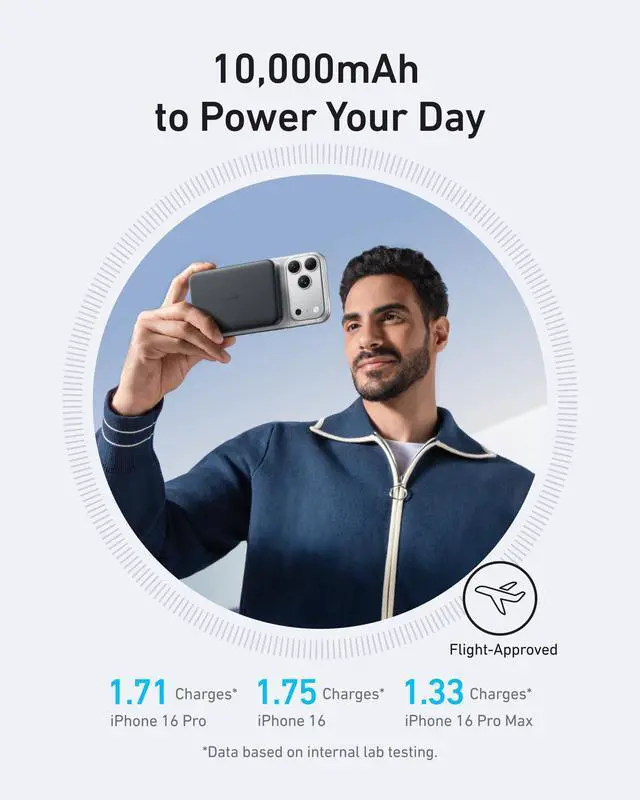
Why is my power bank providing fewer charges than expected?
Due to a 35% to 45% capacity loss from battery cell and circuit inefficiencies during charging, a fully charged Anker MagGo Power Bank (10K, Slim) effectively provides about 5,500mAh to 6,500mAh ofusable power to your devices.
Why can't I charge my AirPods?
If the AirPods case doesn't fully cover the charging area needed for wireless charging, the feature won't activate. Ensure the case is centered on the charging pad and press the button to start charging.




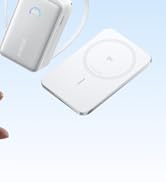

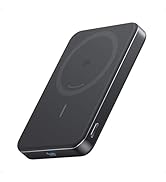



Anker MagGo Power Bank | Anker Nano Power Bank | Anker Zolo Power Bank | Anker MagGo UFO 3-in-1 | Anker 2in1 Charger Stand | Anker MagGo Stand | Anker MagGo Power Bank |
|---|---|---|---|---|---|---|
| Customer Reviews | ||||||
| — | — | — | — | — | — | — |
| Price | ||||||
| — | — | — | — | — | — | — |
| Certification | ||||||
| Qi 2 | Qi 2 | Officially Certified | Qi 2 & MFW | Qi 2 | Qi 2 | Officially Certified |
| Phone Charging Power | ||||||
| USB-C:30W Max Wireless:15W Max | USB-C:20W Max Wireless:15W Max | USB-C:30W Max Wireless:7.5 W | Phone: 15W Watch and TWS: 5W | Phone: 15W Max TWS: 5W Max | Phone: 15W Max TWS: 5W Max | USB-C:30W Max Wireless:5W Max |
| Charging Ports | ||||||
| 1× USB-C | 1× USB-C | 1× USB-C | 5 ft USB-C to USB-C cable | 5 ft USB-C to USB-C cable | 5 ft USB-C to USB-C cable | 1× USB-C+Built-in USB-C cable |
| Compatible Devices | ||||||
| iPhone16 /iPhone15/iphone | iPhone16 /iPhone15/iphone | iPhone16 /iPhone15/iphone | iPhone/Earbuds/Apple Watch | iPhone / Earbuds | iPhone / Earbuds | iPhone16/iPhone15/Apple Watch |
| Key Feature | ||||||
| 10K Slim Power Bank | 5K Slim Power Bank | 10K Zolo Power Bank | Foldable and 15W Charging | 2 in 1 and 15W Charging | 360° Rotation with Adjustable | 10K 35W For Apple Watch |
| Dimensions(in) | ||||||
| 4.09 × 2.78 × 0.58 in | 4.02 × 2.78 × 0.34 in | 4.15 × 2.72 × 0.81 in | 2.95 × 2.35 × 1.39 in | 3.46 × 3.46 × 4.92 in | 3.46 × 3.46 × 6.02 in | 3.74 × 2.01 × 1.28 in |
| Weight | ||||||
| 7.61 oz (215.9 g) | 4.30 oz (121.9g) | 8.46oz (239.8g) | 4.06 oz (115 g) | 9.35 oz (265 g) | 8.89 oz (252 g) | 8.47 oz (240 g) |
Why does charging stop at 80%?
Your iPhone may automatically stop charging at 80% to protect its battery from overheating, as part of iOS 17's thermal management strategy. Charging will resume once the device cools down. Moving it to a cooler spot can help speed up this process.
What functions does the button have?
Pressing the button once displays the battery level and activates wireless charging. Holding it for 2 seconds turns off the lights and the wireless charging feature. Holding it for 5 seconds disables the "Instant Connect"feature.
Why is my phone overheating?
We regulate the charging surface to stay below 104°F (40°C), but your phone may still heat up, especially under heavy use. If overheating occurs during charging, pause and let the phone cool down before resuming.
Why is my power bank providing fewer charges than expected?
Due to a 35% to 45% capacity loss from battery cell and circuit inefficiencies during charging, a fully charged Anker MagGo Power Bank (10K, Slim) effectively provides about 5,500mAh to 6,500mAh ofusable power to your devices.
Why can't I charge my AirPods?
If the AirPods case doesn't fully cover the charging area needed for wireless charging, the feature won't activate. Ensure the case is centered on the charging pad and press the button to start charging.
Anker Smart Display Charger
Power to Drive Your Prime
Pro Fast Charging in a Nano
Get Powered Up Now
Best Sellers
Highly Rated
