




Considerations & Tips for Optimal Use
? Charging Speed: Charging speed might be slightly slower compared to standard wired chargers. For optimal results, use a high-quality cable and power source.
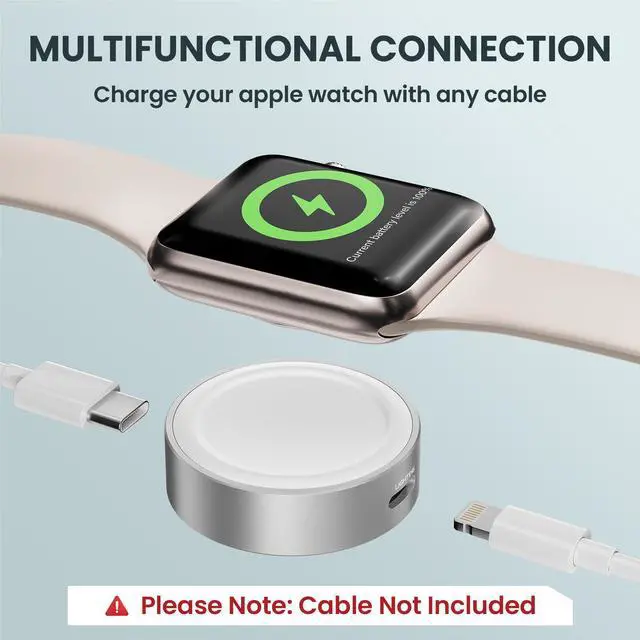
? Cable Dependency: Since the charger doesn’t come with a cable, make sure you have a compatible USB-C or previous-generation iPhone cable on hand.
? Heat Management: The magnetic wireless charger will release heat while charging, so you might feel a bit of temperature rise during use. To avoid overheating, ensure the charger is used in a well-ventilated area and avoid covering it during charging.
? Power Source Connection: To prevent unexpected problems, do not connect both ports to a power source at the same time. This can cause malfunctions or damage to the charger.
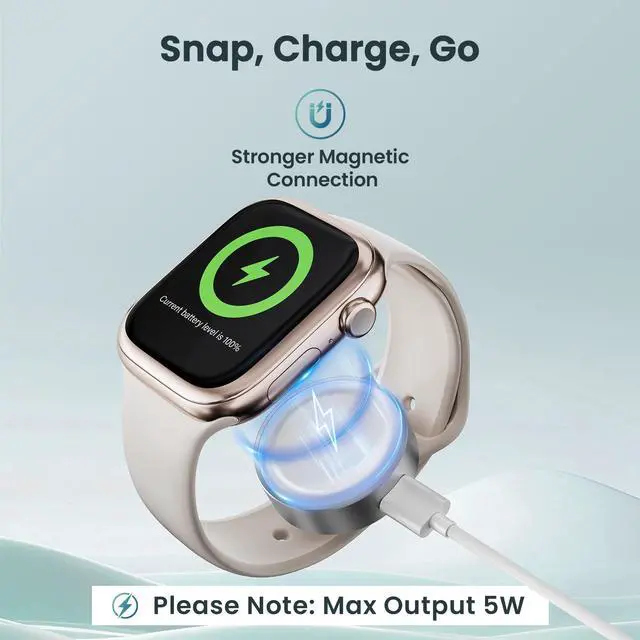
? This charger operates at 5W for faster charging, taking around 1.5-2 hours. It's normal for it to get warm during use. Wireless charging efficiency is influenced by factors like room temperature and correct placement. Initially at 5W, it may drop to 2-3W if it gets hot.

Versatile Compatibility
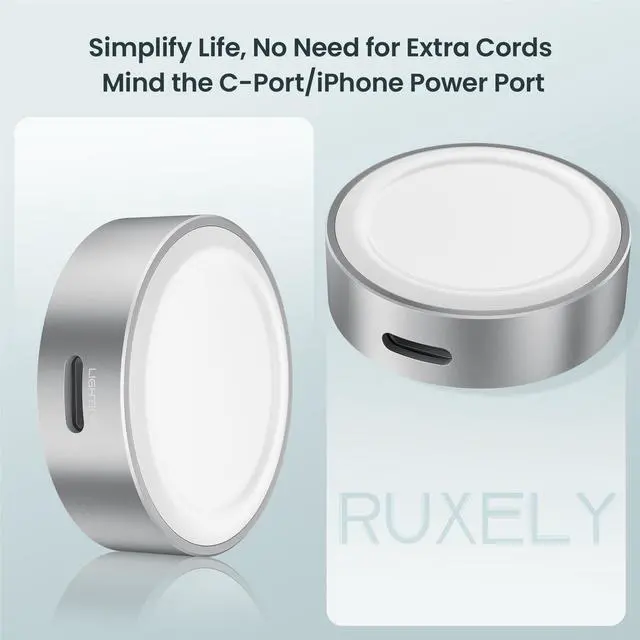
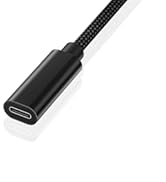
Compatible with both USB-C and previous-generation iPhone ports, making it easy to use with the most common cables.

Cable-Free Flexibility
Use your existing USB-C or previous-generation iPhone cables, reducing clutter and simplifying cable management.


Does the charger come with a cable?
No, the charger does not come with a cable. You will need to use your own USB-C or previous-generation iPhone cable.
How long does it take to fully charge an Apple Watch?
Charging times can vary, but on average, it takes about 1.5 hours to fully charge an Apple Watch.
Is it normal for the charger to get warm during use?
Yes, a slight temperature rise is normal while charging. Ensure the charger is used in a well-ventilated area.
Can I charge my Apple Watch with its case on?
Yes, as long as the case is not too thick and does not interfere with the magnetic connection. However, for optimal charging efficiency, we recommend removing the case to ensure the best possible connection.
Is it safe to leave the charger plugged in when not in use?
While it is safe, we recommend unplugging the charger when not in use to conserve energy and prolong the life of the charger.











Considerations & Tips for Optimal Use
? Charging Speed: Charging speed might be slightly slower compared to standard wired chargers. For optimal results, use a high-quality cable and power source.
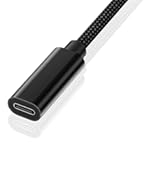
? Cable Dependency: Since the charger doesn’t come with a cable, make sure you have a compatible USB-C or previous-generation iPhone cable on hand.
? Heat Management: The magnetic wireless charger will release heat while charging, so you might feel a bit of temperature rise during use. To avoid overheating, ensure the charger is used in a well-ventilated area and avoid covering it during charging.
? Power Source Connection: To prevent unexpected problems, do not connect both ports to a power source at the same time. This can cause malfunctions or damage to the charger.
? This charger operates at 5W for faster charging, taking around 1.5-2 hours. It's normal for it to get warm during use. Wireless charging efficiency is influenced by factors like room temperature and correct placement. Initially at 5W, it may drop to 2-3W if it gets hot.
Versatile Compatibility
Compatible with both USB-C and previous-generation iPhone ports, making it easy to use with the most common cables.
Cable-Free Flexibility
Use your existing USB-C or previous-generation iPhone cables, reducing clutter and simplifying cable management.


Does the charger come with a cable?
No, the charger does not come with a cable. You will need to use your own USB-C or previous-generation iPhone cable.
How long does it take to fully charge an Apple Watch?
Charging times can vary, but on average, it takes about 1.5 hours to fully charge an Apple Watch.
Is it normal for the charger to get warm during use?
Yes, a slight temperature rise is normal while charging. Ensure the charger is used in a well-ventilated area.
Can I charge my Apple Watch with its case on?
Yes, as long as the case is not too thick and does not interfere with the magnetic connection. However, for optimal charging efficiency, we recommend removing the case to ensure the best possible connection.
Is it safe to leave the charger plugged in when not in use?
While it is safe, we recommend unplugging the charger when not in use to conserve energy and prolong the life of the charger.
APPLE WATCH CHARGER WHITE
APPLE WATCH CHARGER PINK
APPLE WATCH CHARGER BLACK
FITBIT WATCH CHARGER
FITBIT CHARGE 6/5/LUXE CHARGER
FITBIT INSPIRE 3 CHARGER