


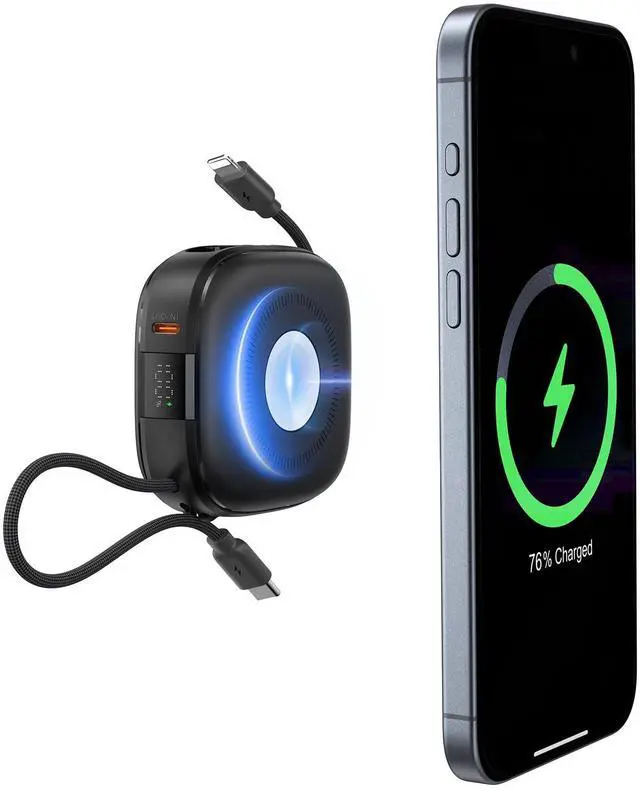
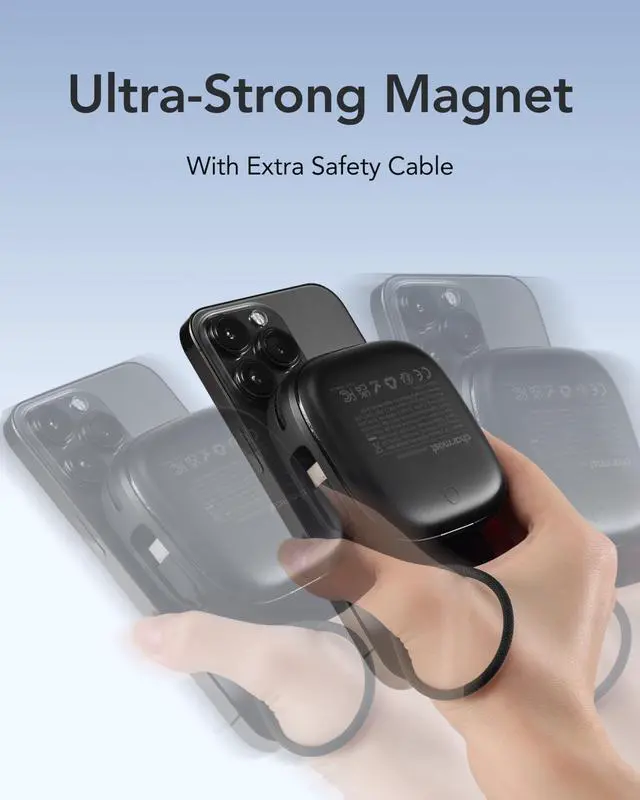
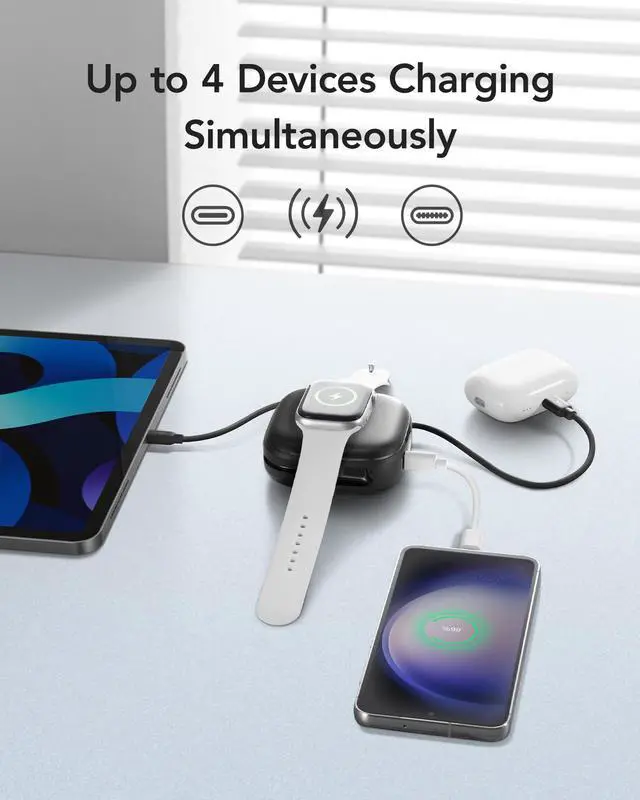
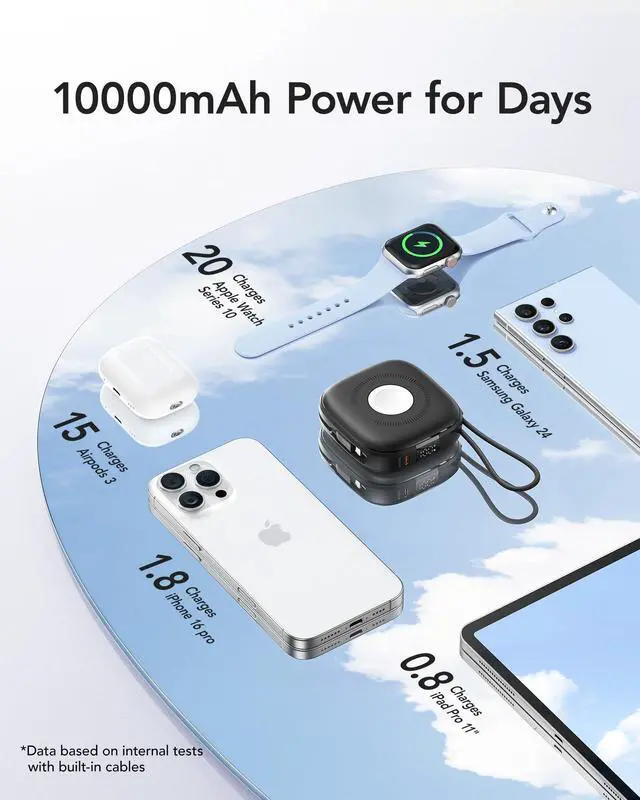


3 in 1 wireless portable charger for all. It's compatible with apple watches, phones and earphones. Not applied for android watches.


Does this power bank support fast charging?
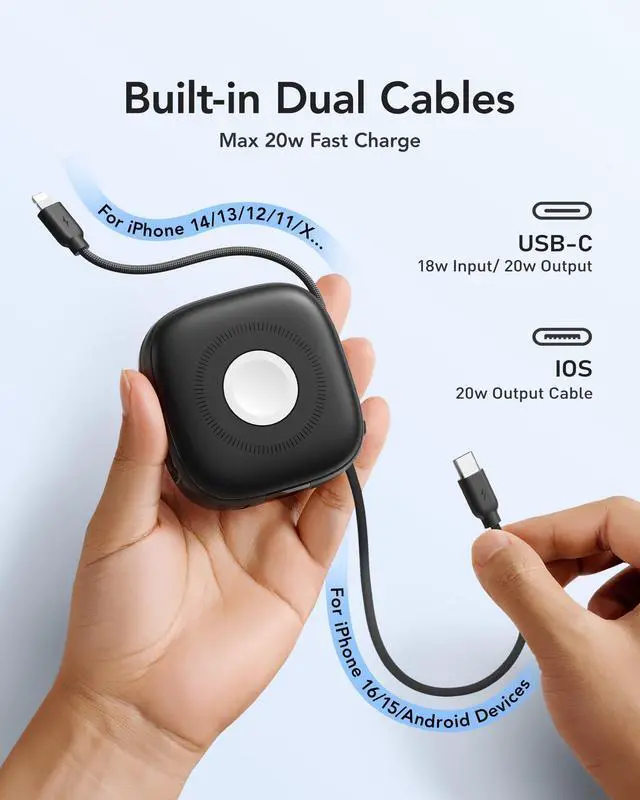
Of course, it supports up to 20W fast charge (built-in type-c and ios cable). The wireless charging area offers 15W for phone and earphone fast charging. It also supports 2.5W for your iWatch to keep its battery healthy.
Is it normal for the portable charger to heat up during wireless discharging?
Heat is inevitable when the wireless power bank is discharging, especially when it is in fast discharging mode. Rest assured, it is certified and safe to use.
What types of devices are compatible with the wireless charging function of this magnetic charger?
It's compatible with apple watches, iPhones/Android smartphones and earphones. Not applied for android watches.
How do I activte the wirelss charging?
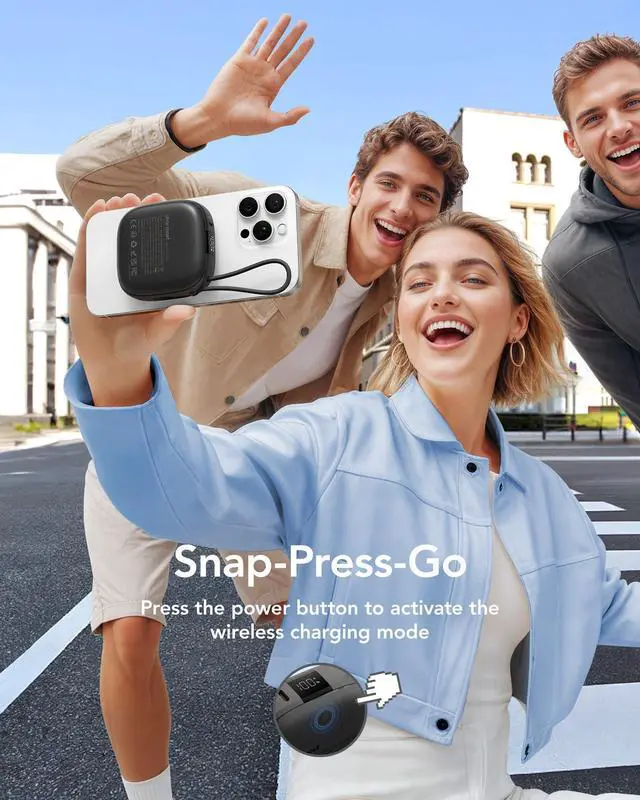
Please attach your device and the power bank together first, and then click the power button to start wireless charging.
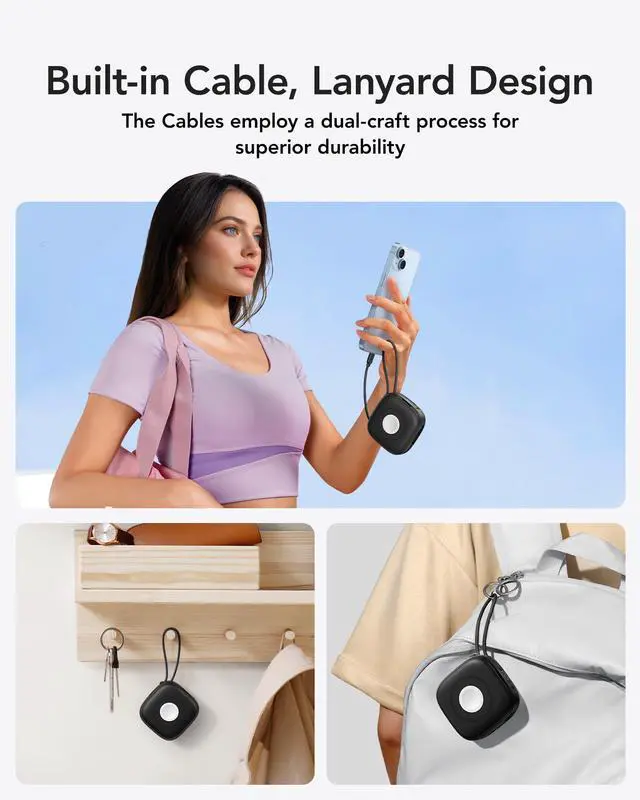
How do I properly remove the built-in type-C cable?
Pinch the Type-c cable near the port with your finger and gently push it forward.


Charmast focuses on the portable charger, you can find us all over the world.
We want to keep your phone on at all times and bring you a safer, more powerful power bank.

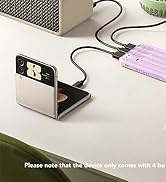
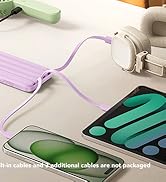
Power Bank with 4 cables
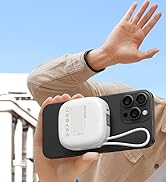

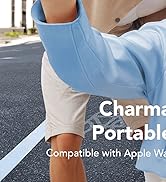
Magnetic Portable Charger


Slim USB C Portable Charger


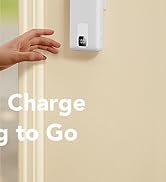
Power Bank with Wall Plug
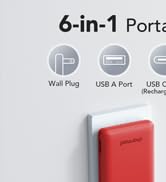
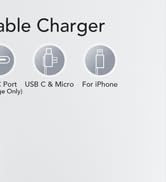
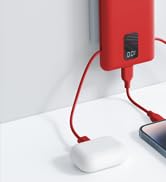
Power Bank with Wall Plug


3 in 1 wireless portable charger for all. It's compatible with apple watches, phones and earphones. Not applied for android watches.


Does this power bank support fast charging?
Of course, it supports up to 20W fast charge (built-in type-c and ios cable). The wireless charging area offers 15W for phone and earphone fast charging. It also supports 2.5W for your iWatch to keep its battery healthy.
Is it normal for the portable charger to heat up during wireless discharging?
Heat is inevitable when the wireless power bank is discharging, especially when it is in fast discharging mode. Rest assured, it is certified and safe to use.
What types of devices are compatible with the wireless charging function of this magnetic charger?
It's compatible with apple watches, iPhones/Android smartphones and earphones. Not applied for android watches.
How do I activte the wirelss charging?
Please attach your device and the power bank together first, and then click the power button to start wireless charging.
How do I properly remove the built-in type-C cable?
Pinch the Type-c cable near the port with your finger and gently push it forward.
Charmast focuses on the portable charger, you can find us all over the world.
We want to keep your phone on at all times and bring you a safer, more powerful power bank.
Power Bank with 4 cables
Magnetic Portable Charger
Slim USB C Portable Charger
Power Bank with Wall Plug
Power Bank with Wall Plug