




 here!
I’m your shopping assistant for PC builds, upgrades, and everything tech.
Got questions? Ask away!
Start a conversation
here!
I’m your shopping assistant for PC builds, upgrades, and everything tech.
Got questions? Ask away!
Start a conversation

Make informed decisions with expert advice. Learn More




Any questions? Ask CelesteSM will help you find out quickly.
We want to ensure your holiday shopping this year is hassle-free. That’s why we’re automatically extending our return policies on almost every product! For purchases placed between November 1st, 2026 and December 31, 2026 you will have until January 31, 2027 to return your product.
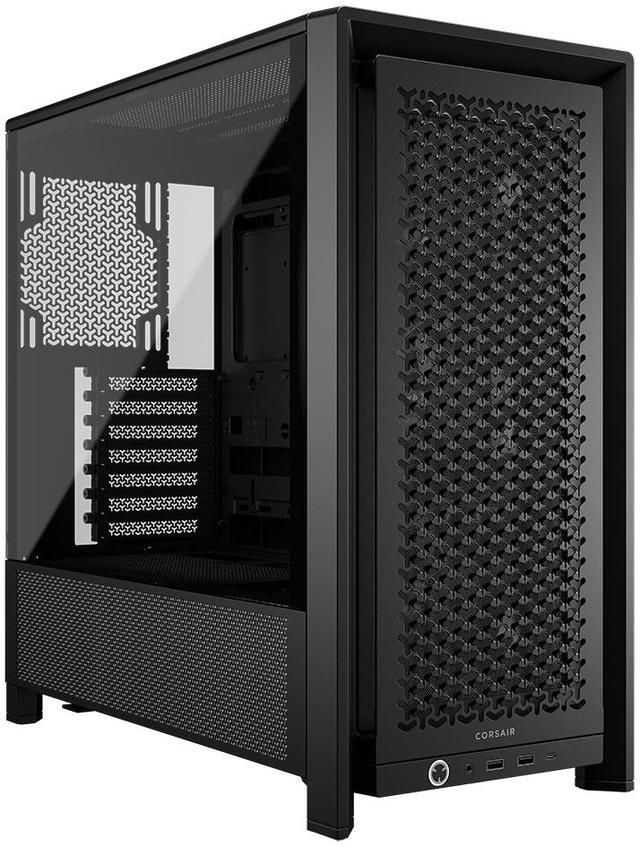
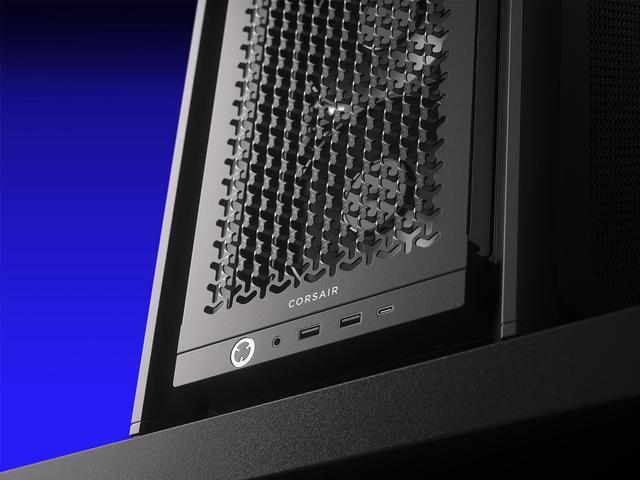
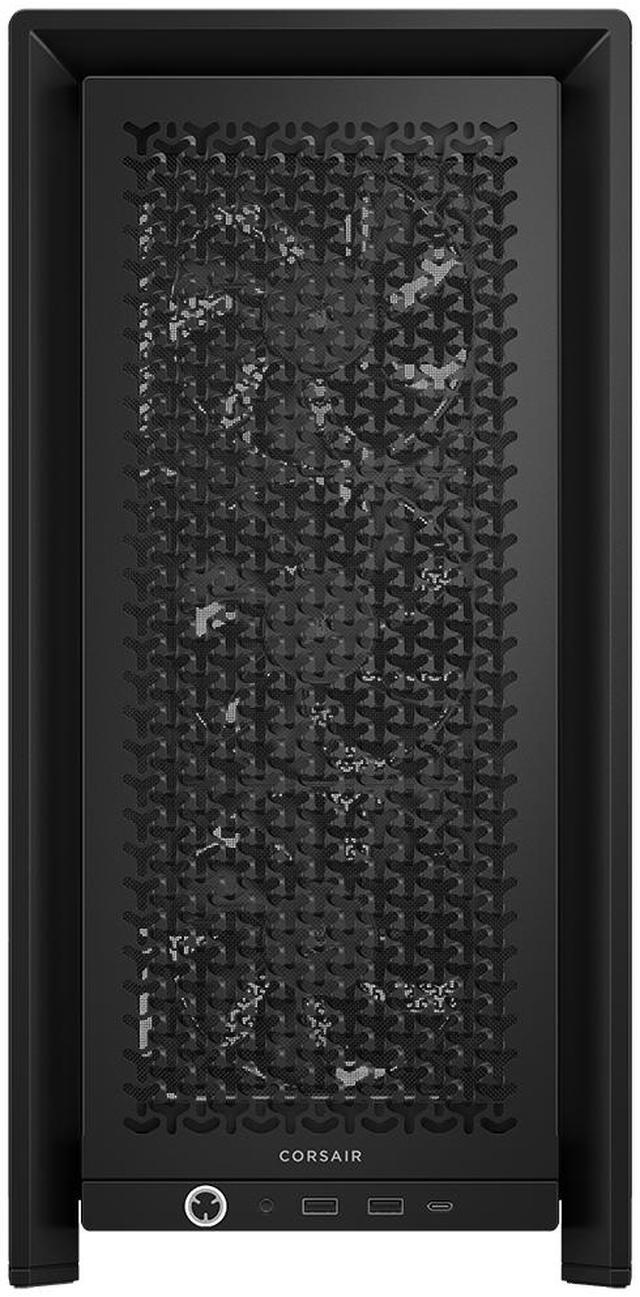
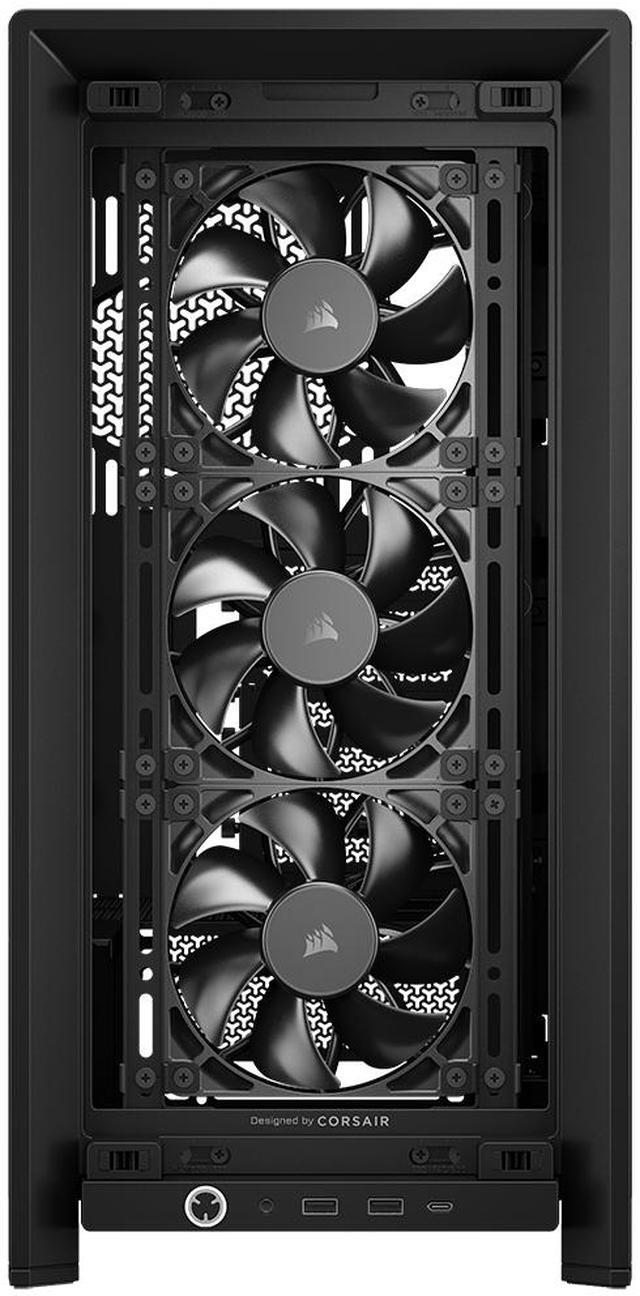
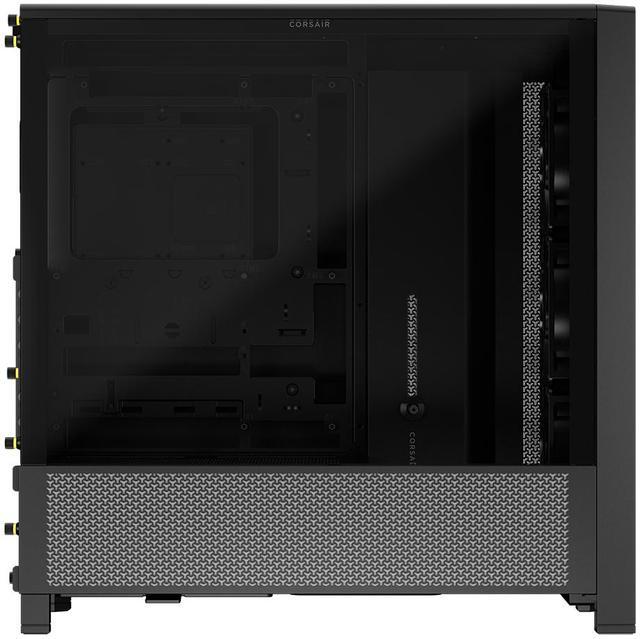
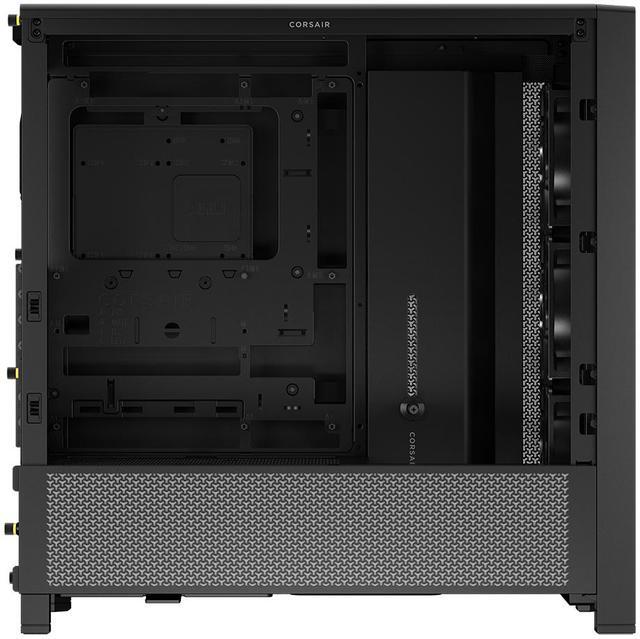
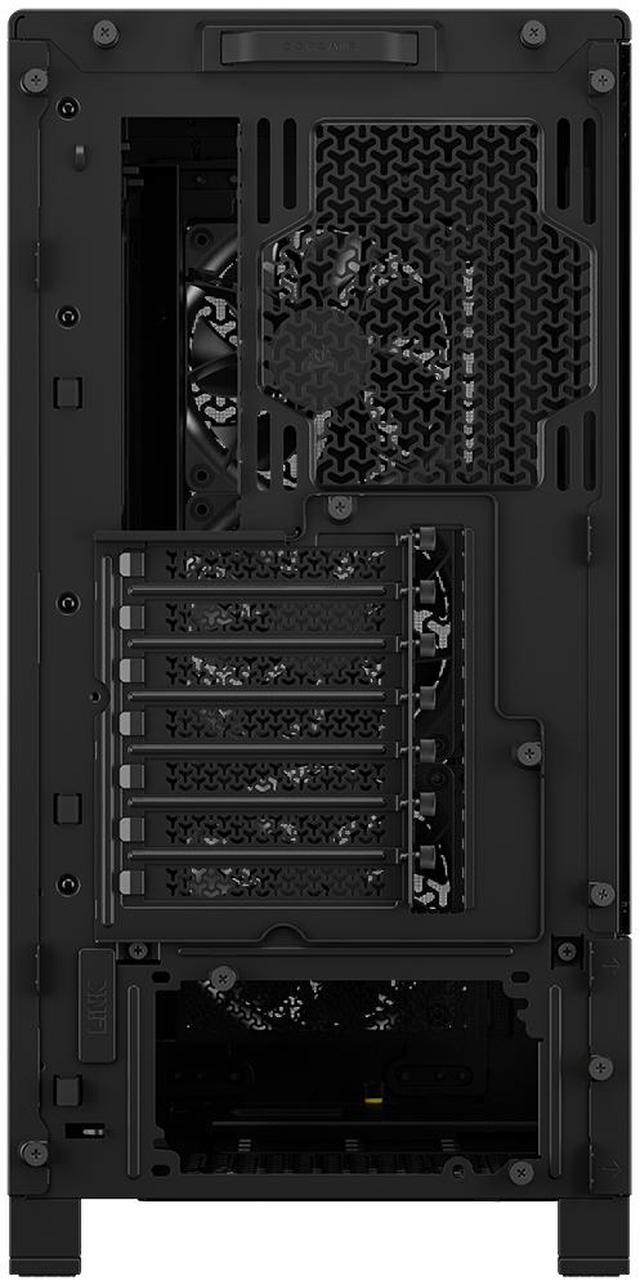
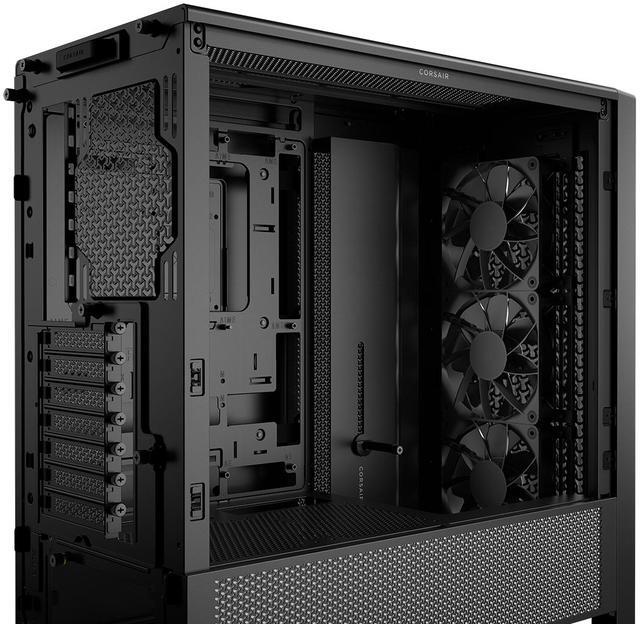
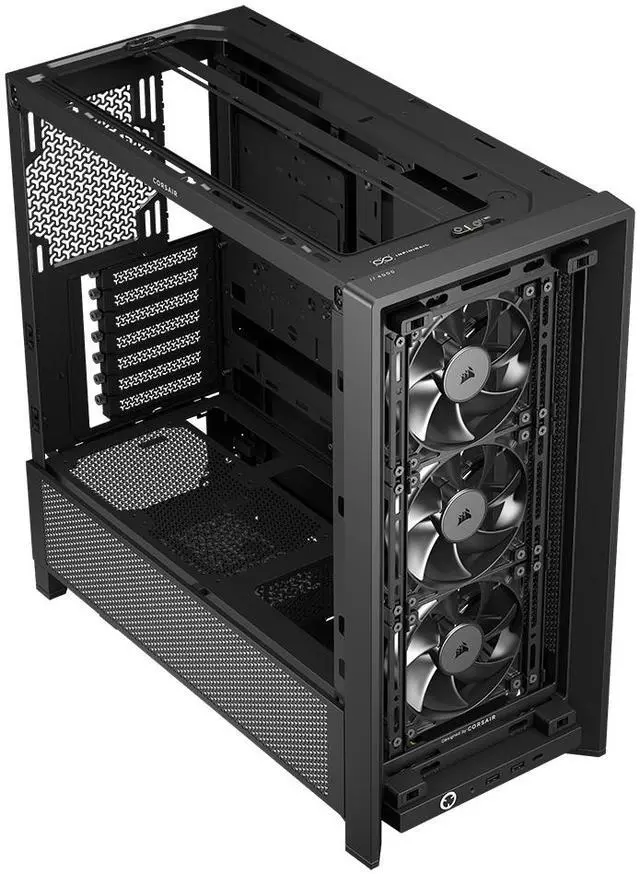
The Corsair FRAME 4000D RS is a black ATX mid-tower PC case built for gamers and PC builders who want strong cooling flexibility, easy customization, and support for large modern components, including up to dual 360mm radiators, E-ATX motherboards, and GPUs up to 430 mm.
Q: Should I buy the Corsair FRAME 4000D RS or the older Corsair 4000D Airflow?
A: Choose the Corsair FRAME 4000D RS if you want the more modern version of Corsair’s 4000-series mid-tower layout. Compared with the older 4000D Airflow, the FRAME 4000D adds a fully modular frame design, broader radiator support, reverse-connector motherboard compatibility, a GPU anti-sag arm, and more internal flexibility for current large-GPU builds. Choose the older 4000D Airflow if your priority is a simpler, proven airflow case and you do not need the newer modular ecosystem or reverse-connect support.
Q: Is the Corsair FRAME 4000D RS worth it over a value airflow case like the Montech AIR 903 MAX?
A: Buy the Corsair FRAME 4000D RS when build quality, modularity, reverse-connector compatibility, and long-term customization matter more than maximizing included fans for the money. Buy a value airflow case like the Montech AIR 903 MAX when your goal is lower upfront cost and strong stock cooling without paying extra for Corsair’s modular platform. The practical trade-off is that the FRAME 4000D RS is the more builder-focused chassis, while budget airflow cases usually emphasize immediate value.
Q: Should I get the Corsair FRAME 4000D RS or move up to the Corsair FRAME 5000D?
A: Choose the Corsair FRAME 4000D RS for a standard high-end ATX build where you want strong cooling support without moving to a larger enclosure. Move up to the FRAME 5000D if you specifically need more interior volume for oversized components, a more spacious custom-loop layout, or extra working room during the build. The buying decision is mostly about size and expansion headroom, not a basic quality difference between the two series.
Q: Corsair FRAME 4000D RS or Lian Li Lancool 216 for an airflow-focused gaming PC?
A: Choose the Corsair FRAME 4000D RS if you want a more modular platform, cleaner support for newer motherboard layouts, and more upgrade flexibility around radiator placement and accessory options. Choose the Lian Li Lancool 216 if your main goal is a straightforward airflow-first gaming case with a strong out-of-box cooling reputation. In practice, the FRAME 4000D RS is the better fit for users planning around platform features and future changes, while the Lancool 216 is the simpler choice for stock-airflow value.
Q: Is the Corsair FRAME 4000D RS a good choice for a high-airflow gaming build with large parts?
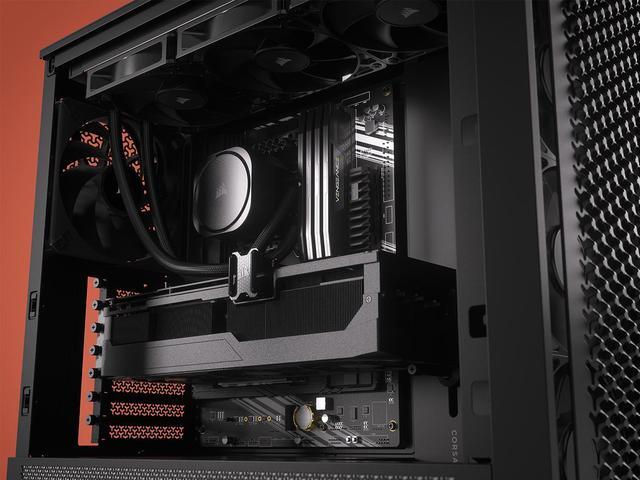
A: Yes. It is a strong fit for mainstream to high-performance gaming builds because it supports GPUs up to 430 mm, CPU coolers up to 170 mm, and up to dual 360 mm radiators. It also includes three 120 mm fans, so it is more ready for airflow-focused builds out of the box than many older mid-towers. It is less ideal if you need a very compact case or want an included power supply.
Q: Does the Corsair FRAME 4000D RS support reverse-connector motherboards, and can it still use a normal motherboard?
A: Yes to both. The case is designed to support reverse-connector boards such as ASUS BTF, MSI Project Zero, and GIGABYTE Project Stealth, but it also works with standard Mini-ITX, Micro-ATX, ATX, and E-ATX motherboards. That makes it a practical choice if you want cleaner cable routing now or the option to switch to a reverse-connector build later.
Q: Is this case good for liquid cooling, or is it better for air cooling only?
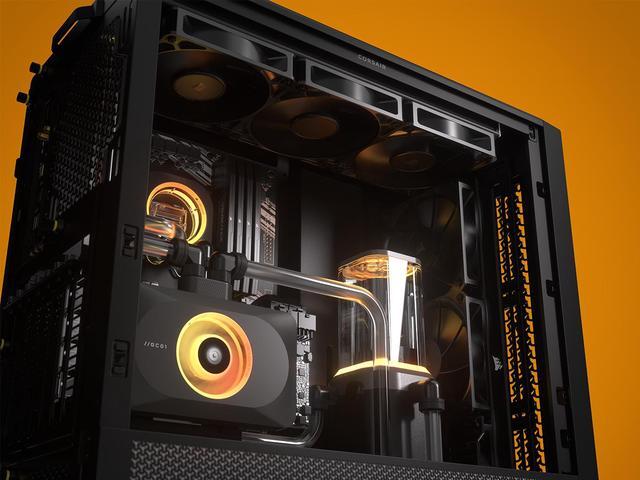
A: It is good for both, but it is notably stronger than average for liquid cooling in a mid-tower. The FRAME 4000D RS supports up to two 360 mm radiators at the same time, while many comparable 4000D-era mid-towers are more limited at the top mount. If you plan a larger AIO or a more complex cooling setup, this case is a better fit than older 4000D-style alternatives.
Q: What are the main trade-offs versus the older Corsair 4000D Airflow?
A: The FRAME 4000D RS is the more flexible and expansion-friendly option. Compared with the older 4000D Airflow, it adds reverse-connector motherboard support, a modular design, a GPU anti-sag arm, larger GPU clearance, and broader radiator support. The older 4000D Airflow is simpler and still capable, but it is the better pick only if you want a more basic case and do not need the newer platform features.
Q: Who is the Corsair FRAME 4000D RS most suitable for?
A: It is best for builders who want a modern ATX mid-tower with room to grow: large GPU support, strong cooling flexibility, cleaner cable management options, and compatibility with both standard and reverse-connector motherboards. It is especially suitable for first-time builders who want upgrade headroom, and for enthusiasts planning a more customized build later. It is less suitable for small-form-factor builds or buyers who only need a very basic budget case.
Q: Who is the Corsair FRAME 4000D RS best suited for?
A: It is best suited for mainstream to high-end ATX builders who want strong cooling flexibility without moving to a larger dual-chamber case. Based on the product specs, it fits up to E-ATX boards, supports multiple 360 mm radiators, includes three RS120 fans, and has a modular layout with reverse-connector motherboard support. Reddit and YouTube discussion around the case repeatedly focuses on airflow, radiator support, and easier building features, which makes it a better fit for gaming or showcase builds than for storage-heavy builds.
Q: Is the FRAME 4000D RS a good buy if I want strong cooling support?
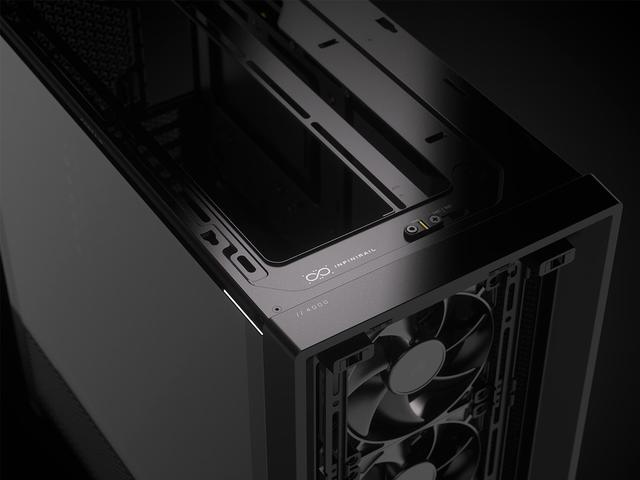
A: Yes, if cooling flexibility is a priority. The case supports 360 mm radiators in the front, top, and side positions, includes three RS120 fans, and uses the InfiniRail mounting system for broader fan placement options. Community discussion around the FRAME 4000D frequently centers on airflow and radiator compatibility, so it is a sensible choice for builders planning high-airflow or liquid-cooled systems. The trade-off is that its strengths are more about cooling and modularity than storage capacity.
Q: Is the FRAME 4000D RS a good replacement for an older 4000D-style airflow case?
A: Usually yes, if you want more build flexibility. Compared with a basic older 4000D-style layout, this model adds a modular frame design, reverse-connector motherboard compatibility, dual 360 mm radiator support, a GPU anti-sag arm, and three included RS fans. Reddit and YouTube discussions often frame it as an upgraded 4000D concept rather than a minor refresh. It is a better replacement if your priority is modern features, but less compelling if your current case already meets your cooling and layout needs.
Q: What are the main trade-offs of choosing the FRAME 4000D RS?
A: The main trade-offs are storage focus and expandability expectations. On paper, it supports only two 3.5-inch drives and four 2.5-inch drives, so it is less suitable for users building around several hard drives. Reddit discussion also raises concerns about cabling clearance compared with roomier dual-chamber cases. In practice, this case is a stronger fit for airflow-focused gaming builds than for storage-heavy or maximum-ease cable-routing setups.
Q: Should I buy the FRAME 4000D RS if I care about included accessories and out-of-box usability?
A: Yes, if you want a case that is usable without immediately adding basic cooling hardware. This version includes three RS120 fans, dust filters, and support for large GPUs and tall air coolers. Community questions show that buyers pay attention to what is included, especially filters and panel options. One thing to note is that customization shown in marketing or other FRAME variants may not all be included in the box, so buyers should check the exact RS configuration rather than assume all panels or accessories are bundled.


