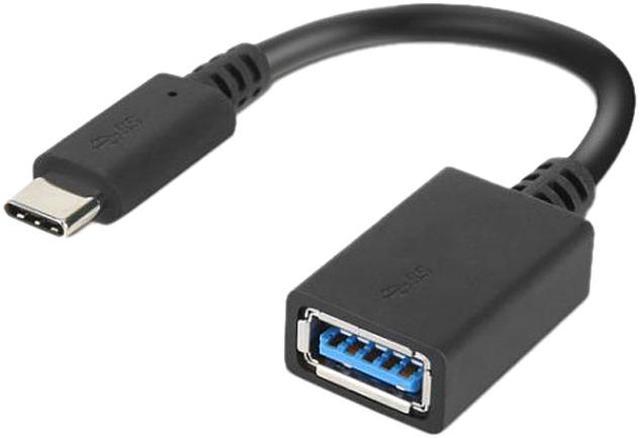
The Lenovo 4X90Q59481 is a 5.5-inch USB-C male to USB-A female adapter for connecting USB-A accessories to USB-C notebooks and tablets, making it suitable for people who need to use existing peripherals or access files on older devices.
Recommended For
- USB-C laptop users who need to connect legacy USB-A accessories—such as a mouse, keyboard, or flash drive—without carrying a larger hub.
- Mobile workers who move between offices or travel and want a compact adapter for accessing files on USB-A storage devices from a USB-C laptop or tablet.
- Users transferring files from older USB-A peripherals or storage to a USB-C computer, where USB 3.0-class transfer support is sufficient.
- USB-C tablet owners who need to connect a compatible USB-A accessory for occasional work or file access.
Real-World Use Scenarios
- When a USB-C laptop needs to read or copy files from a USB-A flash drive, connect the drive through the adapter to access the files; transfer speed depends on the laptop, drive, and files.
- If a USB-C laptop or handheld PC has no open USB-A port, use the adapter to connect a USB-A mouse, keyboard, or wireless receiver and keep using that peripheral.
- When moving to a newer USB-C-only computer, connect an older USB-A accessory through the adapter instead of replacing it just to match the port.
- For travel or a shared workspace, keep the short adapter in a laptop bag so a USB-A drive or input device can be connected when only USB-C ports are available.




 here!

 Hot Seller