

Your Browsing History

- Free 30-day Returns
$9.99



Meet Your Seller




Visit Monoprice Store
FOLLOW
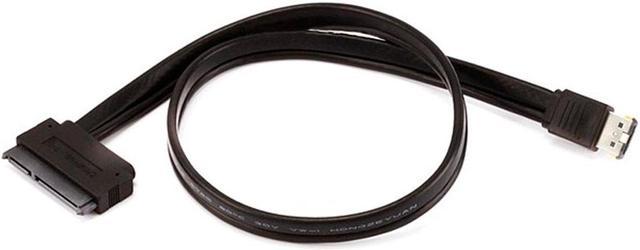
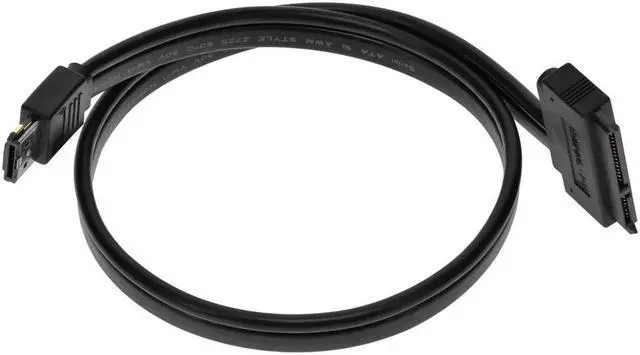
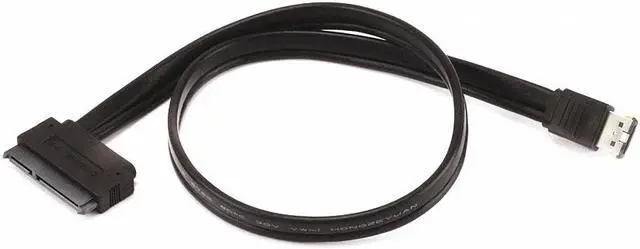
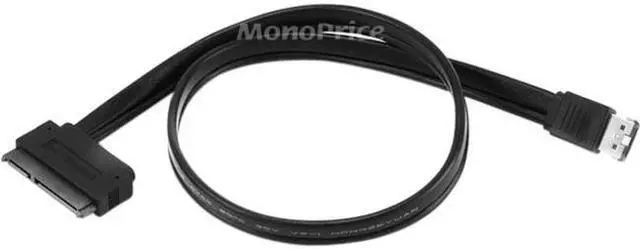
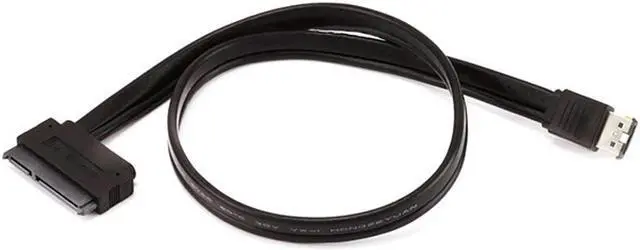
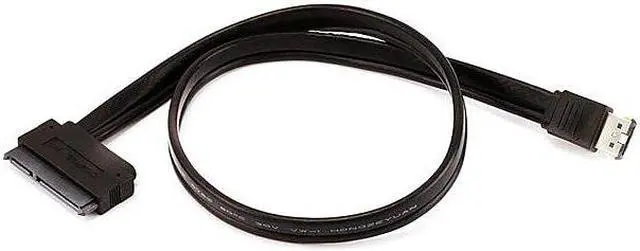
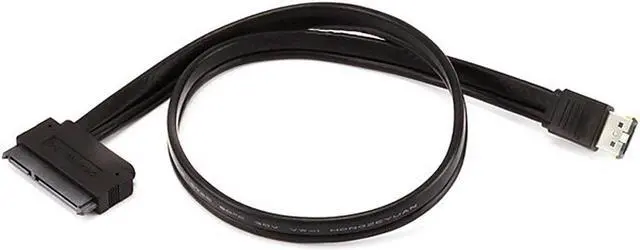
Monoprice 108492 19-Inch eSATAp to SATA 22-Pin Cable, Black
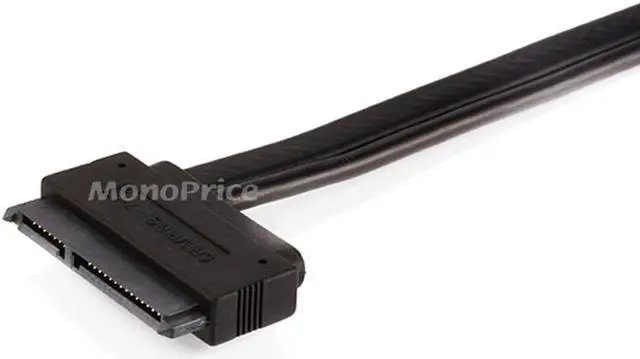
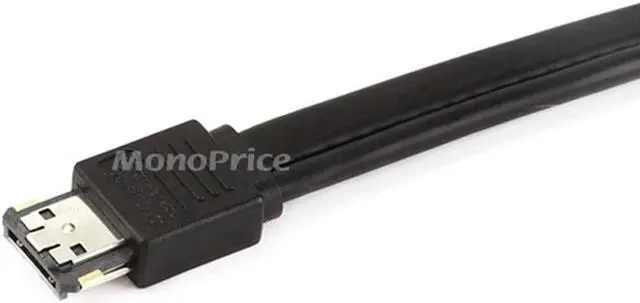
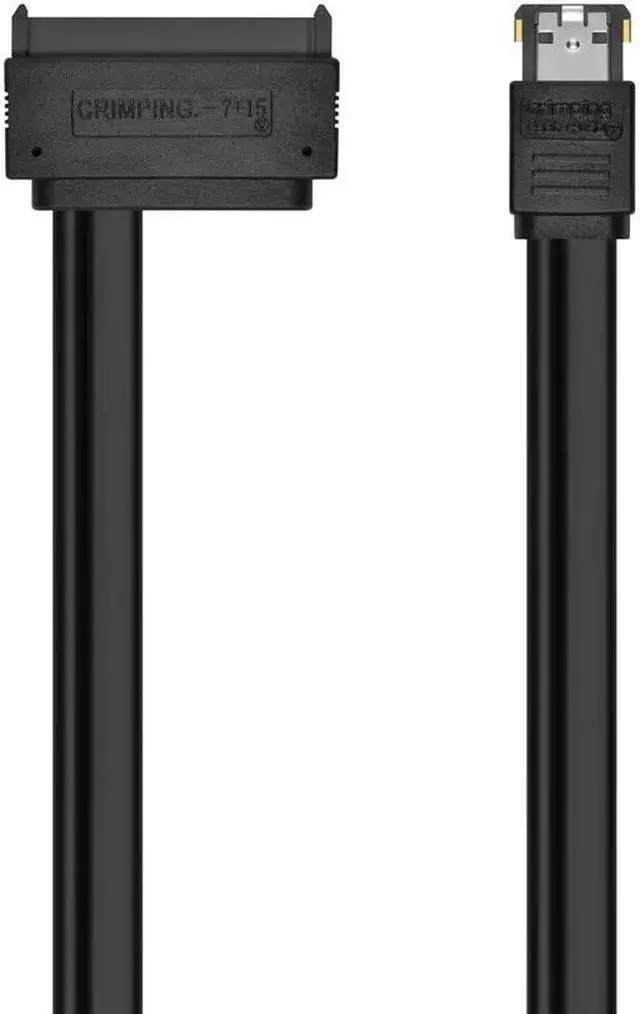
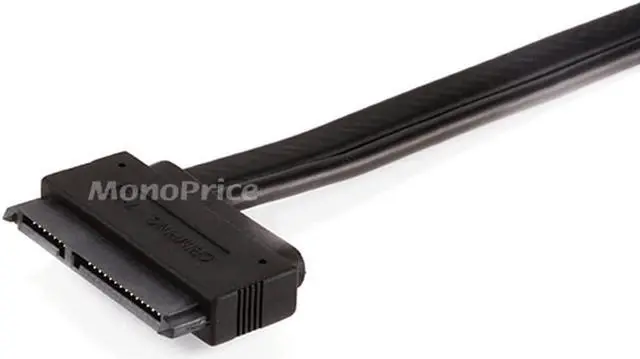
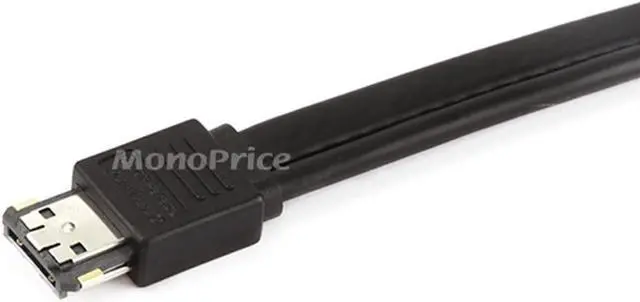
- This cable has an eSATAp (powered external SATA) connector on one end and a standard SATA internal drive connector (with power) on the other end
- You can easily connect any internal SATA drive to you
+
+
Overview
Specs
Reviews (4)

Any questions? Our AI mode will help you find out quickly.
Try me now
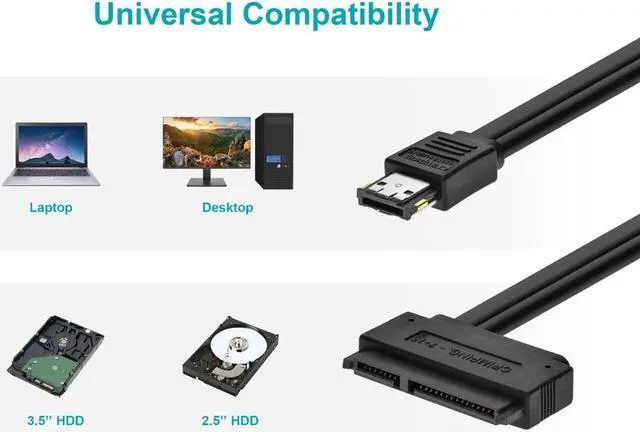
Do you want a simple, easy-to-connect, temporary external drive solution for your eSATAp equipped desktop or laptop PC to a internal SATA drive? This is the cable to get! This cable has an eSATAp (powered, external SATA) connector on one end and a standard SATA internal drive connector (with power) on the other end. You can easily connect any internal SATA drive to your PC's internal SATA bus from outside your PC by using this cable and your eSATAp port. Your PC will see the drive the same as if it was installed into your PC, without requiring any software installation.
This cable will support 2.5" SATA HDDs on any system equipped with an eSATAp port. It will also support 3.5" SATA HDDs and 5.25" optical drives on a desktop system equipped with a 12V eSATAp port. Although this isn't ideal as a long-term solution, because of the exposed drive circuits, it is an excellent way to quickly transfer data to or from an internal drive without going through the hassle of installing it into a PC or an external enclosure at a lower cost than a SATA docking station. Warning! Because the drive is not enclosed, the circuit board is exposed and can be easily shorted out if you allow it to come into contact with a conducting surface or object.
DO NOT place the drive on a metal surface or allow metal objects (such as screws) to come into contact with the circuit board. It is best to place the drive circuit board side down on top of a nonconducting surface. The box for this converter cable serves as an excellent surface on which to place the drive.
This cable will support 2.5" SATA HDDs on any system equipped with an eSATAp port. It will also support 3.5" SATA HDDs and 5.25" optical drives on a desktop system equipped with a 12V eSATAp port. Although this isn't ideal as a long-term solution, because of the exposed drive circuits, it is an excellent way to quickly transfer data to or from an internal drive without going through the hassle of installing it into a PC or an external enclosure at a lower cost than a SATA docking station. Warning! Because the drive is not enclosed, the circuit board is exposed and can be easily shorted out if you allow it to come into contact with a conducting surface or object.
DO NOT place the drive on a metal surface or allow metal objects (such as screws) to come into contact with the circuit board. It is best to place the drive circuit board side down on top of a nonconducting surface. The box for this converter cable serves as an excellent surface on which to place the drive.
Warranty & Returns
Warranty, Returns, And Additional Information
Warranty
- Please contact the Seller directly for warranty information. Warranty information may also be found on the Manufacturer's website.
- CONTACT
Return Policies
- Return for refund within: 30 days
- Return for replacement within: 30 days
- This item is covered by Monoprice Return Policy
Manufacturer Contact Info
- For a directory of all our manufacturers, please click below.
- Manufacturers Directory
LOADING...