

Your Browsing History
- Free 30-day Returns
$160.46
Best Sellers
 Hot Seller
- $177.44
- + FREE SHIPPING
 Top Rated
- $182.44

Meet Your Seller

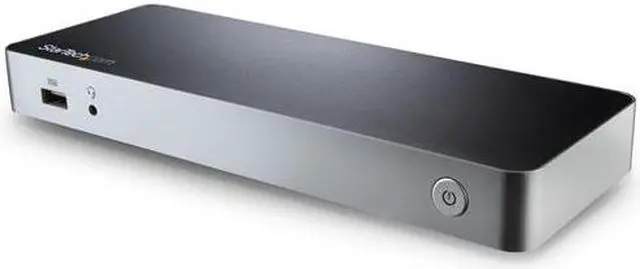
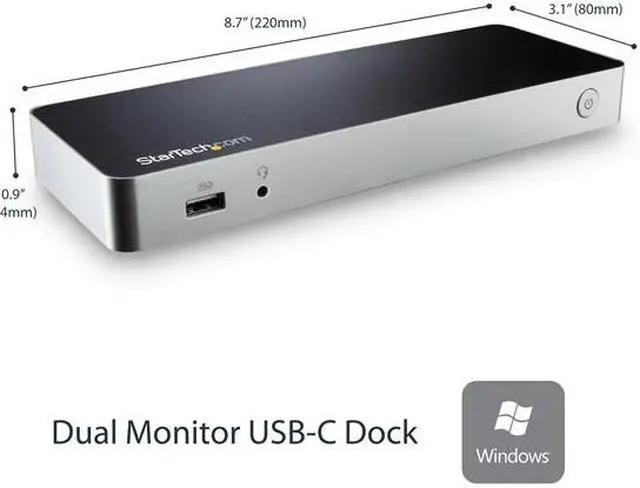
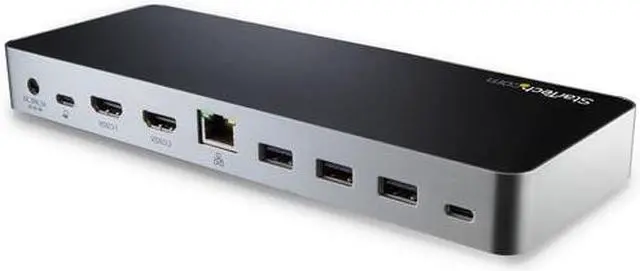
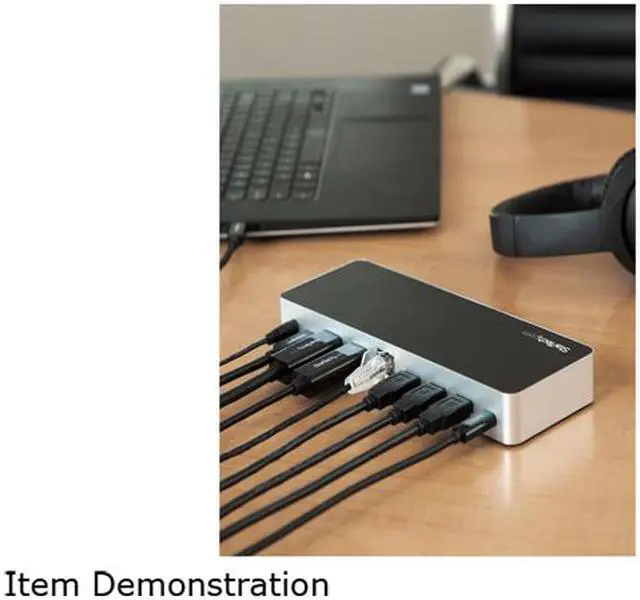
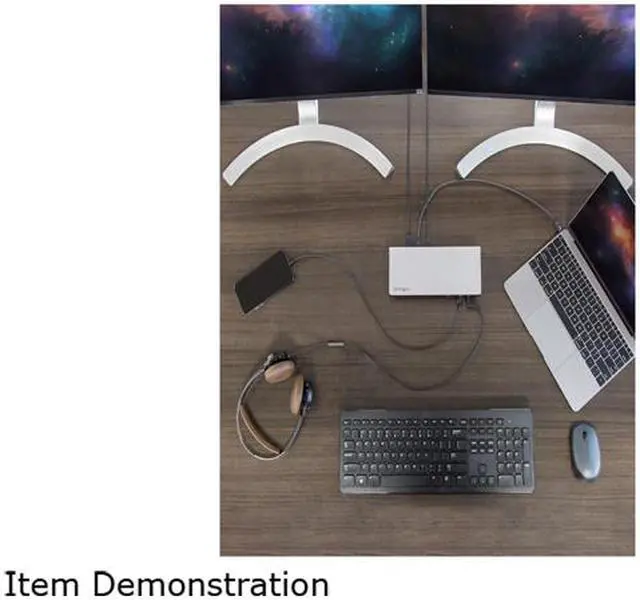
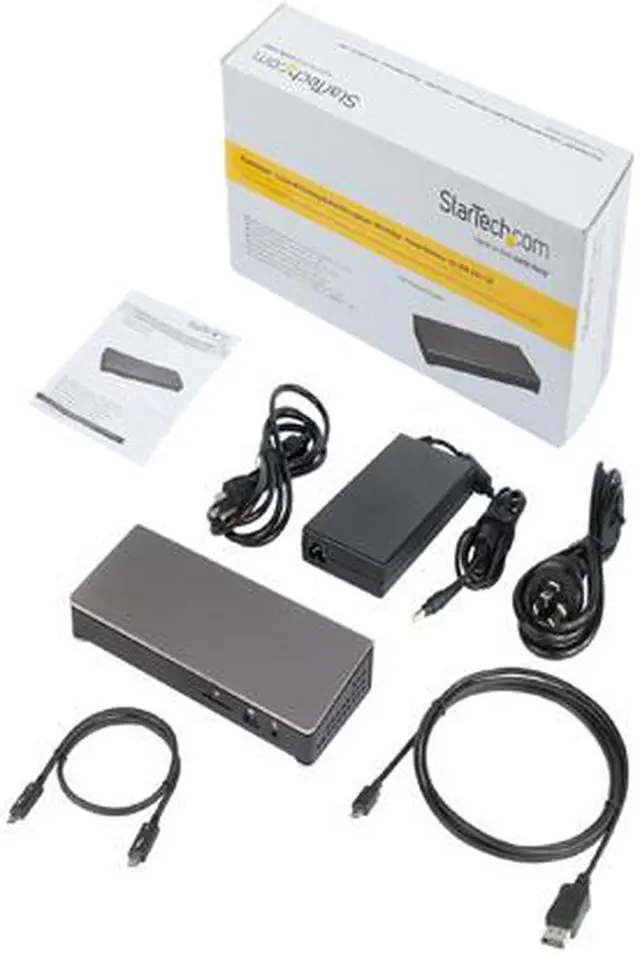


StarTech MST30C2HHPD Dual Monitor USB C Dock - For Windows Laptops - 4K MST - with 60W Power Delivery (USB PD) - Laptop Docking Station
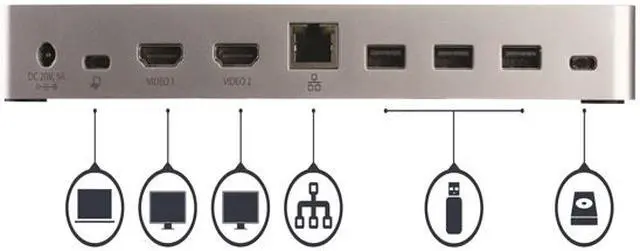
- This dual monitor USB-C dock for Windows lets you easily connect 2x HDMI monitors or DVI monitors (with included adapters) or 1x HDMI monitor and 1x DVI monitor using one USB-C cable
- No setup of display driver required right out of the box
- Power and charge your laptop and power devices with this USBC docking station with 60W Power Delivery
- USB C port replicator lets you connect devices with more bandwidth with 5x USB 3.0 (1x USB-C & 4x USB-A including 1x Fast-Charge)
- GbE port (PXE Boot)
+
+
Overview
Specs
Reviews (4)
See all Q & A 
Any questions? Our AI mode will help you find out quickly.
Try me now
Dual monitor USB-C dock for Windows lets you connect dual HDMI/DVI monitors or s
Warranty & Returns
Warranty, Returns, And Additional Information
Warranty
- Please contact the Seller directly for warranty information. Warranty information may also be found on the Manufacturer's website.
- Read full details
- CONTACT
Return Policies
- Return for refund within: 30 days
- Return for replacement within: non-replaceable
- This item is covered by NothingButSavings Return Policy
Manufacturer Contact Info
- For a directory of all our manufacturers, please click below.
- Manufacturers Directory
LOADING...
LOADING...