




 here!
I’m your shopping assistant for PC builds, upgrades, and everything tech.
Got questions? Ask away!
Start a conversation
here!
I’m your shopping assistant for PC builds, upgrades, and everything tech.
Got questions? Ask away!
Start a conversation



Any questions? Ask CelesteSM will help you find out quickly.


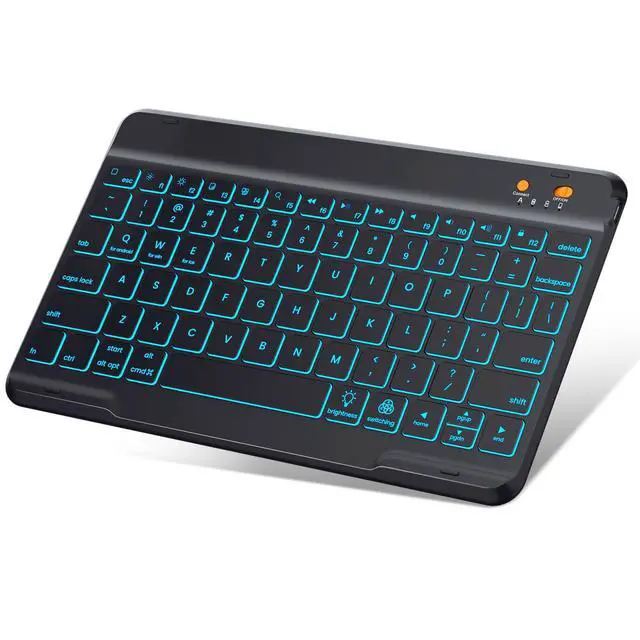
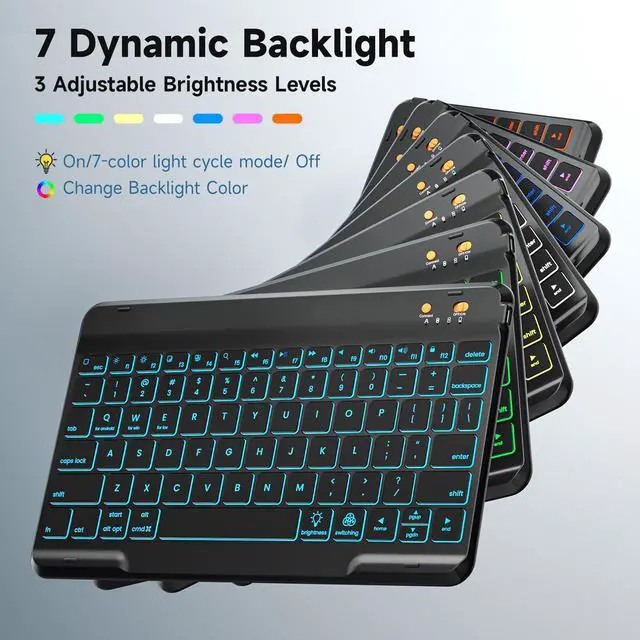
With 7-color backlights and 3 levels of brightness adjustment, the keyboard case can adapt to various environments.In nighttime or low-light conditions, you can adjust it to an appropriate color of light, which effectively relieves visual fatigue and enhances the convenience of use.
 Ipad Case with Keyboard |  Ipad Case with Keyboard |  Ipad Case with Keyboard |  Ipad Case with Keyboard | |
|---|---|---|---|---|
Customer Reviews | — | — | — | — |
Price | — | — | — | — |
Colour | Black | Teal | Pink | Green |
Applicable Models | 4th/5th/6th/Air 2/Air 1 | 4th/5th/6th/Air 2/Air 1 | 4th/5th/6th/Air 2/Air 1 | 4th/5th/6th/Air 2/Air 1 |
7 Backlight Colours | ? | ? | ? | ? |
Wireless Connection | ? | ? | ? | ? |
3 levels of Brightness | ? | ? | ? | ? |
How to connect to Bluetooth?
1.Push the power switch button to ON position to turn on the keyboard, then press the "connect" button until the Blue light flashes.
2.Turn on the Bluetooth of your iPad.
3.Choose “Bluetooth Keyboard" option in the searching page to adapt.
Why does pressing the space bar trigger other functions instead of inputting a space normally?
Check your iPad system settings: Open [Settings ? Accessibility ? Keyboard], confirm if [Full Keyboard Access] is enabled, and disable it if needed to restore normal space bar input.
How long does the battery last on the iPad keyboard case?
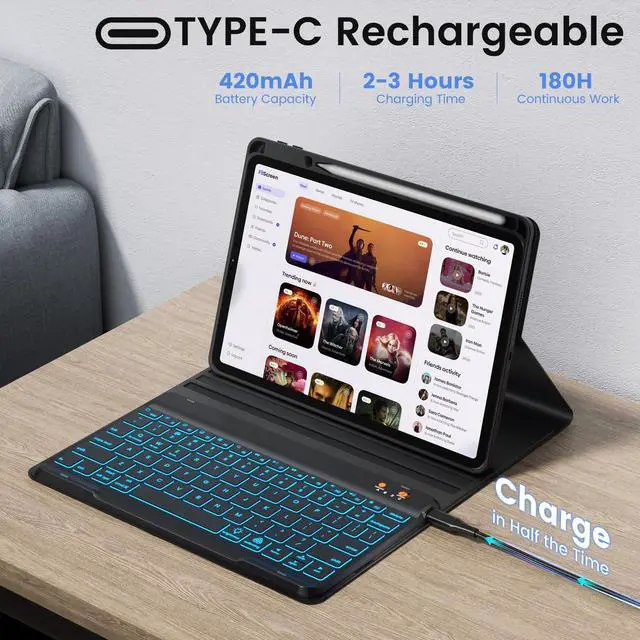
It takes about 2 hours to fully charge and can be used for about 180 hours after a full charge.
What does the packaging contain?
1*Case Cover for iPad, 1*RGB Backit Keyboard, 1*Type-C charging cable, 1*User manual


With 7-color backlights and 3 levels of brightness adjustment, the keyboard case can adapt to various environments.In nighttime or low-light conditions, you can adjust it to an appropriate color of light, which effectively relieves visual fatigue and enhances the convenience of use.


Efficient Typing at Work, Effortless Control During Entertainment, and Ultra-portable for Journeys
Ipad Case with Keyboard | Ipad Case with Keyboard | Ipad Case with Keyboard | Ipad Case with Keyboard |
|---|---|---|---|
| Customer Reviews | |||
| — | — | — | — |
| Price | |||
| — | — | — | — |
| Colour | |||
| Black | Teal | Pink | Green |
| Applicable Models | |||
| 4th/5th/6th/Air 2/Air 1 | 4th/5th/6th/Air 2/Air 1 | 4th/5th/6th/Air 2/Air 1 | 4th/5th/6th/Air 2/Air 1 |
| 7 Backlight Colours | |||
| ? | ? | ? | ? |
| Wireless Connection | |||
| ? | ? | ? | ? |
| 3 levels of Brightness | |||
| ? | ? | ? | ? |
How to connect to Bluetooth?
1.Push the power switch button to ON position to turn on the keyboard, then press the "connect" button until the Blue light flashes.
2.Turn on the Bluetooth of your iPad.
3.Choose “Bluetooth Keyboard" option in the searching page to adapt.
Why does pressing the space bar trigger other functions instead of inputting a space normally?
Check your iPad system settings: Open [Settings ? Accessibility ? Keyboard], confirm if [Full Keyboard Access] is enabled, and disable it if needed to restore normal space bar input.
How long does the battery last on the iPad keyboard case?
It takes about 2 hours to fully charge and can be used for about 180 hours after a full charge.
What does the packaging contain?
1*Case Cover for iPad, 1*RGB Backit Keyboard, 1*Type-C charging cable, 1*User manual
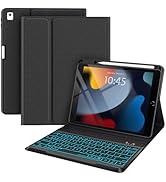
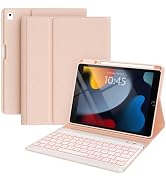
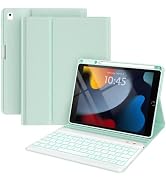
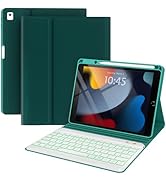
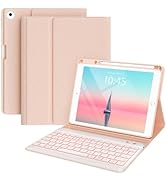
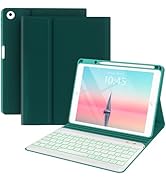
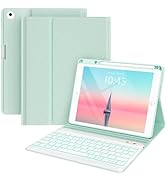
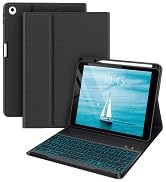
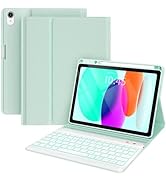
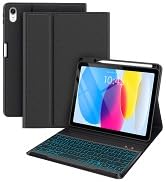
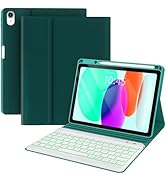
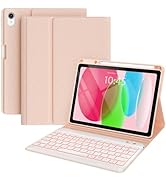
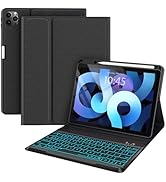
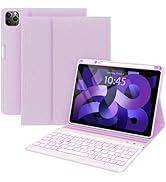
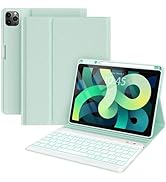
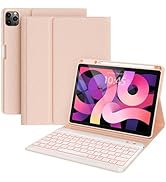
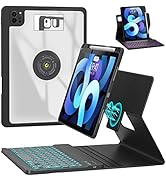
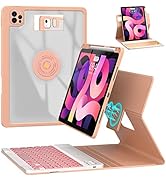
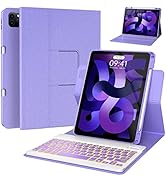
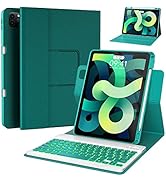
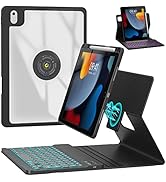
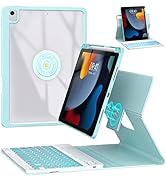
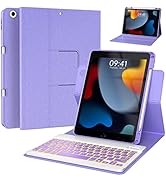
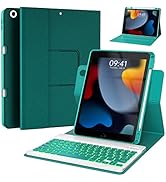
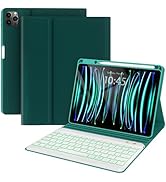
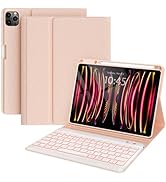
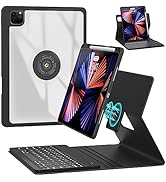
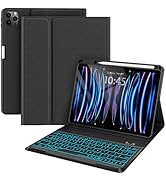
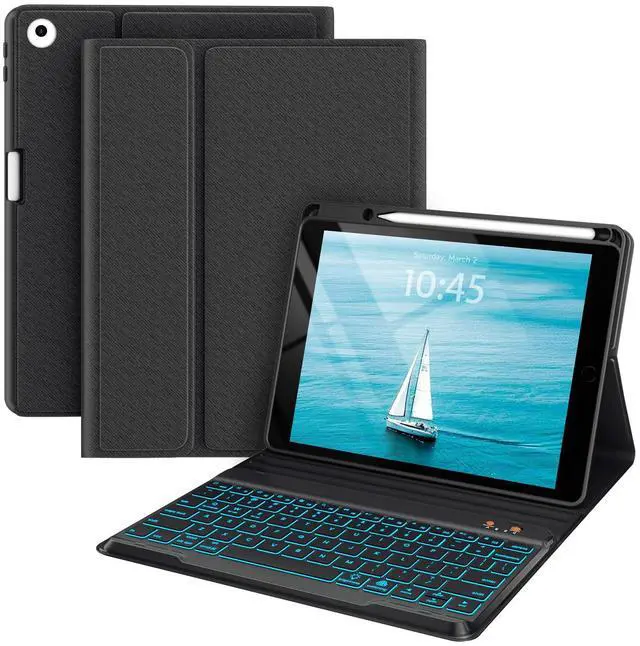
Ipad 9.7 case with keyboard ,ipad keyboard Case for ipad air 2/ipad 5th generation/ipad 6th generation-Backlit 7 Color-Smart Folio-Auto Sleep-Wireless BT Keyboard Case Cover for ipad 9.7 inch (Black)
PRODUCTS ADVANTAGE & FEATURES
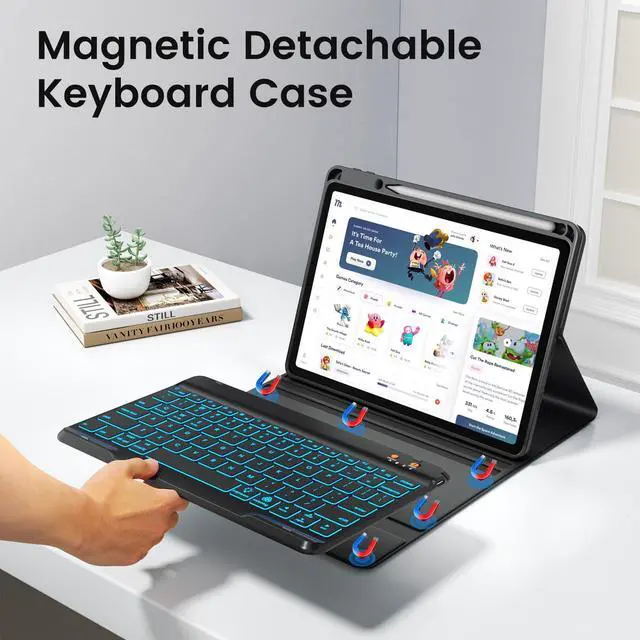
Backlit wireless BT detachable keyboard connectivity within 10 feet, makes typing on the iPad as a laptop
PU leather case and precise cut-out protects iPad from drops and falls
Anti-slip groove design provides multiple viewing angles
Built-in pencil holder provide a place nicely secure your stylus pen
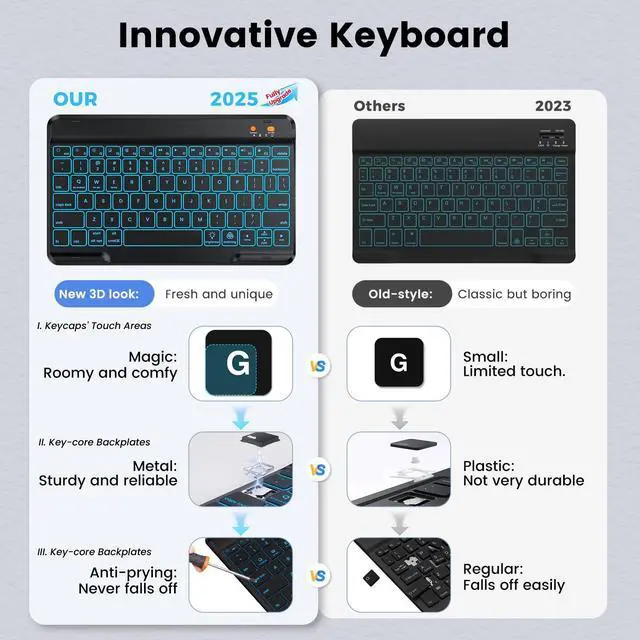
Scissor key structure provides soft and smooth typing experience
Auto sleep/wake Function saves a lot of life for your iPad
COMPATIBLE DEVICE
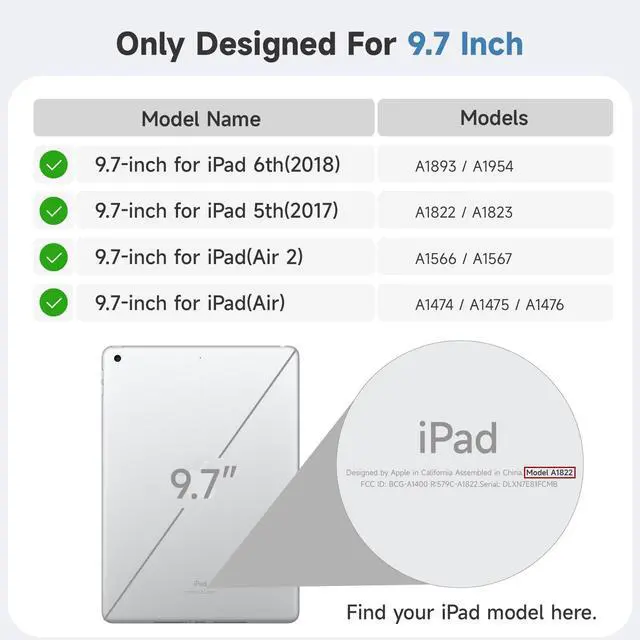
Only fit for iPad 6th Gen 2018 9.7" - A1893/A1954
Only fit for iPad 5th Gen 2017 9.7" - A1822/A1823
Only fit for iPad 9.7" for Air 2 - A1566/A1567
HOW TO CONNECT THE BACKLIT KEYBOARD
* Open the cover, turn ON the keyboard
* Turn on the Bluetooth of iPad
* Click "Connect" keys to open the Bluetooth of the keyboard
* Go to your iPad bluetooth setting, click on bluetooth and look for Bluetooth Keyboard" in the searching page, just select it
NOTE
1. Please charge your keyboard for 2~3 hours the first time you use
2. Turn on the keyboard, the power indicator will flash about 3 seconds then goes off
3. When use it for the second time: only need to turn on your tablet Bluetooth and keyboard power, press any key on the keyboard. Then it will automatically connect
(No need to click"BT Keyboard" on the iPad screen, also don't press "CONNECT" button on the keyboard , otherwise, it will show Not Connection)
PACKAGE CONTENT
1 * Wireless BT Keyboard
1 * PU Leather Case (No Stylus Pencil)
1 * Micro USB Charge Cable (No charger)
1 * User Manual


