


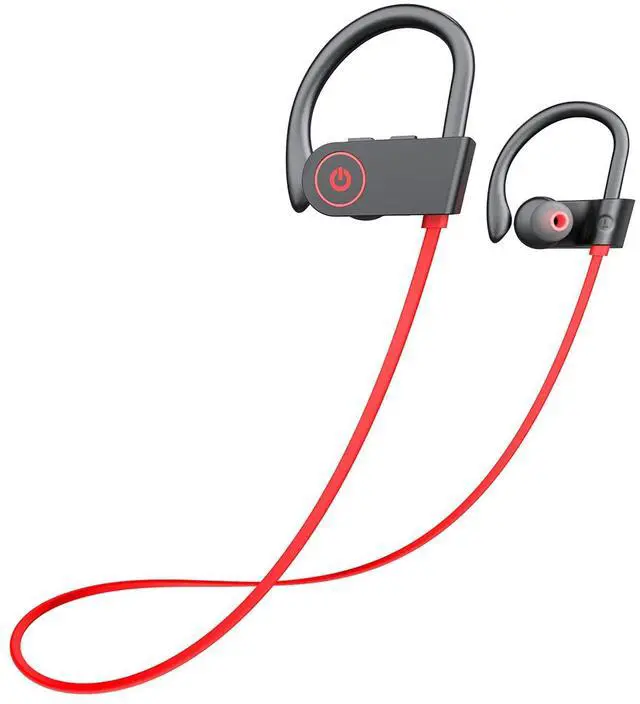
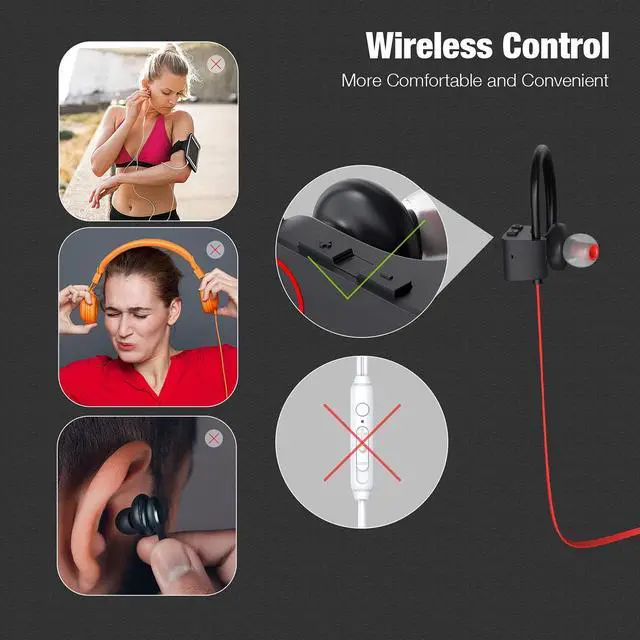


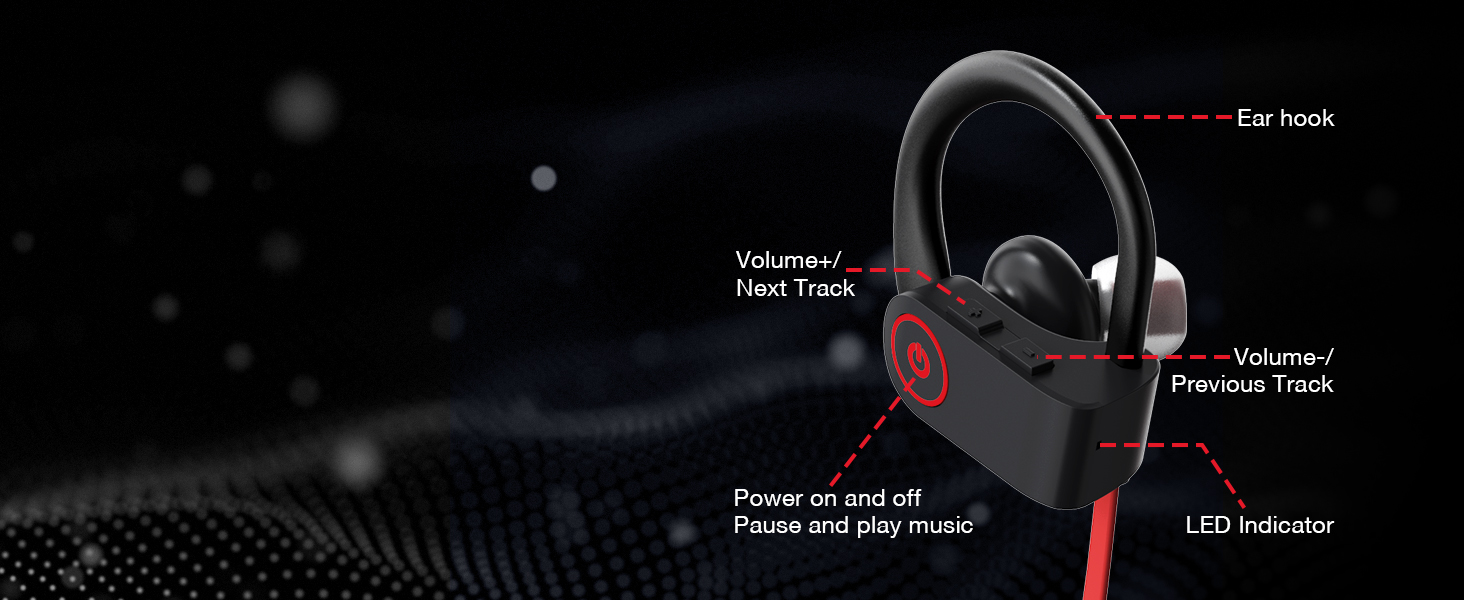
Easy Control Physical Buttons
Operation becomes more accurately, meet all your control requirements.
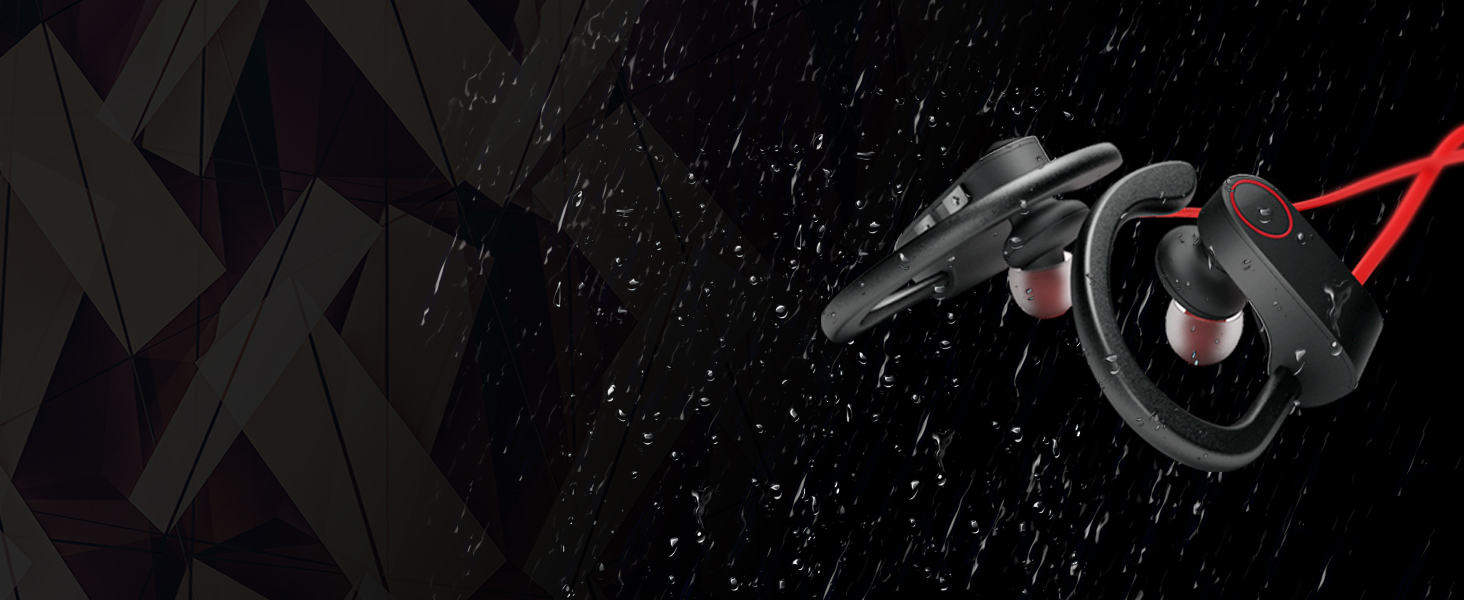
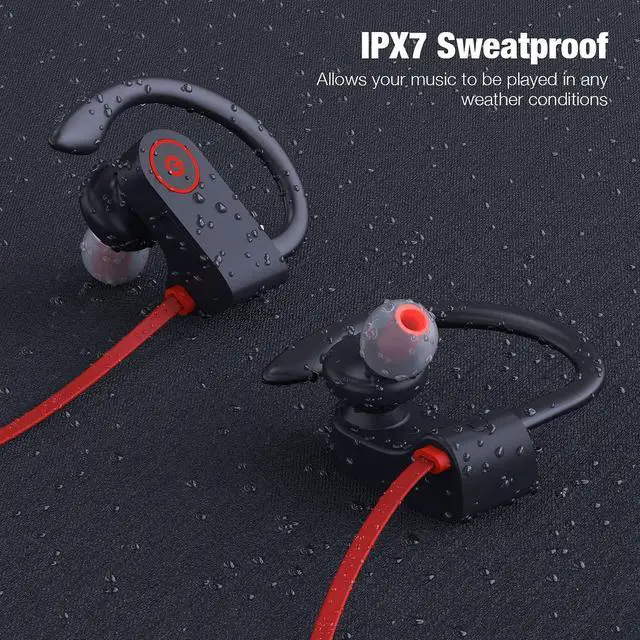
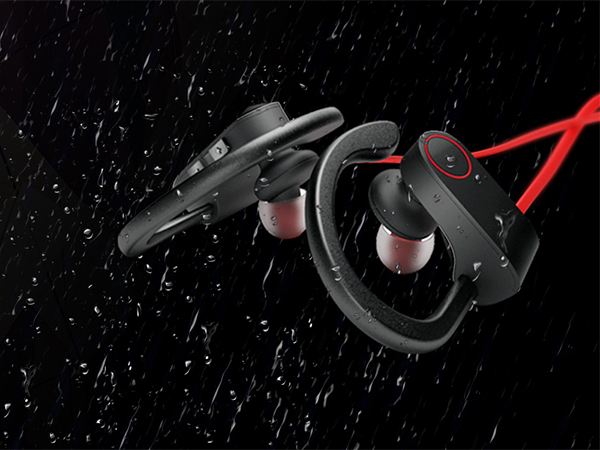
Waterproof Coating
No longer to worry about the headphones being damaged in a humid environment.

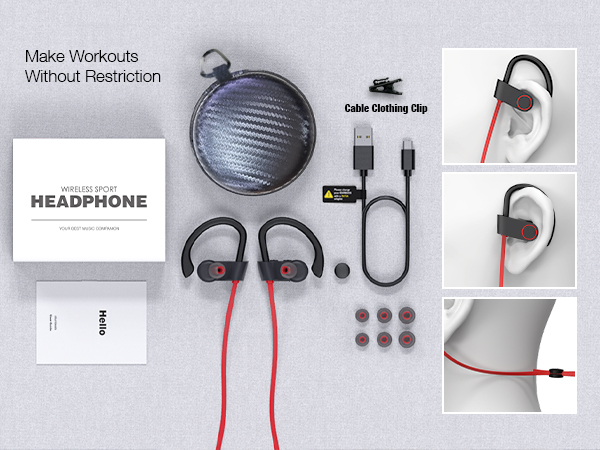
Comfy and Secure Fit
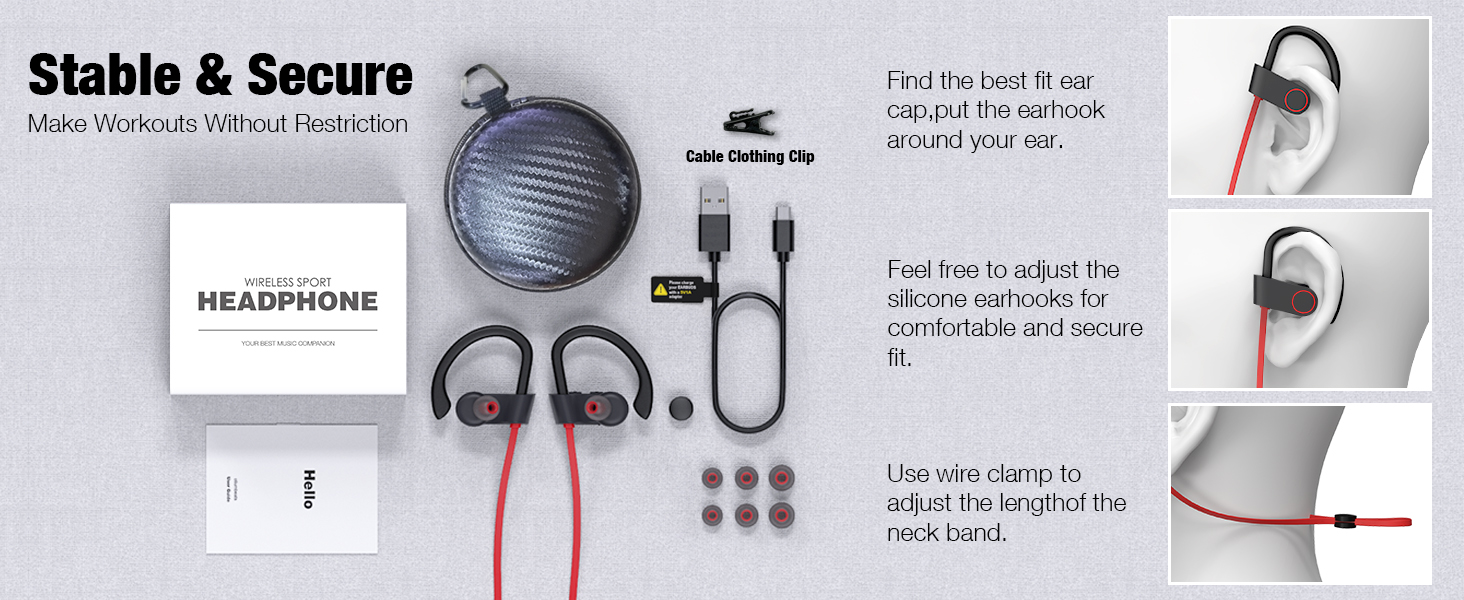
Provide a comfortable fit that doesn’t protrude from your ears especially suitable for sports.

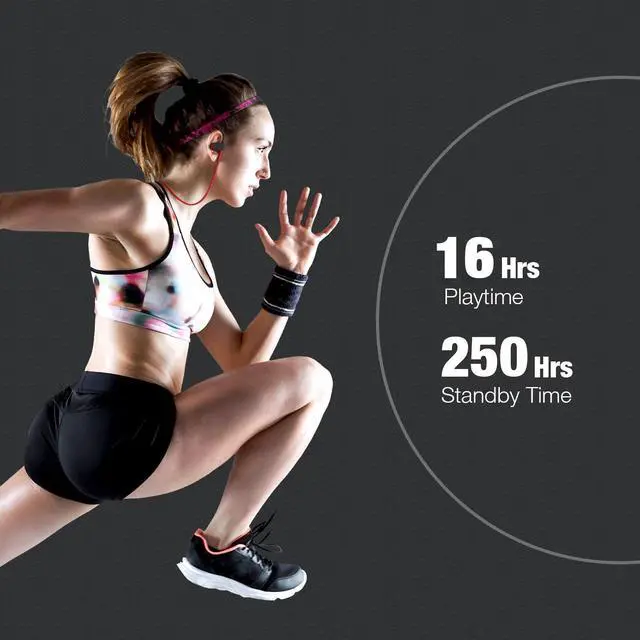
16 Hours Playing Time
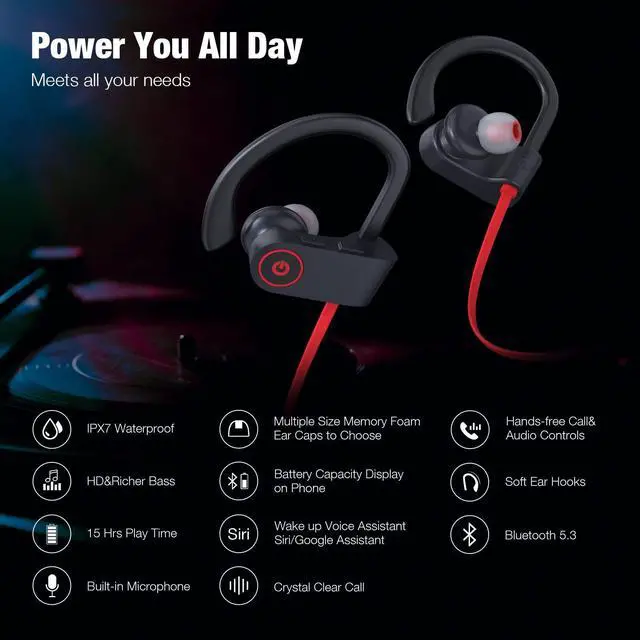
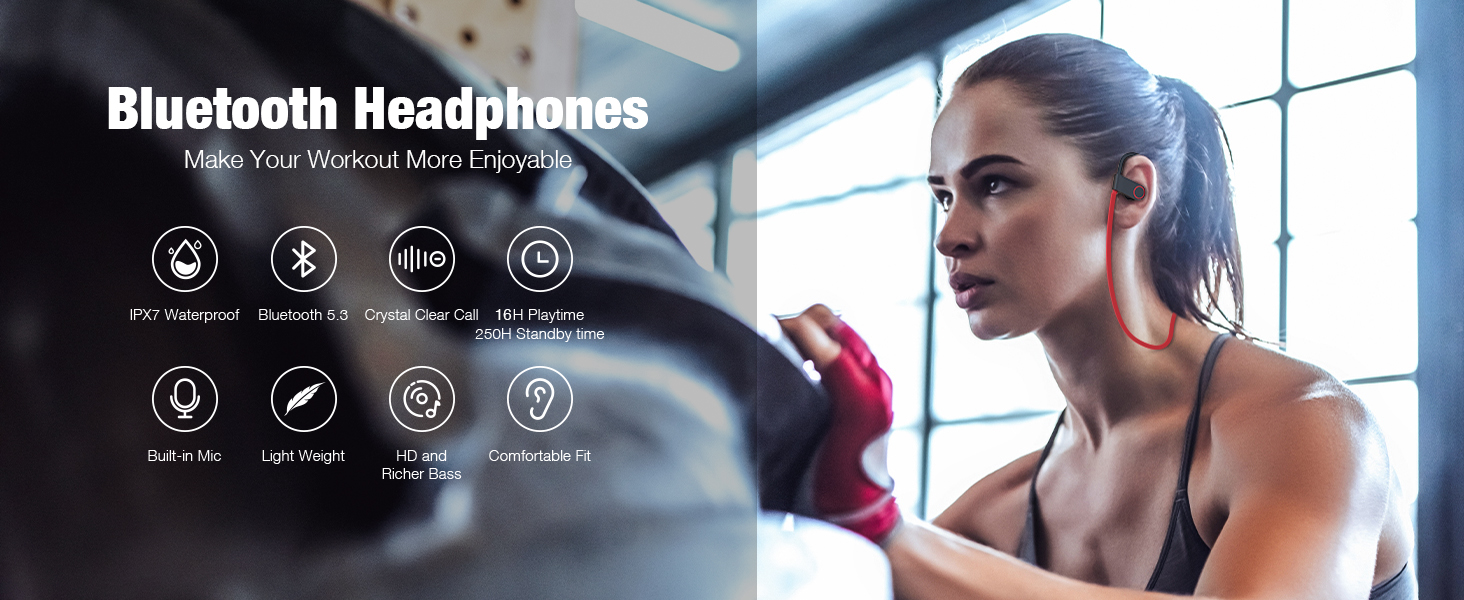
Up to 16 hours of continuous music time with a single charge, so you can enjoy long lasting music and less time charging. Wherever your day takes you, Boean wireless headphones keeps your music.
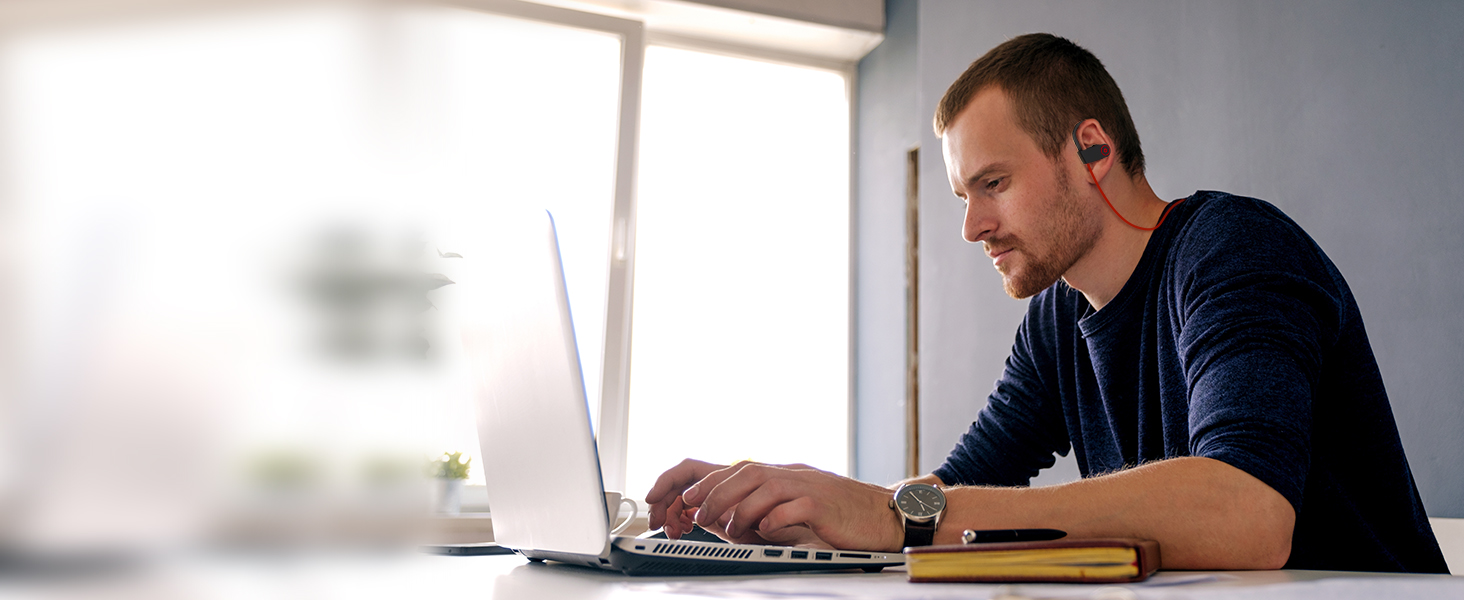
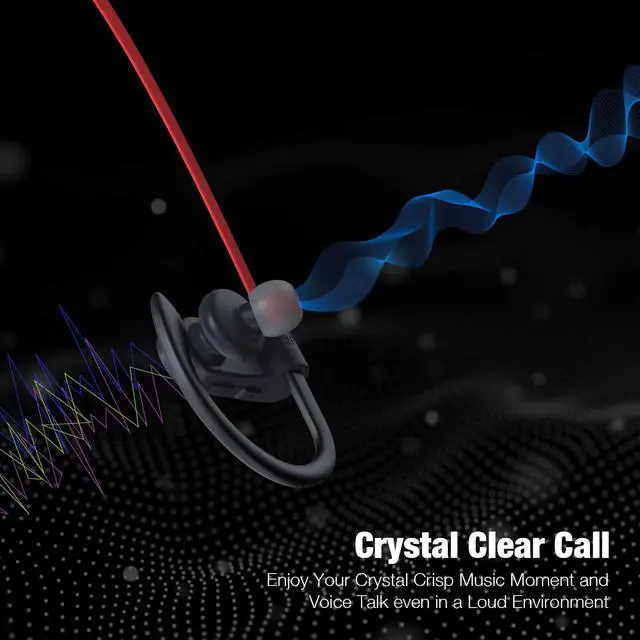
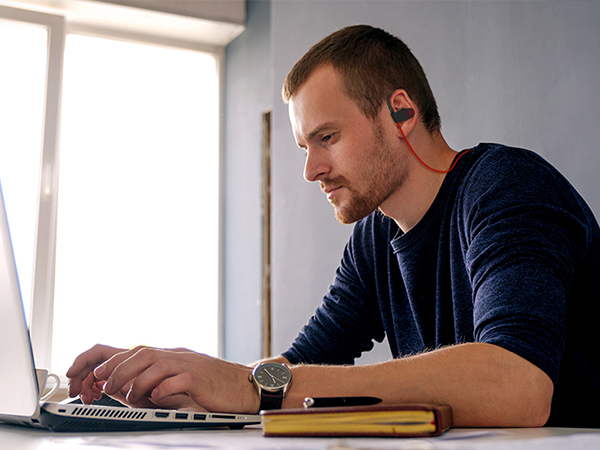
Crystal Clear Calls
Built-in microphones and a noise reduction algorithm to accurately capture your voice in real-time, ideal for calls, video chats, online meetings, and more.
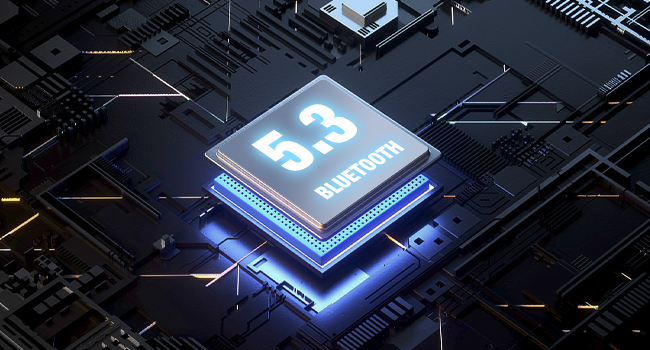
Bluetooth 5.3 Technology
Transmit lossless high-quality sound with low latency and offers extended range with fewer dropouts.
Connect to your phone will be effortless and smooth.
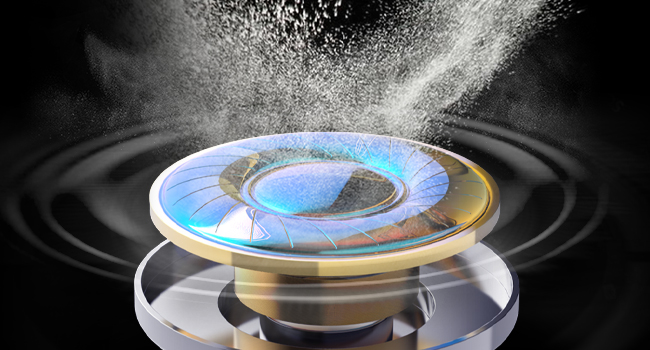
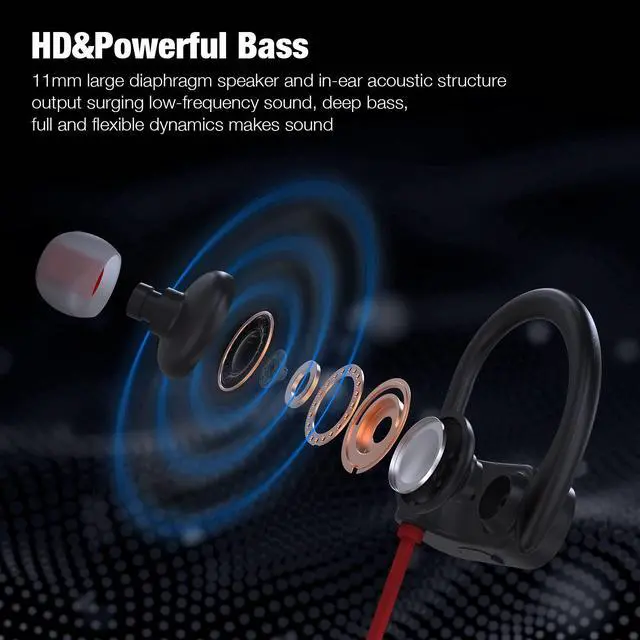
True Richer Bass & HD Sound
With the upgraded acoustic components, bluetooth headphones are well balanced with bass and clear treble to create a rich high-fidelity sound experience.
Just like you were at the concert.
How do I connect Boean wireless earbuds to my mobile device?
-Press and hold the MFB for 3s.
-The device has entered pairing mode when the LED flash red and blue lights alternately. Next, turn on your Bluetooth device, enter mobile phone‘s Bluetooth setting and choose the list of devices to pair the earbuds.
What is the range of Boean wireless earbuds?
-As long as the earbuds and the device are within 30 ft of each other, the earbuds will play audio from the source device. These ranges may be reduced by physical obstructions, such as walls and doors or by interference from other electronic devices.
How to reset?
-Long press the MFB button for about three seconds while charging. The red and blue LED will flash three times. So that the previous pairing memory is cleared and then you can try to reconnect it.
What are the compatible devices for earbuds?
-The wireless earbuds are widely compatible with iOS/Android/Windows system or any other Bluetooth-enabled devices.
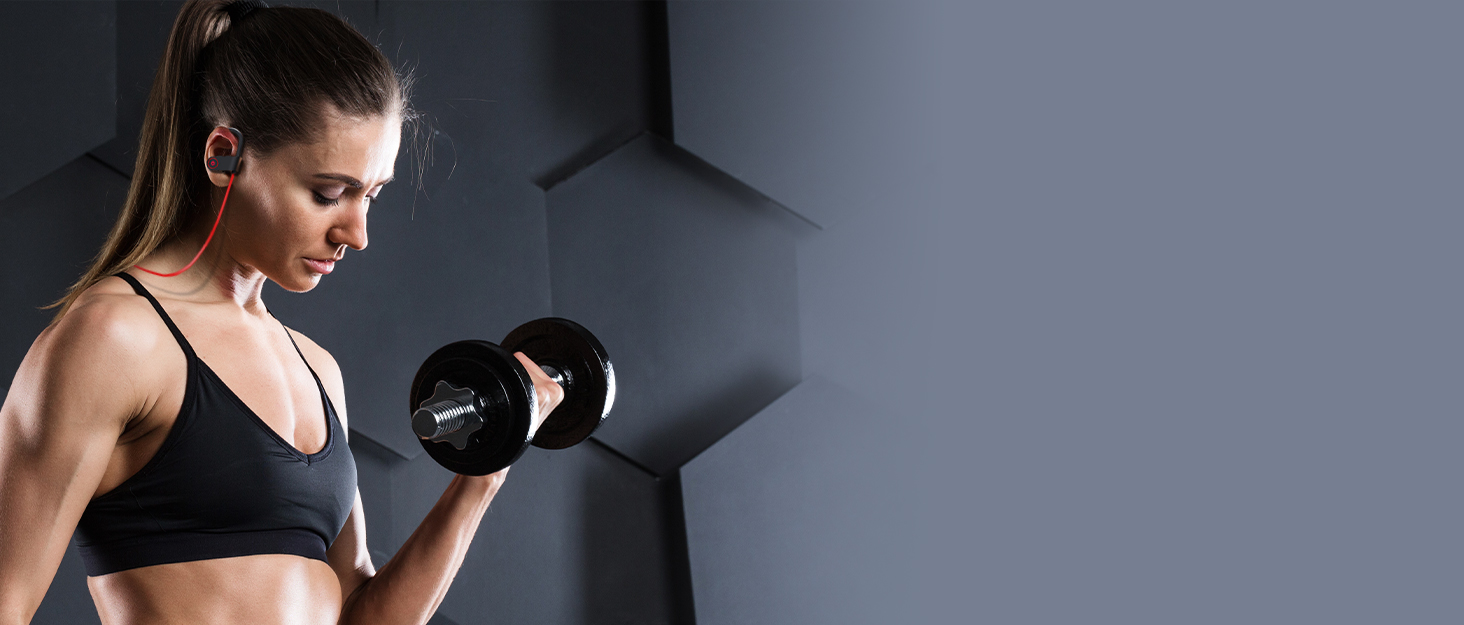

The BOEAN brand was founded in 2019, we have been committed to providing high-quality music experiences for sports enthusiasts. We constantly explore new materials and technologies to ensure that each headphone can withstand the test of sports.
Today, the BOEAN headphone brand has become a leader in the sports headphone market, deeply loved and trusted by sports enthusiasts, thanks to its excellent sound quality and stable performance.
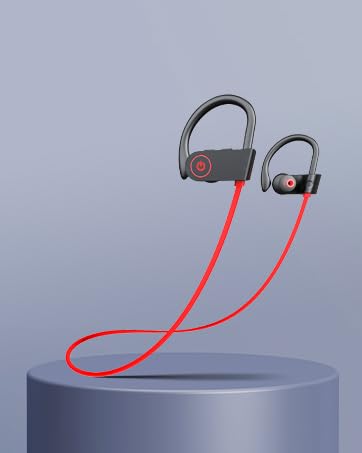
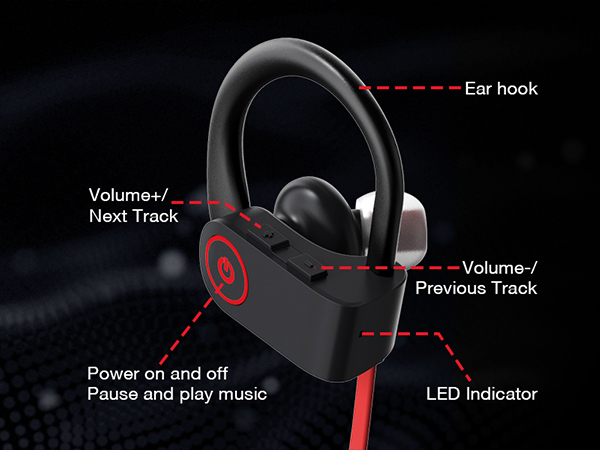
Easy Control Physical Buttons
Operation becomes more accurately, meet all your control requirements.
Waterproof Coating
No longer to worry about the headphones being damaged in a humid environment.
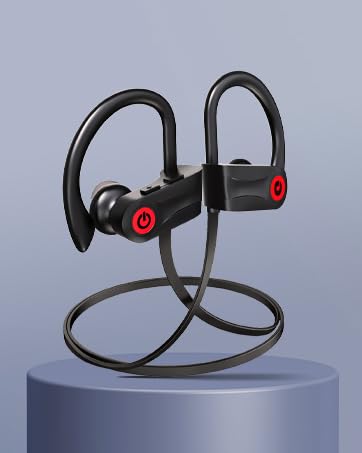
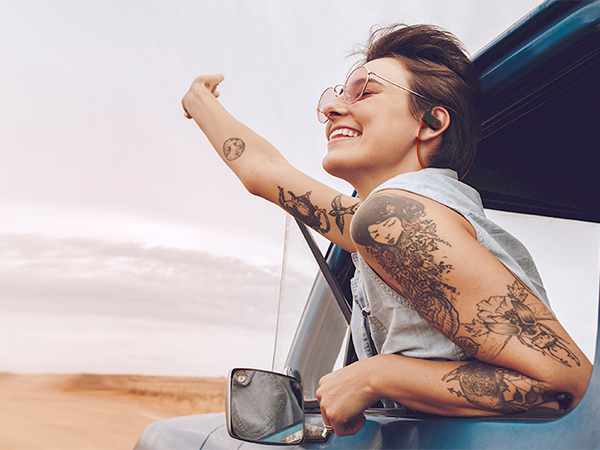
Comfy and Secure Fit
Provide a comfortable fit that doesn’t protrude from your ears especially suitable for sports.

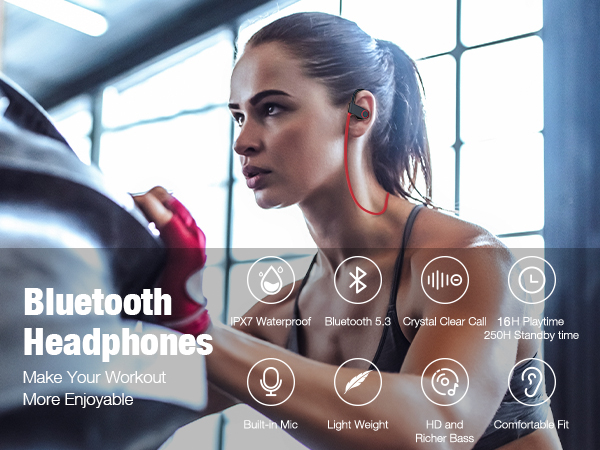
16 Hours Playing Time
Crystal Clear Calls
Up to 16 hours of continuous music time with a single charge, so you can enjoy long lasting music and less time charging. Wherever your day takes you, Boean wireless headphones keeps your music.
Built-in microphones and a noise reduction algorithm to accurately capture your voice in real-time, ideal for calls, video chats, online meetings, and more.
Bluetooth 5.3 Technology
Transmit lossless high-quality sound with low latency and offers extended range with fewer dropouts.
Connect to your phone will be effortless and smooth.
True Richer Bass & HD Sound
With the upgraded acoustic components, bluetooth headphones are well balanced with bass and clear treble to create a rich high-fidelity sound experience.
Just like you were at the concert.
How do I connect Boean wireless earbuds to my mobile device?
-Press and hold the MFB for 3s.
-The device has entered pairing mode when the LED flash red and blue lights alternately. Next, turn on your Bluetooth device, enter mobile phone‘s Bluetooth setting and choose the list of devices to pair the earbuds.
What is the range of Boean wireless earbuds?
-As long as the earbuds and the device are within 30 ft of each other, the earbuds will play audio from the source device. These ranges may be reduced by physical obstructions, such as walls and doors or by interference from other electronic devices.
How to reset?
-Long press the MFB button for about three seconds while charging. The red and blue LED will flash three times. So that the previous pairing memory is cleared and then you can try to reconnect it.
What are the compatible devices for earbuds?
-The wireless earbuds are widely compatible with iOS/Android/Windows system or any other Bluetooth-enabled devices.
The BOEAN brand was founded in 2019, we have been committed to providing high-quality music experiences for sports enthusiasts. We constantly explore new materials and technologies to ensure that each headphone can withstand the test of sports.
Today, the BOEAN headphone brand has become a leader in the sports headphone market, deeply loved and trusted by sports enthusiasts, thanks to its excellent sound quality and stable performance.