here!
I’m your shopping assistant for PC builds, upgrades, and everything tech.
Got questions? Ask away!
Start a conversation
here!
I’m your shopping assistant for PC builds, upgrades, and everything tech.
Got questions? Ask away!
Start a conversation



Any questions? Ask CelesteSM will help you find out quickly.
|
CPU |
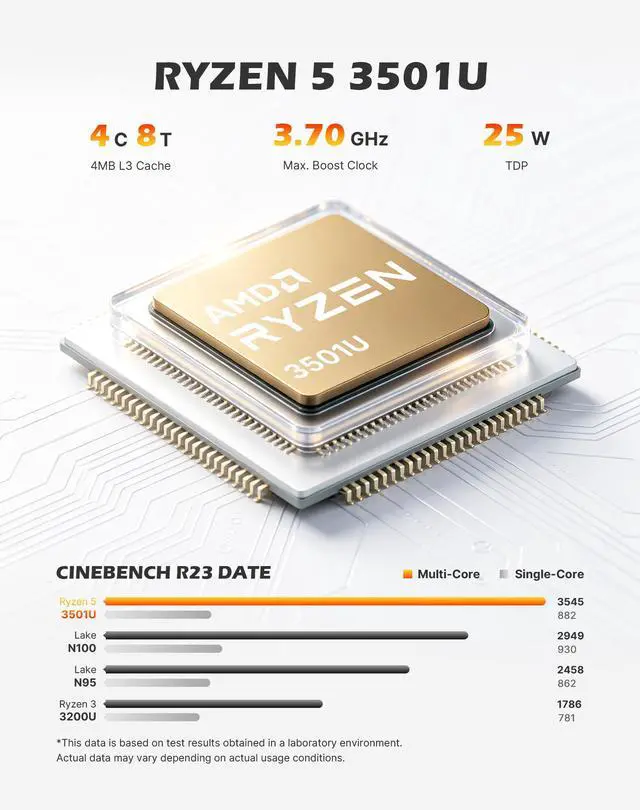
AMD Ryzen 5 3501U(4C/8T) |
|---|---|
|
Graphics |
Radeon Vega 8 Graphics(Max Graphics Frequency 1200MHz) |
|
Memory |
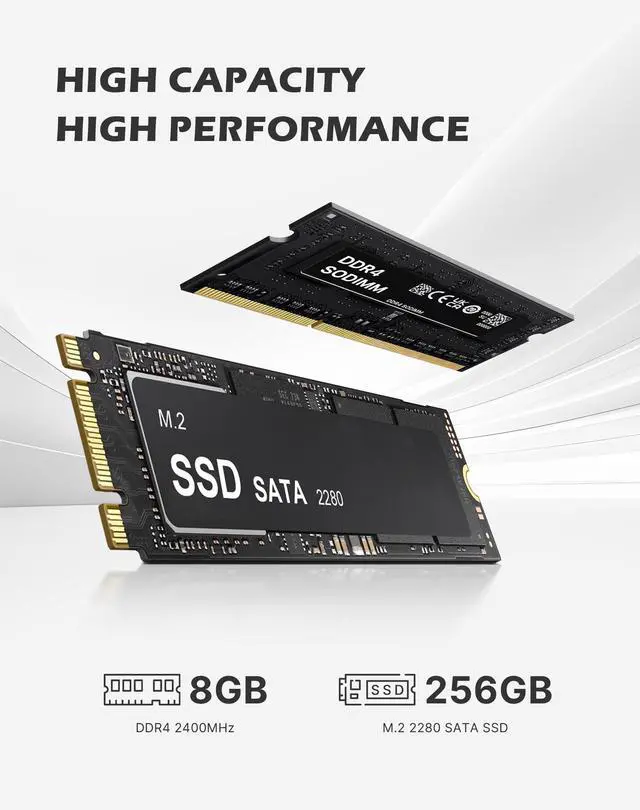
8GB DDR4 2400MT/s SODIMM(Dual-channel, Included); Max 32GB |
|
Storage |
256GB M.2 2280 SATA SSD |
|
Connectivity |
WiFi-5 (802.11 a/b/g/n/ac); Bluetooth 5.0 |
|
Video Output |
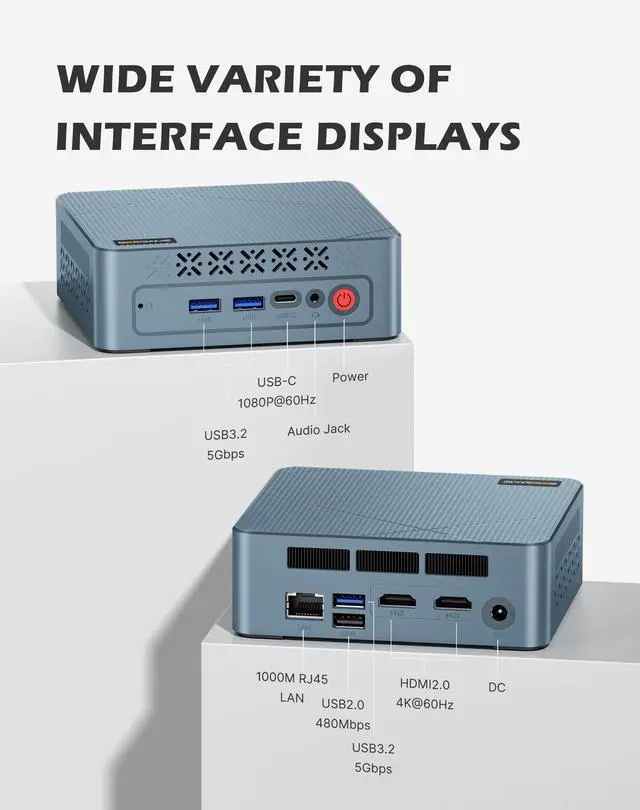
HDMI2.0 x2 (4K@60Hz) |
|
Package Included |
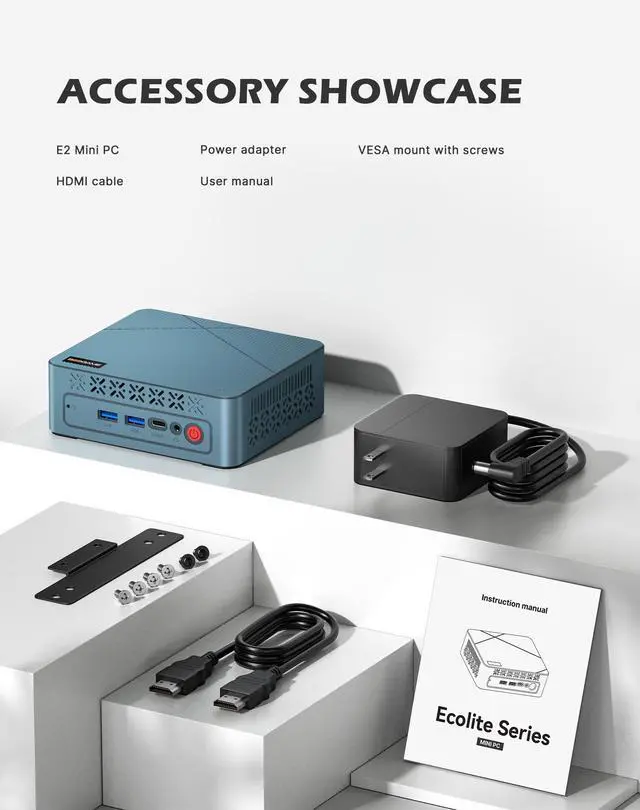
1x Mini PC, 1x Power adapter, 1x VESA mount with screws, 1x HDMI cable, 1x User Manual |


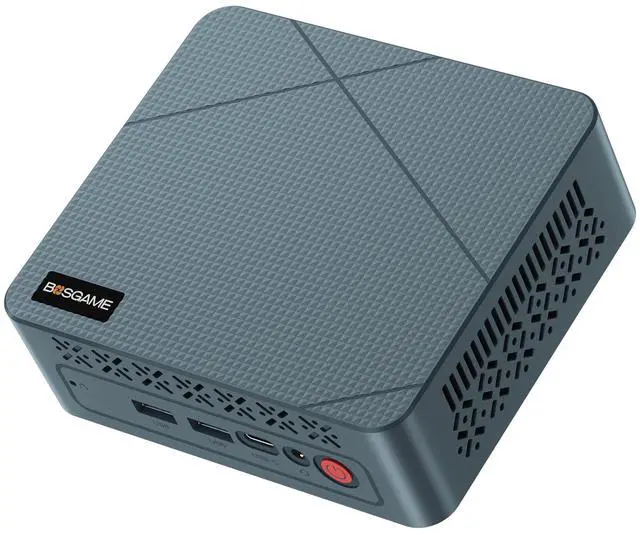
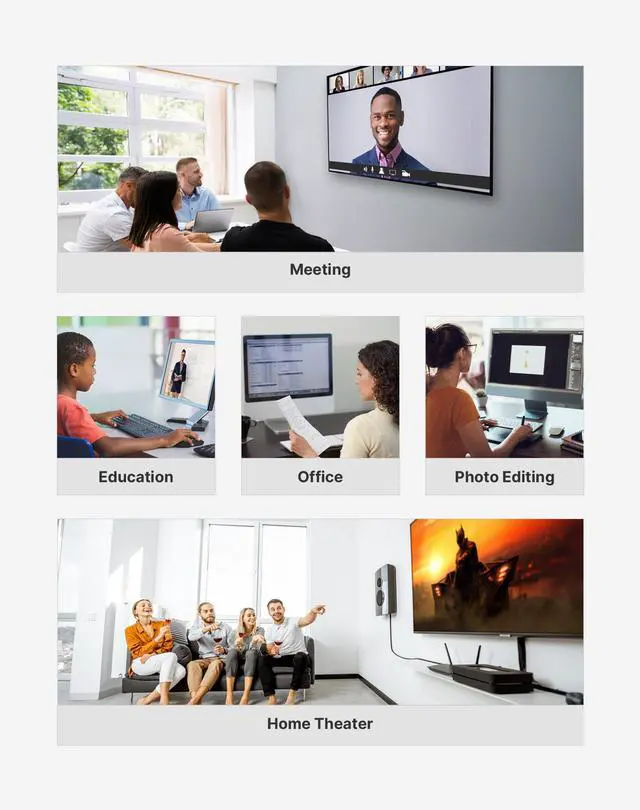
The BOSGAME E2 Plus is a compact Windows 11 Pro mini PC with a Ryzen 5 3501U, 8GB DDR4 memory, and a 256GB SSD, suited to everyday office work, web browsing, and home use where a small desktop and responsive multitasking are priorities.
| Attribute | Value |
|---|---|
| Best For | Home and office computing with integrated graphics and wired or wireless network connectivity |
| Processor | AMD Ryzen 5 3501U |
| Graphics | Integrated Radeon Vega 8 Graphics, up to 1200MHz |
| Memory And Expansion | Two DDR4 2400MT/s SODIMM slots, supports up to 32GB and dual-channel memory |
| Networking | Wi-Fi 5 (802.11 a/b/g/n/ac), Bluetooth 5.0, and Gigabit Ethernet up to 1000Mbps |
| Ports And Connectivity | Two HDMI ports and one RJ45 port |
| Power | AC input: 100–240V, 50/60Hz; power supply: DC 19V/3.42A |
| Model Identifiers | BOSGAME E2 Plus |
Q: BOSGAME E2 Plus or E2 Neo: which one should I choose for a basic office setup?
A: Choose the E2 Plus when its 8GB RAM and 256GB SSD configuration suits your office workload and you want two HDMI outputs alongside USB-C for displays. Choose the E2 Neo when you prefer 16GB RAM and 512GB storage included. Notebookcheck reports that the Ryzen 5 3501U and 3500U have very similar core specifications, so the included memory and storage are useful points of comparison.
Q: BOSGAME E2 Plus or E2: which fits a three-monitor desk better?
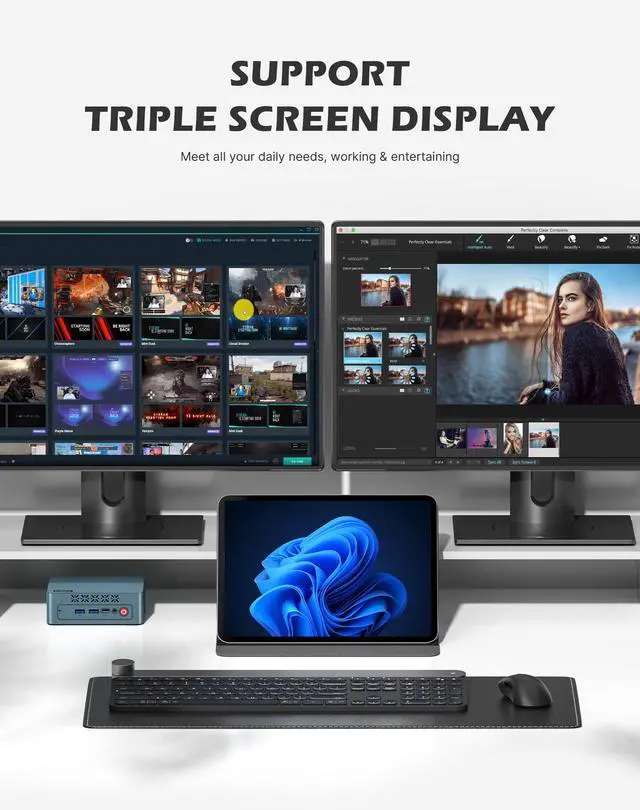
A: The E2 Plus is a fit for a setup using its two HDMI ports and USB-C video output, with Windows 11 Pro and 8GB RAM/256GB storage in the listed configuration. The BOSGAME E2 also supports three displays and comes with 16GB RAM and a 512GB PCIe SSD, making the included memory and storage the main configuration distinction.
Q: BOSGAME E2 Plus or E5: which one has the HDMI ports I need?
A: Choose the E2 Plus if you want two HDMI outputs plus USB-C for a multi-monitor desk. The BOSGAME E5 uses a different three-output combination—HDMI, DisplayPort, and USB-C—and offers dual Gigabit Ethernet. Both are positioned for multi-display desktop use, so match the port layout to your monitors and network setup.
Q: BOSGAME E2 Plus or E5: which is a better fit for an expandable home-office PC?
A: The E2 Plus suits a home-office setup when you want Windows 11 Pro, three-display capability, and memory that can be expanded up to 32GB. The BOSGAME E5 is another expandable option, with two SODIMM slots supporting up to 64GB and dual Gigabit Ethernet. Choose based on the memory ceiling and wired-network connections that fit your setup.
Q: Can it run three monitors, and will all three be 4K?
A: It can connect up to three displays, but the detailed specifications do not support three 4K displays: the two HDMI ports support 4K at 60Hz, while the USB-C display output is listed at 1080p at 60Hz. Check your monitor inputs and cables before buying.
Q: Can I upgrade the RAM later?
A: Yes. The E2 Plus has two DDR4 SODIMM memory slots and supports up to 32GB; it comes with 8GB. The listing does not say whether that 8GB is installed as one module or two, so check the configuration before choosing an upgrade.
Q: Is it suitable for everyday office work and online meetings?
A: It is suited to routine office tasks such as documents, email, web browsing, and video playback. The Ryzen 5 processor and SSD support everyday use, while the included 8GB of RAM may limit heavier multitasking or many open browser tabs. A webcam and microphone are not specified, so plan to use separate ones if needed.
Q: Is it practical to take on work trips?
A: It can work as a portable desktop between locations, but it is not a laptop: the product information does not list a built-in screen or battery. Plan for an external display, keyboard, mouse, and power outlet wherever you use it.