here!
here!
I’m your shopping assistant for PC builds, upgrades, and everything tech.
Got questions? Ask away!
Start a conversation
here!
I’m your shopping assistant for PC builds, upgrades, and everything tech.
Got questions? Ask away!
Start a conversation



Any questions? Ask CelesteSM will help you find out quickly.
| CPU |
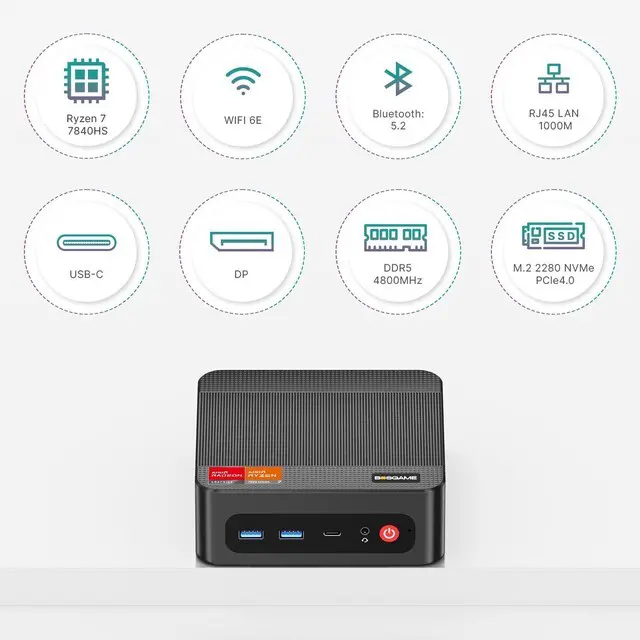
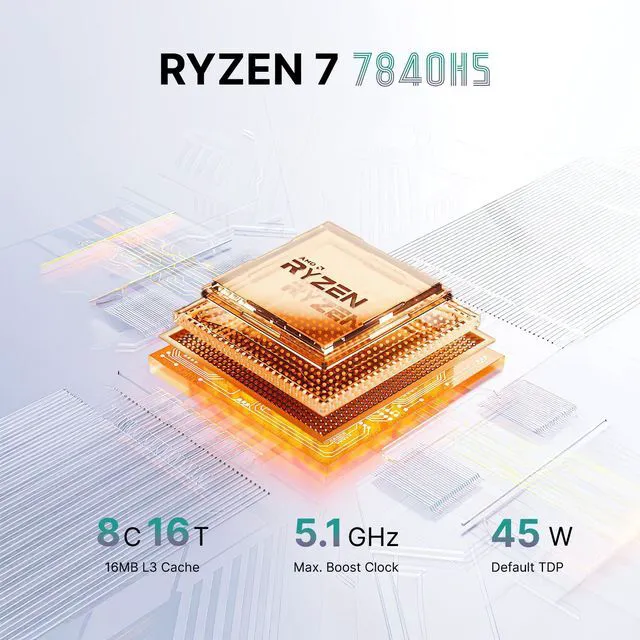
AMD Ryzen 7 7840HS, 8 Cores 16 Threads, Base 3.8GHz, Boost 5.1GHz |
|---|---|
| GPU |
AMD Radeon 780M, Max Graphics Frequency 2700MHz |
| Memory |
16GB DDR5-4800MHz (Up to 64GB) |
| Storage |
1TB M.2 2280 NVMe PCle4.0 x4 SSD (Installed) + M.2 2280 NVMe PCle4.0x4 Slot (Expansion) |
|
Dual 1GbE LAN & Wi-Fi 6E |
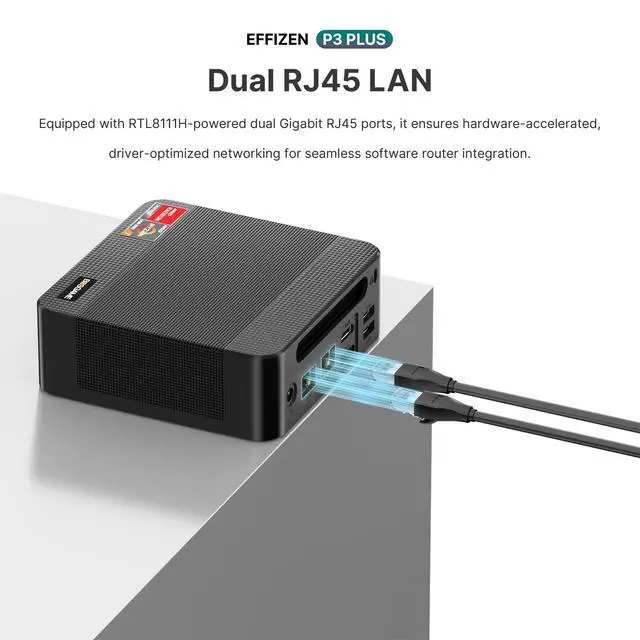
RJ45 LAN x2 (1 Gigabit Ethernet Port, RTL8111H) |
|
Video Output |
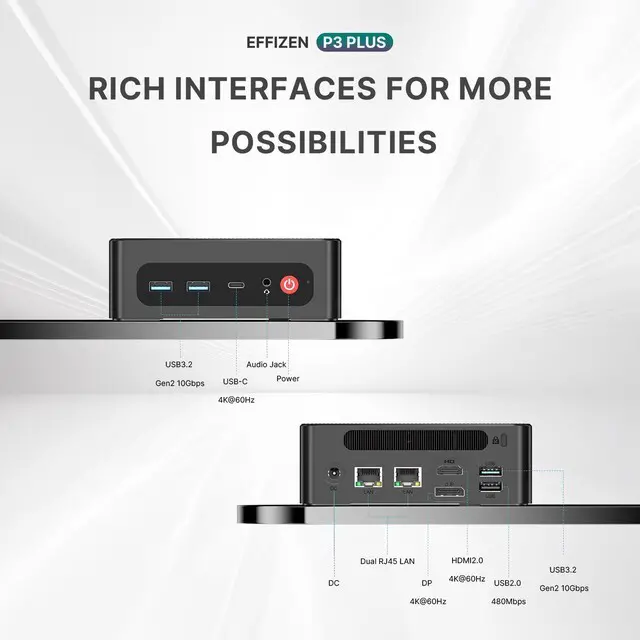
HDMI 2.0 x1 (4K@60Hz) |
|
Interface |
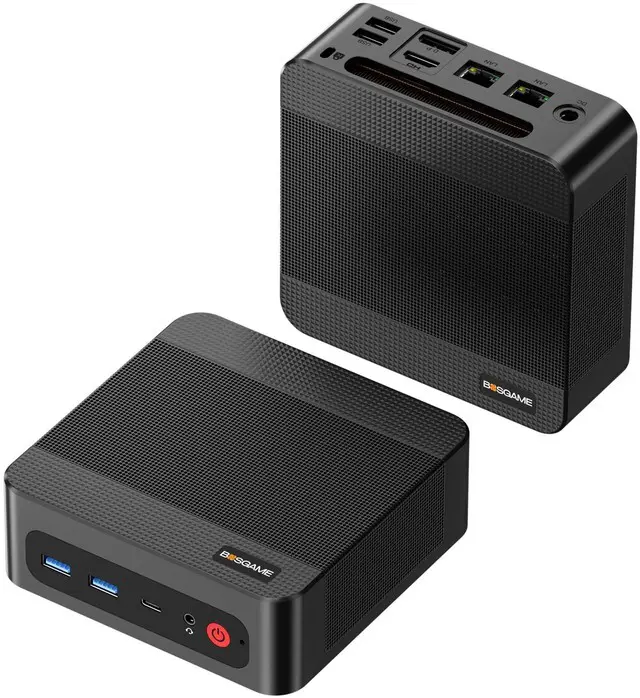
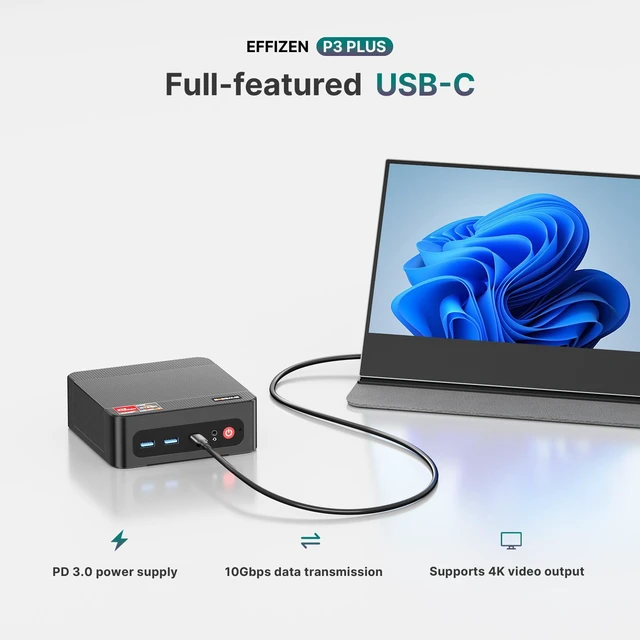
2x USB3.2, 1x USB2.0, 1x Full Function USB-C, 1x HDMI2.0, 1x DP, 2x 1Gbps LAN ports, 1x 3.5mm Audio Jack |
| Power Adapter | Input 100-240V 50/60Hz , Output 19V/6.3A DC |
| Other Functions |
Auto Power On, Wake-on-LAN, PXE |
|
Package Included |
1x Mini PC, 1x Power adapter, 1x VESA mount, 1x HDMI cable, 1x User Manual |


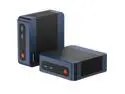
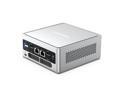
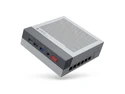
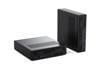
The BOSGAME P3 Plus is a compact Windows 11 Pro mini PC powered by an AMD Ryzen 7 7840HS, 16GB DDR5 memory, 1TB NVMe SSD, and Radeon 780M graphics. It suits multitaskers, content creators, developers, and home-office users who need strong desktop performance in a small form factor.
| Attribute | Value |
|---|---|
| Best For | Compact desktop use for multitasking and graphics-enabled display workloads, with dual-channel DDR5 memory support and dual Gigabit Ethernet for wired networking |
| Processor | AMD Ryzen 7 7840HS processor |
| Graphics | Integrated AMD Radeon 780M graphics |
| Memory Configuration | Supports DDR5 4800MT/s memory in dual-channel mode, with two memory slots and up to 64GB capacity |
| Wired And Wireless Networking | Dual 1Gbps RJ45 Ethernet ports with 10/100/1000Mbps LAN support, plus Wi-Fi 6E wireless networking and Bluetooth 5.2 |
| Display And Connectivity | One HDMI port and one DisplayPort for connecting external displays |
| Model And Physical Details | Bosgame mini PC in black |
Q: Should I choose the BOSGAME P3 Plus or a Beelink SER7?
A: Choose the BOSGAME P3 Plus when you want Ryzen 7 7840HS performance, Radeon 780M graphics, dual 1GbE LAN, triple-display support, Windows 11 Pro, and an upgradeable 16GB/1TB configuration. Choose the Beelink SER7 when its tested cooling design, compact chassis, or platform-specific features are more important. Both use the same Ryzen 7 7840HS processor and Radeon 780M integrated graphics, so sustained performance depends heavily on each system's power limits, cooling, memory configuration, and firmware.
Q: Is the BOSGAME P3 Plus a better choice than a Ryzen 7 7735HS mini PC?
A: The BOSGAME P3 Plus is the stronger choice for integrated-graphics gaming, video encoding, and demanding multitasking because its Ryzen 7 7840HS uses newer Zen 4 CPU cores and Radeon 780M graphics. A Ryzen 7 7735HS mini PC still provides 8 cores and 16 threads and can be suitable for office work, media playback, and light creation, but it uses the older Zen 3+ architecture and Radeon 680M graphics. Choose the 7735HS option when its lower total cost is more important than graphics and platform performance.
Q: Is it worth paying more for a Ryzen 9 7940HS mini PC instead of the BOSGAME P3 Plus?
A: Choose a Ryzen 9 7940HS mini PC for workloads that benefit from slightly higher CPU boost speed and additional cache. The Ryzen 9 7940HS and Ryzen 7 7840HS both have 8 cores, 16 threads, and Radeon 780M graphics, so the upgrade is mainly a CPU-side improvement rather than a major integrated-GPU upgrade. The BOSGAME P3 Plus is the more balanced choice when office work, multitasking, media use, and 1080p-class integrated-graphics gaming are the priorities.
Q: Should I buy the BOSGAME P3 Plus or a Minisforum UM780 XTX?
A: Choose the BOSGAME P3 Plus when dual 1GbE networking, Windows 11 Pro, triple 4K display connectivity, and a ready-to-use 16GB RAM/1TB SSD configuration match your setup. Choose the Minisforum UM780 XTX when you need higher-speed 2.5GbE networking, USB4, or OCuLink support for an external GPU. Both systems use the Ryzen 7 7840HS and Radeon 780M, so the main difference is connectivity, expansion, cooling implementation, and configuration rather than processor class.
Q: Is the BOSGAME P3 Plus better than a laptop for a portable workstation?
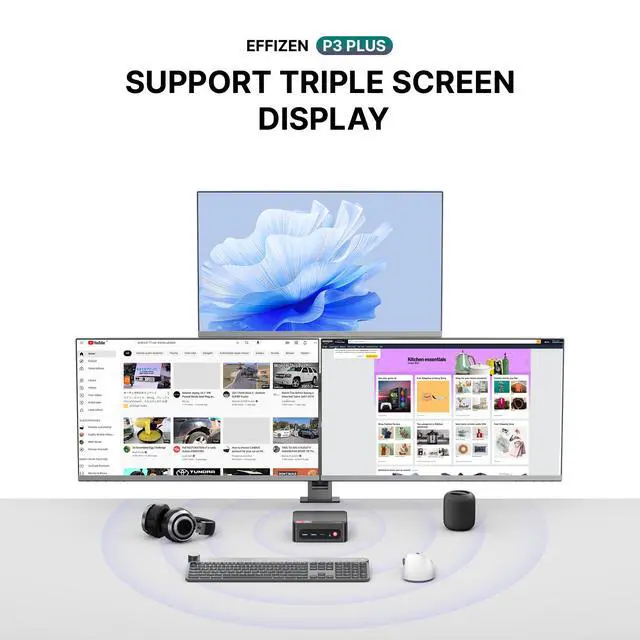
A: Choose the BOSGAME P3 Plus for a fixed desk, multi-monitor workstation, home server, soft-router setup, or compact desktop replacement. Choose a laptop when portability, a built-in display, keyboard, battery, and use away from an outlet are required. The P3 Plus provides desktop-oriented connectivity, including dual LAN, DisplayPort, HDMI, full-function USB-C, and support for up to three 4K displays, but it requires a separate monitor, keyboard, mouse, and power connection.
Q: Can this mini PC run three monitors at the same time?
A: Yes. The BOSGAME P3 Plus supports up to three independent 4K displays at 60Hz through HDMI 2.0, DisplayPort, and the full-function USB-C port. The USB-C connection supports DisplayPort video output, so a compatible USB-C display or adapter is required.
Q: Is this mini PC suitable for office work, video meetings, and multitasking?
A: Yes. It is suitable for office applications, web browsing, note-taking, video meetings, and multitasking. The Ryzen 7 7840HS processor, 16GB dual-channel DDR5 memory, 1TB NVMe SSD, Windows 11 Pro, and Wi-Fi 6E provide a strong setup for productivity use. A webcam, microphone, monitor, keyboard, and mouse are not specified as included, so external peripherals may be needed for meetings.
Q: Can the RAM and storage be upgraded later?
A: Yes. The two DDR5 memory slots support up to 64GB of RAM, and the system includes an additional M.2 slot for storage expansion. It ships with 16GB DDR5-4800 memory and a 1TB M.2 2280 PCIe 4.0 x4 NVMe SSD.
Q: Who is this mini PC best suited for?
A: It is best suited for home and business users who need a compact desktop for office productivity, multitasking, content creation, multi-monitor workspaces, light graphics workloads, networking projects, or file-server and soft-routing use. It is less suitable for users who need a complete all-in-one setup, built-in portability like a laptop, or high-end gaming performance from a dedicated graphics card.
Q: Can it be used for a travel or temporary work setup?
A: It can work well as a portable desktop between offices, rooms, or work locations, but it is not a standalone laptop replacement. The mini PC requires an external display, power connection, keyboard, and mouse. Its compact desktop format, Wi-Fi 6E, Bluetooth 5.2, and multiple display outputs make it practical when those accessories are available at the destination.
Q: Is the BOSGAME P3 Plus suitable for light gaming and emulation?
A: Yes. Its Ryzen 7 7840HS and integrated Radeon 780M are suitable for light-to-moderate gaming, emulation, and games such as The Sims 4 or Minecraft. It is not a replacement for a desktop with a dedicated gaming GPU, and performance will depend on resolution, settings, cooling, and memory configuration.
Q: Is the BOSGAME P3 Plus a good compact replacement for a work PC?
A: It is well suited to office work, multitasking, coding, media use, and multi-monitor productivity. The Ryzen 7 7840HS, 16GB dual-channel DDR5 memory, 1TB NVMe SSD, and support for up to three 4K displays provide a strong compact desktop setup. Users needing workstation-class graphics or extensive expansion should consider a larger PC.
Q: Is the BOSGAME P3 Plus suitable for Linux, SteamOS, or home-server use?
A: It can be suitable for Linux-based desktop or server use because the product supports Ubuntu, provides dual 1GbE LAN ports, and includes a second M.2 slot for additional storage. However, community reports describe BIOS and USB-boot limitations on some closely related BOSGAME systems, so buyers who frequently switch operating systems should verify BIOS behavior before purchase.
Q: What are the main trade-offs compared with another Ryzen 7 7840HS mini PC?
A: The P3 Plus offers strong integrated graphics, dual LAN, triple-display support, 16GB DDR5 memory, and two M.2 storage locations. Comparable BOSGAME models may add features such as an OCuLink eGPU connection, faster memory, or additional USB-C connectivity. Choose the P3 Plus for its display and networking features; choose another model if external GPU expansion or maximum upgrade flexibility is more important.
Q: Is the BOSGAME P3 Plus a low-risk purchase for long-term ownership?
A: The hardware offers a strong specification for a compact PC, but long-term ownership depends partly on support and warranty responsiveness. Reddit discussions include both positive reports of BOSGAME systems running reliably and negative reports involving device failure or difficulty contacting support. Buyers who prioritize dependable after-sales service should compare the warranty process with better-established mini-PC brands.