




 here!
I’m your shopping assistant for PC builds, upgrades, and everything tech.
Got questions? Ask away!
Start a conversation
here!
I’m your shopping assistant for PC builds, upgrades, and everything tech.
Got questions? Ask away!
Start a conversation




Any questions? Ask CelesteSM will help you find out quickly.
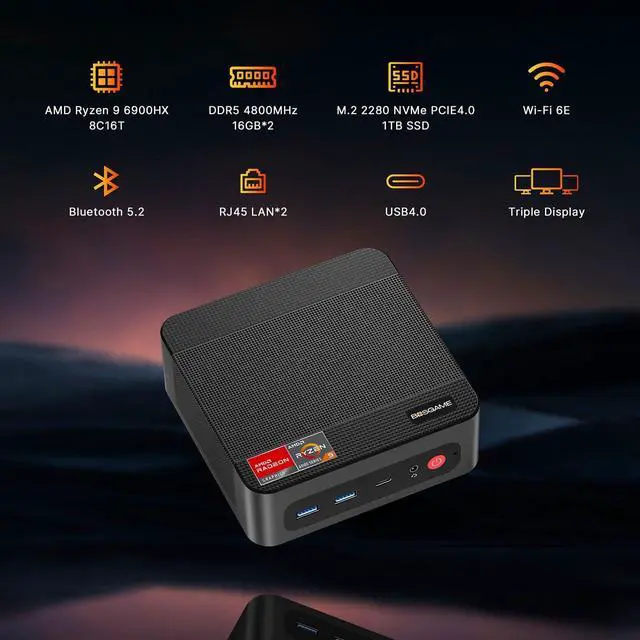
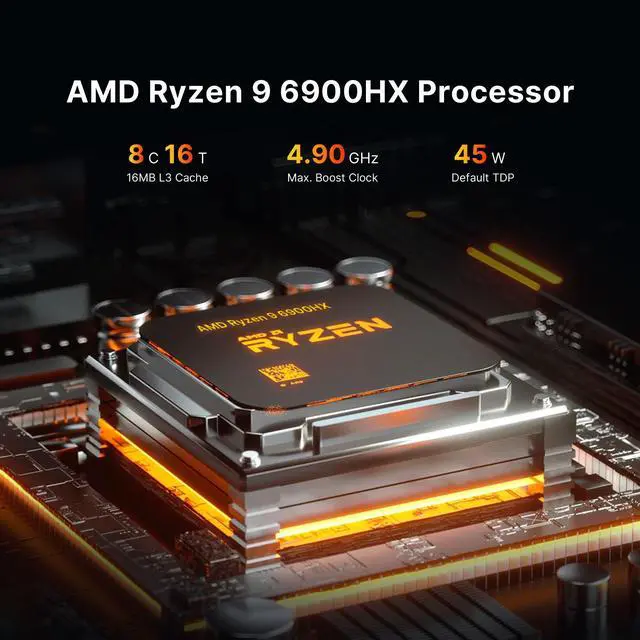
| CPU | AMD Ryzen 9 6900HX, 8 Cores 16 Threads, Base 3.3GHz, Boost 4.9GHz |
|---|---|
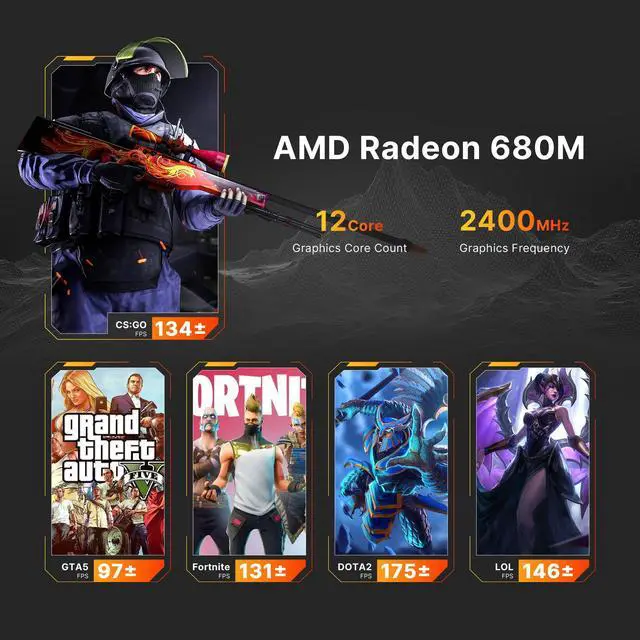
| GPU | AMD Radeon 680M, 12 Graphics Cores, Max Frequency 2400 MHz |
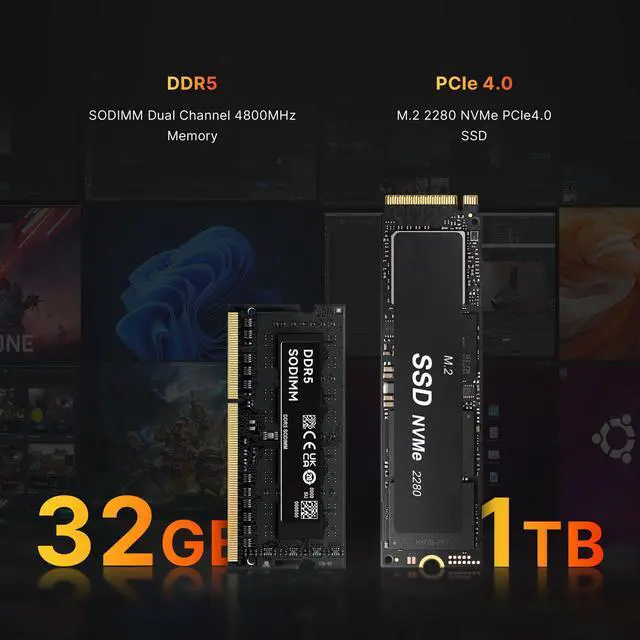
| Memory | 2x16GB DDR5-4800MHz (Up to 64GB) |
| Storage | 1TB M.2 2280 PCIe 4.0 SSD (Up to 2TB) |
| Connectivity | WiFi 6 (802.11ax), Bluetooth 5.2, 2x 2.5Gbps LAN |
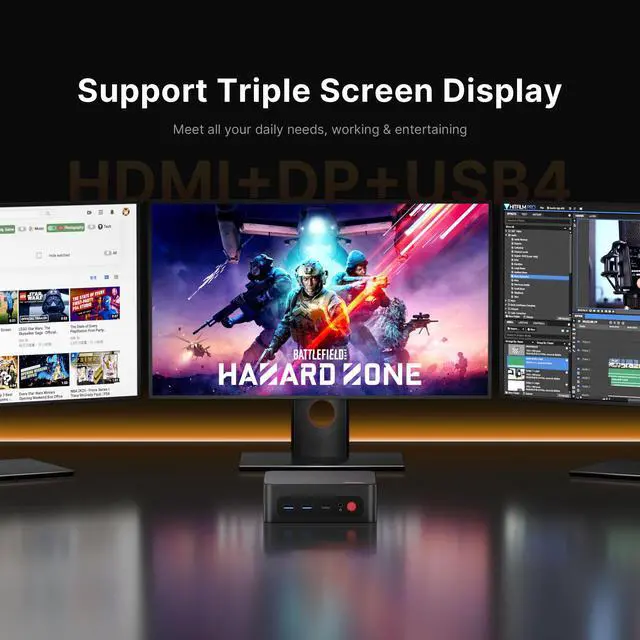
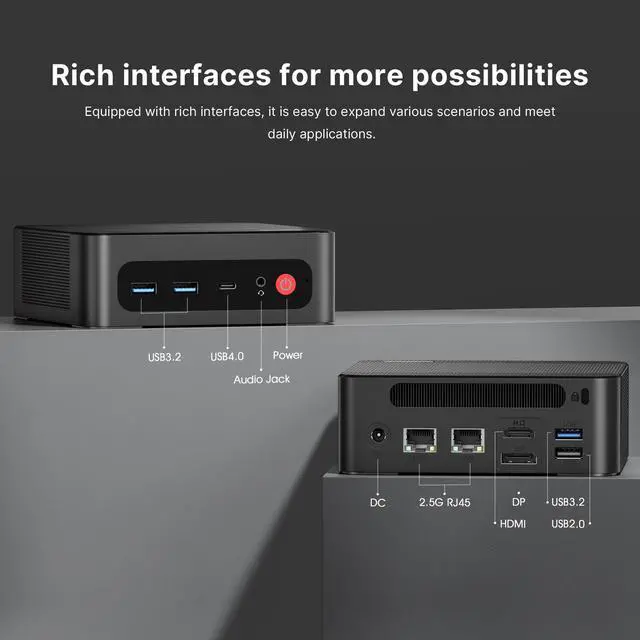
| Interface | 3x USB3.2, 1x USB4.0, 1x USB2.0, 1x HDMI2.0, 1x DP, 2x 2.5G LAN ports, 1x 3.5mm Audio Jack |
| Internal Slot | 2x SO-DIMM Slot, 2x M.2 PCIe4.0 x4 SSD Slot |
| Package Included | 1x Mini PC, 1x Power adapter, 1x VESA mount, 1x HDMI cable, 1x User Manual |
| Power Adapter | Input 100-240V 50/60Hz , Output 19V/6.3A DC |
| Other Functions | Auto Power ON, Wake On Lan, PXE |


The BOSGAME P3 is a compact Windows 11 Pro mini PC with an AMD Ryzen 9 6900HX, Radeon 680M graphics, 32GB DDR5 RAM, and a 1TB SSD. It suits users who want capable performance for multitasking, productivity, and casual gaming in a small desktop.
| Attribute | Value |
|---|---|
| Best For | Compact gaming setups where a mini-PC form factor is preferred |
| Form Factor | Mini PC |
Q: Should I get the BOSGAME P3 with 32GB/1TB or the 16GB/512GB version?
A: Both configurations use the same Ryzen 9 6900HX processor and Radeon 680M graphics. Choose the 32GB/1TB P3 for more memory and storage out of the box; choose the 16GB/512GB version if that capacity meets your needs. BOSGAME lists both configurations as options for the P3.
Q: BOSGAME P3 or P3 Plus: which is a better fit for gaming?
A: The P3 Plus pairs a Ryzen 7 7840HS with Radeon 780M graphics, while the P3 uses a Ryzen 9 6900HX with Radeon 680M graphics. Choose the P3 Plus when newer integrated graphics are the priority; choose the P3 when its 32GB/1TB configuration and dual 2.5GbE ports better match your setup.
Q: How does the BOSGAME P3 compare with the P3 Mix for multitasking?
A: The P3 has an 8-core/16-thread Ryzen 9 6900HX, while the P3 Mix has a 6-core/12-thread Ryzen 5 7640HS. Choose the P3 when higher core and thread counts or the 32GB/1TB configuration are priorities. The P3 Mix pairs its 7640HS with Radeon 760M graphics and is available in 16GB/512GB and 32GB/1TB configurations.
Q: Can I add another SSD for more storage?
A: Yes. The product information lists two M.2 SSD slots, so you can install an additional compatible SSD. The additional drive is not included.
Q: Can it run two monitors?
A: The P3 has HDMI 2.0 and DisplayPort 1.4, which provide connections for two monitors. The product information does not specify the maximum supported display resolution or refresh rate for a dual-monitor setup.
Q: Is it suitable for office work and multitasking?
A: It is configured for everyday office work and multitasking, with a Ryzen 9 6900HX processor, 32GB of DDR5 memory, a 1TB SSD, and Windows 11 Pro. The listed product is a mini PC, so check whether you also need to provide a monitor and other peripherals.
Q: Is it suitable for gaming?
A: It can suit casual gaming and games that run well on integrated graphics. Its Radeon 680M is integrated rather than a separate graphics card, so demanding games may require reduced graphics settings; the product information does not provide game-specific performance results.
Q: Is the BOSGAME P3 suitable for gaming?
A: It can suit light-to-moderate gaming, but its Radeon 680M is integrated graphics, not a dedicated gaming GPU. One Reddit owner reported playing GTA V and COD at around 60 FPS, but that is an individual report; performance will vary by game and settings.
Q: Can the BOSGAME P3 replace an older desktop for office work and light video editing?
A: It appears suitable for office work, and owners in the discussion report using it for video editing and related tasks. Reports on editing are mixed, however: one user mentioned hiccups during transitions. Treat it as a possible fit for light editing, not a guaranteed smooth choice for every workflow.
Q: Can I add a 2.5-inch SATA drive to the BOSGAME P3?
A: A P3 owner responding in the discussion says it supports NVMe drives only, not a 2.5-inch SATA drive. The supplied product information says an additional SSD can be added but does not specify its interface, so confirm the exact model configuration before buying a drive.


