Your Browsing History
Best Sellers
- $524.23
- $536.15
- + FREE SHIPPING
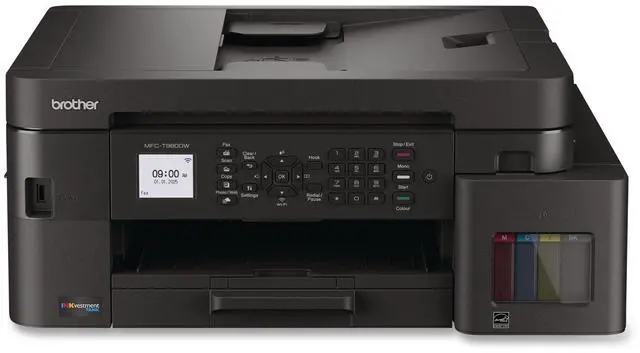
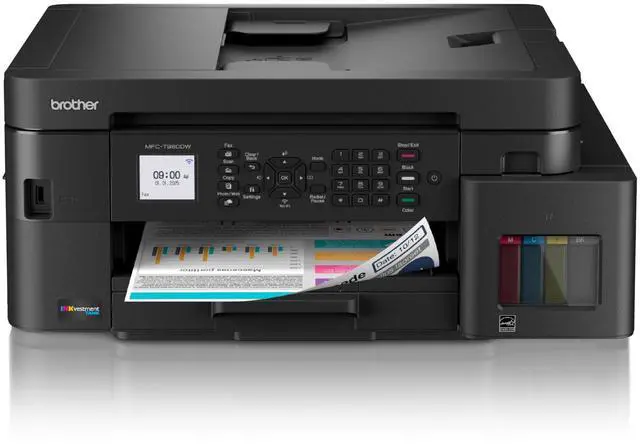
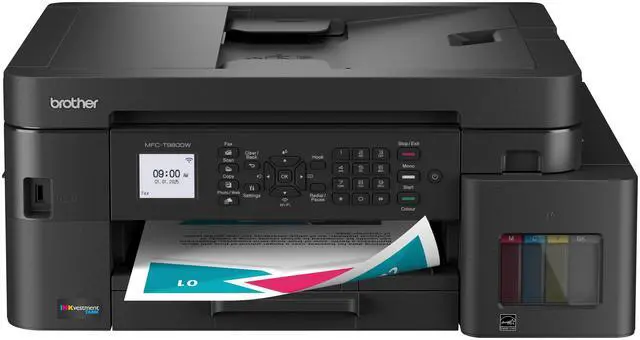
Brother MFC-T980DW Wired & Wireless INKvestment Tank Inkjet Multifunction Printer Color
- MFC-T780DW Inkjet Multifunction Printer
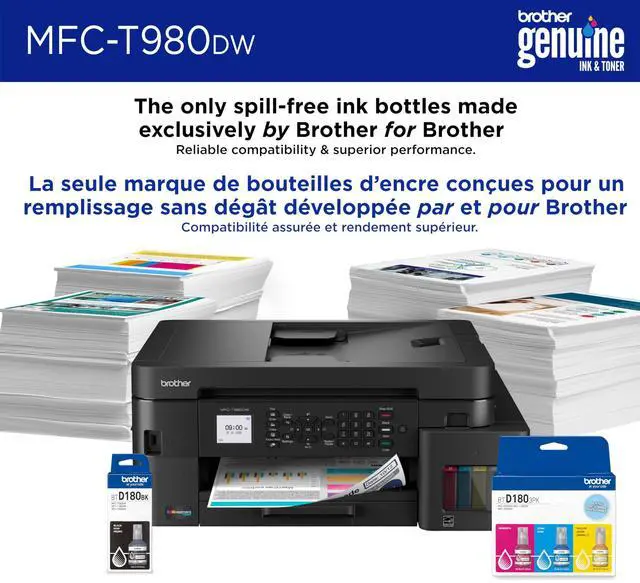
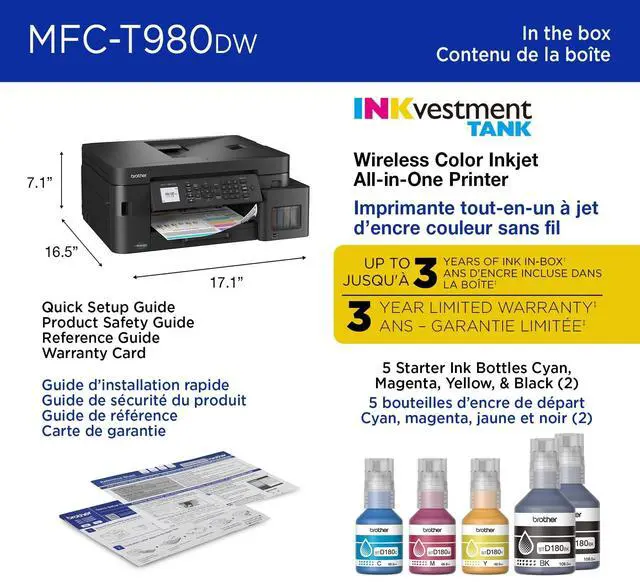
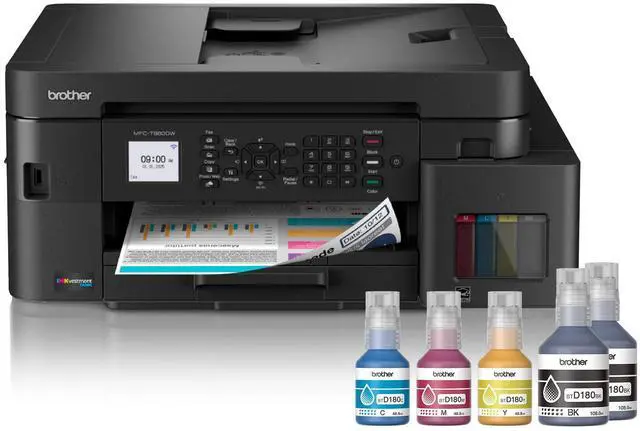
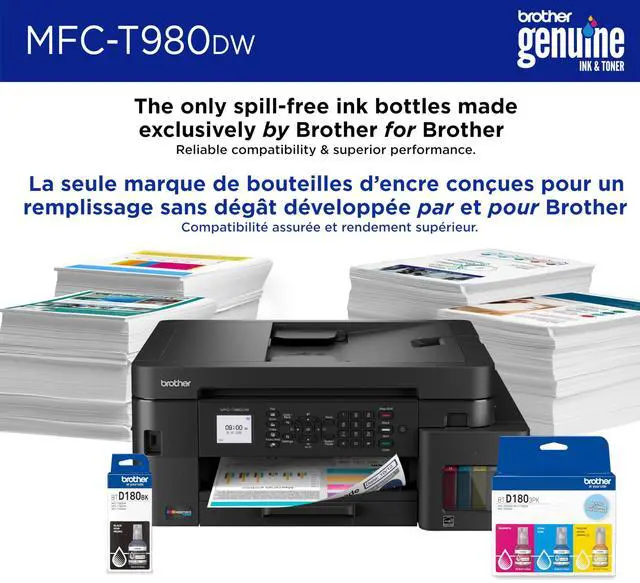
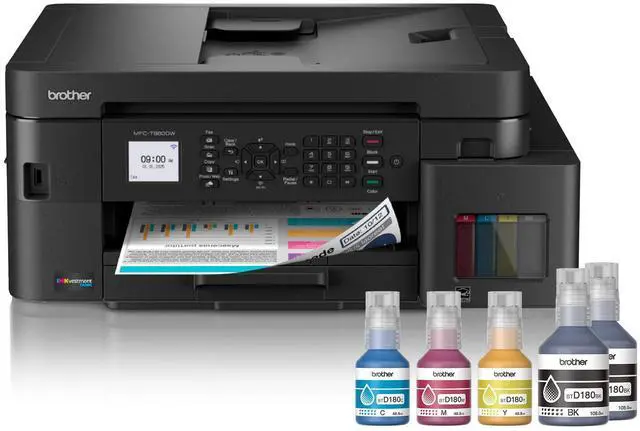
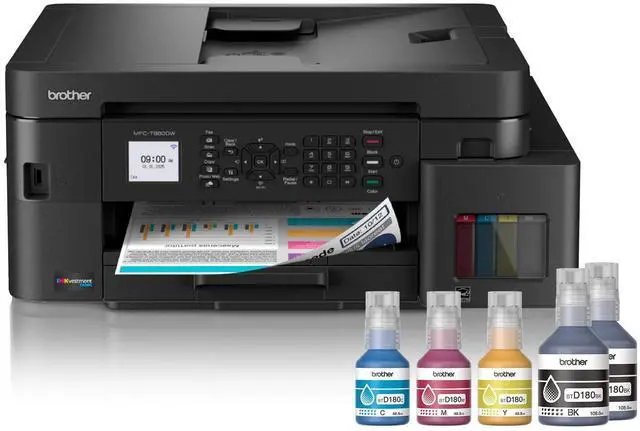
- 2 x Starter Black Ink Bottles (2 bottles combined yield approx. 14,625 pages), Starter Cyan, Magenta,Yellow Ink Bottles (approx. 4,400 pages)
- AC Power Cord
- Product Safety Guide
- Reference Guide
- Warranty Card
- Quick Setup Guide
+
+
Overview
Specs
Reviews
See all Q & A
Any questions? Ask CelesteSM will help you find out quickly.
Try me now
INKVESTMENT TANK 980 WIRELESS AND ETHERNET COLOR INKJET ALL-IN-ONE PRINTER WITH
Warranty & Returns
Warranty, Returns, And Additional Information
Warranty
- Limited Warranty period (parts): 2 years
- Limited Warranty period (labor): 2 years
- Read full details
Return Policies
- Return for refund until: January 31, 2026
- Return for replacement until: January 31, 2026
- This item is covered by Newegg.com's Extended Holiday Return Policy.
- Read full return policy for details.
We want to ensure your holiday shopping this year is hassle-free. That’s why we’re automatically extending our return policies on almost every product! For purchases placed between November 1st, 2025 and December 31, 2025 you will have until January 31, 2026 to return your product.
Manufacturer Contact Info
- Manufacturer Website
- Support Phone: 1-800-284-4329
- Support Website
- View other products from Brother
LOADING...
LOADING...
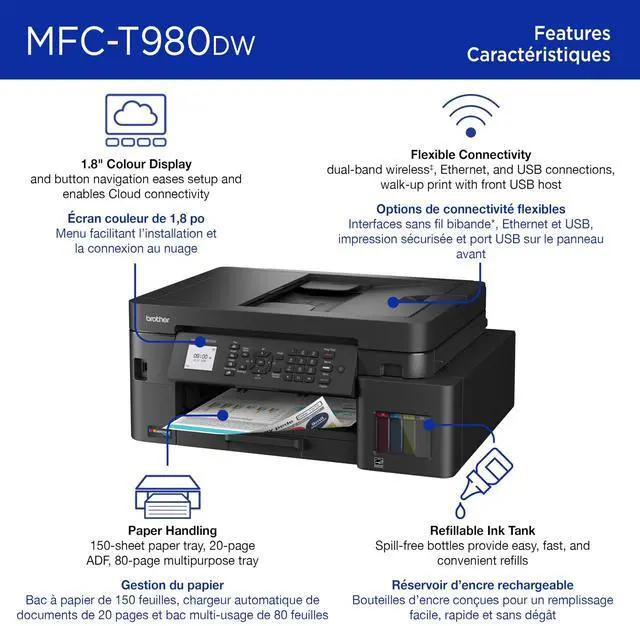
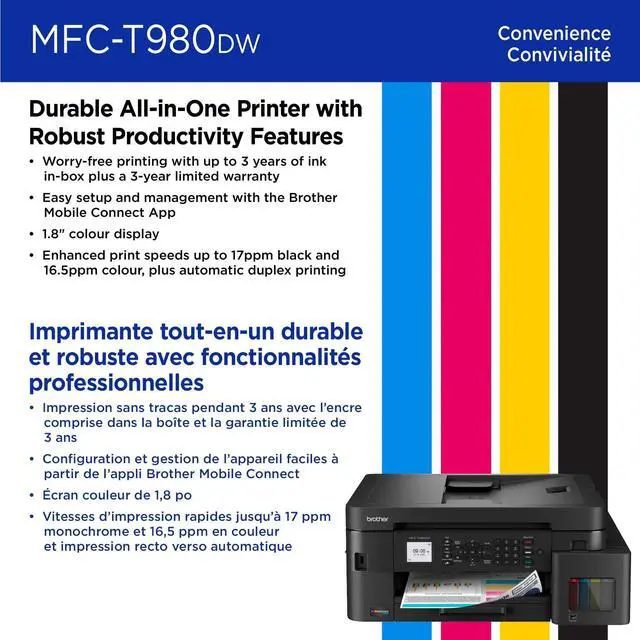
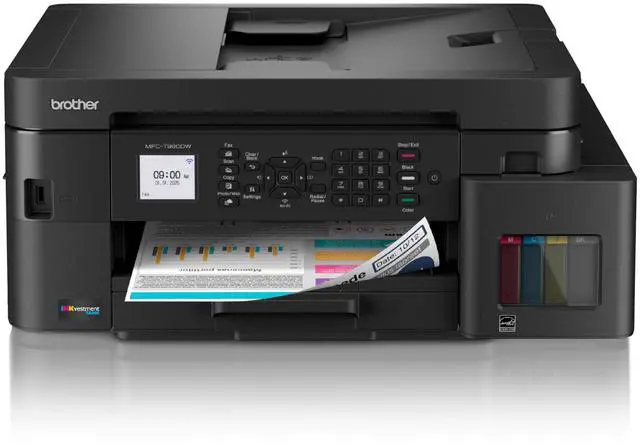
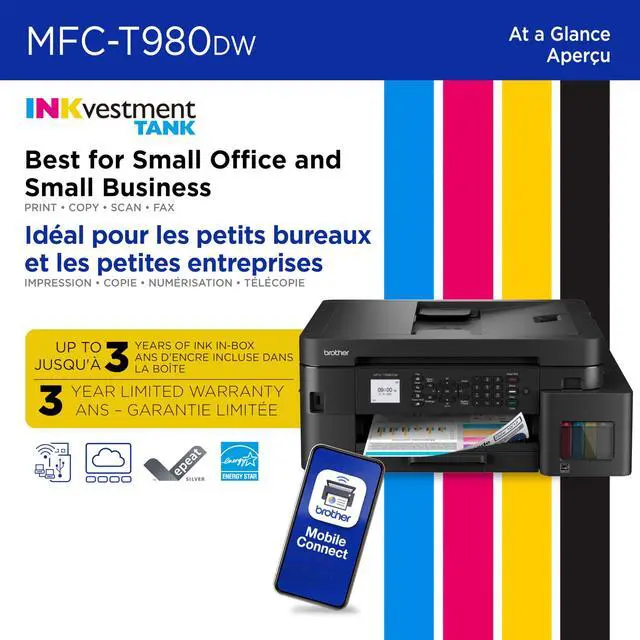
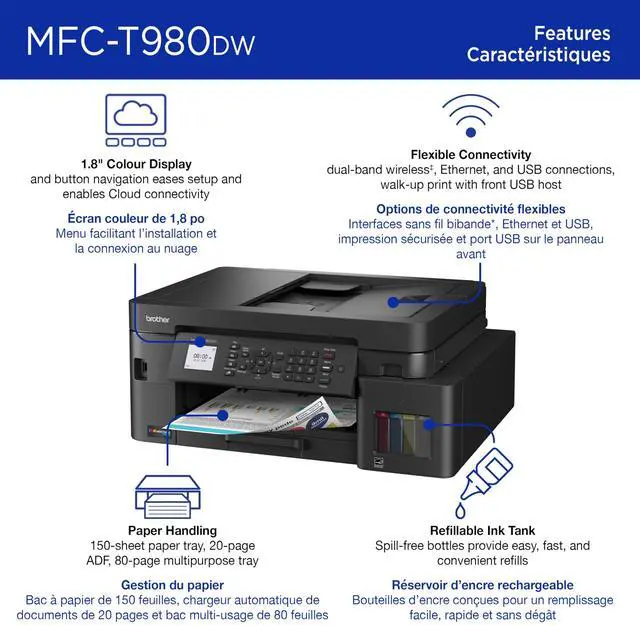
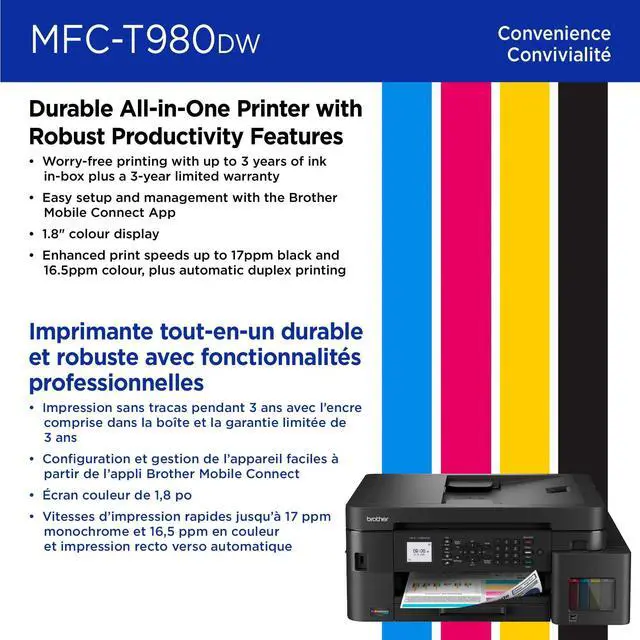
The Brother MFC-T980DW is a color inkjet all-in-one printer with print, copy, and scan functions, wireless and wired connectivity, automatic duplex printing, and high-yield starter ink bottles. It suits small offices and home businesses that print regularly and want a large ink supply in the box.
Recommended For
- Small offices and small businesses printing a steady mix of documents, forms, and color materials: Brother positions the MFC-T980DW for this setting, and its refillable ink system is designed to reduce frequent ink replenishment.
- Home-office users who print, scan, copy, and fax from a shared desk setup and want both Wi-Fi and wired Ethernet connectivity.
- Households and small teams that print color school reports, presentations, or occasional glossy photos alongside everyday documents; Consumer Reports found its color graphics suitable for common tasks and its glossy-photo output very good.
- Users who regularly print envelopes or switch among different paper types and sizes: the multipurpose tray provides a separate feed for those jobs without replacing the paper in the main tray.
Real-World Use Scenarios
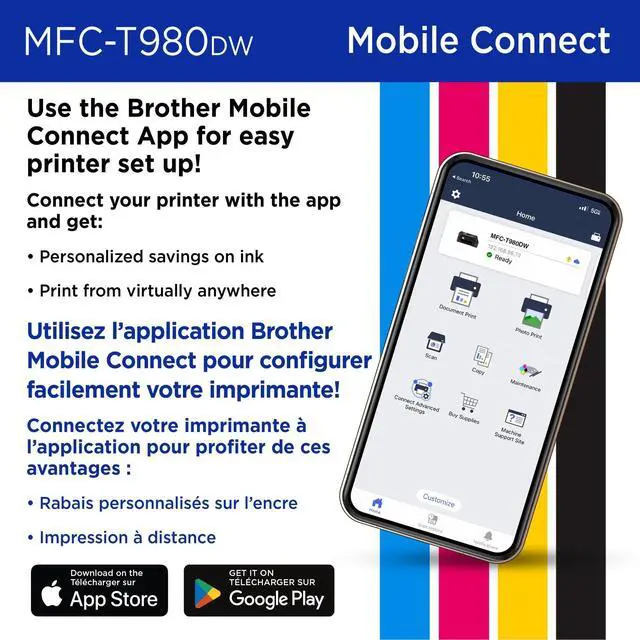
- In a small office or home business, users can print routine documents and color presentation materials from shared computers or phones; Ethernet, Wi-Fi, and mobile printing options support different setups.
- For recurring print jobs, such as invoices, reports, and school materials, the included high-yield ink can reduce how often users need to replenish ink; the advertised ink duration is based on Brother’s stated average monthly print volume.
- When a user needs to digitize or copy a short stack of one-sided paperwork, the automatic document feeder can handle multiple pages without placing each sheet on the scanner glass individually.
- For mailing customer correspondence or printing occasional specialty sheets, users can load envelopes and other supported media in the multipurpose tray instead of swapping out the paper in the main tray.
- For school reports and everyday color graphics, users can expect results suited to typical home or office documents; independent testing describes its color graphics as adequate for most purposes.
- When printing family snapshots or other occasional photos, users can print on glossy paper; Consumer Reports found the photo output very good for most users.
Spec Summary
| Attribute | Value |
|---|---|
| Best For | Color inkjet printing, copying, and scanning, including duplex print jobs and documents up to 8.5 × 14 in |
| Print Performance And Quality | Prints up to 17 ppm in black and 16.5 ppm in color, with up to 1,200 × 6,000 dpi quality; first page takes approximately 6.0 seconds in black or 6.5 seconds in color |
| Copy Performance And Quality | Copies at up to 13 ppm in black, with up to 1,200 × 6,000 dpi quality in black and color; supports up to 99 copies |
| Scanning And Media Handling | Supports originals and media up to 8.5 × 14 in, including borderless photo sizes up to 8.5 × 14 in; one paper tray holds up to 230 sheets |
| Connectivity | One USB port |
| Memory | 128 MB |
| Physical Specifications | 16.5 × 17.1 × 7.1 in; 21.8 lb |
| Included Supplies | Ink bottles |
| Model Identifiers | Brother MFC-T series; model and part number MFCT980DW |