




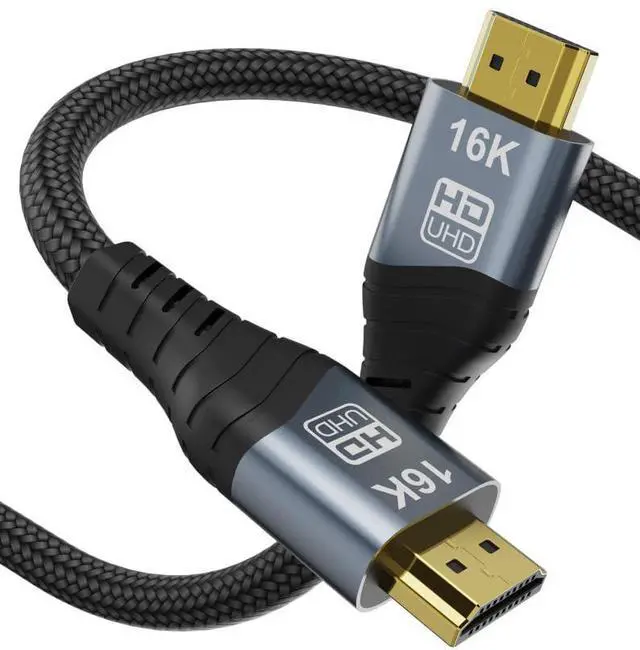



HDMI 2.2 16K High Refresh Rate Video Cable
Why You Need This HDMI 2.2 16K 60Hz Video Connection Cable
With the continuous development of video technology, people’s requirements for image quality and clarity are becoming ever higher. In the future, the ultra-high resolutions 8K and 16K will be gradually introduced into people’s daily lives.
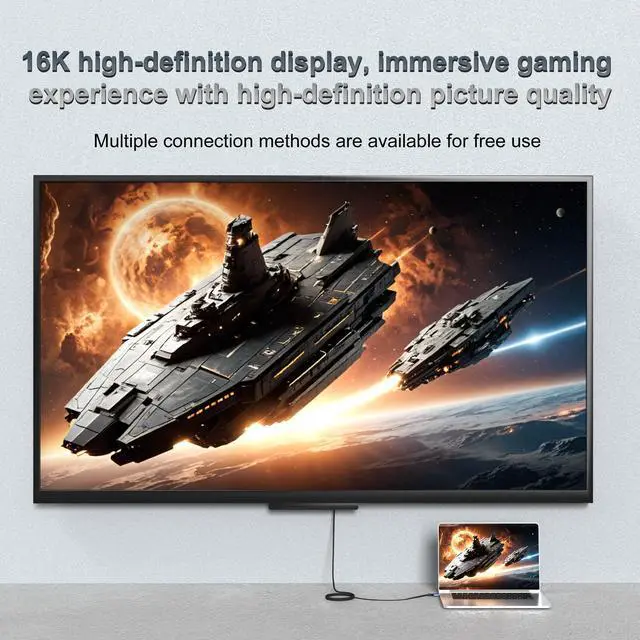
So with our HDMI 2.2 16K video cable, you can put the image of your small laptop on your large HDMI screen and thus break the boundaries of small screens. With a 16K cable, you can realize a visual Ultra HD experience.
HDMI Ultra HD 16K video extension cable for extended screen, 480Hz refresh rate, smooth video experience
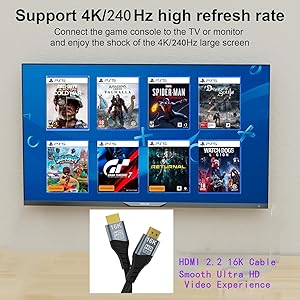
Fluent video and gaming experience with 240Hz refresh rate
The HDMI 2.2 16K cable from CableDeconn supports the transmission of the signal from laptops, computers or other video devices with HDMI port.
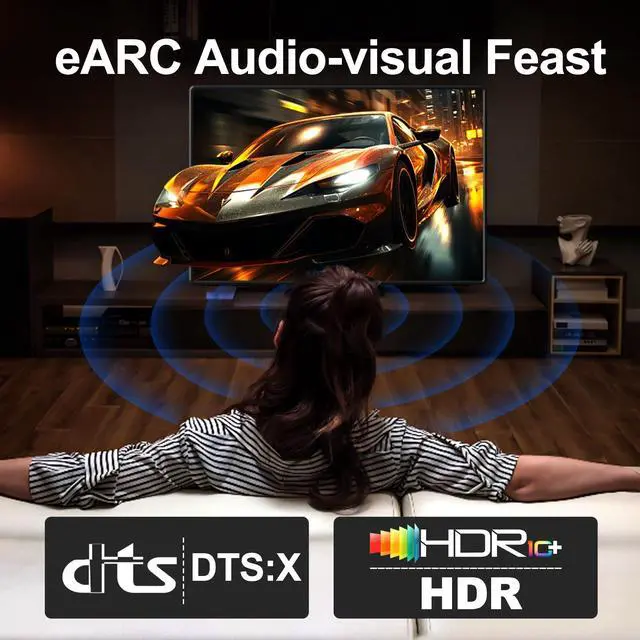
Experience vibrant 16K video and authentic audio supported by HDMI monitors for gaming, video streaming, or a multi-monitor workstation.
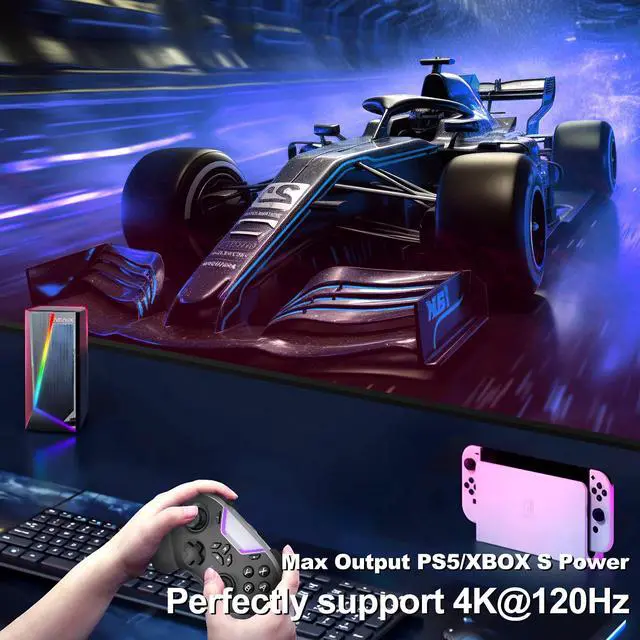
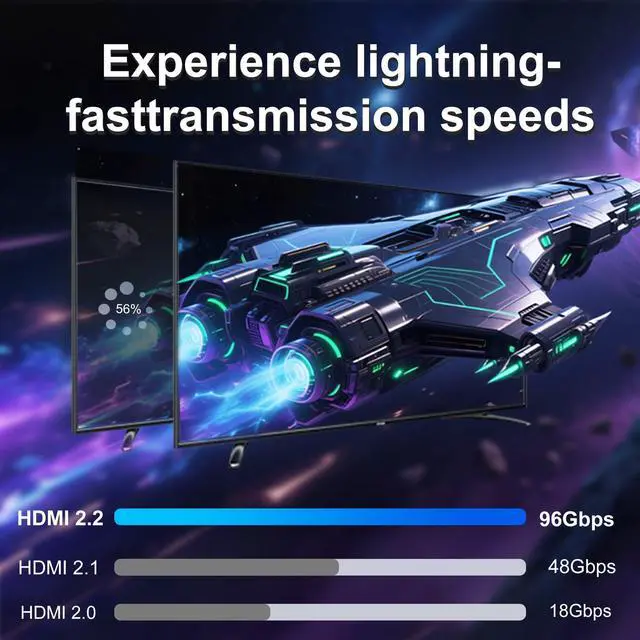
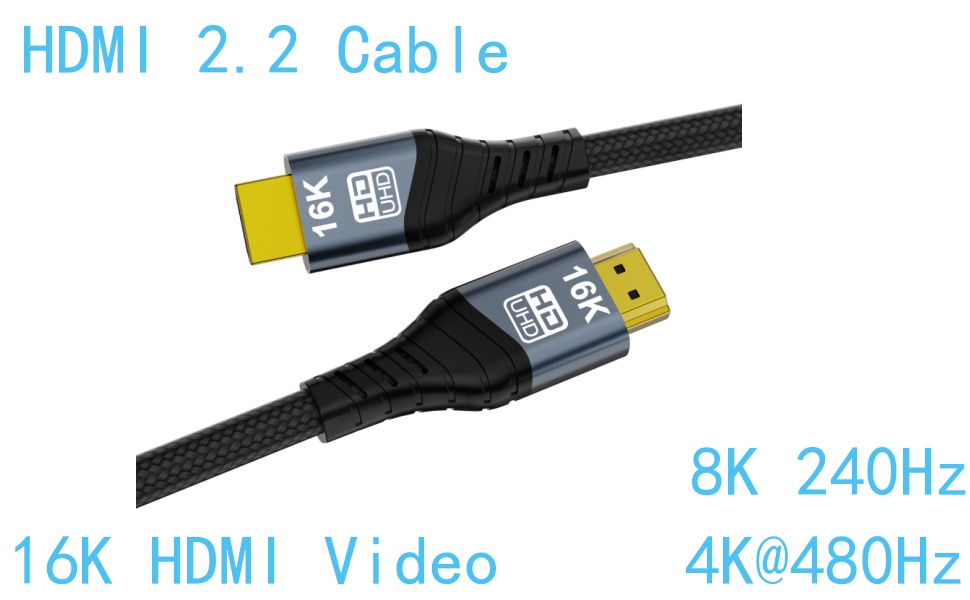
16K@60Hz and, 8K@240Hz and, 4K@480Hz High refresh rate, make your video and picture play without latency, capture all details.
Attention:
Currently, 8K/16K devices are not yet popular on the market. If you want to get an 8K/16K video experience, make sure to: that your output device and display support 8K/16K
New HDMI port and the latest HDMI 2.1 port with support for 16K
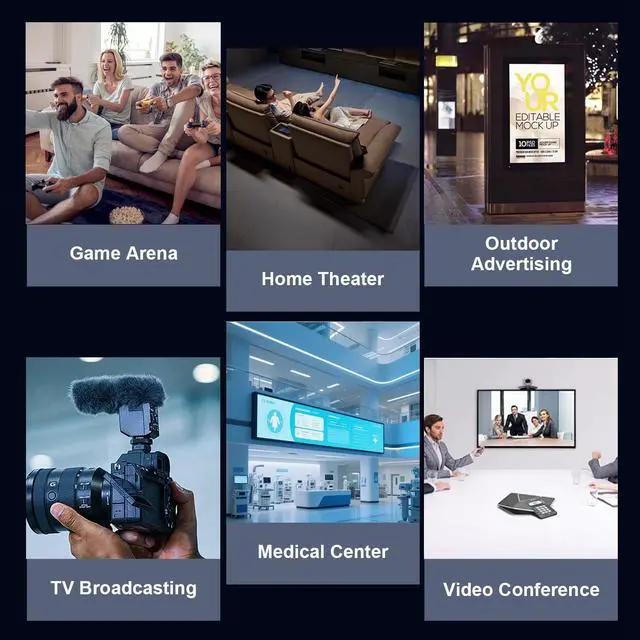
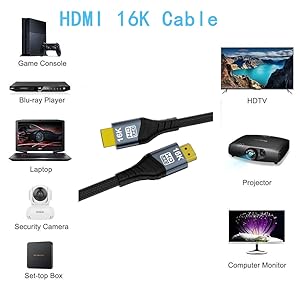
Compatible with TV/PS5/PS4 Pro/Roku Stick, Xbox Series X/S/Xbox 360, Nintendo Switch/Switch 2, Wii U, Mac mini M4/M4 Pro, Laptop, PC, Blu-ray player, AV receiver, Stick TV, TV box, DVD player, LG 8K UHD TV, G8/G9 QLED TV, Soundbar, Projector, Monitor and more
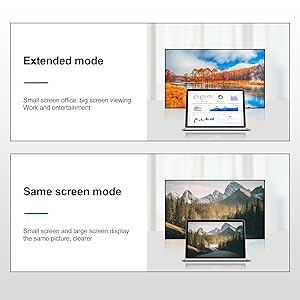
???? 63/5000 With the HDMI 2.2 cable you can realize two display modes
Mode 1: Copy mode
Your small screen has the same image as your large external screen.
Mode 2: Extension mode
Your large external screen will display a different image compared to your small screen. You can work with your little computer and play for your family at the cinema.
If the external screen doesn't sync the pictures or videos to your small screen, check your laptop's settings or confirm whether the interface is fully connected
HDMI 2.2 16K High Refresh Rate Video Cable
Why You Need This HDMI 2.2 16K 60Hz Video Connection Cable
With the continuous development of video technology, people’s requirements for image quality and clarity are becoming ever higher. In the future, the ultra-high resolutions 8K and 16K will be gradually introduced into people’s daily lives.
So with our HDMI 2.2 16K video cable, you can put the image of your small laptop on your large HDMI screen and thus break the boundaries of small screens. With a 16K cable, you can realize a visual Ultra HD experience.
HDMI Ultra HD 16K video extension cable for extended screen, 480Hz refresh rate, smooth video experience
Fluent video and gaming experience with 240Hz refresh rate
The HDMI 2.2 16K cable from CableDeconn supports the transmission of the signal from laptops, computers or other video devices with HDMI port.
Experience vibrant 16K video and authentic audio supported by HDMI monitors for gaming, video streaming, or a multi-monitor workstation.
16K@60Hz and, 8K@240Hz and, 4K@480Hz High refresh rate, make your video and picture play without latency, capture all details.
Attention:
Currently, 8K/16K devices are not yet popular on the market. If you want to get an 8K/16K video experience, make sure to: that your output device and display support 8K/16K
New HDMI port and the latest HDMI 2.1 port with support for 16K
Compatible with TV/PS5/PS4 Pro/Roku Stick, Xbox Series X/S/Xbox 360, Nintendo Switch/Switch 2, Wii U, Mac mini M4/M4 Pro, Laptop, PC, Blu-ray player, AV receiver, Stick TV, TV box, DVD player, LG 8K UHD TV, G8/G9 QLED TV, Soundbar, Projector, Monitor and more
???? 63/5000 With the HDMI 2.2 cable you can realize two display modes
Mode 1: Copy mode
Your small screen has the same image as your large external screen.
Mode 2: Extension mode
Your large external screen will display a different image compared to your small screen. You can work with your little computer and play for your family at the cinema.
If the external screen doesn't sync the pictures or videos to your small screen, check your laptop's settings or confirm whether the interface is fully connected