• $106.99
  • Free 30-day Returns
  • Price alert
    Shop it at NeweggBusiness.

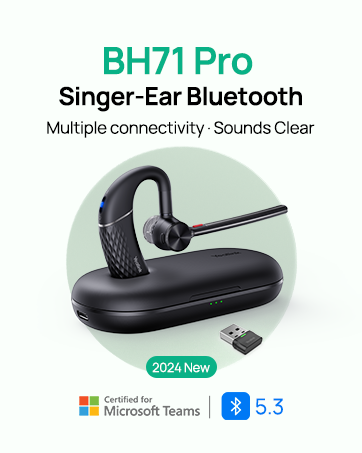
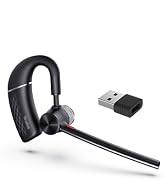
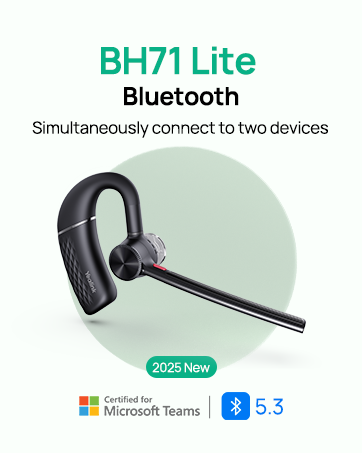
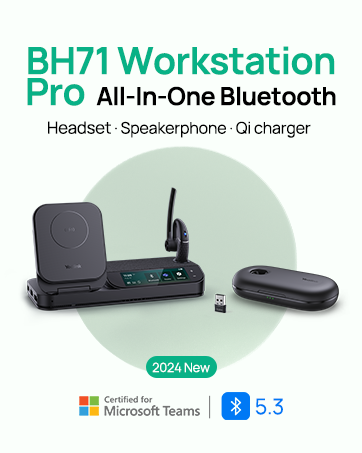
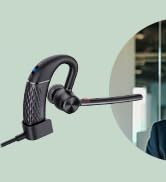
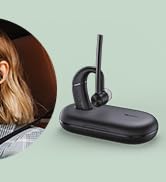
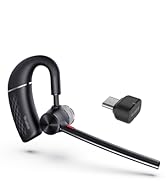
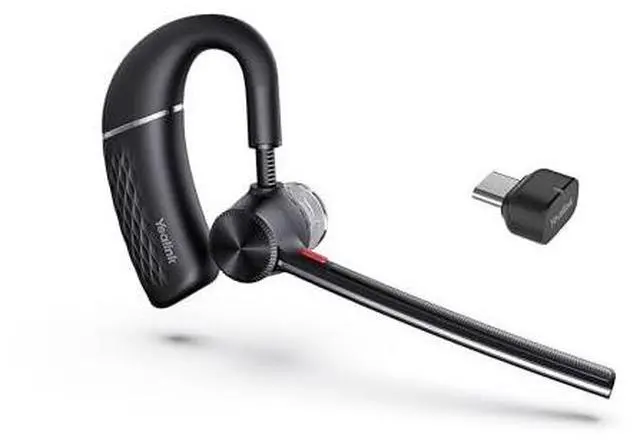
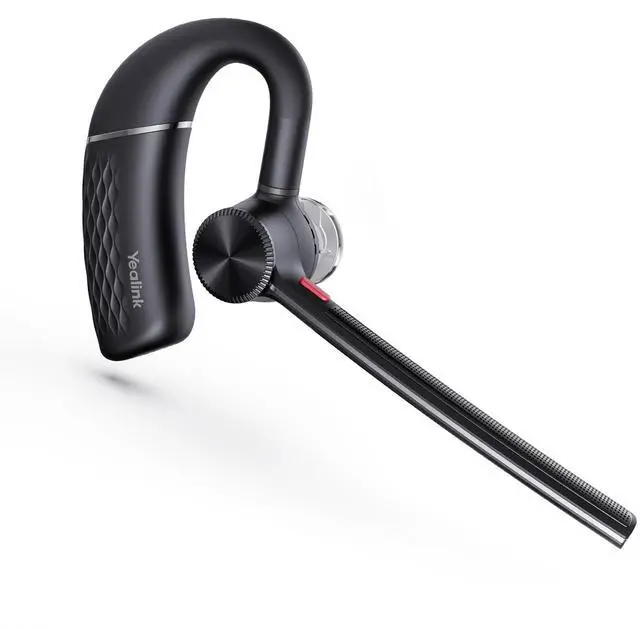
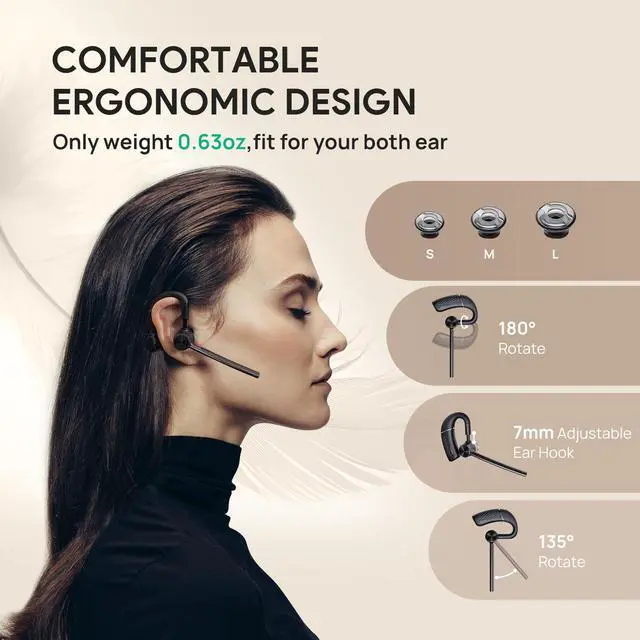
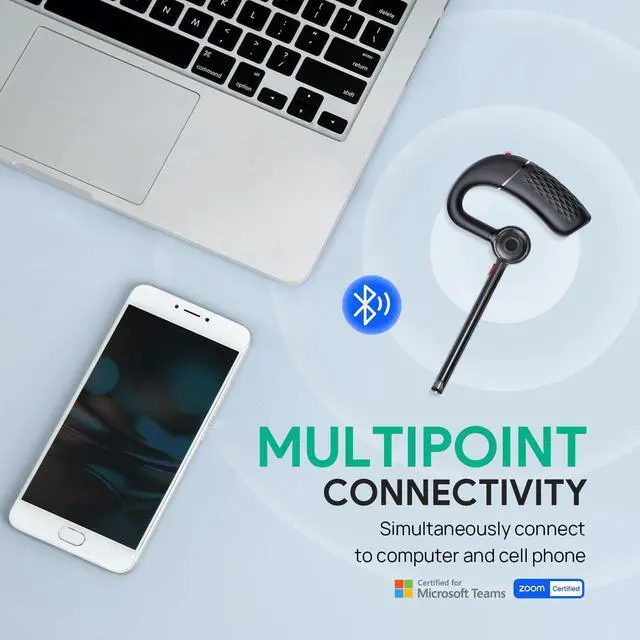
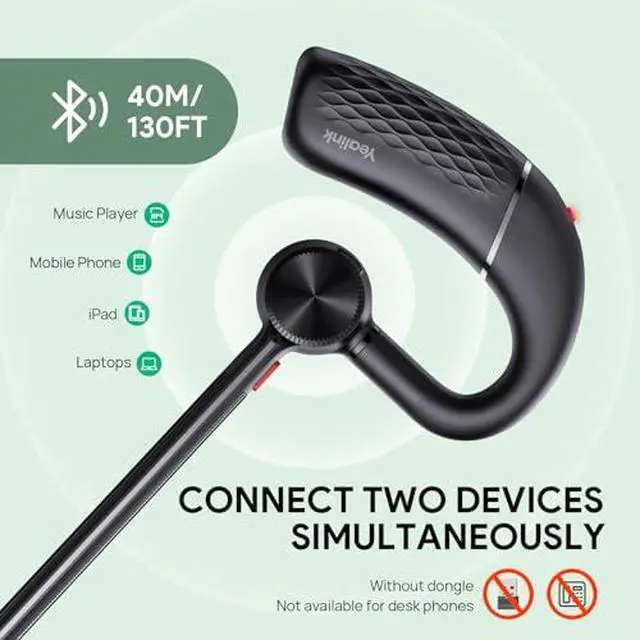
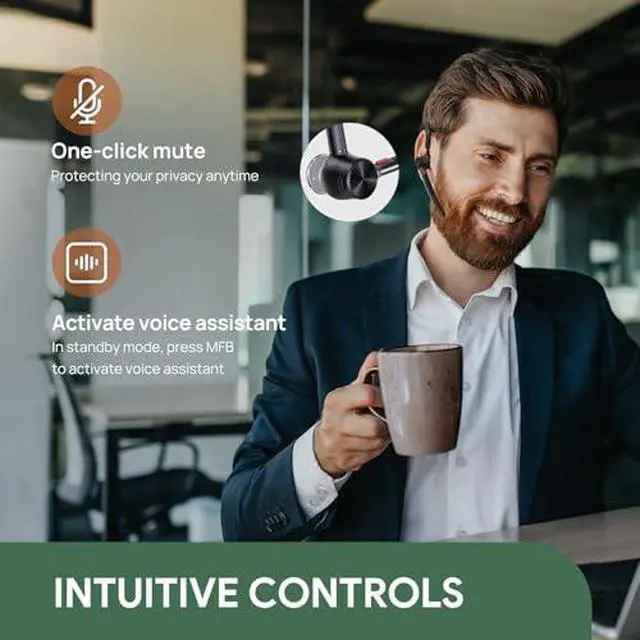
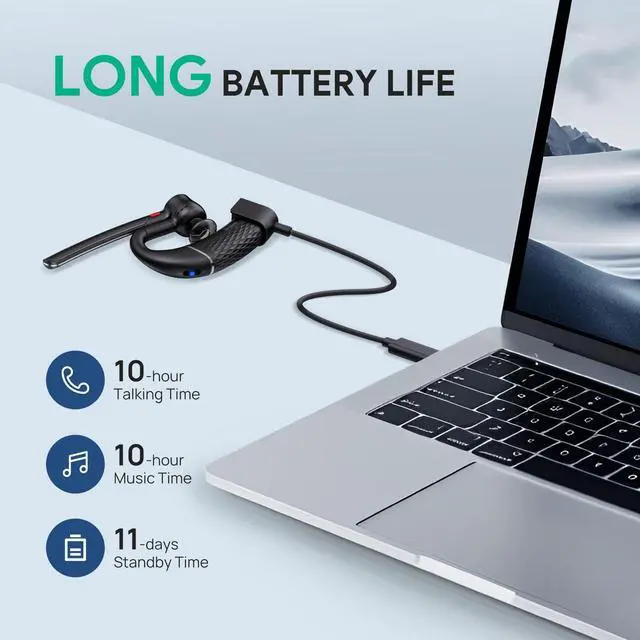
    BH71 Lite Bluetooth Headset & USB Bluetooth Adapter,Wireless Earpiece with 4 Noise Cancelling Microphone,10H Talk Time,Adjustable Ear Hook

    • 1. For the BH71 Lite earphones, slide and press and hold the power button for 3 seconds to enter Bluetooth pairing mode.
    • 2. Connect the newly purchased BT51 to your PC.
    • 3. Open [Yealink USB Connect] and select the BT51 card.
    • 4. Go to [Pair Management] and refresh the list of available pairing devices.
    • 5. Find the earphones you want to pair and click Pair.
    +
    +
    Overview
    Specs
    Reviews
    avatar

    Any questions? Our AI mode will help you find out quickly.

    BH71 Lite Bluetooth Headset & USB Bluetooth Adapter, Wireless Earpiece with 4 Noise Cancelling Microphone, 10H Talk Time, Adjustable Ear Hook

    Warranty & Returns

    Warranty, Returns, And Additional Information

    Warranty

    • Please contact the Seller directly for warranty information. Warranty information may also be found on the Manufacturer's website.
    • CONTACT

    Return Policies

    Manufacturer Contact Info

    LOADING...