Any questions? Our AI beta will help you find out quickly.
Try me now
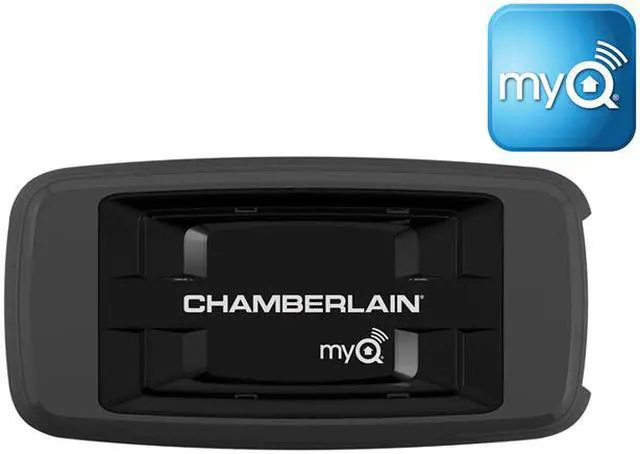
Chamberlain CIGBU MYQ Internet Gateway
Never worry about an open garage door again. The MyQ Internet Gateway connects to the Internet through your home router, and when combined with MyQ devices, allows you to open, close and monitor your garage door and control household lighting from anywhere.
Features
PRODUCT FEATURES
Open, close and monitor your Chamberlain® MyQ garage door opener from anywhere using your smartphone - have peace-of-mind that your garage door is always closed
Receive automated alerts when your garage door is open - customize alerts to fit your needs
Control lighting around the home from anywhere with Chamberlain MyQ light controls
Installs within minutes - connects to your Internet router and communicates wirelessly with the MyQ devices in your home
Free application with no service fees
BRAND COMPATIBILITY
Compatible with Chamberlain MyQ garage door openers and light controls enabled by MyQ technology
The Chamberlain MyQ Internet Gateway connects your Security+ 2.0 MyQ-enabled devices to the Internet, enabling remote control from anywhere in the world via your smartphone, tablet, or PC. With a free MyQ online account, you can also set up alerts, and know whether or not your home is secure, no matter where you are. The free MyQ mobile app for Apple/Android devices (and the matching mobile website for non-iOS/Android users) gives you remote control over all of your MyQ connected devices. You can open/close doors, turn lights on/off, etc. Optional alerts can also be set up to notify you when specific events occur. Alerts can be sent as mobile push notifications or emails, or both. Whenever an event triggers an alert, the Internet Gateway's event history log displays the type of event, including the time and day of the occurrence. Event Options: Door or gate opens/closes; Door or gate remains open for an extended period of time; Light turns on/off. Event Settings: All times and all days; Specific days of the week (e.g. weekends only); Specific time (e.g. 8:00 am to 6:00 pm). CONTENTS: Internet Gateway, Ethernet Cable, Power Supply, User Guide. NOTE: Requires connection to an Internet router.
Learn more about the Chamberlain CIGBU
General
Brand
Chamberlain
Model
CIGBU
Model
Type
Accessories
Spec
Features
Open, close and monitor your Chamberlain MyQ garage door opener from anywhere using your smartphone - have peace-of-mind that your garage door is always closed
Receive automated alerts when your garage door is open - customize alerts to fit your needs
Control lighting around the home from anywhere with Chamberlain MyQ light controls
Installs within minutes - connects to your Internet router and communicates wirelessly with the MyQ devices in your home
Free application with no service fees
Compatible with Chamberlain MyQ garage door openers and light controls enabled by MyQ technology