here!
here!
I’m your shopping assistant for PC builds, upgrades, and everything tech.
Got questions? Ask away!
Start a conversation
here!
I’m your shopping assistant for PC builds, upgrades, and everything tech.
Got questions? Ask away!
Start a conversation



Any questions? Ask CelesteSM will help you find out quickly.
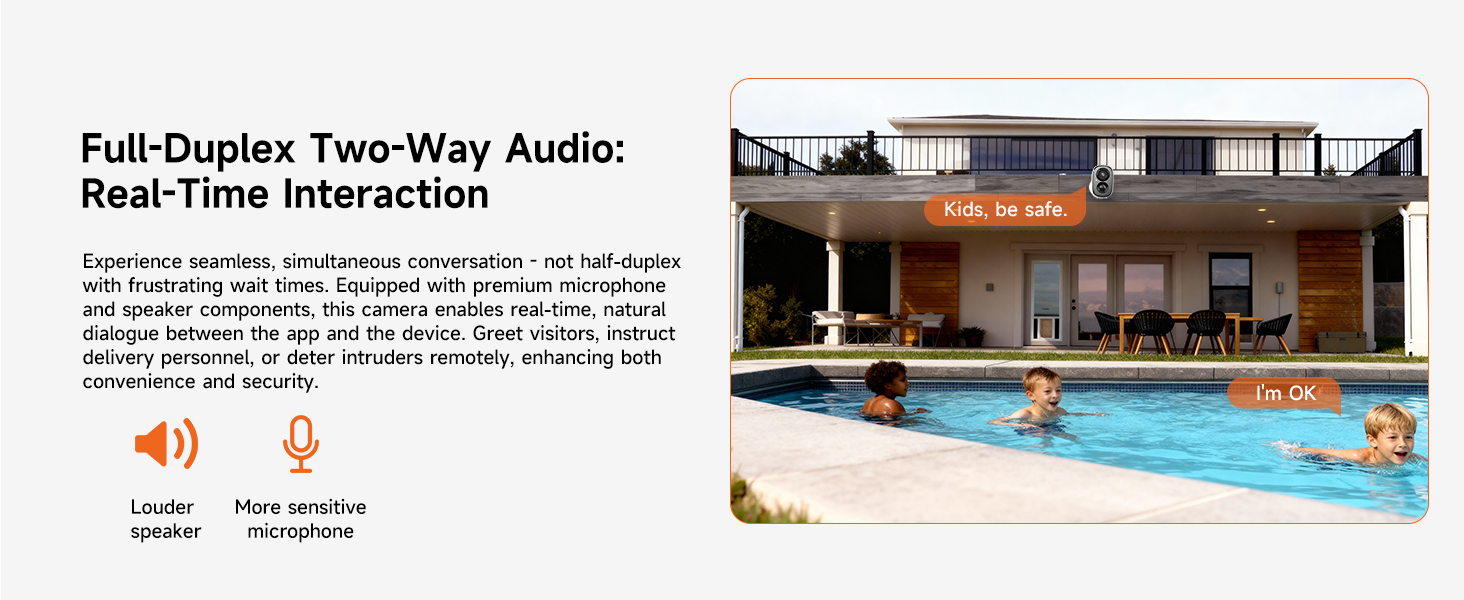
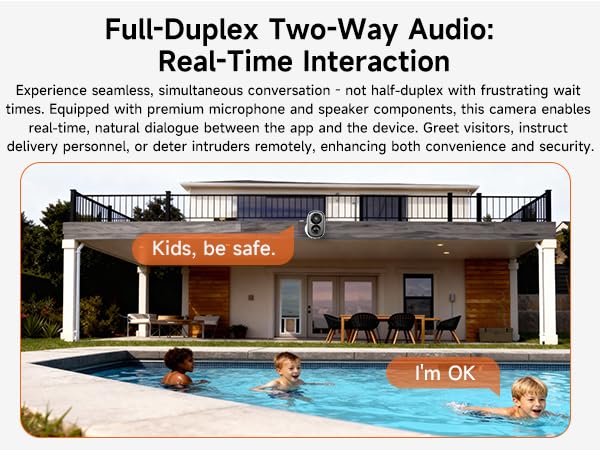
Two-way talk feature does not work.
1. Enable your phone's Microphone Permission for the CINMOORE APP: Settings - CINMOORE APP - Microphone.
2. In the APP Settings > Sound Settings, confirm that both "Live Broadcast Audio Collection" and "Intercom Volume" are enabled.
The camera is turning on and off intermittently.
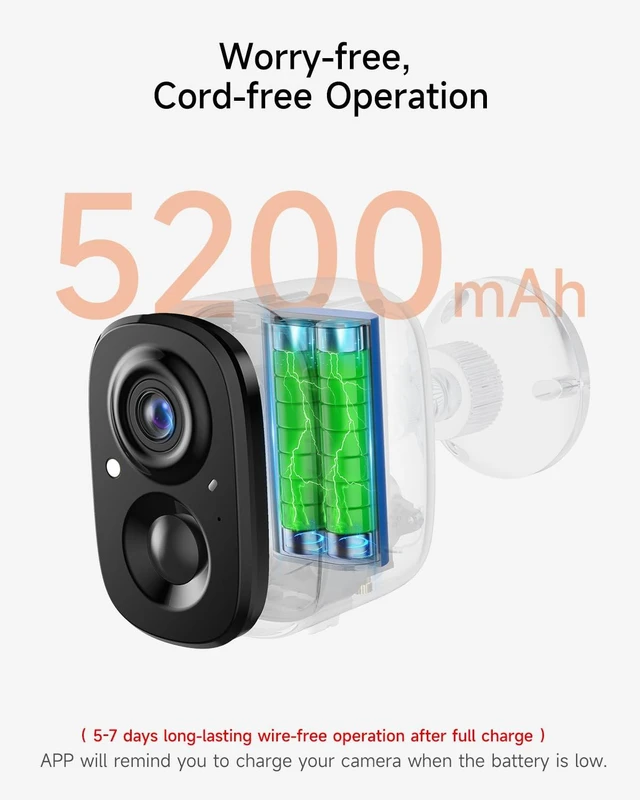
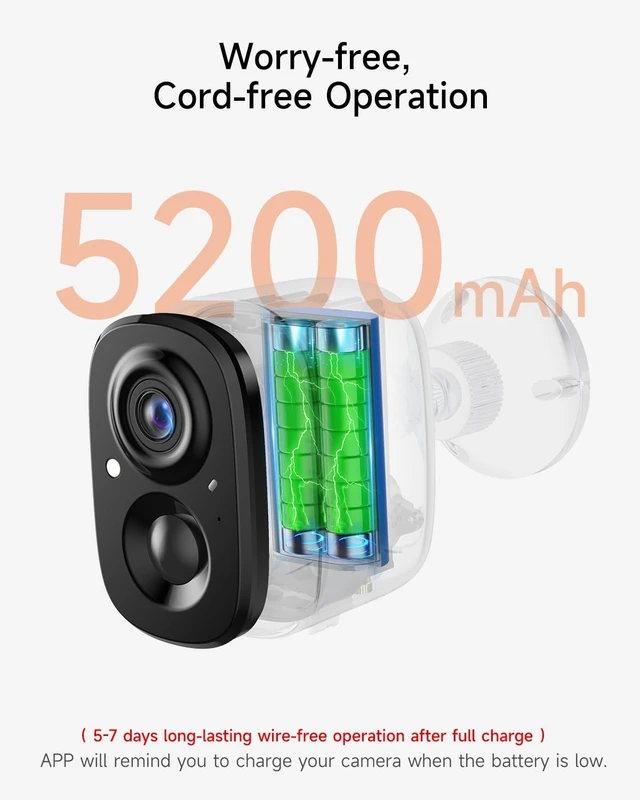
1. When the battery is low, the camera may automatically hibernate or restart. We recommend fully charging the camera before connecting it to the network for use.
2. Reset the camera and upgrade to the latest firmware via the App.
WiFi connection is failed.
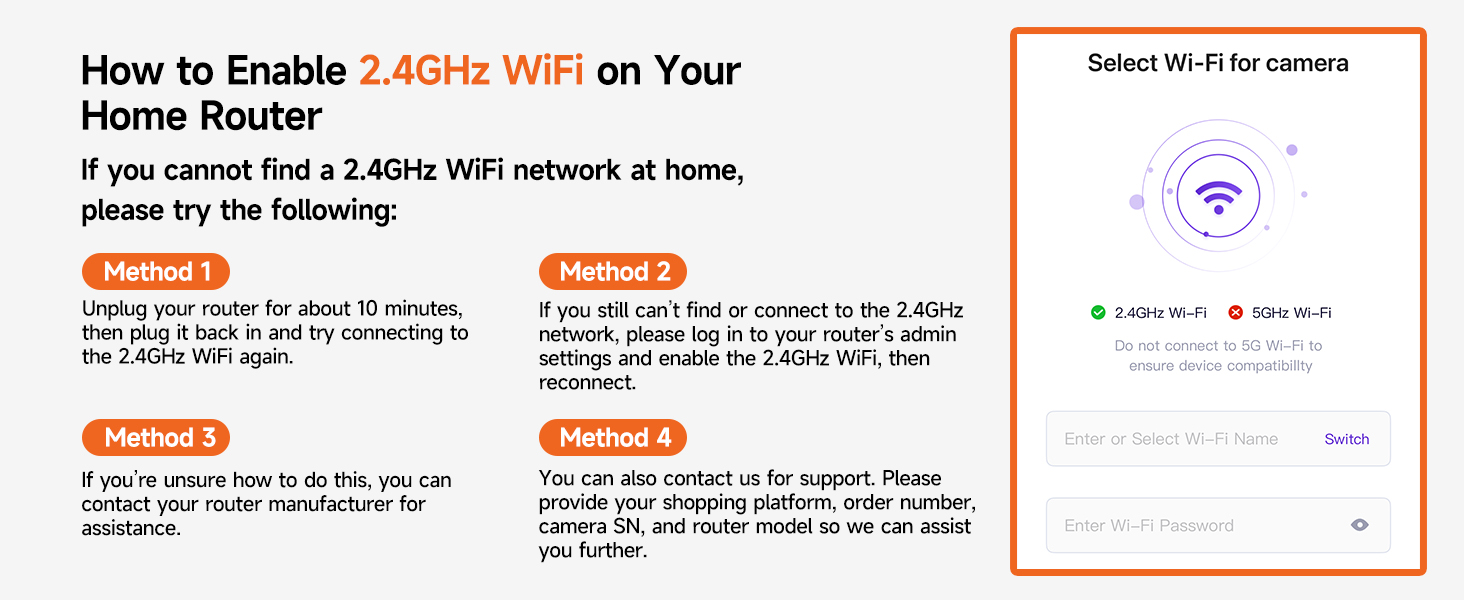
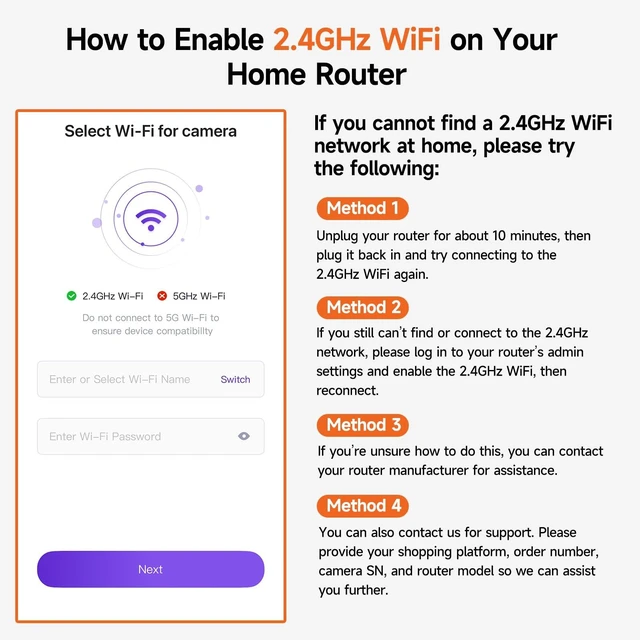
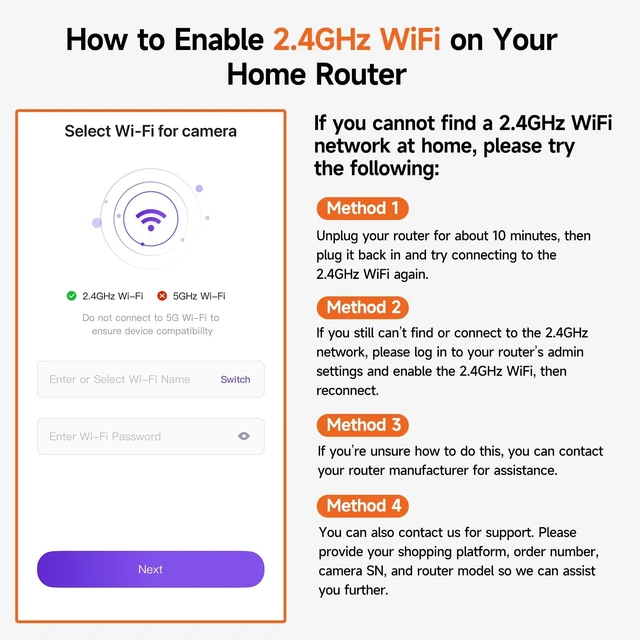
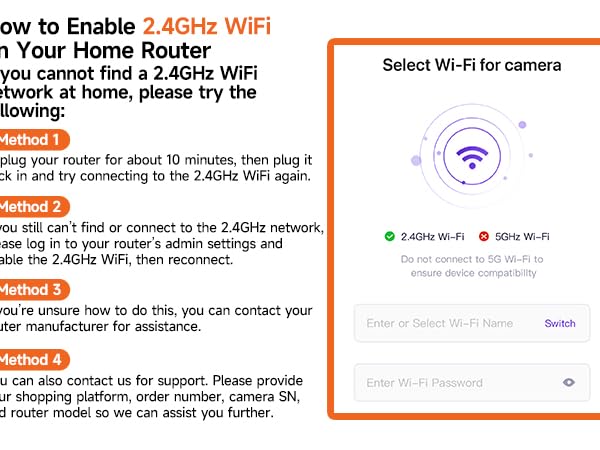
1. Use only a 2.4GHz WiFi network (5GHz WiFi is not supported).
2. Move the camera closer to the router to improve signal strength.
3. Restart both the router and the camera to refresh the connection.
How to allow mutiple users for simultaneous viewing?
Device Sharing Guide:
1. On the App homepage, click the "more" button, select "Share", generate a device sharing code.
2. Other users to be shared with should download the App, register a new account, scan the sharing code to add the camera
How to save recordings to phone?
?1. SD Card Recordings?: During playback ? Tap ?"Screen Record" icon? (top-right) ? "Recording" prompt appears ? Saves to phone gallery.
?2. Cloud Recordings?: Playback ? Tap ?"Batch Manage"? ? Select clips ? Tap ?"Download"? to save to phone.
 2 Pack Wireless Cameras |  2 Pack Wired Cameras | 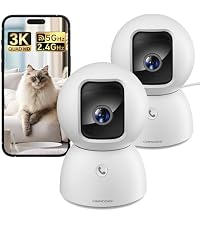 2 Pack Wired Cam Indoor | 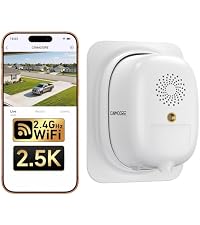 Wireless Window Camera | 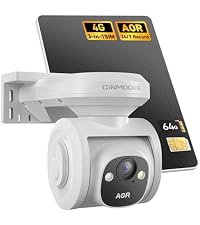 4G Solar Wireless Camera | 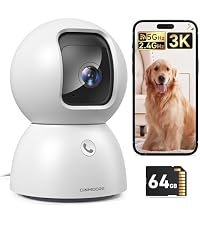 Indoor Camera (64GB Card) | 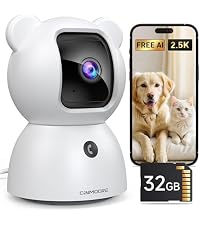 Indoor Camera (32GB Card) | |
|---|---|---|---|---|---|---|---|
Customer Reviews | — | — | — | — | — | — | — |
Price | — | — | — | — | — | — | — |
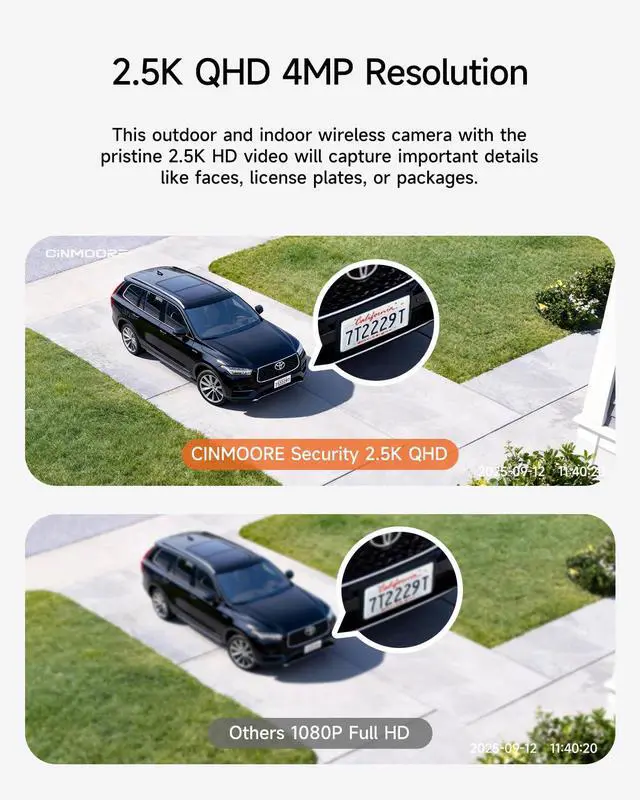
Resolution | 2.5K | 2.5K | 3K | 2.5K | 2.5K | 3K | 2.5k |
WiFi Band | 2.4GHz WiFi | 2.4GHz WiFi | 2.4GHz/5GHz Dual Band WiFi | 2.4GHz WiFi | 4G LTE Cellular (No WiFi) | 2.4GHz/5GHz Dual Band WiFi | 2.4GHz WiFi |
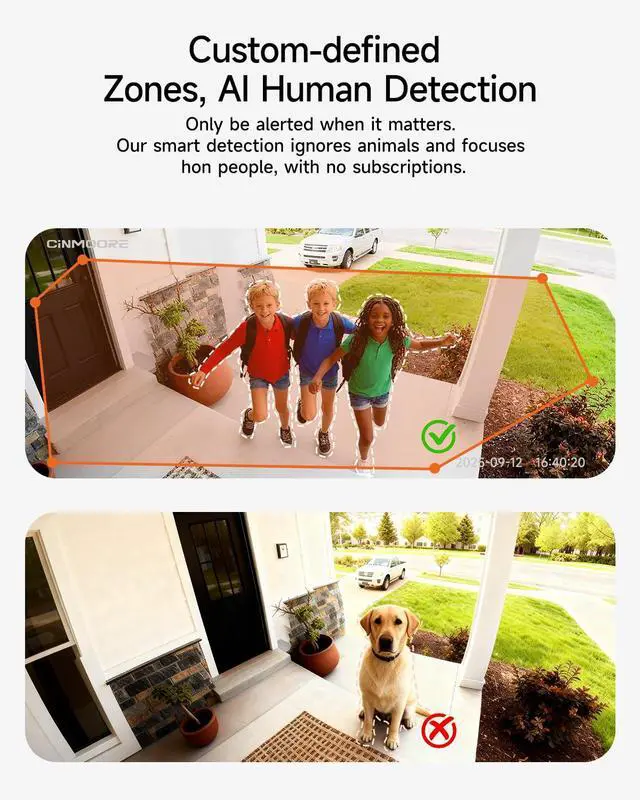
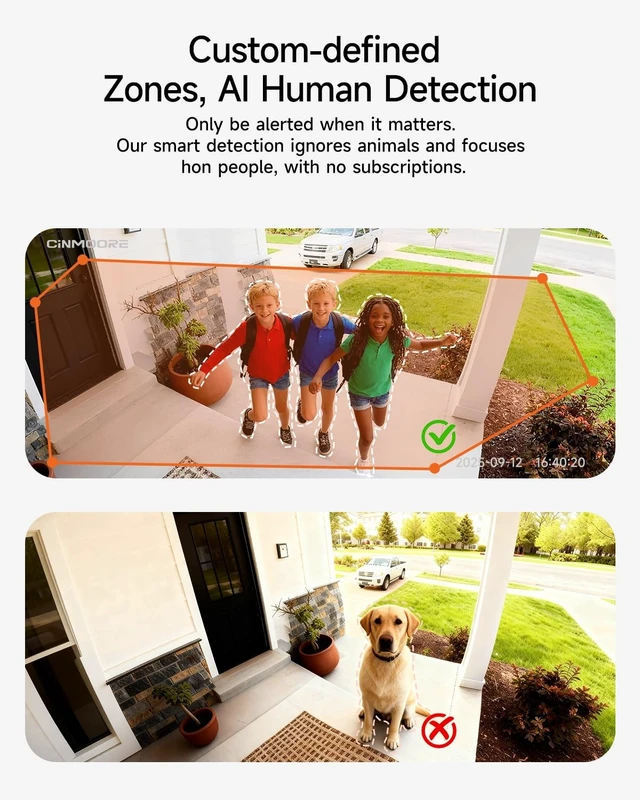
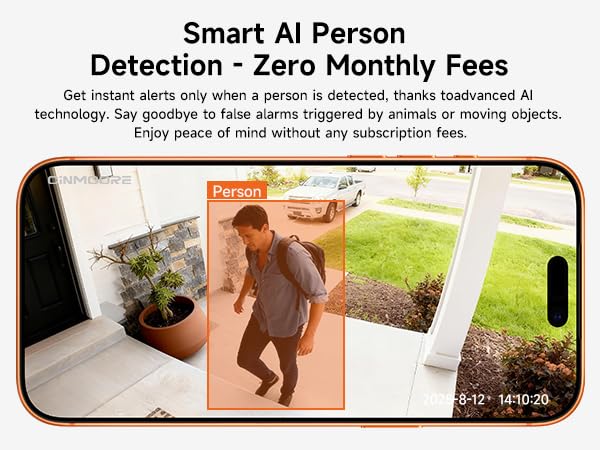
AI Recognition | Human | Human/Pet/Crying | Human/Pet/Face | Face/Human/Vehicle/Pet | Human/Vehicle/Pet | Human/Pet/Face | Human/Pet/Crying |
AI Tracking | ? | ? | ? | ? | ? | ? | ? |
Spotlight | 1 LED Spotlights | / | / | / | 2 LED Spotlights | / | / |
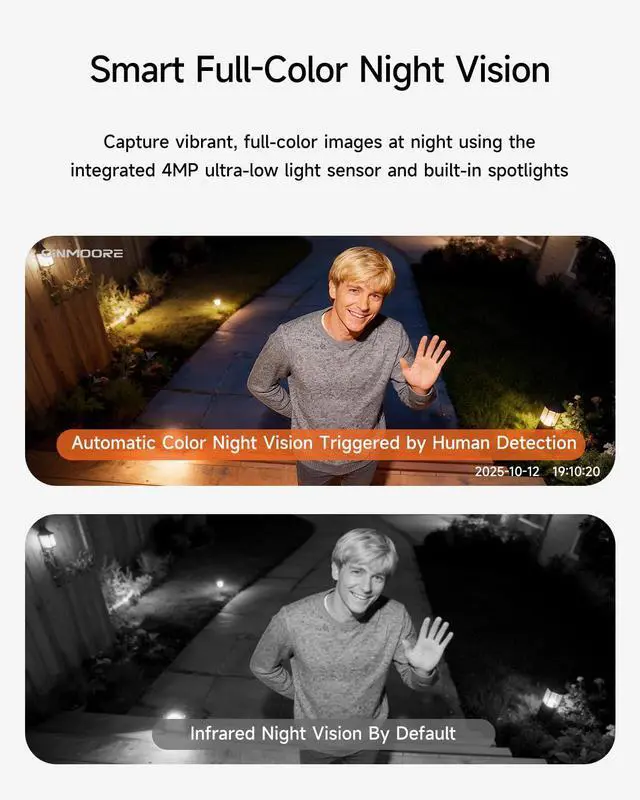
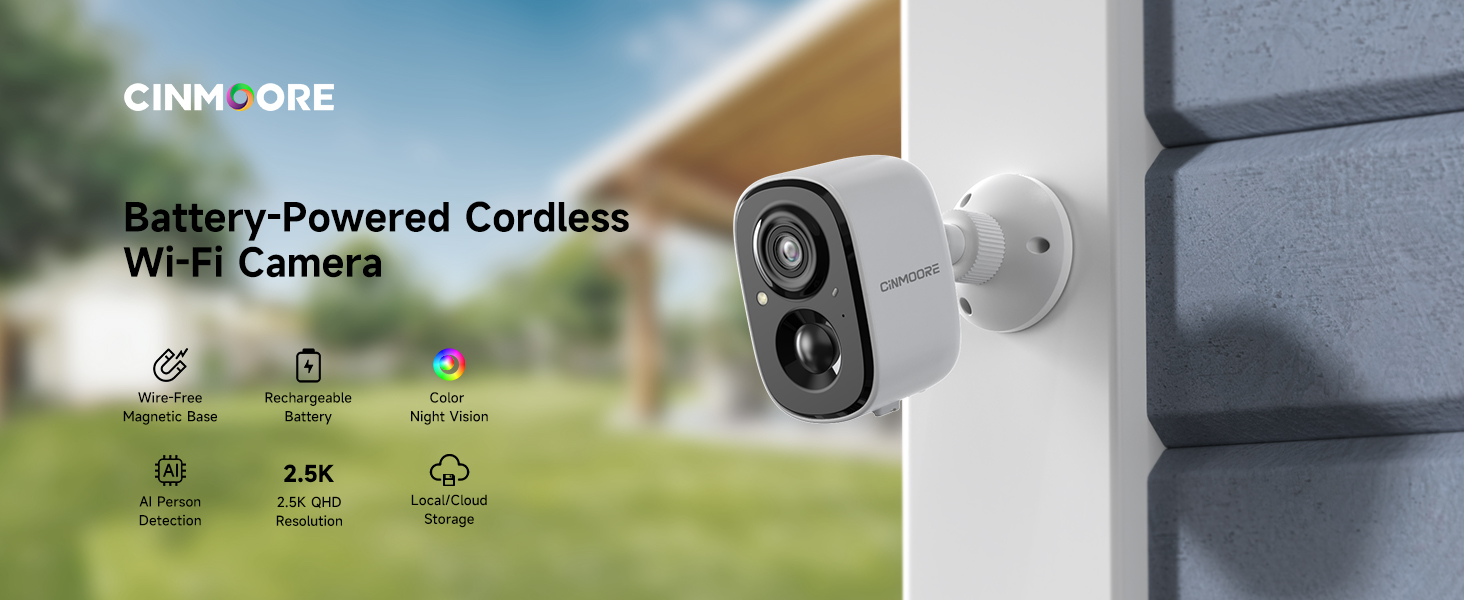
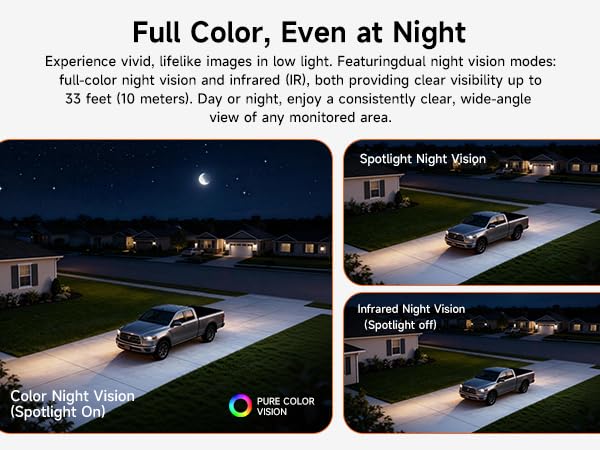
Night Vision | Spotlight Color Night Vision | Infrared Night Vision | Infrared Night Vision | Color Night Vision | Spotlight Color Night Vision | Infrared Night Vision | Infrared Night Vision |
Local Storage | Up to 256GB microSD Card | Up to 512GB microSD Card | Up to 512GB microSD Card | Up to 512GB microSD Card | Pre-installed 64GB Card? | Pre-installed 64GB Card? | Pre-installed 32GB Card? |
Included microSD Card | ? | ? | ? | ? | ? | ? | ? |
24/7 Continuous Recording | ? | ? | ? | ? | ? | ? | ? |
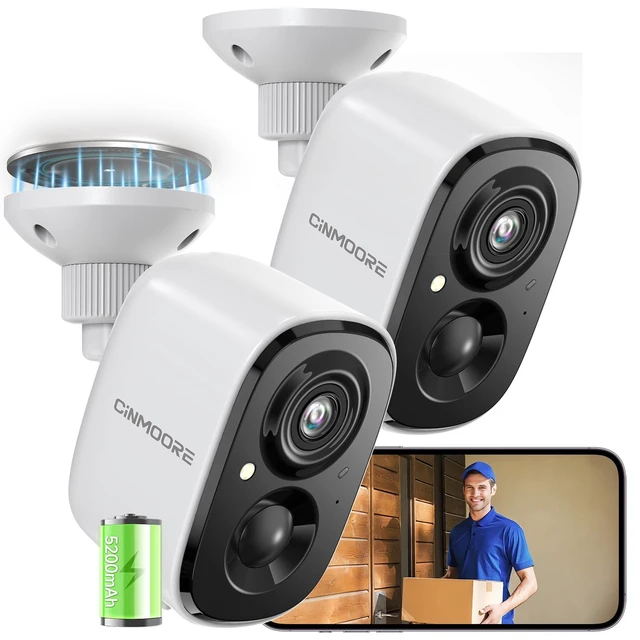
Power Source | Rechargeable Battery, Cordless | Corded Electric | Corded Electric | Rechargeable Battery, Cordless | Solar Power, Cordless | Corded Electric | Corded Electric |
Recommended Uses | Outdoor/Indoor | Indoor | Indoor | Indoor | Outdoor | Indoor | Indoor |
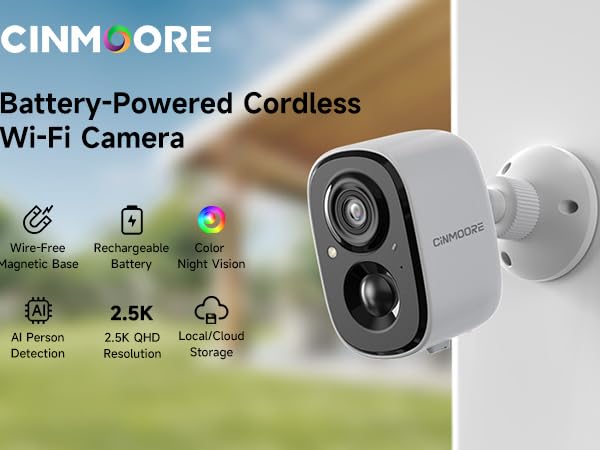
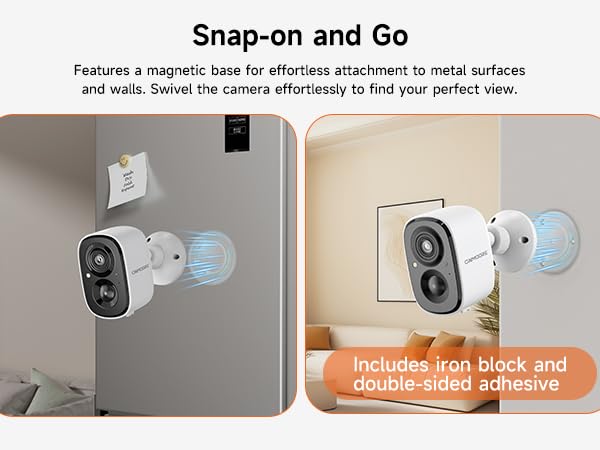
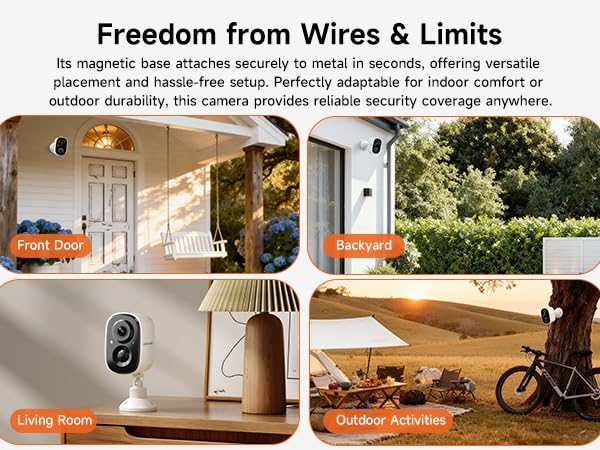

Two-way talk feature does not work.
1. Enable your phone's Microphone Permission for the CINMOORE APP: Settings - CINMOORE APP - Microphone.
2. In the APP Settings > Sound Settings, confirm that both "Live Broadcast Audio Collection" and "Intercom Volume" are enabled.
The camera is turning on and off intermittently.
1. When the battery is low, the camera may automatically hibernate or restart. We recommend fully charging the camera before connecting it to the network for use.
2. Reset the camera and upgrade to the latest firmware via the App.
WiFi connection is failed.
1. Use only a 2.4GHz WiFi network (5GHz WiFi is not supported).
2. Move the camera closer to the router to improve signal strength.
3. Restart both the router and the camera to refresh the connection.
How to allow mutiple users for simultaneous viewing?
Device Sharing Guide:
1. On the App homepage, click the "more" button, select "Share", generate a device sharing code.
2. Other users to be shared with should download the App, register a new account, scan the sharing code to add the camera
How to save recordings to phone?
?1. SD Card Recordings?: During playback ? Tap ?"Screen Record" icon? (top-right) ? "Recording" prompt appears ? Saves to phone gallery.
?2. Cloud Recordings?: Playback ? Tap ?"Batch Manage"? ? Select clips ? Tap ?"Download"? to save to phone.
2 Pack Wireless Cameras | 2 Pack Wired Cameras | 2 Pack Wired Cam Indoor | Wireless Window Camera | 4G Solar Wireless Camera | Indoor Camera (64GB Card) | 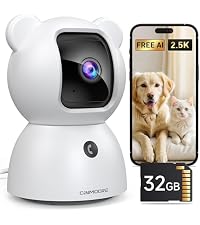 Indoor Camera (32GB Card) |
|---|---|---|---|---|---|---|
| Customer Reviews | ||||||
| — | — | — | — | — | — | — |
| Price | ||||||
| — | — | — | — | — | — | — |
| Resolution | ||||||
| 2.5K | 2.5K | 3K | 2.5K | 2.5K | 3K | 2.5k |
| WiFi Band | ||||||
| 2.4GHz WiFi | 2.4GHz WiFi | 2.4GHz/5GHz Dual Band WiFi | 2.4GHz WiFi | 4G LTE Cellular (No WiFi) | 2.4GHz/5GHz Dual Band WiFi | 2.4GHz WiFi |
| AI Recognition | ||||||
| Human | Human/Pet/Crying | Human/Pet/Face | Face/Human/Vehicle/Pet | Human/Vehicle/Pet | Human/Pet/Face | Human/Pet/Crying |
| AI Tracking | ||||||
| ? | ? | ? | ? | ? | ? | ? |
| Spotlight | ||||||
| 1 LED Spotlights | / | / | / | 2 LED Spotlights | / | / |
| Night Vision | ||||||
| Spotlight Color Night Vision | Infrared Night Vision | Infrared Night Vision | Color Night Vision | Spotlight Color Night Vision | Infrared Night Vision | Infrared Night Vision |
| Local Storage | ||||||
| Up to 256GB microSD Card | Up to 512GB microSD Card | Up to 512GB microSD Card | Up to 512GB microSD Card | Pre-installed 64GB Card? | Pre-installed 64GB Card? | Pre-installed 32GB Card? |
| Included microSD Card | ||||||
| ? | ? | ? | ? | ? | ? | ? |
| 24/7 Continuous Recording | ||||||
| ? | ? | ? | ? | ? | ? | ? |
| Power Source | ||||||
| Rechargeable Battery, Cordless | Corded Electric | Corded Electric | Rechargeable Battery, Cordless | Solar Power, Cordless | Corded Electric | Corded Electric |
| Recommended Uses | ||||||
| Outdoor/Indoor | Indoor | Indoor | Indoor | Outdoor | Indoor | Indoor |