



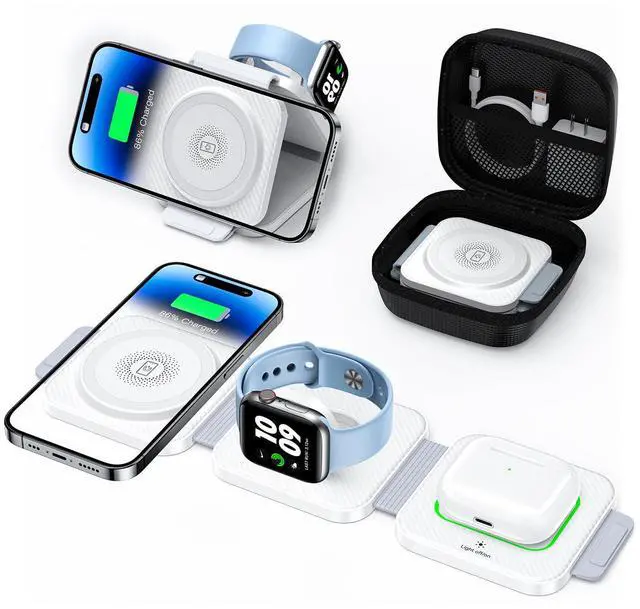
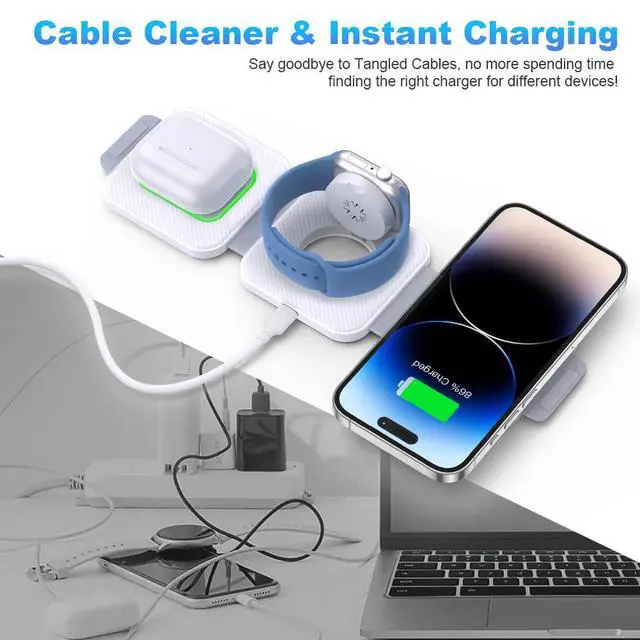
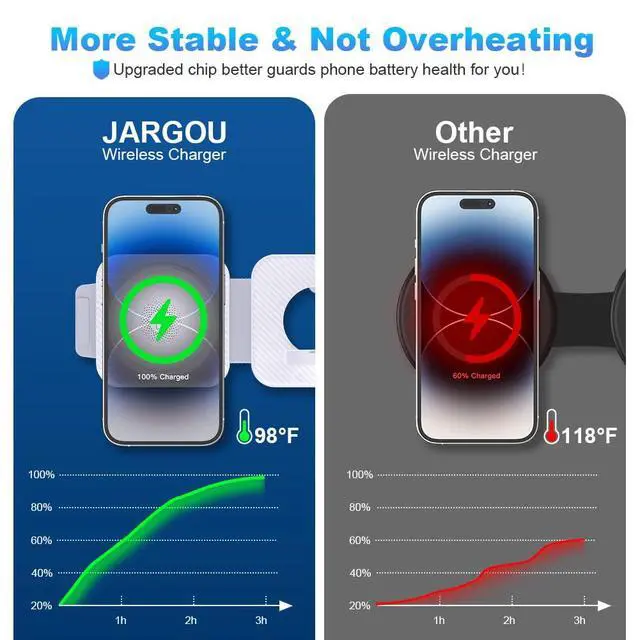
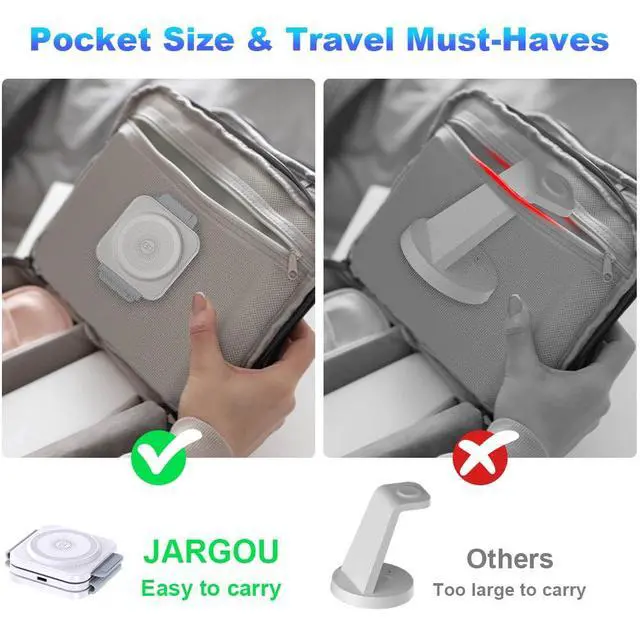
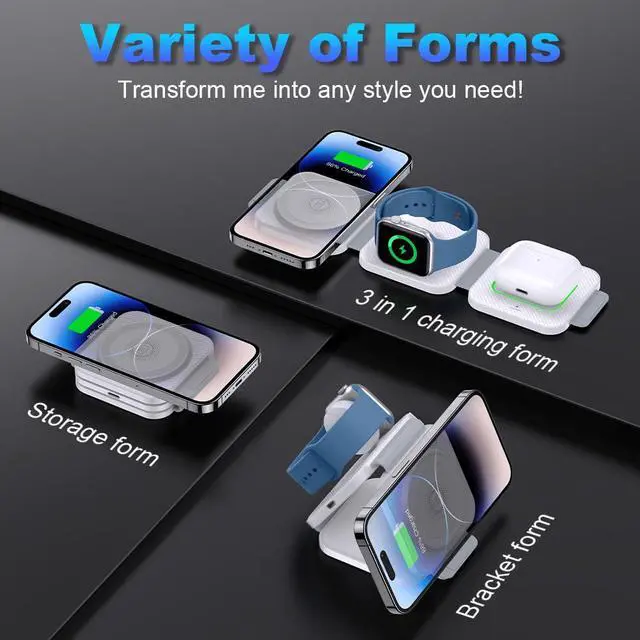


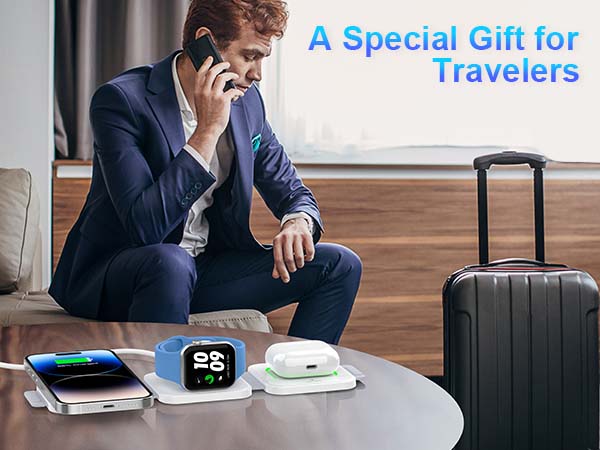
JARGOU Foldable Wireless Charger with Organizer——A Must-have for Travel!
Important Things to Know Before You Shop
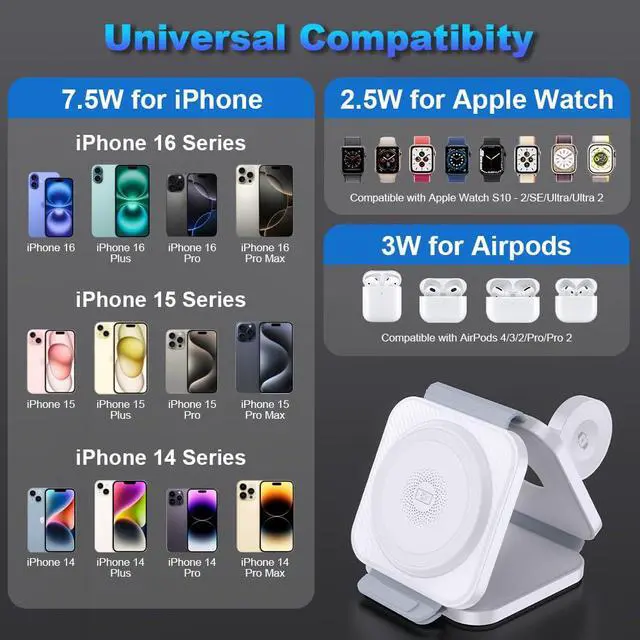
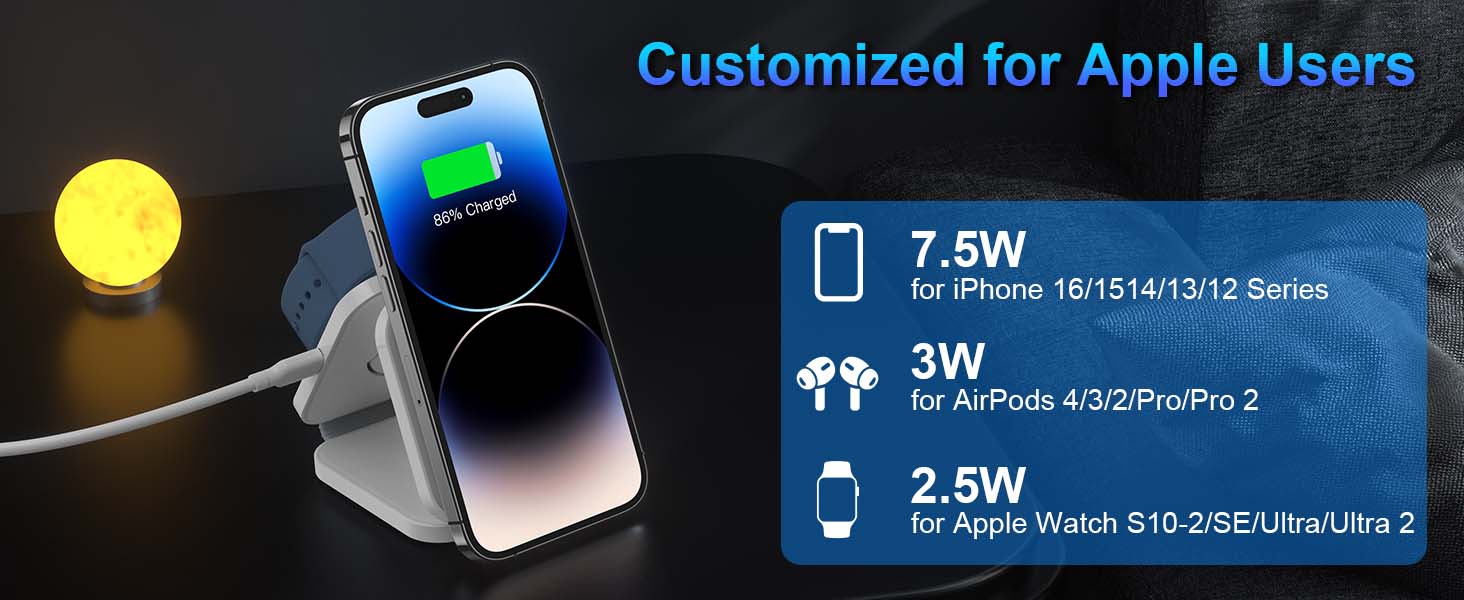
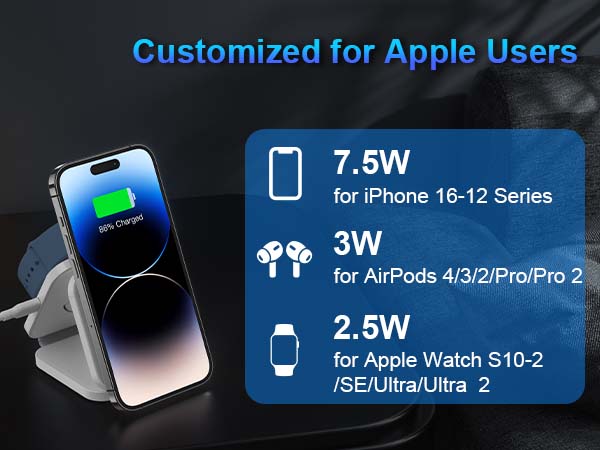
For Apple Phone: iPhone 16, iPhone 16 Plus, iPhone 16 Pro, iPhone 16 Pro Max; iPhone 15, iPhone 15 Plus; iPhone 14, iPhone 14 Plus, iPhone 14 Pro, iPhone 14 Pro Max; iPhone 13, iPhone 13 Pro, iPhone 13 Pro Max; iPhone 12, iPhone 12 Pro, iPhone 12 Pro Max;
The magnetic stand feature is only available for iPhone 16/15/14/13/12 series that support magnetic charging and can be paired with the magnetic case.
For Apple Watch: iWatch S10/9/8/7/6/5/4/3/2/SE/Ultra/Ultra 2 (ONLY for Apple Watch);
For Airpods: For AirPods 4/3/2/Pro/Pro 2 (Note: Airpods 4/3/2 requires a wireless charging case)
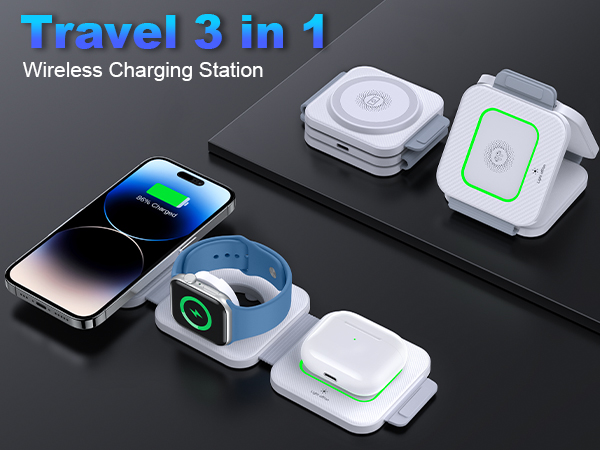
For Lights: The lights can be turned off by touching the switch. The green indicates that the charger is ready to charge; the breathing blue indicates that the phone is charging (no change in the light when charging the headphone case or smartwatch); the alternating blue and green flashing indicates that there are metal objects around the charger that need to be removed.
Troubleshooting Guidelines
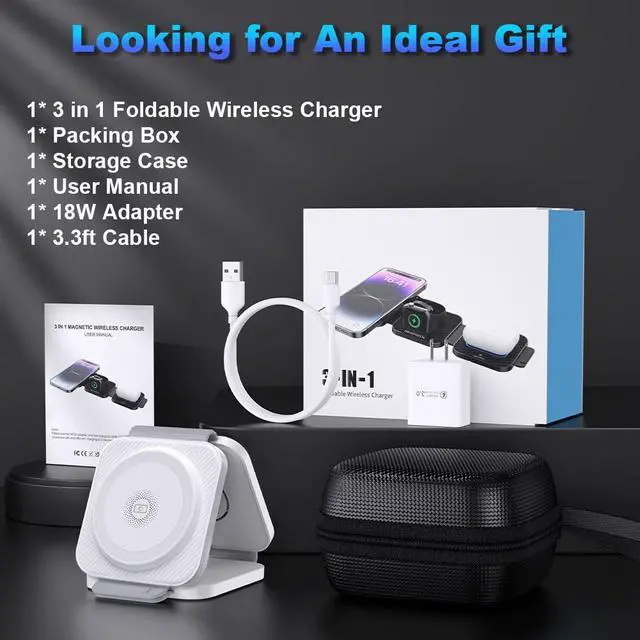
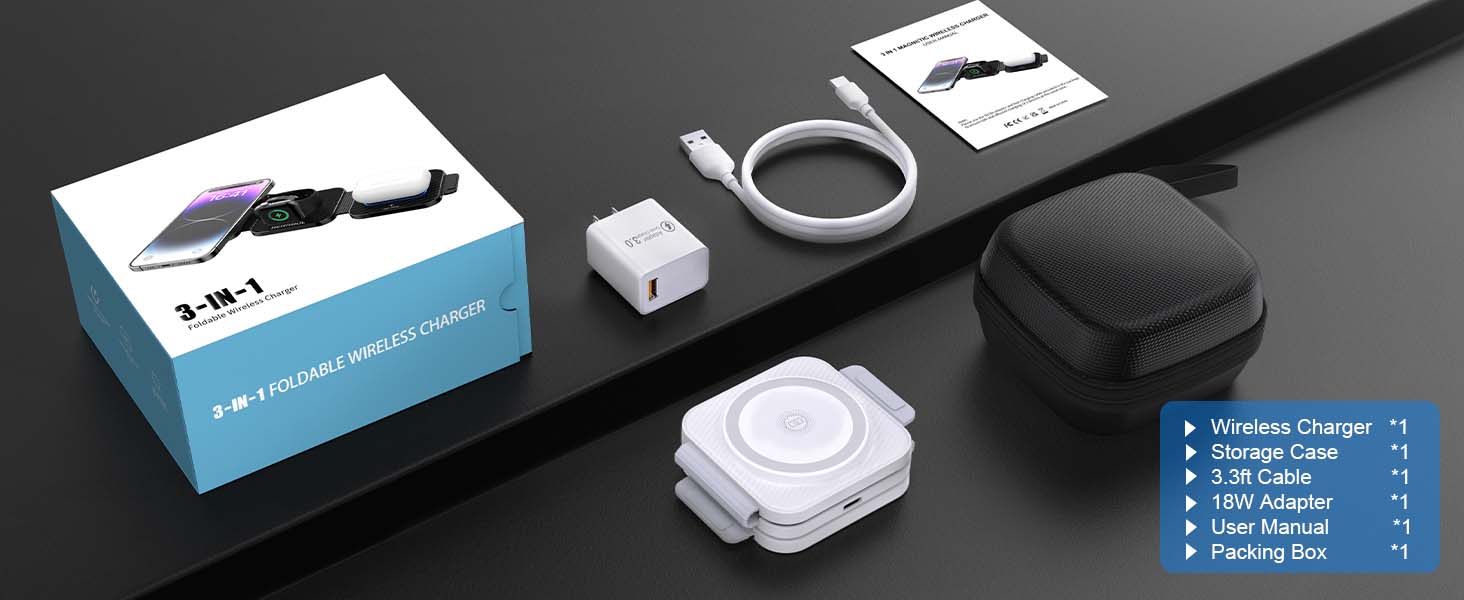
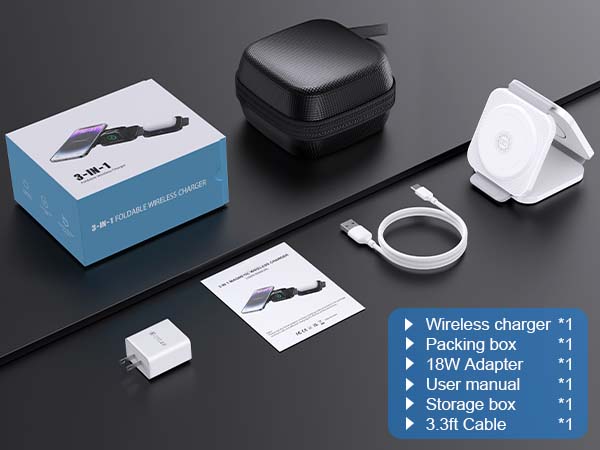
When receiving your package, please first check if the package is complete and if the accessories are available. Meanwhile, if you encounter other further doubts and questions, our friendly team is always here to assist you.
If the wireless charger does not work:
- Please use the adapter and cable included in the package;
- Try reconnecting the adapter, cable and charger;
- Try using another adapter (9V/2A or QC3.0 adapter) and cable.
If the wireless charger fails to charge one of the devices:
- For iPhone, try restarting the phone or removing the case and other items on the back of the phone before charging;
- For Apple Watches, try restarting the device or removing the lower case before charging;
- For Airpods, please place them in the center of the light area or try removing the decoration on the charging case before charging.


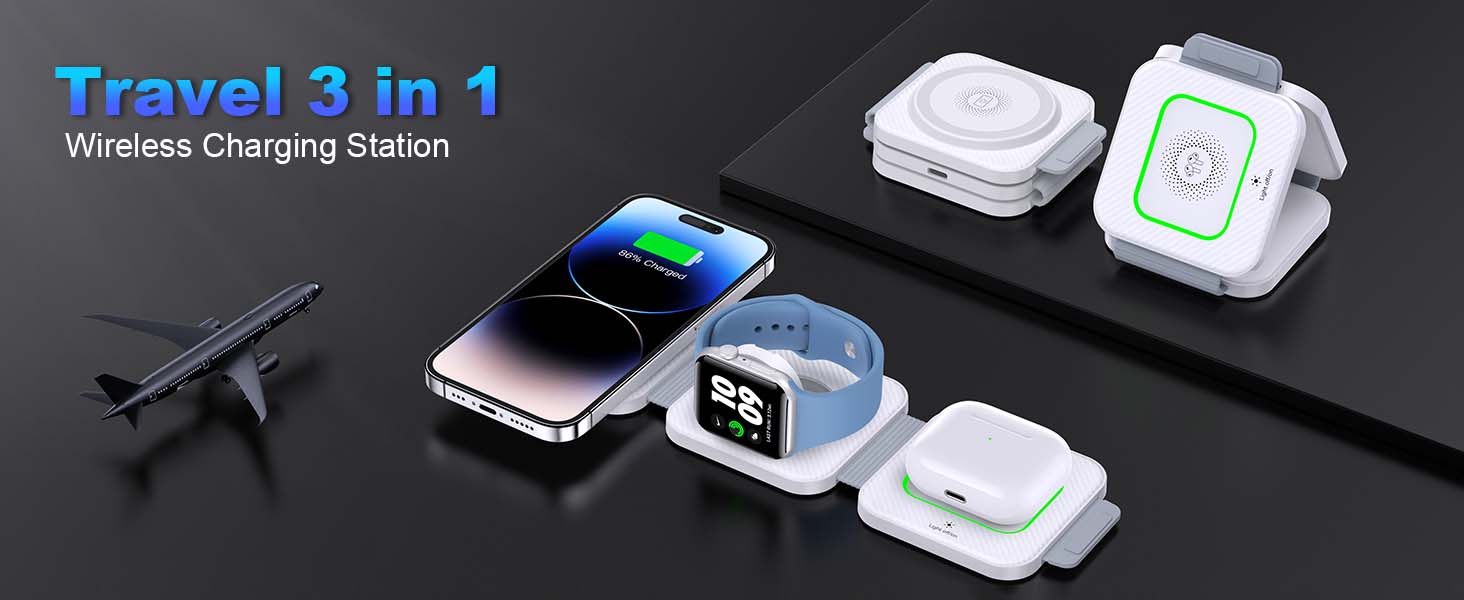
JARGOU Foldable Wireless Charger with Organizer——A Must-have for Travel!

Important Things to Know Before You Shop
For Apple Phone: iPhone 16, iPhone 16 Plus, iPhone 16 Pro, iPhone 16 Pro Max; iPhone 15, iPhone 15 Plus; iPhone 14, iPhone 14 Plus, iPhone 14 Pro, iPhone 14 Pro Max; iPhone 13, iPhone 13 Pro, iPhone 13 Pro Max; iPhone 12, iPhone 12 Pro, iPhone 12 Pro Max;
The magnetic stand feature is only available for iPhone 16/15/14/13/12 series that support magnetic charging and can be paired with the magnetic case.
For Apple Watch: iWatch S10/9/8/7/6/5/4/3/2/SE/Ultra/Ultra 2 (ONLY for Apple Watch);
For Airpods: For AirPods 4/3/2/Pro/Pro 2 (Note: Airpods 4/3/2 requires a wireless charging case)
For Lights: The lights can be turned off by touching the switch. The green indicates that the charger is ready to charge; the breathing blue indicates that the phone is charging (no change in the light when charging the headphone case or smartwatch); the alternating blue and green flashing indicates that there are metal objects around the charger that need to be removed.
Troubleshooting Guidelines
When receiving your package, please first check if the package is complete and if the accessories are available. Meanwhile, if you encounter other further doubts and questions, our friendly team is always here to assist you.
If the wireless charger does not work:
- Please use the adapter and cable included in the package;
- Try reconnecting the adapter, cable and charger;
- Try using another adapter (9V/2A or QC3.0 adapter) and cable.
If the wireless charger fails to charge one of the devices:
- For iPhone, try restarting the phone or removing the case and other items on the back of the phone before charging;
- For Apple Watches, try restarting the device or removing the lower case before charging;
- For Airpods, please place them in the center of the light area or try removing the decoration on the charging case before charging.