

• $27.59
  • Price alert
    Sold by AnLiOuMaoYi

    Shipped by AnLiOuMaoYi

    Shop it at NeweggBusiness.

    Meet Your Seller

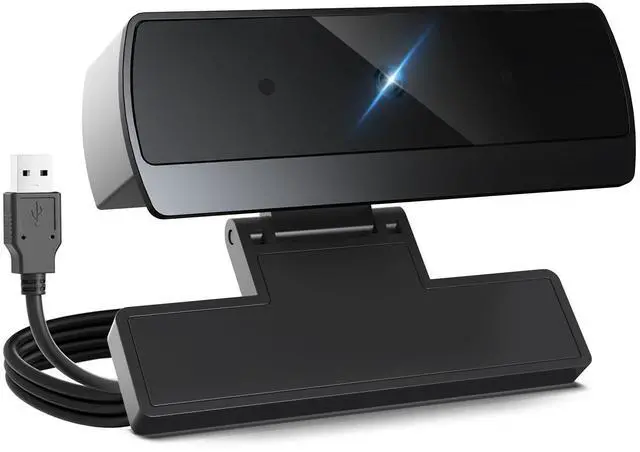
    1080p Webcam for PC Laptop Desktop Computer, USB Webcam with Microphone, Streaming Camera, Plug & Play, for Meeting/Online Video Calls

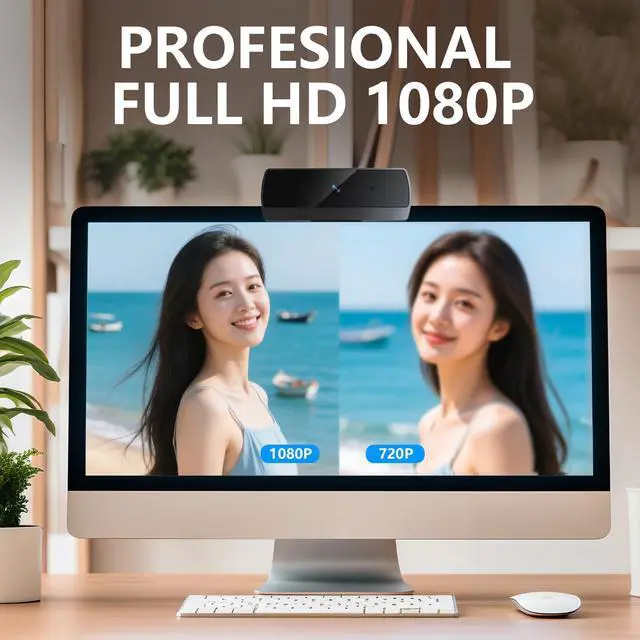
    • Full HD 1080P Professional Streaming Performance Key Features: This webcam is a Full HD 1080p streaming camera designed for professional video streaming, featuring a back-illuminated CMOS sensor and a large 1/1.69-inch lens with f/2.2 aperture to deliver 1920×1080 resolution at 30FPS for a seamless experience. As a webcam for pc, it uses a fixed focal length of 137.7-334.6 inches for clear images in home and office use, making this webcam a reliable choice for daily communication. webcam for pc model in this lineup ensures consistent performance across setups, prioritizing the webcam for pc users need for sharp, fluid visuals.
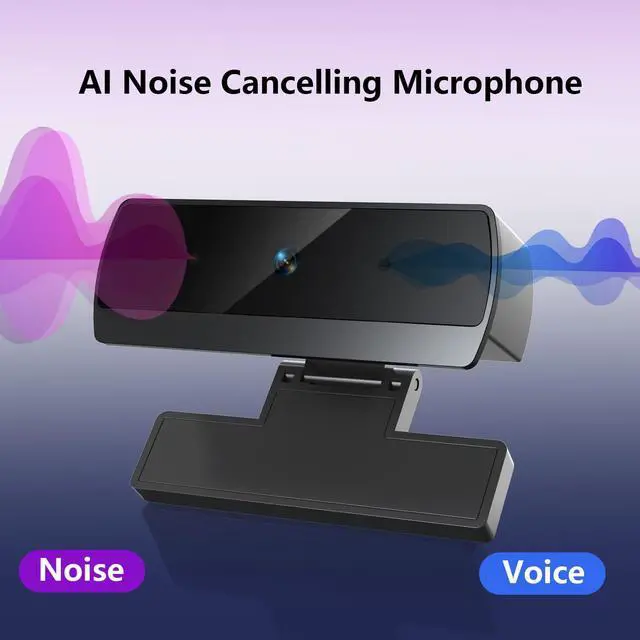
    • Built-In Dual Noise-Canceling Microphones for Crystal Audio Key Features: This webcam includes a webcam with microphone with dual noise-canceling mics for crystal clear voice, and this web camera for desktop computer requires setting the USB webcam as the default mic device. As a computer camera, it enhances audio for online teaching and calls, while the webcam itself integrates seamlessly with desktops to prioritize vocal clarity in any environment.
    +
    +
    Overview
    Specs
    Reviews
    avatar

    Any questions? Our AI beta will help you find out quickly.

    Webcam for PC
    web cam
    web camera for desktop computer?
    Webcam with Microphone

    1. Connect the webcam:Connect the USB port to the computer port.Tips: When using a desktop computer, it is best to connect thewebcam to the USB port on the back of the computer, becauseit will be smoother to use.

    2. After the installation is complete, you can start using it

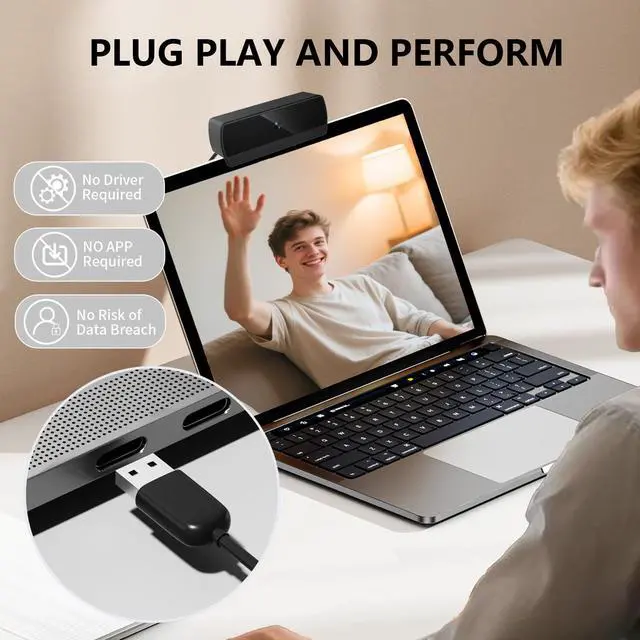
    3. No response after the USB head is inserted into the USB slot?Answer: This device is a driver-free plug-and-play product, and there wil be no response when connected.

    4. No image or sound when the camera is turned on?Answer: The screen will not pop up automatically when connected,You need to open the software you need to use it.Secondly, please open the computer and check the "Device Manager to see if the camera driver is installed wel.

    5. ls there a howling sound during the test call?Answer:lf vou are testing the product, there mav be a signa howling phenomenon in the near-field call.Please try to talk to a friend who is a certain distance away.

    6. The relationship between the camera imaging effect and the on.site light environment?Answer: There is a relationship, especially in the case of backlightside light, and dim light, the video effect is not ideal.You can achieve the ideal effect by turning on the fill light or adiustingthe direction.

    Webcam for PC
    web cam
    web camera for desktop computer?
    Webcam with Microphone

    1. Connect the webcam:Connect the USB port to the computer port.Tips: When using a desktop computer, it is best to connect thewebcam to the USB port on the back of the computer, becauseit will be smoother to use.

    2. After the installation is complete, you can start using it

    3. No response after the USB head is inserted into the USB slot?Answer: This device is a driver-free plug-and-play product, and there wil be no response when connected.

    4. No image or sound when the camera is turned on?Answer: The screen will not pop up automatically when connected,You need to open the software you need to use it.Secondly, please open the computer and check the "Device Manager to see if the camera driver is installed wel.

    5. ls there a howling sound during the test call?Answer:lf vou are testing the product, there mav be a signa howling phenomenon in the near-field call.Please try to talk to a friend who is a certain distance away.

    6. The relationship between the camera imaging effect and the on.site light environment?Answer: There is a relationship, especially in the case of backlightside light, and dim light, the video effect is not ideal.You can achieve the ideal effect by turning on the fill light or adiustingthe direction.

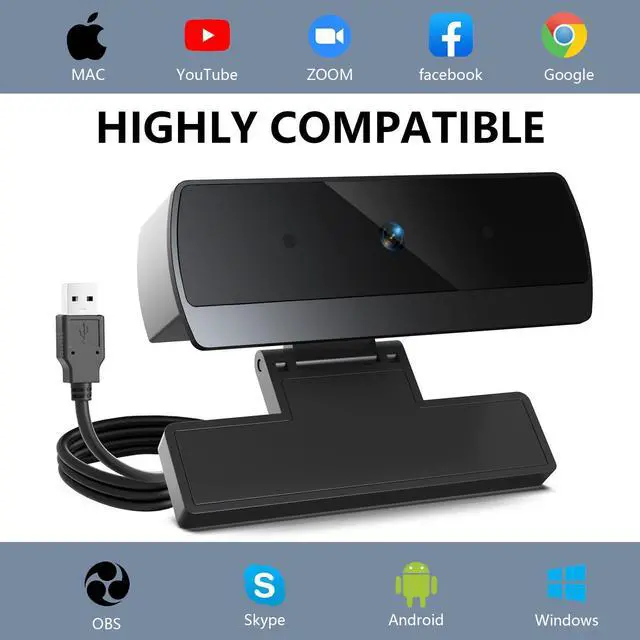
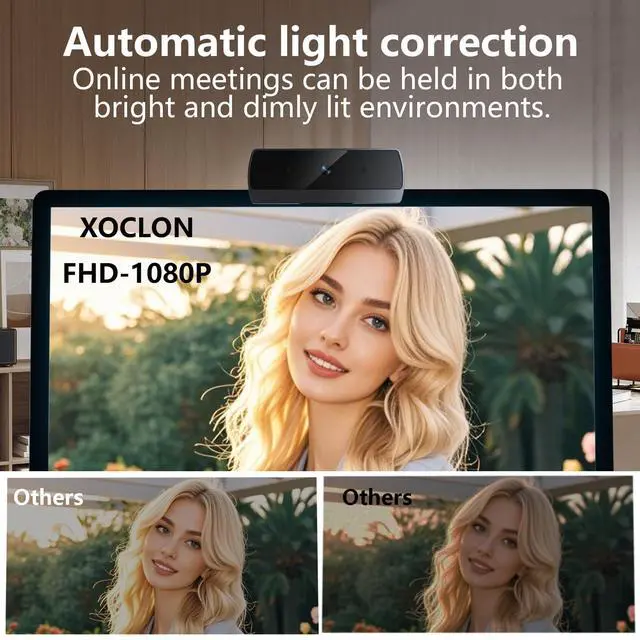
    This webcam is a Full HD 1080p streaming camera designed for professional video streaming, featuring a back-illuminated CMOS sensor and 1/1.69-inch f/2.2 lens to deliver 1920×1080 resolution at 30FPS, with a fixed focal length of 137.7-334.6 inches for clear home/office use, making this webcam a reliable choice. As a webcam for pc, it ensures sharp visuals, and another webcam for pc model in the lineup prioritizes fluid performance. It includes a webcam with microphone with dual noise-canceling mics for crystal voice, and this web camera for desktop computer requires setting the USB webcam as the default mic device, enhancing audio as a computer camera for online teaching. Equipped with advanced low-light correction for webcam applications, this computer camera auto-adjusts brightness/color in dim light, while the streaming camera uses dynamic exposure control to maintain natural skin tones, eliminating curtain adjustmentsthis webcam is a go-to for low-light scenarios. As a plug-and-play webcam, this webcam for pc is optimized for multi-scenario use, compatible with USB 2.0/3.0, and includes a 59-inch USB cable for instant HD start; its web cam intelligent light correction and wide-angle lens ensure clear images for video conferencing, making this web cam a convenient one-click experience, with the web cam design prioritizing ease and this web cam guaranteeing broad applicability. This webcam for pc offers high compatibility with Windows 10/11, macOS 10.14+, Android TV 7.0+ (excl. Win Hello/TVs/tablets/consoles), integrates with Zoom/Teams/Facetime for online teaching/home office, and as a computer camera supports switch 2 use, making this webcam for pc a top choice. Another webcam for pc stands out for app integration, and this webcam ensures reliable performance across needs, solidifying this webcam as a versatile tool for professional and casual use.


    Product information

    Brand XOCLON
    Photo Sensor Technology CMOS
    Video Capture Resolution 1080p
    Maximum Focal Length 8500 Millimeters
    Maximum Aperture 2.2 f
    Flash Memory Type SD
    Video Capture Format AVI
    Supported Audio Format PCM
    Screen Size 3.8 Inches
    Connectivity Technology USB
    Brand Name XOCLON
    Item Weight 2.12 ounces
    Product Dimensions 2.72 x 1.21 x 0.96 inches
    Item model number 1080P webcam
    Color Name 1080 black
    Special Features 1080@30fps Dual Noise Reduction Mics Auto Light Correction
    Date First Available March 5, 2025

    Warranty & Returns

    Warranty, Returns, And Additional Information

    Warranty

    • Please contact the Seller directly for warranty information. Warranty information may also be found on the Manufacturer's website.
    • CONTACT

    Return Policies

    Manufacturer Contact Info

    LOADING...