





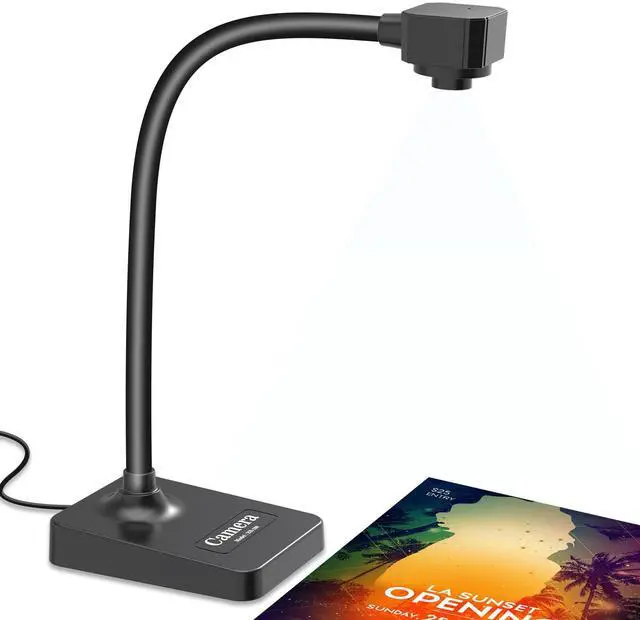



BexonRuihe Document Camera for teachers in-class with Mic, Manual Focus

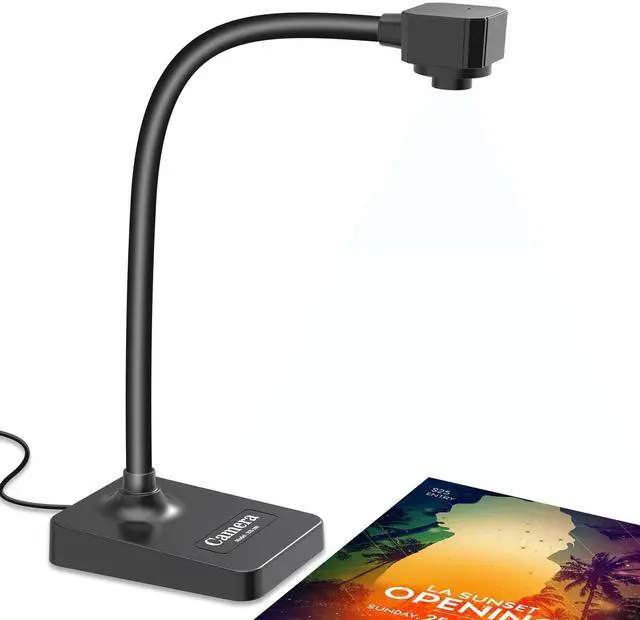
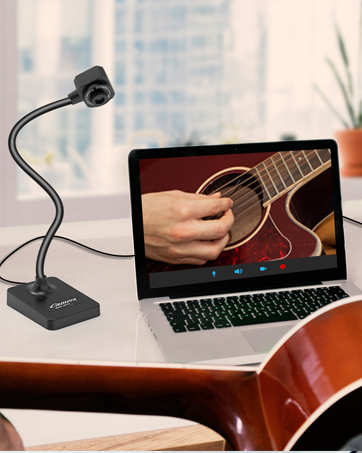
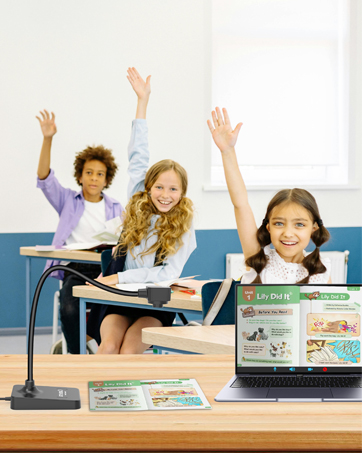
- BexonRuihe Document Camera for Teachers comes with a built-in microphone, manual focus adjustment, and a flexible foldable design. It’s super easy to use and perfect for remote learning, online education, art classes, or live presentations.
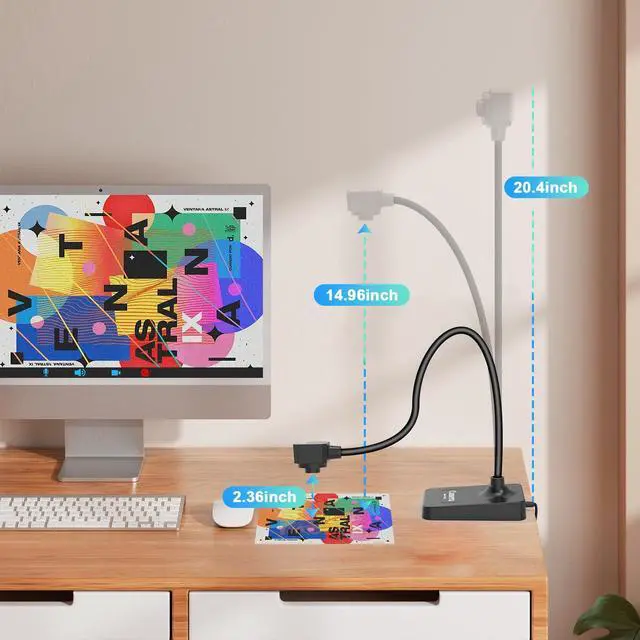
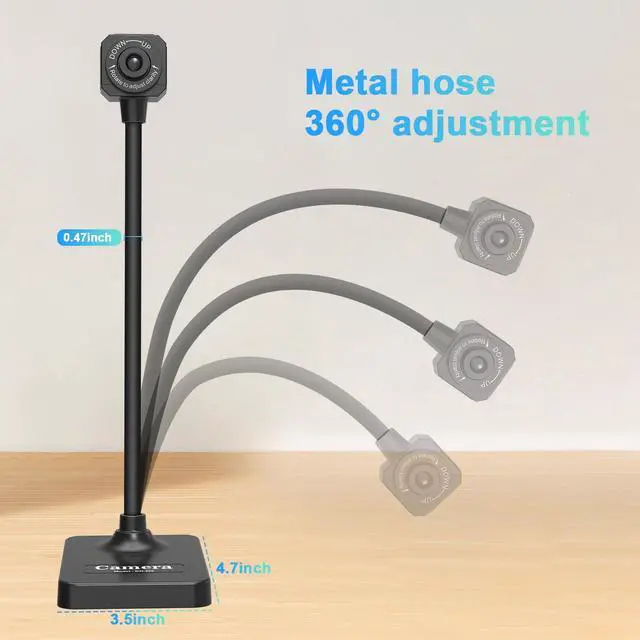
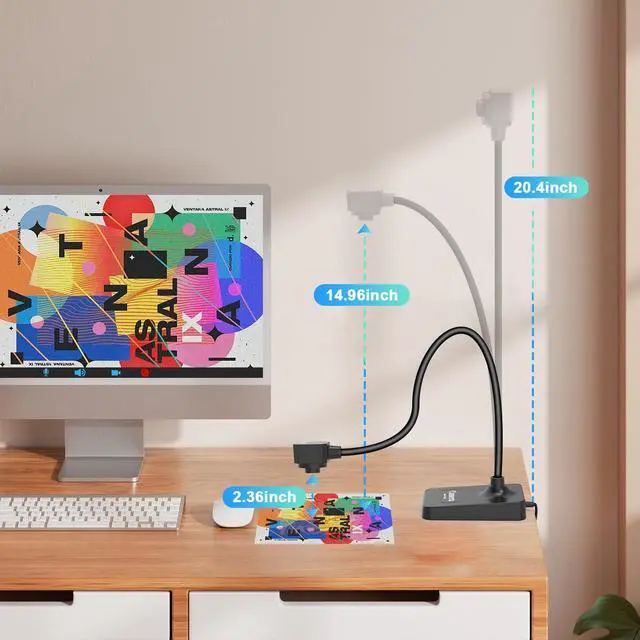
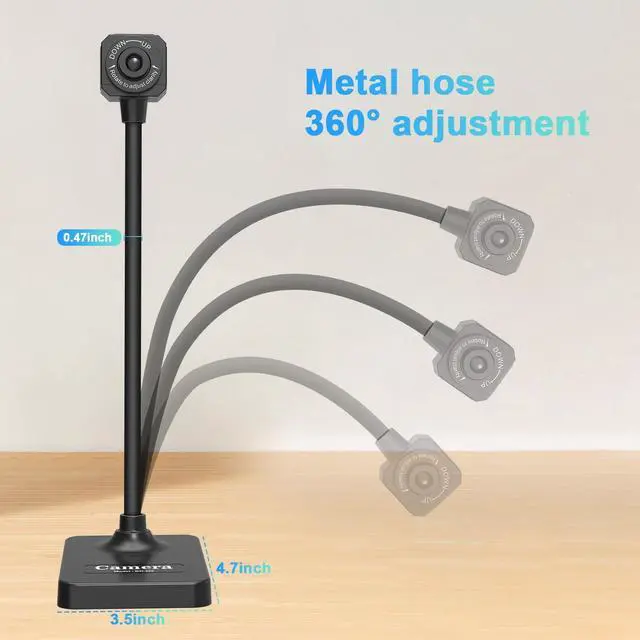
- BexonRuihe offers clear image resolution and high frame rate video output. The unique flexible hose design allows you to easily adjust the camera angle. Portable & Flexible,Fully adjustable flexible hose stand. Capture from different heights and angles.Weighs just 1.10 lbs, foldable, and easy to carry.
- IMPORTANT : The BexonRuihe BR-200 Document Camera (without illumination light) is only compatible with desktop or laptop computers and will not work with iPads or mobile devices.
- The camera requires a desktop or laptop computer to operate in conjunction with software, as detailed below.
Key Features :

Eeasy to use :
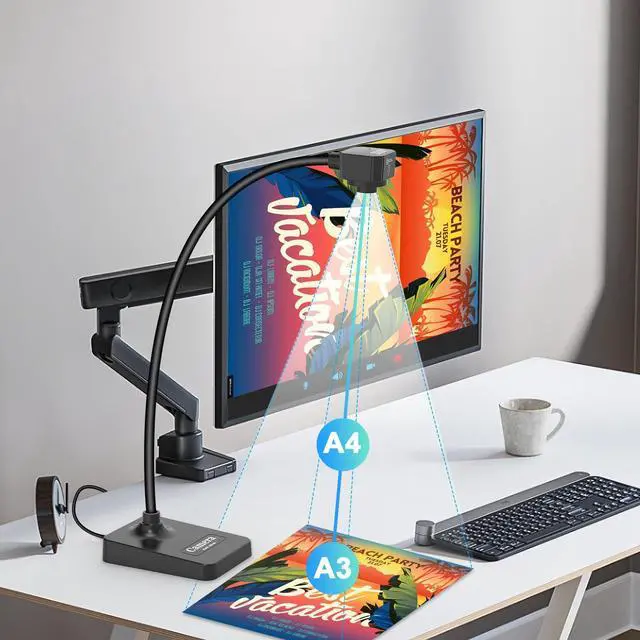
- BexonRuihe document camera works with the projector, simply connect the document camera to the computer and then connect the computer to the projector.

Video Recording Camera :
- The flexible USB camera hose design lets you capture images from different angles.
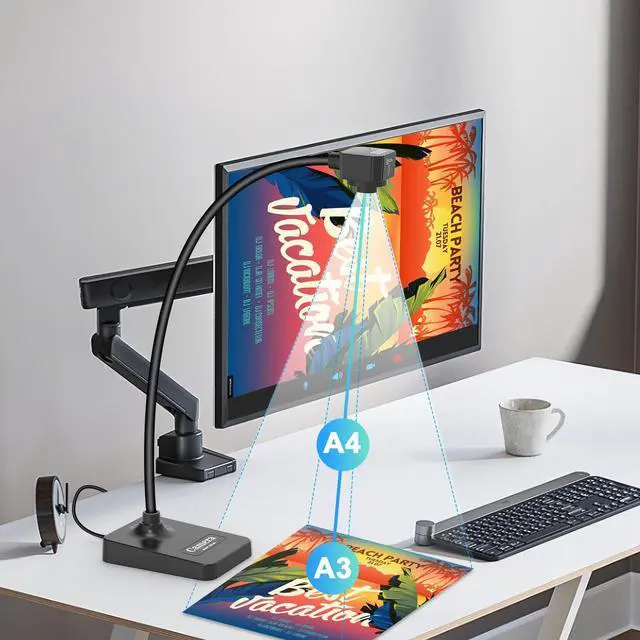
- Capture area up to A3 size (16.5 inches x 11.6 inches).
- HD resolution up to 1920x1080.
- Full HD real-time video capture at up to 30 fps.

Convenient Built-In Features :
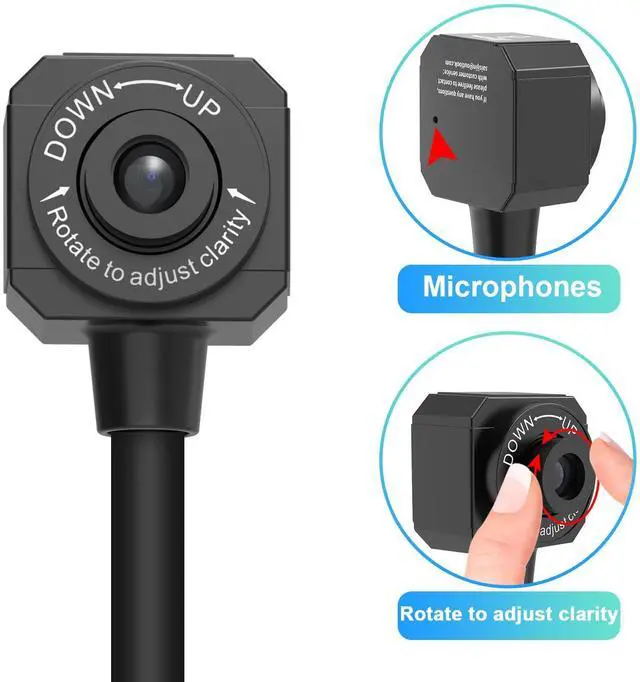
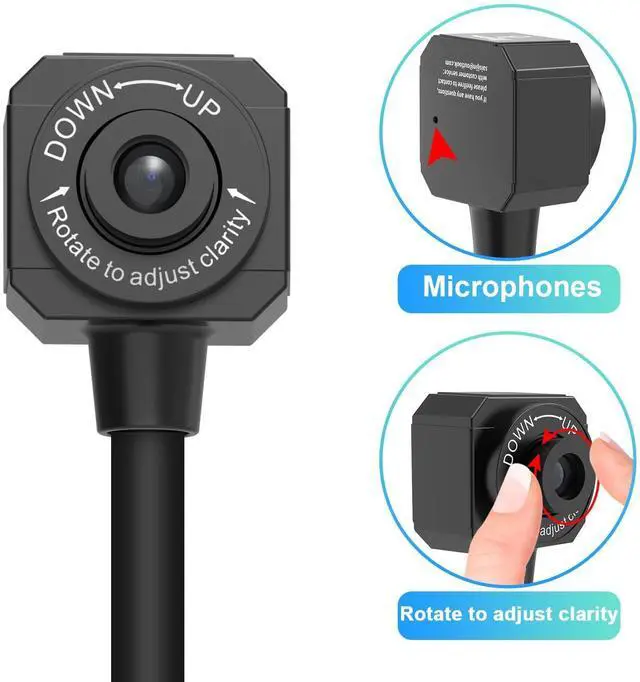
- Built-in sealed silicone microphone for recording lessons and video calls.
- Rotate the lens and swivel the camera head to use as a webcam.
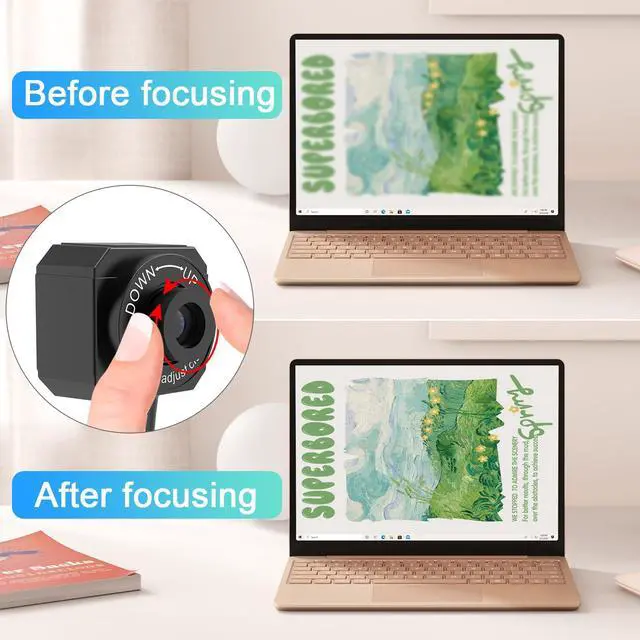
Manually adjust camera clarity :

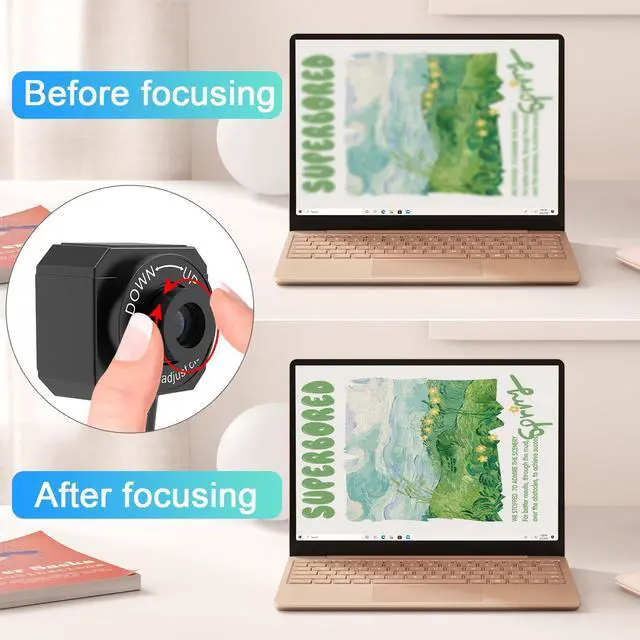
- BexonRuihe camera’s manual rotating lens provides clearer images, and the system is compatible with Windows 11/10/XP/7/8, Mac, Chromebook, and Linux.
- This document camera is not a plug-and-play webcam: you need to place the document camera on the left side or the right side of the computer,plug the USB into the computer, then open the video software and select "USB Camera" to use this document camera.
- IMPORTANT: The BexonRuihe BR-200 Document Camera (without illumination light) is only compatible with desktop or laptop computers and will not work with iPads or mobile devices.
BexonRuihe compatible with Windows 11/10/7/8/XP, Mac OS, Chromebooks .

You can start a video conference with doc cam in 3 steps :
- Step 1 : Plug in the computer. It will be automatically detected. No need to install any drivers or other software.
- Step 2 : Launch the desired video sharing app.
- Step 3 : In the settings menu, change the camera source to ""Stream Camera"" and you can start using it.
- Finally : Image resolution can be adjusted as you need.
- System supporting Windows PC, Macs,and Chromebooks
- Compatible for E-Learning/Online Lesson App: Tiktok, Google Meet, Skype, Microsoft Teams, Zoom.
- Document camera is compatible with Tiktok, Zoom, Skype, Google Meet, Microsoft Teams, FaceTime, etc. !
- BexonRuihe Document cameras can be connected to projectors. The document camera needs to be connected to the projector through a computer. Please connect the camera to the computer, open the video software, and then connect the projector to the computer.
- IMPORTANT: When you are using the document camera, do not open two software manipulate at the same time, otherwise the image on the computer will go black when you switch in and out.
Application system and platform :

BexonRuihe Document Camera for teachers in-class with Mic, Manual Focus
- BexonRuihe Document Camera for Teachers comes with a built-in microphone, manual focus adjustment, and a flexible foldable design. It’s super easy to use and perfect for remote learning, online education, art classes, or live presentations.
- BexonRuihe offers clear image resolution and high frame rate video output. The unique flexible hose design allows you to easily adjust the camera angle. Portable & Flexible,Fully adjustable flexible hose stand. Capture from different heights and angles.Weighs just 1.10 lbs, foldable, and easy to carry.
- IMPORTANT : The BexonRuihe BR-200 Document Camera (without illumination light) is only compatible with desktop or laptop computers and will not work with iPads or mobile devices.
- The camera requires a desktop or laptop computer to operate in conjunction with software, as detailed below.
Key Features :
Eeasy to use :
- BexonRuihe document camera works with the projector, simply connect the document camera to the computer and then connect the computer to the projector.
Video Recording Camera :
- The flexible USB camera hose design lets you capture images from different angles.
- Capture area up to A3 size (16.5 inches x 11.6 inches).
- HD resolution up to 1920x1080.
- Full HD real-time video capture at up to 30 fps.
Convenient Built-In Features :
- Built-in sealed silicone microphone for recording lessons and video calls.
- Rotate the lens and swivel the camera head to use as a webcam.
Manually adjust camera clarity :
- BexonRuihe camera’s manual rotating lens provides clearer images, and the system is compatible with Windows 11/10/XP/7/8, Mac, Chromebook, and Linux.
- This document camera is not a plug-and-play webcam: you need to place the document camera on the left side or the right side of the computer,plug the USB into the computer, then open the video software and select "USB Camera" to use this document camera.
- IMPORTANT: The BexonRuihe BR-200 Document Camera (without illumination light) is only compatible with desktop or laptop computers and will not work with iPads or mobile devices.
BexonRuihe compatible with Windows 11/10/7/8/XP, Mac OS, Chromebooks .
You can start a video conference with doc cam in 3 steps :
- Step 1 : Plug in the computer. It will be automatically detected. No need to install any drivers or other software.
- Step 2 : Launch the desired video sharing app.
- Step 3 : In the settings menu, change the camera source to ""Stream Camera"" and you can start using it.
- Finally : Image resolution can be adjusted as you need.
- System supporting Windows PC, Macs,and Chromebooks
- Compatible for E-Learning/Online Lesson App: Tiktok, Google Meet, Skype, Microsoft Teams, Zoom.
- Document camera is compatible with Tiktok, Zoom, Skype, Google Meet, Microsoft Teams, FaceTime, etc. !
- BexonRuihe Document cameras can be connected to projectors. The document camera needs to be connected to the projector through a computer. Please connect the camera to the computer, open the video software, and then connect the projector to the computer.
- IMPORTANT: When you are using the document camera, do not open two software manipulate at the same time, otherwise the image on the computer will go black when you switch in and out.
Application system and platform :
Document Camera - Classroom teaching
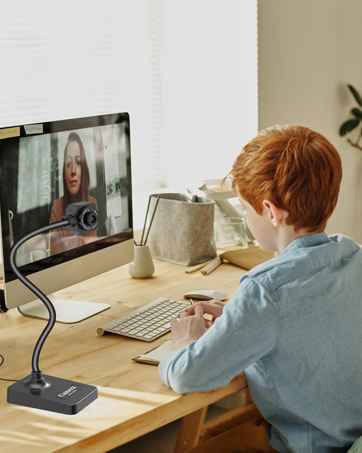
Document Camera - Distance Learning
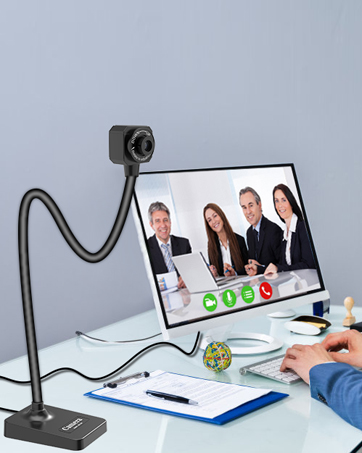
Document Camera - Web Conferencing
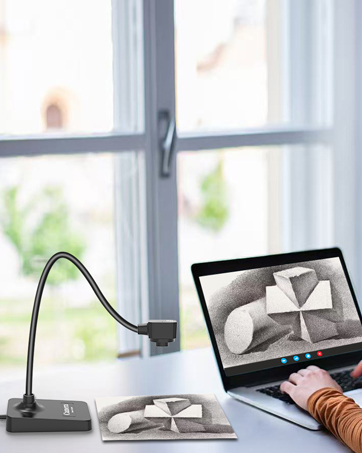
Document Camera -Online Art
Document Camera - Teaching Demonstration