









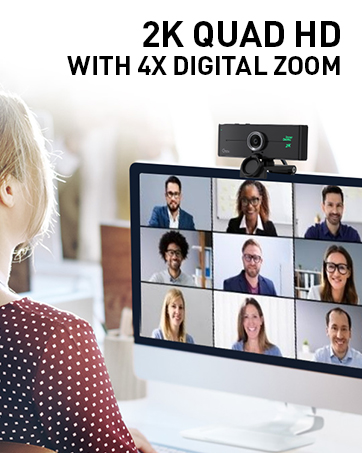

About the Bluetooth Function
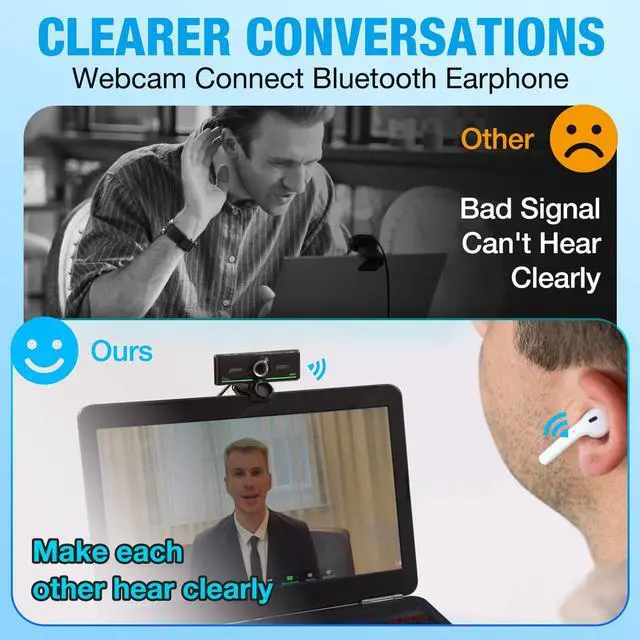
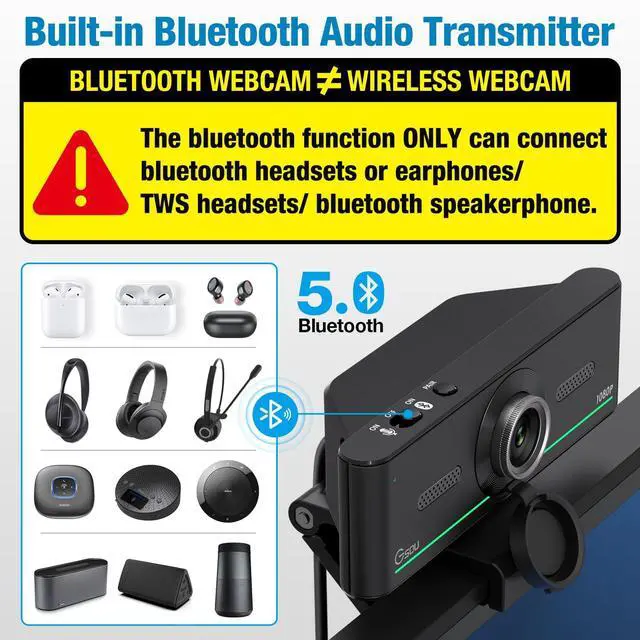
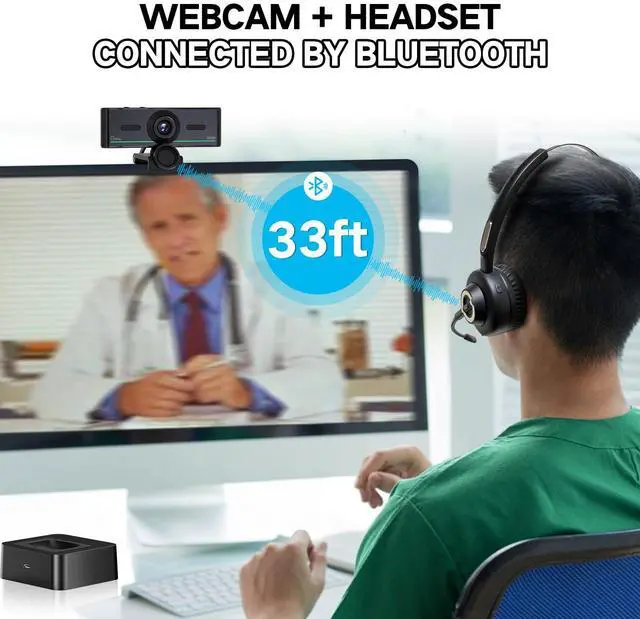
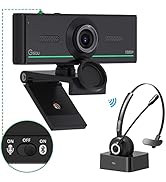
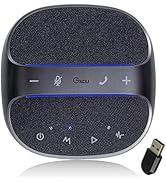
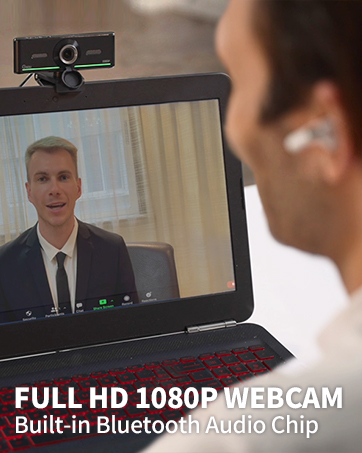
Gsou webcam has a bluetooth sound card function,just need to connect bluetooth earbuds to transmit audio which provide more stable voice, this avoid get the computer voice with dongle, please note that the bluetooth function can't transmit for video or pictures.
When you're online calling and want to stand up to drink water ,you'll not constrained by headset cables any more.

How to connect audio Bluetooth Device
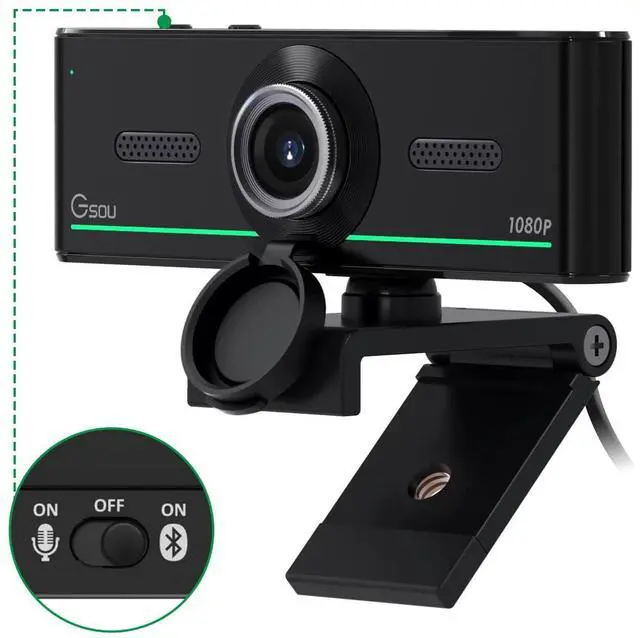
- Switch to bluetooth
- Press and hold the pairing button for >3s, then the indicator light flashes blue.
- Turn on your bluetooth audio device to pairing state and close tp the camera.
- Wait for a few seconds, the status indicator turns blue, connect successfully.
- At this point, make sure your audio output is the device W20-AUDIO.
- Connect devices that have already been connected back: just press once Pairing.
- Attention: When you connect your headset and other audio device via bluetooth, you onlt need to select W20-AUDIO as the audio output.


90 Degrees View Angle
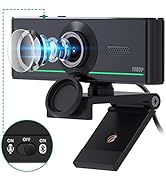
HD web camera with 90 degrees wide-angle, suitable angle for share your recorded videos or vblog. Perfect for online learning,conferencing, video calling, live streaming, recording, gaming,etc.

High-Def Online Calling
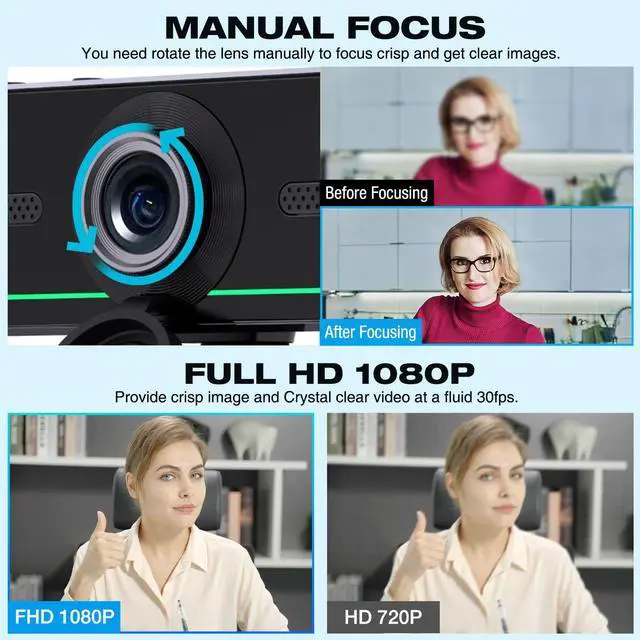
Gsou Laptop webcam with FULL HD 100P at a fluid 30 frames per seconds,provide premium quality video when calling on most popular video calling apps

Manual Focus Design
Gsou 1080P webcam with high-resolution computer camera offers a clear, sharp image, even in dim light, you NEED rotate the lens right or left to focus crisp and smoothly images

Easy to Use
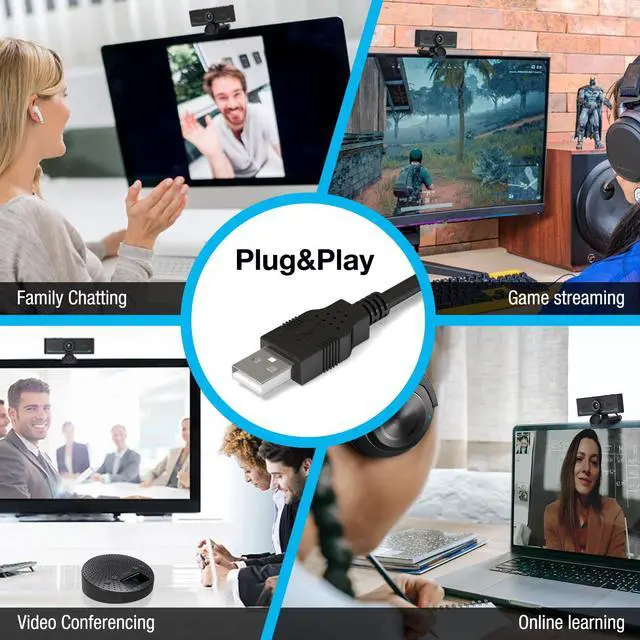
USB plug and play, without having to install additional drivers.

Widely Compatible
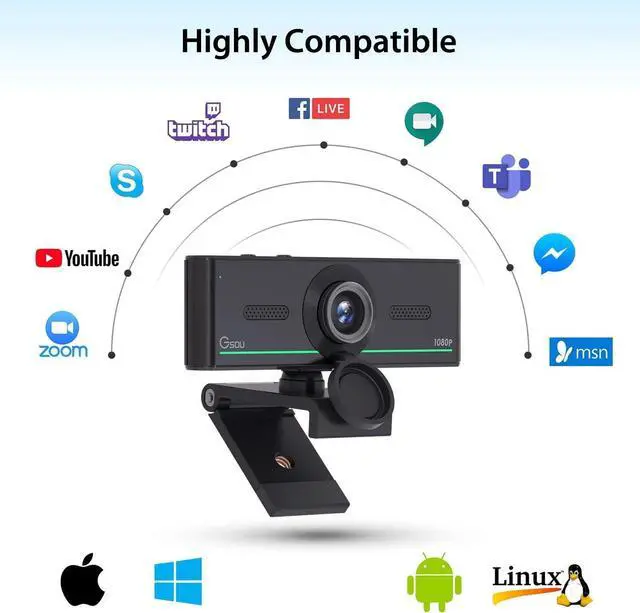
Streaming webcam compatible with most video calling applications: Zoom, Skype for Business, Google Meet, Microsoft Teams, GoToMeeting, Cisco Webex, Facetime, Facebook live, YouTube, OBS, Xbox one, Xsplit, Twitter, Twitch, Whatsapp, Android IPTV, etc.

Easy to Install
With the built-in 360° rotation both right and left and 180° adjustable base, you can easily move the camera to any angle you need.
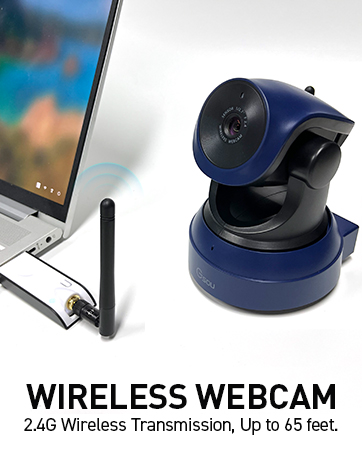
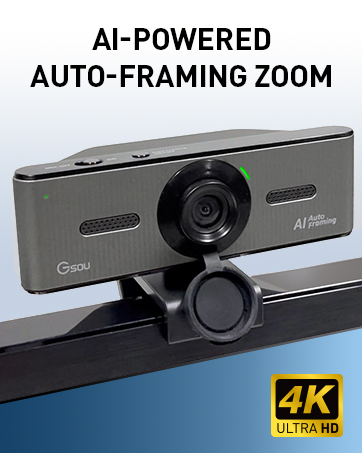
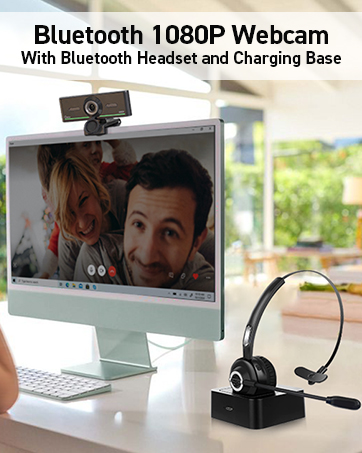
 Wireless Webcam |  4K AI-Powered Auto-Framing Webcam |  Audio Bluetooth Webcam 1080P with Bluetooth Headset |  Audio Bluetooth Webcam 1080P |  Karaoke Machine with 2 Microphones |  Bluetooth Conference Speaker and Microphone | |
|---|---|---|---|---|---|---|
| Customer Reviews | — | — | — | — | — | — |
| Price | — | — no data | — | — | — | — no data |
| Tripod Ready | Equipped with Tripod | ? | ? | Yes | No | No |
| High Quality | ? | ? | ? | ? | ? | ? |
About the Bluetooth Function
Gsou webcam has a bluetooth sound card function,just need to connect bluetooth earbuds to transmit audio which provide more stable voice, this avoid get the computer voice with dongle, please note that the bluetooth function can't transmit for video or pictures.
When you're online calling and want to stand up to drink water ,you'll not constrained by headset cables any more.
How to connect audio Bluetooth Device
- Switch to bluetooth
- Press and hold the pairing button for >3s, then the indicator light flashes blue.
- Turn on your bluetooth audio device to pairing state and close tp the camera.
- Wait for a few seconds, the status indicator turns blue, connect successfully.
- At this point, make sure your audio output is the device W20-AUDIO.
- Connect devices that have already been connected back: just press once Pairing.
- Attention: When you connect your headset and other audio device via bluetooth, you onlt need to select W20-AUDIO as the audio output.
90 Degrees View Angle
HD web camera with 90 degrees wide-angle, suitable angle for share your recorded videos or vblog. Perfect for online learning,conferencing, video calling, live streaming, recording, gaming,etc.
High-Def Online Calling
Gsou Laptop webcam with FULL HD 100P at a fluid 30 frames per seconds,provide premium quality video when calling on most popular video calling apps
Manual Focus Design
Gsou 1080P webcam with high-resolution computer camera offers a clear, sharp image, even in dim light, you NEED rotate the lens right or left to focus crisp and smoothly images
Easy to Use
USB plug and play, without having to install additional drivers.
Widely Compatible
Streaming webcam compatible with most video calling applications: Zoom, Skype for Business, Google Meet, Microsoft Teams, GoToMeeting, Cisco Webex, Facetime, Facebook live, YouTube, OBS, Xbox one, Xsplit, Twitter, Twitch, Whatsapp, Android IPTV, etc.
Easy to Install
With the built-in 360° rotation both right and left and 180° adjustable base, you can easily move the camera to any angle you need.
Wireless Webcam | 4K AI-Powered Auto-Framing Webcam | Audio Bluetooth Webcam 1080P with Bluetooth Headset | Audio Bluetooth Webcam 1080P | Karaoke Machine with 2 Microphones | Bluetooth Conference Speaker and Microphone | |
|---|---|---|---|---|---|---|
| Customer Reviews | — | — | — | — | — | — |
| Price | — | — no data | — | — | — | — no data |
| Tripod Ready | Equipped with Tripod | ? | ? | Yes | No | No |
| High Quality | ? | ? | ? | ? | ? | ? |
1080P/2K/4K/PTZ /Wireless Web
Gsou aim to provide the item for Streaming, Conference, such as Audio bluetooth webcam, wireless webcam, PTZ Camera, bluetooth speaker.
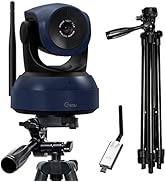
Gsou PTZ Camera for Conference
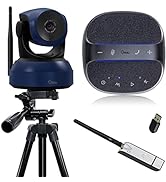
Gsou webcam/Mics for streaming
