





How to connect your phone to the projector?
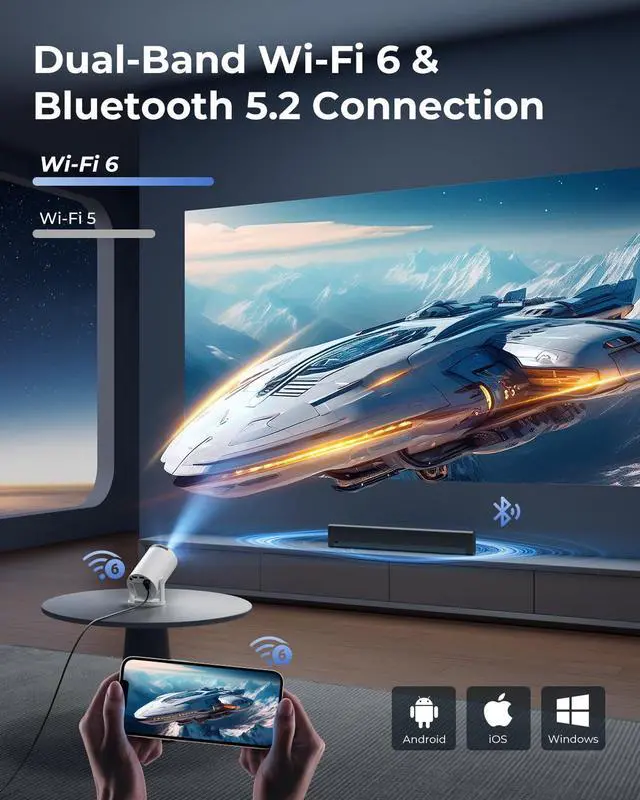
Wireless: Connect phone & projector to same WiFi?Open "ScreenCast" on projector?Enable screen mirroring on phone.
Wired: Use HDMI adapter(Not included)?Select HDMI input on projector?Enable screen mirroring on phone.
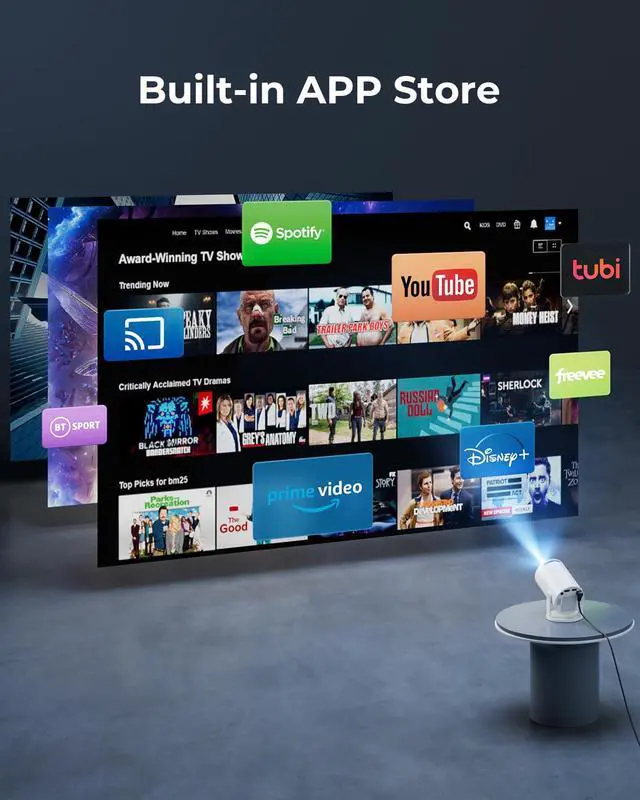
Can the projector stream YouTube, Disney+ or Prime Video via screen mirroring?
Due to HDCP copyright protection, screen mirroring (e.g., Miracast/AirPlay) may fail to display video (black screen/audio-only).
For the best experience, we recommend using a Fire Stick, Roku, or connecting a laptop or computer to play.
How to use the remote?
Aim at the projected image within 30° and 20 ft (6 m). If the remote isn’t working or is damaged, please reach out to our support team for assistance. You can also control the projector using a USB mouse (not included).
Why can't the projector connect to WiFi?
Keep the projector within 5m (16ft) of the router and check if the WiFi is overloaded.Test connectivity using a phone hotspot to rule out network issues. If needed, try to reset the projector.
Built-in app won’t play videos?
1.Restore Factory Settings.
2.Go to Settings > Date & Time and make sure the Time Zone matches your location.
3.Check that the projector is connected to a working Wi-Fi network.
4.Reopen the app.
Product Parameters
 Mini Projector with WiFi |  Portable Projector |  Mini WiFi Projector |  Smart Projector with Apps | |
|---|---|---|---|---|
Customer Reviews | — | — | — | — |
Price | — | — | — | — |
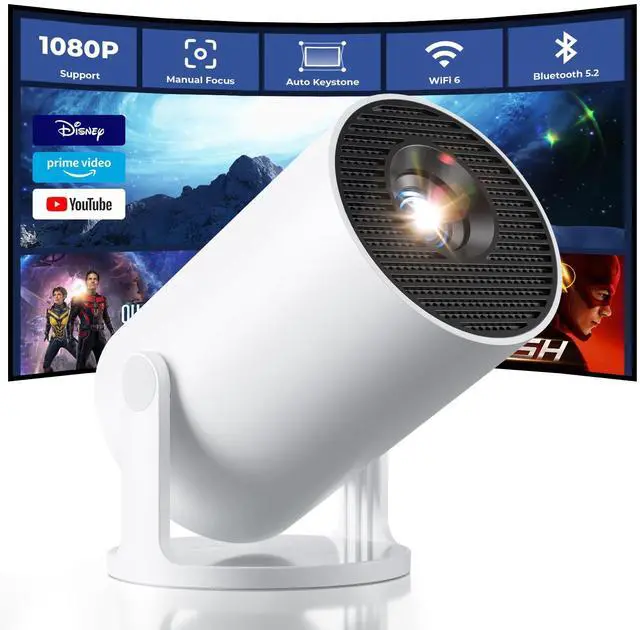
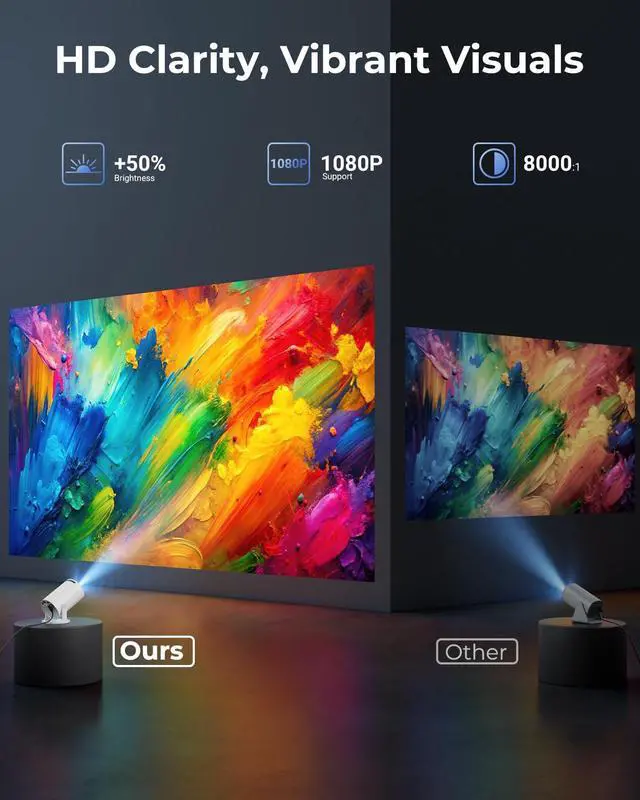
Display resolution | Support 1080P | 1280 x 720 | Support 1080P 4K | Support 1080P 4K |
Special Features | Bulit in apps/ Android 11 | No apps | No apps | Bulit in apps/ Android 14 |
Wireless function | Wi-Fi/BT/Screen mirroring | Screen mirroring | Wi-Fi/BT/Screen mirroring | Wi-Fi/BT/Screen mirroring |
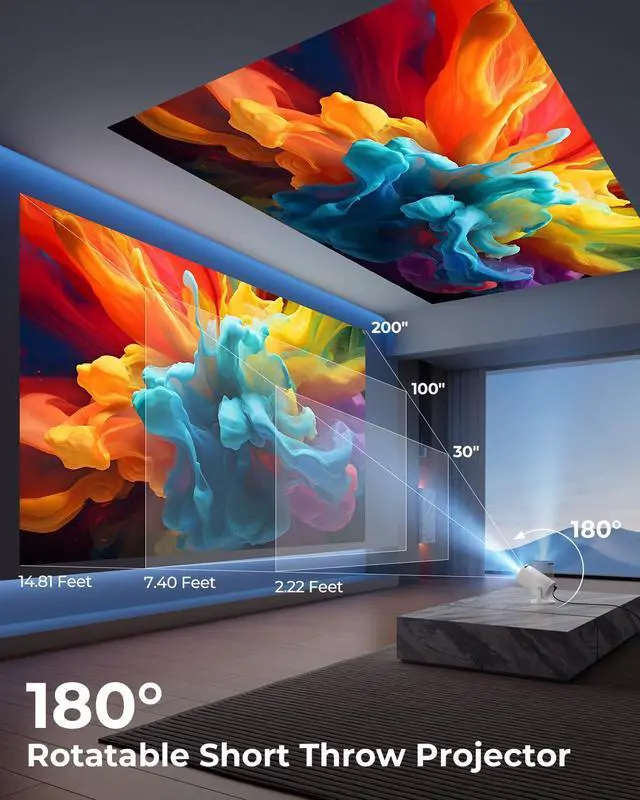
Projection Model | Front/Rear/Ceiling | Front/Rear/Ceiling | Front/Rear/Ceiling | Front/Rear/Ceiling/StarryNight |
Projection size | 30-200'' | 40-100'' | 30-200'' | 30-200'' |
Controller Type | Remote Control | Remote Control | Remote Control | Remote Control/USB mouse |


How to connect your phone to the projector?
Wireless: Connect phone & projector to same WiFi?Open "ScreenCast" on projector?Enable screen mirroring on phone.
Wired: Use HDMI adapter(Not included)?Select HDMI input on projector?Enable screen mirroring on phone.
Can the projector stream YouTube, Disney+ or Prime Video via screen mirroring?
Due to HDCP copyright protection, screen mirroring (e.g., Miracast/AirPlay) may fail to display video (black screen/audio-only).
For the best experience, we recommend using a Fire Stick, Roku, or connecting a laptop or computer to play.
How to use the remote?
Aim at the projected image within 30° and 20 ft (6 m). If the remote isn’t working or is damaged, please reach out to our support team for assistance. You can also control the projector using a USB mouse (not included).
Why can't the projector connect to WiFi?
Keep the projector within 5m (16ft) of the router and check if the WiFi is overloaded.Test connectivity using a phone hotspot to rule out network issues. If needed, try to reset the projector.
Built-in app won’t play videos?
1.Restore Factory Settings.
2.Go to Settings > Date & Time and make sure the Time Zone matches your location.
3.Check that the projector is connected to a working Wi-Fi network.
4.Reopen the app.
Product Parameters
Mini Projector with WiFi | Portable Projector | Mini WiFi Projector | Smart Projector with Apps |
|---|---|---|---|
| Customer Reviews | |||
| — | — | — | — |
| Price | |||
| — | — | — | — |
| Display resolution | |||
| Support 1080P | 1280 x 720 | Support 1080P 4K | Support 1080P 4K |
| Special Features | |||
| Bulit in apps/ Android 11 | No apps | No apps | Bulit in apps/ Android 14 |
| Wireless function | |||
| Wi-Fi/BT/Screen mirroring | Screen mirroring | Wi-Fi/BT/Screen mirroring | Wi-Fi/BT/Screen mirroring |
| Projection Model | |||
| Front/Rear/Ceiling | Front/Rear/Ceiling | Front/Rear/Ceiling | Front/Rear/Ceiling/StarryNight |
| Projection size | |||
| 30-200'' | 40-100'' | 30-200'' | 30-200'' |
| Controller Type | |||
| Remote Control | Remote Control | Remote Control | Remote Control/USB mouse |