



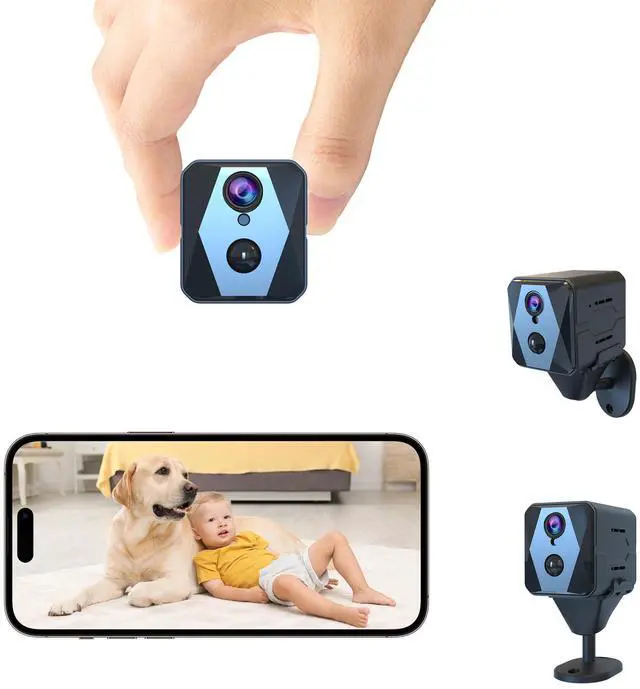
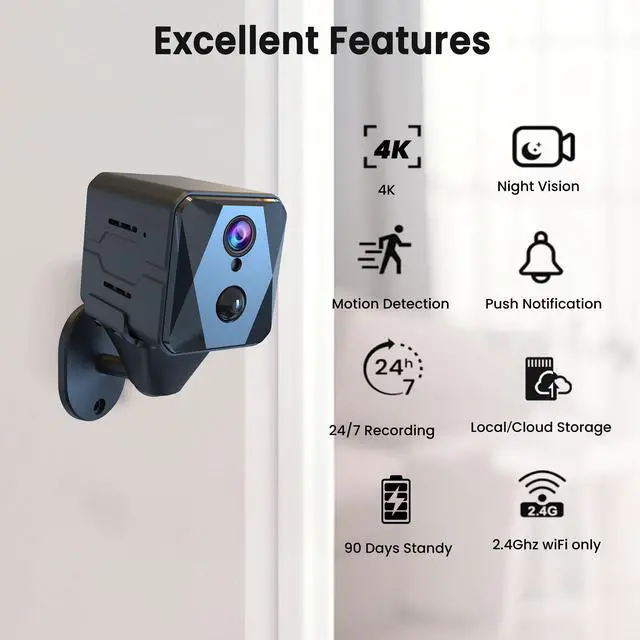
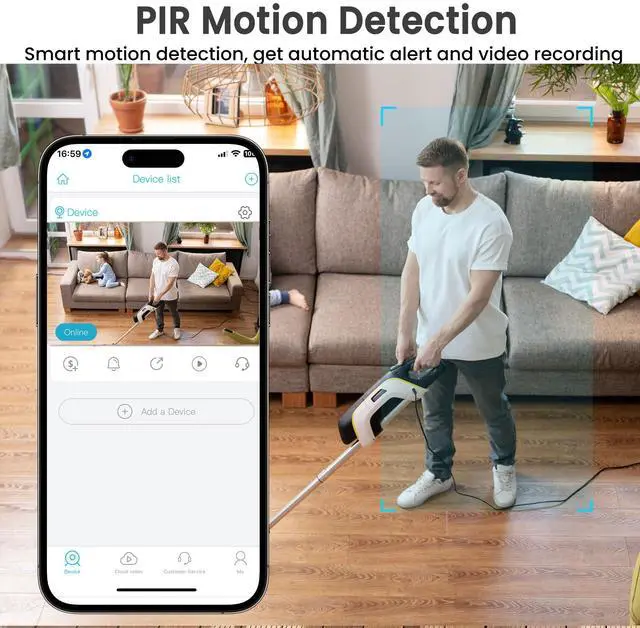

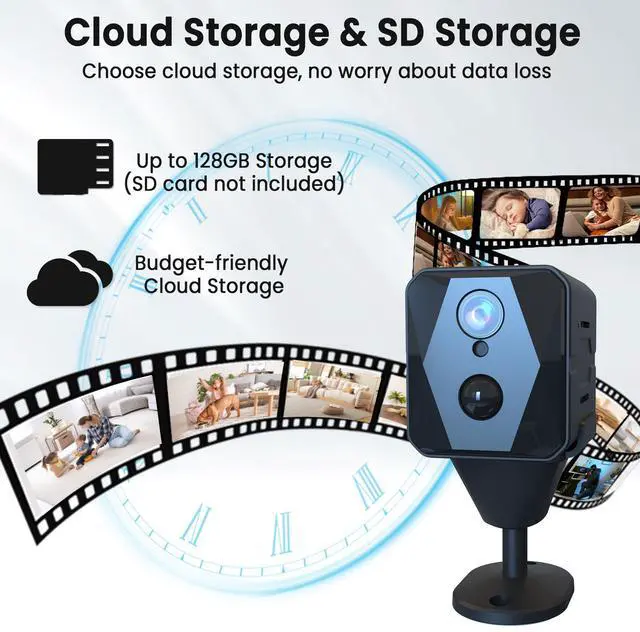



Cloud Storage & SD Storage



Tips before using SD card
This camera supports micro SD cards up to 128GB in FAT32 format. Please insert or remove the memory card when the camera is powered off.
1. Turn off the camera and insert your micro SD card. The camera will only check if a card is used when booting up.
2. Turn on your camera. Open the APP. If you haven't made the Wi-Fi connection to pair your account with the camera yet, please make the Wi-Fi connection before the following steps.
3. Please click on the preview image of your camera to enter the live view interface.
4. Please click the setting button on the top right (the gear icon) to enter the setting interface.
5. Select the "SD Card Setting" tab.
6. Then, you can find the "Format" button in the "memory card" interface.
Please restart (not reset) the camera after a format.
Why does this product show a “Frequently Returned Item” label?
We understand that the “Frequently Returned Item” label might cause concern, but we’d like to clarify the reason behind it. This tag is automatically applied by based on return data across all buyers, which may include cases unrelated to product quality—such as buyers selecting the wrong model, misunderstanding features, or simply changing their mind.
Please rest assured that this product has passed our strict quality control standards and functions as described. Most of our customers are happy with their purchase and leave positive feedback.
We encourage you to review the product details carefully and make your purchase based on your actual needs.
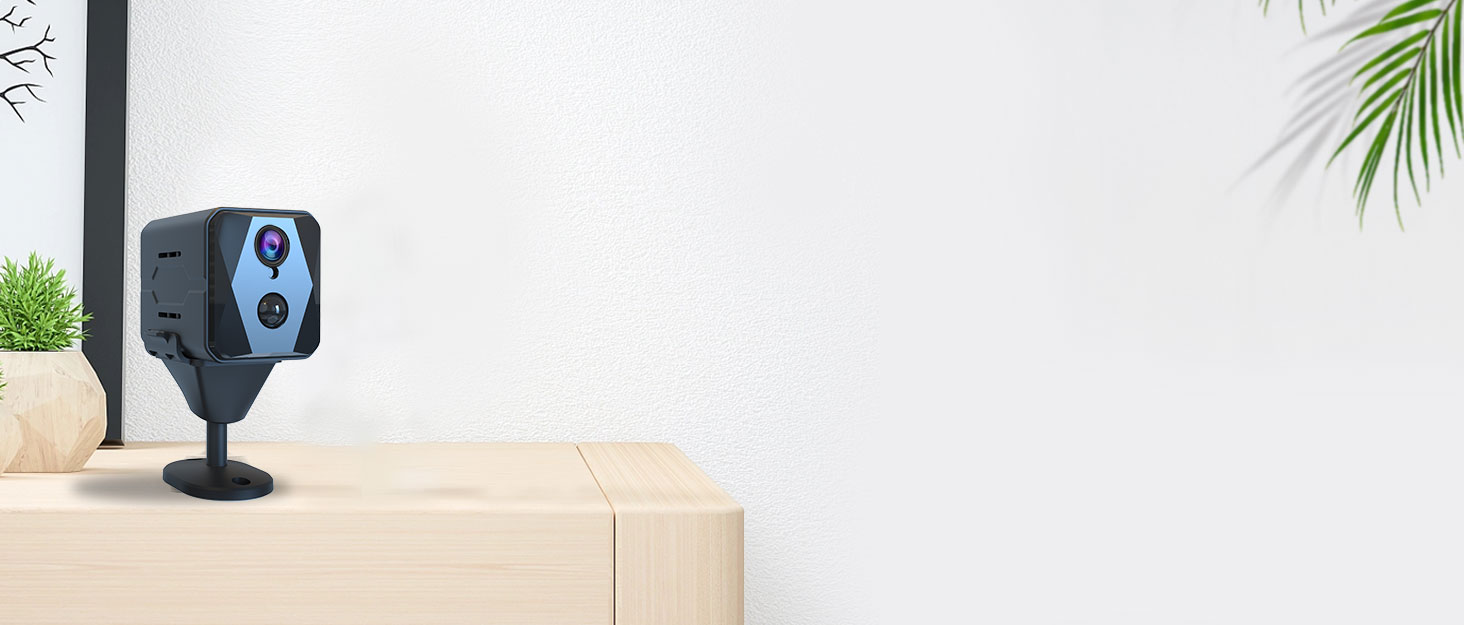

Although we’re a new brand, our products are high quality and free from brand premium costs for consumers. Our goal is to provide advanced surveillance devices for our valued customers.
How did we start?
We started in 2019 with professional and passion.
What makes our products unique?
Our team consists of highly skilled technists. We thrive for better product and service for our customers.
How is the quality of our products?
We are committed to ensure that our product manufacturing process is strictly accomplished and products are carefully to assemble. And at the same time, we are looking for good cooperators to make more products.

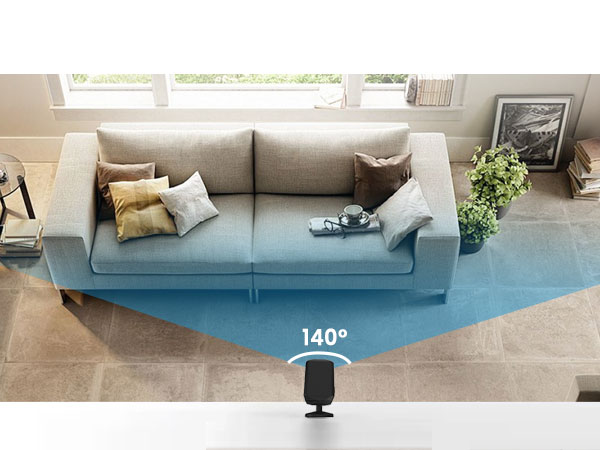
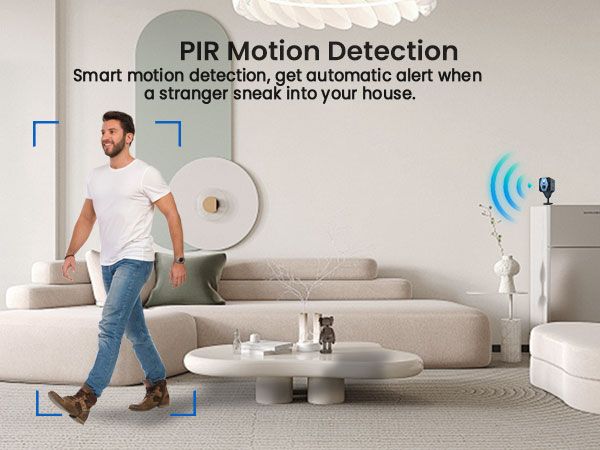

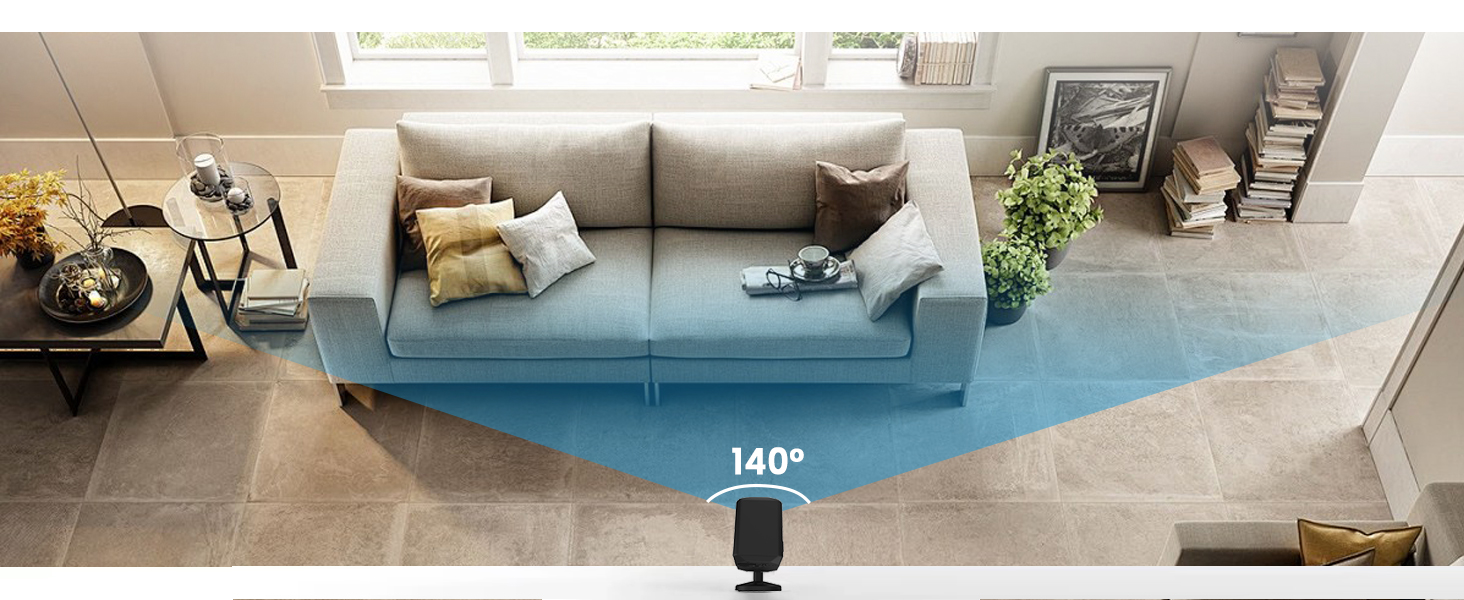
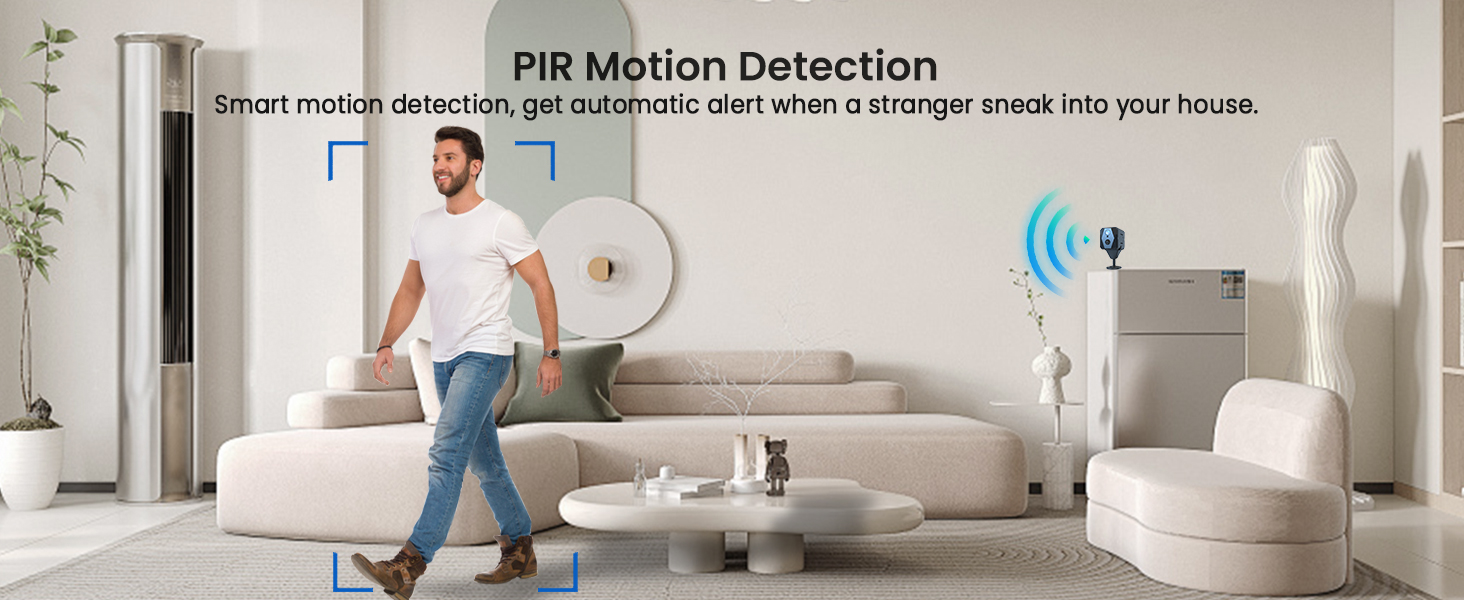
Compact Size & Precise Detection & Advanced Night Vision
Cloud Storage & SD Storage

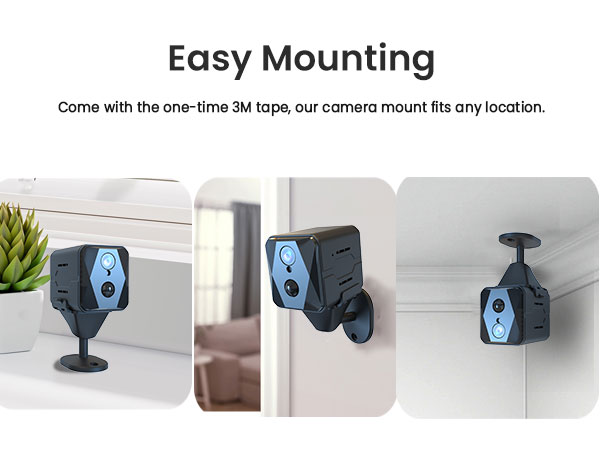
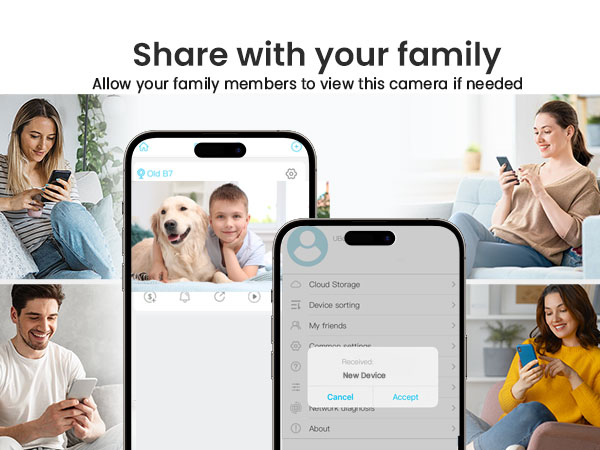
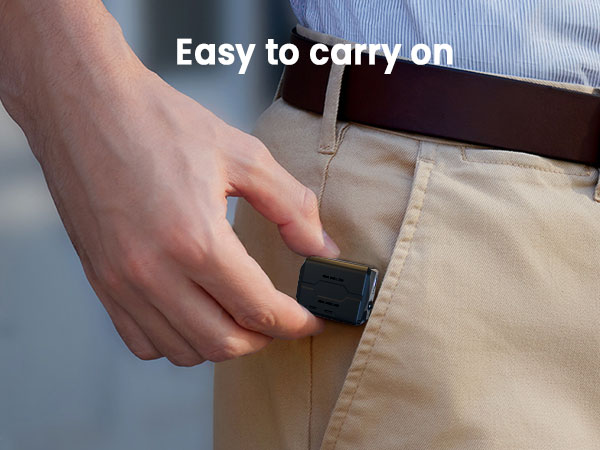
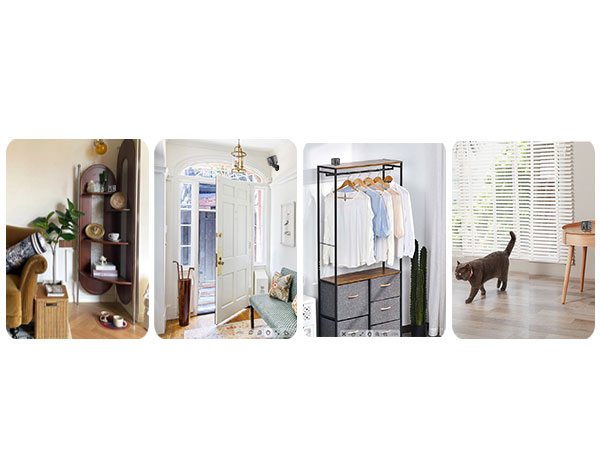
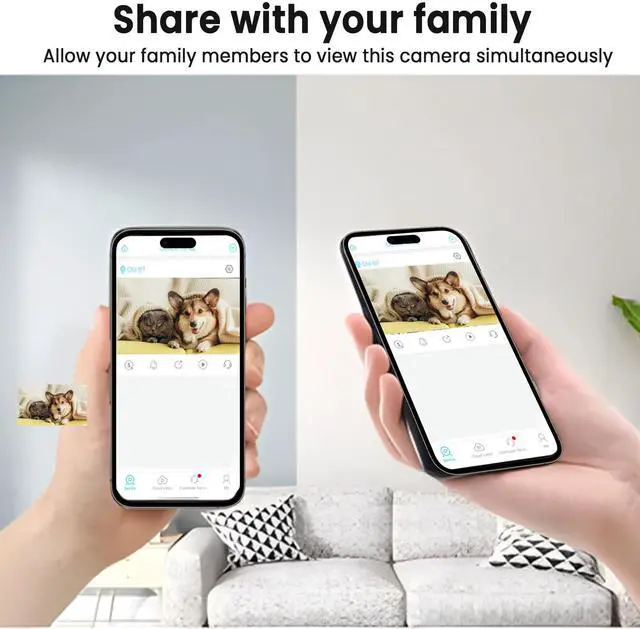
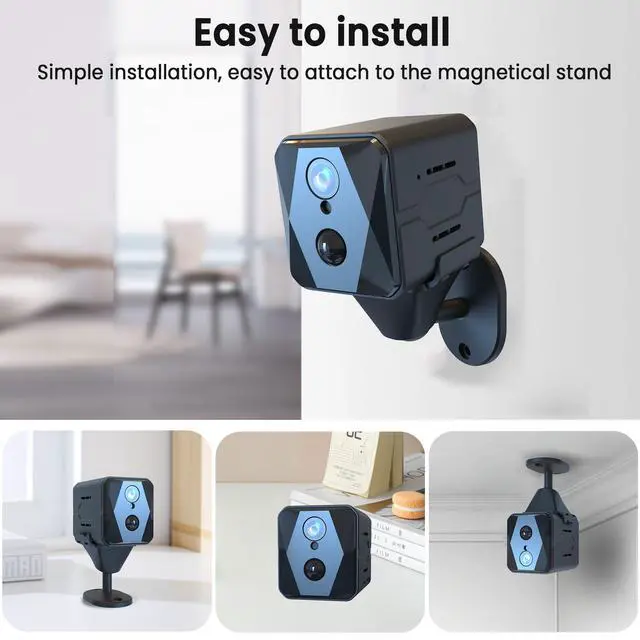
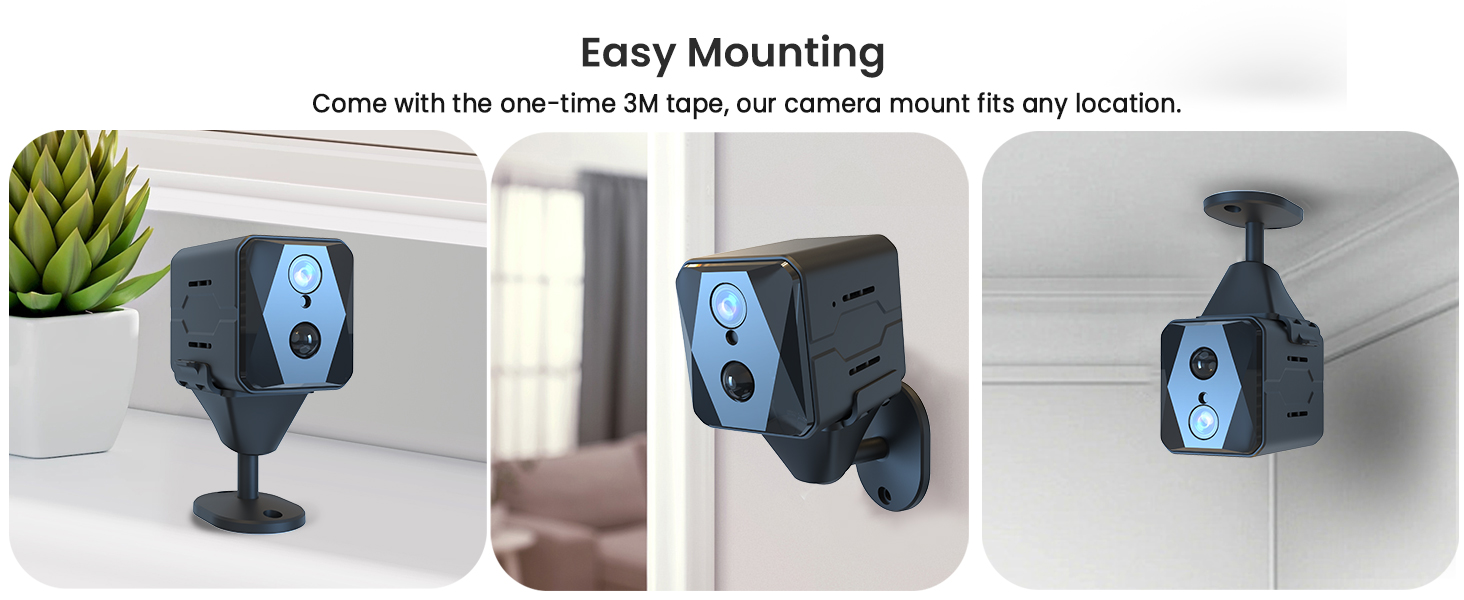
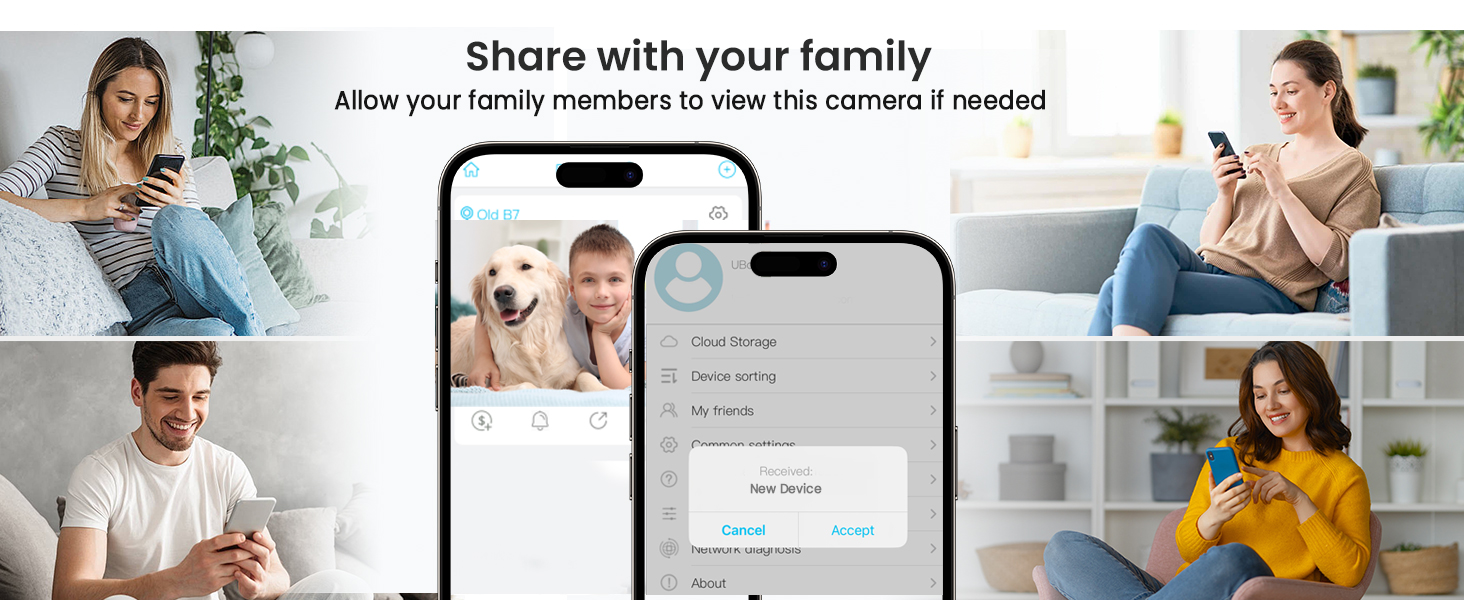
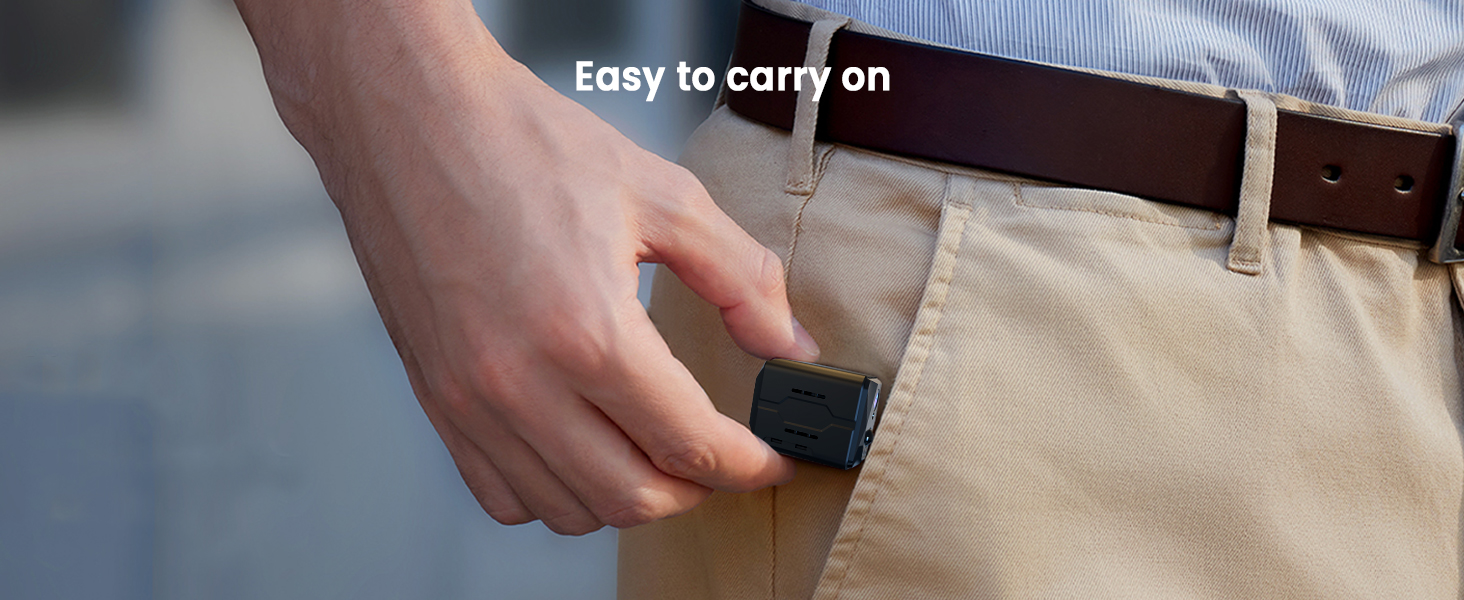
Installation & Sharing & Portable


Tips before using SD card
This camera supports micro SD cards up to 128GB in FAT32 format. Please insert or remove the memory card when the camera is powered off.
1. Turn off the camera and insert your micro SD card. The camera will only check if a card is used when booting up.
2. Turn on your camera. Open the APP. If you haven't made the Wi-Fi connection to pair your account with the camera yet, please make the Wi-Fi connection before the following steps.
3. Please click on the preview image of your camera to enter the live view interface.
4. Please click the setting button on the top right (the gear icon) to enter the setting interface.
5. Select the "SD Card Setting" tab.
6. Then, you can find the "Format" button in the "memory card" interface.
Please restart (not reset) the camera after a format.
Why does this product show a “Frequently Returned Item” label?
We understand that the “Frequently Returned Item” label might cause concern, but we’d like to clarify the reason behind it. This tag is automatically applied by based on return data across all buyers, which may include cases unrelated to product quality—such as buyers selecting the wrong model, misunderstanding features, or simply changing their mind.
Please rest assured that this product has passed our strict quality control standards and functions as described. Most of our customers are happy with their purchase and leave positive feedback.
We encourage you to review the product details carefully and make your purchase based on your actual needs.
Although we’re a new brand, our products are high quality and free from brand premium costs for consumers. Our goal is to provide advanced surveillance devices for our valued customers.
How did we start?
We started in 2019 with professional and passion.
What makes our products unique?
Our team consists of highly skilled technists. We thrive for better product and service for our customers.
How is the quality of our products?
We are committed to ensure that our product manufacturing process is strictly accomplished and products are carefully to assemble. And at the same time, we are looking for good cooperators to make more products.