




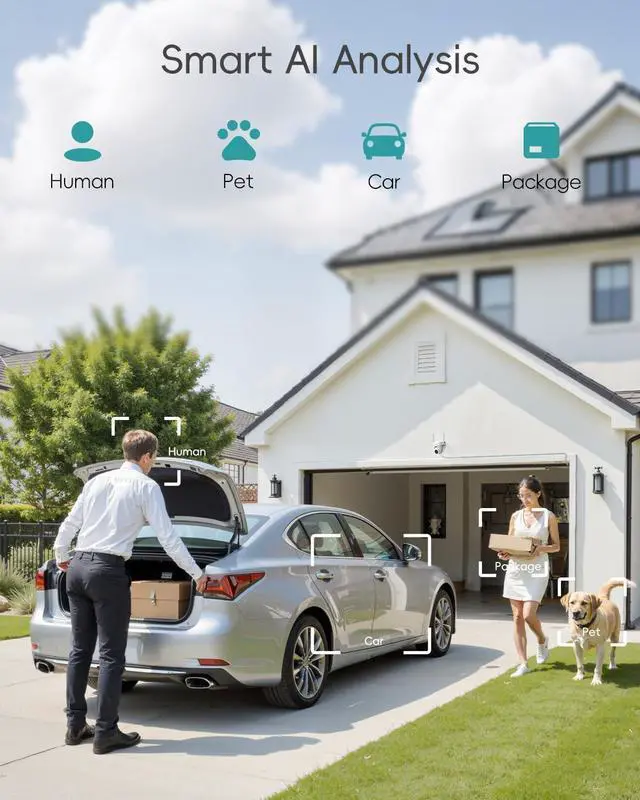


Alarm Zone Customization
Define your detection zone to focus on priority areas.

Alert Scheduling
Set customized alarm timings to reduce unnecessary power consumption and interruptions.

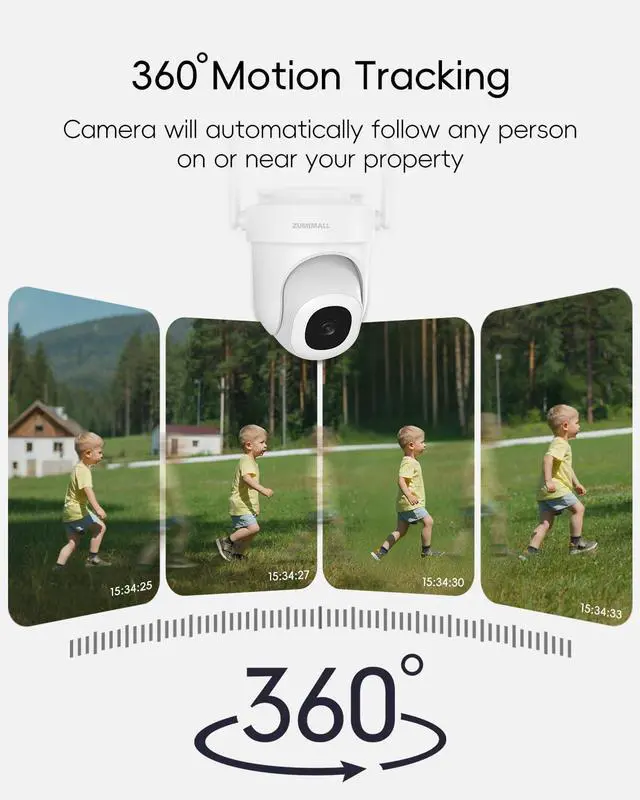
360° Regular Patrol
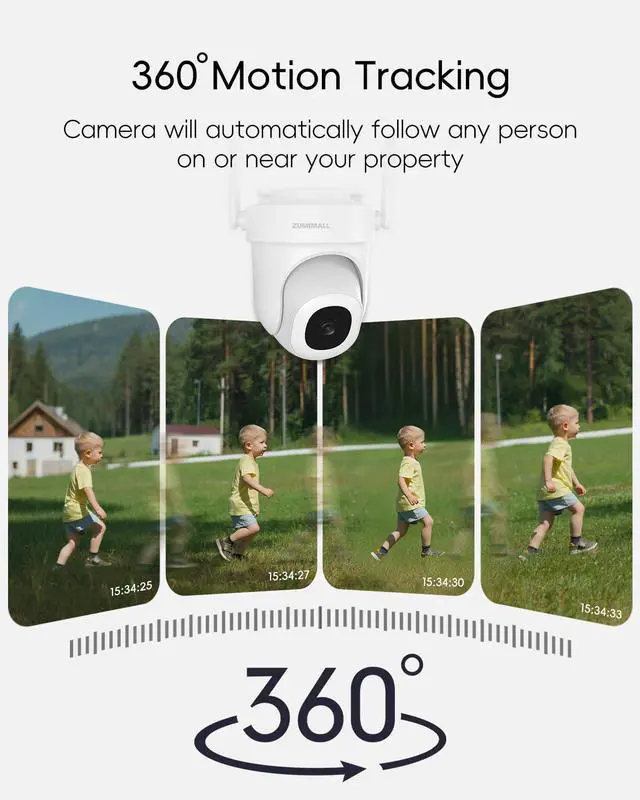
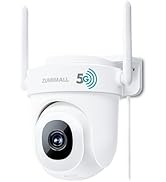
Conducts automated 360° patrols, eliminating all blind spots.

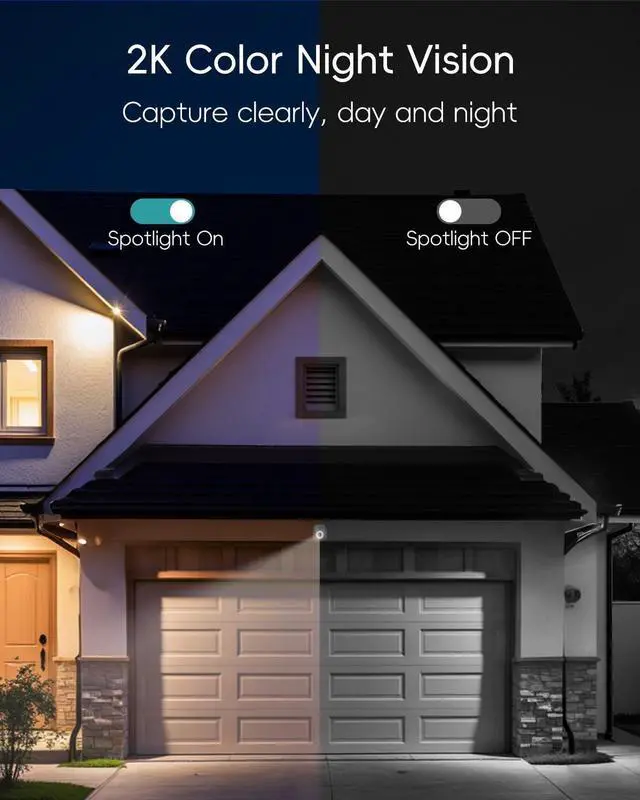
Light & Sound Deterrent
Customize warning settings to repel unwelcome intruders at night.


What do "wireless" and "wired" mean?
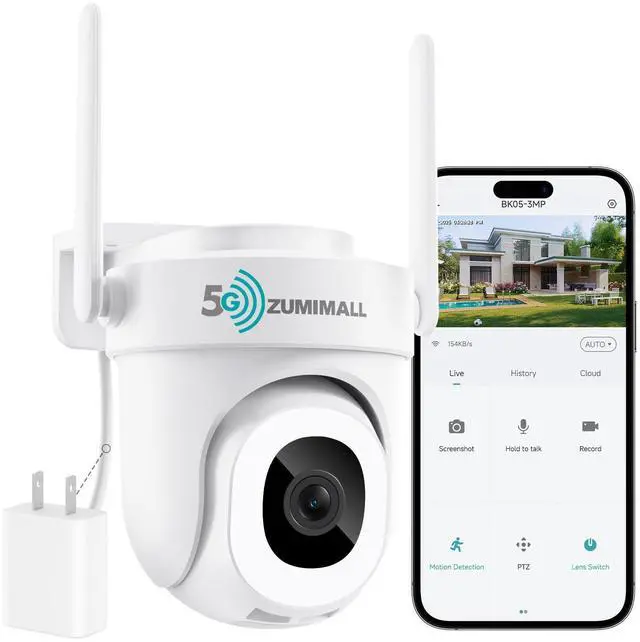
"Wireless" refers to the camera’s communication via WiFi, requiring no data cables for connectivity. "Wired" indicates the camera is powered through an electrical outlet (no built-in battery), needing a continuous power supply from a socket.
Why won’t my camera turn on after unboxing?
The camera uses DC 5V±10% plug-in power and should power on automatically when connected. If it doesn’t, first try replacing the plug or power cable. For ongoing issues, please reach out to us.
Why does my camera keep rotating non-stop?
This is likely due to the "Auto Patrol" feature in the app, which makes the camera rotate regularly for monitoring. Simply disable this feature in the app to stop rotation.
If I subscribe to premium cloud storage, can I connect multiple cameras at once?
Each cloud storage subscription supports only one camera. If you have over 4 cameras, we recommend purchasing the 4-camera package, which includes cloud storage for up to 10 cameras.
The description mentions "no monthly fees"—why am I asked to subscribe to premium cloud storage when viewing videos?
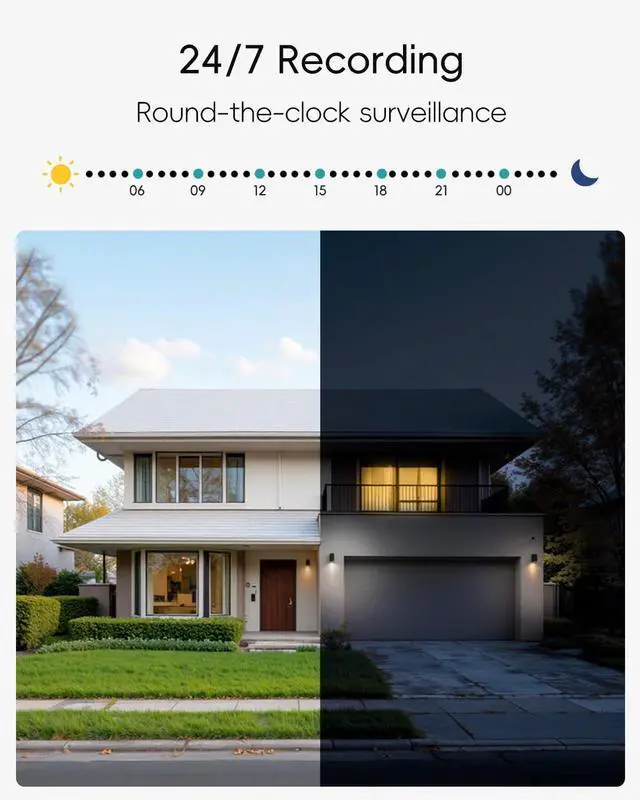
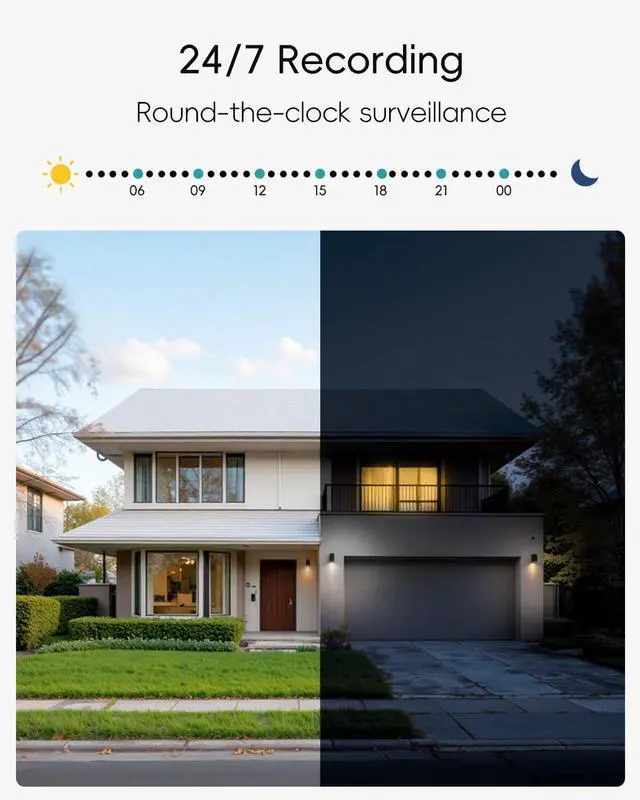
SD cards support 24/7 camera recording. To access recordings, please select "local playback" in the app. Paid cloud storage is optional for extra security. Free cloud access includes 6-second alert clips, cyclically saved for up to 7 days.






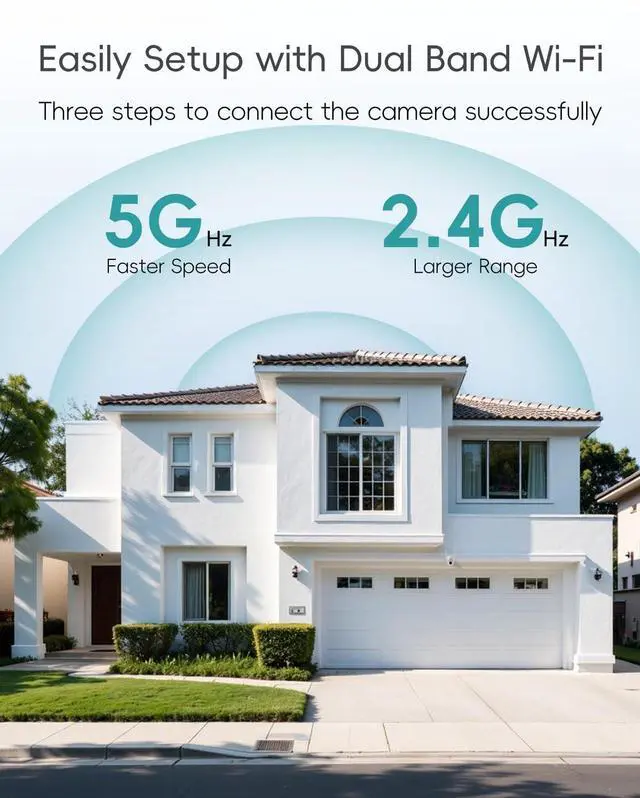
How to connect the camera?
One-Touch Setup
No scanning codes, no complicated steps, get your security system up and running in seconds.
How to Install the Camera?
Two-Step Installation
Supports wall or ceiling mounting, ensuring 24/7 reliability for both indoor and outdoor use.


Alarm Zone Customization
Define your detection zone to focus on priority areas.
Alert Scheduling
Set customized alarm timings to reduce unnecessary power consumption and interruptions.
360° Regular Patrol
Conducts automated 360° patrols, eliminating all blind spots.
Light & Sound Deterrent
Customize warning settings to repel unwelcome intruders at night.


What do "wireless" and "wired" mean?
"Wireless" refers to the camera’s communication via WiFi, requiring no data cables for connectivity. "Wired" indicates the camera is powered through an electrical outlet (no built-in battery), needing a continuous power supply from a socket.
Why won’t my camera turn on after unboxing?
The camera uses DC 5V±10% plug-in power and should power on automatically when connected. If it doesn’t, first try replacing the plug or power cable. For ongoing issues, please reach out to us.
Why does my camera keep rotating non-stop?
This is likely due to the "Auto Patrol" feature in the app, which makes the camera rotate regularly for monitoring. Simply disable this feature in the app to stop rotation.
If I subscribe to premium cloud storage, can I connect multiple cameras at once?
Each cloud storage subscription supports only one camera. If you have over 4 cameras, we recommend purchasing the 4-camera package, which includes cloud storage for up to 10 cameras.
The description mentions "no monthly fees"—why am I asked to subscribe to premium cloud storage when viewing videos?
SD cards support 24/7 camera recording. To access recordings, please select "local playback" in the app. Paid cloud storage is optional for extra security. Free cloud access includes 6-second alert clips, cyclically saved for up to 7 days.
Best seller

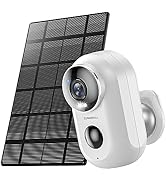
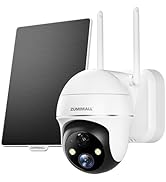
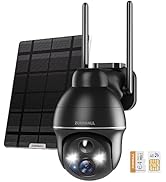
Solar powered camera
