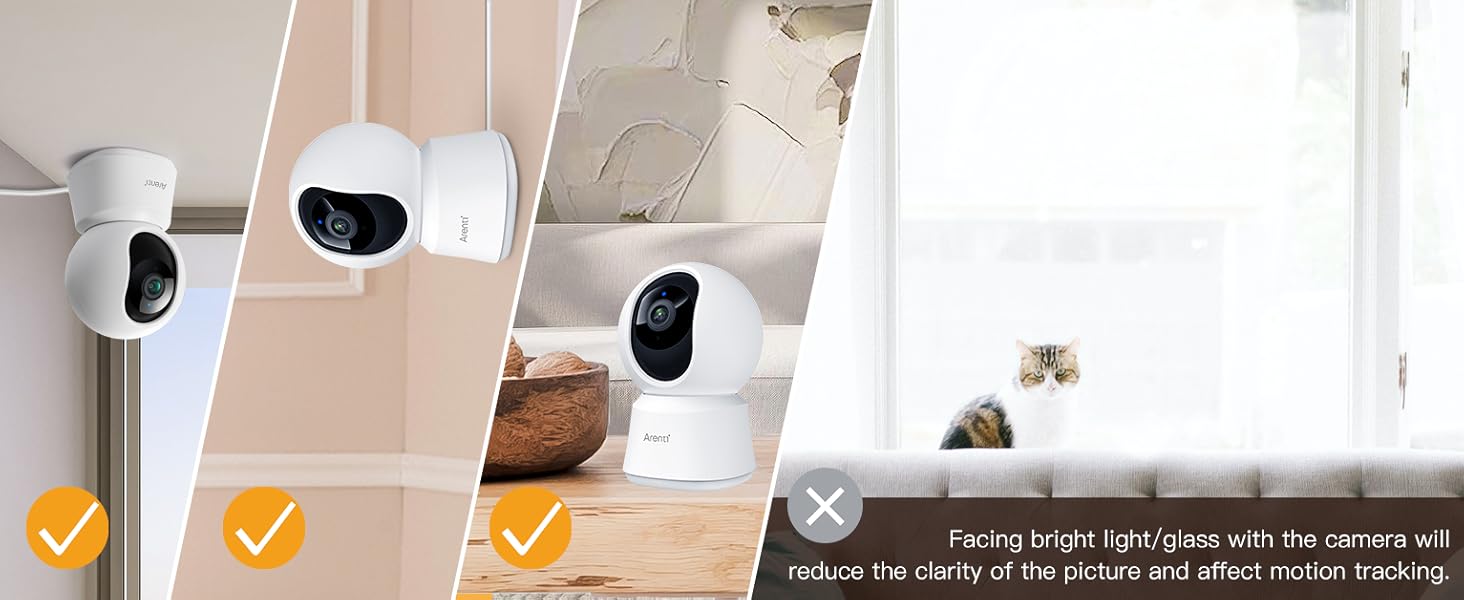
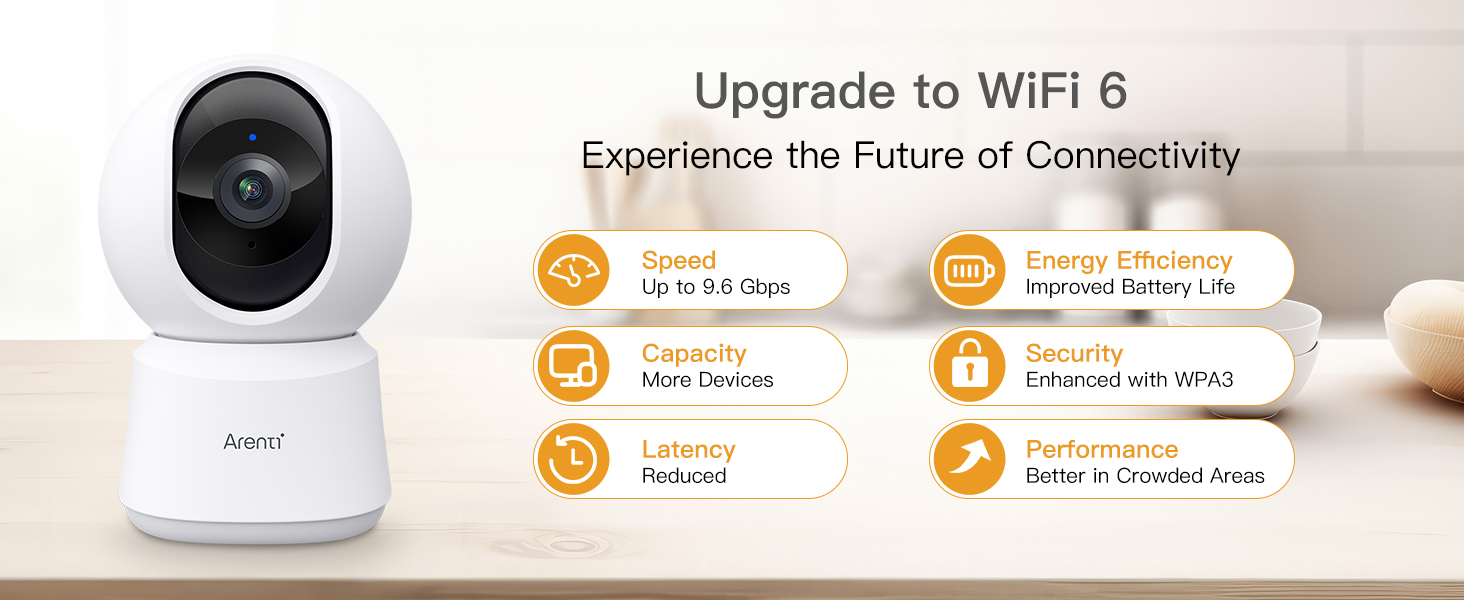
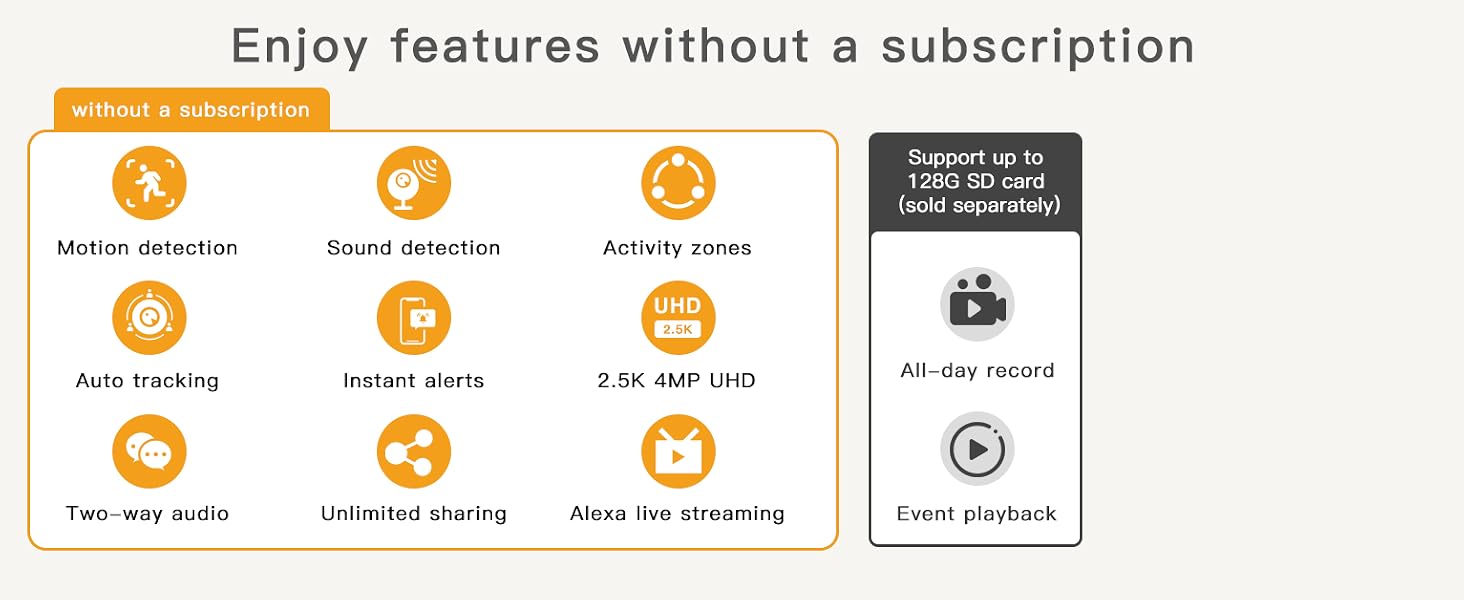
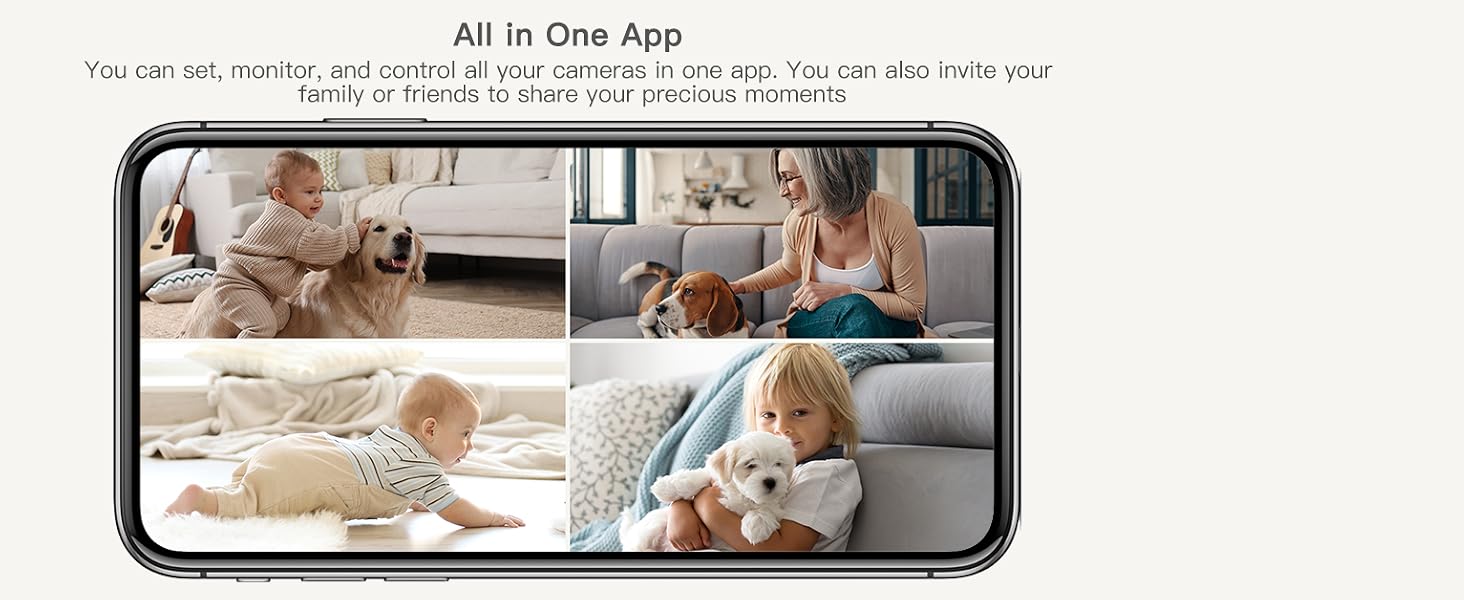
here!
here!
I’m your shopping assistant for PC builds, upgrades, and everything tech.
Got questions? Ask away!
Start a conversation
here!
I’m your shopping assistant for PC builds, upgrades, and everything tech.
Got questions? Ask away!
Start a conversation



Any questions? Ask CelesteSM will help you find out quickly.
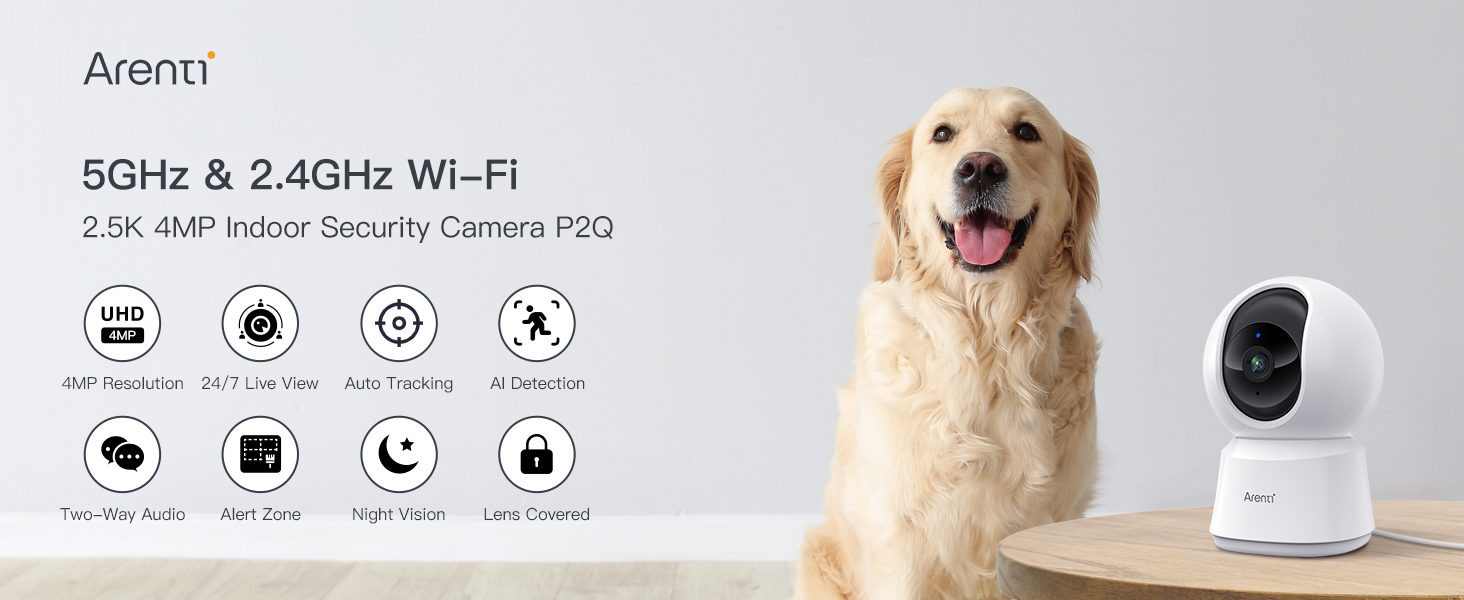
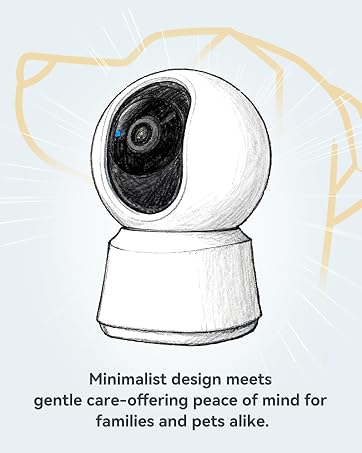
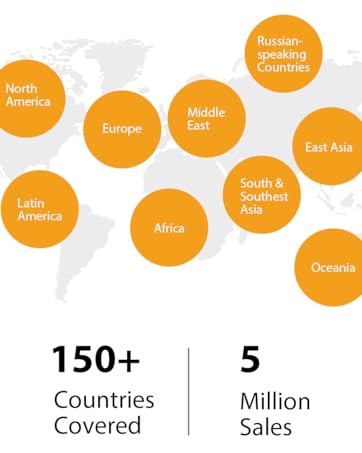
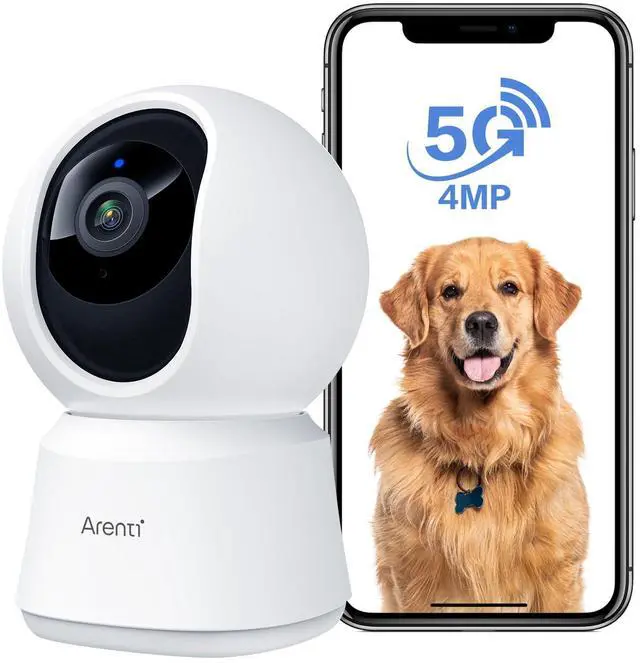
Arenti is aiming to offer global users easier, safer, and smarter home security products with the perfect combination of cutting-edge design, advanced technology & user-friendly functions.
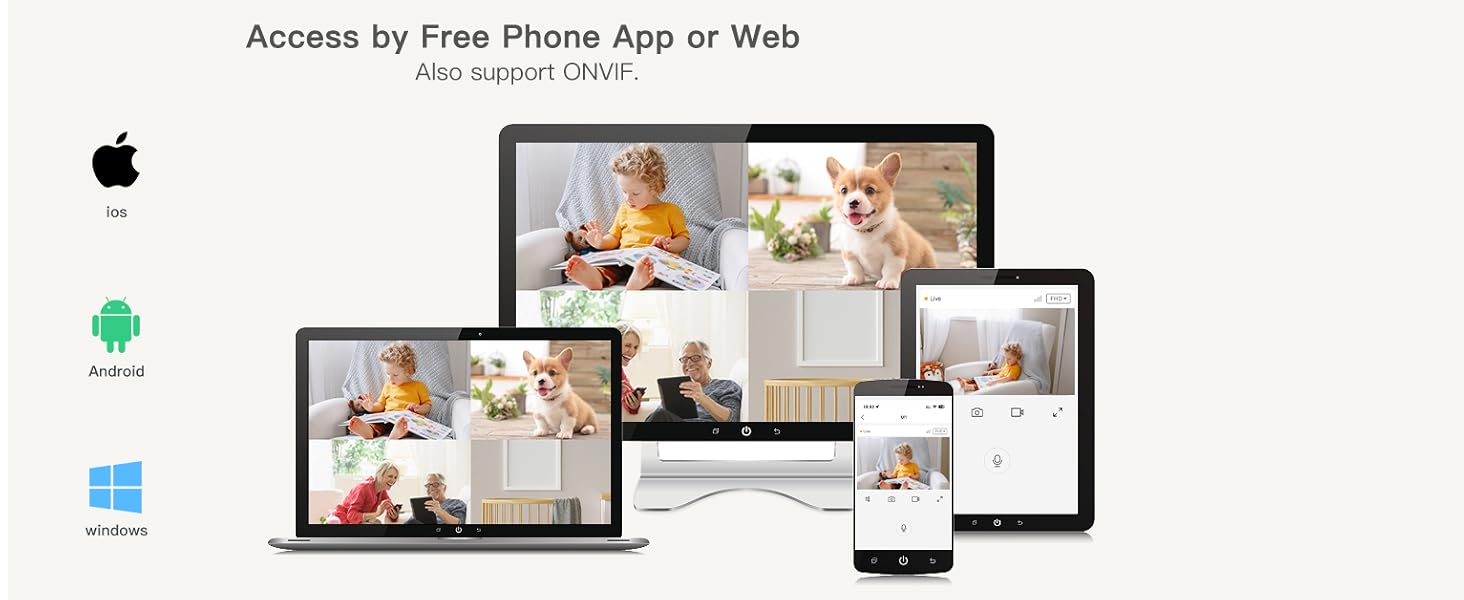
What app does the camera work with?
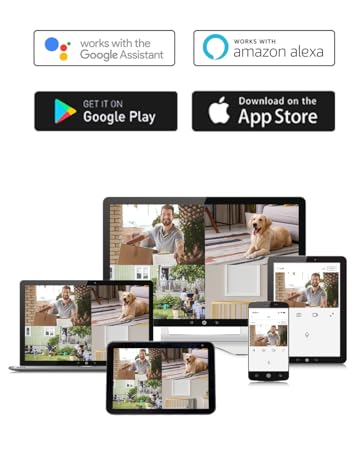
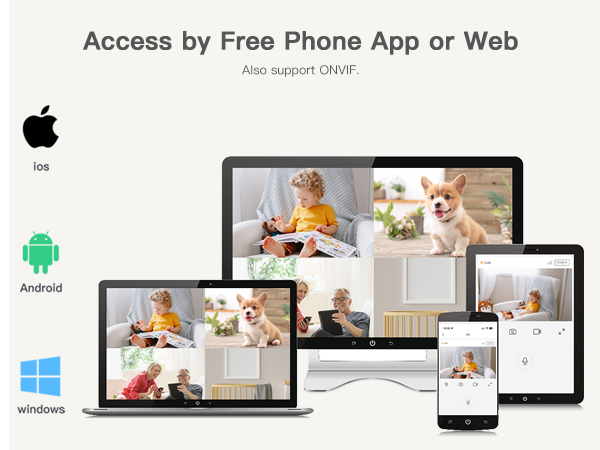
You need to download the Arenti app on the App Store or Google Play and sign up for a free account.
I have created an account on the Arenti APP, how do I connect to the camera?
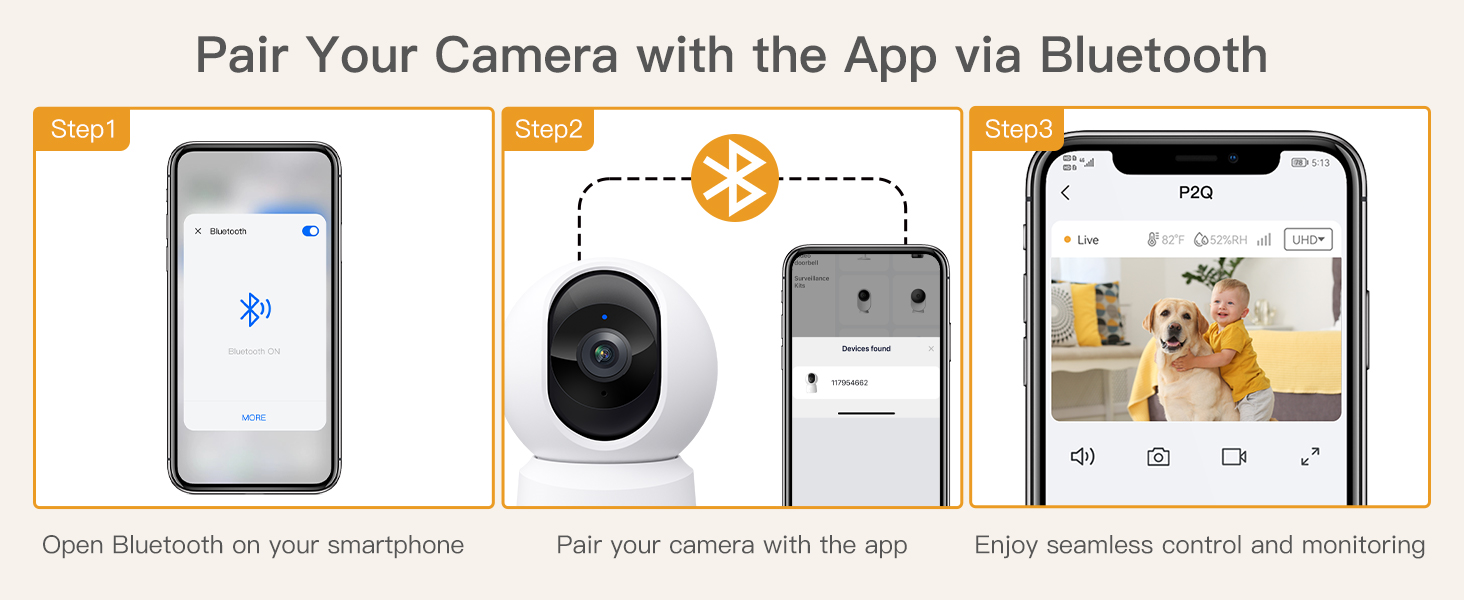
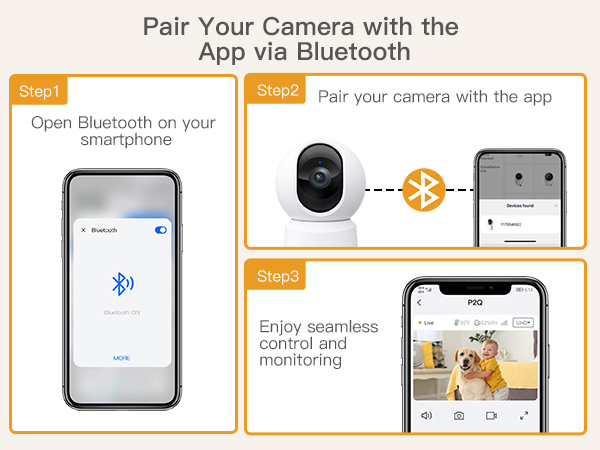
1-Click the '+' icon on the page & choose P2Q
2-Enter the correct wifi information
3-Scan the two-dimensional code on the app at an appropriate distance
4-After the beep sound, click the button & wait for 20 seconds, the setting is finished
What should I notice when connecting to the camera?
1-Make sure the red light is flashing before setting up
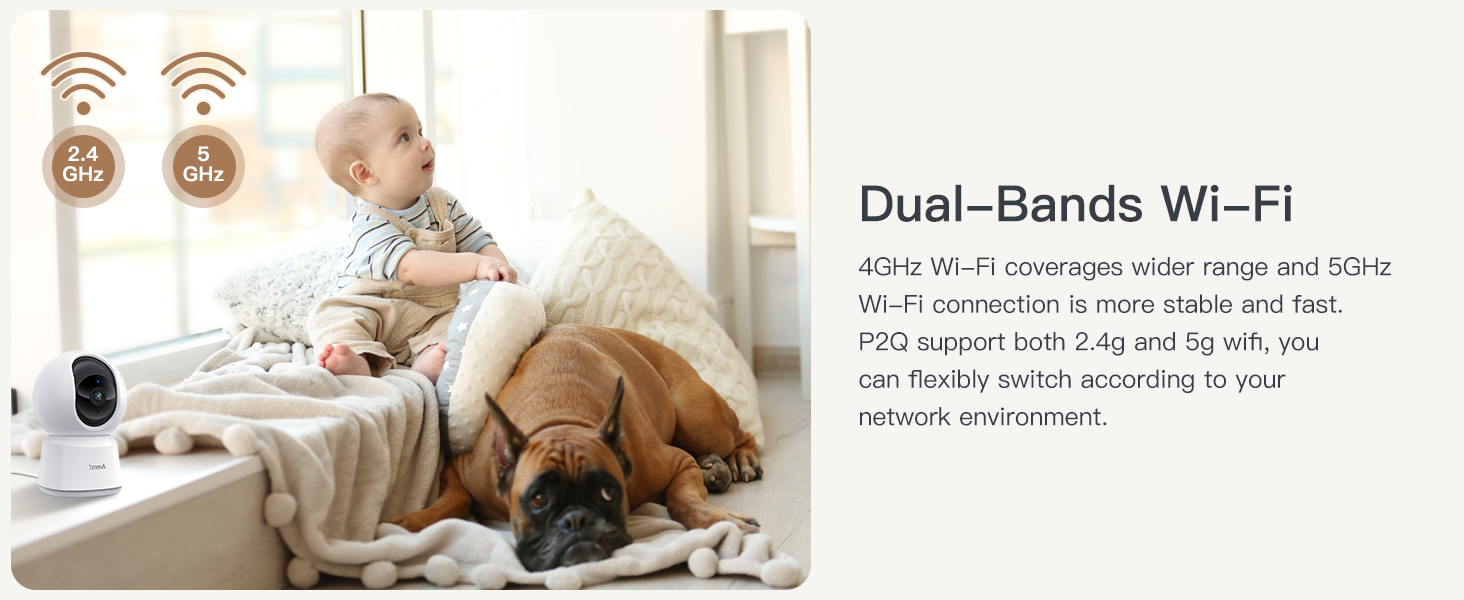
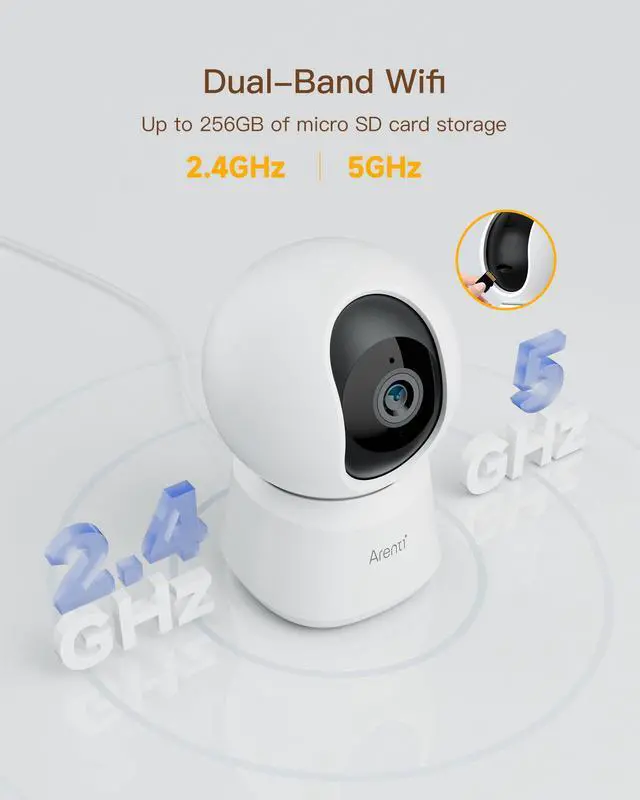
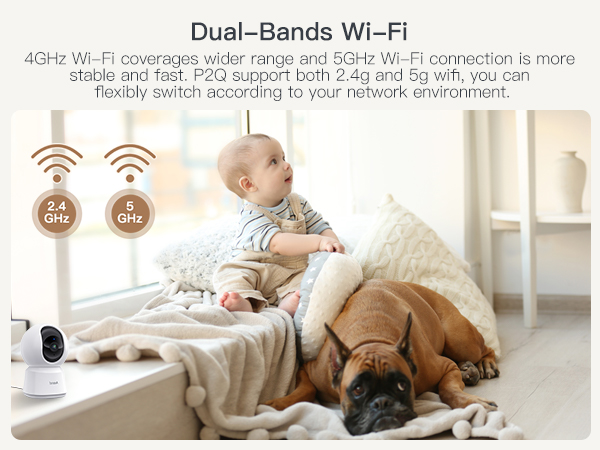
2-If the router is a dual-band and you want to connect 5g, please connect 2.4g first, and then connect to 5G.
3-Make sure the device and mobile phone are connected to the same Wi-Fi
What should I notice when connecting to the camera?
1-Make sure the red light is flashing before setting up.
2-If the router is a dual-band and you want to connect 5g, please connect 2.4g first, and then connect to 5G.
3-Make sure the device and mobile phone are connected to the same Wi-Fi.
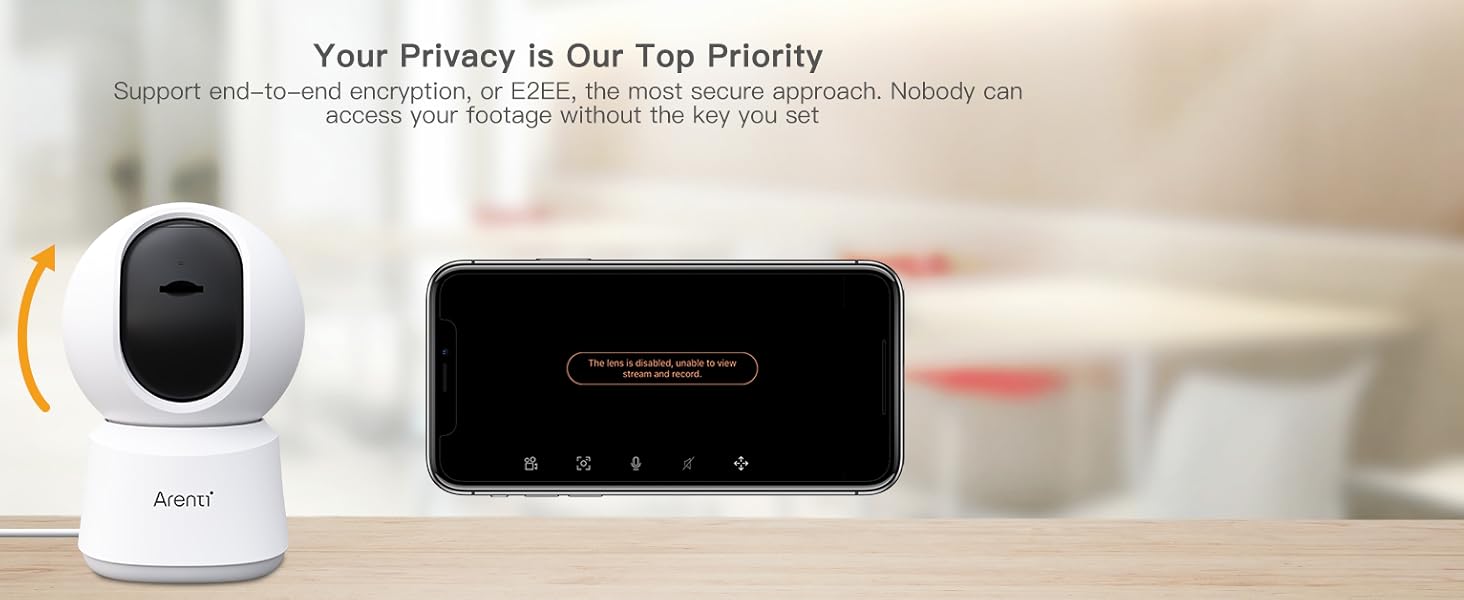
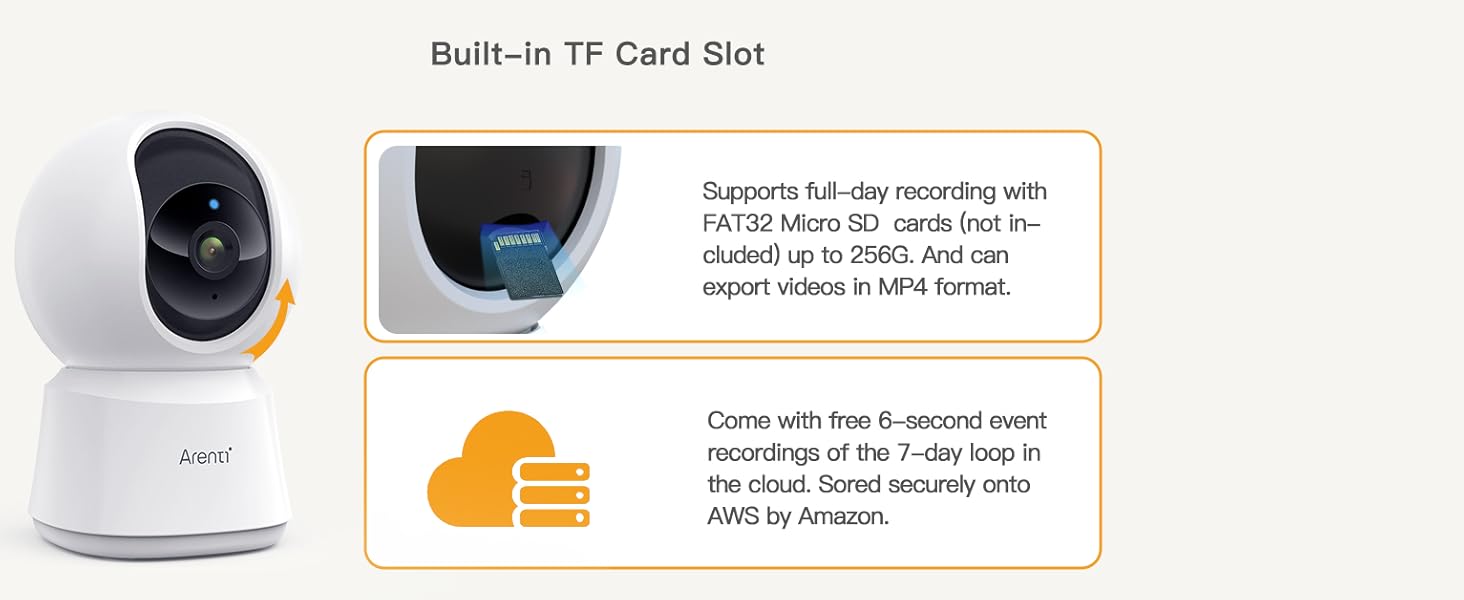
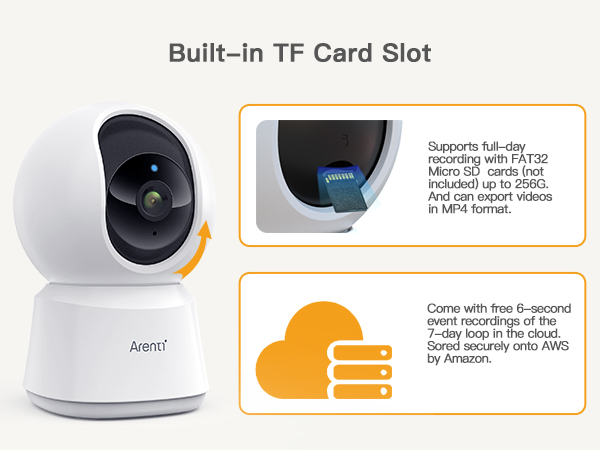
Where is the socket for the SD card?
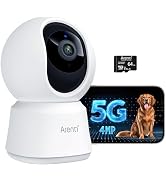
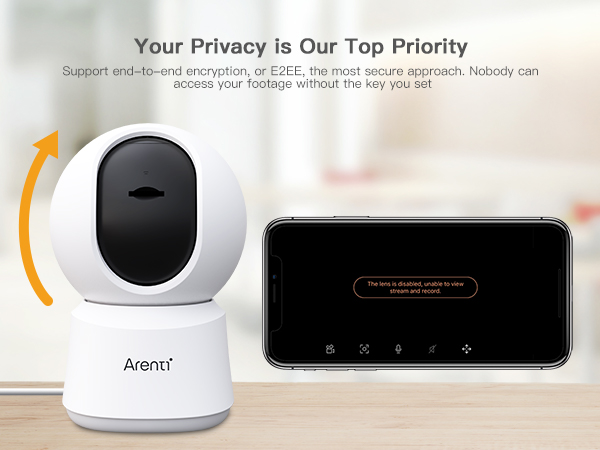
There is a tiny little slot on the bottom of the rotating piece. Just move the ball (camera) upwards.
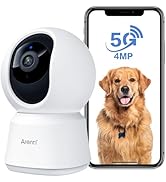
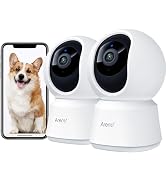
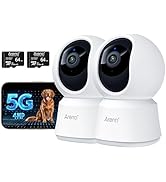
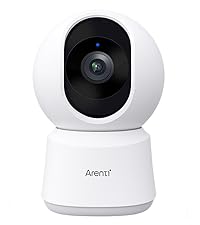 Indoor Camera P2Q | 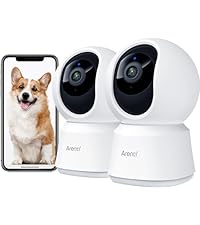 Indoor Camera P2Q 2PC | 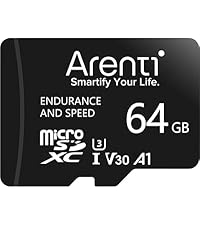 64GB Micro SD Memory Card | 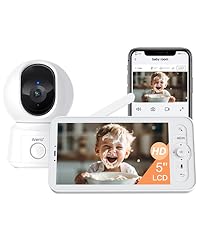 Baby Monitor B2 Kit | 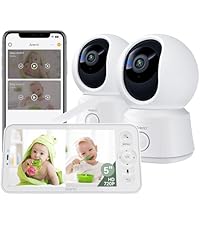 Baby Monitor B2 Set |  Baby Monitor D3 Kit | 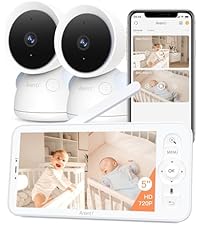 Baby Monitor D3 Set | |
|---|---|---|---|---|---|---|---|
Customer Reviews | — | — | — | — | — | — | — |
Price | — | — | — | — | — | — | — |
Free APP | ? | ? | ? | ? | ? | ? | ? |
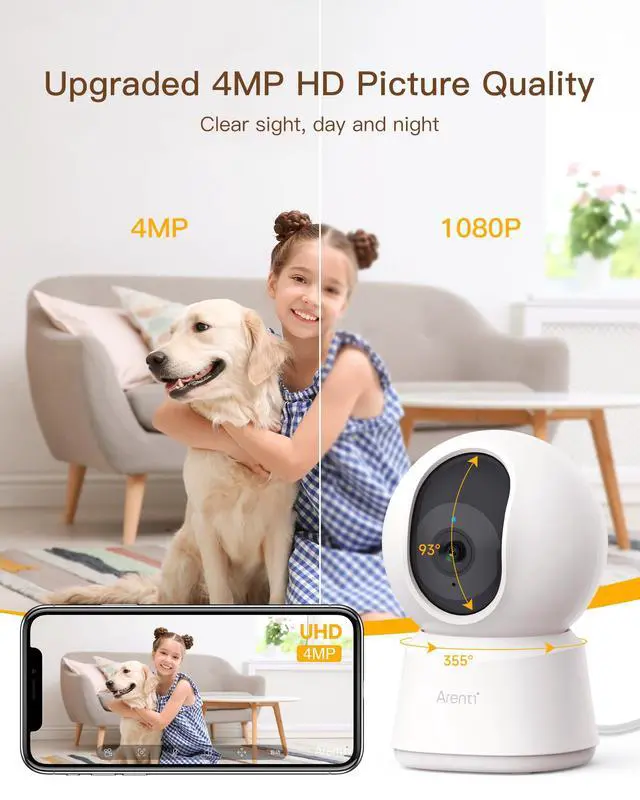
Resolution | 4MP | 4MP | - | 720P-1080P | — | — | — |
Use | Indoor | Indoor | - | Indoor | — | — | — |
Wi-Fi Connection | 5GHz & 2.4GHz Wi-Fi | 5GHz & 2.4GHz Wi-Fi | - | 2.4GHz & HaLow Wi-Fi | — | — | — |
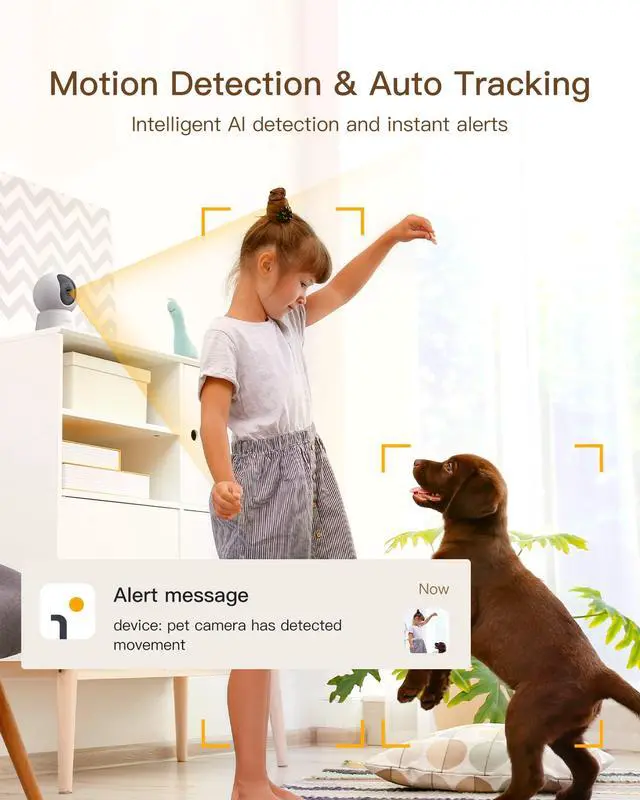
Detection | Motion & Sound Detection | Motion & Sound Detection | - | Motion & Sound Detection | Motion & Sound Detection | Motion & Sound Detection | Motion & Sound Detection |
Night Vision | Automatic, Manual, Timed | Automatic, Manual, Timed | - | Automatic, Manual, Timed | Automatic, Manual, Timed | Automatic, Manual, Timed | Automatic, Manual, Timed |
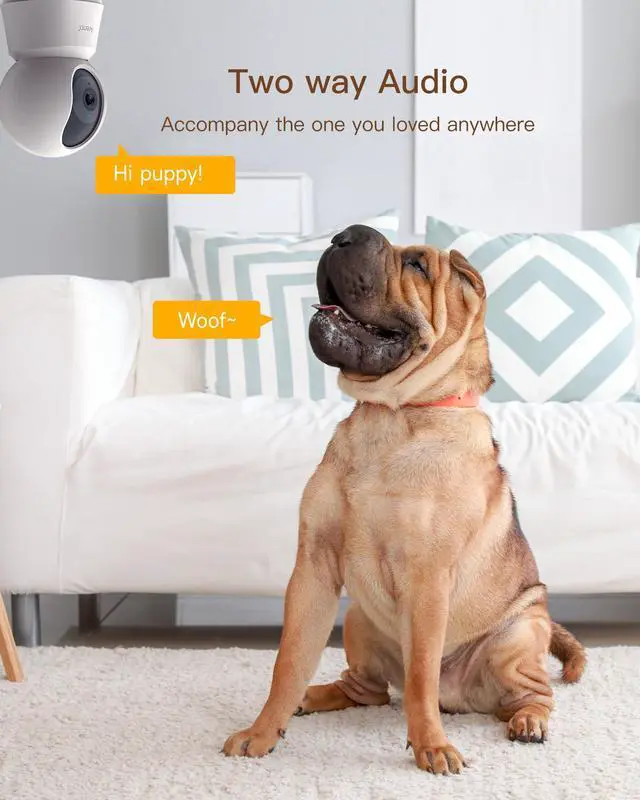
Two-way Audio | Full Duplex | Full Duplex | - | Full Duplex | Full Duplex | Full Duplex | Full Duplex |
Power supply | 5V/1A Plug-in Power | 5V/1A Plug-in Power | - | 5V/1A Plug-in Power | 5V/1A Plug-in Power | 5V/1A Plug-in Power | 5V/1A Plug-in Power |
Local Storage | need SD card, up to 256GB | need SD card, up to 256GB | - | need SD card, up to 256GB | need SD card, up to 256GB | need SD card, up to 256GB | need SD card, up to 256GB |
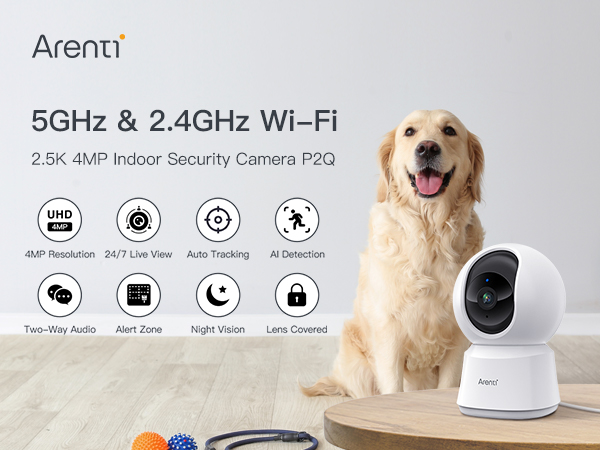
Arenti is aiming to offer global users easier, safer, and smarter home security products with the perfect combination of cutting-edge design, advanced technology & user-friendly functions.
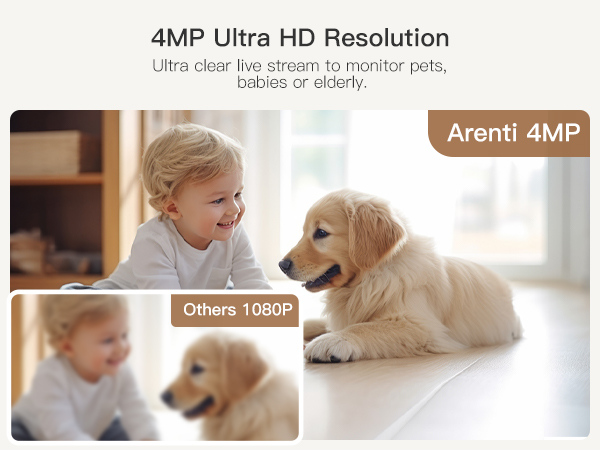
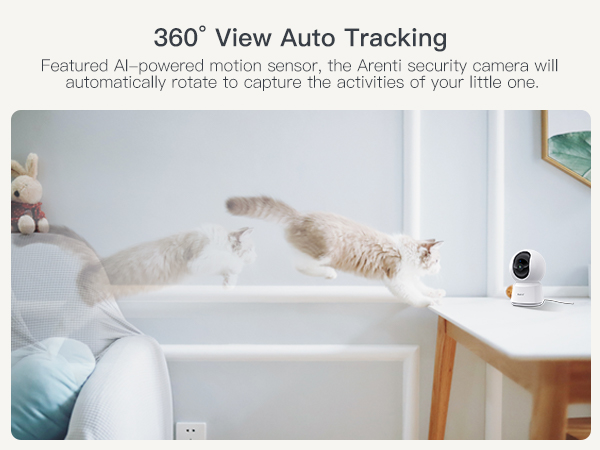
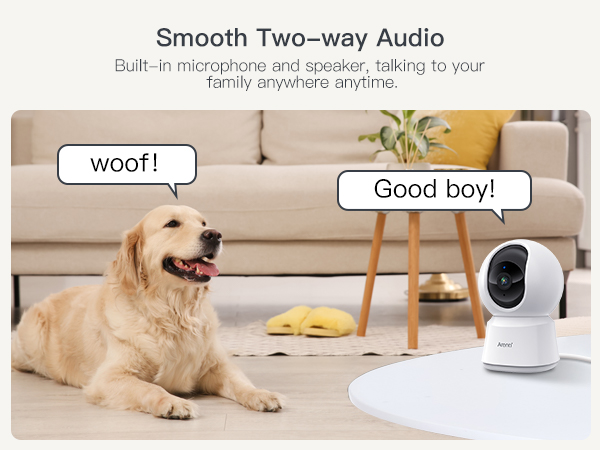
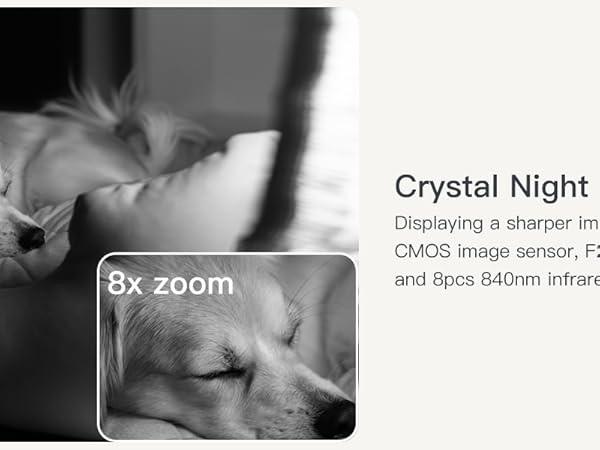
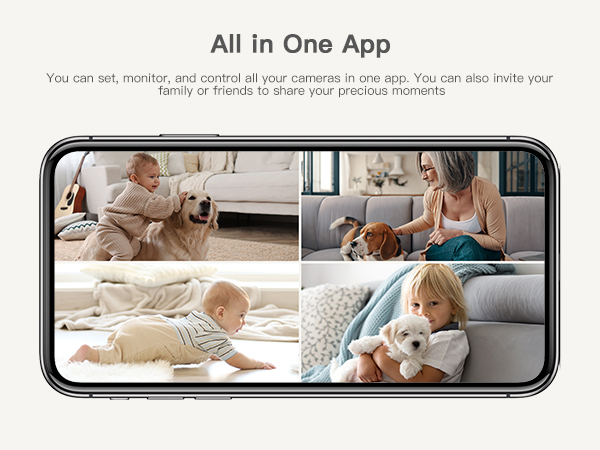
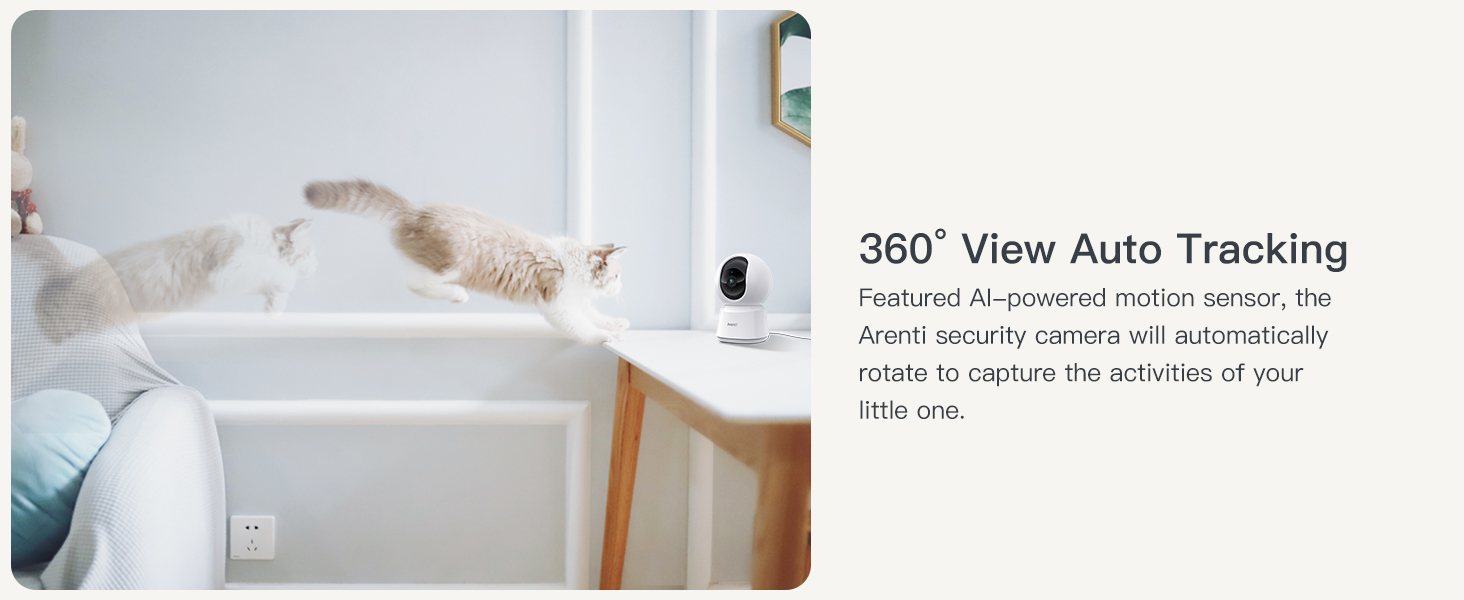
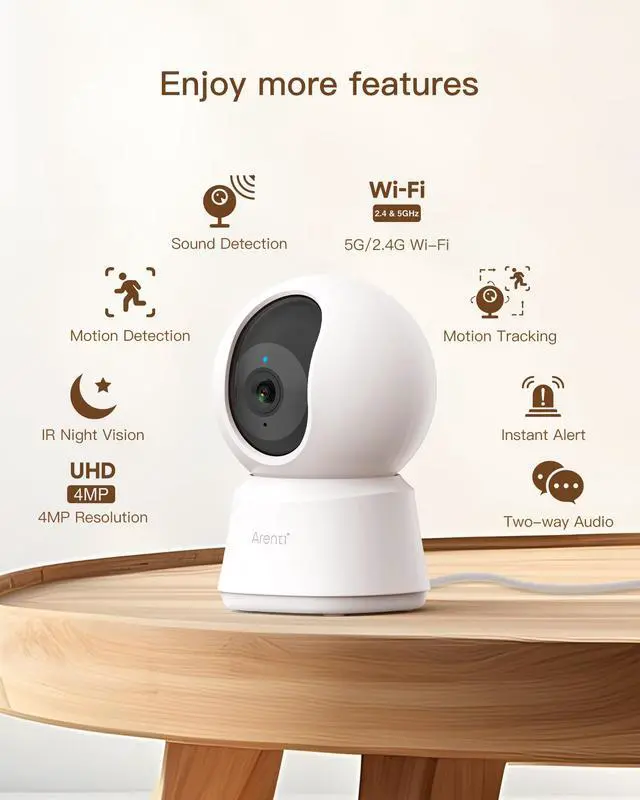
Arenti's smart motion detection feature automatically detects and records any motion events involving your baby or pet. This specific feature is so good at night, ensuring your little one's safety without the need to disturb their sleep.
Babies are naturally curious and love to explore their surroundings. With AInanny, you can establish boundaries by designating danger zones. If your little one attempts to access an off-limits area, you'll receive prompt notifications, ensuring their safety and giving you peace of mind.
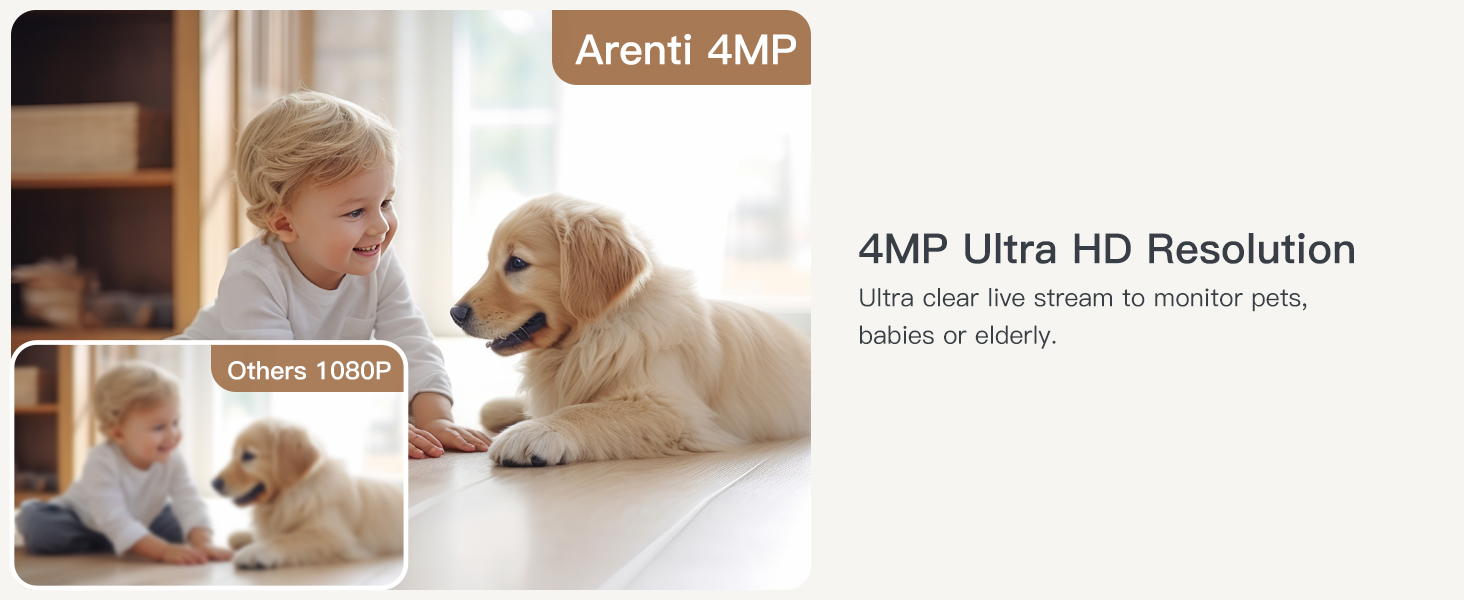
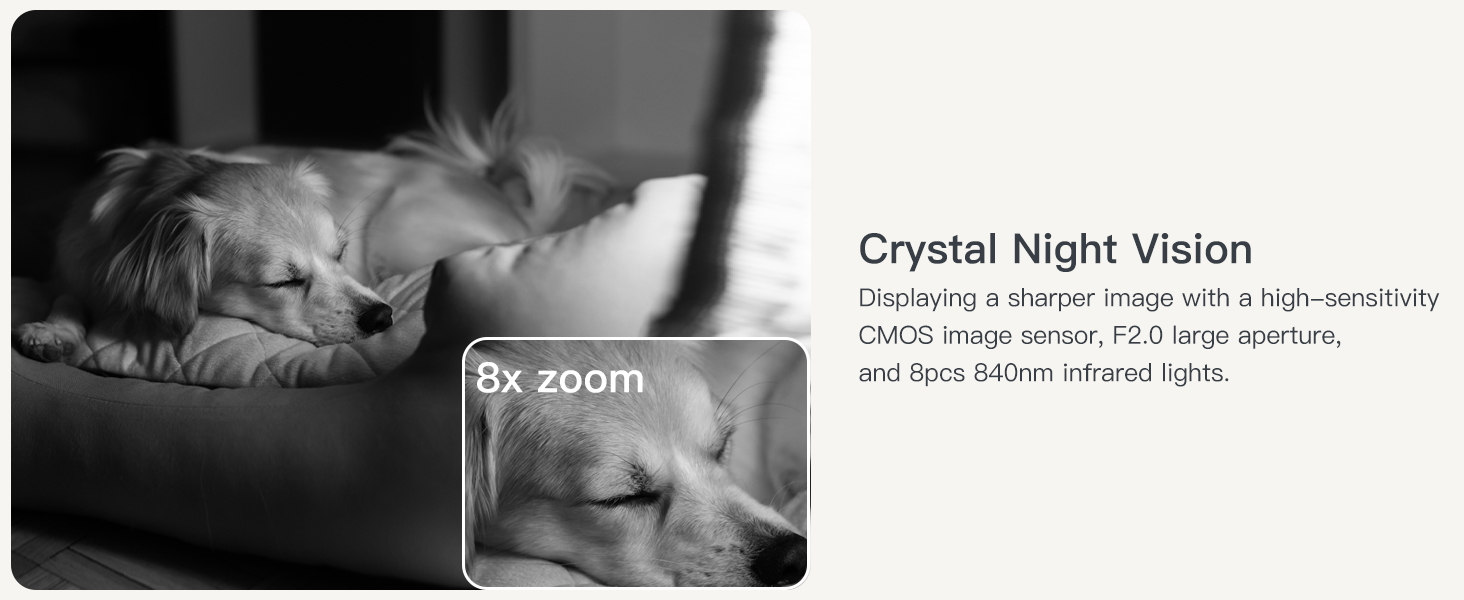
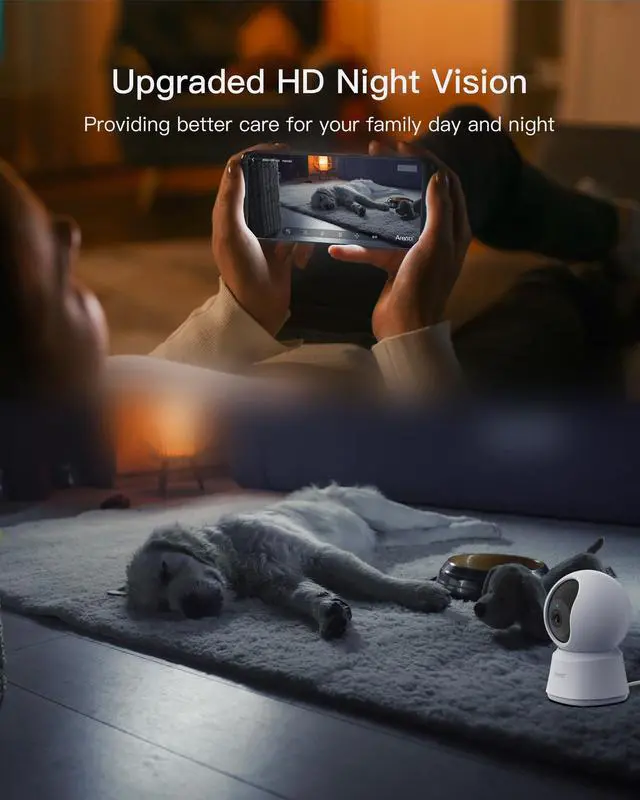
Stay informed about your little one's activities during the night with Arenti's advanced 4MP(max) UHD night vision on the free smartphone app. Never miss a moment of the movements, as this feature provides a clear and complete picture of all the sounds and movements in the room.
What app does the camera work with?
You need to download the Arenti app on the App Store or Google Play and sign up for a free account.
I have created an account on the Arenti APP, how do I connect to the camera?
1-Click the '+' icon on the page & choose P2Q
2-Enter the correct wifi information
3-Scan the two-dimensional code on the app at an appropriate distance
4-After the beep sound, click the button & wait for 20 seconds, the setting is finished
What should I notice when connecting to the camera?
1-Make sure the red light is flashing before setting up
2-If the router is a dual-band and you want to connect 5g, please connect 2.4g first, and then connect to 5G.
3-Make sure the device and mobile phone are connected to the same Wi-Fi
What should I notice when connecting to the camera?
1-Make sure the red light is flashing before setting up.
2-If the router is a dual-band and you want to connect 5g, please connect 2.4g first, and then connect to 5G.
3-Make sure the device and mobile phone are connected to the same Wi-Fi.
Where is the socket for the SD card?
There is a tiny little slot on the bottom of the rotating piece. Just move the ball (camera) upwards.
Indoor Camera P2Q | Indoor Camera P2Q 2PC | 64GB Micro SD Memory Card | Baby Monitor B2 Kit | Baby Monitor B2 Set | Baby Monitor D3 Kit | Baby Monitor D3 Set |
|---|---|---|---|---|---|---|
| Customer Reviews | ||||||
| — | — | — | — | — | — | — |
| Price | ||||||
| — | — | — | — | — | — | — |
| Free APP | ||||||
| ? | ? | ? | ? | ? | ? | ? |
| Resolution | ||||||
| 4MP | 4MP | - | 720P-1080P | — | — | — |
| Use | ||||||
| Indoor | Indoor | - | Indoor | — | — | — |
| Wi-Fi Connection | ||||||
| 5GHz & 2.4GHz Wi-Fi | 5GHz & 2.4GHz Wi-Fi | - | 2.4GHz & HaLow Wi-Fi | — | — | — |
| Detection | ||||||
| Motion & Sound Detection | Motion & Sound Detection | - | Motion & Sound Detection | Motion & Sound Detection | Motion & Sound Detection | Motion & Sound Detection |
| Night Vision | ||||||
| Automatic, Manual, Timed | Automatic, Manual, Timed | - | Automatic, Manual, Timed | Automatic, Manual, Timed | Automatic, Manual, Timed | Automatic, Manual, Timed |
| Two-way Audio | ||||||
| Full Duplex | Full Duplex | - | Full Duplex | Full Duplex | Full Duplex | Full Duplex |
| Power supply | ||||||
| 5V/1A Plug-in Power | 5V/1A Plug-in Power | - | 5V/1A Plug-in Power | 5V/1A Plug-in Power | 5V/1A Plug-in Power | 5V/1A Plug-in Power |
| Local Storage | ||||||
| need SD card, up to 256GB | need SD card, up to 256GB | - | need SD card, up to 256GB | need SD card, up to 256GB | need SD card, up to 256GB | need SD card, up to 256GB |