You’re seeing this ad based on the product’s relevance to your search query. If you are a seller and want to participate in this program click here to learn more.
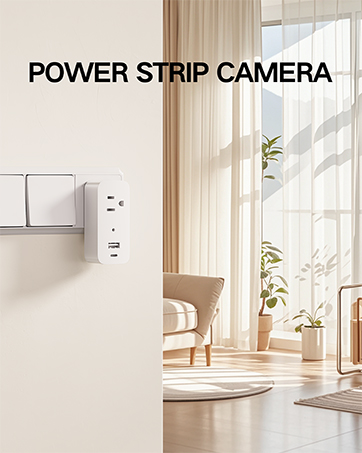
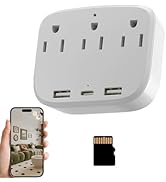
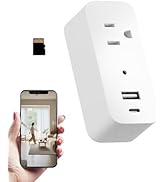
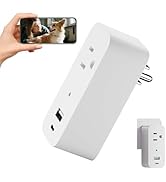
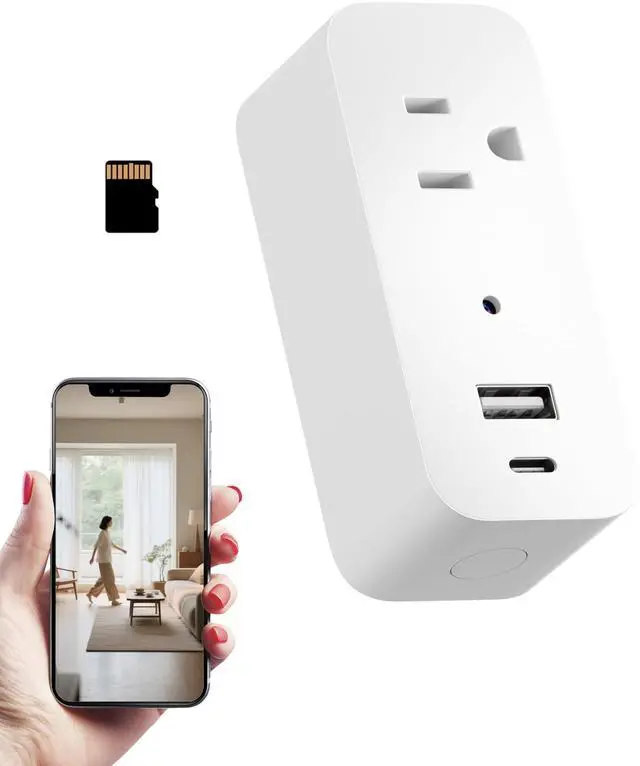
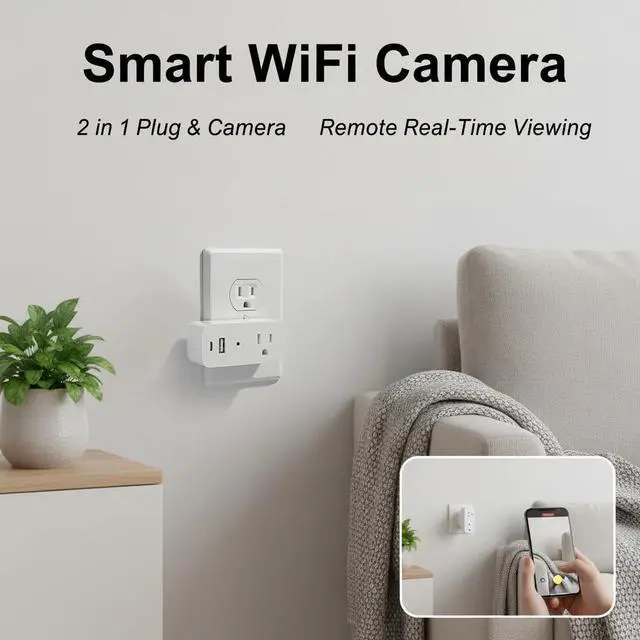
1080P Power Strip Mini Camera Wireless WiFi Connection App View Pictures Taking Plug Cam for Indoor Security Built-in 32GB SD Card Wall Outlet (No Audio)
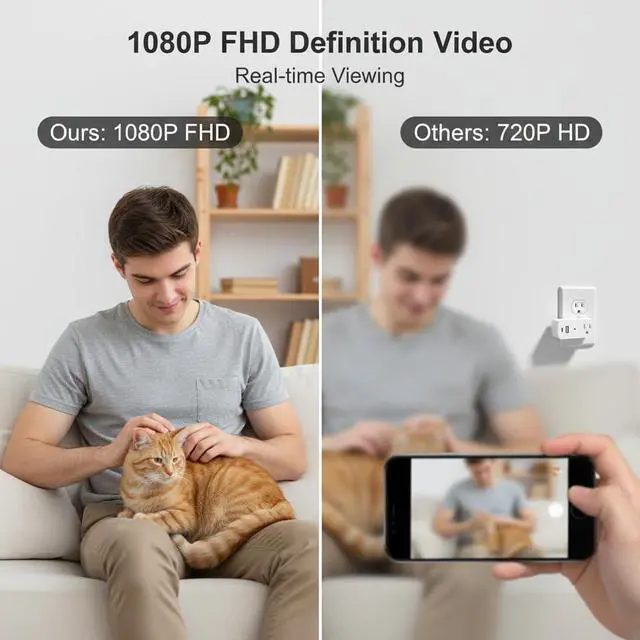
1080P clear image viewing, you can monitor the image from app, which has 100° wide view, plug-play, easy to use. No audio.
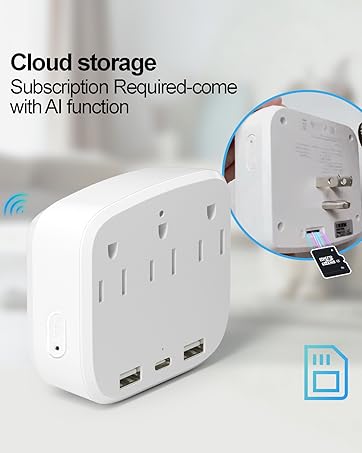
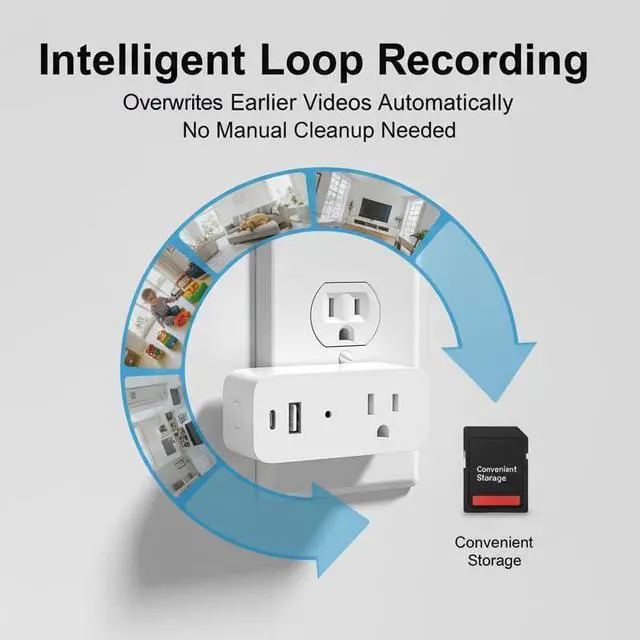
Built-in 32GB SD card, no card slot and no need other action. Local Storage and Loop recording that automatically overwrites old footage.
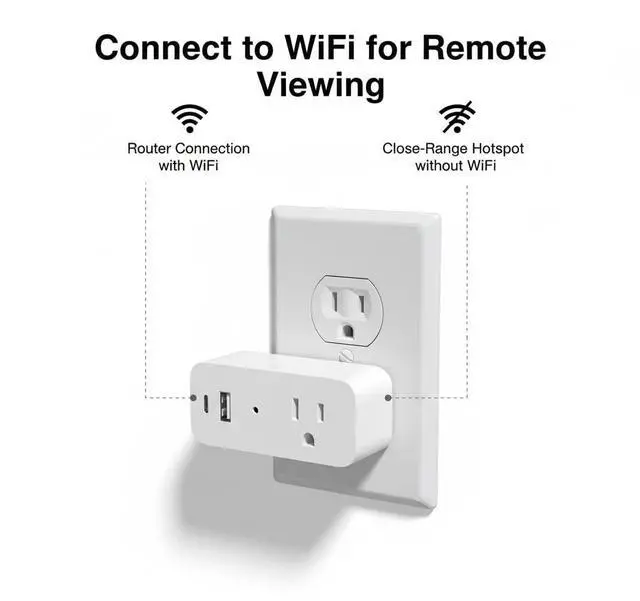
Reliable WiFi Connectivity, Compatible with 2.4GHz WiFi networks, you can remotely view your pet wherever you are.
Plug into Indoor wall outlets for Charging plug, include USB, type-C port and standard port, you can charge for your devices(maximum current 7A, not exceeding 1500W), also can be used for pet monitor. Ideal for homes and pet room.
How to connect: Step1, Plug in the camera and the indicator light blinking, then Press and hold the reset button waiting the indicator light blinks rapidly. Step 2, Turn on your WiFi and bluetooth of your phone, turn to the App to 'add device', select your home WiFi that your phone is connected and completed the Wifi Seting. Step 3, The App will found the device and add it to your App soon so that you can remote view the camera now.
Sponsored
You’re seeing this ad based on the product’s relevance to your search query. If you are a seller and want to participate in this program click here to learn more.
1080P Power Strip Mini Camera Wireless WiFi Connection App View Pictures Taking Plug Cam for Indoor Security Built-in 32GB SD Card Wall Outlet (No Audio)
Learn more about the Generic Brand QX-PS3
Model
Brand
Clover
Model
QX-PS3
Part Number
QX-PS3
Spec
Networking Protocol
Wi-Fi
Packaging
Package Contents
power strip camera
Dimensions & Weight
Dimensions
20'
Weight
0.109 kilograms
Additional Information
First Listed on Newegg
April 15, 2026
Customer Reviews of the Generic Brand QX-PS3
There are no reviews yet.
Do you own this product?
Warranty & Returns
Warranty, Returns, And Additional Information
Warranty
Please contact the Seller directly for warranty information. Warranty information may also be found on the Manufacturer's website.