



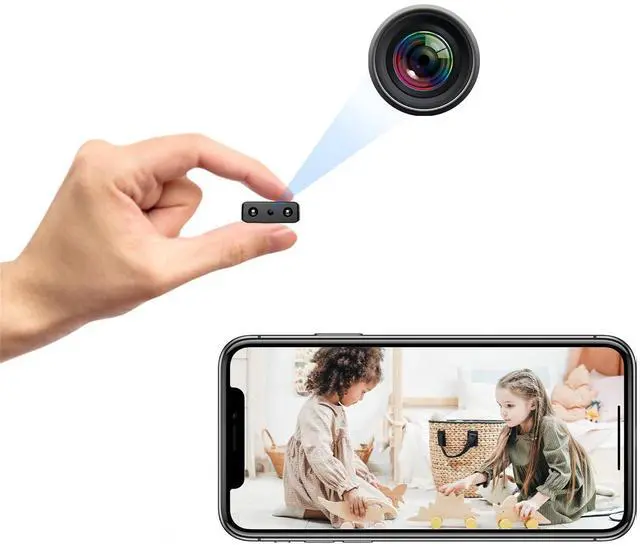
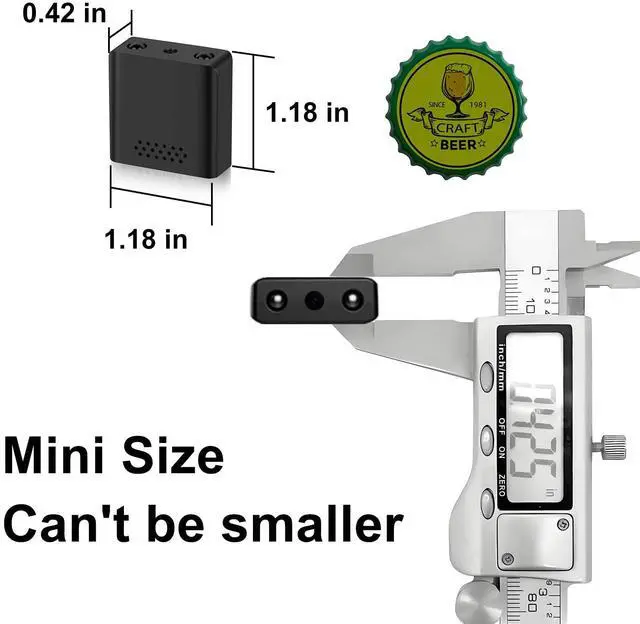

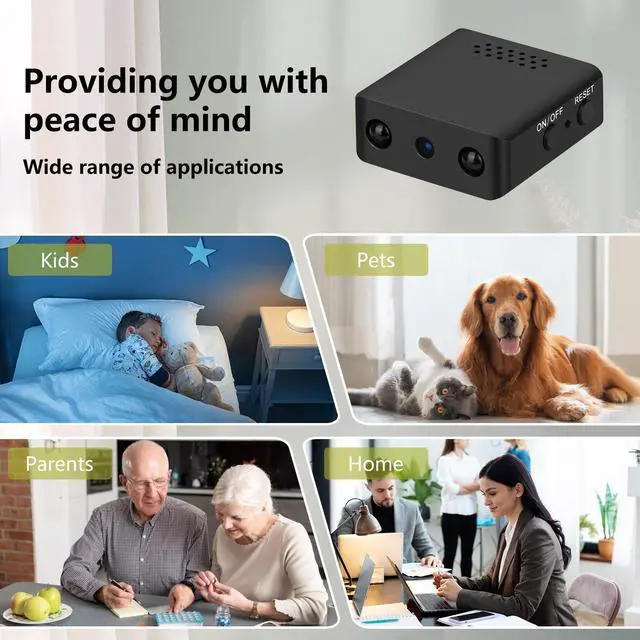


Shalapovar 1080P HD WiFi Mini Hidden Camera


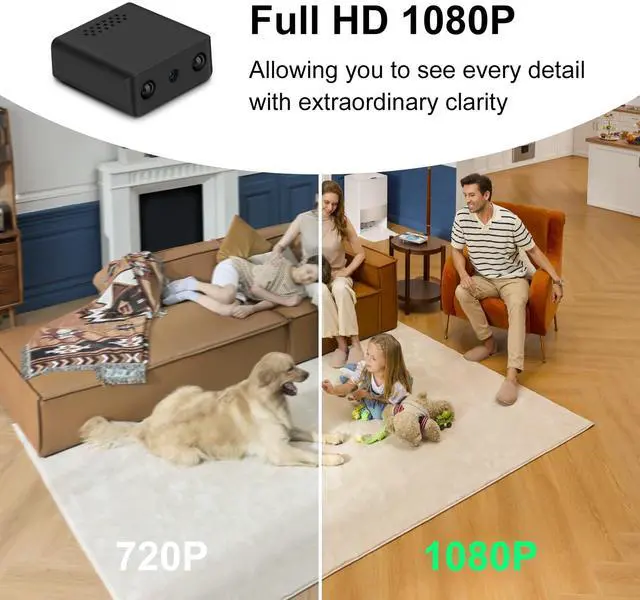
1080P HD Video and Photo
Captures stunning 1920X1080P HD video at 30 frames per second, more clearly !

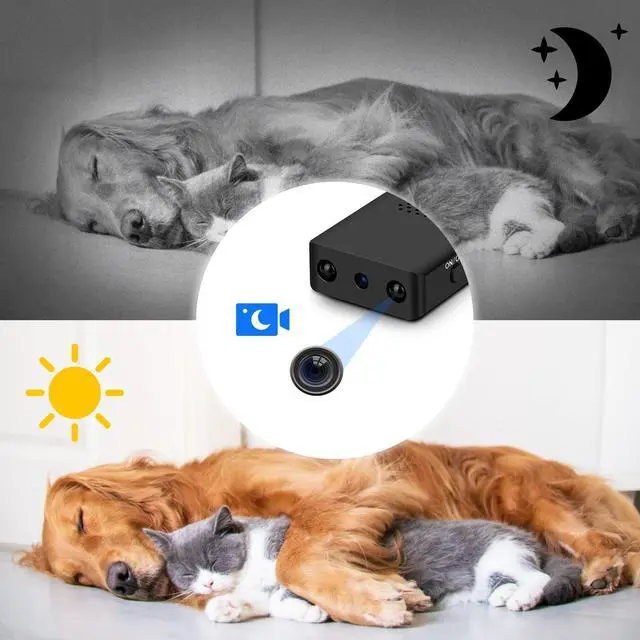
Night Vision
Enhanced night vision feature allows it to work well in low-light conditions

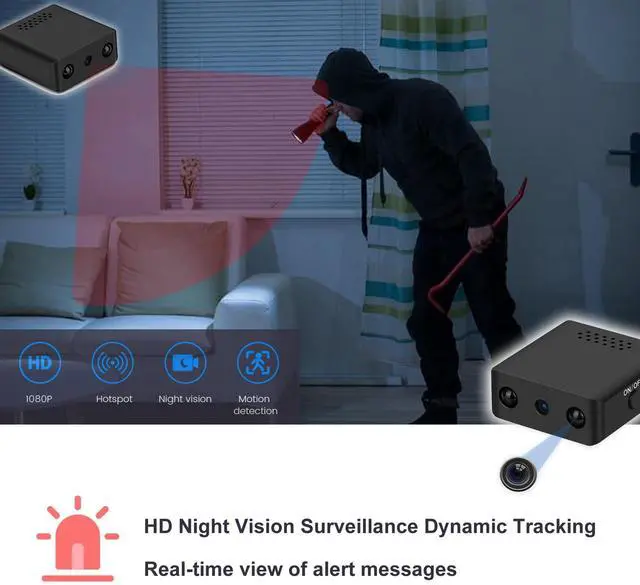
Superb Motion Detection
HD Night Vision Surveillance Dynamic TrackingReal-time view of alert messages
The camera works in two modes

Package Includes:
- 1 x Mini Camera
- 1 x USB Charging Cable
- 1 x User Manual
Turn on the camera, follow the steps below to complete the camera Wifi connection settings (Also can refer to Hidden Camera App Connection User Guide Vedio)
Local mode
- Download and install "365Cam" App from Google Play or App Store.
- Open the "365Cam" and Click "+" to Add Camera.
- Click "AP Connection".
- Go to WiFi connection page and connect to "DDD-xxxxxx-xxxxx" camera hostpot.
- Back to “365Cam” and Go to WIFI configuration, then you can watch the vedio in local mode.
- If you need to store vedio content, you need to install an SD card (up to 128G).
Remote mode
- First, you need to complete the steps of setting the local mode.
- Then click the Configuration button , select "2.4G WIFI network that the mobile phone can connect to" and enter password, click “Sure” to connect the camera to the network.
- Done.
- Note:
1. After the camera is started, the blue indicator blinks slowly and the camera enters the waiting state, If the blue indicator is blinking quickly or cannot be connected, please press and hold the reset button on the back of the camera for 5 seconds to restart, and then reconnect.
2. You need to enable all permissions for the App to work properly.


Shalapovar 1080P HD WiFi Mini Hidden Camera
1080P HD Video and Photo
Captures stunning 1920X1080P HD video at 30 frames per second, more clearly !
Night Vision
Enhanced night vision feature allows it to work well in low-light conditions
Superb Motion Detection
HD Night Vision Surveillance Dynamic TrackingReal-time view of alert messages
The camera works in two modes
Package Includes:
- 1 x Mini Camera
- 1 x USB Charging Cable
- 1 x User Manual
Turn on the camera, follow the steps below to complete the camera Wifi connection settings (Also can refer to Hidden Camera App Connection User Guide Vedio)
Local mode
- Download and install "365Cam" App from Google Play or App Store.
- Open the "365Cam" and Click "+" to Add Camera.
- Click "AP Connection".
- Go to WiFi connection page and connect to "DDD-xxxxxx-xxxxx" camera hostpot.
- Back to “365Cam” and Go to WIFI configuration, then you can watch the vedio in local mode.
- If you need to store vedio content, you need to install an SD card (up to 128G).
Remote mode
- First, you need to complete the steps of setting the local mode.
- Then click the Configuration button , select "2.4G WIFI network that the mobile phone can connect to" and enter password, click “Sure” to connect the camera to the network.
- Done.
- Note:
1. After the camera is started, the blue indicator blinks slowly and the camera enters the waiting state, If the blue indicator is blinking quickly or cannot be connected, please press and hold the reset button on the back of the camera for 5 seconds to restart, and then reconnect.
2. You need to enable all permissions for the App to work properly.