



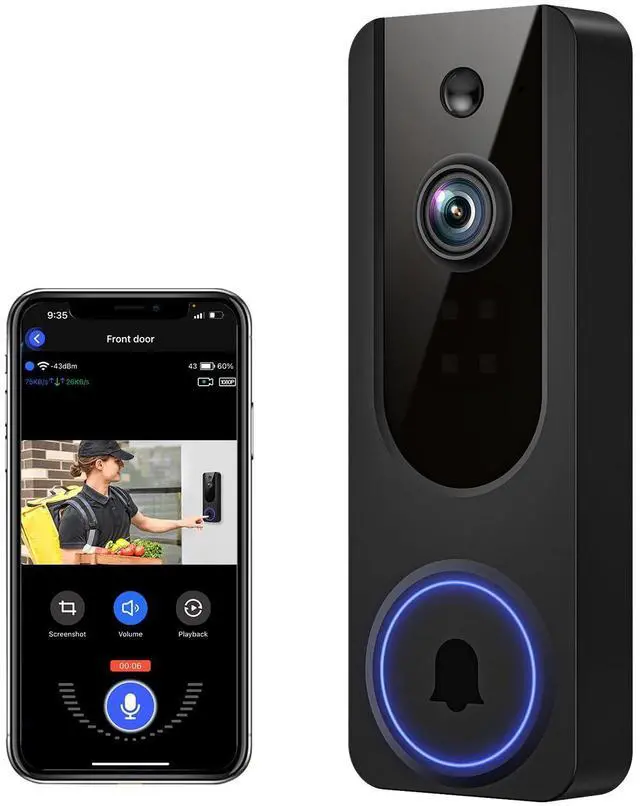


VanaOrbi 1080p WiFi Video Doorbell Camera Wireless
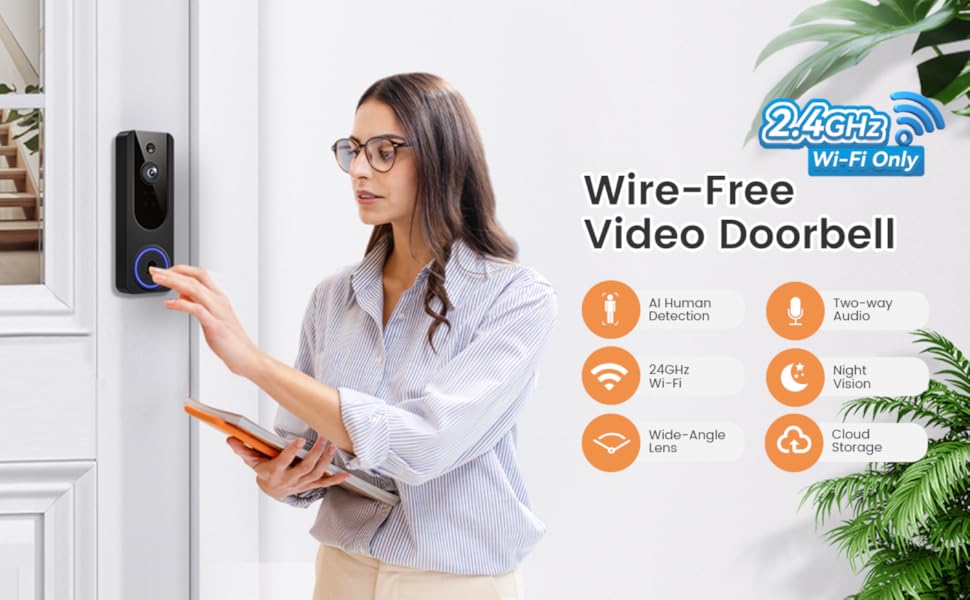
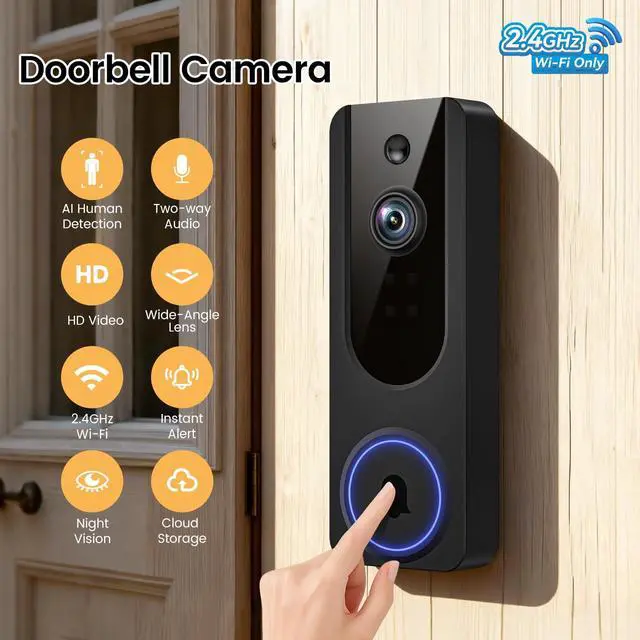
Reliable 2.4GHz Network: Optimized for 2.4GHz Wi-Fi to provide stable and fast connectivity.
Wide View Coverage: The wide-angle lens provides enhanced visibility of your doorstep and surroundings.
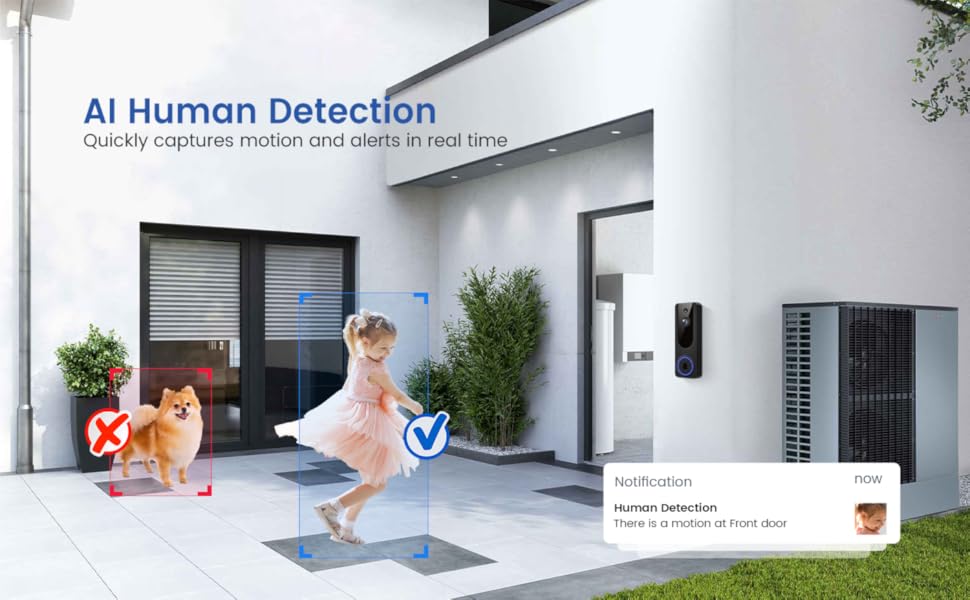
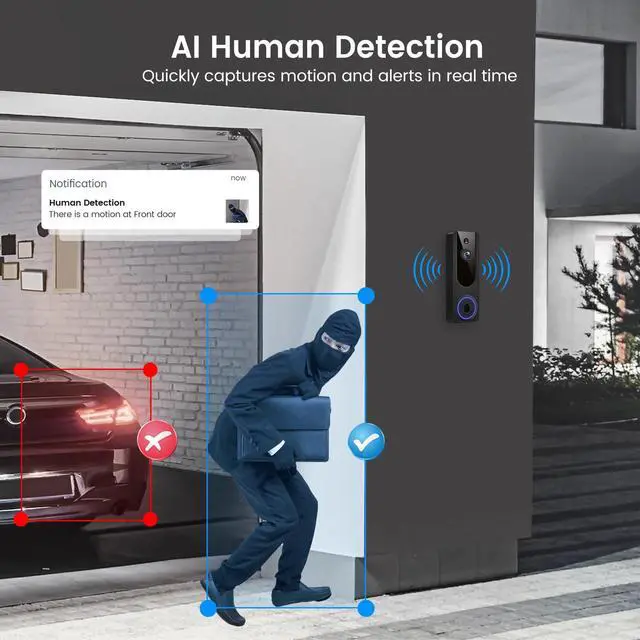
AI Detection Precision
Advanced AI intelligently identifies humans while filtering out unnecessary motion alerts.
Note: setting the human detection accuracy: Among the three options of low, medium, and high, we recommend selecting medium. The high option has the strictest detection level, which means that the device wil only be triggered when it is 100% sure that the moving object is a human being. However, here is a chance that the device may fail to identify the human figure, resulting in a failure to notify you.
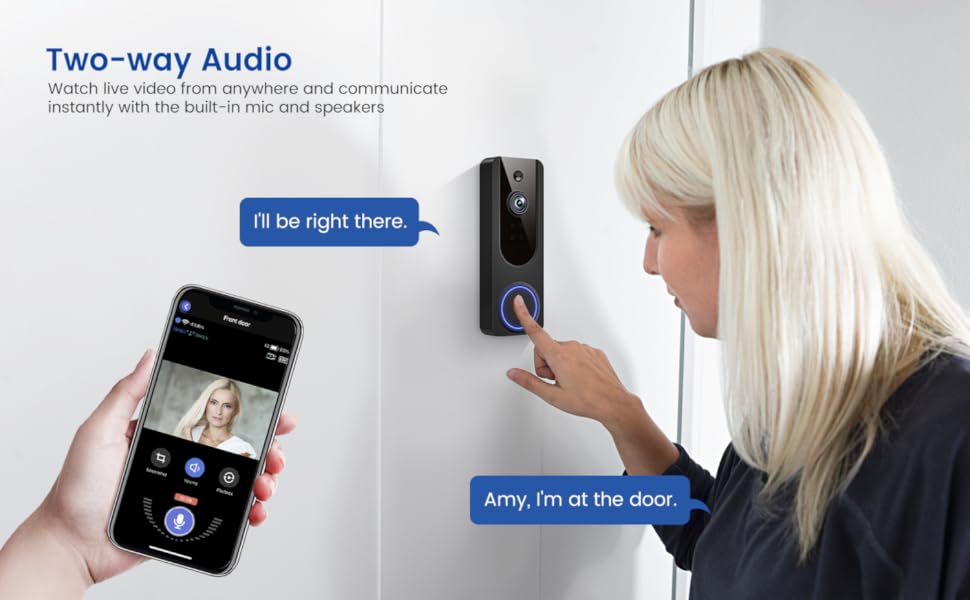
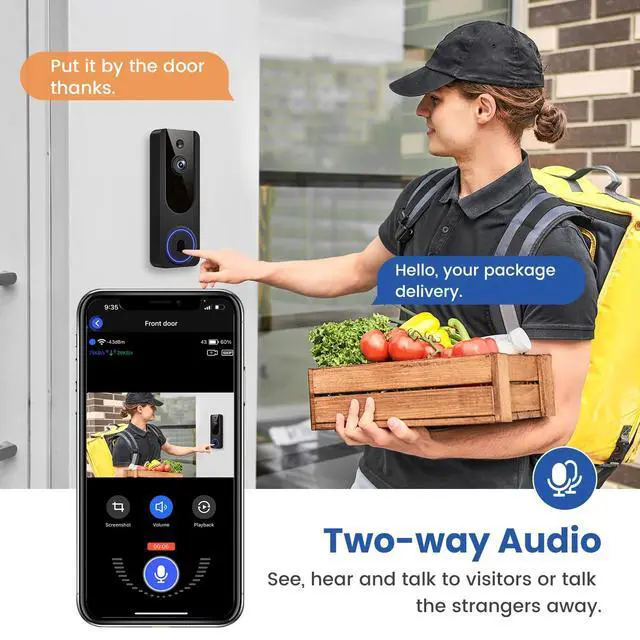
Two-Way Audio Support
Communicate with anyone at your door from anywhere using your smartphone.
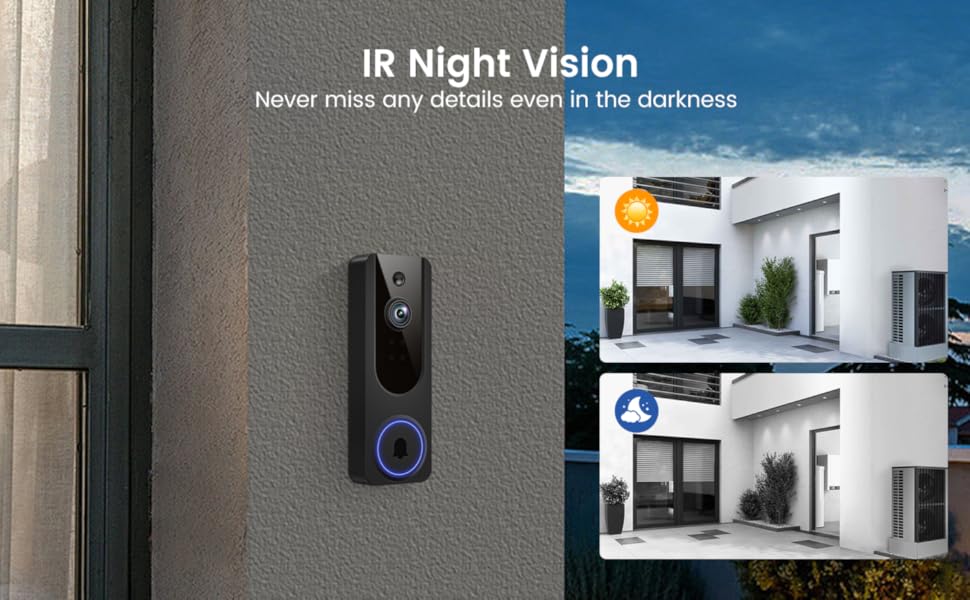
Clear Night Vision
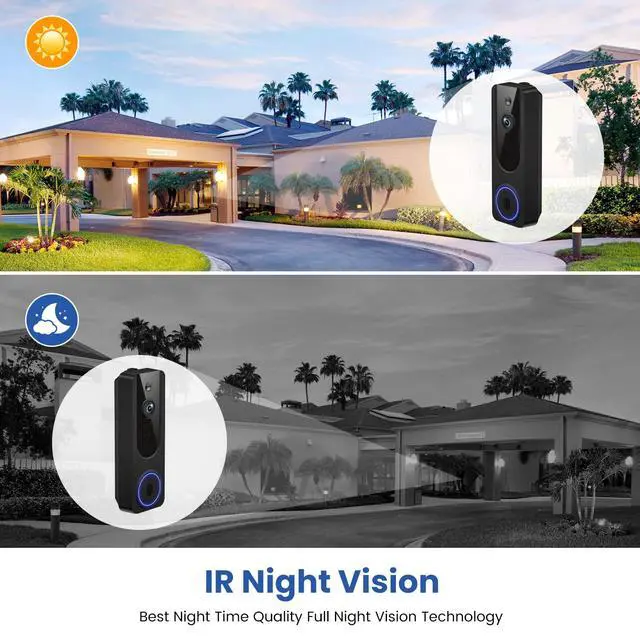
Equipped with four IR LEDs, the camera captures detailed footage even in darkness.
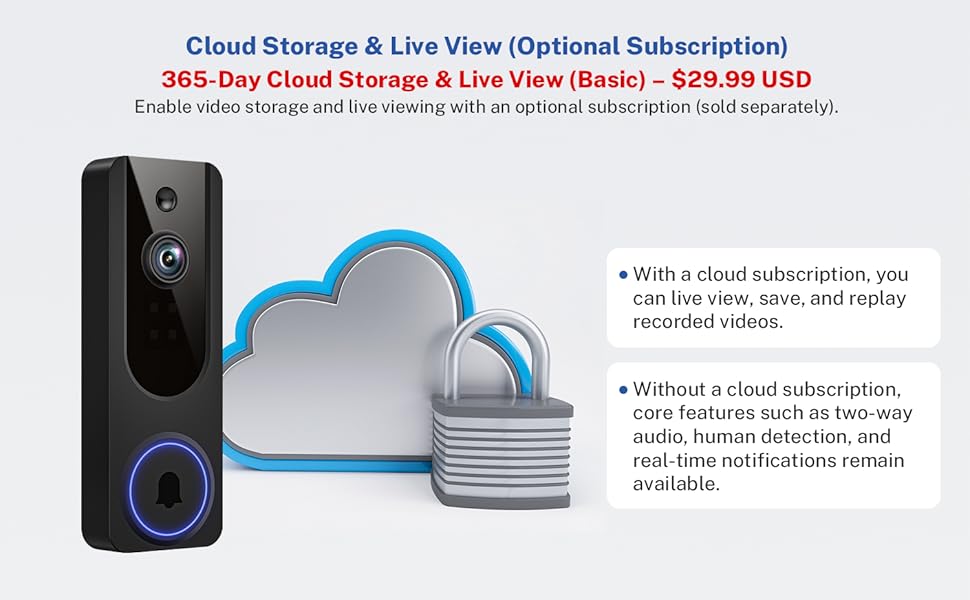
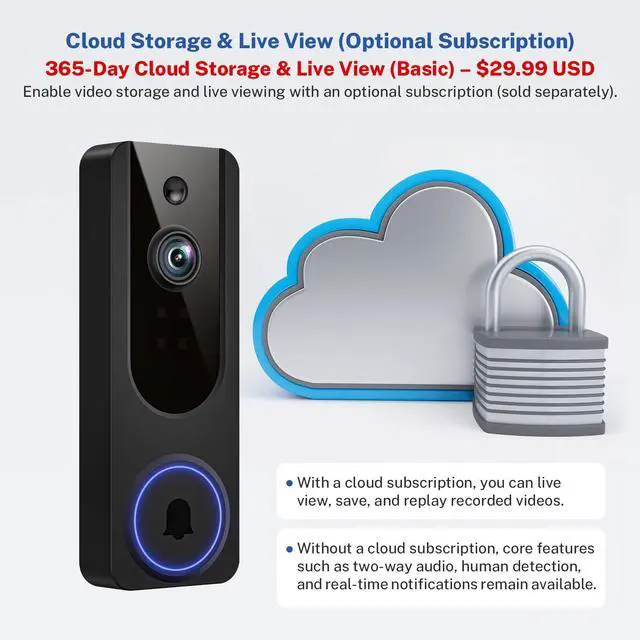
Enable video storage and live viewing with an optional subscription (sold separately).
With a cloud subscription, you can live view, save, and replay recorded videos. Without a cloud subscription, core features such as two-way audio, human detection, and real-time notifications remain available.
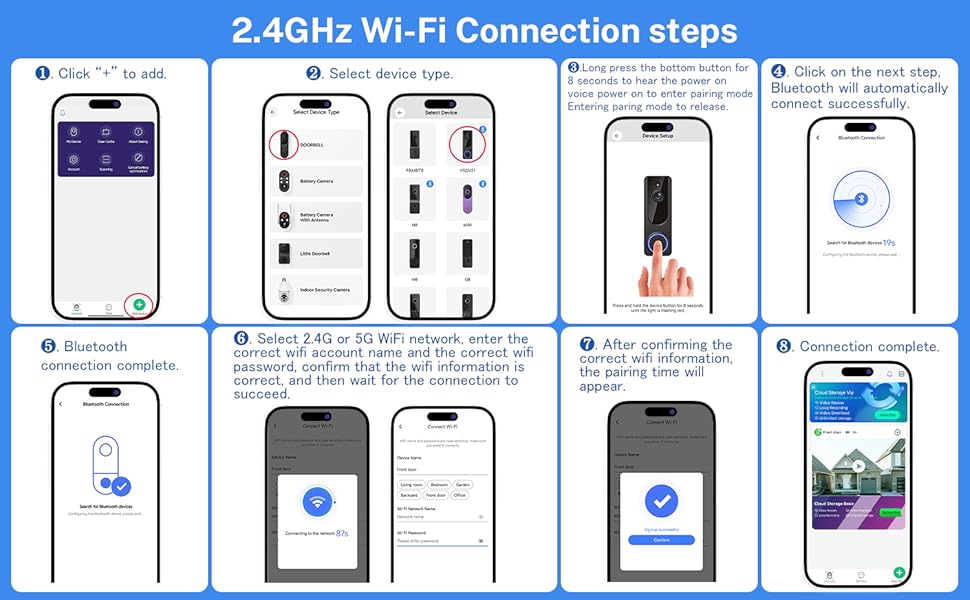
Troubleshooting network connection issues:
(1) The doorbell camera only works with 2.4GHz Wi-fi. Please connect it to a 2.4GHz network.
(2) Double-check that you are entering the correct Wi-Fi name and password.
(3) Verify the distance between the camera and the Wi-fi router; the camera should be within 33 feet (10 meters) of the router
(4) Please enable Bluetooth on your phone, but you don't need to connect Bluetooth with the device, just ensure the Bluetooth is on.
(5) If you changed your Wi-Fi password, or your camera got disconnected, please reset the Wi-fi connection with the camera:
Press and hold the ring button until the camera was reset, and then add the camera again back to the same App account.
VanaOrbi 1080p WiFi Video Doorbell Camera Wireless
Reliable 2.4GHz Network: Optimized for 2.4GHz Wi-Fi to provide stable and fast connectivity.
Wide View Coverage: The wide-angle lens provides enhanced visibility of your doorstep and surroundings.
AI Detection Precision
Advanced AI intelligently identifies humans while filtering out unnecessary motion alerts.
Note: setting the human detection accuracy: Among the three options of low, medium, and high, we recommend selecting medium. The high option has the strictest detection level, which means that the device wil only be triggered when it is 100% sure that the moving object is a human being. However, here is a chance that the device may fail to identify the human figure, resulting in a failure to notify you.
Two-Way Audio Support
Communicate with anyone at your door from anywhere using your smartphone.
Clear Night Vision
Equipped with four IR LEDs, the camera captures detailed footage even in darkness.
Enable video storage and live viewing with an optional subscription (sold separately).
With a cloud subscription, you can live view, save, and replay recorded videos. Without a cloud subscription, core features such as two-way audio, human detection, and real-time notifications remain available.
Troubleshooting network connection issues:
(1) The doorbell camera only works with 2.4GHz Wi-fi. Please connect it to a 2.4GHz network.
(2) Double-check that you are entering the correct Wi-Fi name and password.
(3) Verify the distance between the camera and the Wi-fi router; the camera should be within 33 feet (10 meters) of the router
(4) Please enable Bluetooth on your phone, but you don't need to connect Bluetooth with the device, just ensure the Bluetooth is on.
(5) If you changed your Wi-Fi password, or your camera got disconnected, please reset the Wi-fi connection with the camera:
Press and hold the ring button until the camera was reset, and then add the camera again back to the same App account.