


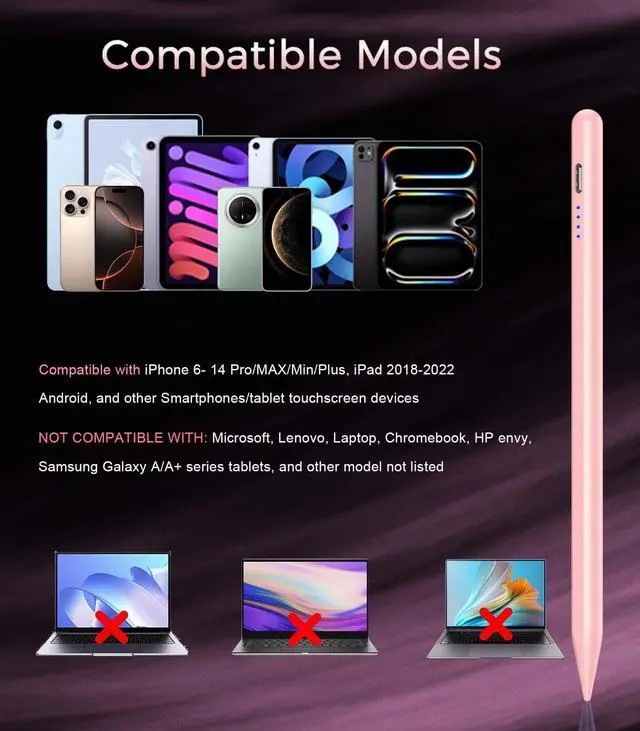
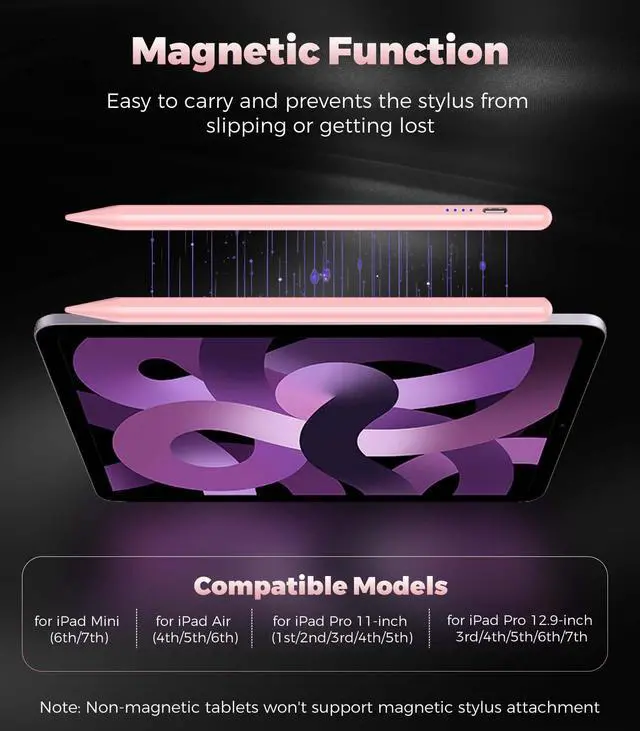


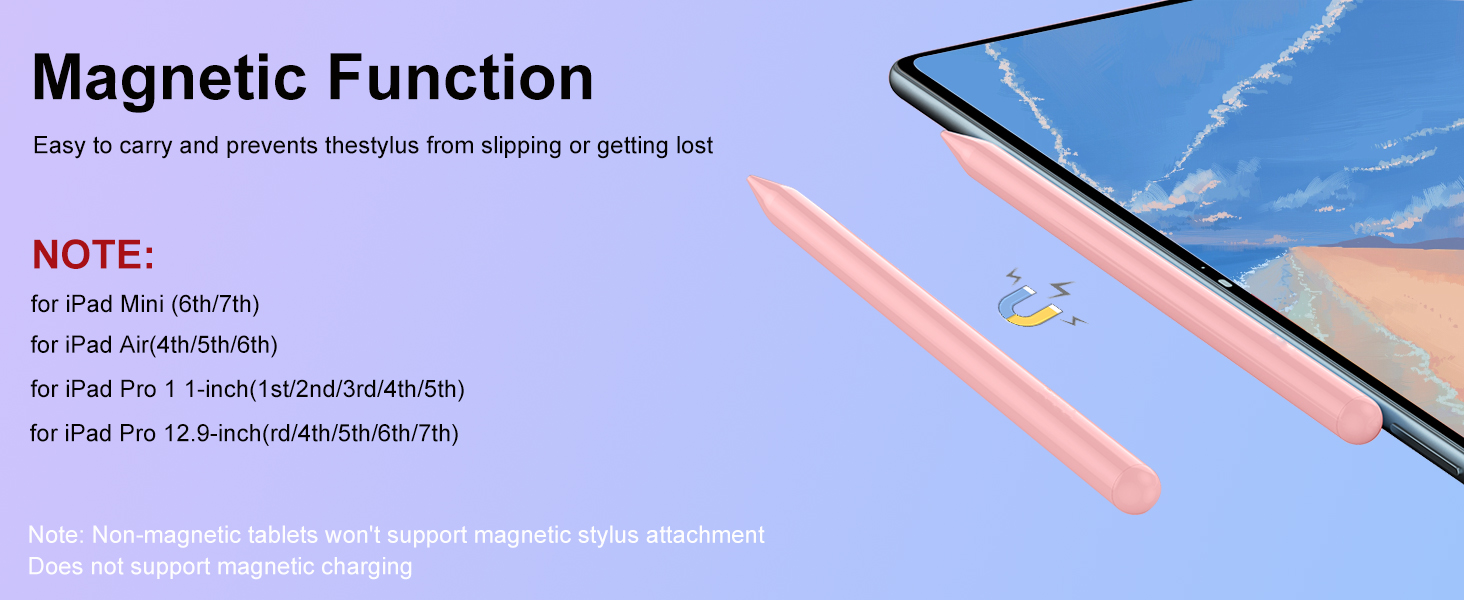
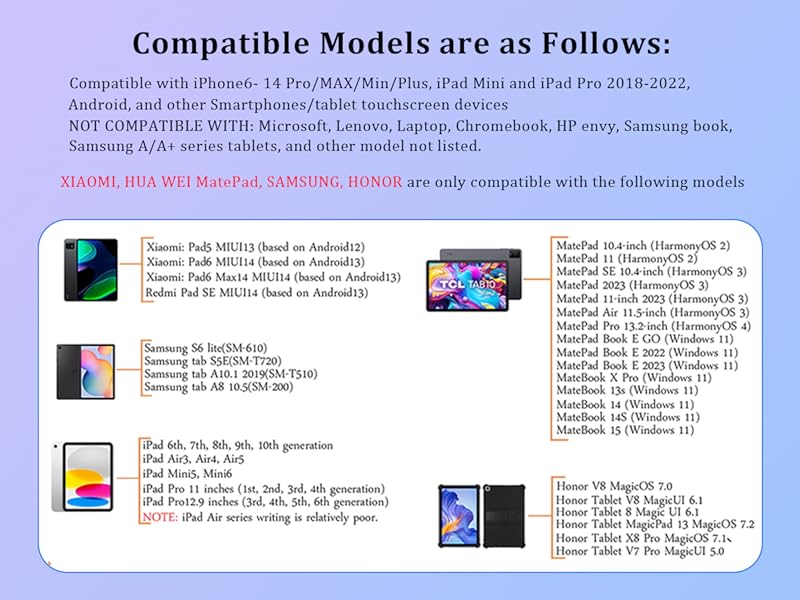
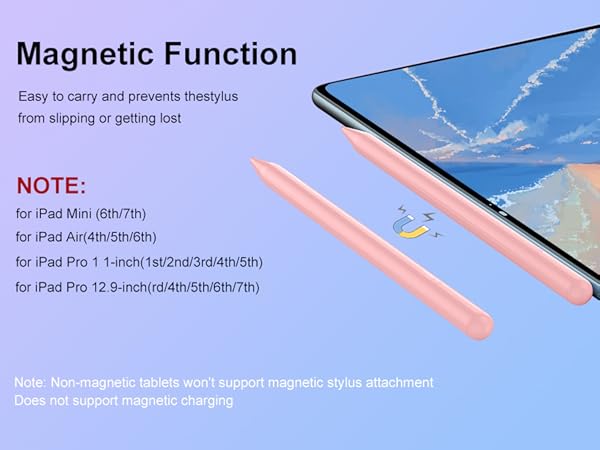
The stylus is incompatible with the following devices
!!! The stylus is Not compatible with laptops.
!!! Samsung Tablet/Phone - A series like Galaxy Tab A7/A8/A9/A9+ and S series like S7 Plus/S5e and Galaxy Z Flip - Not compatible
(Including the new Samsung phone's built-in stylus line)
!!! The iPad 8the Gen and iPad Air series is relatively poorly written (e.g. Air4)
!!! Xiaomi pad 5/6, writing sensitivity will be different when no screen protector and when screen protector is applied. Writing will be worse when screen protector is applied.
Some APP Settings
****NOTE****
The stylus is incompatible with the following devices
!!! The stylus is Not compatible with laptops.
!!! Samsung Tablet/Phone - A series like Galaxy Tab A7/A8/A9/A9+ and S series like S7 Plus/S5e and Galaxy Z Flip - Not compatible
(Including the new Samsung phone's built-in stylus line)
!!! The iPad 8the Gen and iPad Air series is relatively poorly written (e.g. Air4)
!!! Xiaomi pad 5/6, writing sensitivity will be different when no screen protector and when screen protector is applied. Writing will be worse when screen protector is applied.
Some APP Settings
| Doesn't work on Notability? | Please try to set up your iPad as follows: info--->Apple Pencil--->Disconnect--->Start writing to connect |
|---|---|
| Doesn't work on Noteshelf? | Please try to set up your iPad as follows:Setting--->Stylus--->Enable |
| Doesn't work on Goodnotes? | Please try to set up your iPad as follows: Stylus&Palm rejection--->Smart Stytus--->None |
| Doesn't work on Notes? | Please try to set up your iPad as follows: Setting--->Draw with finger |
| Can't write in Procreate? | Please try to set up your iPad as follows:Setting---> Gesture controls--->General--->Disable Touch actions (Disconnect the Bluetooth connection between the active pen/Apple pencil and iPad before using the stylus) |
| Can't write in Sketches? | Please try to set up your iPad as follows:Setting--->Stylus--->Enable(Disconnect the Bluetooth connection between the active pen/Apple pencil and iPad before using the stylus) |
| Can't write in Sketchbook? | -Please try to set up your iPad as follows:Setting--->Preferences--->Pen Connection--->Pen--->None(Disconnect the Bluetooth connection between the active pen/Apple pencil and iPad before using the stylus) |
| Can't write in Vectornator? | Please try to set up your iPad as follows: Setting--->Input--->Draw only with pencil(Disconnect the Bluetooth connection between the active pen/Apple pencil and iPad before using the stylus) |
| Can't write in Vectornator? | Please try to set up your iPad as follows: Setting--->Input--->Draw only with pencil(Disconnect the Bluetooth connection between the active pen/Apple pencil and iPad before using the stylus) |
| Can't write in Onenote? | Please try to set up your iPad as follows: Draw--->Drawing Mode--->Draw with touch(Disconnect the Bluetooth connection between the active pen/Apple pencil and iPad before using the stylus) |
| S-Note on Samsung | [?] icon in the upper right corner--->“Settings”---> turn off “S Pen Mode only” |
| Jnotes/ Yun-Note on Huawei | [?] icon in the upper right corner --->“Settings”---> open “Finger writing”, and then select a pen/brush to write. |
| Accessibility functions | Quick launch and gestures --->Screen capture and screen recording (Screen capture (knuckle/three-finger slide) and screen recording must be turned off, otherwise it will affect the misoperation of the software) |