here!
here!
I’m your shopping assistant for PC builds, upgrades, and everything tech.
Got questions? Ask away!
Start a conversation
here!
I’m your shopping assistant for PC builds, upgrades, and everything tech.
Got questions? Ask away!
Start a conversation
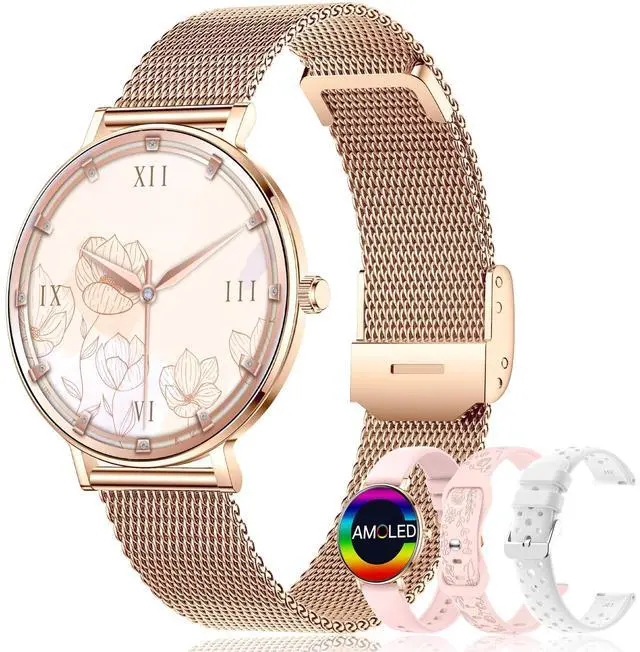
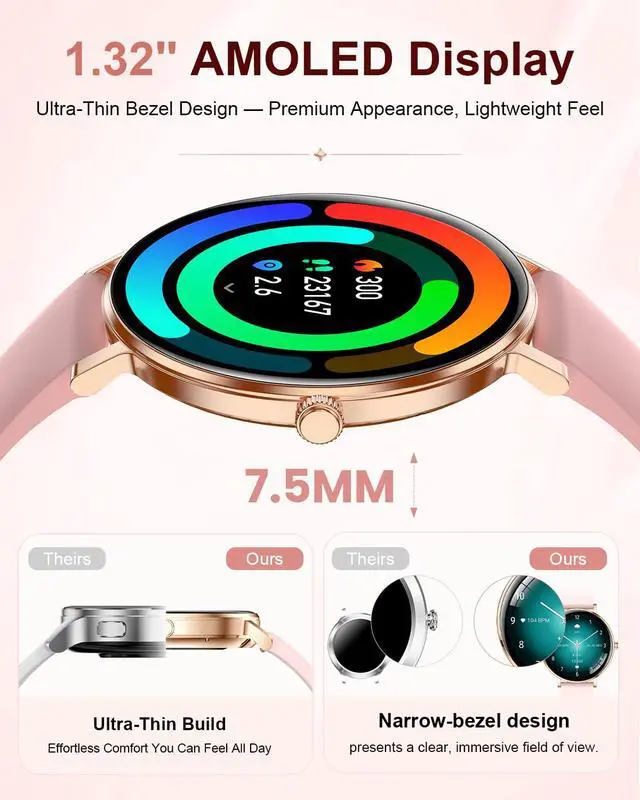
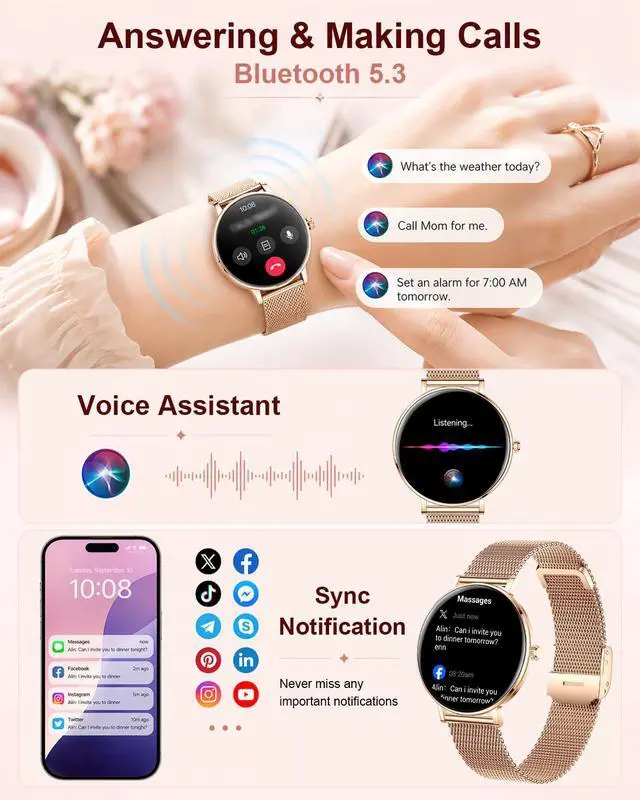
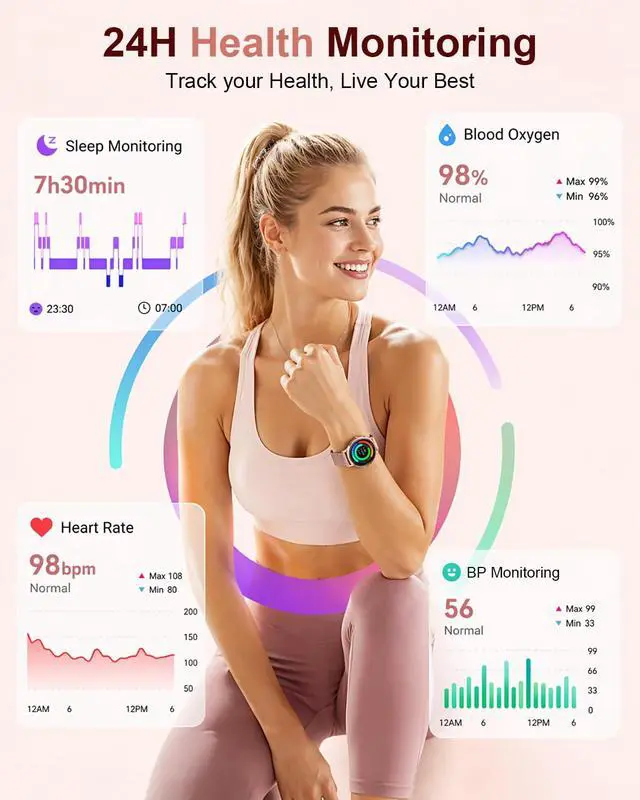



Any questions? Ask CelesteSM will help you find out quickly.
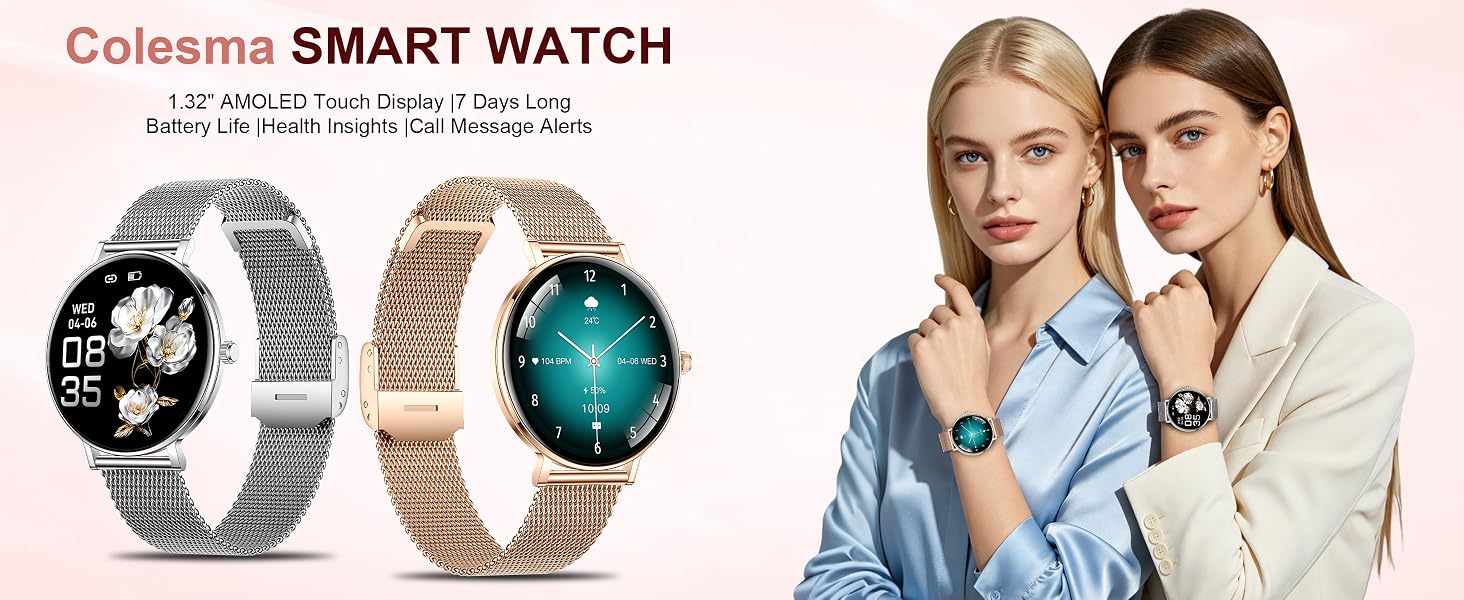
Why choose this smartwatch?
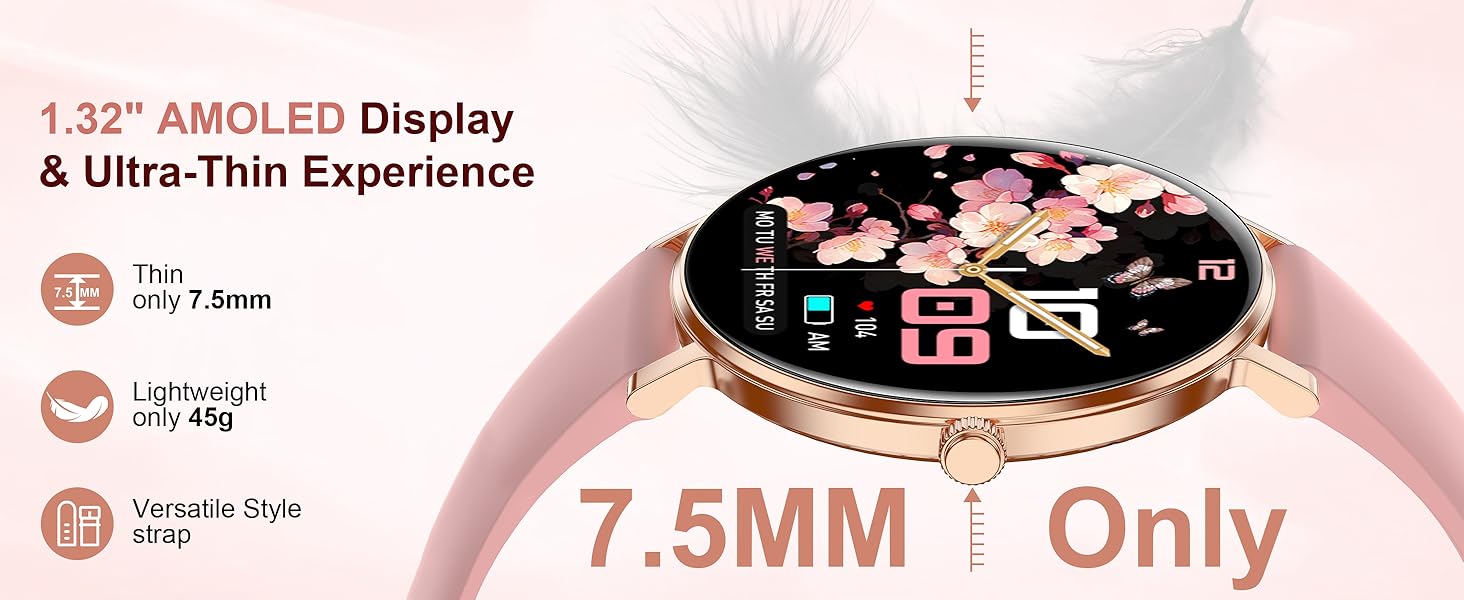
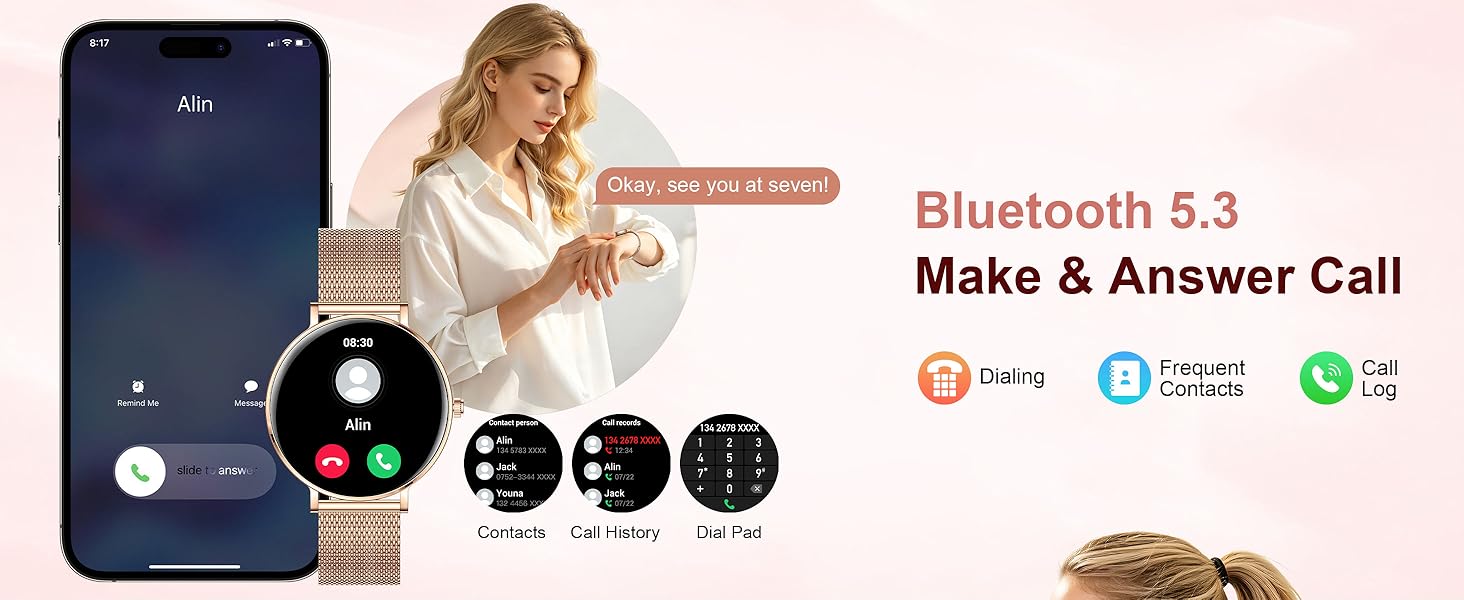
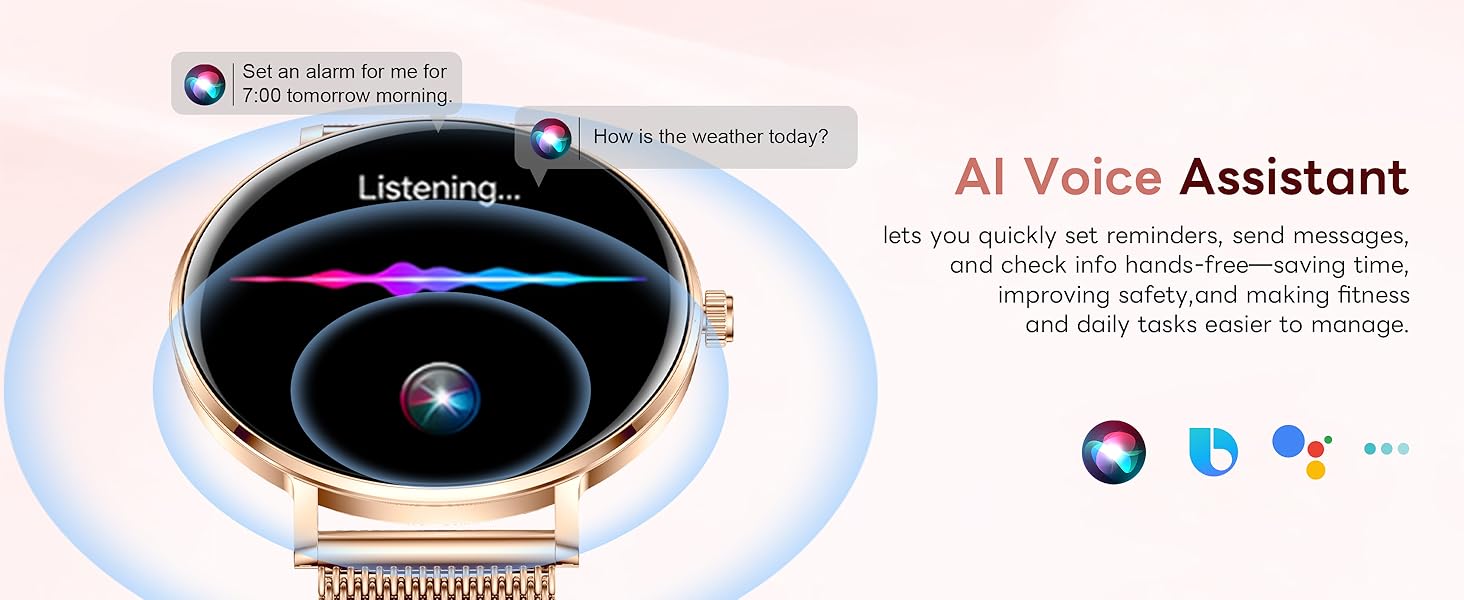
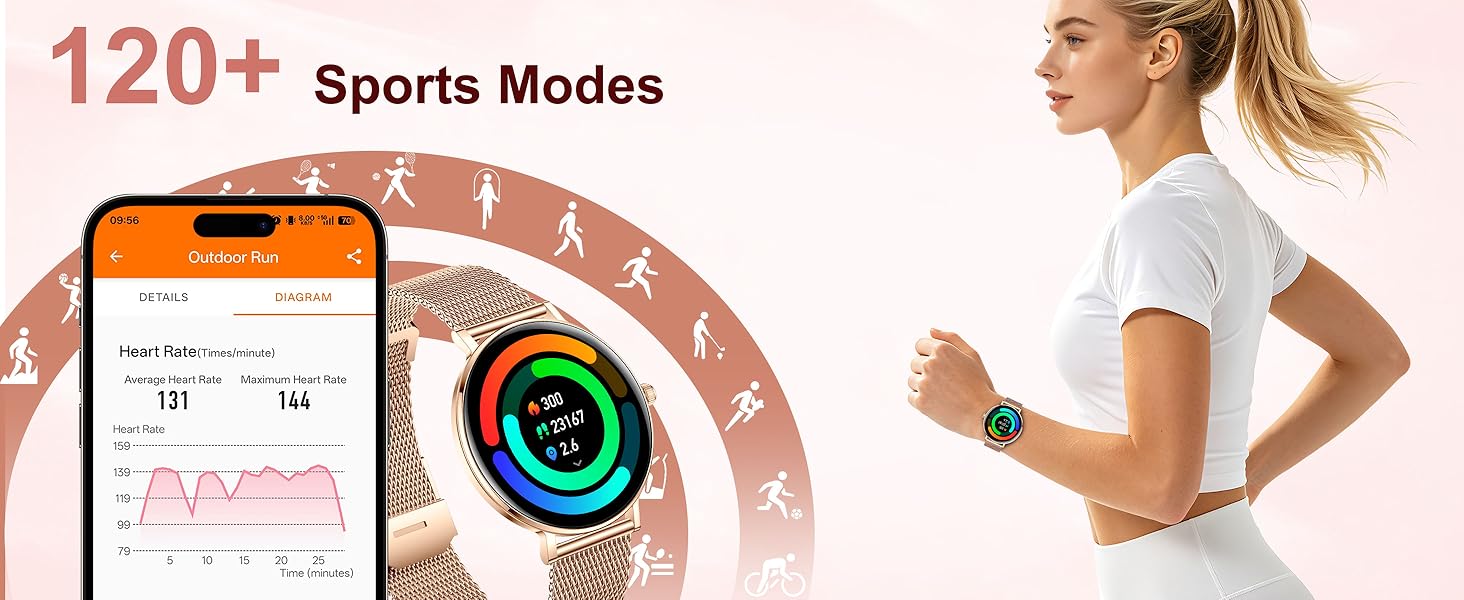
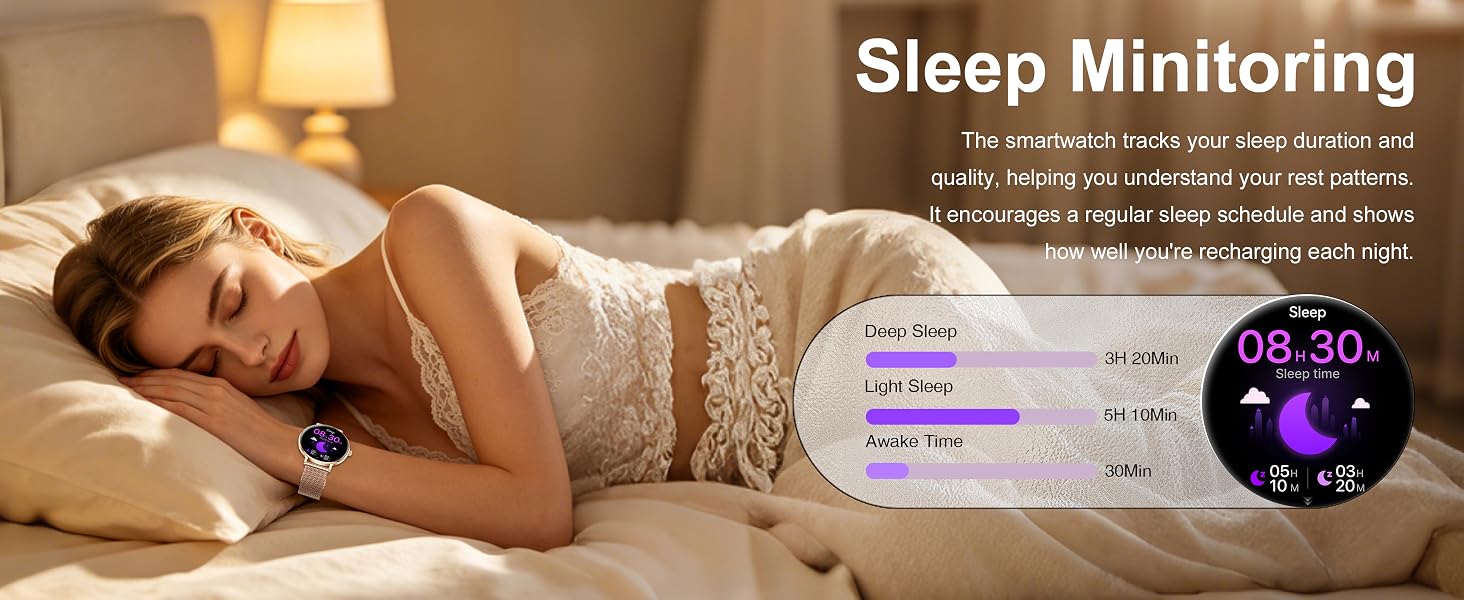
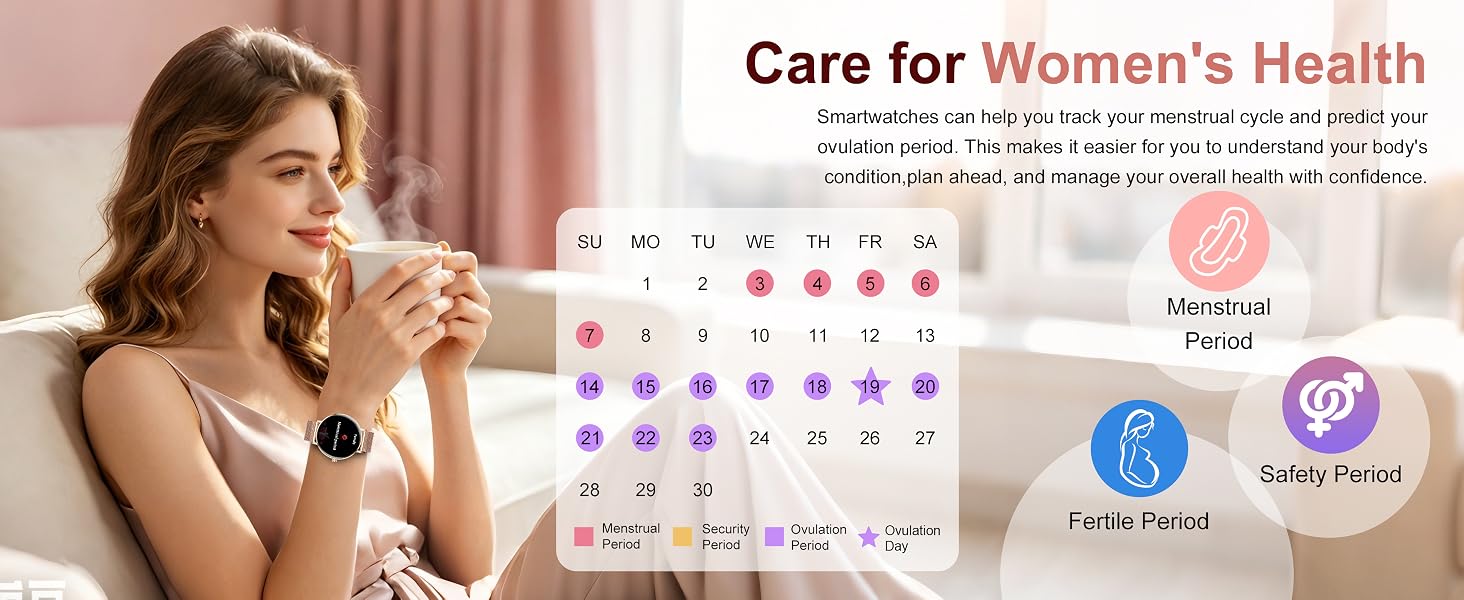
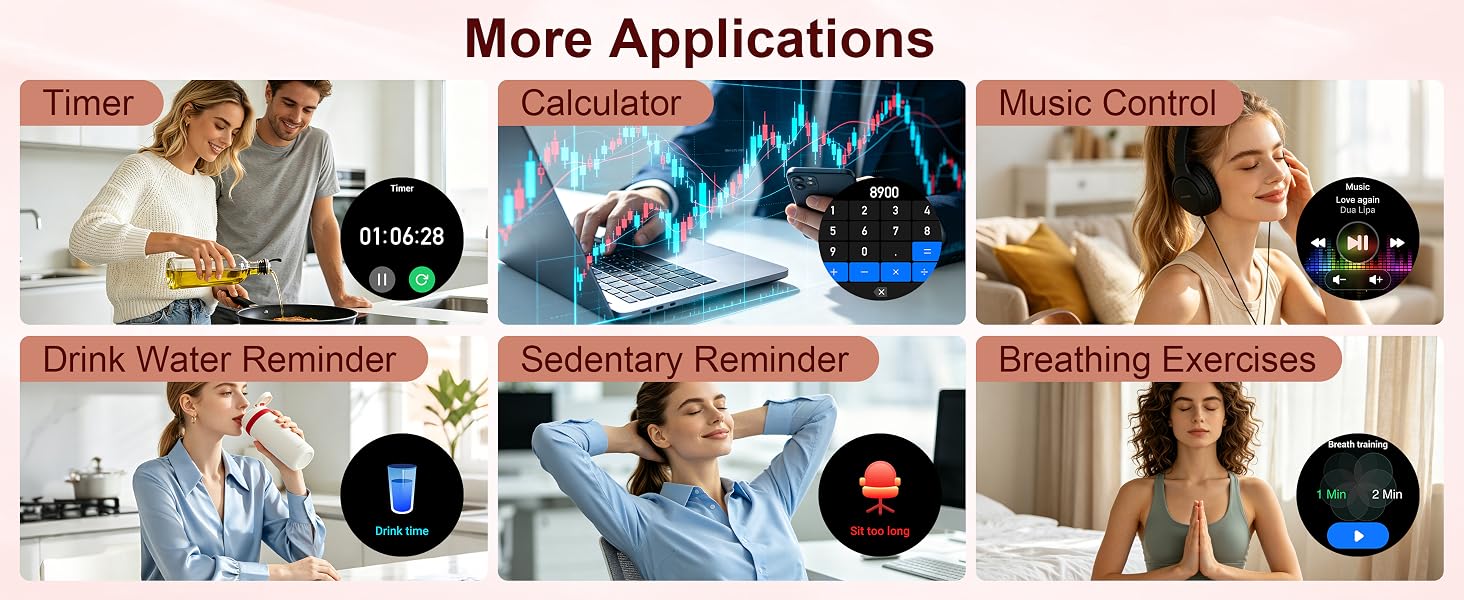
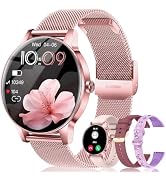
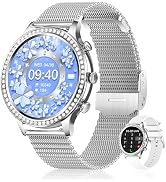
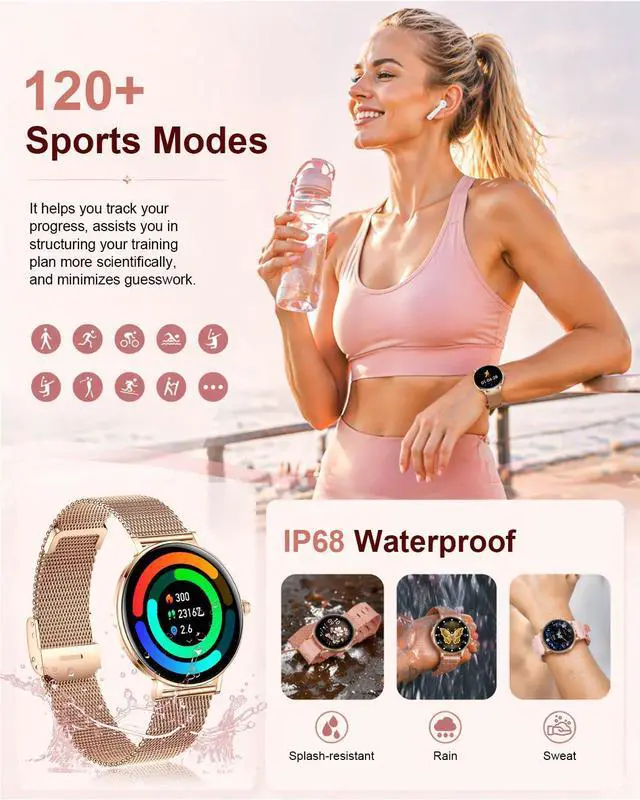
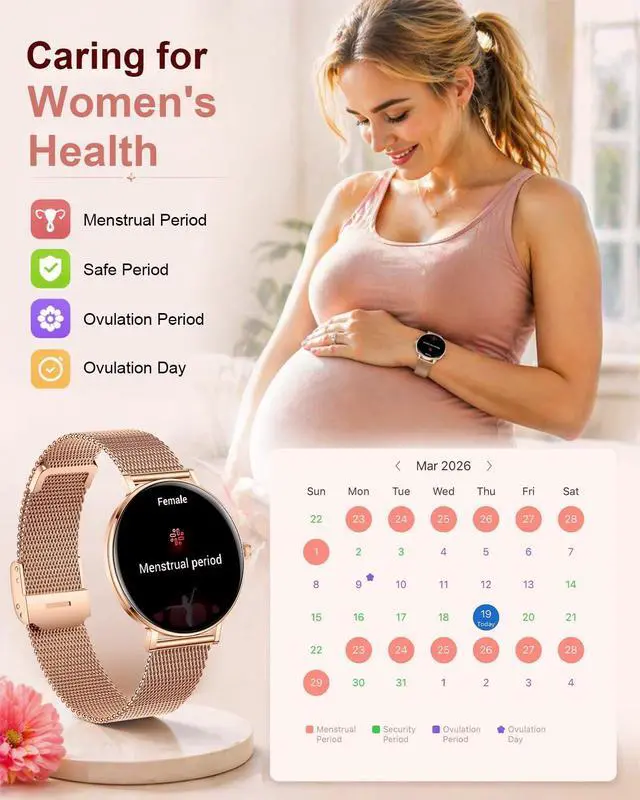
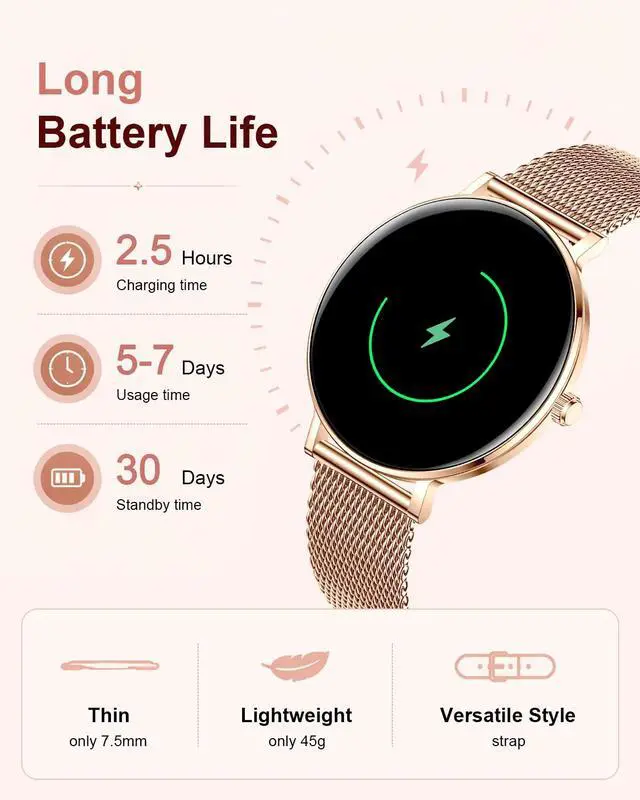
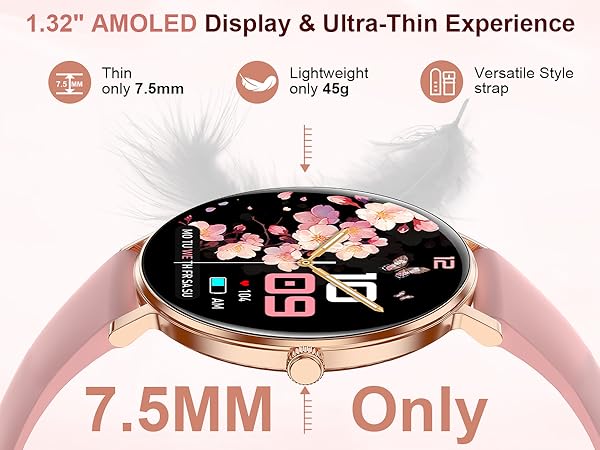
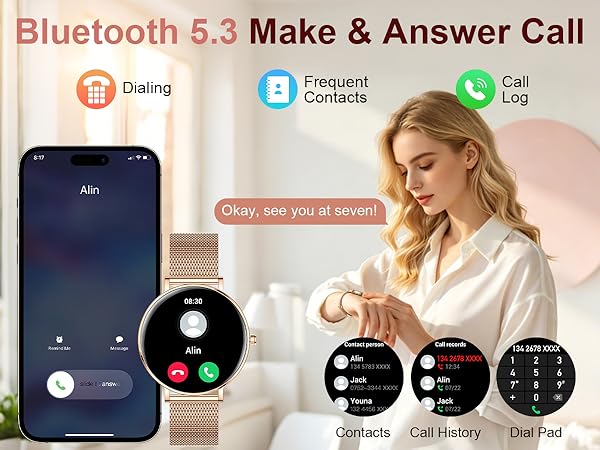
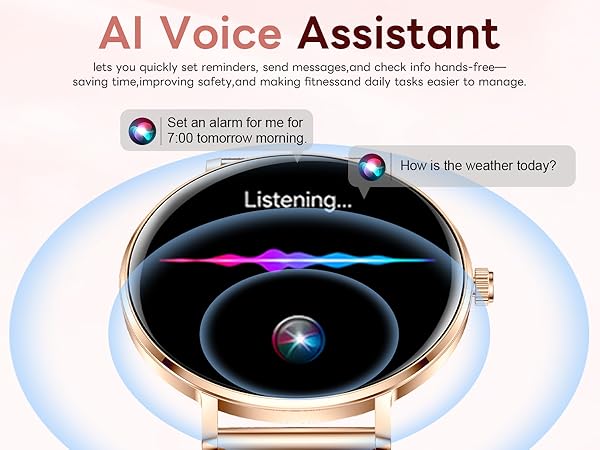
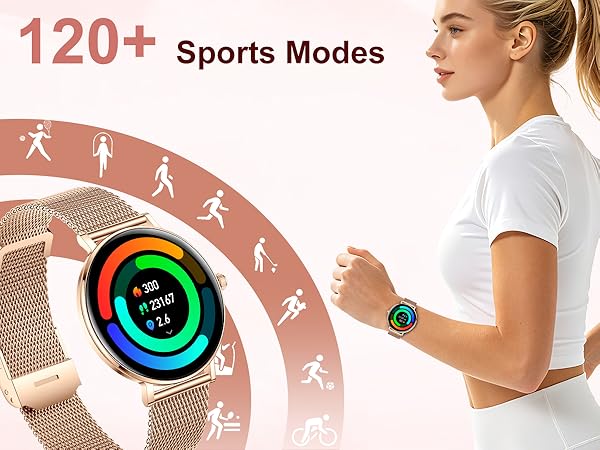
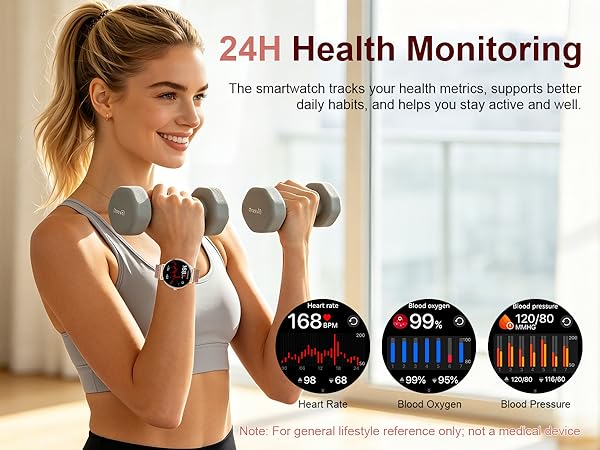
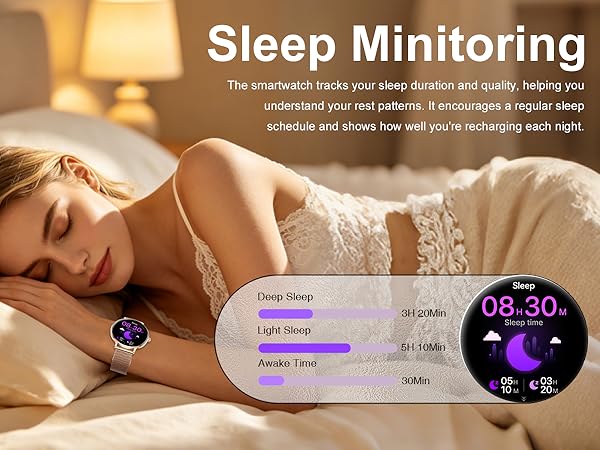
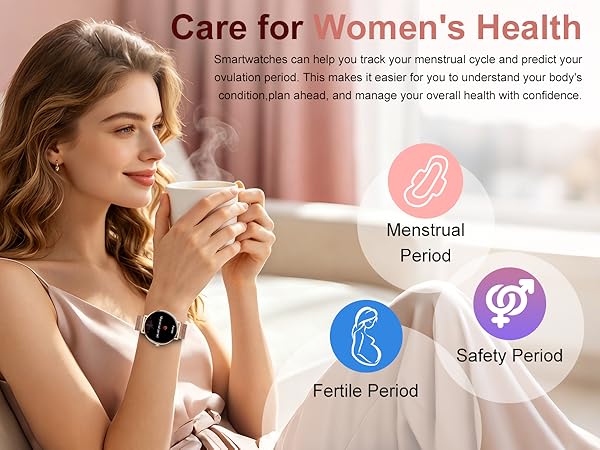
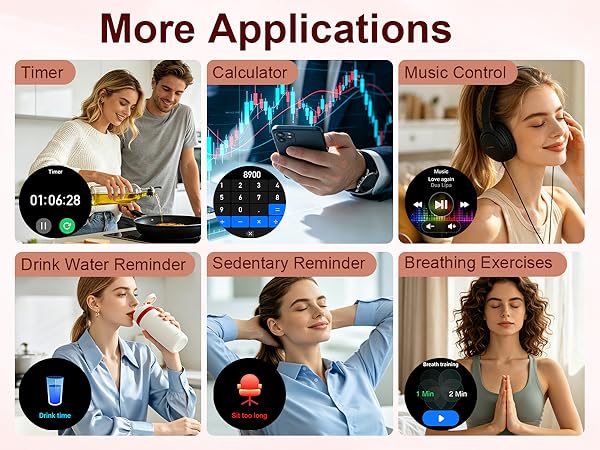
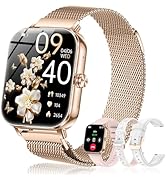
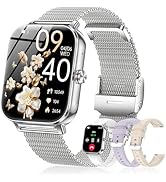
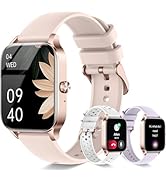
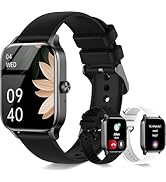
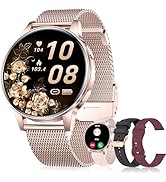
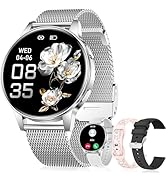
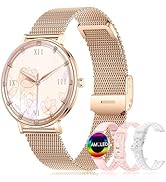
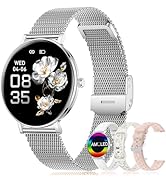
This smartwatch combines elegant design with practical features: Bluetooth calling (answer/dial from wrist), 24/7 health & sleep monitoring, 120+ sports modes, women's health cycle tracking, sedentary/hydration reminders, and other daily tools.
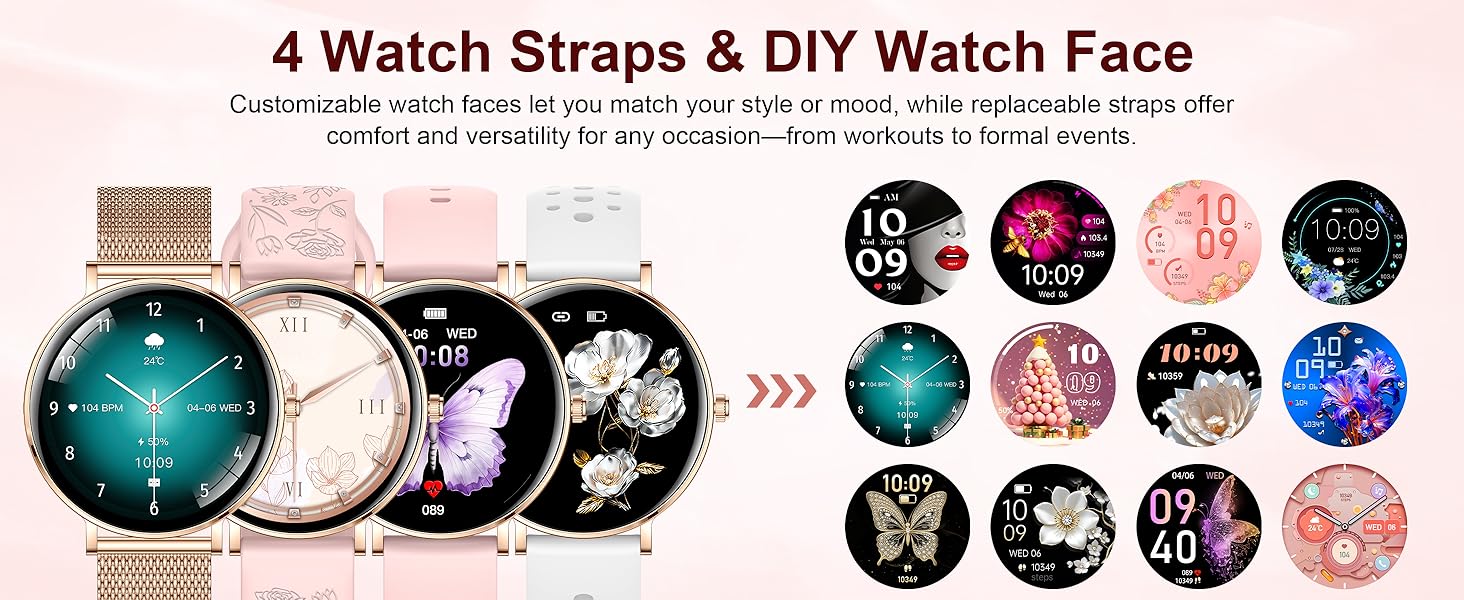
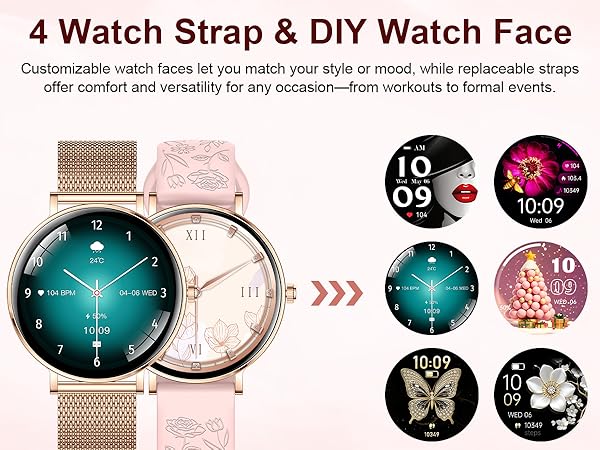
How do I customize the watch face and upload it to the watch?
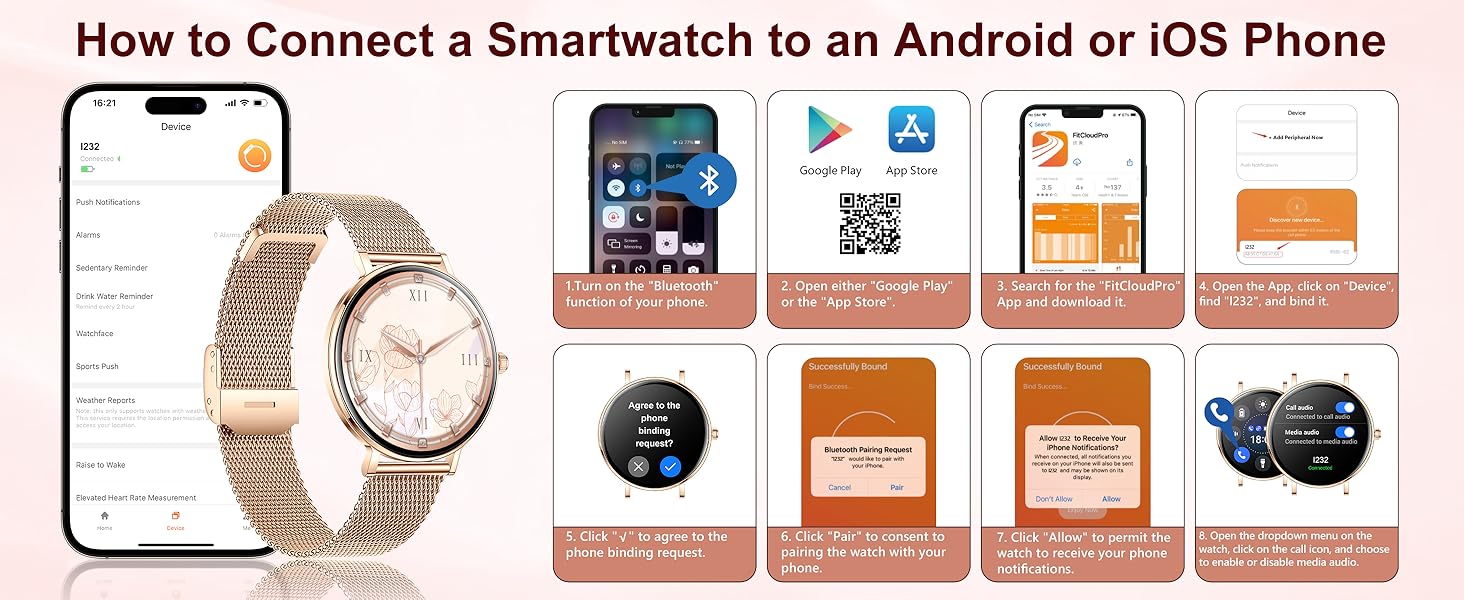
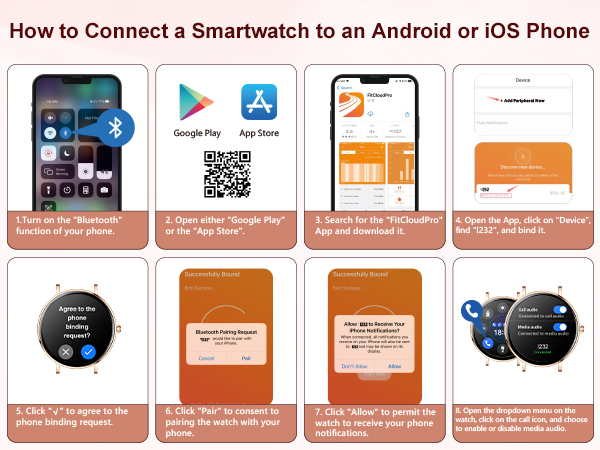
1.Open the FitCloudPro app on your phone.
2.Go to Device > Watch Face Settings.
3.Tap Custom Watch Face (the first option).
4.Edit the watch face style (background, layout, widgets, etc.) as you prefer.
My sports and health data seem inaccurate. What should I do?
First, check that your personal profile (gender, height, weight, age) is entered correctly in the app. Many measurement algorithms depend on this information. Correcting it will help you get more accurate sports and health data.
The device remains unresponsive even after charging for some time. What could be the reason?
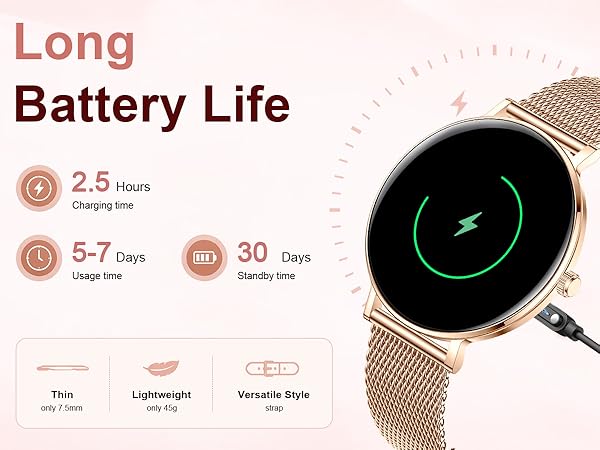
The battery may be in deep discharge after long-term non-use. Use a standard phone charger to charge for 30 minutes to reactivate it (avoid computer USB ports, as low current may not wake the battery).
What should I do if I encounter issues while using this women's smartwatch?
If you have any questions or encounter any issues, please feel free to reach out to us at any time

Quality After-Sales Service and Exceptional Shopping Experience
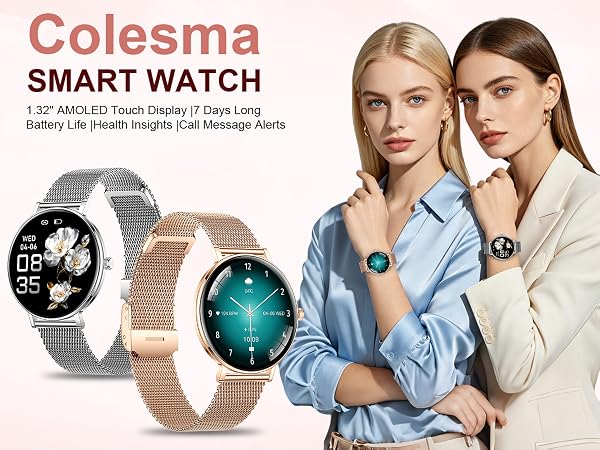
Why choose this smartwatch?
This smartwatch combines elegant design with practical features: Bluetooth calling (answer/dial from wrist), 24/7 health & sleep monitoring, 120+ sports modes, women's health cycle tracking, sedentary/hydration reminders, and other daily tools.
How do I customize the watch face and upload it to the watch?
1.Open the FitCloudPro app on your phone.
2.Go to Device > Watch Face Settings.
3.Tap Custom Watch Face (the first option).
4.Edit the watch face style (background, layout, widgets, etc.) as you prefer.
My sports and health data seem inaccurate. What should I do?
First, check that your personal profile (gender, height, weight, age) is entered correctly in the app. Many measurement algorithms depend on this information. Correcting it will help you get more accurate sports and health data.
The device remains unresponsive even after charging for some time. What could be the reason?
The battery may be in deep discharge after long-term non-use. Use a standard phone charger to charge for 30 minutes to reactivate it (avoid computer USB ports, as low current may not wake the battery).
What should I do if I encounter issues while using this women's smartwatch?
If you have any questions or encounter any issues, please feel free to reach out to us at any time
Quality After-Sales Service and Exceptional Shopping Experience
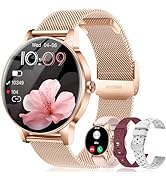
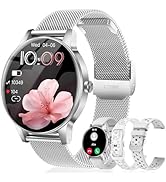
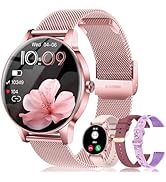
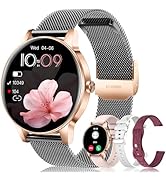
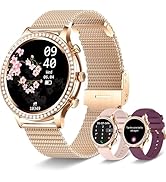
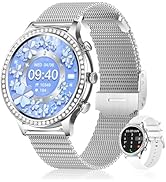
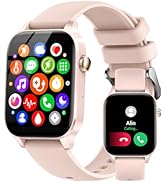
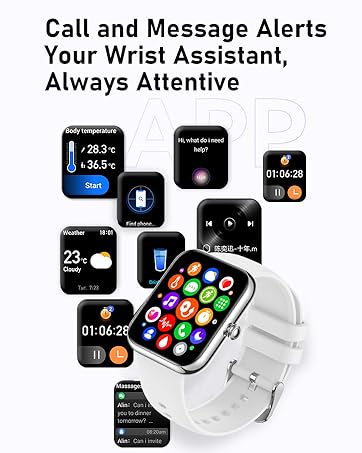
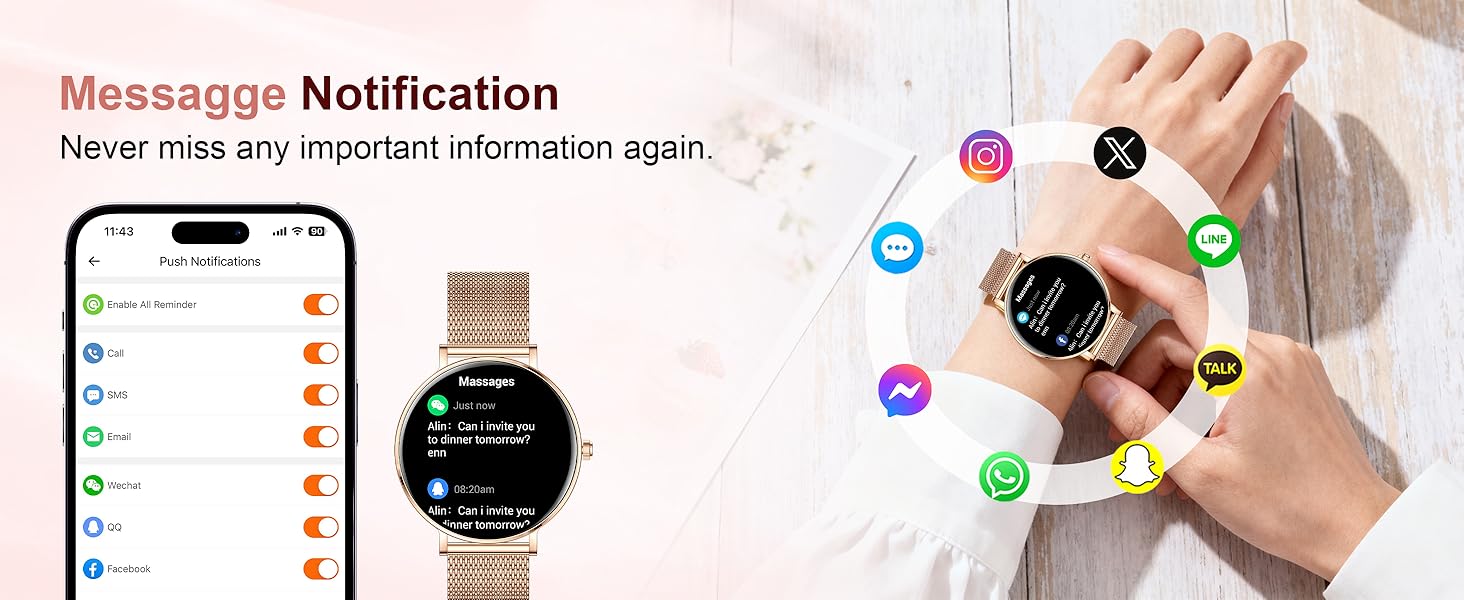
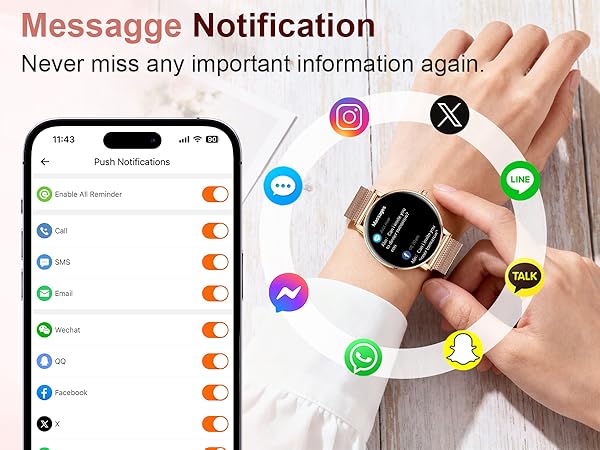
Bluetooth Call & Real-time Message Notification
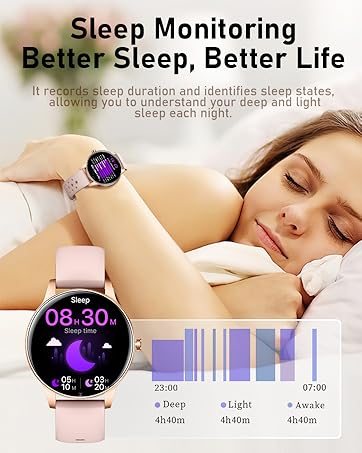
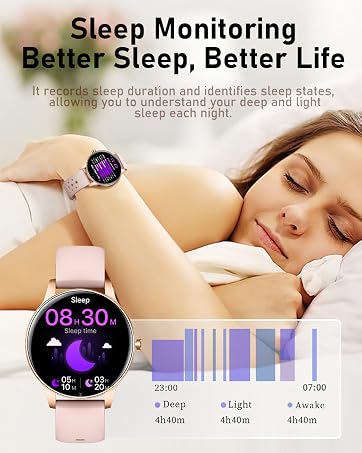
Sleep Tracker with Automatic Data Storage
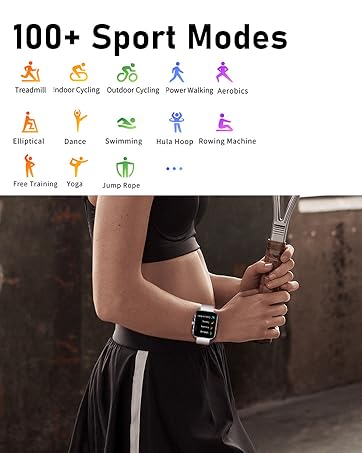
Fitness Tracker & Multiple Sports Modes

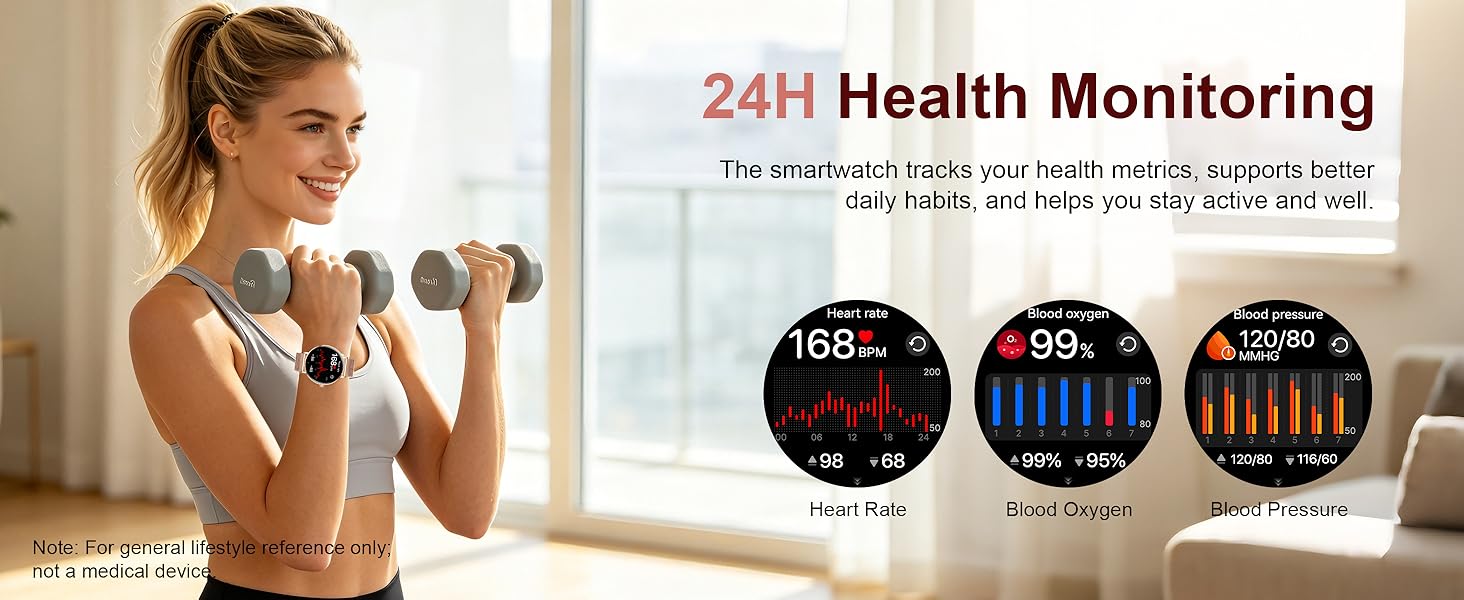
24/7 heart rate, blood pressure, and blood oxygen monitoring