here!
I’m your shopping assistant for PC builds, upgrades, and everything tech.
Got questions? Ask away!
Start a conversation
here!
I’m your shopping assistant for PC builds, upgrades, and everything tech.
Got questions? Ask away!
Start a conversation



Any questions? Ask CelesteSM will help you find out quickly.
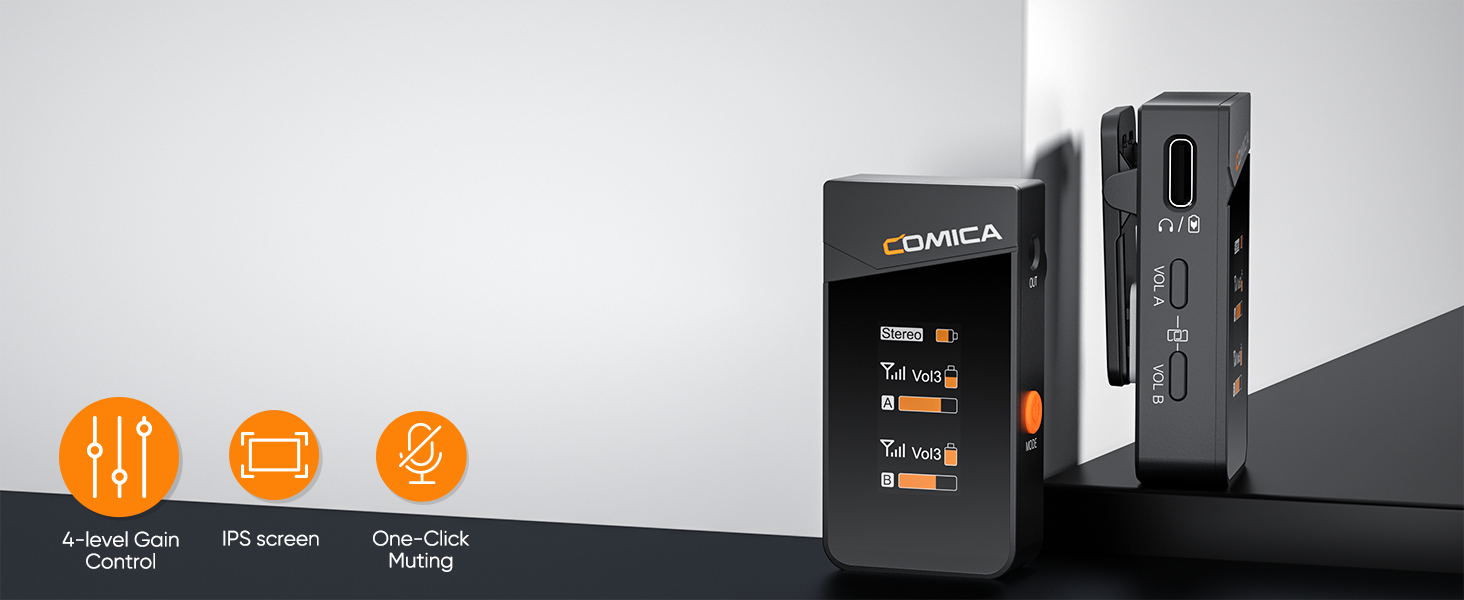
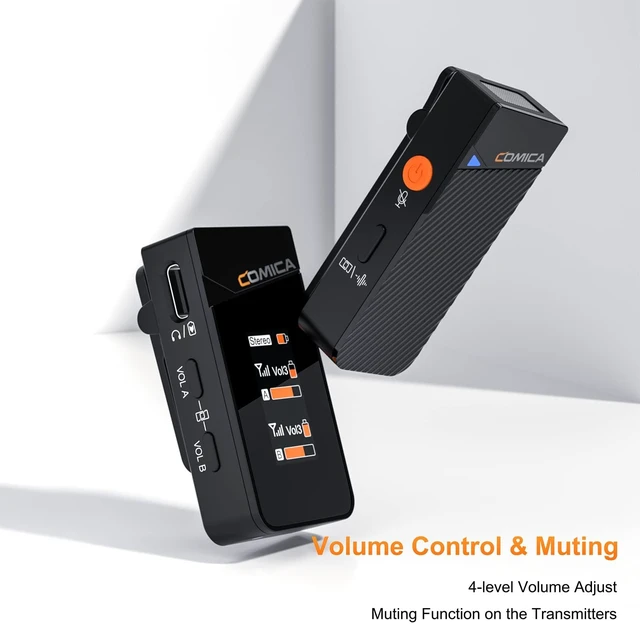
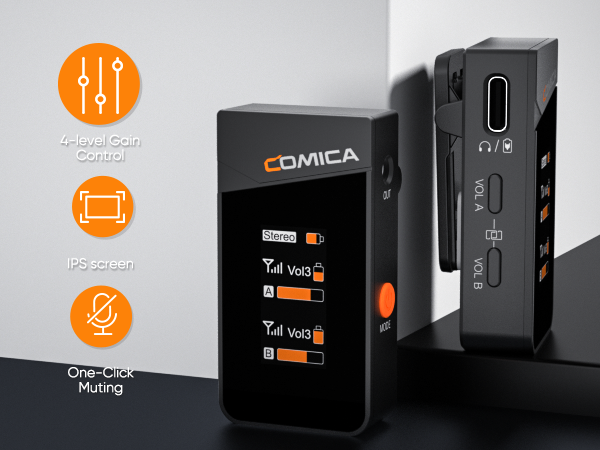
With four-level volume control over what you hear, you could adjust the volume as you want
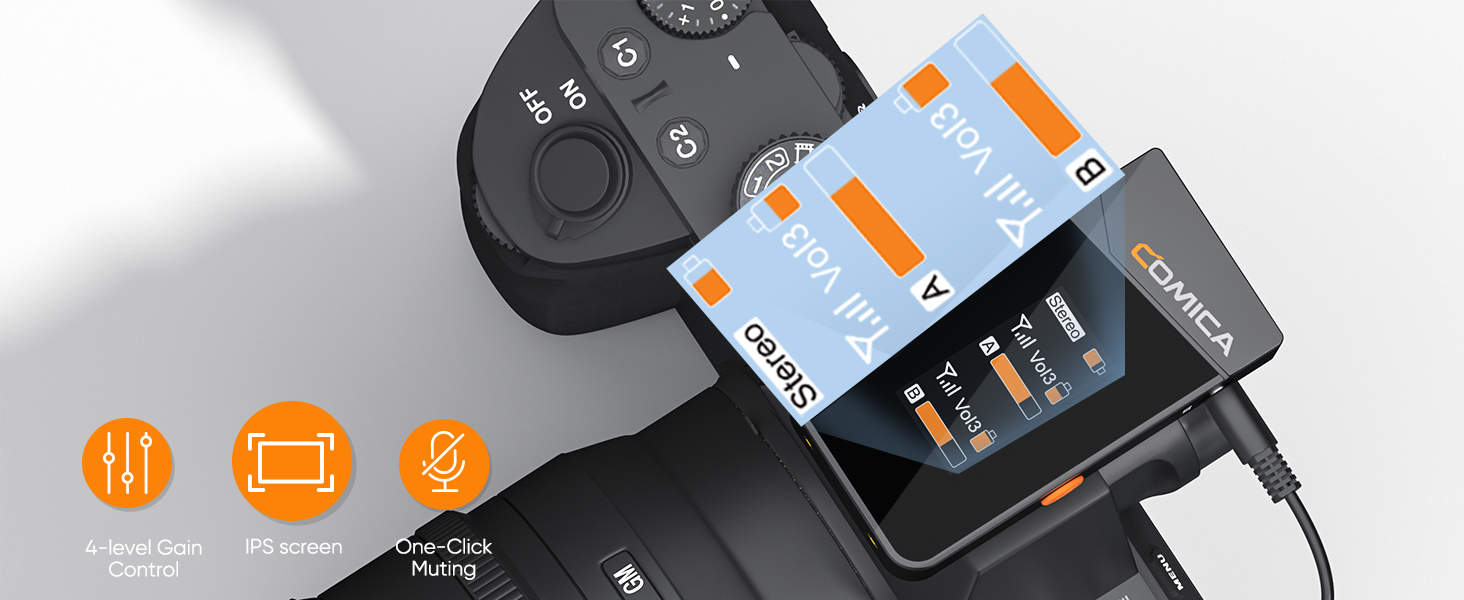
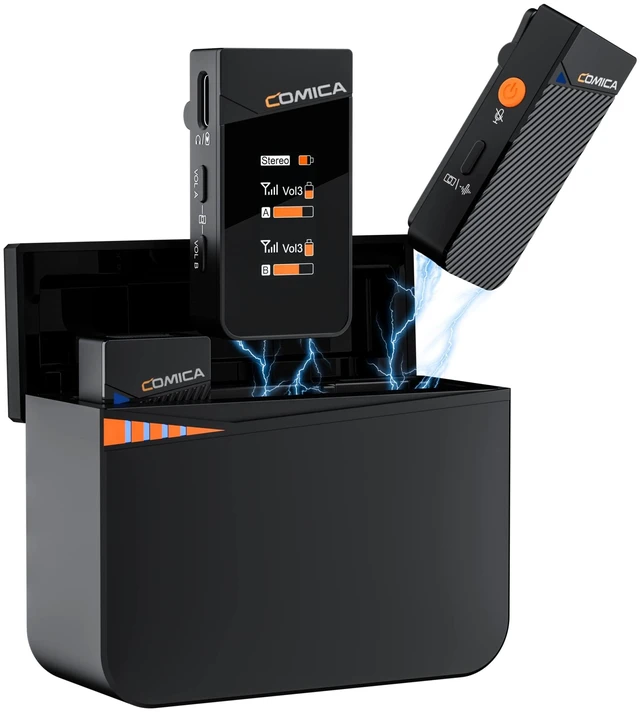
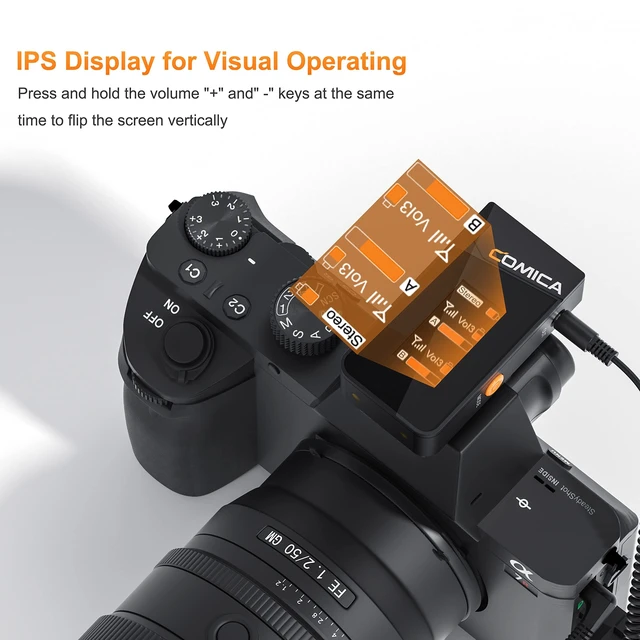
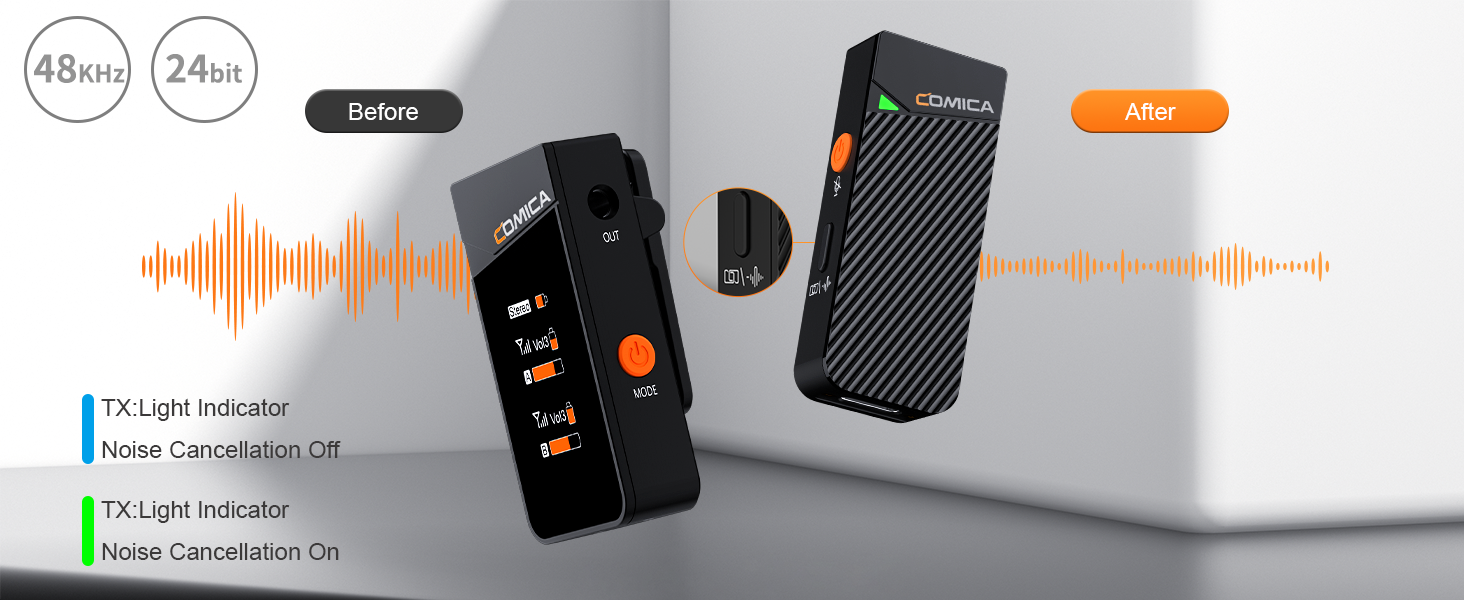
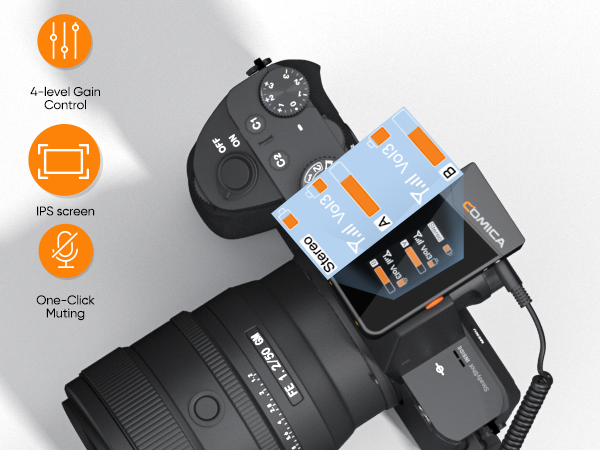
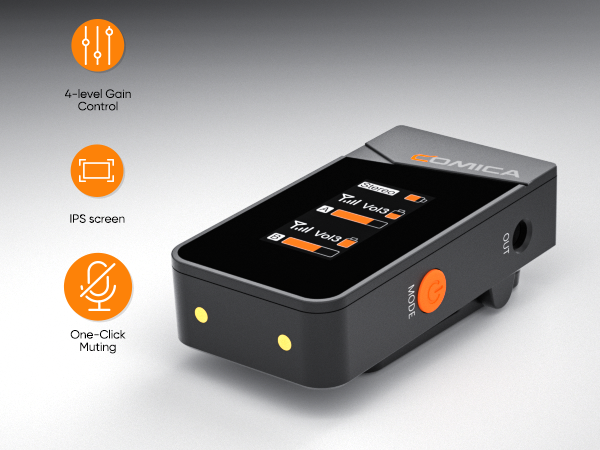
Monitor the audio dynamic, battery life, volume and audio mode in real time.
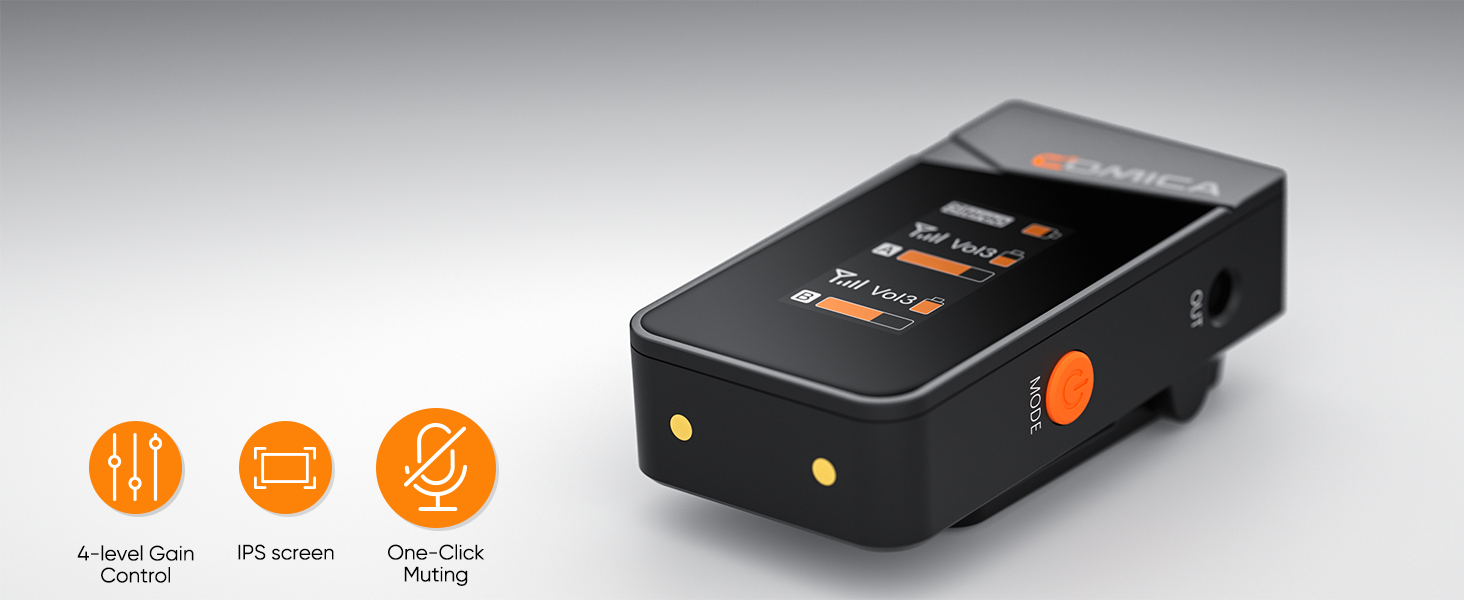
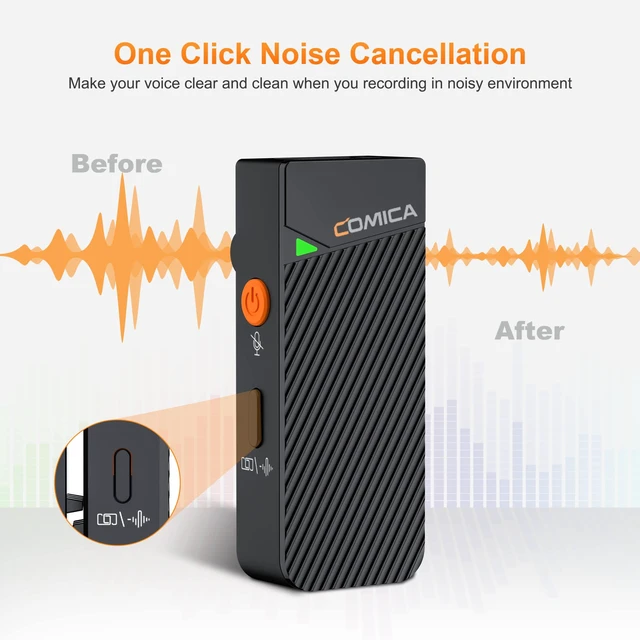
Muting button on the receiver helps to avoid those unwanted sound being recorded
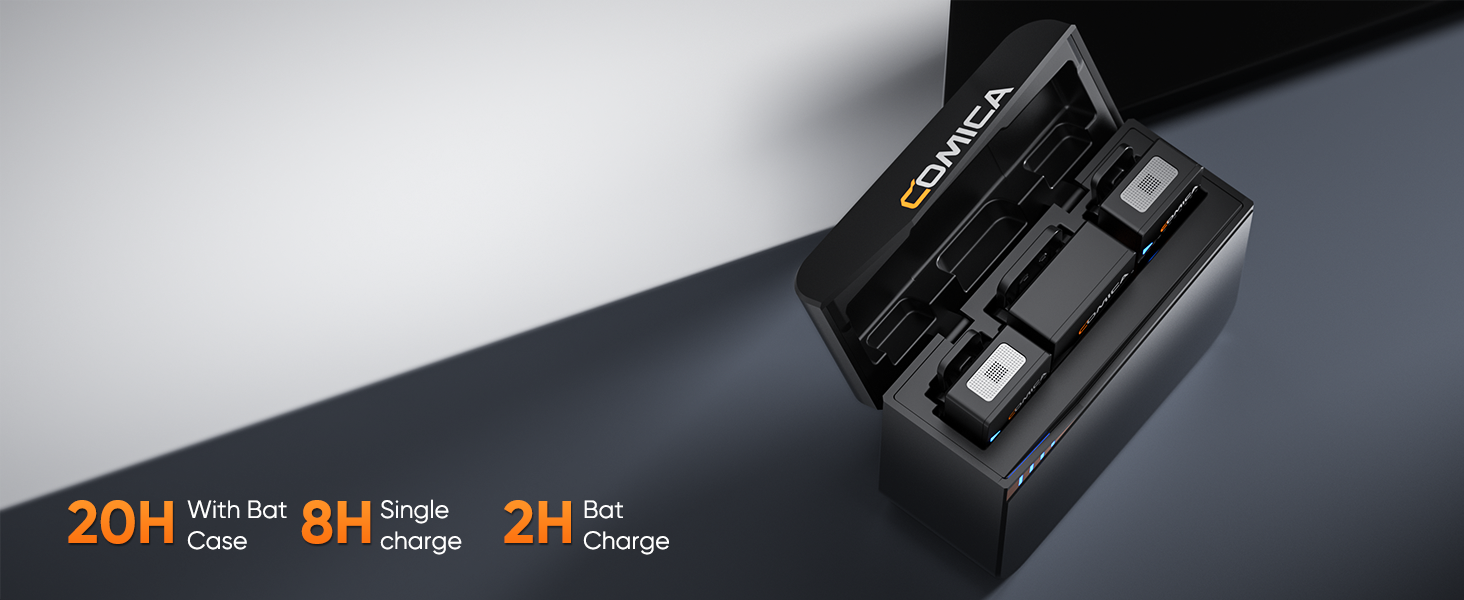
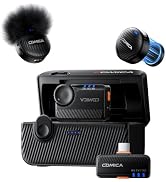
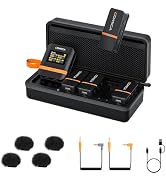
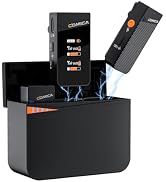
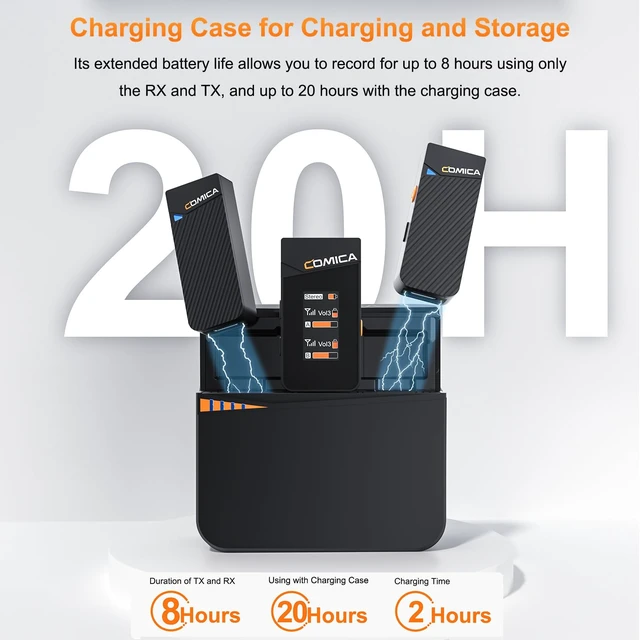
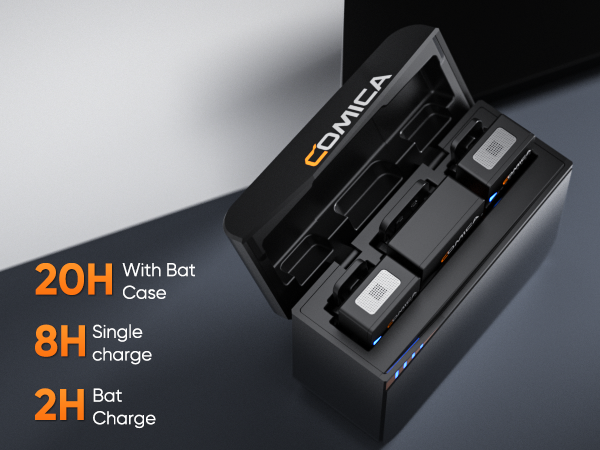
Rechargeable Storage Case for Charging, Storing and Power Monitoring
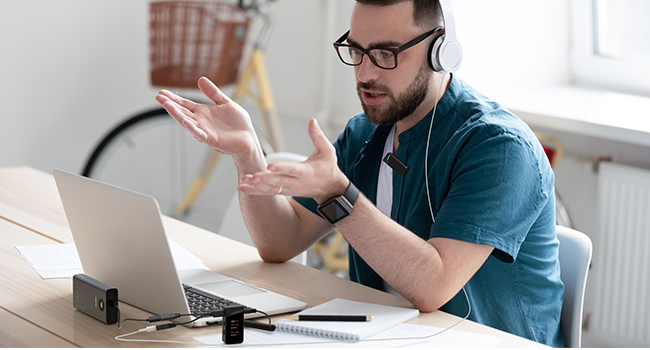
Support Working While Charging
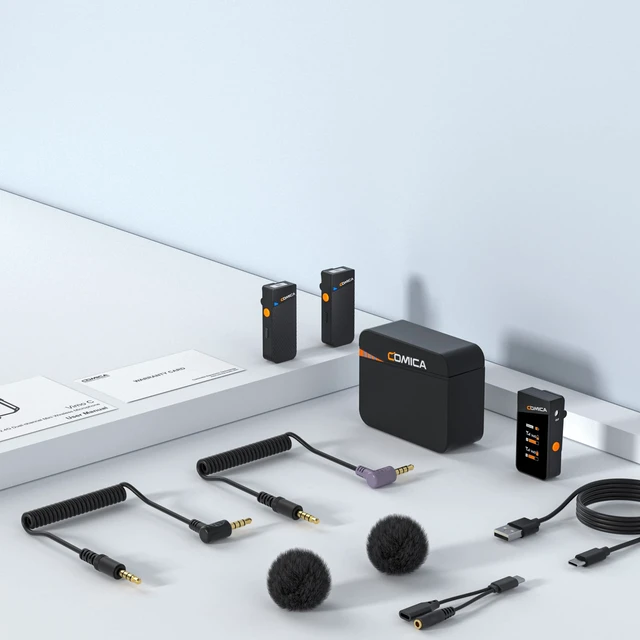
Being used with the 2 in 1 audio cable, the USB-C charging/Monitoring port support charging the receiver while monitoring
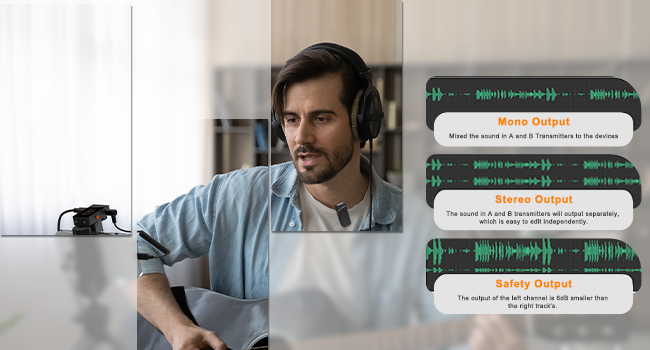
Stereo and Safety mode is not supported when using the 3.5mm to Lightning or USB C audio adapters.
( Please make sure your devices come with stereo function)
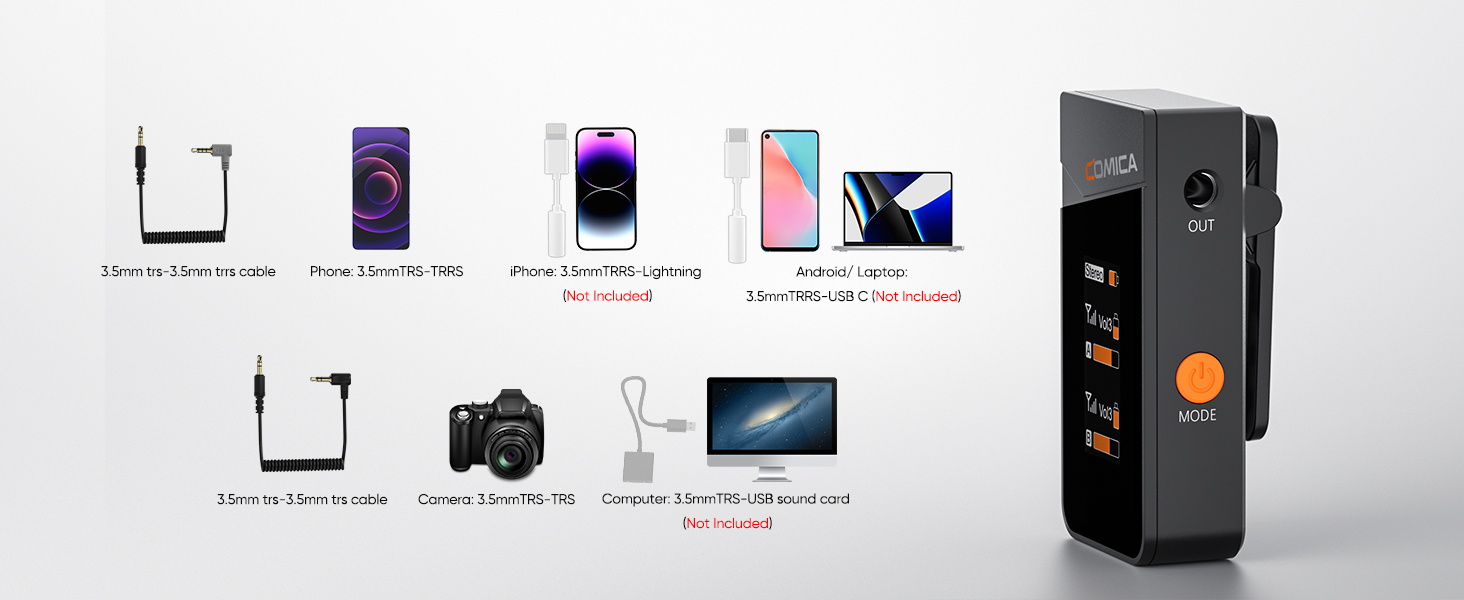
Can I use the stereo mode on my phones or laptops?
No, you can only use the mono mode on your phones or laptops, since you need to use the extra adapter for connecting.
How do I connect it to my iPhone?
For iPhone users, connect the 3.5mm to Lightning adapter with OTG to the receiver. iPhone speaker won't work when connected.
How do I connect it to my Android Phones or Laptop?
For Android, connect the 3.5mm to the USB-C audio adapter with OTG (not included). Your phone speaker won't output sound.
How do I connect it to my computer?
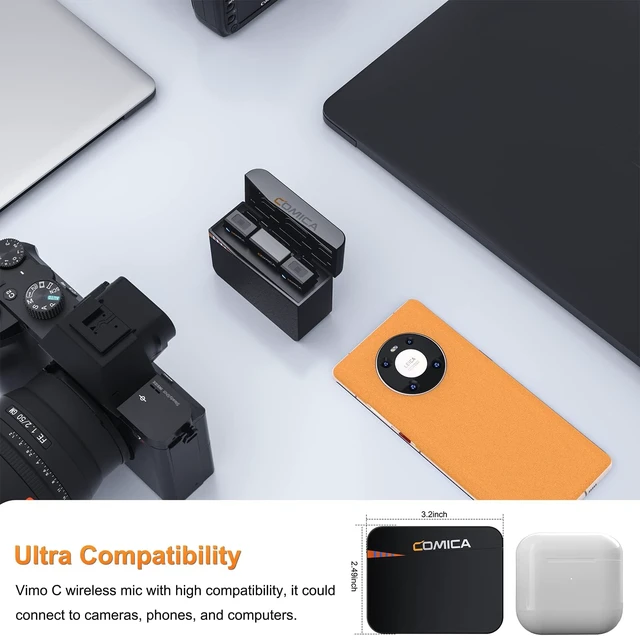
To connect VIMO C3 to a computer with USB-C input, use a 3.5mm to USB-C audio adapter (not included) or a TRS-TRS cable. Make sure to select VIMO C3 as the input audio device for your computer and recording software.
What should I do if my camera come with loud background noise?
Manually adjust camera recording volume, lower camera gain, and turn off automatic gain control. Note: Vimo C may not be compatible with wind noise suppression and noise reduction functions of your camera. Turn off both functions when recording.
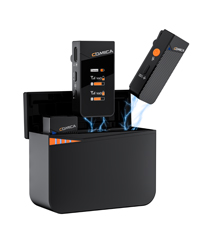 Vimo C3 | 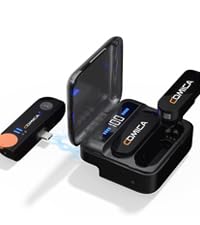 Vimo S MI-IOS | Vimo S UC-Android | 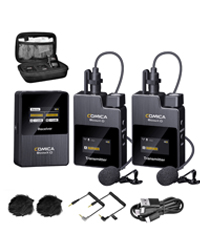 BoomX-D2 | 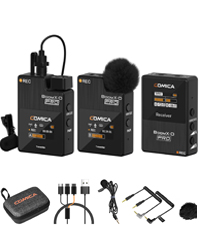 BoomX-D PRO | |
|---|---|---|---|---|---|
Price | — | — | — | — | — |
Wireless Type | 2.4Ghz | 2.4Ghz | 2.4Ghz | 2.4Ghz | 2.4Ghz |
Maximum SPL | 110dB SPL(@ 1% THD) | 110dB SPL(@ 1% THD) | 110dB SPL(@ 1% THD) | 100dB(@ 1% THD) | 100dB(@ 1% THD) |
Frequency Response | 80Hz ~ 20kHz | 80Hz ~ 20kHz | 80Hz ~ 20kHz | 80Hz ~ 20kHz | 80Hz ~ 20kHz |
Transmission Range | 200m | 200m | 200m | 100m | 100m |
Battery | Li-ion Battery 330mAh 3.7V | Li-ion Battery 800mAh 3.8V | Li-ion Battery 800mAh 3.8V | Li-ion Battery 330mAh 3.7V | Li-ion Battery 330mAh 3.7V |
Compatibility | iPhone/Android/Camera/PC | iPhone/iPad | Android/iPad/ Laptop | iPhone/Android/Camera/PC | iPhone/Android/Camera/PC |
Lav Mic | ? | ? | ? | ? | ? |
Charging Case | ? | ? | ? | ? | ? |
Internal Recording | ? | ? | ? | ? | ? |
With four-level volume control over what you hear, you could adjust the volume as you want
Monitor the audio dynamic, battery life, volume and audio mode in real time.
Muting button on the receiver helps to avoid those unwanted sound being recorded
Rechargeable Storage Case for Charging, Storing and Power Monitoring
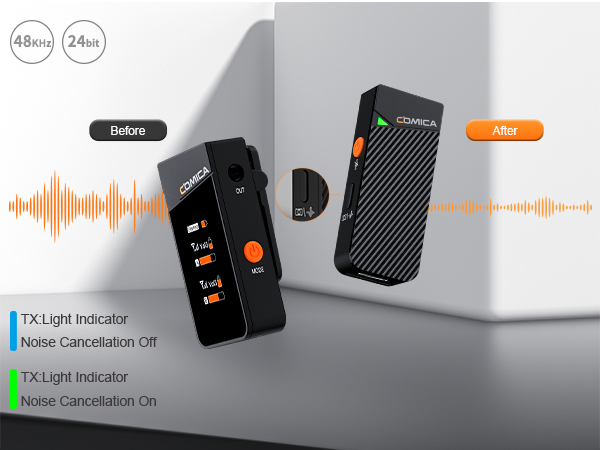
Support Working While Charging
Being used with the 2 in 1 audio cable, the USB-C charging/Monitoring port support charging the receiver while monitoring
Stereo and Safety mode is not supported when using the 3.5mm to Lightning or USB C audio adapters.
( Please make sure your devices come with stereo function)
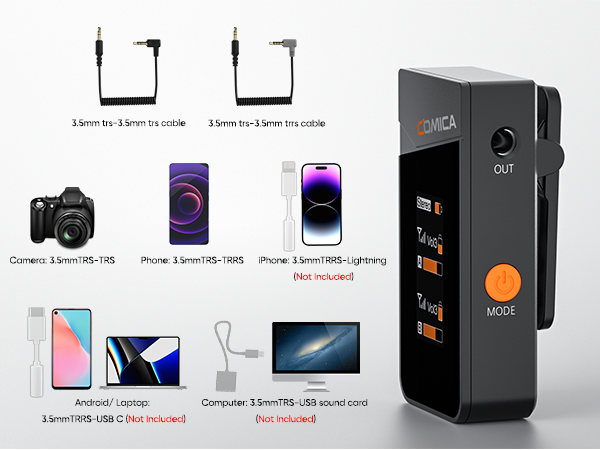
Can I use the stereo mode on my phones or laptops?
No, you can only use the mono mode on your phones or laptops, since you need to use the extra adapter for connecting.
How do I connect it to my iPhone?
For iPhone users, connect the 3.5mm to Lightning adapter with OTG to the receiver. iPhone speaker won't work when connected.
How do I connect it to my Android Phones or Laptop?
For Android, connect the 3.5mm to the USB-C audio adapter with OTG (not included). Your phone speaker won't output sound.
How do I connect it to my computer?
To connect VIMO C3 to a computer with USB-C input, use a 3.5mm to USB-C audio adapter (not included) or a TRS-TRS cable. Make sure to select VIMO C3 as the input audio device for your computer and recording software.
What should I do if my camera come with loud background noise?
Manually adjust camera recording volume, lower camera gain, and turn off automatic gain control. Note: Vimo C may not be compatible with wind noise suppression and noise reduction functions of your camera. Turn off both functions when recording.
Vimo C3 | Vimo S MI-IOS | Vimo S UC-Android | BoomX-D2 | BoomX-D PRO |
|---|---|---|---|---|
| Price | ||||
| — | — | — | — | — |
| Wireless Type | ||||
| 2.4Ghz | 2.4Ghz | 2.4Ghz | 2.4Ghz | 2.4Ghz |
| Maximum SPL | ||||
| 110dB SPL(@ 1% THD) | 110dB SPL(@ 1% THD) | 110dB SPL(@ 1% THD) | 100dB(@ 1% THD) | 100dB(@ 1% THD) |
| Frequency Response | ||||
| 80Hz ~ 20kHz | 80Hz ~ 20kHz | 80Hz ~ 20kHz | 80Hz ~ 20kHz | 80Hz ~ 20kHz |
| Transmission Range | ||||
| 200m | 200m | 200m | 100m | 100m |
| Battery | ||||
| Li-ion Battery 330mAh 3.7V | Li-ion Battery 800mAh 3.8V | Li-ion Battery 800mAh 3.8V | Li-ion Battery 330mAh 3.7V | Li-ion Battery 330mAh 3.7V |
| Compatibility | ||||
| iPhone/Android/Camera/PC | iPhone/iPad | Android/iPad/ Laptop | iPhone/Android/Camera/PC | iPhone/Android/Camera/PC |
| Lav Mic | ||||
| ? | ? | ? | ? | ? |
| Charging Case | ||||
| ? | ? | ? | ? | ? |
| Internal Recording | ||||
| ? | ? | ? | ? | ? |
Founded in 2012, COMICA is a comprehensive audio equipment enterprise integrated with R&D, Manufacturer and Sales. keeping the technology-oriented concept, Comica gradually gets into the global market and win the trust of worldwide customers.