here!
here!
I’m your shopping assistant for PC builds, upgrades, and everything tech.
Got questions? Ask away!
Start a conversation
here!
I’m your shopping assistant for PC builds, upgrades, and everything tech.
Got questions? Ask away!
Start a conversation



Any questions? Ask CelesteSM will help you find out quickly.


Wireless Shotgun Microphone

2.4G Wireless Shotgun Microphone

Professional Shotgun Microphone

The Mini Wireless Microphone supporting four channels recording in sync!


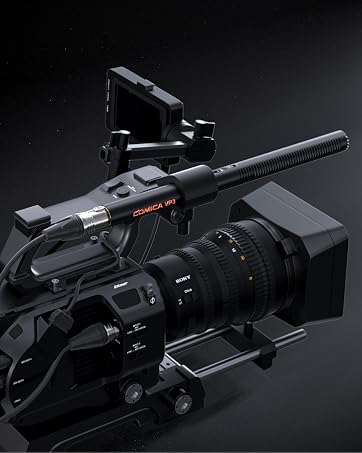
COMICA VP3 XLR Shotgun Microphone

Wireless RGB Gaming Microphone
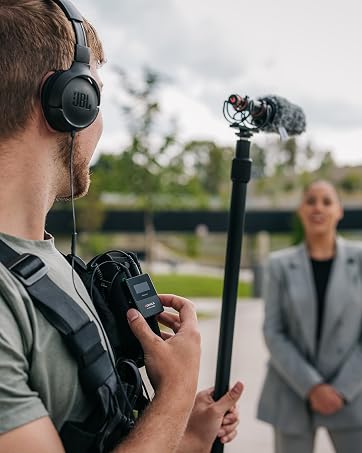
Professional Wireless Shotgun Microphone


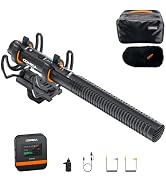
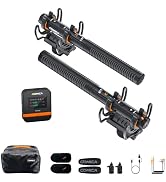
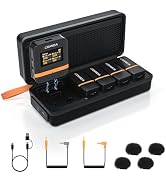
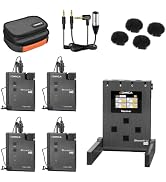
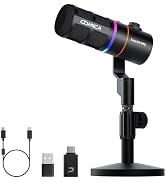
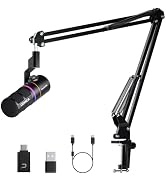
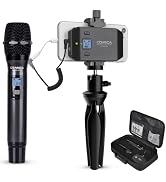
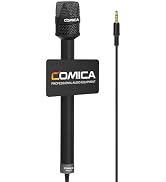
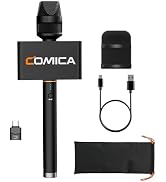
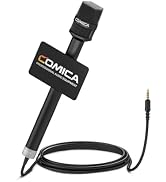

UHF Wireless Lavalier Microphone

COMICA focus on Producing Intelligent Video Equipment, committed to Create Perfect Quality for Customers.
Our mission is Self R&D, Continous Creation, Quality First, dedicated for photography hobbyist to bring the best shooting solution


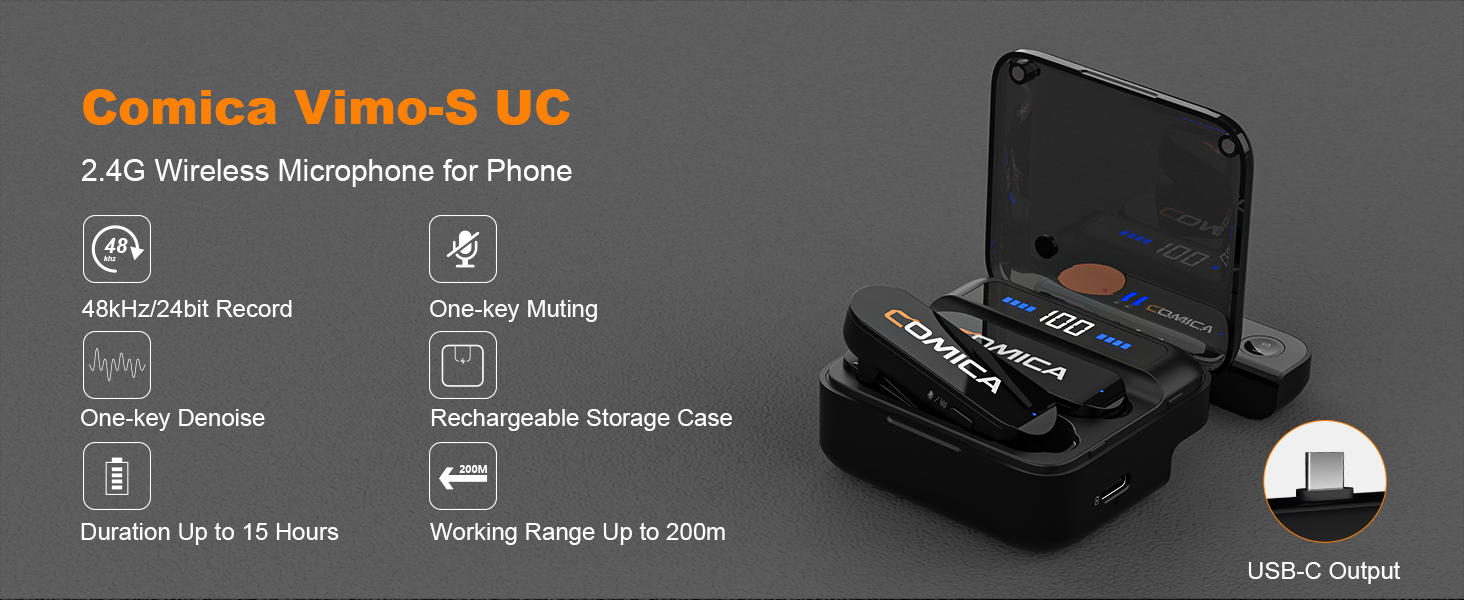
How to use for iPhone?
Vimo-S MI has passed MFI certification and can be directly plugged into lightning devices for use.VIMO-S UC can purchase a UC-MI adapter separately as the MI version.
Please note: MI cannot be used as UC through the adapter
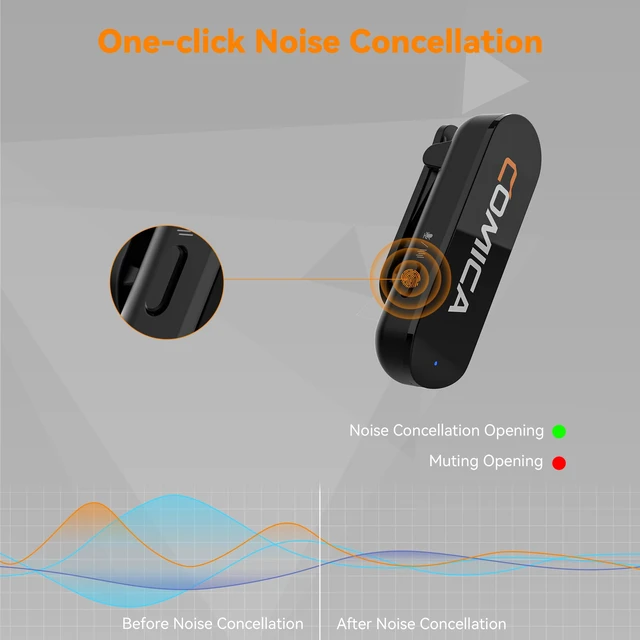
Is there a way to easily and quickly mute the mic?
Yes, there is a mute button on the side of the transmitter. Both versions of Comica Vimo-S microphones support one-button mute.
Does it allow for usb-c pass-through charging?
Of course, you can charge your phone/ipad/laptop by connecting a power bank/DC power supply through the RX.
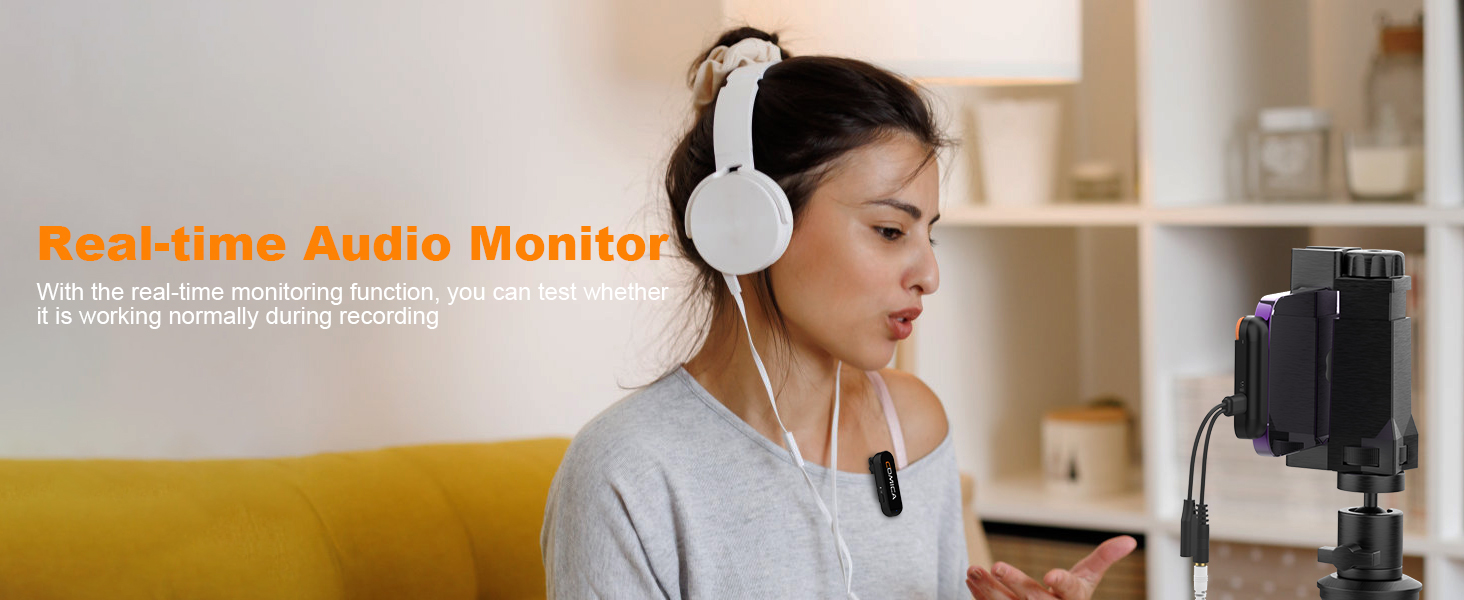
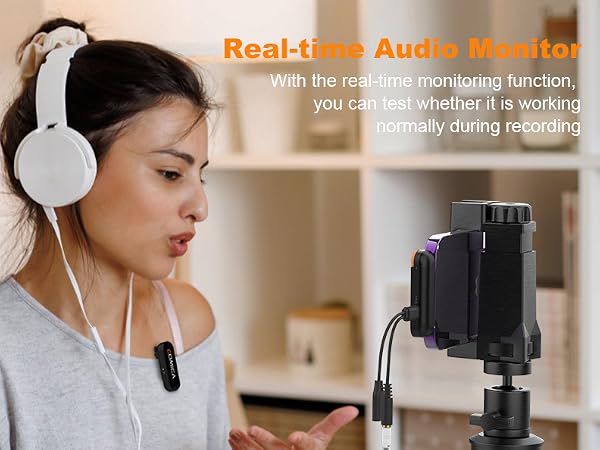
Will i be able to instantly to hear playback in of my video shot?
Hello, Vimo-S wireless microphone support Real-time Audio Monitoring, you can directly use 3.5mm headphones to plug into the receiver to monitor whether the audio is normal in real time.
Can multiple sets be used at the same time?
Sorry, currently Vimo-S does not support multi-set stacking. In order to ensure your recording, please do not use a mixer/sound card to connect two sets or more.
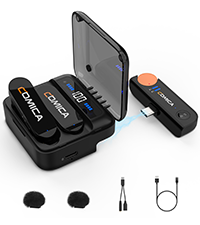 Vimo S UC | 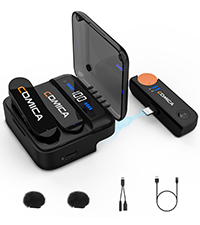 Vimo S MI | 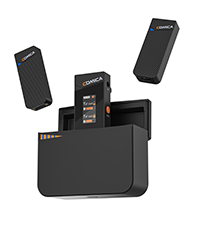 Vimo C3 | 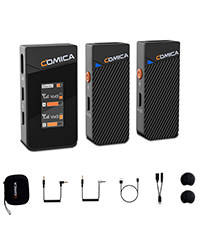 Vimo C2 | 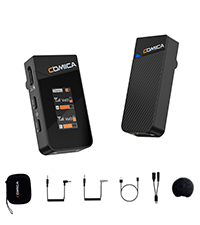 Vimo C1 | |
|---|---|---|---|---|---|
Customer Reviews | — | — | — | — | — |
Price | — | — | — | — | — |
Connectivity Technology | 2.4Ghz | 2.4Ghz | 2.4Ghz | 2.4Ghz | 2.4Ghz |
Combination: | 1-Trigger-2 | 1-Trigger-2 | 1-Trigger-2 | 1-Trigger-2 | 1-Trigger-1 |
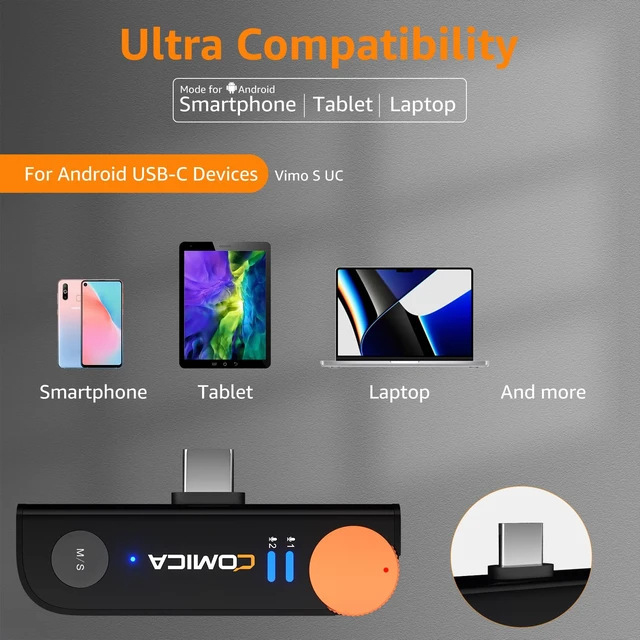
Ideal For: | For Android Phones | For iPhone/iPad/Macbook | For Camera/Camcorder/Phone/PC | For Camera/Camcorder/Phone/PC | For Camera/Camcorder/Phone/PC |
Sound Quality: | Super CD-quality | Super CD-quality | CD-quality | CD-quality | CD-quality |
Output Mode : | Mono/Stereo | Mono/Stereo | Mono/Stereo/Safety | Mono/Stereo/Safety | Mono/Safety |
Output Interface: | Type C | Lightning | 3.5MM | 3.5MM | 3.5MM |
Real-Time Monitoring | ? | ? | ? | ? | ? |
Charging Case: | ? | ? | ? | ? | ? |
Packing Case: | ? | ? | ? | ? | ? |

How to use for iPhone?
Vimo-S MI has passed MFI certification and can be directly plugged into lightning devices for use.VIMO-S UC can purchase a UC-MI adapter separately as the MI version.
Please note: MI cannot be used as UC through the adapter
Is there a way to easily and quickly mute the mic?
Yes, there is a mute button on the side of the transmitter. Both versions of Comica Vimo-S microphones support one-button mute.
Does it allow for usb-c pass-through charging?
Of course, you can charge your phone/ipad/laptop by connecting a power bank/DC power supply through the RX.
Will i be able to instantly to hear playback in of my video shot?
Hello, Vimo-S wireless microphone support Real-time Audio Monitoring, you can directly use 3.5mm headphones to plug into the receiver to monitor whether the audio is normal in real time.
Can multiple sets be used at the same time?
Sorry, currently Vimo-S does not support multi-set stacking. In order to ensure your recording, please do not use a mixer/sound card to connect two sets or more.
Vimo S UC | Vimo S MI | Vimo C3 | Vimo C2 | Vimo C1 |
|---|---|---|---|---|
| Customer Reviews | ||||
| — | — | — | — | — |
| Price | ||||
| — | — | — | — | — |
| Connectivity Technology | ||||
| 2.4Ghz | 2.4Ghz | 2.4Ghz | 2.4Ghz | 2.4Ghz |
| Combination: | ||||
| 1-Trigger-2 | 1-Trigger-2 | 1-Trigger-2 | 1-Trigger-2 | 1-Trigger-1 |
| Ideal For: | ||||
| For Android Phones | For iPhone/iPad/Macbook | For Camera/Camcorder/Phone/PC | For Camera/Camcorder/Phone/PC | For Camera/Camcorder/Phone/PC |
| Sound Quality: | ||||
| Super CD-quality | Super CD-quality | CD-quality | CD-quality | CD-quality |
| Output Mode : | ||||
| Mono/Stereo | Mono/Stereo | Mono/Stereo/Safety | Mono/Stereo/Safety | Mono/Safety |
| Output Interface: | ||||
| Type C | Lightning | 3.5MM | 3.5MM | 3.5MM |
| Real-Time Monitoring | ||||
| ? | ? | ? | ? | ? |
| Charging Case: | ||||
| ? | ? | ? | ? | ? |
| Packing Case: | ||||
| ? | ? | ? | ? | ? |
Wireless Shotgun Microphone
2.4G Wireless Shotgun Microphone
Professional Shotgun Microphone
The Mini Wireless Microphone supporting four channels recording in sync!
COMICA VP3 XLR Shotgun Microphone
Wireless RGB Gaming Microphone
Professional Wireless Shotgun Microphone
UHF Wireless Lavalier Microphone
COMICA focus on Producing Intelligent Video Equipment, committed to Create Perfect Quality for Customers.
Our mission is Self R&D, Continous Creation, Quality First, dedicated for photography hobbyist to bring the best shooting solution
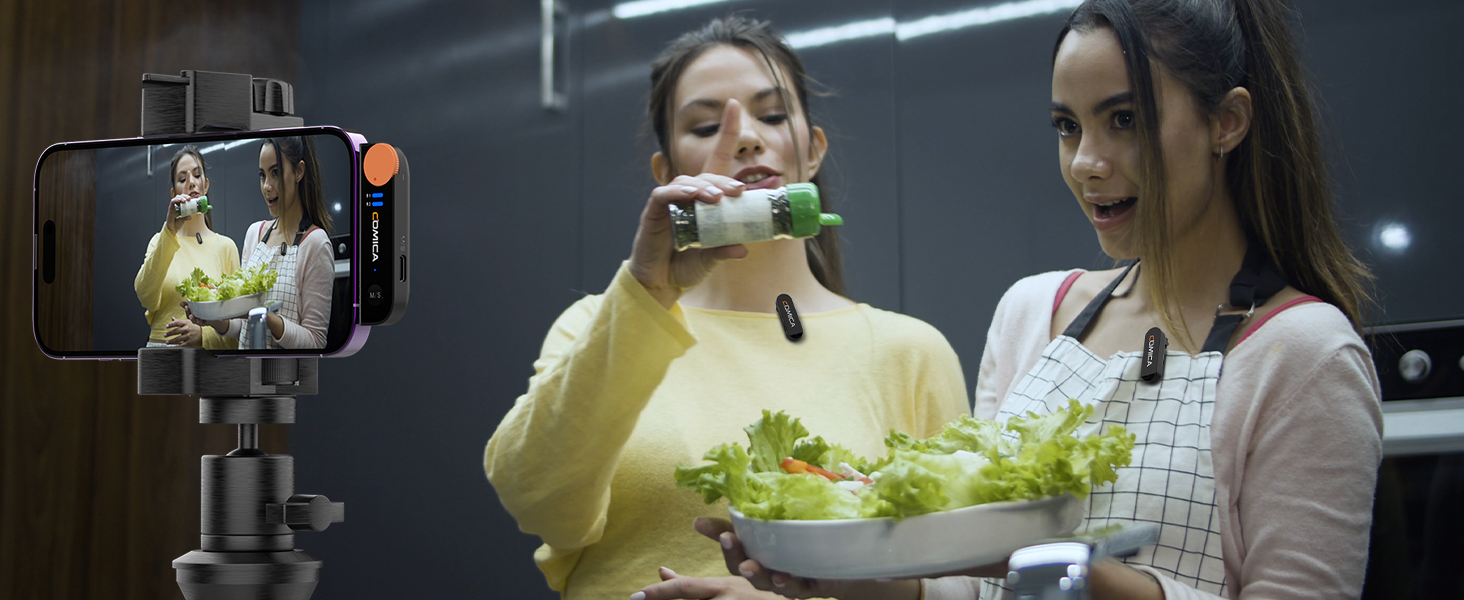
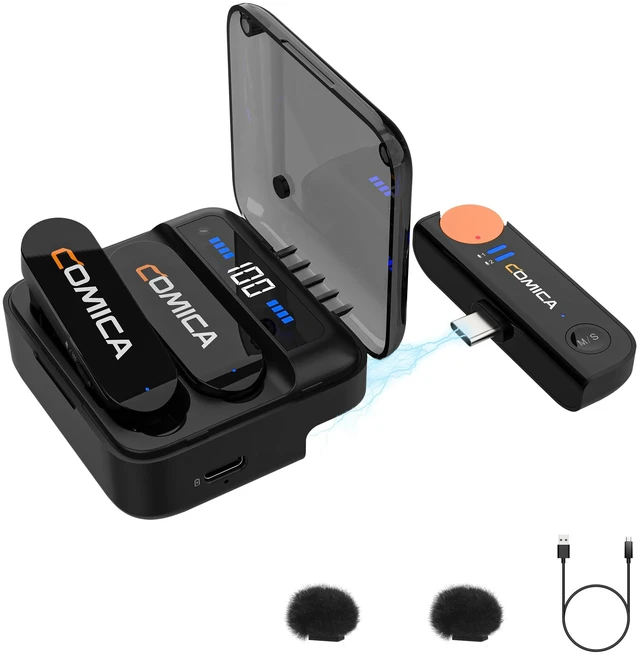
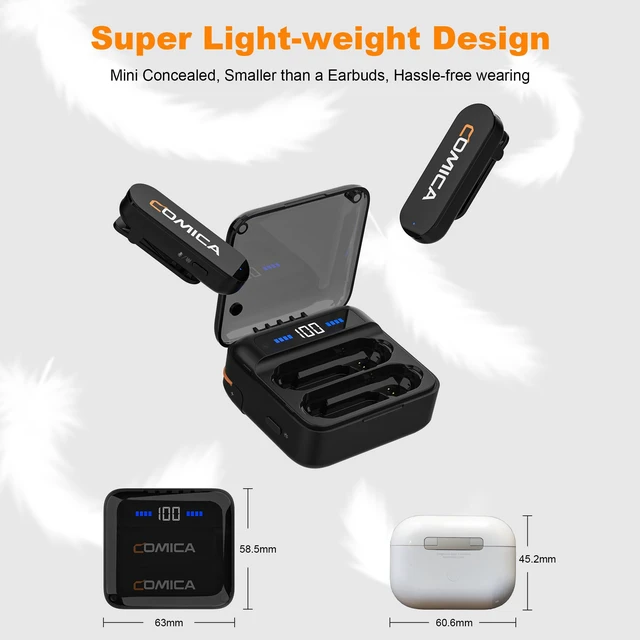
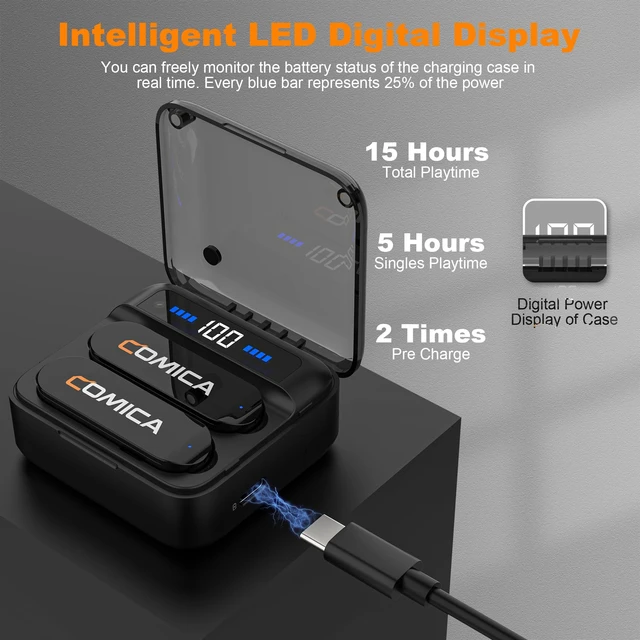
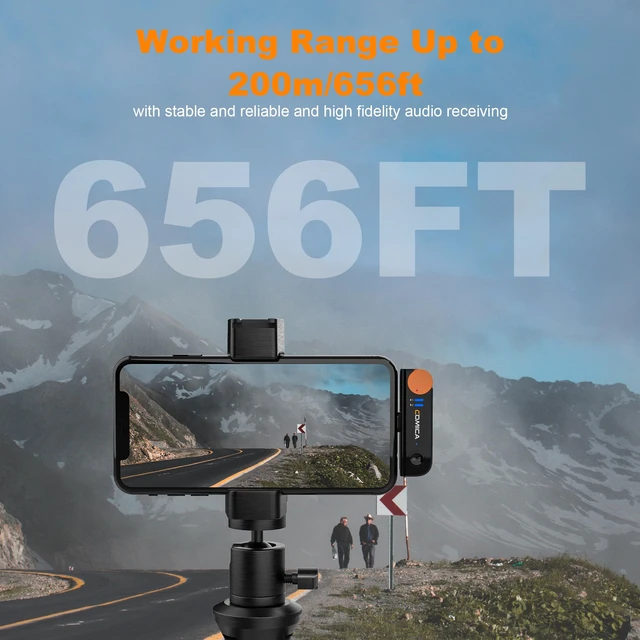
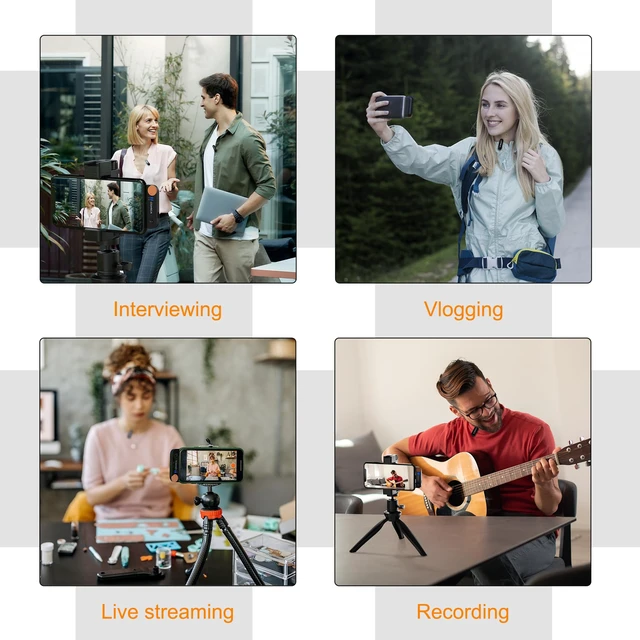
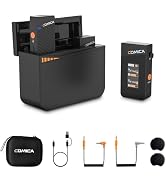
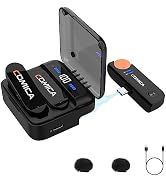
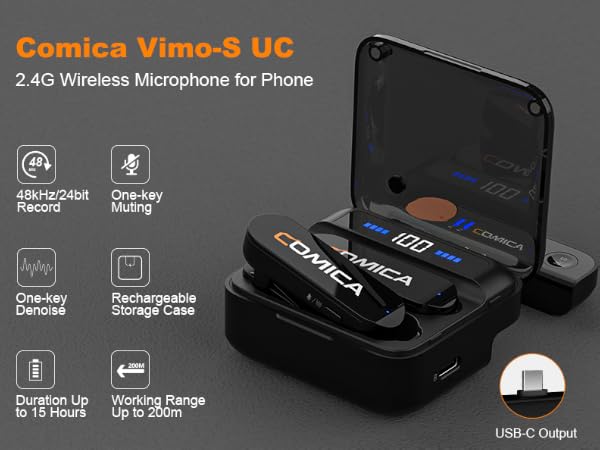
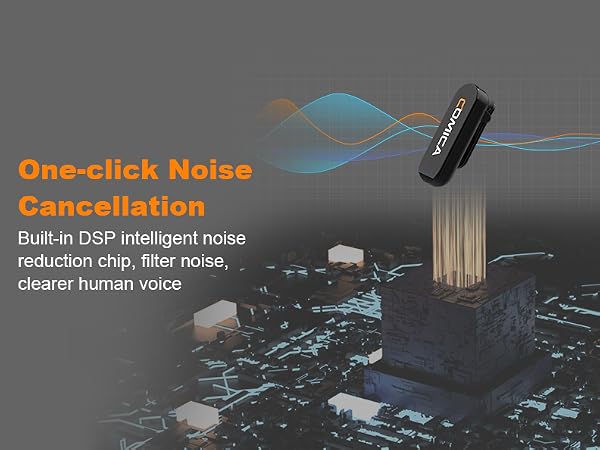
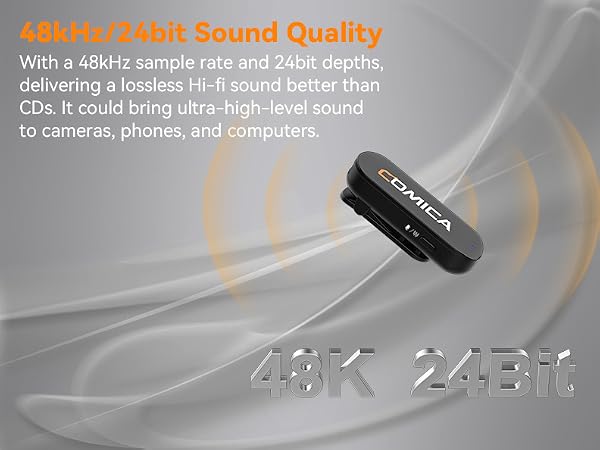
COMICA Vimo S UC Wireless Lavalier Microphone for iPhone 15/16/17/Android, Noise Cancellation, 656FT Range, 15H Battery Life with Charging Case, Lapel Microphone Wireless for Video Recording Vlogging