




 here!
I’m your shopping assistant for PC builds, upgrades, and everything tech.
Got questions? Ask away!
Start a conversation
here!
I’m your shopping assistant for PC builds, upgrades, and everything tech.
Got questions? Ask away!
Start a conversation




Any questions? Ask CelesteSM will help you find out quickly.
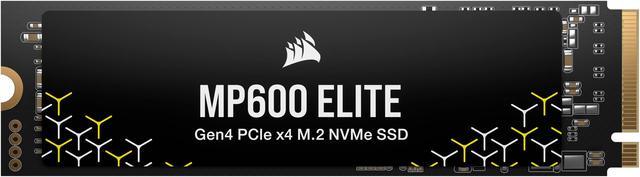
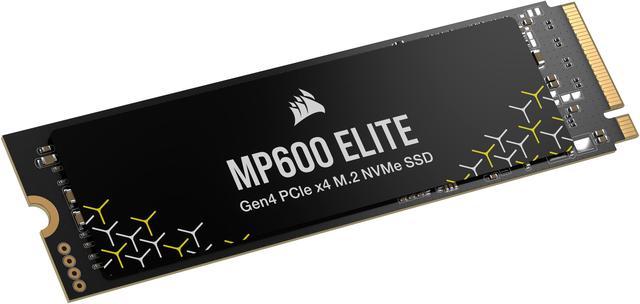
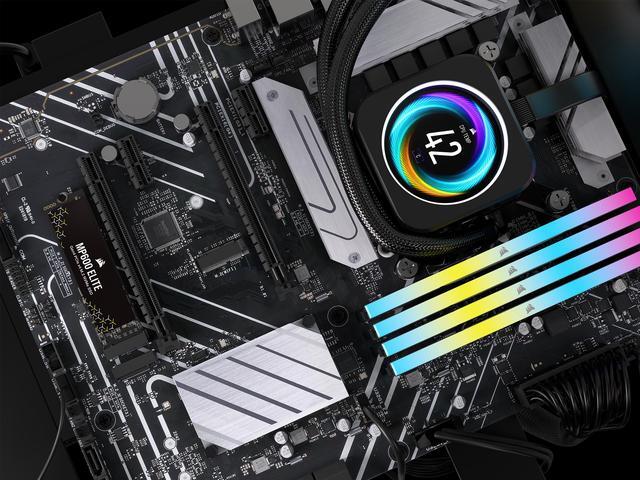
The Corsair MP600 Elite is a 1TB M.2 2280 PCIe 4.0 x4 NVMe SSD for desktop and laptop users seeking fast storage, with sequential reads up to 7,000 MB/s. Its compact, heatsink-free design suits compatible systems with an available M.2 slot and adequate cooling.
| Attribute | Value |
|---|---|
| Best For | Consumer gaming and general-purpose internal storage |
| Capacity | 1TB |
| Interface And Form Factor | M.2 2280 internal SSD with PCIe 4.0 x4 and NVMe 1.4 |
| Read Write Performance | Sequential speeds up to 7,000 MB/s read and 6,200 MB/s write; 4KB random read and write up to 1,000,000 IOPS each |
| NAND And Controller | 3D TLC NAND with a PS5021-E21T controller |
| Endurance And Reliability | 600TBW endurance, 1,500,000-hour MTBF, and a five-year warranty |
| Security | AES 256-bit encryption |
| Power And Operating Conditions | Idle power under 50mW; active read 5.6W and write 8.5W. Operating temperature 0°C to 70°C; storage temperature -40°C to 85°C; operating humidity 40°C 90% RH |
| Physical Design And Durability | Without heatsink; 80 × 22 × 3mm and 8.2g. Rated for up to 1500G shock and 20Hz–80Hz vibration at 1.52mm |
| Compatibility | Listed for desktop use and compatibility with Sony PlayStation 5 |
| Model Identifiers | Corsair MP600 Elite, model CSSD-F1000GBMP600ENH |
Q: Corsair MP600 Elite or Samsung 990 Pro 1TB: which should I buy?
A: Choose the MP600 Elite for a PCIe 4.0 system used mainly for gaming and everyday tasks, especially if it costs less. Choose the Samsung 990 Pro if you want its slightly higher rated sequential speeds—7,450/6,900 MB/s versus the Elite’s 7,000/6,200 MB/s—and its 1GB DRAM cache. The Elite is also a TLC drive, but testing found its secondary write cache can run out during very large, continuous transfers.
Q: Is the MP600 Elite worth choosing over the cheaper MP600 Core XT?
A: Choose the MP600 Elite when faster rated transfers and TLC NAND matter: its listed 1TB speeds are up to 7,000 MB/s read and 6,200 MB/s write, compared with the Core XT’s up to 5,000 MB/s read and 4,400 MB/s write. The Elite is the more suitable fit for a performance-focused boot or game drive; the Core XT’s QLC NAND and lower rated speeds make it a reasonable alternative when the priority is basic Gen4 storage and its price is lower.
Q: Should I get the MP600 Elite or WD Black SN850X 1TB?
A: Both are PCIe 4.0 M.2 2280 drives with similar advertised sequential speeds. The SN850X has slightly higher rated 1TB speeds—up to 7,300 MB/s read and 6,300 MB/s write, versus the MP600 Elite’s 7,000/6,200 MB/s. Choose the Elite if its price or Corsair software and warranty fit your needs; choose the SN850X if its WD Dashboard features, including Game Mode 2.0, are useful to you. Compare the exact models, since heatsink availability differs by version.
Q: Is the MP600 Elite a good choice for frequent large file transfers?
A: It can handle ordinary file transfers, but it is a better fit for everyday use, gaming, and shorter bursts of writes than for frequent, continuous large transfers. In PCWorld’s test of a 2TB MP600 Elite, write speed dropped after the secondary cache filled during a 450GB transfer. If that workload is routine, compare drives using sustained-write test results rather than headline sequential speeds alone.
Q: Will this SSD fit my laptop or desktop?
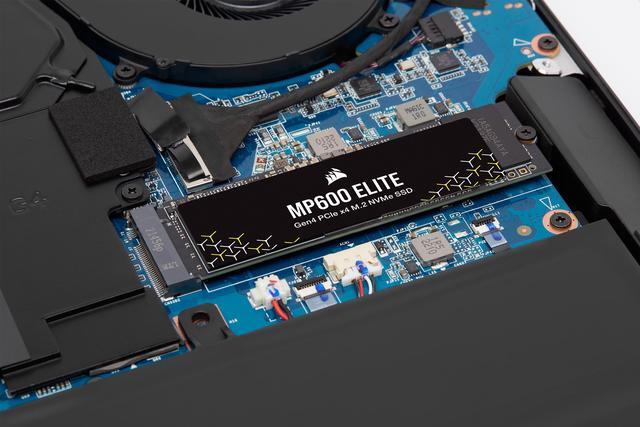
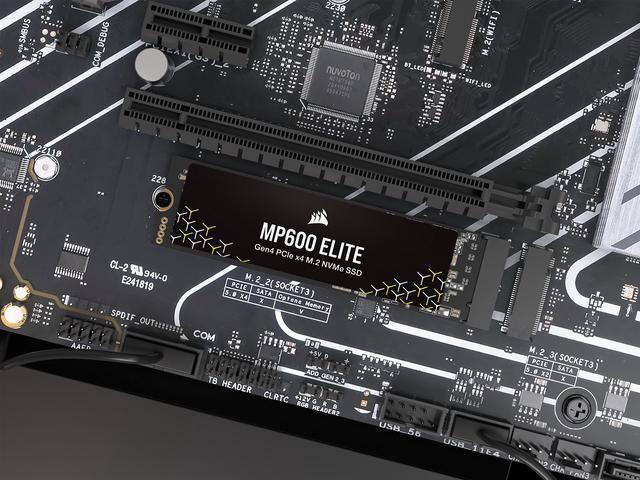
A: It fits systems with an available M.2 2280 slot that supports NVMe over PCIe. Check your computer’s specifications for the slot type, 80 mm drive length, and physical clearance before buying; the drive has no included heatsink.
Q: Does it come with a heatsink?
A: No. This MP600 Elite model is listed without a heatsink. If your computer’s M.2 slot includes a heatsink, check its fit and installation requirements; otherwise, follow the computer or motherboard maker’s guidance on SSD cooling.
Q: Will it reach 7,000 MB/s in my computer?
A: Not necessarily. The listed read speed is an “up to” figure; reaching it requires a compatible PCIe 4.0 x4 NVMe setup, and actual performance varies by system and workload. The product listing notes reduced performance on PCIe Gen 3 systems.
Q: What is the SSD’s endurance rating?
A: The 1TB model is rated for 600 TBW (terabytes written). That is an endurance specification, not a predicted number of years; actual service life depends on how much data is written and other system conditions.
Q: Is the MP600 Elite 1TB a reasonable choice for storing PC games, or should I pay more for a DRAM-equipped SSD?
A: It can suit a 1TB game library if the price is competitive. A Reddit discussion about this exact model raises the DRAM-less trade-off and reports that commenters saw little reason to pay extra for a DRAM drive specifically for games. The discussion does not establish benchmark results, so compare current prices and workload testing before choosing.
Q: Can I use this heatsink-free MP600 Elite as a PS5 storage upgrade?
A: The supplied SKU is an M.2 2280 PCIe 4.0 NVMe drive, but it has no heatsink. If installing it in a PS5, plan for a compatible heatsink and confirm fit for your console. A YouTube video demonstrates installing an MP600 Elite in a PS5 Slim, but it does not establish that this heatsink-free SKU is ready to install as-is.
Q: How can I check whether the MP600 Elite is reaching the expected speed after installation?
A: Use an SSD benchmark to measure the drive after installation, and compare results with the product’s rated sequential speeds—up to 7,000 MB/s read and 6,200 MB/s write in the supplied specifications. Actual results can depend on the computer’s M.2 slot and configuration; a YouTube setup video covers installation and speed testing.




