here!
I’m your shopping assistant for PC builds, upgrades, and everything tech.
Got questions? Ask away!
Start a conversation
here!
I’m your shopping assistant for PC builds, upgrades, and everything tech.
Got questions? Ask away!
Start a conversation



Any questions? Ask CelesteSM will help you find out quickly.
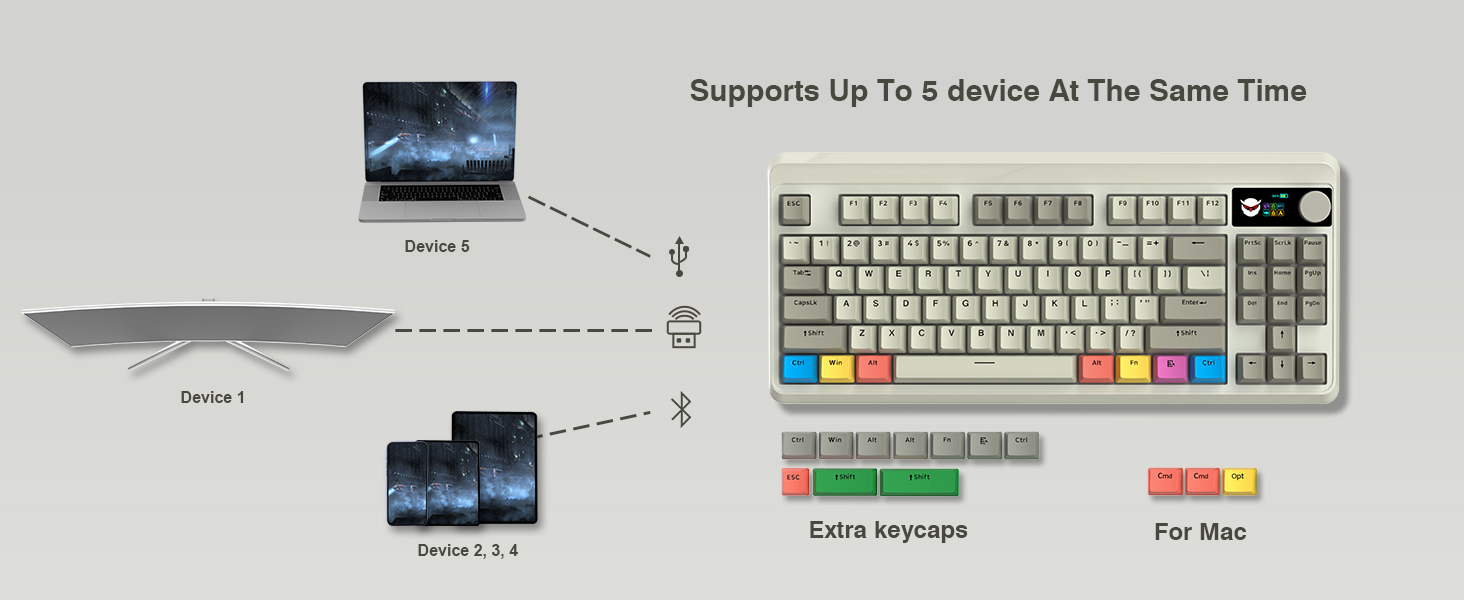
2.4Ghz mode:
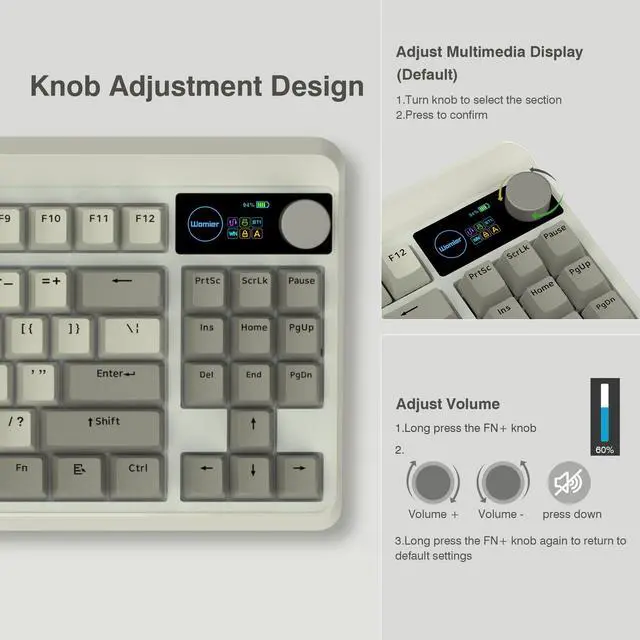
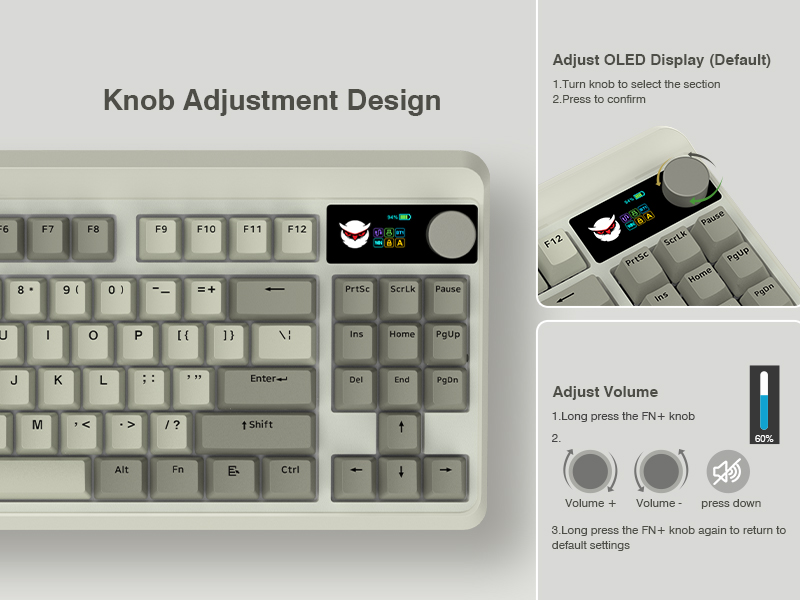
Step1. Switch Power On. Step2. Insert the wireless dongle to a USB port on the PC. Step3. Turn the knob to the 2.4G icon, short press the knob to select 2.4Ghz mode.
BT mode:
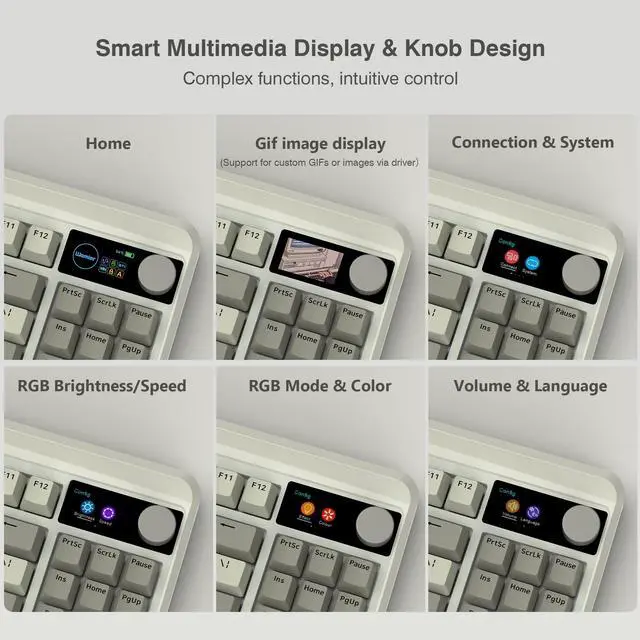
Step 1. Switch Power On. Step 2. Turn the knob to select the connection mode and press the knob to confirm it. Step 3. Turn the knob to the BT1 icon, long press the knob to enter BT1 pairing mode, and the display shows "BT1 Pairing". Step 4 Turn on the bluetooth of computer/phone, then connect the device.
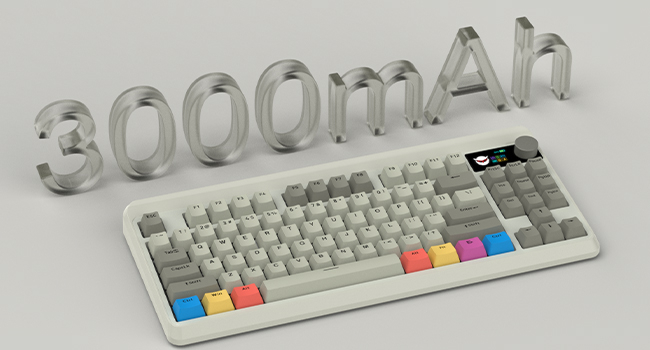
Built in a 3000 mAh rechargeable battery, last up to 7 days normal use (count 8hrs per day).
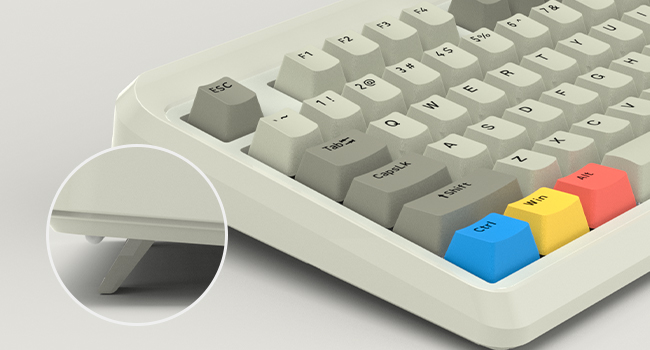
Comes with 1 adjustable keyboard feet which can give you the comfort angle you need for marathon gaming sessions.

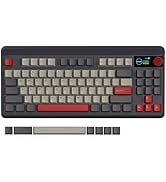
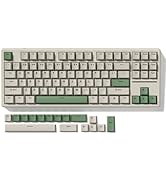
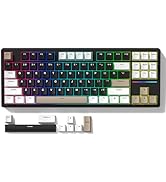
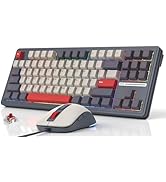
 Womier M87 Combo 1 |  Womier M87 Combo 2 |  Womier WK87-Black |  Womier WK87-Grey |  Womier M84 |  Womier SK65-Black |  Womier SK65-Beige | |
|---|---|---|---|---|---|---|---|
Customer Reviews | — | — | — | — | — | — | — |
Layout | 75% Layout | 75% Layout | TKL | TKL | 75% Layout | 60% Layout | 60% Layout |
Connection | Type-C wired | Type-C wired | 2.4G/Bluetooth/Type-C wired | 2.4G/Bluetooth/Type-C wired | 2.4G/Type-C wired | 2.4G/Bluetooth/Type-C wired | 2.4G/Bluetooth/Type-C wired |
Switch Type | Hot Swappable | Hot Swappable | Hot Swappable | Hot Swappable | Hot Swappable | Hot Swappable | Hot Swappable |
Keyboard Switches | Gateron Red Linear Switch | Gateron Red Linear Switch | Womier Grey Linear Switch | Womier Grey Linear Switch | Gateron Yellow Linear Switch | Womier Mint Linear Switch | Womier Mint Linear Switch |
Backlit | RGB | RGB | RGB | RGB | RGB | RGB | RGB |
DIY Software | ? | ? | ? | ? | ? | ? | ? |


About COSTOM
Founded in 2018, a sub-brand of Womier, a professional manufacturer integrating design, production and sales of custom keyboards and related peripherals.
We are committed to providing each customer with better service. We focuses on providing our customers with a better user experience. We will bring more customizable theme peripherals products, letting you have fun in mechanical keyboards!
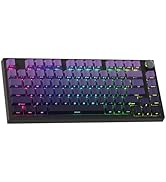
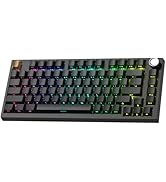
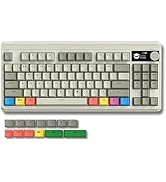
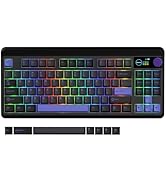
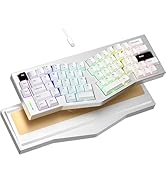
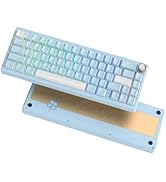
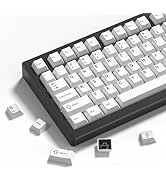
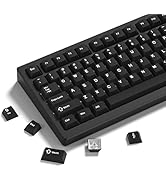
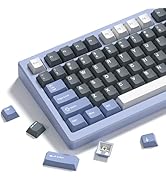
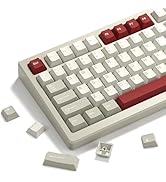
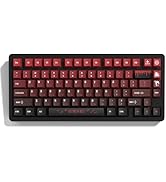
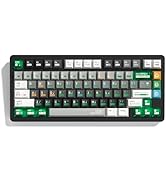
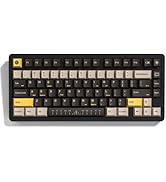
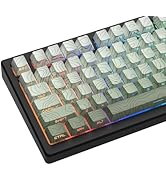
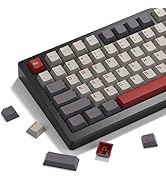
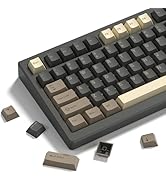
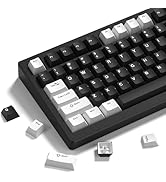






2.4Ghz mode:
Step1. Switch Power On. Step2. Insert the wireless dongle to a USB port on the PC. Step3. Turn the knob to the 2.4G icon, short press the knob to select 2.4Ghz mode.
BT mode:
Step 1. Switch Power On. Step 2. Turn the knob to select the connection mode and press the knob to confirm it. Step 3. Turn the knob to the BT1 icon, long press the knob to enter BT1 pairing mode, and the display shows "BT1 Pairing". Step 4 Turn on the bluetooth of computer/phone, then connect the device.


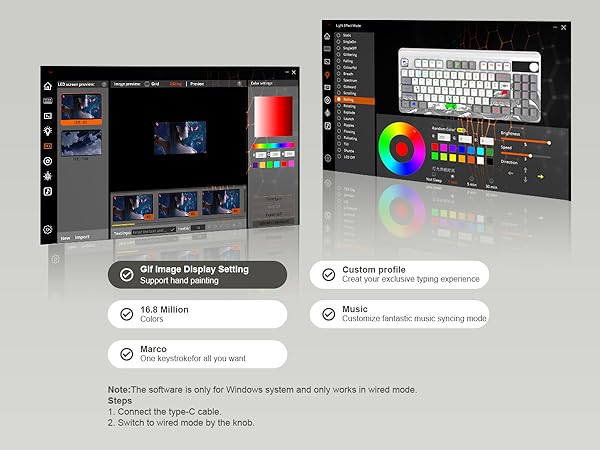
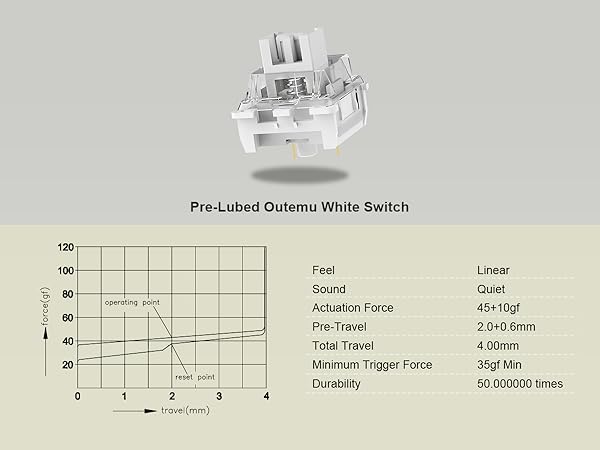
Built in a 3000 mAh rechargeable battery, last up to 7 days normal use (count 8hrs per day).
Comes with 1 adjustable keyboard feet which can give you the comfort angle you need for marathon gaming sessions.

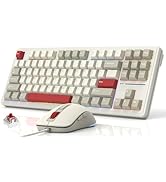
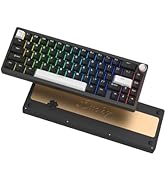
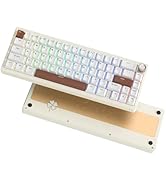
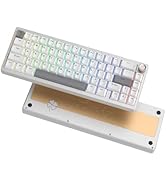
Womier M87 Combo 1 | Womier M87 Combo 2 | Womier WK87-Black | Womier WK87-Grey | Womier M84 | Womier SK65-Black | Womier SK65-Beige |
|---|---|---|---|---|---|---|
| Customer Reviews | ||||||
| — | — | — | — | — | — | — |
| Layout | ||||||
| 75% Layout | 75% Layout | TKL | TKL | 75% Layout | 60% Layout | 60% Layout |
| Connection | ||||||
| Type-C wired | Type-C wired | 2.4G/Bluetooth/Type-C wired | 2.4G/Bluetooth/Type-C wired | 2.4G/Type-C wired | 2.4G/Bluetooth/Type-C wired | 2.4G/Bluetooth/Type-C wired |
| Switch Type | ||||||
| Hot Swappable | Hot Swappable | Hot Swappable | Hot Swappable | Hot Swappable | Hot Swappable | Hot Swappable |
| Keyboard Switches | ||||||
| Gateron Red Linear Switch | Gateron Red Linear Switch | Womier Grey Linear Switch | Womier Grey Linear Switch | Gateron Yellow Linear Switch | Womier Mint Linear Switch | Womier Mint Linear Switch |
| Backlit | ||||||
| RGB | RGB | RGB | RGB | RGB | RGB | RGB |
| DIY Software | ||||||
| ? | ? | ? | ? | ? | ? | ? |
About COSTOM
Founded in 2018, a sub-brand of Womier, a professional manufacturer integrating design, production and sales of custom keyboards and related peripherals.
We are committed to providing each customer with better service. We focuses on providing our customers with a better user experience. We will bring more customizable theme peripherals products, letting you have fun in mechanical keyboards!
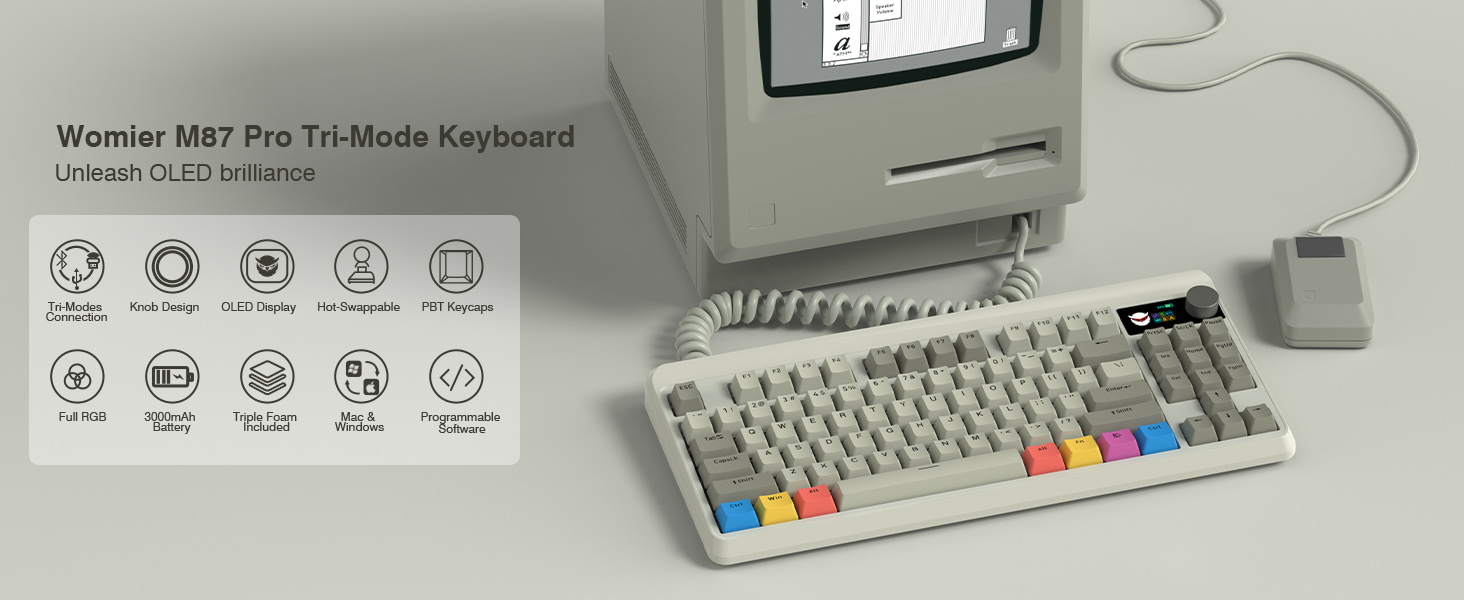
Womier Retro Gaming Keyboard with Color OLED Display&Knob, M87 Pro Bluetooth 5.1/2.4GHz /USB-C Wireless Mechanical Keyboard with Hot-Swappable Custom Switch, Compact TKL Gamer RGB Keyboard, PBT Keycaps
| Brand | COSTOM |
| Compatible Devices | PC |
| Connectivity Technology | USB-C, Bluetooth, 2.4Ghz Wireless |
| Keyboard Description | Gaming |
| Recommended Uses For Product | Gaming |
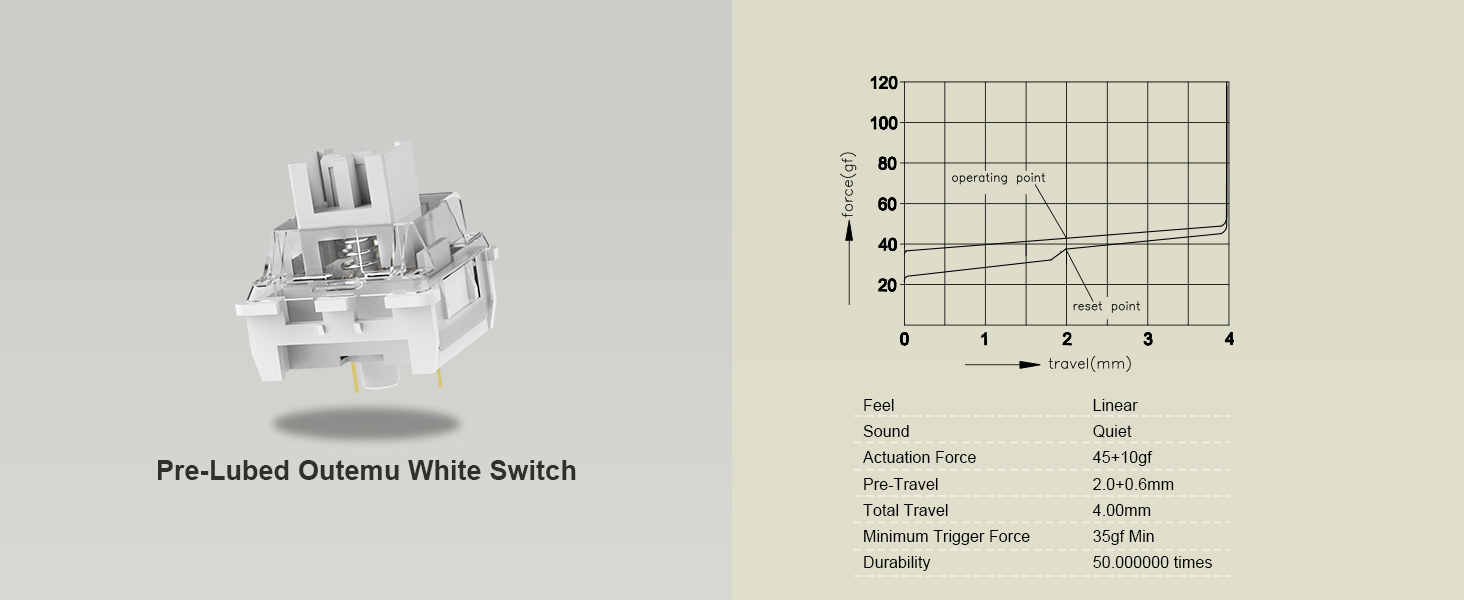
| Special Feature | Hot-Swappable |
| Color | Grey |
| Keyboard backlighting color support | RGB |
| Style | Modern |
| Material | Polybutylene Terephthalate |
| Product Dimensions | 16.73 x 7.68 x 1.97 inches |
| Item Weight | 0.03 ounces |
| Manufacturer | COSTOM |
| Item model number | M87 Pro |
| Batteries | 1 Lithium Polymer batteries required. (included) |
| Date First Available | June 30, 2023 |
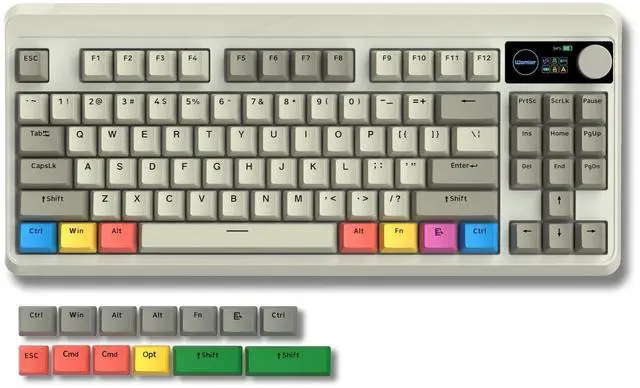
The COSTOM M87 Pro is a 75% wireless mechanical gaming keyboard with RGB lighting, hot-swappable switches, a smart OLED color display, and a multifunction knob. It suits gamers and enthusiasts who want customizable controls, personalized switch options, and compact desktop space savings.
| Attribute | Value |
|---|---|
| Best For | Compact gaming and customizable typing setups that benefit from a 75% mechanical layout, RGB backlighting, hot-swappable switches, and USB-C, Bluetooth, or 2.4GHz wireless connection |
| Layout And Switching | 75% QWERTY gaming layout with 87 buttons, 12 function keys, tactile mechanical switches, and hot-swappable switch support |
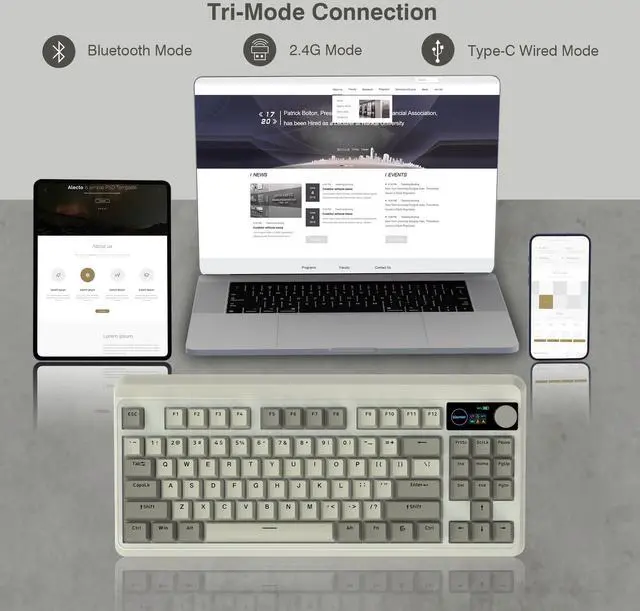
| Connectivity | Tri-mode connection through USB-C wired, Bluetooth, or 2.4GHz wireless, with a USB dongle included |
| Backlighting And Design | RGB backlighting in a modern grey Polybutylene Terephthalate enclosure with ambidextrous handling |
| Battery And Power | Rechargeable lithium-polymer battery with one cell and 6Wh energy capacity; battery is included and installed in the equipment |
| Compatibility | Compatible with PC systems |
| Package Contents | Includes one keyboard and a USB cable |
| Model Identifiers | COSTOM M87 Pro gaming keyboard, model M87 Pro, part number SHH87 Pro-bai |
Q: Womier M87 Pro vs AULA F75 Pro: which should I buy?
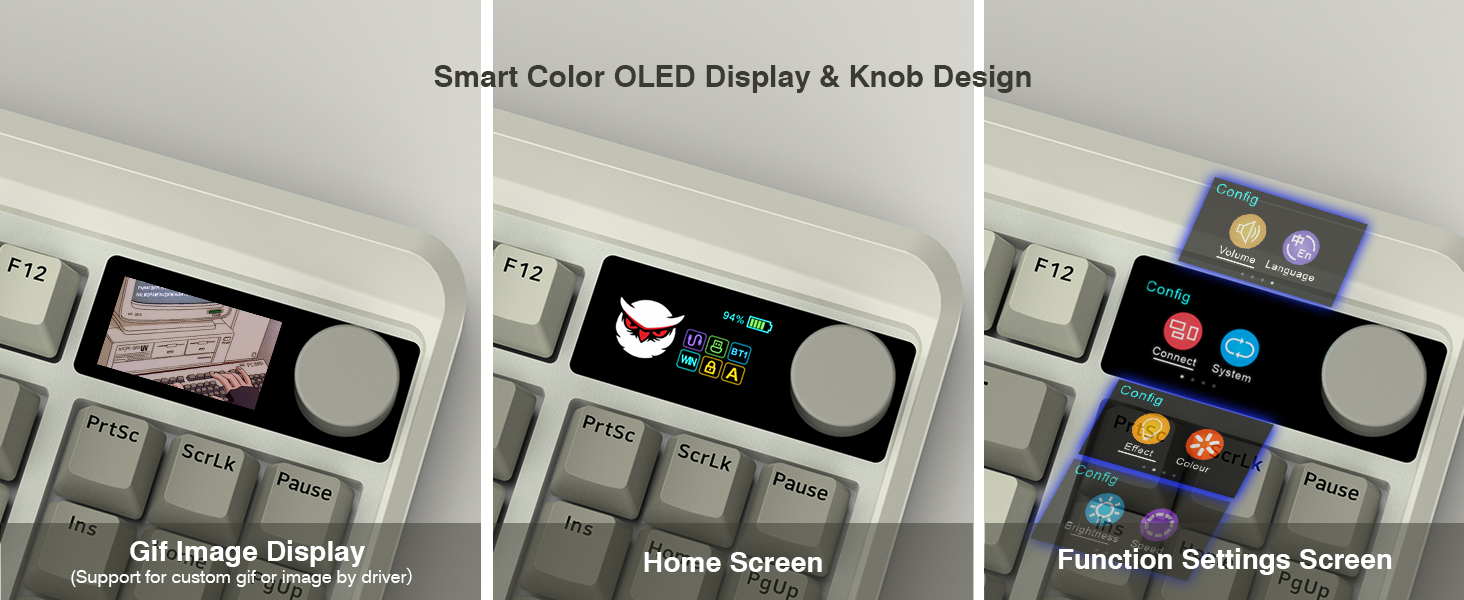
A: Choose the Womier M87 Pro if you want a retro-styled wireless keyboard with a built-in color display, programmable GIF support, and a multi-function knob. Choose the AULA F75 Pro if you prefer a gasket-mounted typing feel, five-layer sound dampening, and a larger 4000mAh battery. Both support hot-swappable 3-pin and 5-pin switches, 2.4GHz wireless, Bluetooth, and USB-C.
Q: Womier M87 Pro vs Keychron V1 Max: which is better for gaming and customization?
A: Choose the Womier M87 Pro for its built-in display, retro design, knob-based controls, and visual customization. Choose the Keychron V1 Max if software programmability is the priority, because it supports QMK/VIA, 1000Hz polling over 2.4GHz and wired connections, and a 4000mAh battery. The M87 Pro is the more display-focused option, while the V1 Max is the more firmware-focused option.
Q: Is the Womier M87 Pro worth choosing over a basic 75% wireless keyboard?
A: Choose the M87 Pro when you want more built-in controls and customization than a basic wireless 75% keyboard typically provides. Its differentiating features are the color display, GIF support, multi-function knob, tri-mode connectivity, RGB lighting, and hot-swappable PCB. A basic 75% model is the simpler choice when you only need compact size, wireless connectivity, and standard mechanical switches.
Q: Womier M87 Pro vs a 65% keyboard: which is better for portability?
A: Choose a 65% keyboard when minimum desk and bag space are the priority. Choose the M87 Pro when you want dedicated function-row and navigation-key access while retaining a compact layout. The M87 Pro is better suited to mixed gaming, work, and media use; a 65% keyboard is better suited to users who are comfortable relying on function layers for those controls.
Q: Should I upgrade from an older M87-style mechanical keyboard to the Womier M87 Pro?
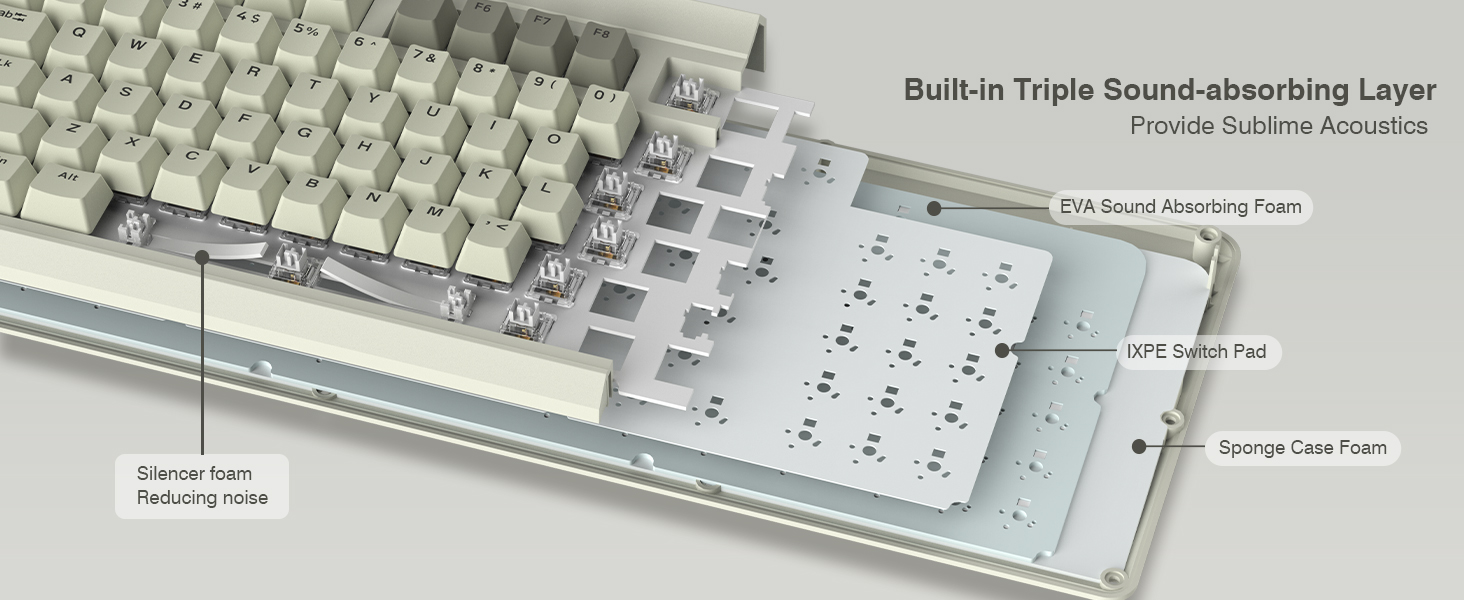
A: The upgrade makes the most sense if you want tri-mode connectivity, a color display, a programmable knob, hot-swappable 3-pin and 5-pin switch support, and added internal sound-dampening layers. If the older keyboard already provides wireless connectivity, hot-swappable switches, and the same layout, the M87 Pro is primarily a feature and customization upgrade rather than a layout change.
Q: Can this keyboard be used for both gaming and everyday work?
A: Yes. It supports USB-C wired, 2.4GHz wireless, and Bluetooth 5.1 connections, making it suitable for gaming, typing, meetings, and general desktop work. Its 75% layout saves desk space but does not include a dedicated number pad.
Q: Is it practical to carry this keyboard between workspaces or while traveling?
A: It is relatively travel-friendly because the 75% layout is more compact than a full-size keyboard and it can operate over Bluetooth or 2.4GHz wireless. The main trade-offs are the lack of a number pad and the need to carry the wireless receiver or USB cable when required.
Q: Can I replace the switches without soldering?
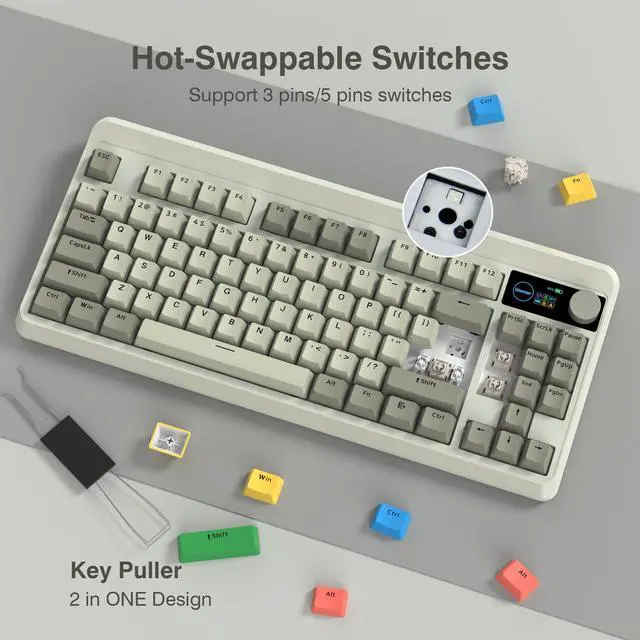
A: Yes. The keyboard has a hot-swappable PCB that supports most 3-pin and 5-pin mechanical switches, so switches can be changed without soldering. This is useful for adjusting the key feel, sound, or actuation preference over time.
Q: Is this keyboard quiet enough for an office or shared workspace?
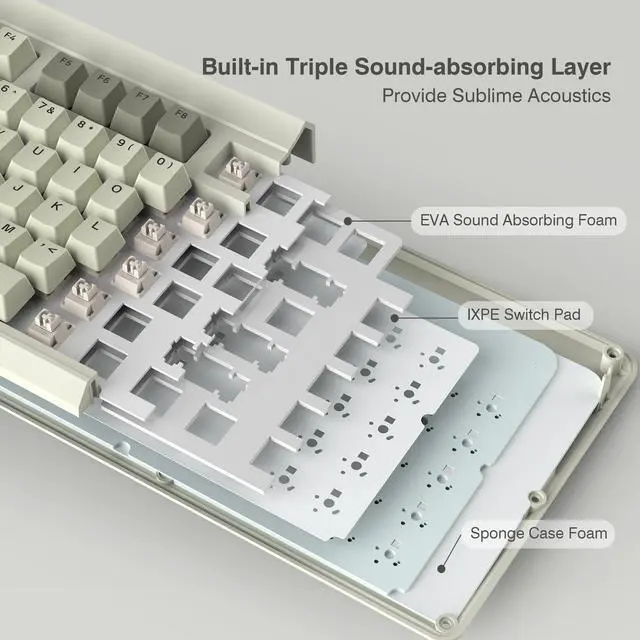
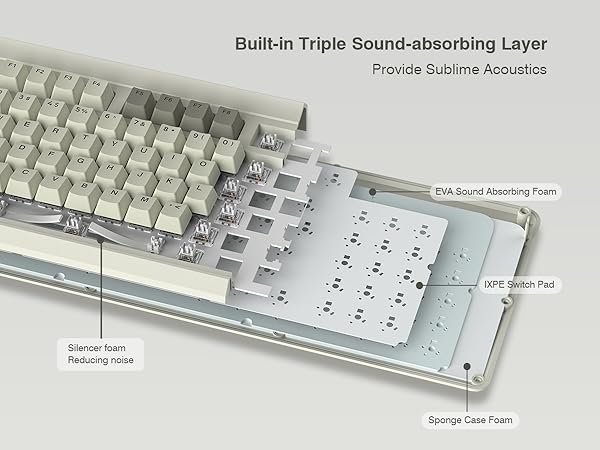
A: It should be quieter than an un damped mechanical keyboard because it uses multiple sound-absorbing layers and additional space-bar foam. However, its tactile mechanical switches still produce audible key sounds, so it is not a silent keyboard and may not be ideal for noise-sensitive spaces.
Q: Is the M87 Pro a good choice for gaming and everyday typing?
A: Yes, if you want a compact 75% mechanical keyboard with RGB lighting, tactile switches, tri-mode connectivity, and hot-swappable switches. It is less suitable if you regularly need a dedicated number pad or prefer a full-size layout.
Q: Is the OLED display useful or mostly a gimmick?
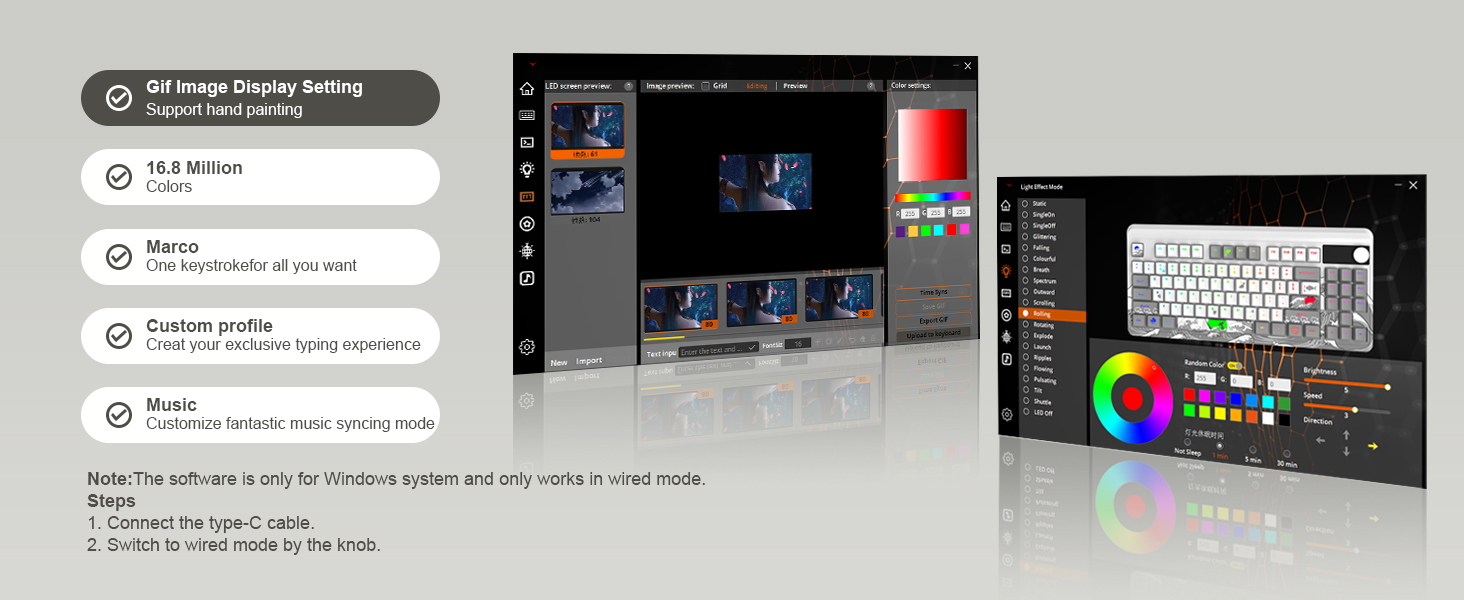
A: The OLED display is mainly a convenience and customization feature. It can show keyboard status and custom GIFs, but community discussion suggests it is not essential for typing or gaming and may feel gimmicky if you do not use the status information or animations.
Q: What are the main trade-offs of choosing this keyboard?
A: The main trade-offs are the compact layout, possible software and setup limitations, and variable wireless or control behavior reported in community discussions. The 75% layout saves desk space but removes the number pad, while the display, knob, and wireless modes add features that may require configuration.
Q: Is the M87 Pro suitable for someone who wants to customize a keyboard?
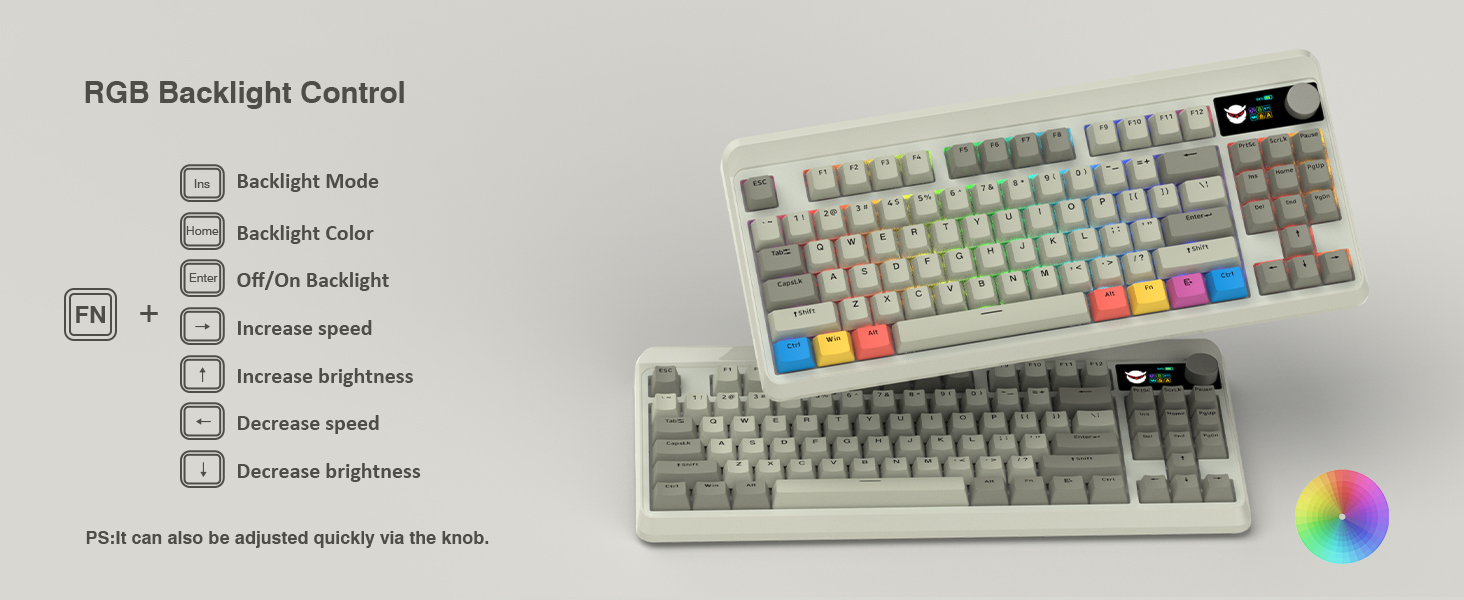
A: Yes. Its hot-swappable PCB allows switch changes without soldering, and the RGB lighting, macros, and OLED content can be configured through software. It is a better fit for users who want to experiment with switches, keycaps, lighting, or display graphics than for users seeking a no-configuration keyboard.
Q: Is it a good replacement for a full-size keyboard?
A: Only if you can work without a dedicated number pad. The 75% layout retains the function row and arrow keys while reducing overall size, so it is more suitable for gaming, general typing, and space-limited desks than for frequent spreadsheet or number-entry work.