here!
I’m your shopping assistant for PC builds, upgrades, and everything tech.
Got questions? Ask away!
Start a conversation
here!
I’m your shopping assistant for PC builds, upgrades, and everything tech.
Got questions? Ask away!
Start a conversation



Any questions? Ask CelesteSM will help you find out quickly.
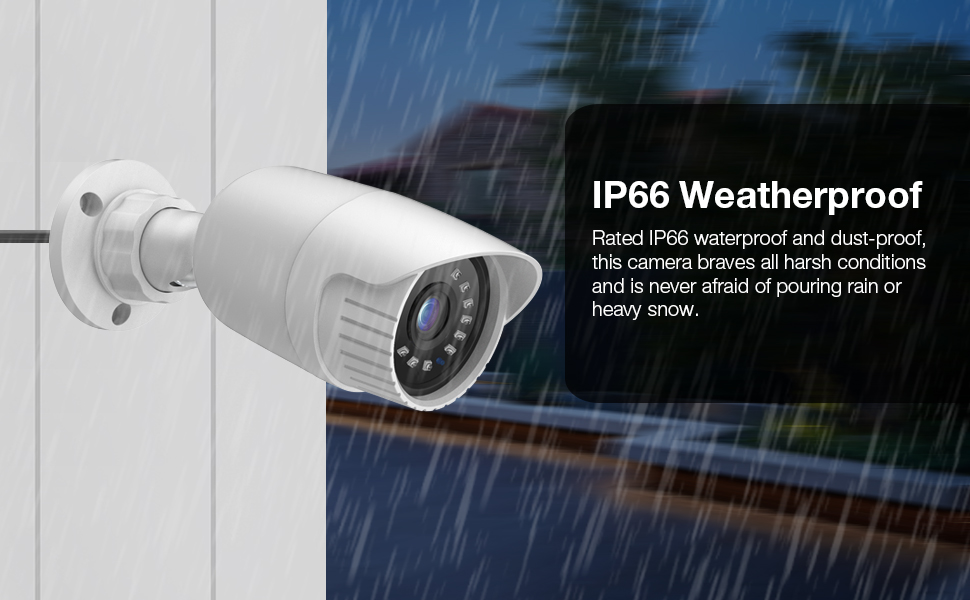
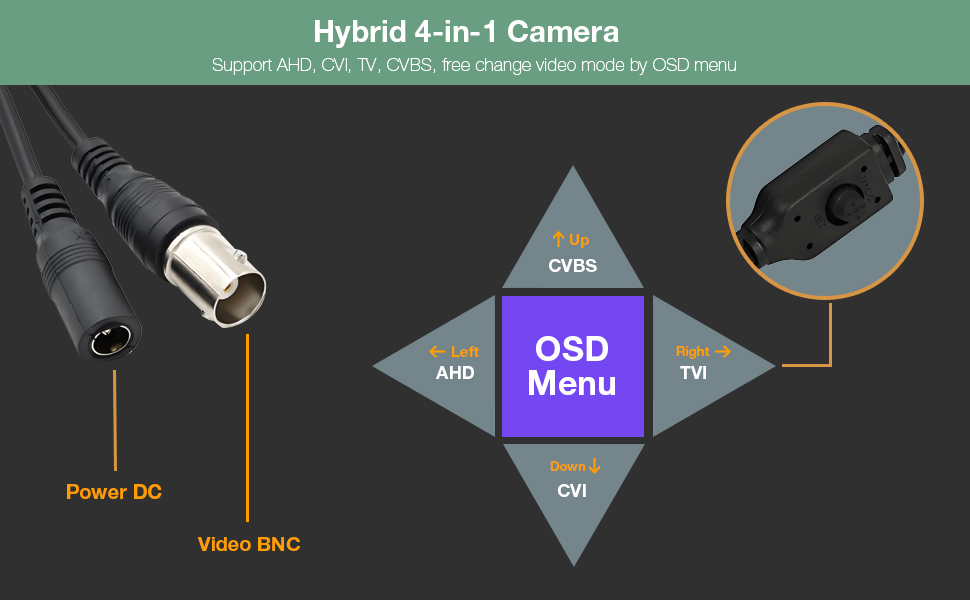
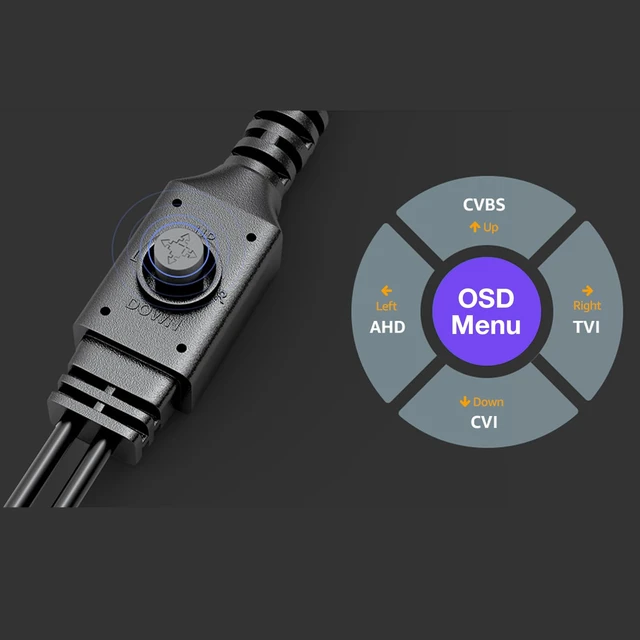
1.Press and hold the OSD "UP" key for 5 seconds to switch to "CVBS" mode
2.Press and hold the OSD "LEFT" key for 5 seconds to switch to "AHD" mode
3.Press and hold the OSD "DOWN" key for 5 seconds to switch to "CVl" mode
4.Press and hold the OSD "RlGHT" key for 5 seconds to switch to "TVI" mode
1.Press and hold the OSD "UP" key for 5 seconds to switch to "CVBS" mode
2.Press and hold the OSD "LEFT" key for 5 seconds to switch to "AHD" mode
3.Press and hold the OSD "DOWN" key for 5 seconds to switch to "CVl" mode
4.Press and hold the OSD "RlGHT" key for 5 seconds to switch to "TVI" mode
| Image Sensor | 2MP COMS |
| Video System | PAL/NTSC |
| Video Frame Rate | AHD/TVI/CVI 2MP@25fps(PAL) 30fps(NTSC) CVBS 960H |
| Video Output | 1channel, HDCVI / HDTVI / AHD / CVBS optional |
| Viewing Angle | 95 degrees |
| Smart IR Control | Support |
| Day/Night | Auto(ICR) / color / B/W |
| OSD Menu | Support, coaxial cable control via DVR directly (UTC) |
| Other Function | AWB,AGC |
| Power Supply | DC12V±10% |
| Power Consumption | <8W |
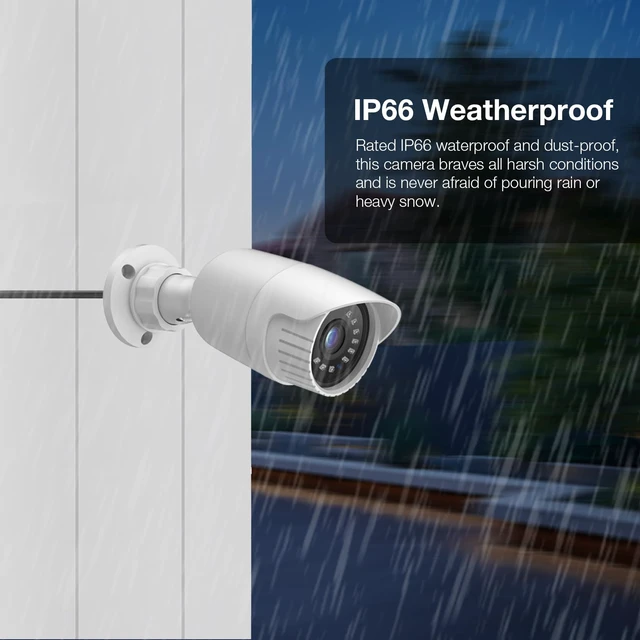
| Working Environment | -22°F to 140°F / < 95% RH |
| IR LED | Array IR LED, small IR LED optional |
| IR Distance | 33/49/66/98/164/262 Ft Optional |
| Transmission Distance | 80 via 75-3 coaxial cable |

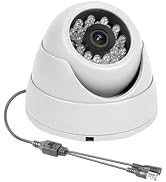
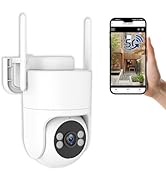
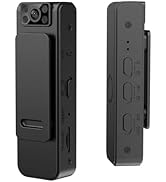
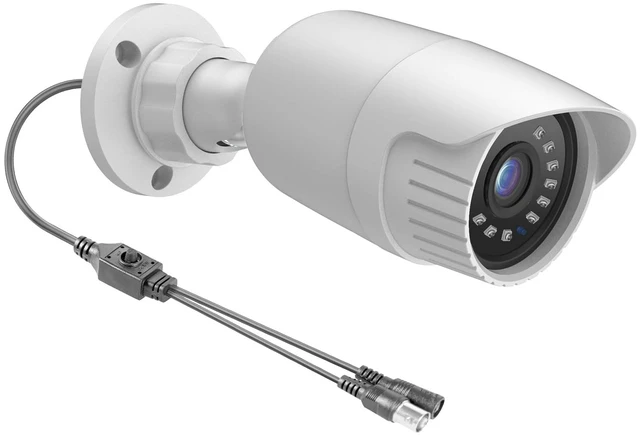
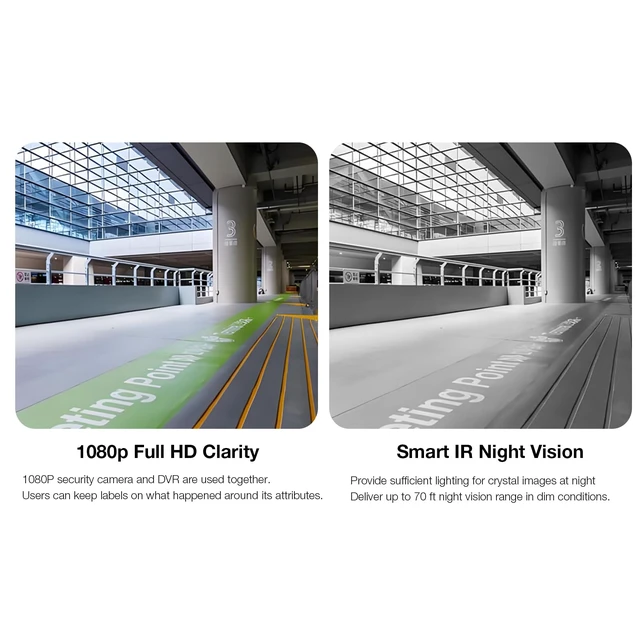
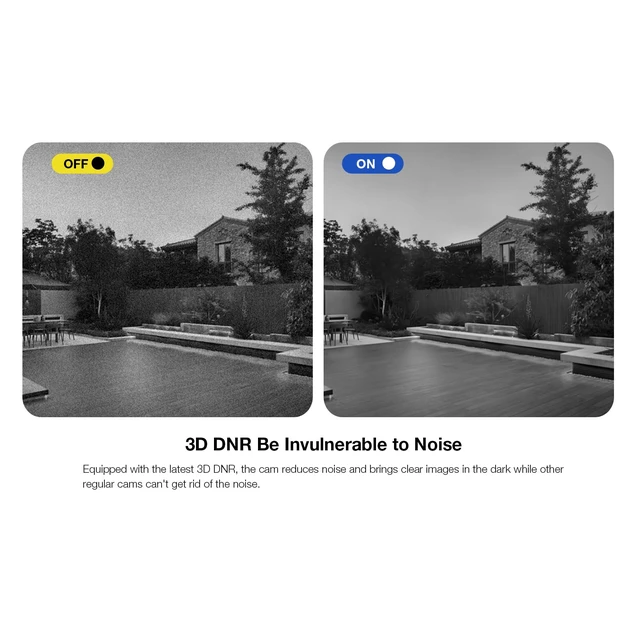
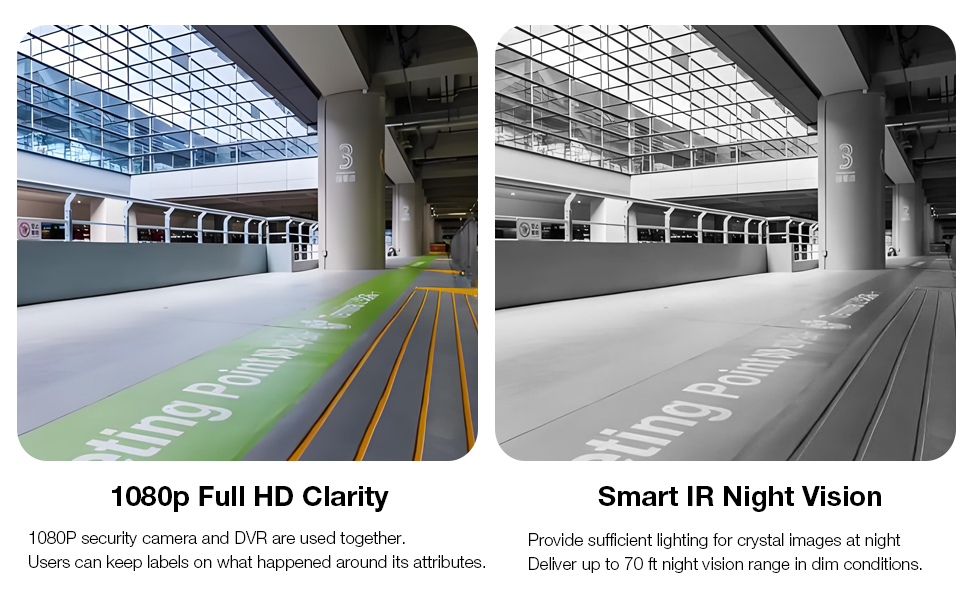
Home security camera system with HD CMOS sensor within high sensitivity CMOS image sensor, image quality emerge both on day and night environment
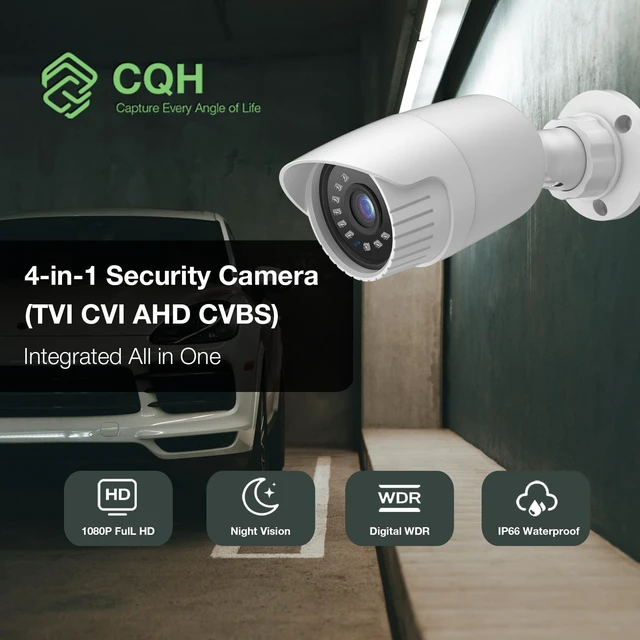
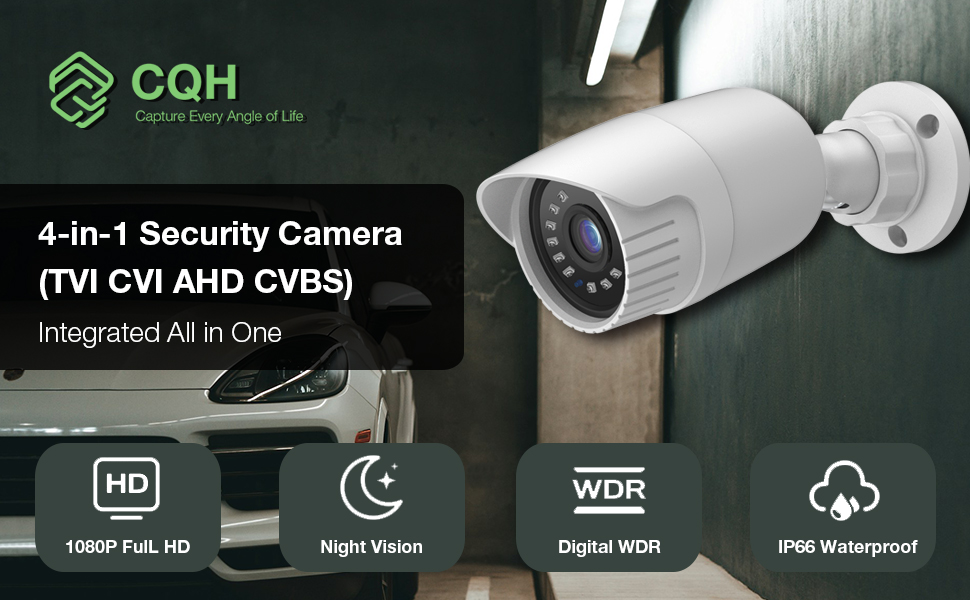
4-in-1 Multiply Video modes output Support 4 HD signals switch output, AHD/HDCVI/HDTVICVBS
OSD menu control up the coaxial cable (UTC)Camera parameters can be setup via built-in menu. Security cameras wired all the configuration can be changed by back-end DVR directly up the coaxial. No need press the cable button
This surveillance & security cameras can support OSD menu coaxial control by reusing the video cable. without menu button, wired outdoor camera parameters via DVR directly (the DVR also should support UTC)
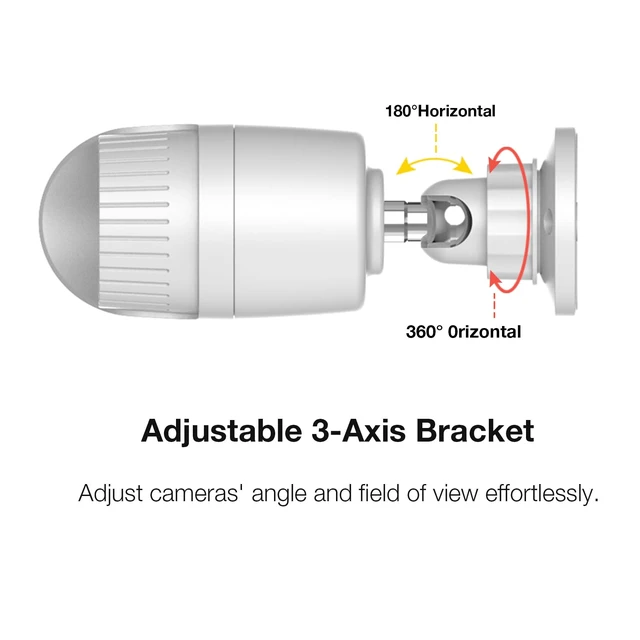
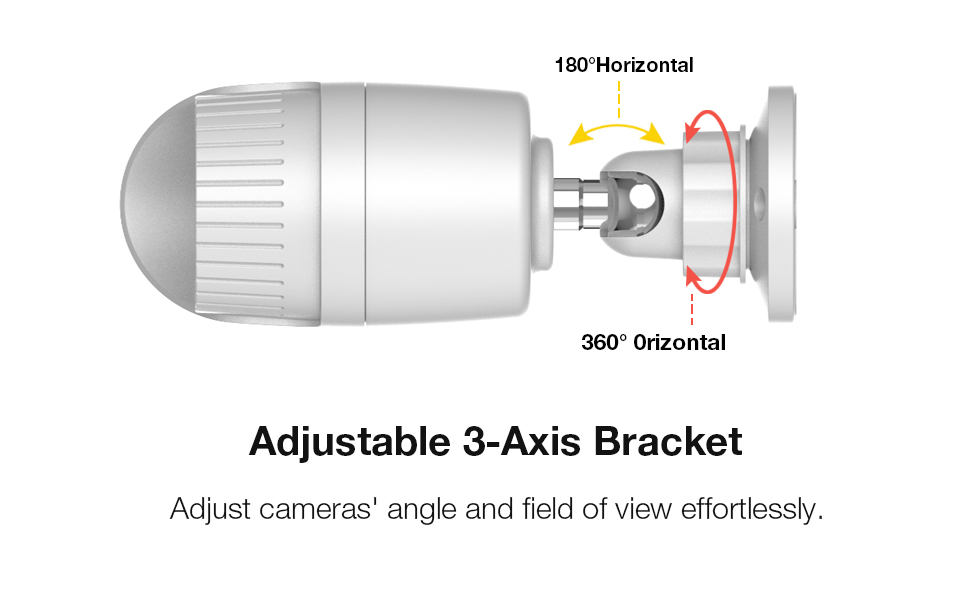
Adjustable 3-Axis Bracket: 180°Horizontal / 360°Orizontal, Adjust cameras' angle and field of view effortlessly.
Long press OSD "UP" button for 5 seconds CVBS mode
Long press OSD "LEFT" button for 5 seconds AHD mode
Long press OSD "DOWN" button for 5 seconds HDCVI mode
Long press OSD "RIGHT" button for 5 seconds HDTVI mode
Parameters Specifications
Image sensor: CMOS
Effective pixels :1920×1080
Minimum illumination :0.01Lux (F1&AGC on)
Video format: PAL/NTSC
Video output: HDCVI/HDTV/AHD/CVBS (optional)
Power input: DC12V±10%
Power consumption: <8W
Operating temperature: -30°C~+60°C (humidity95%RH)
Infrared distance: 10/20/30 meters (optional)
Transmission distance: 80 meters (75-3 coaxial cable)