



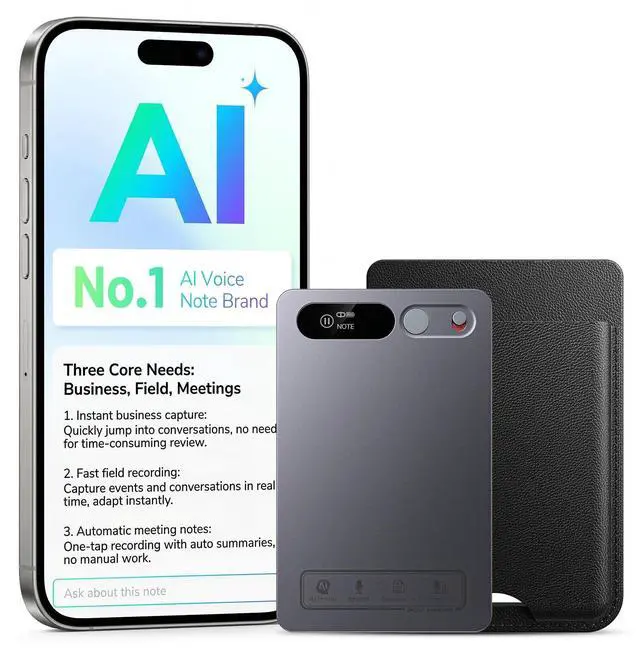


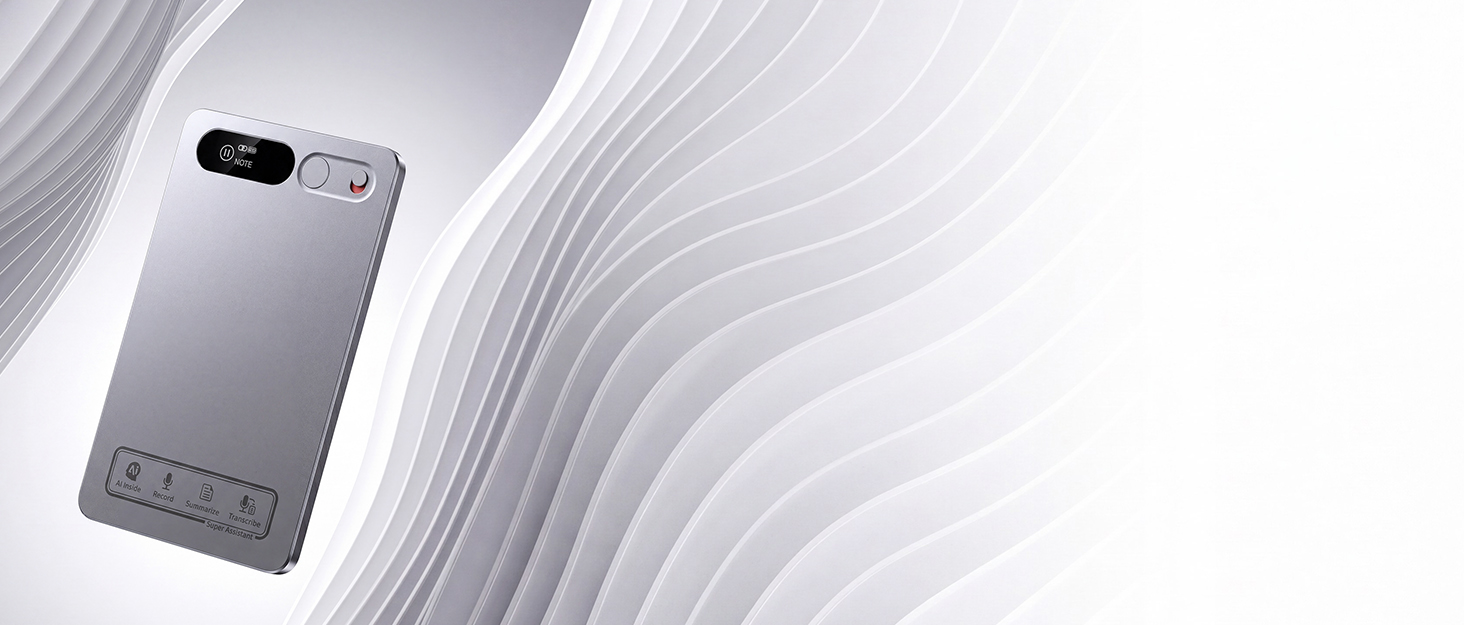

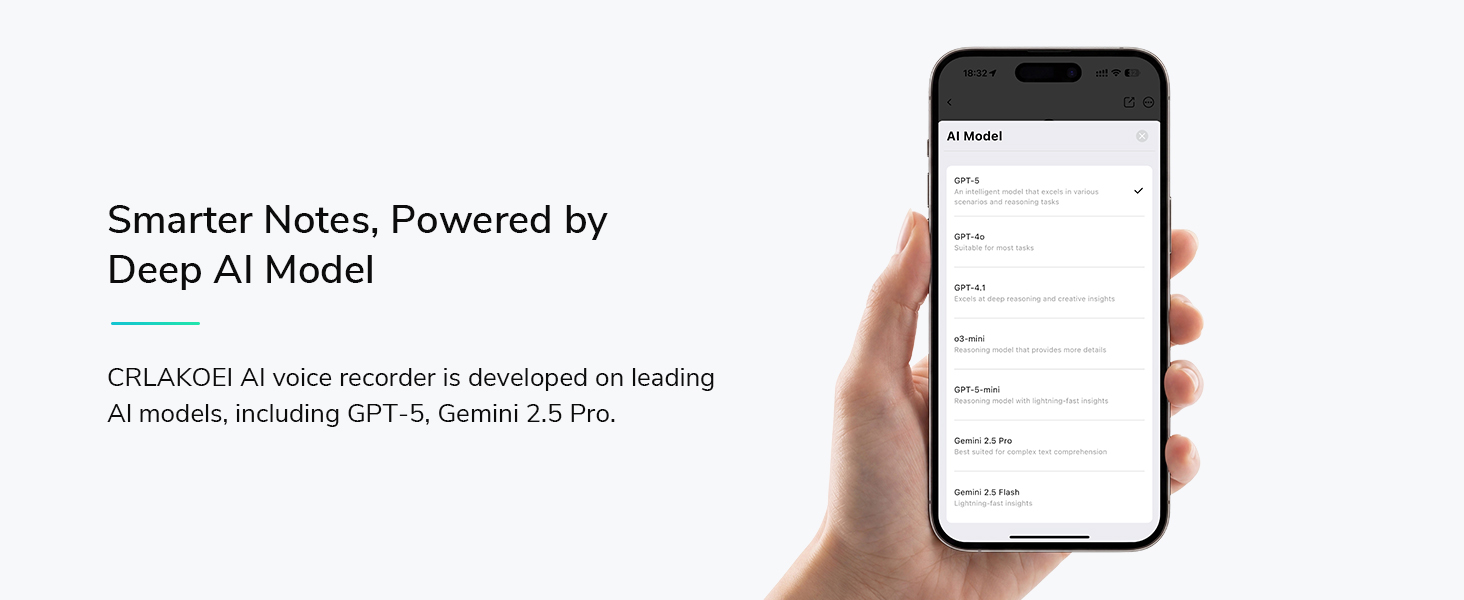
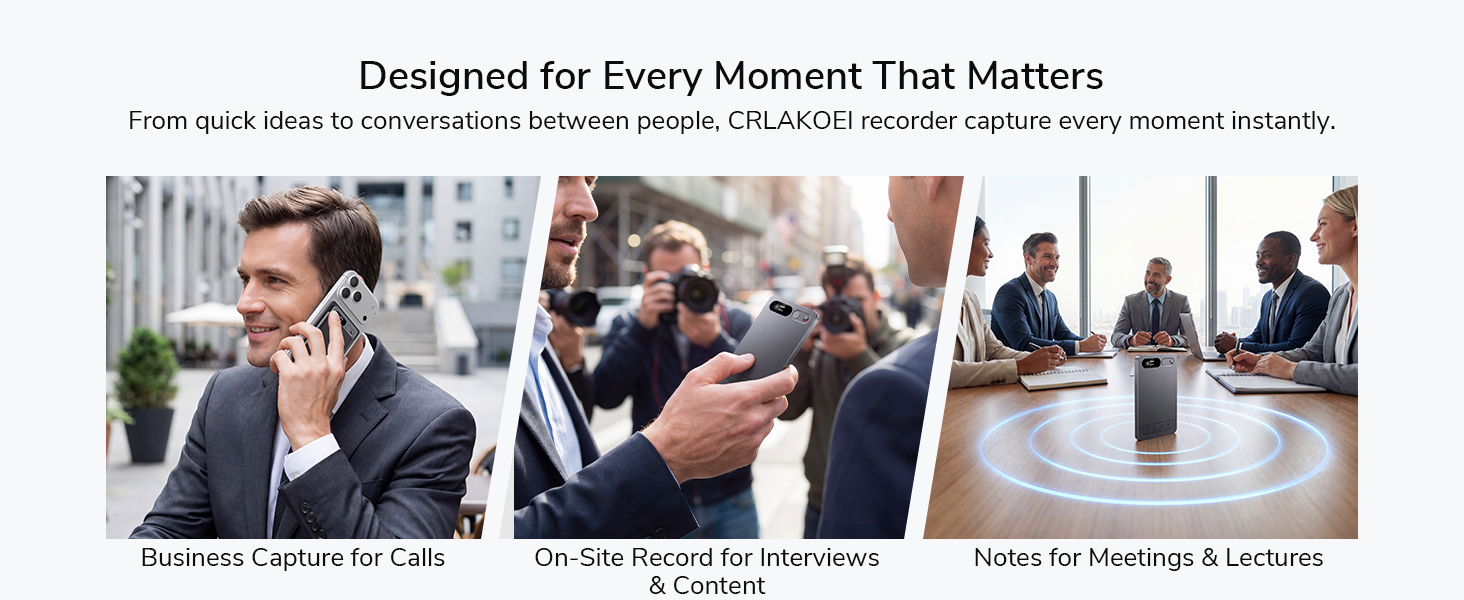
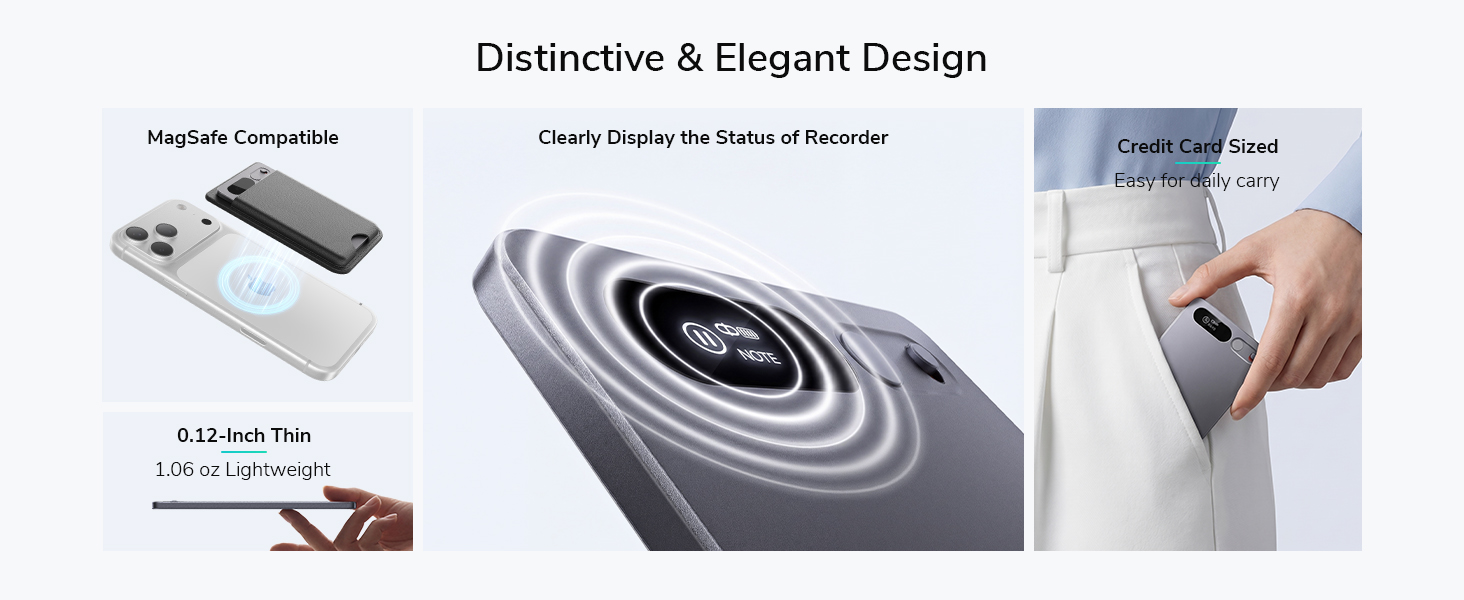
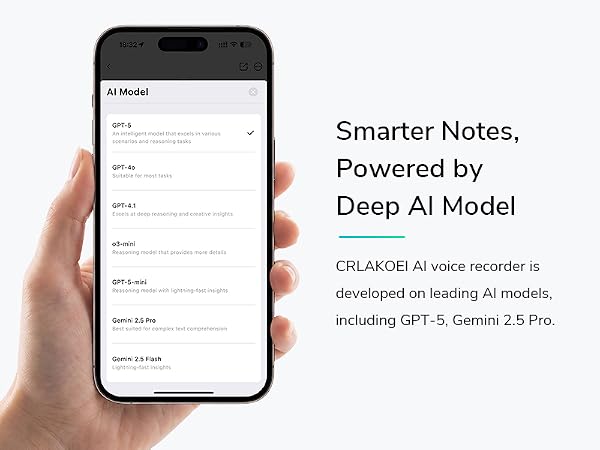
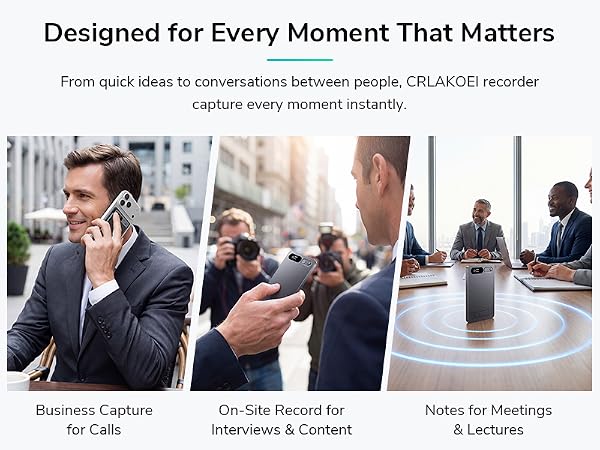
CRLAKOEI is a dynamic designer brand for intelligent audio. Our AI Voice Recorder combines sleek design with advanced voice recognition, delivering clear recording and smart transcription. We are committed to quality and care, empowering professionals, students, and creators with effortless note-taking and productivity.

How is the CRLAKOEI AI Voice Recorder different from the voice recorder on my smartphone?
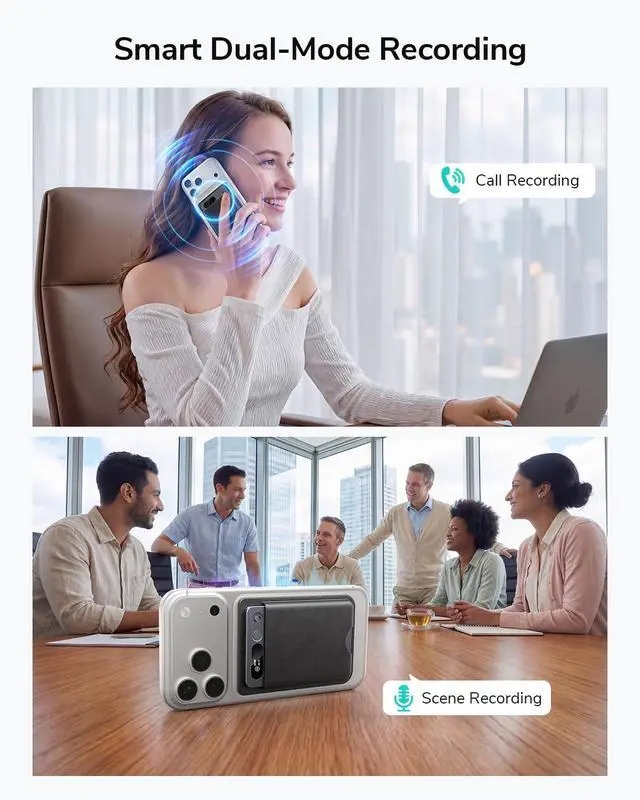
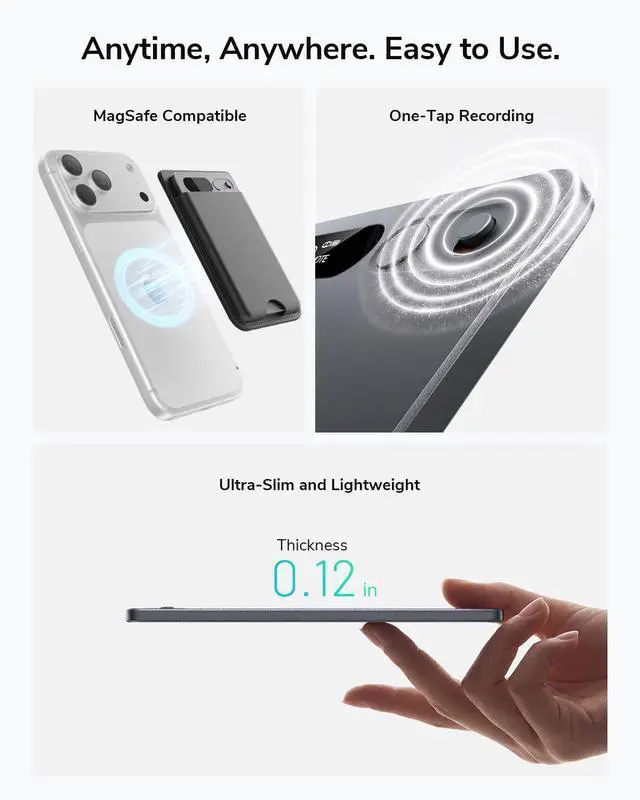
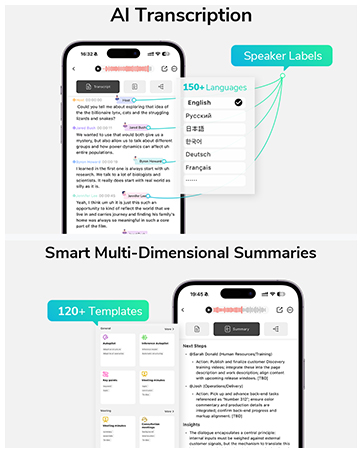
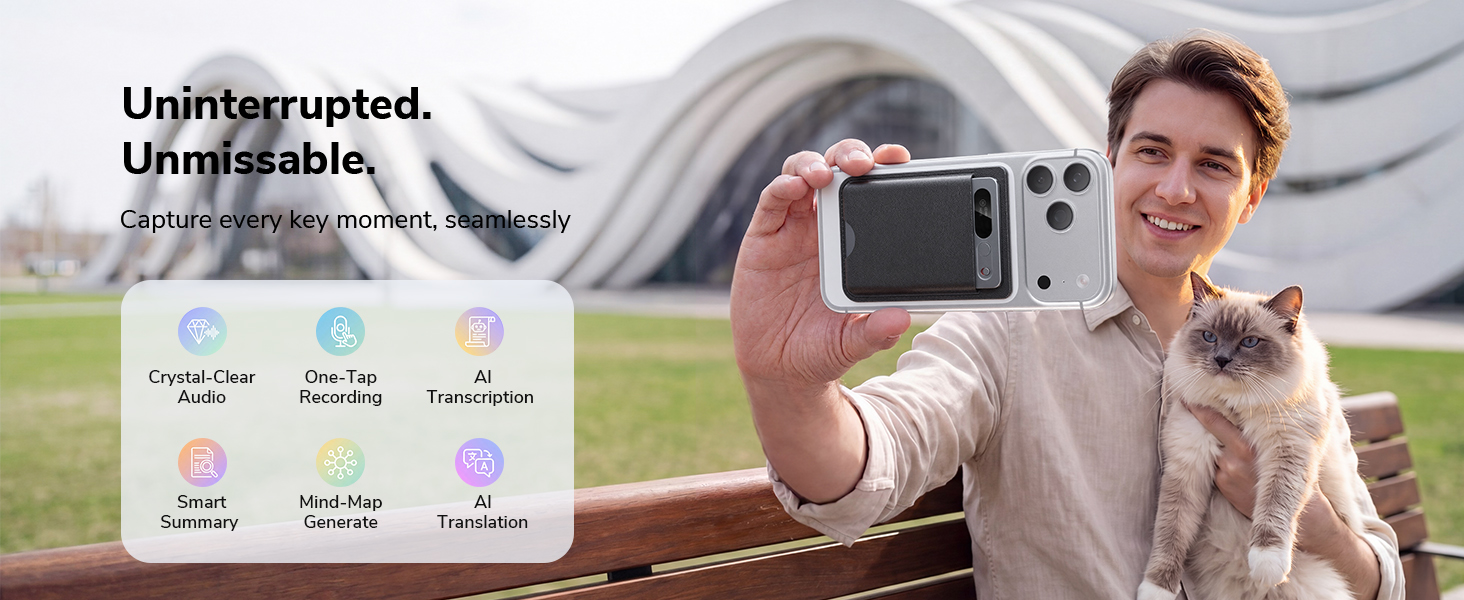
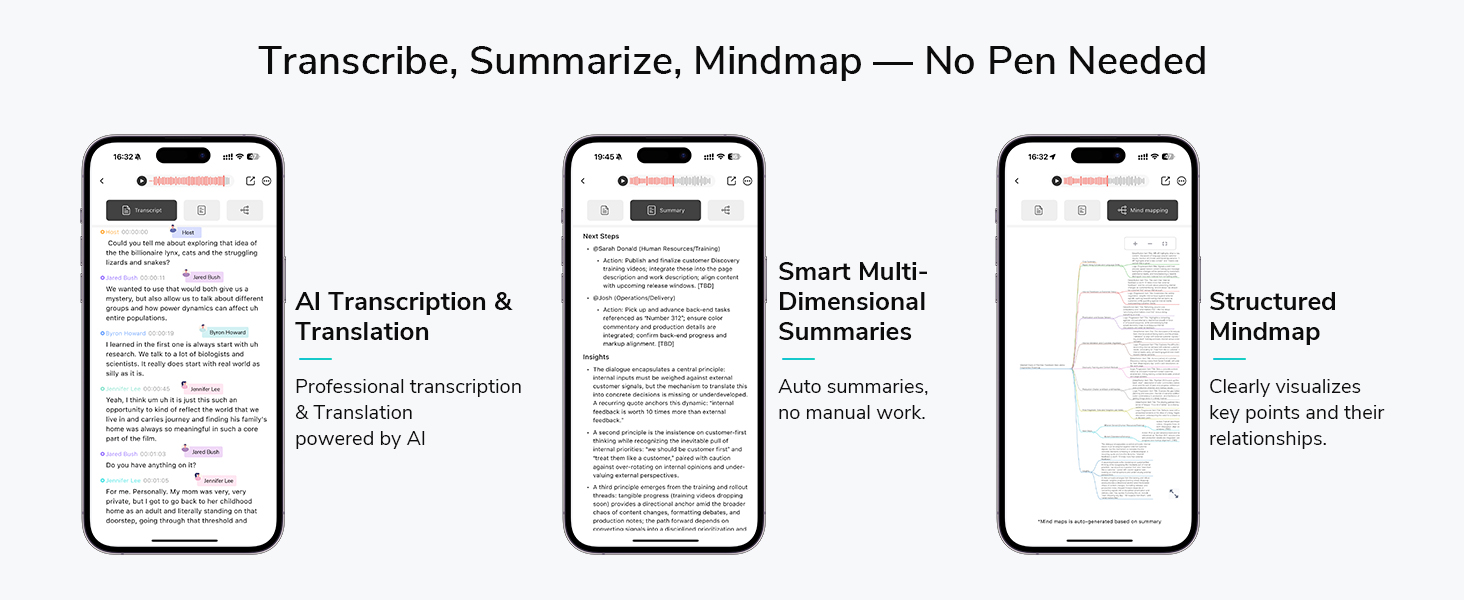
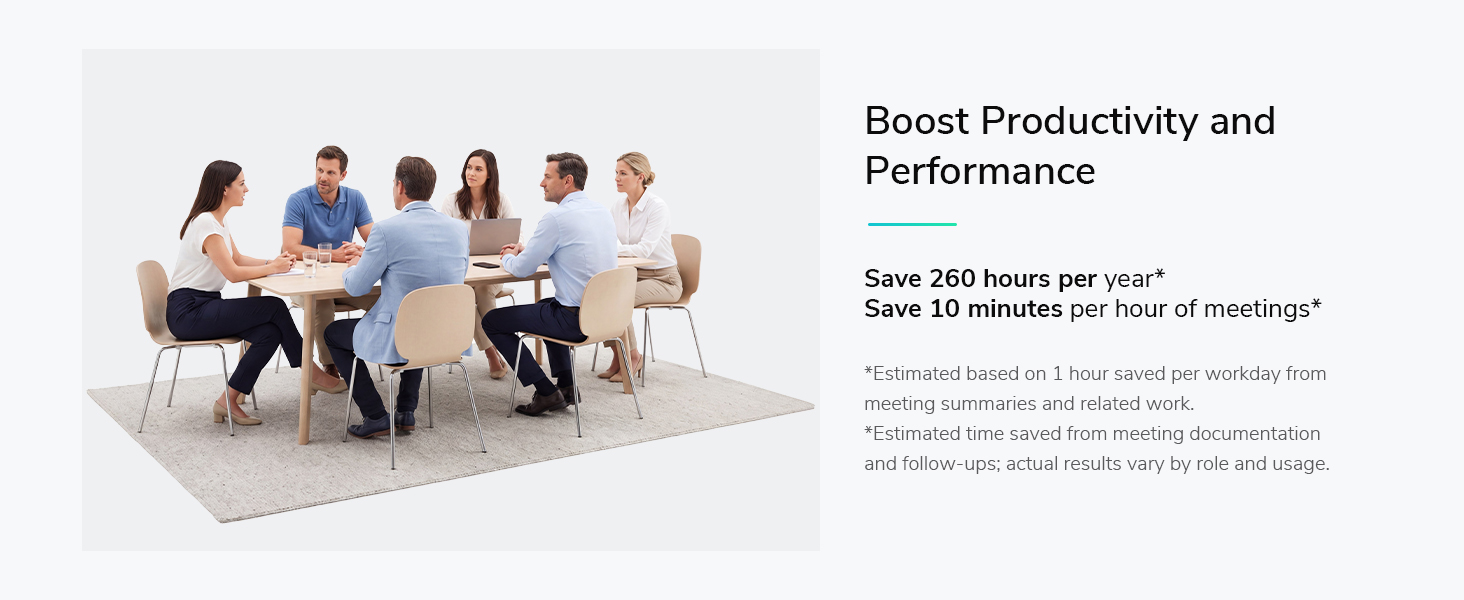
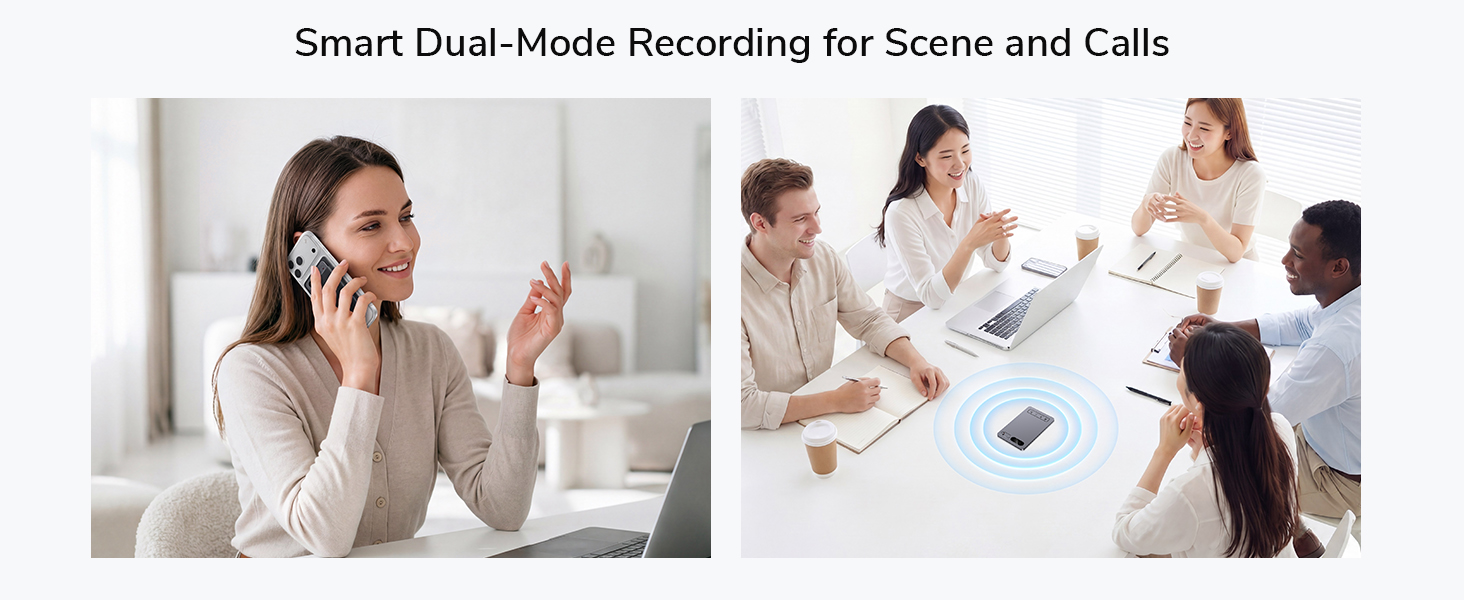
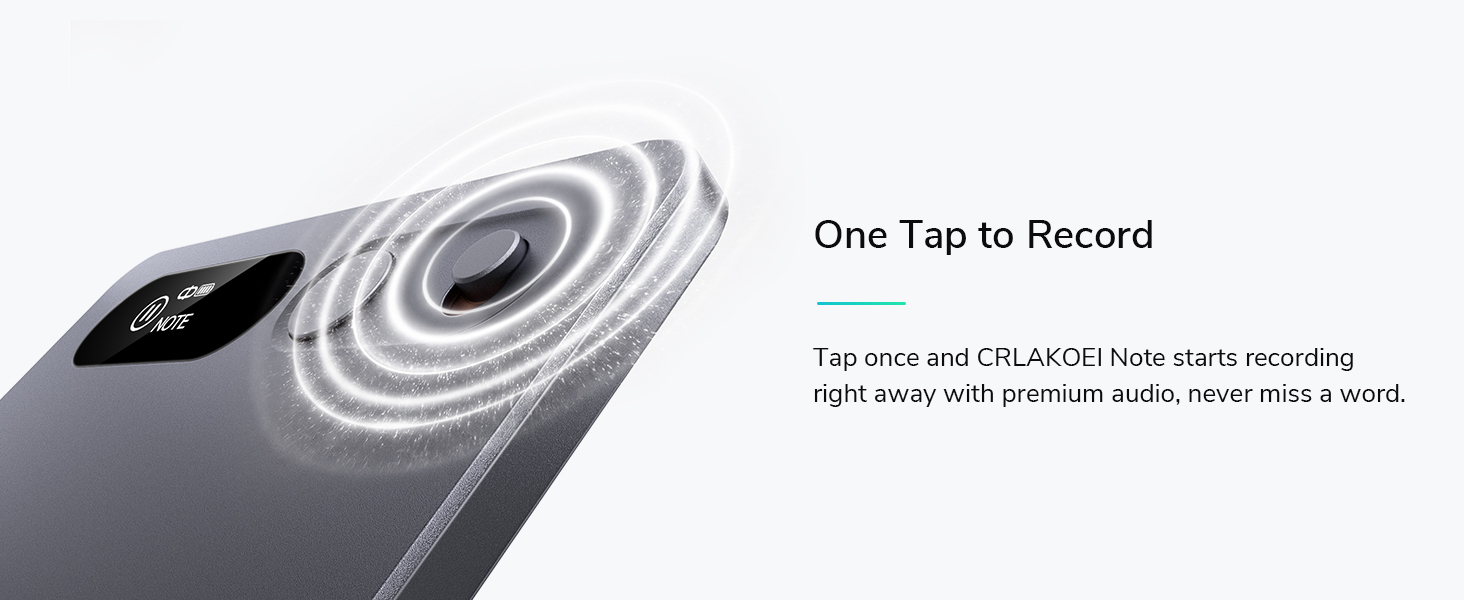
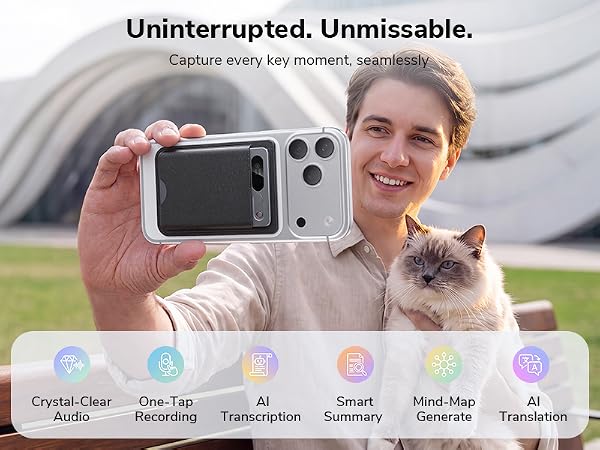
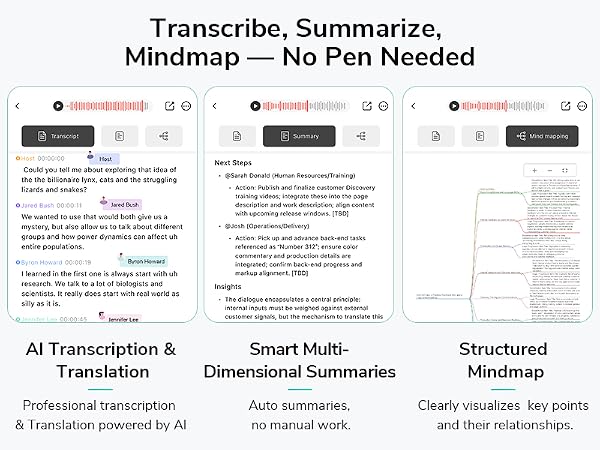
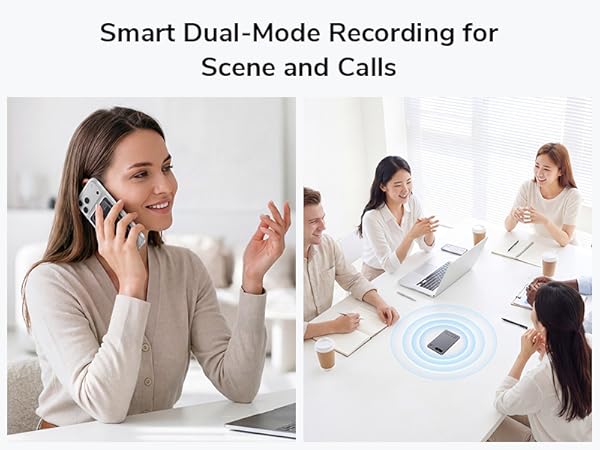
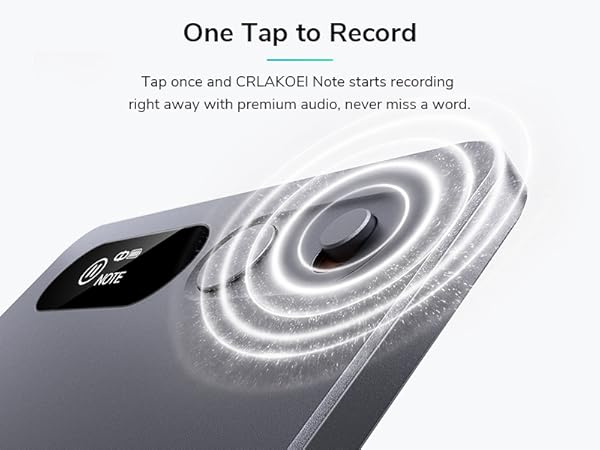
It starts recording with one tap and keeps recording without interruption. It also automatically transcribes audio into text and helps turn recordings into useful summaries and action items, saving you time on manual follow-up.
How many languages does the CRLAKOEI app support?
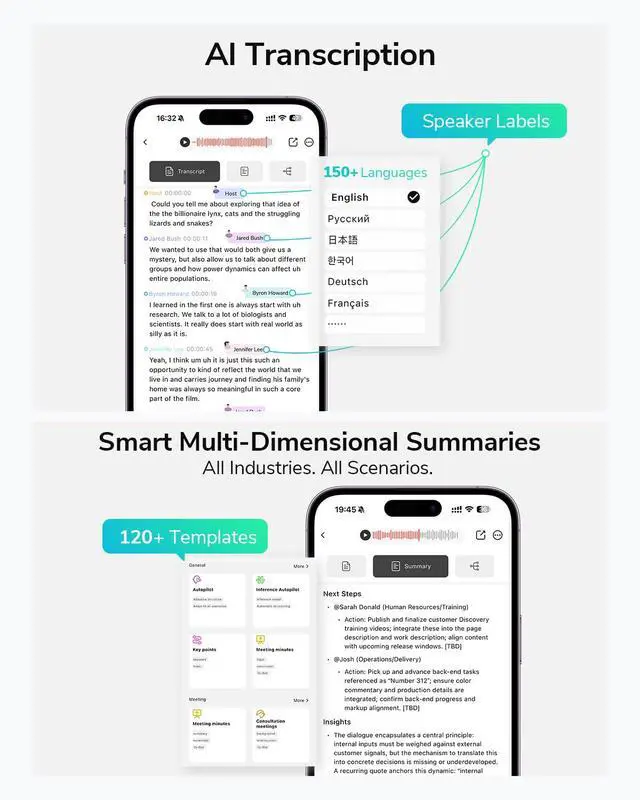
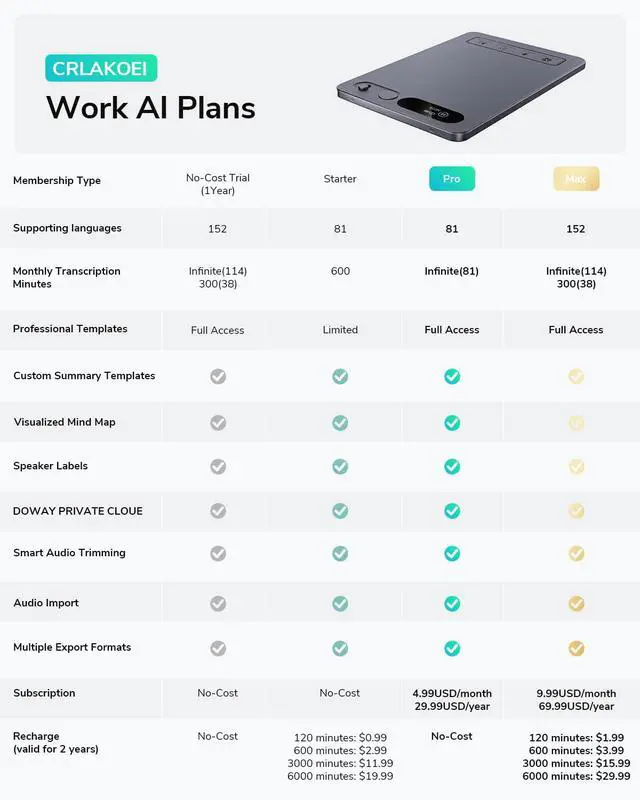
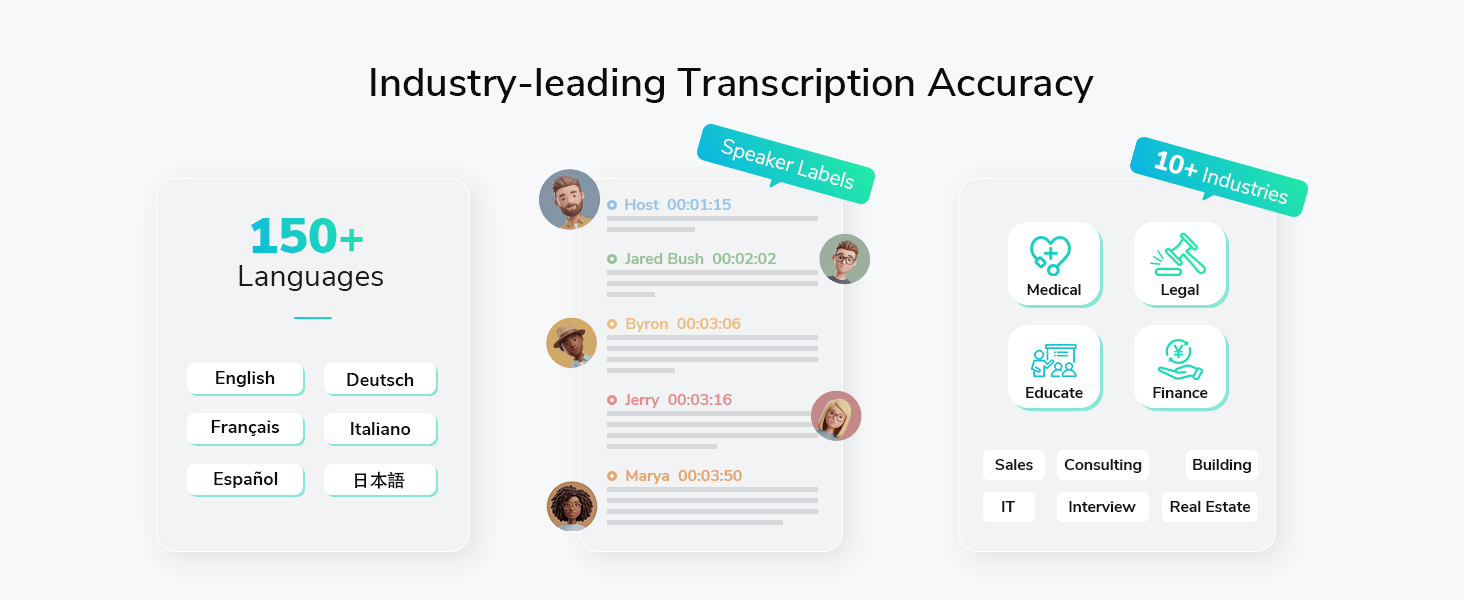
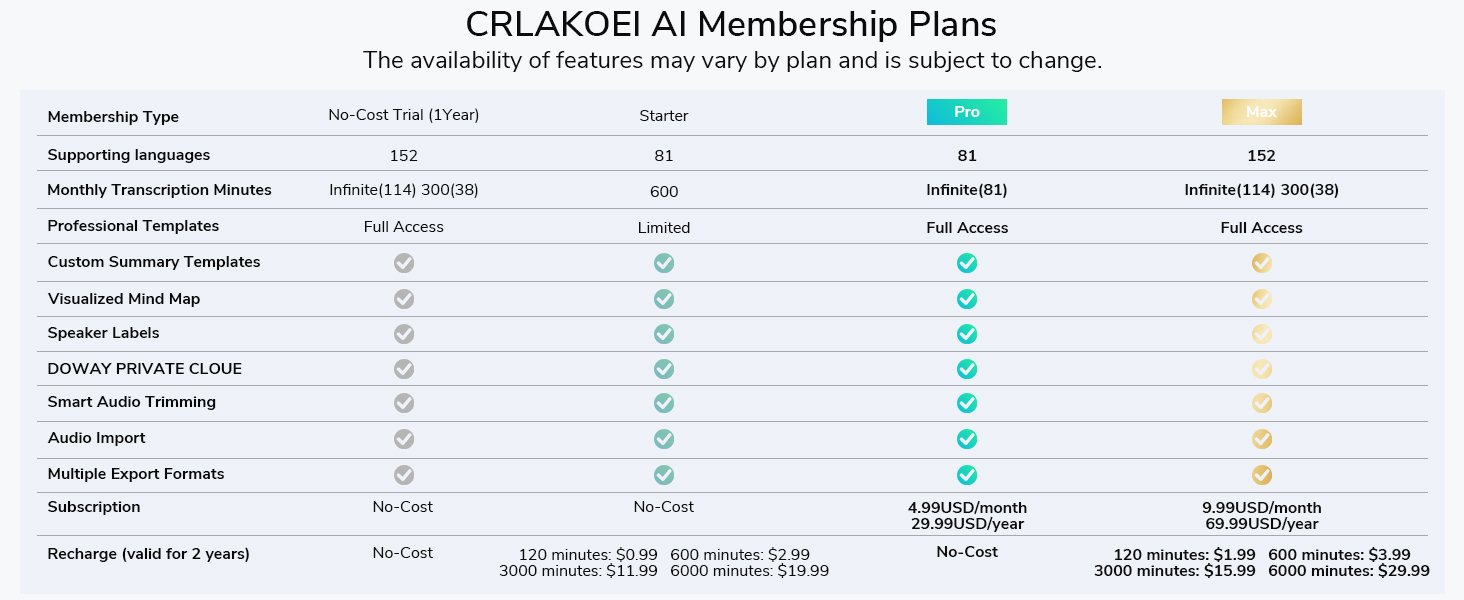
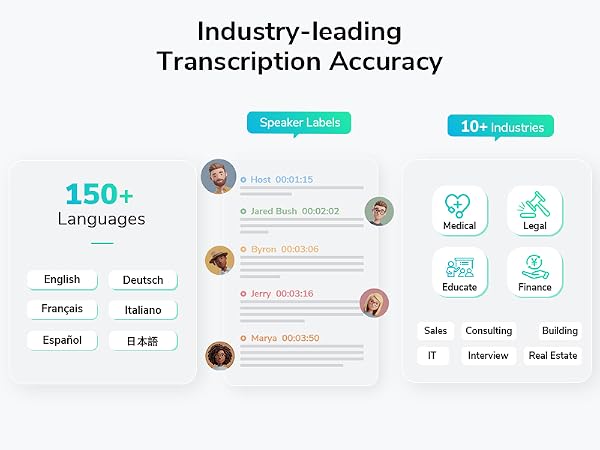
The app supports 25 interface languages and transcription in 152 languages.
How long does the battery last on the CRLAKOEI AI Voice Recorder?
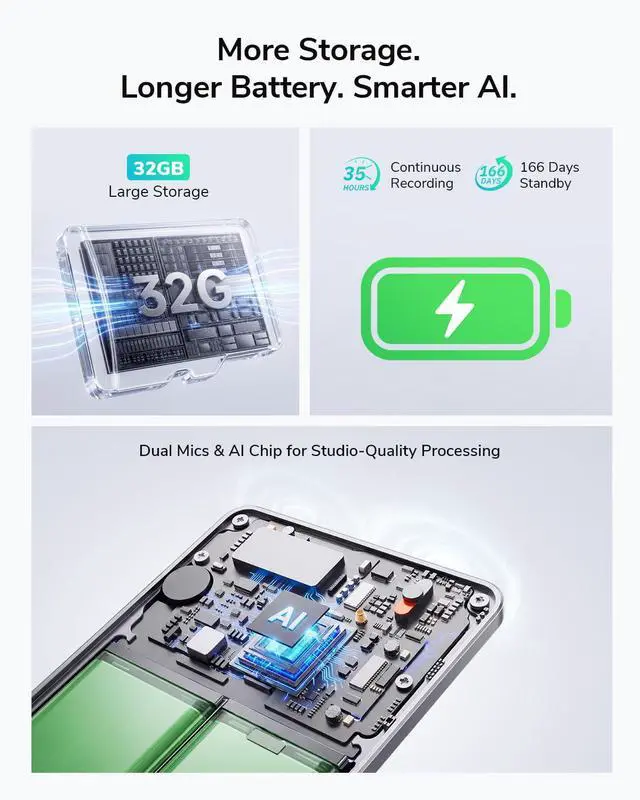
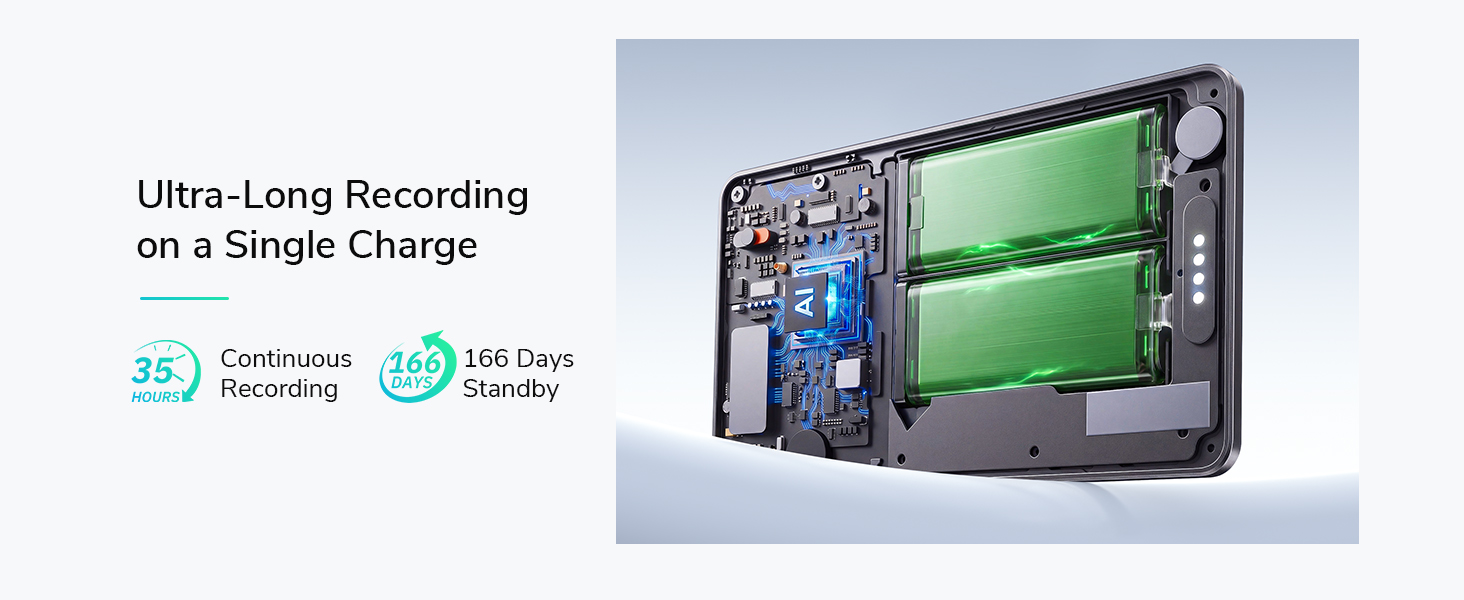
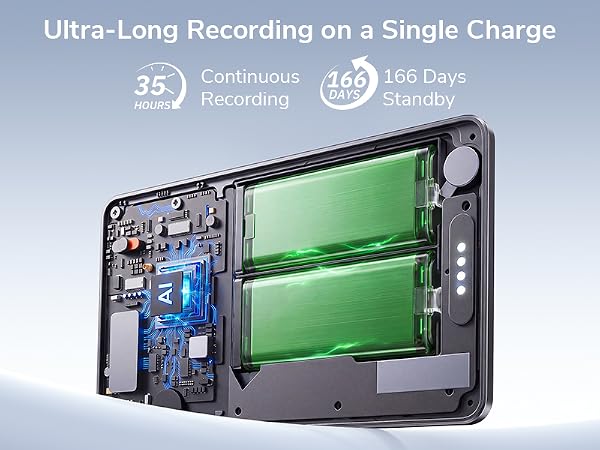
It offers up to 35 hours of continuous recording and up to 166 days of standby time, making it ideal for long meetings and all-day use on a single charge.
How do I transcribe and translate a recording?
You’ll need a recording first. After transcription is complete, tap the icon in the top right corner, select the content you want to translate, choose the translation server location and target language, then tap OK.
Where are recordings and transcriptions stored?
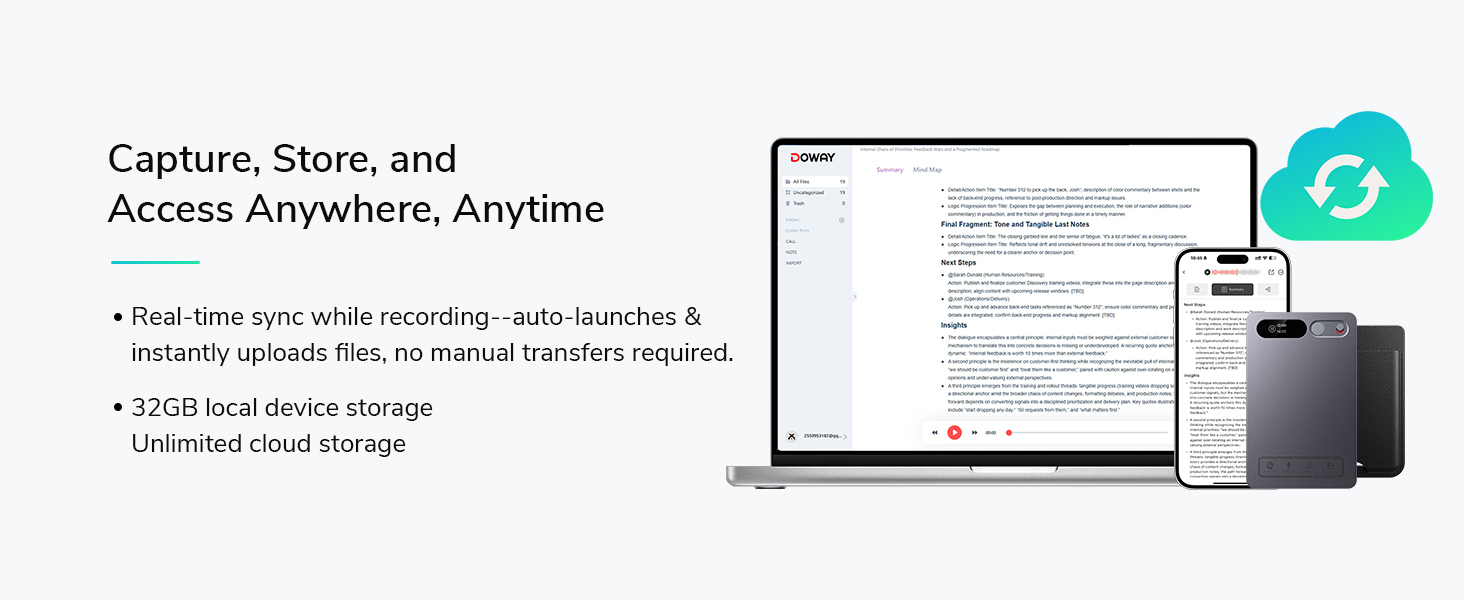
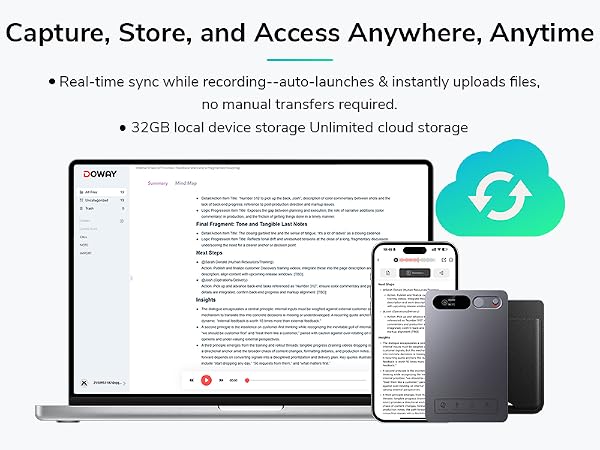
When the app is connected, recordings are saved to both the device memory and the mobile app. When disconnected, they are saved to the device memory and can be synced to the app later. Transcriptions are stored only in the mobile app.


How is the CRLAKOEI AI Voice Recorder different from the voice recorder on my smartphone?
It starts recording with one tap and keeps recording without interruption. It also automatically transcribes audio into text and helps turn recordings into useful summaries and action items, saving you time on manual follow-up.
How many languages does the CRLAKOEI app support?
The app supports 25 interface languages and transcription in 152 languages.
How long does the battery last on the CRLAKOEI AI Voice Recorder?
It offers up to 35 hours of continuous recording and up to 166 days of standby time, making it ideal for long meetings and all-day use on a single charge.
How do I transcribe and translate a recording?
You’ll need a recording first. After transcription is complete, tap the icon in the top right corner, select the content you want to translate, choose the translation server location and target language, then tap OK.
Where are recordings and transcriptions stored?
When the app is connected, recordings are saved to both the device memory and the mobile app. When disconnected, they are saved to the device memory and can be synced to the app later. Transcriptions are stored only in the mobile app.
CRLAKOEI is a dynamic designer brand for intelligent audio. Our AI Voice Recorder combines sleek design with advanced voice recognition, delivering clear recording and smart transcription. We are committed to quality and care, empowering professionals, students, and creators with effortless note-taking and productivity.