


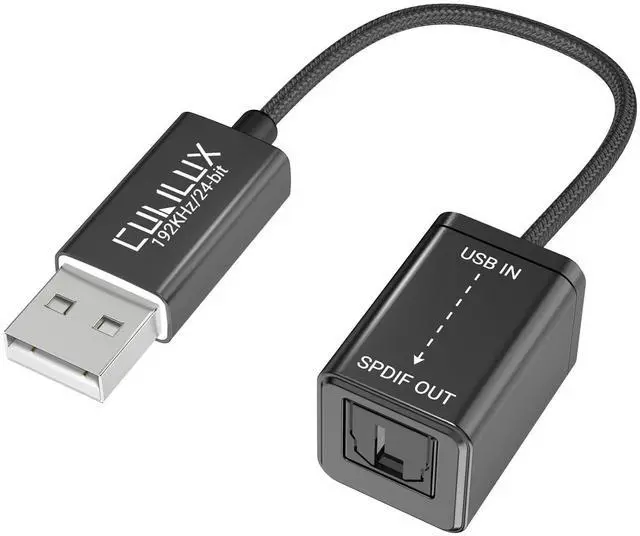
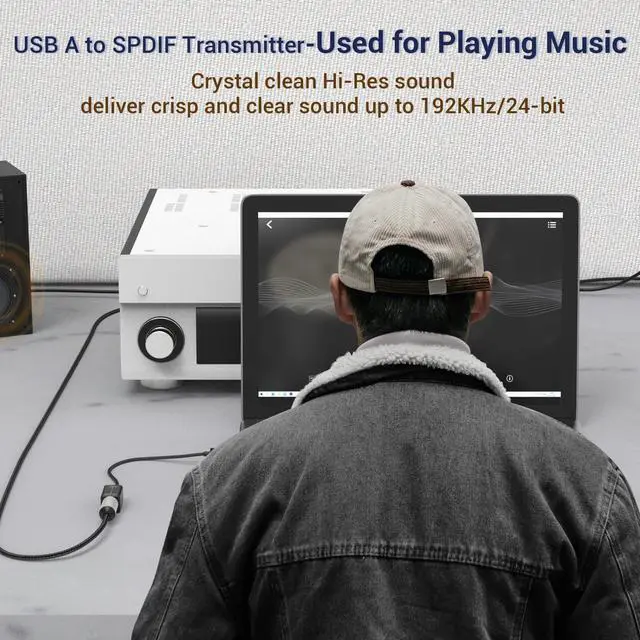
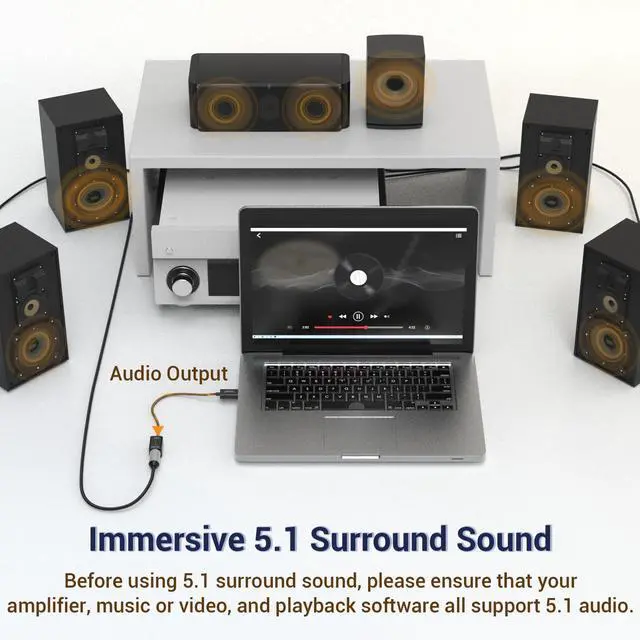
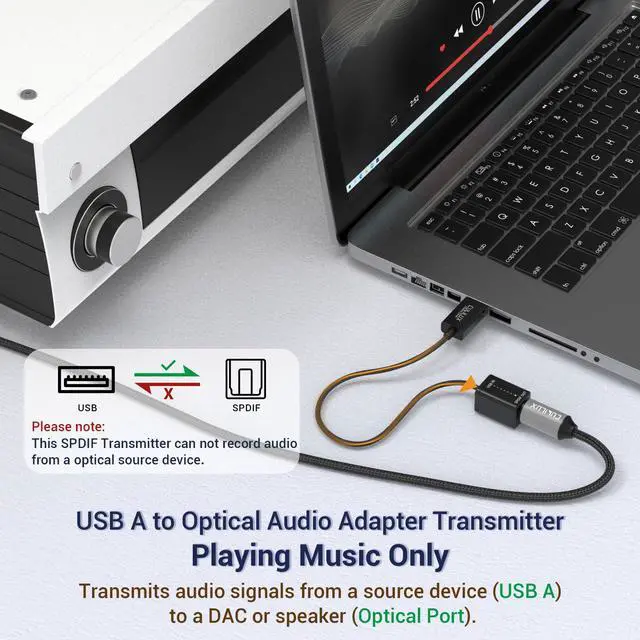



Cubilux is committed to creating high-quality products that elevate audio experiences across smartphones, tablets, PCs, and laptops—whether for work or leisure.
By enhancing device capabilities for recording, vlogging, and livestreaming, we empower creators to bring their ideas to life with greater ease.
We welcome customer feedback and continually refine our designs to truly meet your needs.
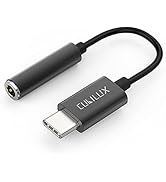
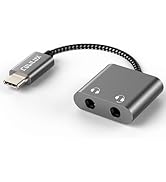
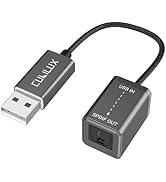
Audio Converters
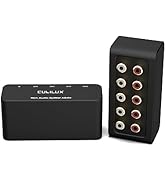
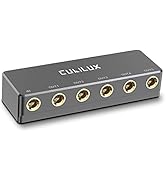
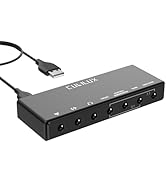
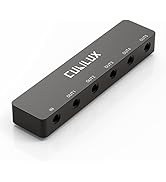
Audio Splitters
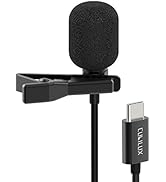
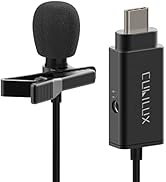
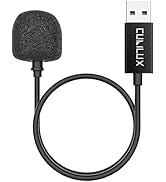
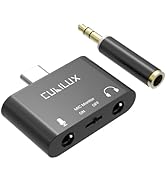
Microphones & Accessories
![Cubilux AM-K4 6.35mm Audio Mixer [Ultra-Low Noise, HiFi AMP] 4-Channel Line-In 1/4” Mini AUX Mixe...](//c1.neweggimages.com/sellingpilot/modules/product/a-plus/0f8c76dac55161b55d1cbcf15acac8a95e07baaff20ba1c153cb85b5e1f9cc63.jpg)
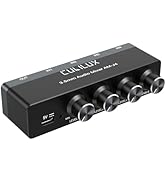
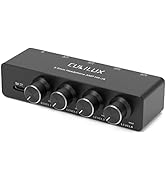
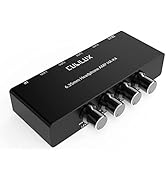
Mixers & AMPs
![Cubilux AM-K4 6.35mm Audio Mixer [Ultra-Low Noise, HiFi AMP] 4-Channel Line-In 1/4” Mini AUX Mixe...](http://c1.neweggimages.com/sellingpilot/modules/product/a-plus/0f8c76dac55161b55d1cbcf15acac8a95e07baaff20ba1c153cb85b5e1f9cc63.jpg)
Important Note
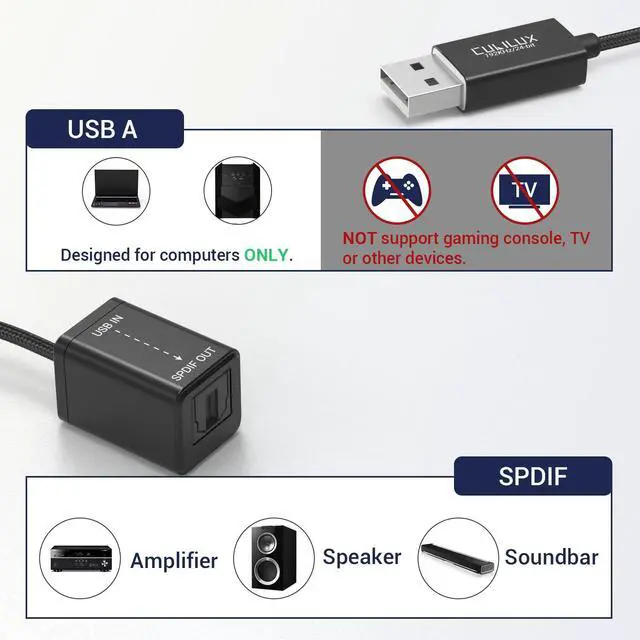
- This transmitter is designed for transmitting optical digital audio signals. It does NOT convert stereo audio to 5.1 surround sound, and it CANNOT upscale low-resolution audio to high-resolution.
- This transmitter is ONLY compatible with computers and PS5/PS4. It will NOT work with any other devices.
- On computers, this transmitter supports both stereo and 5.1 surround sound. On PlayStation consoles, this transmitter supports stereo ONLY.
- On macOS, the transmitter does NOT support volume adjustment. Please control the volume directly on your receiving device.
- 7.1 surround sound is NOT supported.
- To function properly, the audio resolution MUST match between the output device and the receiving device. A mismatch may cause audio distortion, dropouts, or no sound at all. If you experience no sound output, please check: 1) You have selected this device as the audio output in your system settings. 2) Your receiving device supports the current audio resolution.
Explore Cubilux SPDIF Adapters
 USB > SPDIF Transmitter |  USB C > SPDIF Transmitter |  SPDIF > USB Receiver |  SPDIF > USB C Receiver |  USB > SPDIF Transmitter |  USB C > SPDIF Transmitter |  USB > 2 SPDIF Transmitter | |
|---|---|---|---|---|---|---|---|
Customer Reviews | — | — | — | — | — | — | — |
Price | — | — | — | — | — | — | — |
5.1 Surround Sound | ? | ? | ? | ? | ? | ? | ? |
7.1 Surround Sound | ? | ? | ? | ? | ? | ? | ? |
Stereo Audio | ? | ? | ? | ? | ? | ? | ? |
Output Optical Audio From USB | ? | ? | ? | ? | ? | ? | ? |
Recording Optical Audio to USB | ? | ? | ? | ? | ? | ? | ? |
Sampling Rate | Up to 192 KHz/24-bit | Up to 192 KHz/24-bit | 48KHz, 16/24-bit ONLY | 48KHz, 16/24-bit ONLY | 48KHz, 16-bit ONLY | 48KHz, 16-bit ONLY | Up to 192 KHz/24-bit |

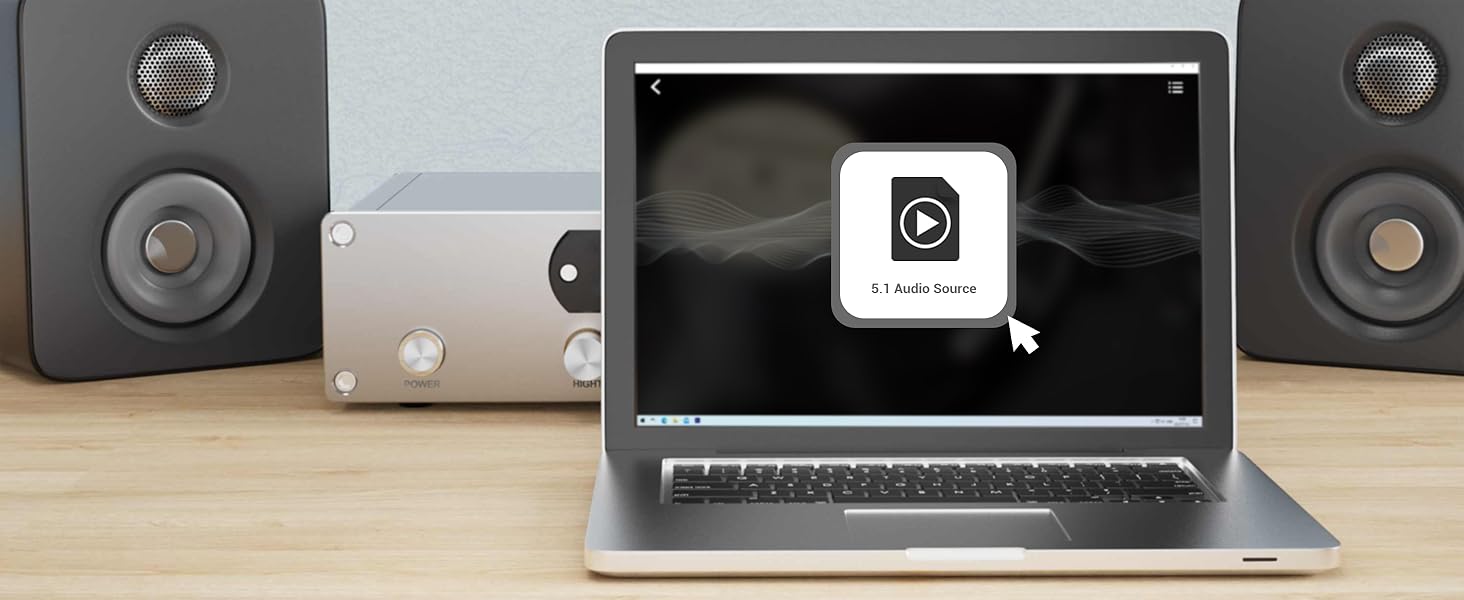
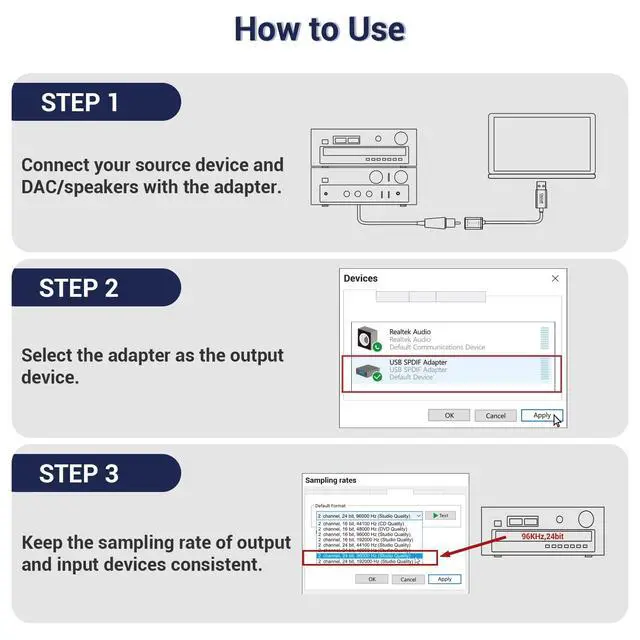
Step 1
Get a 5.1 surround sound movie or music file ready.
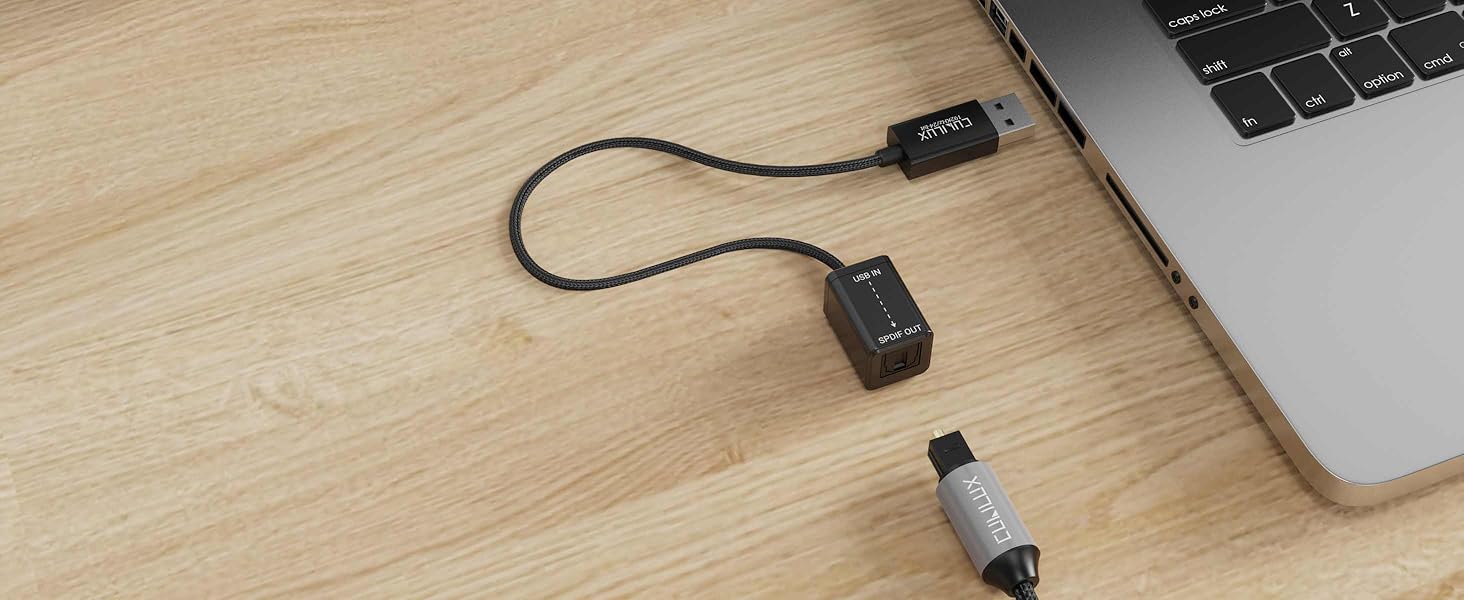
Step 2
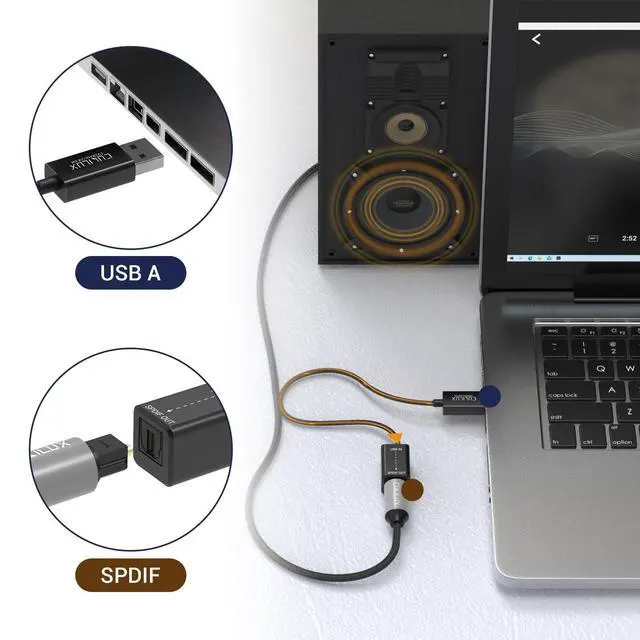
Connect your PC to your AV receiver via the USB S/PDIF adapter.
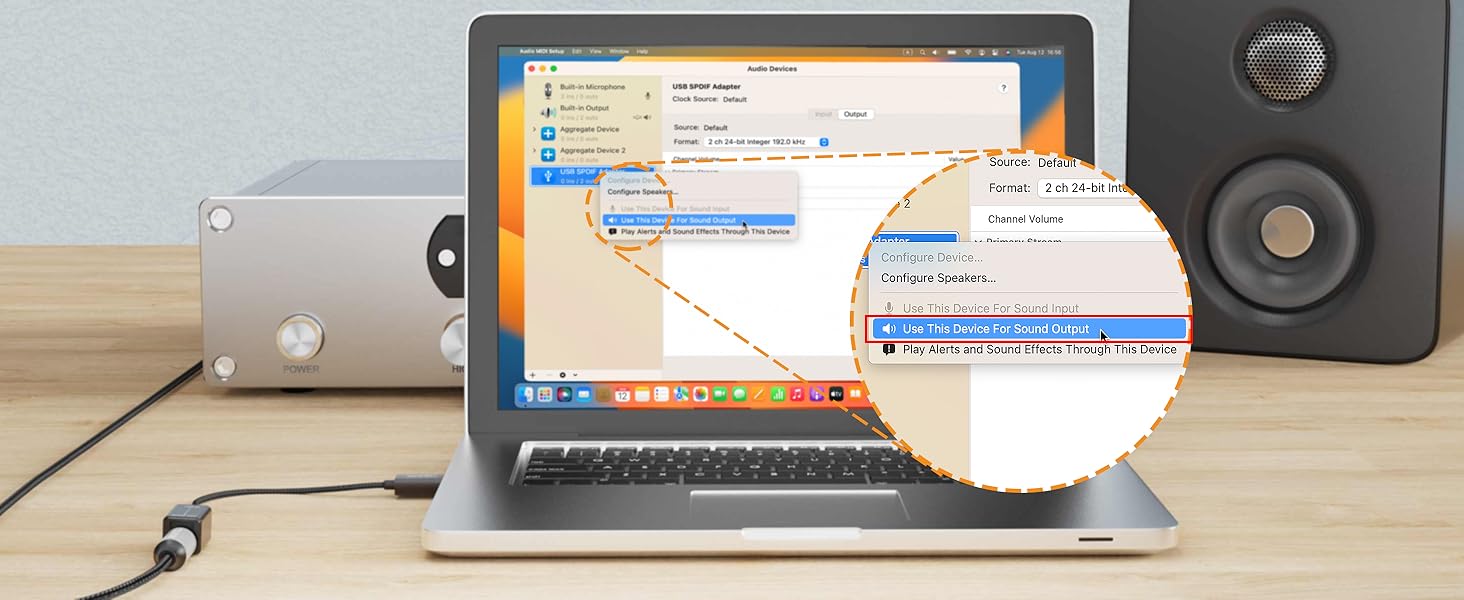
Step 3
Set the USB S/PDIF adapter as your default output device in system settings.
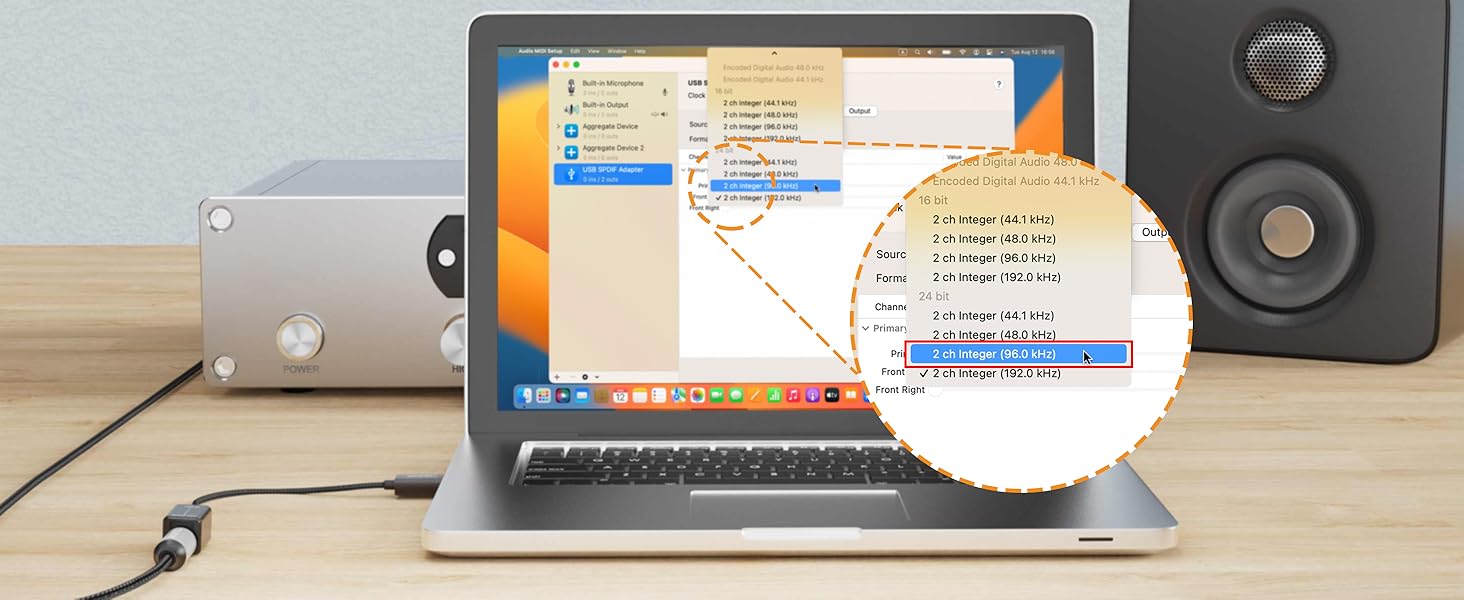
Step 4
Make sure the sampling rate of your PC matches your receiver’s supported format.
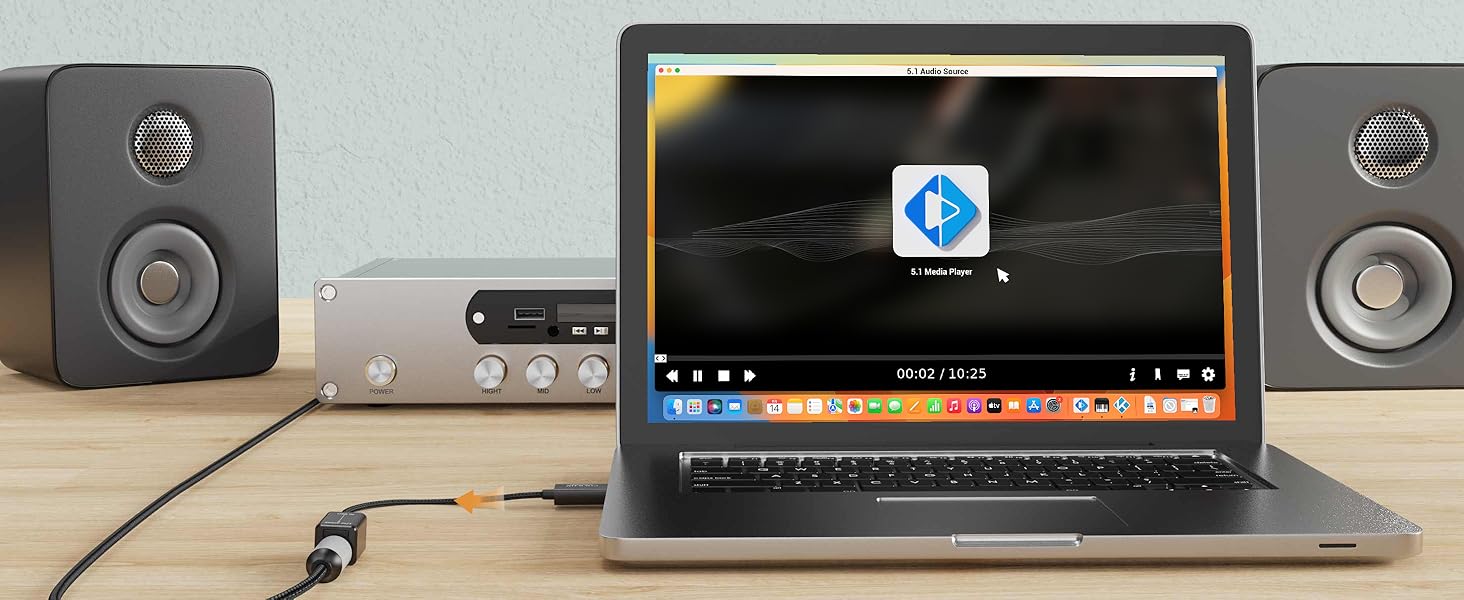
Step 5
Use a media player that supports 5.1 surround sound to enjoy immersive audio.
FAQ
Q1: Why is there no sound output?
A: Please check if the USB SPDIF Adapter is set as the default output device on your computer. If not, set it as default in the sound settings. Refer to the Stereo Output setup section for detailed steps.
Q2: Why is there no sound when connecting to a TV, car USB port, Xbox, or other devices?
A: This transmitter is only compatible with computers and PlayStation 5/4. It does not work with TVs, car USB ports, Xbox consoles, or other non-computer devices.
Q3: Why is the sound choppy, noisy, distorted, or completely missing?
A: This issue is usually caused by a mismatch in sampling rates between your computer and the receiving device. To resolve it, please manually set the same sampling rate on both devices. For detailed instructions, refer to the user manual or video guide on how to adjust the sampling rate.
Important Note
- This transmitter is designed for transmitting optical digital audio signals. It does NOT convert stereo audio to 5.1 surround sound, and it CANNOT upscale low-resolution audio to high-resolution.
- This transmitter is ONLY compatible with computers and PS5/PS4. It will NOT work with any other devices.
- On computers, this transmitter supports both stereo and 5.1 surround sound. On PlayStation consoles, this transmitter supports stereo ONLY.
- On macOS, the transmitter does NOT support volume adjustment. Please control the volume directly on your receiving device.
- 7.1 surround sound is NOT supported.
- To function properly, the audio resolution MUST match between the output device and the receiving device. A mismatch may cause audio distortion, dropouts, or no sound at all. If you experience no sound output, please check: 1) You have selected this device as the audio output in your system settings. 2) Your receiving device supports the current audio resolution.
Explore Cubilux SPDIF Adapters
USB > SPDIF Transmitter | USB C > SPDIF Transmitter | SPDIF > USB Receiver | SPDIF > USB C Receiver | USB > SPDIF Transmitter | USB C > SPDIF Transmitter | USB > 2 SPDIF Transmitter |
|---|---|---|---|---|---|---|
| Customer Reviews | ||||||
| — | — | — | — | — | — | — |
| Price | ||||||
| — | — | — | — | — | — | — |
| 5.1 Surround Sound | ||||||
| ? | ? | ? | ? | ? | ? | ? |
| 7.1 Surround Sound | ||||||
| ? | ? | ? | ? | ? | ? | ? |
| Stereo Audio | ||||||
| ? | ? | ? | ? | ? | ? | ? |
| Output Optical Audio From USB | ||||||
| ? | ? | ? | ? | ? | ? | ? |
| Recording Optical Audio to USB | ||||||
| ? | ? | ? | ? | ? | ? | ? |
| Sampling Rate | ||||||
| Up to 192 KHz/24-bit | Up to 192 KHz/24-bit | 48KHz, 16/24-bit ONLY | 48KHz, 16/24-bit ONLY | 48KHz, 16-bit ONLY | 48KHz, 16-bit ONLY | Up to 192 KHz/24-bit |


Step 1
Get a 5.1 surround sound movie or music file ready.
Step 2
Connect your PC to your AV receiver via the USB S/PDIF adapter.
Step 3
Set the USB S/PDIF adapter as your default output device in system settings.
Step 4
Make sure the sampling rate of your PC matches your receiver’s supported format.
Step 5
Use a media player that supports 5.1 surround sound to enjoy immersive audio.
FAQ
Q1: Why is there no sound output?
A: Please check if the USB SPDIF Adapter is set as the default output device on your computer. If not, set it as default in the sound settings. Refer to the Stereo Output setup section for detailed steps.
Q2: Why is there no sound when connecting to a TV, car USB port, Xbox, or other devices?
A: This transmitter is only compatible with computers and PlayStation 5/4. It does not work with TVs, car USB ports, Xbox consoles, or other non-computer devices.
Q3: Why is the sound choppy, noisy, distorted, or completely missing?
A: This issue is usually caused by a mismatch in sampling rates between your computer and the receiving device. To resolve it, please manually set the same sampling rate on both devices. For detailed instructions, refer to the user manual or video guide on how to adjust the sampling rate.
Cubilux is committed to creating high-quality products that elevate audio experiences across smartphones, tablets, PCs, and laptops—whether for work or leisure.
By enhancing device capabilities for recording, vlogging, and livestreaming, we empower creators to bring their ideas to life with greater ease.
We welcome customer feedback and continually refine our designs to truly meet your needs.
Audio Converters
Audio Splitters
Microphones & Accessories
Mixers & AMPs