




 here!
here!
I’m your shopping assistant for PC builds, upgrades, and everything tech.
Got questions? Ask away!
Start a conversation
here!
I’m your shopping assistant for PC builds, upgrades, and everything tech.
Got questions? Ask away!
Start a conversation

In Computer Peripherals
Our most popular products, based on sales and updated frequently.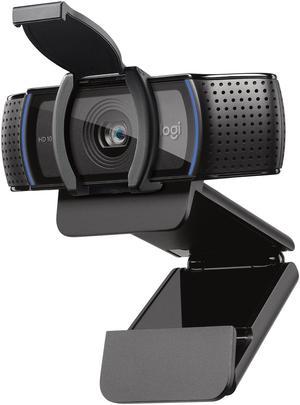
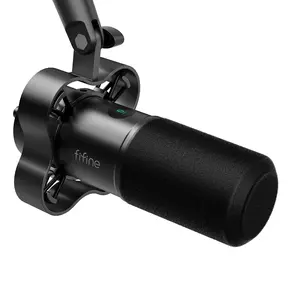
Works good, clear microphone
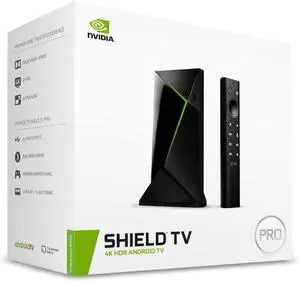
great picture quality, easy set up, and smooth game play
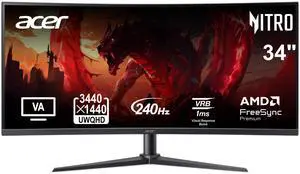
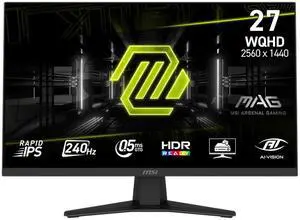
Great monitor, with a fast refresh rate, beautiful picture and overall great deal. Split screen feature is great to split between gaming or watching movies on PlayStation while working on the computer I had the manual hand controls down without too much trouble for swapping between split screen, single source, and picture in picture within a day or so. they are relatively intuitive.
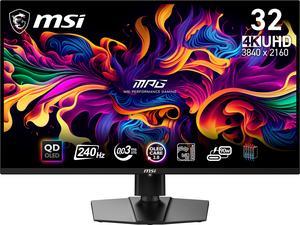
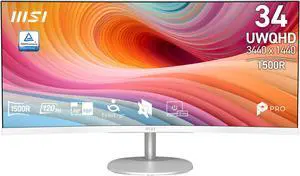
Top tier text and visual clarity. 240hz is a revelation for 4K panels. MSI diligently releases firmware updates for this panel, improving user experience. Generous burn-in warranty and unbeatable price point
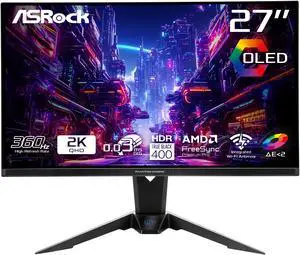
upgrading from a TN or IPS, this panel will blow your mind
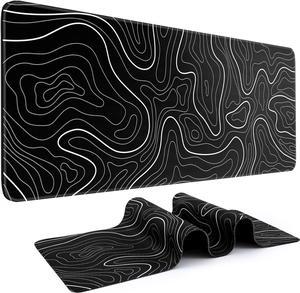
-Its a desk pad -Looks decent
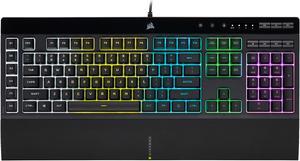
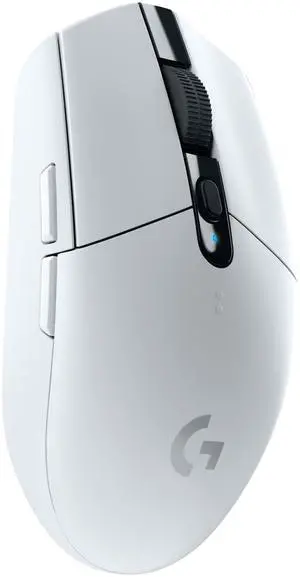
- Very Lightweight - Buttons feel clean - Color looks very nice - Customizable DPI setting through Logitechs software, which is super nice - Seems to automatically turn off to save battery
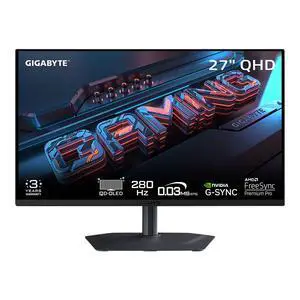
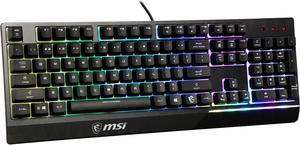
Perfect size and key actions - mouse is perfect. I am a keep the wires for both mouse and board love how it feels.
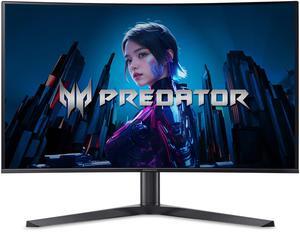
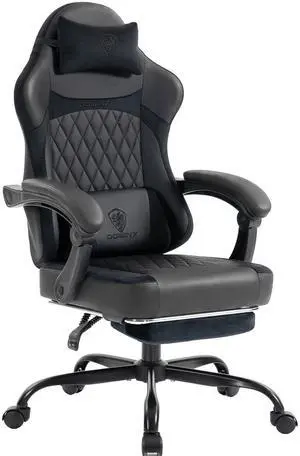
The chair delivers excellent ergonomic support with its five-zone design that keeps my head, neck, back, and lumbar aligned during long sessions. The recline range feels smooth and controlled, and the linkage armrests stay perfectly positioned. The wide cushion with memory foam and pocket springs adds a soft, breathable feel that stays comfortable for hours.
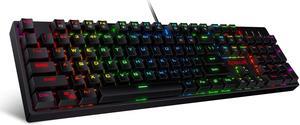
Sturdy, good weight, keys not too loud, responsive, lots of RGB modes with brightness, speed and direction modifiers. Function hotkeys are useful.
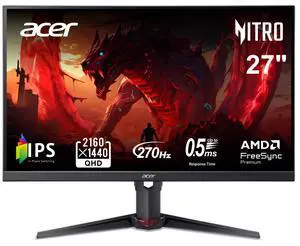
-1440p As advertised -400hz As advertised -They have a sheet for the monitor you bought showing test results of the monitor you got! Tested for color accuracy and I do believe ghosting! (Did forget) -Have settings you don't see on a majority of monitors! But amazing to have -Comes with HDMI and DVI-D cables -Packaged super nicely and securely -Light weight
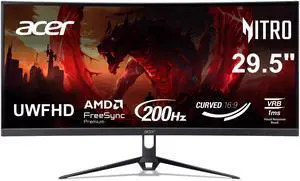
Love this thing easy to set up and look good for the $$$
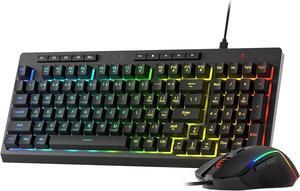
Finally Finally Finally the perfect keyboard for me! I have returned five of them from different companies that I tried. One, backlight but no backlit keys only a backlight, I play at night most times in the dark as that really makes the game on the monitor richer colors. Two, Ergonomic design, no there was no way to use it but it just laying flat on the desk, nope. Three, said programable keys, had no programable keys. Four, changeable backlight colors, nope no other colors than army green (ewww), five, half of the keyboard lit up at night only half. This keyboard? PERFECT covered all the bases and more. Programable keys, bright backlit keys, has "legs" for adjustment on the desk, and so many more things it does perfect. Don't be like me and order, return, order return. This keyboard checks all the boxes for gaming. I'm am SUPER glad I got this keyboard...finally the hunt has ended and gaming can begin again once more!
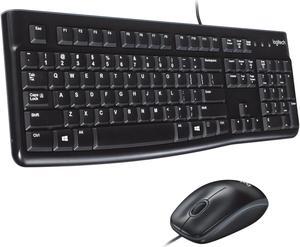
Great 2nd keyboard & mouse. Logitech products are the best too. And Newegg is a very good supplier. John


