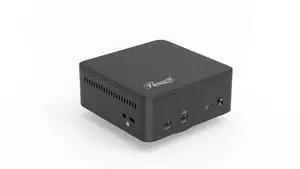
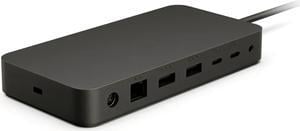
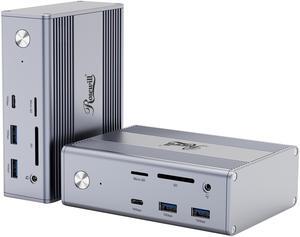
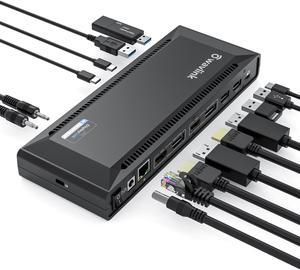
Worked with Rog Strix G16. Charges laptop and displayed on dual monitor set-up. Uses USB-C to connect to laptop making barrel port unnecessary. Small metal box construction is nice.


Works Just as intended.


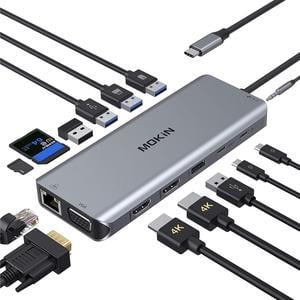
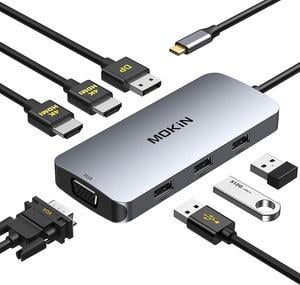
Has enough USB ports. All ports (HDMI, DisplayPort, USB A, MicroSD/SD card reader, headphone/mic combo) work in recent Linux distributions, tested 5.14.14 kernel. Most ports work in Android with the Samsung Galaxy S21.

- It's worked flawlessly for the 2 months I've had it so far. Used with an RTX 5080 and RTX 5090 for long running workloads.
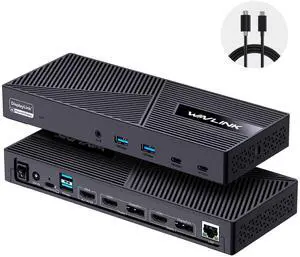
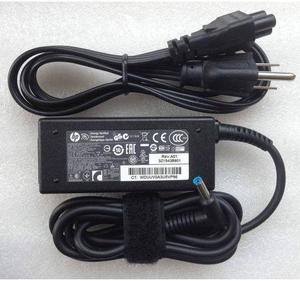
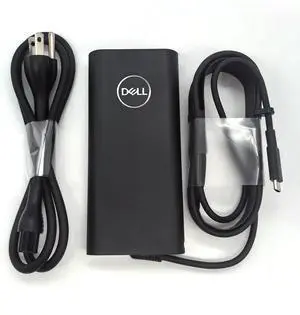
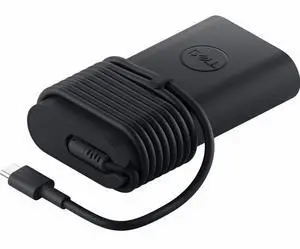
Good build quality ports are well spaced and easy to access Throughput for data and power are seamless Comes with a AC to DC converter 100W


This unit is amazing. I am finding new uses for it every day.

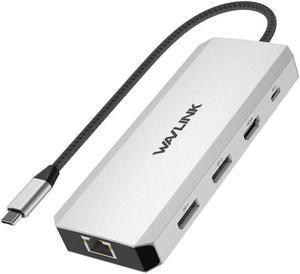
This docking station has very elegant design. It comes with enough USB 2.0 and USB 2.0 ports, along with standard HDMI and DVI port for monitors, and 1 Gigabit Ethernet port for hard wired network for laptops that has only Wi-Fi adapters. Tested on Windows 10 laptop, with two monitors and hard wired network. All works perfectly without any issue. Windows 10 detects this dock as plug and play device, no separate driver need to be installed. Key features I liked in this dock, sleek design with enough possibilities of port expansions. Also this dock comes with various adapters like USB C to USB 3.0, DVI to HDMI, DVI to VGA type of converters that makes all monitors compatible with the dock attachments.


The best docking station I have ever used. Works seamlessly for my work laptop and my 27" monitors. With HDMI and DP outputs and enough USBs to handle all of the peripherals.I connected this with a peripheral switch as well to switch between Desktop and my work laptop. All the other docks out there seem to provide only one or one with an HDMI that you have to end up buying another dongle/adapter to make it work. I don't know of anyone who has one of each monitor, so having one of each seems a bit odd. If you are going for dual monitors, usually you have one or the other, and Wavlink got it right. They also got it right when it comes to setup and installation. I am using Windows 10 and I literally plugged it in to my computer and watched the device drivers get added automatically. I had to do absolutely zero configuration and installation steps, it just worked out of the box plug-n-play! I know there were updated drivers on the Displaylink site, but I didn't have to do it...everything just worked! As for the displays, it actually seems like they became brighter and more clear than they were before. I have 2 DP displays running at 1900 x 1200 and the laptop running as well. The text was clear and I could not make the screen flicker or show glitches no matter how much movement I did on the screen, load down the Gbps Ethernet, or try to overload the dock. It all worked flawlessly.


I am a Windows user but recently had to take up support for Apple MacBook's. I use three monitors to do my work\support and my new MacBook would not let me use the three monitors, just the MacBook screen and one external monitor. I tried just about everything and nothing worked. Someone told me about this Wavlink docking station, so I tried it and WOW, I was able to use all three monitors with little effort to get the dock to work with my MacBook and it also works with my Window's laptop, so now all I do is unplug one machine and plug in the other and I just get to work!! What a great dock, highly recommend!!