




 here!
here!
I’m your shopping assistant for PC builds, upgrades, and everything tech.
Got questions? Ask away!
Start a conversation
here!
I’m your shopping assistant for PC builds, upgrades, and everything tech.
Got questions? Ask away!
Start a conversation

In Gaming Headsets
Our most popular products, based on sales and updated frequently.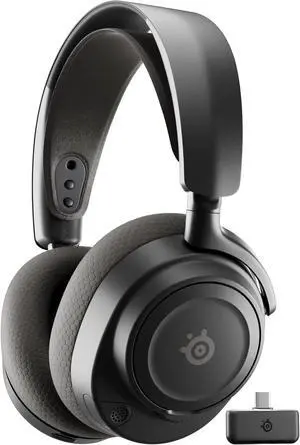
Very comfortable, clear audio, mic isn’t too short or too long, volume and different audio ports is very beneficial. Very affordable so you don’t have to break the bank.
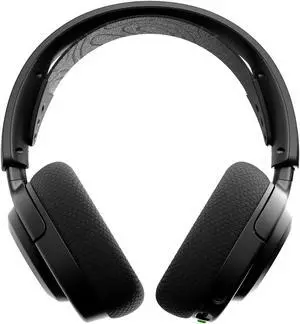
Bluetooth has exceptional range plus the feature to have it linked at the same time as the pc 10/10 Sounds amazing spatial audio is nice active noise cancellation is perfect and the battery life last long and it brings and extra battery to switch when the other is low on life.
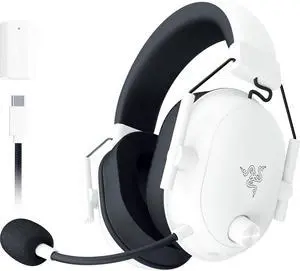
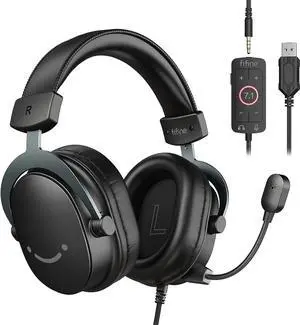
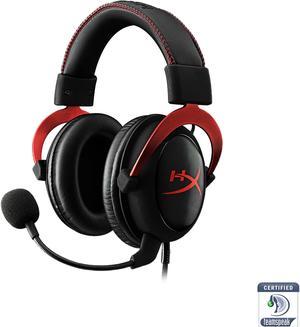
I have used several lower to mid range headsets before: Logitech (can't remember the model), turtle beach p11, corsair hs30, and two different creative fatality models. This headset outperforms everything I have used previously, in sound and comfort. 5 hour gaming session? Not a problem, the headset stays comfortable. Want to hear things in battlefield 4 like never before? Turn on the 7.1 surround sound. The stereo sound is great, too. excellent for music and Netflix. The microphone is great, too. My voice comes across very clearly on TeamSpeak.
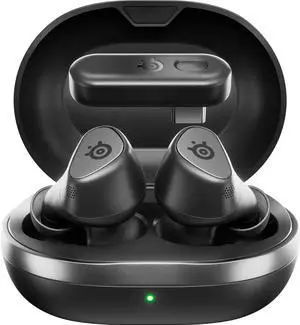
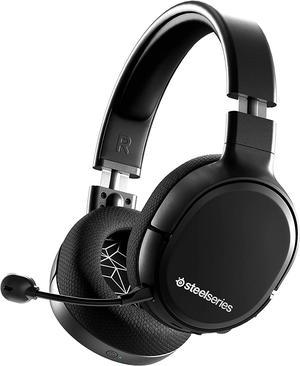
great headset long battery life, great sound, very comfortable, 10/10 would reccoment
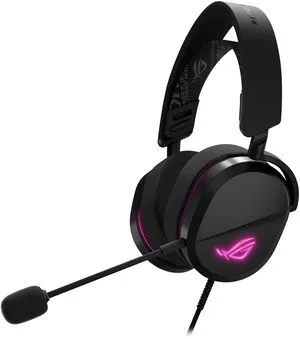
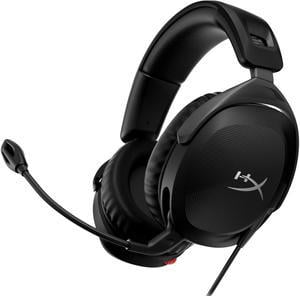
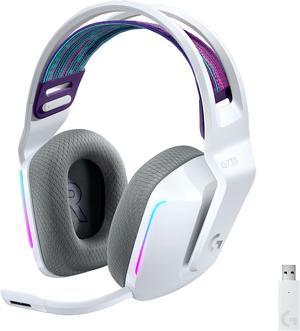
- Great sound quality - Good EQ / surround sound options in G-Hub - Good battery life - Can use while charging
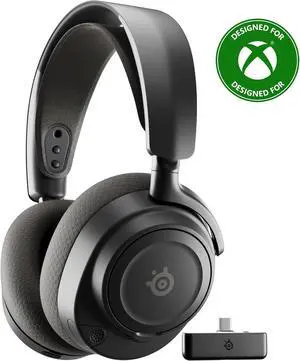
- Clear audio - Pc/Xbox compatible - Pink - Excellent Mic quality - Comfortable and lightweight - Can connect to Xbox/pc and Bluetooth while playing both audio inputs
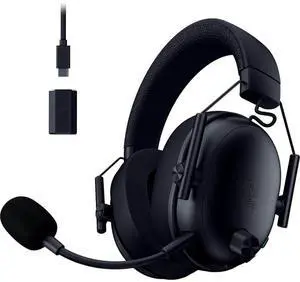
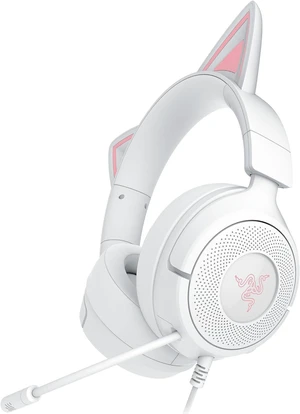
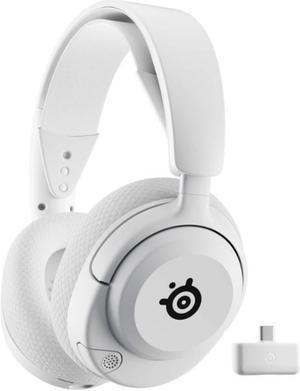
Outstanding quality for the price.
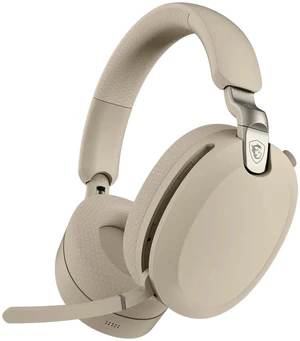
Purchased this headset for my son since one of his classmates has the same headset. He recommended that we should try. It is very comfortable and lightweight. The battery life is really convenient and charges pretty fast. According to my son he also likes the microphone since he talks to his classmates after school on the google meet. Overall I am happy with this purchase.
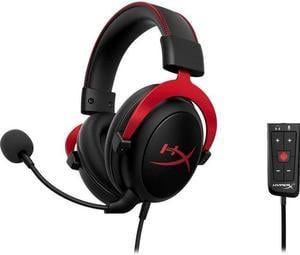
This is completely plug and play for a windows based machine. I was immediately able to connect it to my work laptop and there was nothing to install and it just works. The sound quality on this is excellent, you don't hear any outside noise, and the microphone is also really high quality.
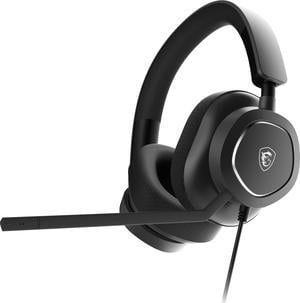
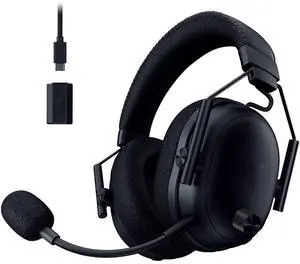
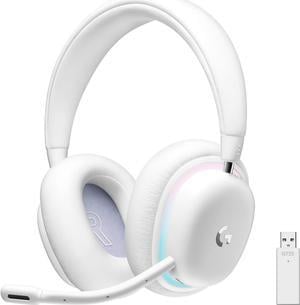
Sounds Amazing Extremely Comfortable Great battery life A lot of settings for sound quality
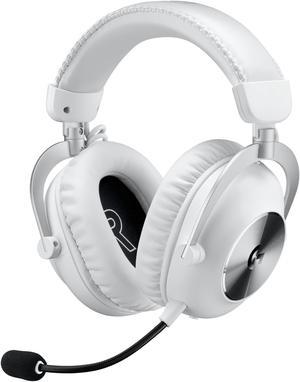
The sounds are very great and clear my guys.. I hear exactly where the enemy is going on the map because of the 7.1. The bass, the surround, sounds in game are very strong. Very confortable on my head. The best what I've ever heard. And the best point is the mic. The mic is ahh... just flawless whit this blue vo!ce feature. I got many times "Woawh dude you're mic is fckin clear what mic do u have?" It's just awesome.


