




 here!
here!
I’m your shopping assistant for PC builds, upgrades, and everything tech.
Got questions? Ask away!
Start a conversation
here!
I’m your shopping assistant for PC builds, upgrades, and everything tech.
Got questions? Ask away!
Start a conversation

In AMD Motherboards
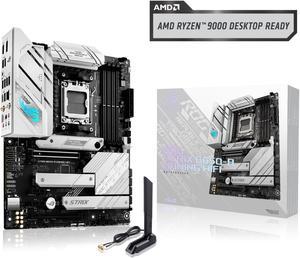
3 PCIE 4 NMVE slots Strong voltage regulation ROG STRIX brand, their other chipset MB sells for $500 - their engineers put only what is needed to get the lower price point. BIOS flash without having to power on MB before first boot when building.
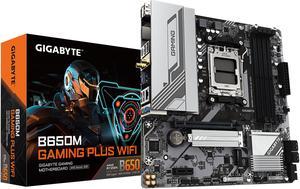
easy to install GIGABYTE is my go to for motherboards no issues comes with everything you need.
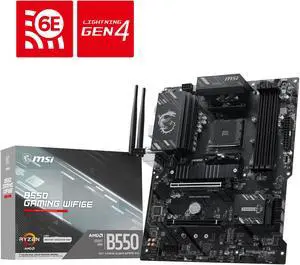
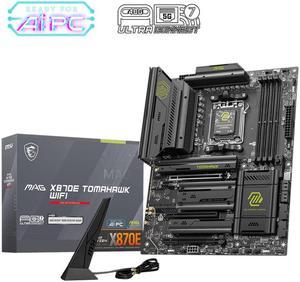
Quick release of video card is excellent I love that the slot for the heavier card I own is re-enforced The quick access to the NVME slots rocks
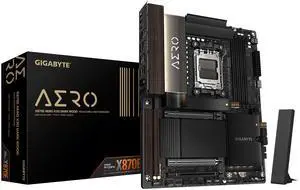
An Absolute Beast of a Motherboard I've built in the premium space, and out of the 37+ machines I've built over the last two years, this motherboard has to be the heaviest, if not in the top 3" and has the most onboard I/O of any board I've worked with. More USB 3 and high-speed 20Gbps USB connectivity than most boards in this price range? It's a veritable USB-palooza! One thing I've always struggled with is having enough onboard headers and connections without resorting to add-on cards. Not this time. This board has connections for just about everything I need, without having to start adding expansion cards just to get the job done. The weight is another thing entirely. There's so much aluminum on this thing that it probably has its own moon orbiting it. Jokes aside, this board is HEAVY. The heatsinks are massive, and they're clearly designed to do a serious job managing heat. Consider it an investment: when it's finally time to retire the board, you might be able to trade in all that aluminum for a down payment on your next build! The included AI features are an interesting idea, but I'm not seeing much practical use for them just yet. Manual tuning, on the other hand, is delivering some good numbers, so I'll stick with that for now. Installation was surprisingly straightforward. The board comes with minimal screws because many of the heatsinks and covers simply don't need a pile of extra hardware. The days of finishing a build with a small can full of leftover screws may be over! The memory slots have a satisfying click when the latches engage, so there's little guesswork about whether your RAM is properly seated. The PCIe 5.0 slot deserves a mention, too. Its release mechanism is positioned far enough away that even with a long graphics card installed, you can release it without worrying about snapping off a component or putting unnecessary stress on the board. It's a small design detail, but one that makes a difference when working with large cards. If you're into RGB lighting and running more fans than a power substation, this is the motherboard for you. Between the fan headers, RGB connections, and overall connectivity, I think you'll be hard-pressed to run out of places to plug things in. Power delivery and the chipset are properly covered with substantial aluminum heatsinks, and the thermal design is impressive throughout. Even the PCIe 5.0 NVMe drive gets a huge chunk of aluminum to help pull heat away. This isn't a board that looks like it was designed around cooling as an afterthought. **Overall, this is a seriously impressive motherboard.**
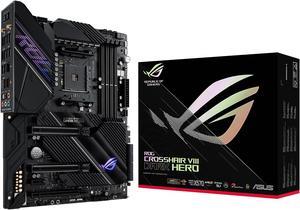
First mb was DOA. It happens, I knew this was one of the best mb for the buck. Sent it back like always Newegg handle the rma with ease. I received the replacement board and it works like a charm! Couldn't ask for a better board.
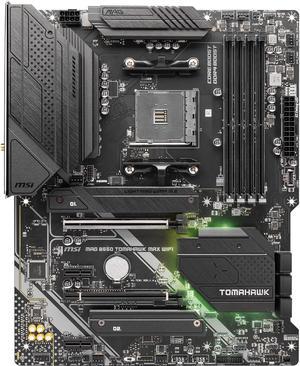
I'm running this in two separate gaming rigs. Can't beat it and the wifi is super fast.
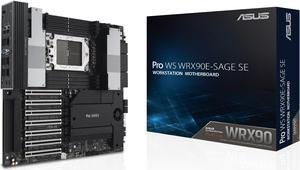
This is pretty much as good as it gets. Yes, there are teething issues with WRX90 because it's such a new platform, but once you get past those, the board has been rock solid.
Does everything it's suppose to.


