




 here!
here!
I’m your shopping assistant for PC builds, upgrades, and everything tech.
Got questions? Ask away!
Start a conversation
here!
I’m your shopping assistant for PC builds, upgrades, and everything tech.
Got questions? Ask away!
Start a conversation

In Motherboard
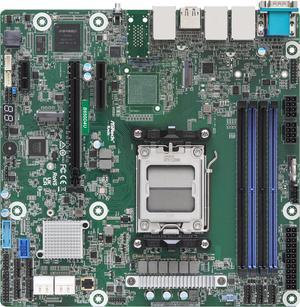
- IPMI - Supports ECC
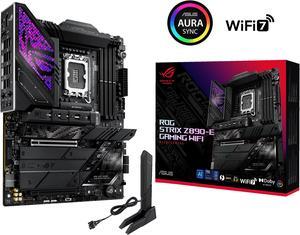
Lots of ssd slot. Pretty good quality . Manual is straight forward.
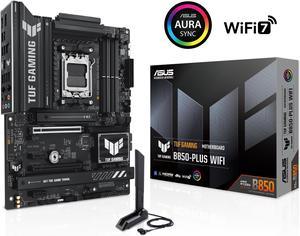
AM5 Socket 3x NVME slots PCI-E 5.0 Nice design.
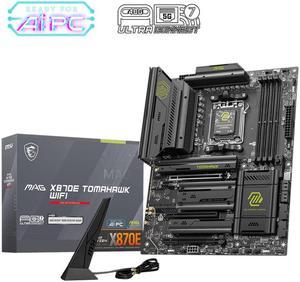
Did a lot of research before deciding on the MSI X870E Tomahawk. It essentially gets a checkbox in all the factors I was considering; effective passive cooling, latest gen (as of this writing), ample expansion room for PCIe, LED diagnostics was not a necessity but a nice touch. Plenty of USB slots at rear (various generations) and ample fan connectors on MB. No issues with the BIOS, I like the improved BIOS functionality and appearance.
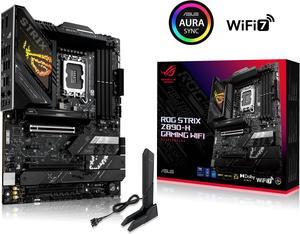
Super easy to setup mobo, easy setup and outstanding performance.
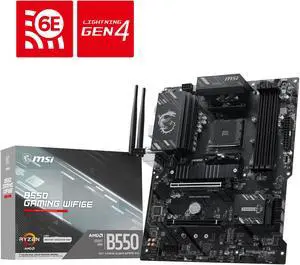
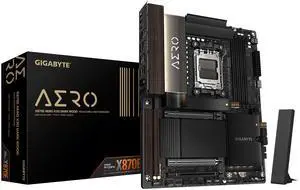
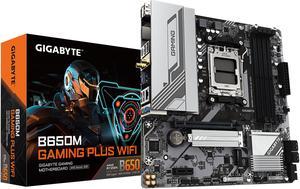
I got the board as part of a combo deal. Came from a B450 Gigabyte board which has worked perfectly for 5 years. So, was a bit nervous when I saw a lot of negative reviews. Board worked great though with a 7600X, Thermalright assassin dual cooler, 32GB DDR5 6400 Crucial Ram (Expo) and an ARC B580 12GB GPU.
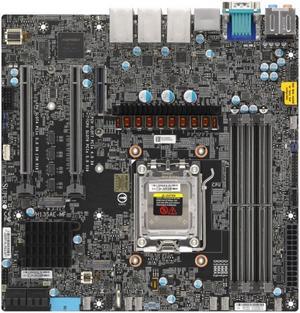
Two pcie x16 slots with ryzen comparibokity
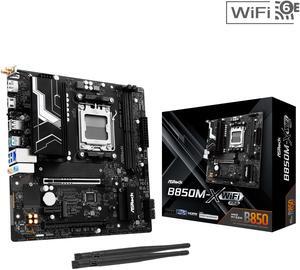
All's good so far A+++
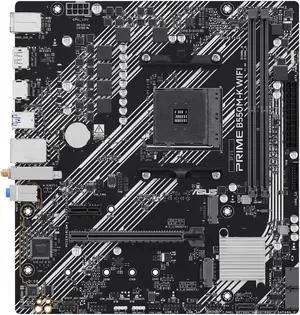
Works like a dream. Runs anything I need.
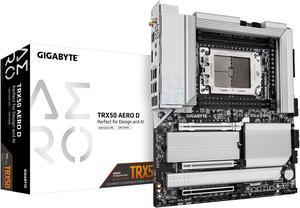
- 4 NVME SSD slots with heat sinks - easy to use BIOS. Recognized all components on first boot. - lots of fan headers - CPU works well; super fast - Included noise and temperature sensors - Very good wifi speed with included antenna - Website says the USBC ports have 40gbps speeds (I haven't tested myself)
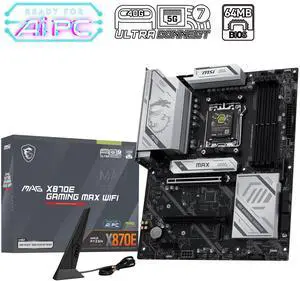
The absolute best Motherboard next to godlike! So happy with its power and performance. Paired with the VRMs and heatsinks a truly impressive board.
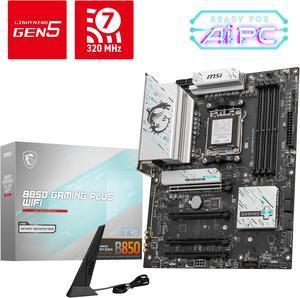
-Beautiful color -WIFI 7, Ethernet 5G -Audio S/PDIF connection (is a MUST if you want to connect to older AVR and older TV) -Tons of M.2 and PCIE connection
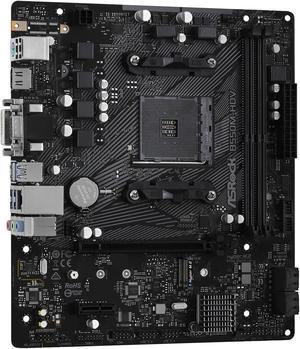
- Support for last-gen Ryzen 5000 series processors w/o the need for a BIOS update. - 2.5 Gb ethernet port (provided your modem/router supports higher speeds). - Onboard RAIDXpert2 support. - No obnoxious and childish RGB lighting.
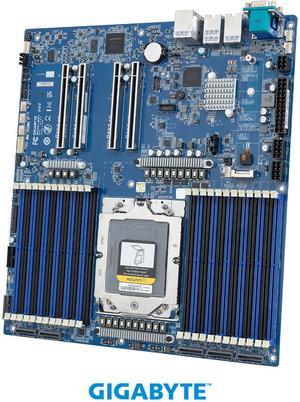
Easy to set up.
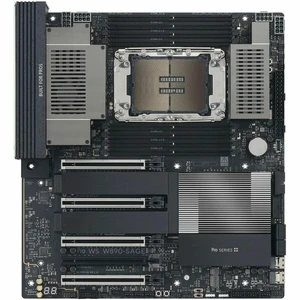
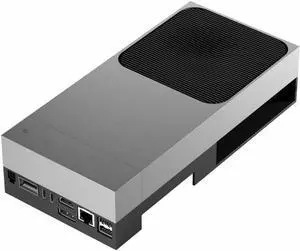
All setup and using it
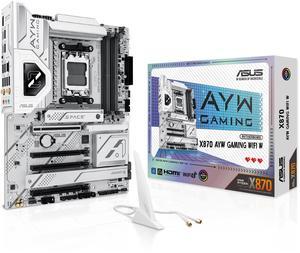
very little RGB Great features Easy to use
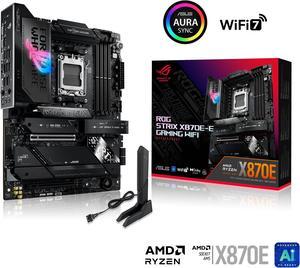
Overall the board seems very good. Good heat sinks on nvme m.2 slots. Larger sinks are put on the gen 5 slot also. Lots of headers for fans, rgb, usb, and sata. Usb 4 ports on back are nice for a touch screen monitor using one usb-c cable, and seem fast for external nvme drives. There is also a 30 watt usb-c port which is handy. All the external ports are 10gbps, except both the usb 4 ports are 40gbps, and the ethernet port is 5g. The wifi 7 works great as does the Bluetooth also.


