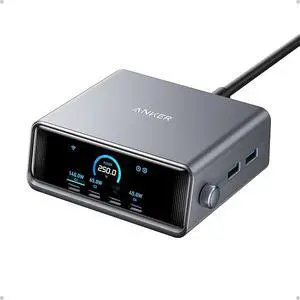
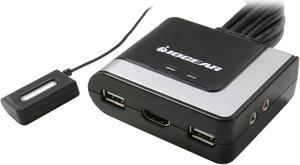
- Well built, metal case - One button operation


-Simple, true plug and play


I did use the provided DisplayPort and USB cables as instructed. I did use a standard generic wired 104 key keyboard and wired mouse as instructed. Easy to set up and worked just fine right out of the box. Switching easily between Windows 10 64-bit machines using DisplayPort. I like being able to toggle machines by pushing buttons on the switch.
![Angled [4-in-1] 12AWG 15 Amp Household Plug to 20 Amp T Blade Adapter Cable,5-15P to 5-20R,5-15P to 6-15R,5-15P to 6-20R, Four-in-One Adapter,15A 125V to 20A 250V/ 20A 250V Cable, 1FT Angled [4-in-1] 12AWG 15 Amp Household Plug to 20 Amp T Blade Adapter Cable,5-15P to 5-20R,5-15P to 6-15R,5-15P to 6-20R, Four-in-One Adapter,15A 125V to 20A 250V/ 20A 250V Cable, 1FT](https://c1.neweggimages.com/productimage/nb300/BJPFD23092707XQ1N0A.jpg)

Windows 7 install required no disk. Plugged it in and it installed itself. It also setup the display as a extended display automatically. This all happened in less than 1 minute. I am using usb 2.0 and was worried that it might be slow but it works great with hd video, web browsing and maps. Much better than I was expecting