Clear instructions for setup


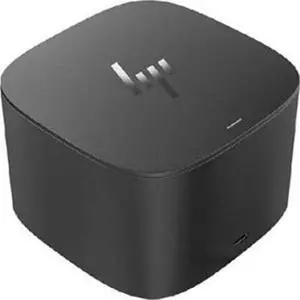
Works perfectly for my new Dell Inspiron 2in1. I was expecting some issues given the Inspiron is outside the support matrix of the wd19tb, but it’s all working fine. Even the dock’s power button can power up the Inspiron with the lid closed, and the Inspiron is also charging fine via dock’s thunderbolt power delivery.

Good build quality ports are well spaced and easy to access Throughput for data and power are seamless Comes with a AC to DC converter 100W


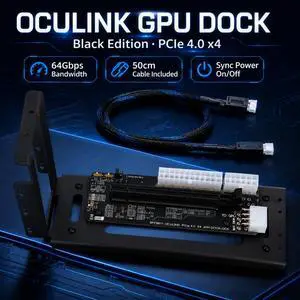
Plugged in my 4090 and was able to connect my laptop and mini pc. It worked well


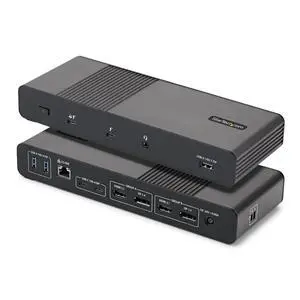
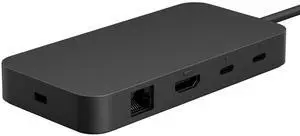
Works fine with Yoga 720 (13-inch) and Dell XPS 15 laptops. This WAVLINK THUNDERBOLT 3.0 Docking station is simply amazing, and very convenient. It saves time and effort because it connects to my laptop with a single cable: the awesome Thunderbolt 3 connector. As I write this review the Thunderbolt 3 technology is the fastest for data transfer, display and charging. I would like to mention that even if this dock only delivers 60W and my laptop needs 130W for regular charging, it still charges the laptop, albeit at a slower pace than the dedicated charger. What I like about being able to charge the laptop with this dock, is that I don’t have to remember to unplug the charger, wrap the wires and put it inside my backpack. Instead, the laptop when it’s at home, it’s connected to this dock by a single cable, and that it’s all I need to unplug, and reconnect when I return. And the only thing I need to pull out of my backpack it’s the laptop itself, and everything else it’s provide by the dock, from extra USB ports to Ethernet connector, and HDMI port. The laptop charges while I work on it and when I have to run out of the door, all I have to do it’s to unplug that Thunderbolt 3 cable, and grab the laptop, and I’m on my way. I keep the charger in my backpack, just in case I need to charge it, or use it in another place besides the office or home. The design is very stylish, and it has rubber feet to keep it steady on the desk. It’s also Plug & Play, which makes it simple to use as a secondary 4K display and to add extra ports to a laptop that has a few, like my Dell XPS 15 and Yoga 720.


it was in stock and it works