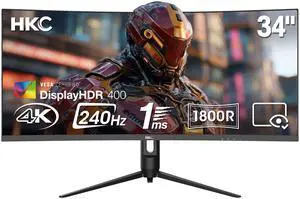
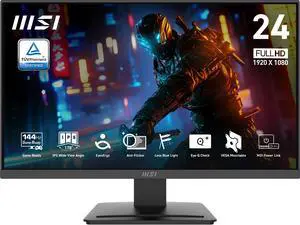
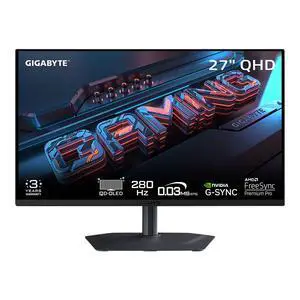
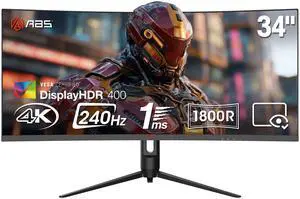
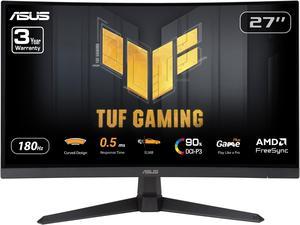
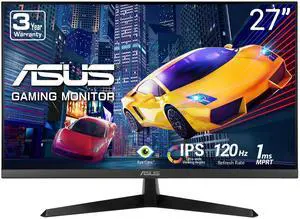
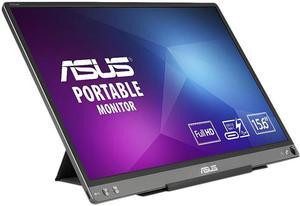
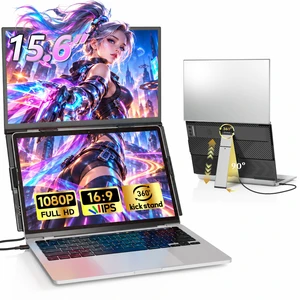
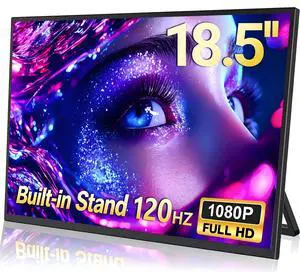
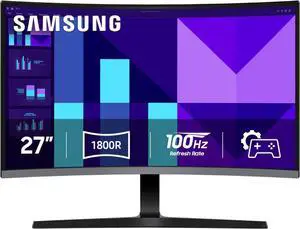
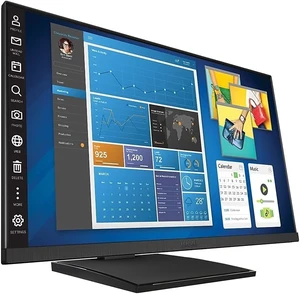
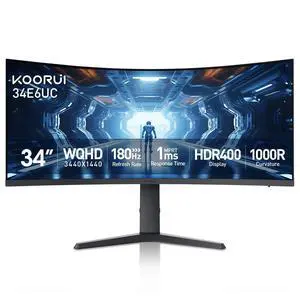
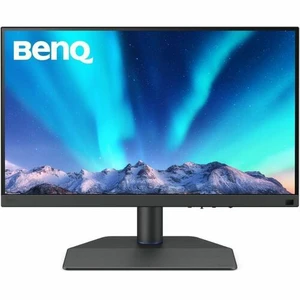
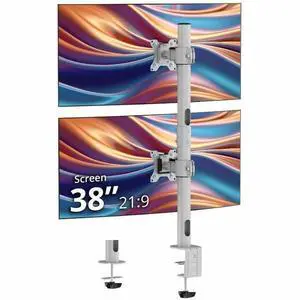
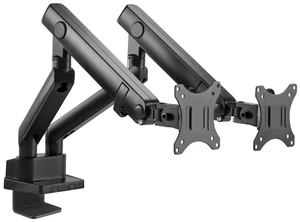
Easy set up Beautiful colors More than enough ports for pc/consoles


Got here faster than expected and monitor wise im using it for my ps5 and the graphics are excellent for games. Not the best quality speakers but it works great enough for me.

Massive upgrade from my ASUS TUF 27" 16:9 1080 165hz. The ultra-wide aspect ratio feels so much more natural for daily use and immersive while gaming.

Gorgeous display so many pixels. 4k is amazing on 27inch @240hz and OLED Text clarity is insane.

Easy to set up. Adjustable height and angle stand.


No dead pixels or any other common panel flaws. Sharp and clear text Brilliant colours, good contrast No light bleed through or screen tearing Gaming on ultra 2k settings @ 180 hz refresh -- flawless Movies etc are also flawless. 34 inch curved panel is huge. Not going back to a flat panel. Factory settings are excellent. i did not have to adjust anything. I have a 27 inch 2k IPS panel and side by side, I cannot discern which is better - VA or IPS Excellent price to performance with the focus on the panel and not on the switching hub.

I had an 24 Inch AOC Monitor that I have used for years, a very good monitor with good colors, I will use this on another pc setup. I wanted to go with a 27 Inch Monitor that had HDR, Free Sync and could do billions of colors, something that could work well with Windows 11. Motherboards are Asrock X570 Steel Legend with Ryzen 5 5600X cpu, Asrock Challenger Radeon RX 6600 graphics card, 2 WD SN 770 1TB NVMe SSD for OS drive and DATA drive and 32 GB DDR4 3600 Ram the other pc motherboard is an Asrock X570 Pro 4 with MSI Radeon RX 6500 XT graphics card, 2 WD SN 770 1TB NVMe SSD for OS drive and DATA drive and 32 GB DDR4 3600 Ram. I use a GiantMatrix KVM to switch between the 2 PCs. I found pretty good reviews on the Asrock PG27QRT1B Monitor and thought I would try it since I started using Asrock motherboards (good price, good updates, and very compatible with ram, SSD and Hard drives and their support that I have used a couple of times was good). The PG27QRT1B monitor HDMI hooked right up to the KVM switch HDMI port, both of the PCs recognized the new monitor. I went to the Asrock support website for the Asrock PG27QRT1B Monitor and downloaded the Manual and Setup files. I installed the files and setup went very good on both PCs. It setup to a 2560 x 1440 display. I went to youtube and played some HDR content, I tried various videos and the colors and detail was fantastic and the motion was great. I am very pleased with the purchase of this monitor from Newegg. I got what they advertised well packaged. I was amazed at how fast I received the monitor from Newegg, only about 3 days from ordering until delivered. From my experiences with this order and great product, I can surely say that I highly recommend this item to family, friends and anyone else that has a similar need as mine.

The in game frames are beautiful on this monitor generated from my RTX 5080 GPU. No obvious ghosting and superior frame rates at 180 Hz refresh rate.

I'll start with the the amazing pros of this monitor Pros: 3RD Gen QD has Extreme clarity, the 1440p QD panel is amazing, it really makes gaming immersive and smooth. Upgrading from 1080p 240hz to 1440p 240hz was the magic sauce I was missing out on. The response time is great, the colors really pop and details are vibrant and clear. My favorite aspect of this monitor is that lighting looks unreal, the suttle glow of light fixtures and flashlights in game could have a toddler try to climb through the screen. It looks THAT good. It's really comparable to sorcery with how great of an experience it is to use this panel. There are great features to protect the panel, the stand is sturdy and feels like it will last a long time. Props to you MSI. I also like how there is space on top of the monitor for a light bar/webcam. That's very thoughtful of you MSI.


This monitor is awesome! IPS - I love the color you can get. Very vibrant. I did not have any dead pixels. 2K - Very nice upgrade from my 1080p. Sharp Picture. Funny though how windows shrinks all your stuff though so you can barely see anything; though with a 2K nothing I seen was blurry HAHA. I did change the scope to make it better though! 165Hz with G-Sync- Very fast frame rates and no tarring or anything. I like the option of having the blue light filter on, and you can even adjust the level 0-4. right now I have it at 1. I also really like how clean it looks and the versatility of how you can move and position the monitor on its stand.

I am an accountant. Needless to say this is my busy season and I am using my monitor constantly. This Samsung 32" screen give me plenty of real estate and clear concise images.


- Great display -Easy to set up - Arrived on time -Great value for the money